The launch of Apple's Arcade service last year was exactly what many of us had been waiting for.In addition, it has been talked about for a long time
How to subscribe Apple Arcade on Mac
To play Apple Arcade games, you must first subscribe to the service. It’s unlikely that 199 rubles a month will ruin you. Subscribing is very simple. A free trial is also available.
- OpenMac App Storeon your Mac with macOS Catalina and later.
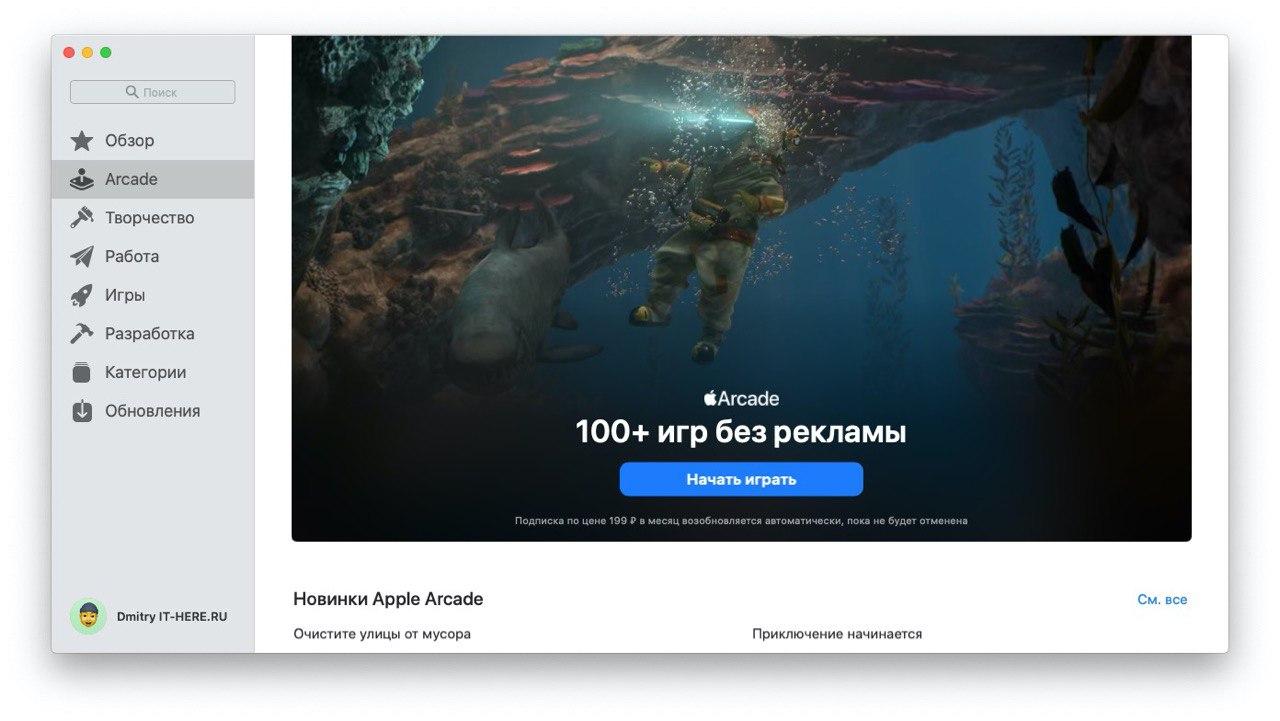
- Select a tabArcadein the menu on the left.
- ClickBegin to playto start a trial period for a month.

- Log in with your Apple ID and password.
- ClickBuyand confirm your subscription.
The first month you can play games for free. If the service does not meet your expectations, you can cancel the subscription.
Do not forget that after the first month 199 rubles will be automatically charged from you if you do not cancel the subscription.
How to play Apple Arcade games on Mac
Now you are ready to start playing. Installing Apple Arcade games is also very simple.
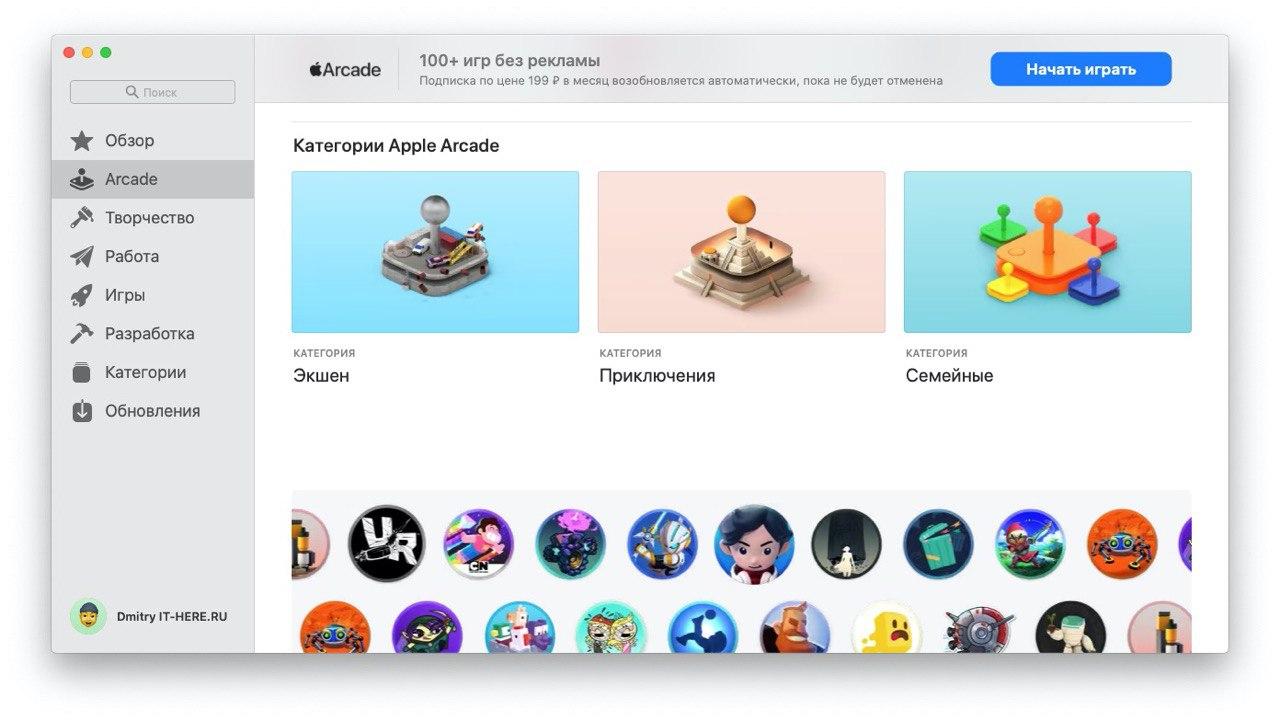
- ReopenMac App Storeand select theArcadein the menu on the left.
- You will see a collection of Apple Arcade games sorted into different sections and recommendations. Select the game you want to install, or find it using the search bar.

After you download and install the game, you can play it, like any other on the Mac.


If you have a game console, then you can connect a PS4 gamepad (or other console) to your Mac to make it even more convenient.
When you sign up for Apple Arcade on Mac, you can play service games on your other devices.
The gamepad from the console can be connected to the Apple TV, and to the iPad or iPhone.