After purchasing a brand new iOS device, you will have to spend some time setting it up
Advertising
Advertising
Why waste memory on applications that youDo not use it, when instead of them you can install those that will be useful every day? Below we will tell you how to quickly free up more than 2 GB of memory on your new iPhone or iPad.
how to free memory
Apple has amazing native apps for your device. Some of them you will use, and some you won't.
If you know for sure that you will never need some standard applications, you can safely delete them. That's how much memory they occupy, according to the App Store:
Advertising
Advertising
- GarageBand: 1.7 GB
- Keynote: 691 MB
- iMovie: 690.5 MB
- Pages: 515.4 MB
- Numbers: 476.7 MB
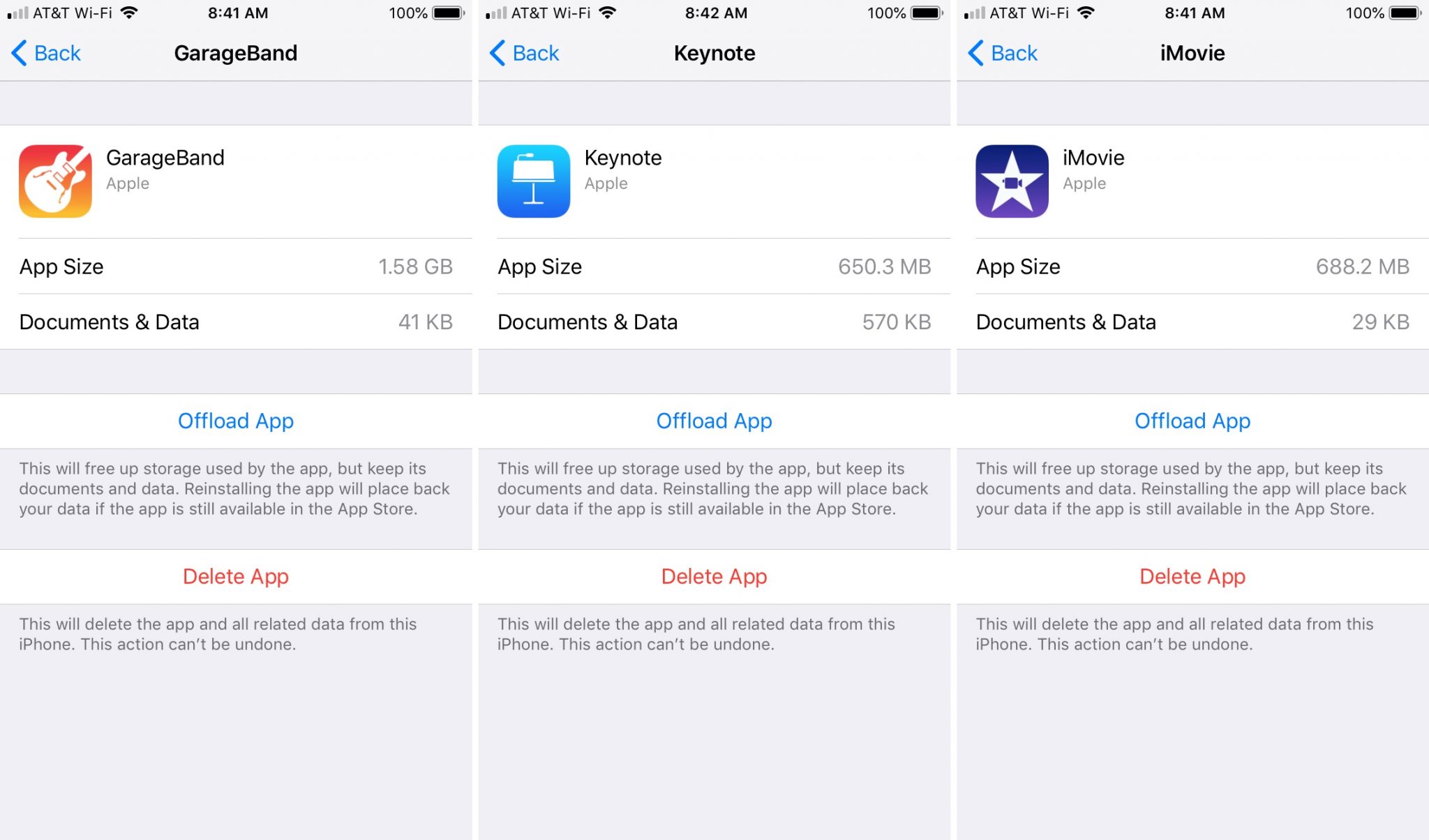

The decision is yours. You should not delete applications just because they take up a lot of memory if you need them later. Decide exactly which applications are best left and which ones to uninstall.
Here is how much memory other standard applications take:
- Promotions: 1.4 MB
- House: 1.1 MB
- Tips: 796.7 KB
After how much money you put out forbrand new iPhone or iPad, you need to make sure that you can use it to its full potential. Download the applications you need to work, play games, chat on social networks, etc. Even if you uninstall the application that you need later, you can always download it again from the App Store.