Apple's latest watchOS 8.5 update introduces a recovery mode that can help you "save" your Apple
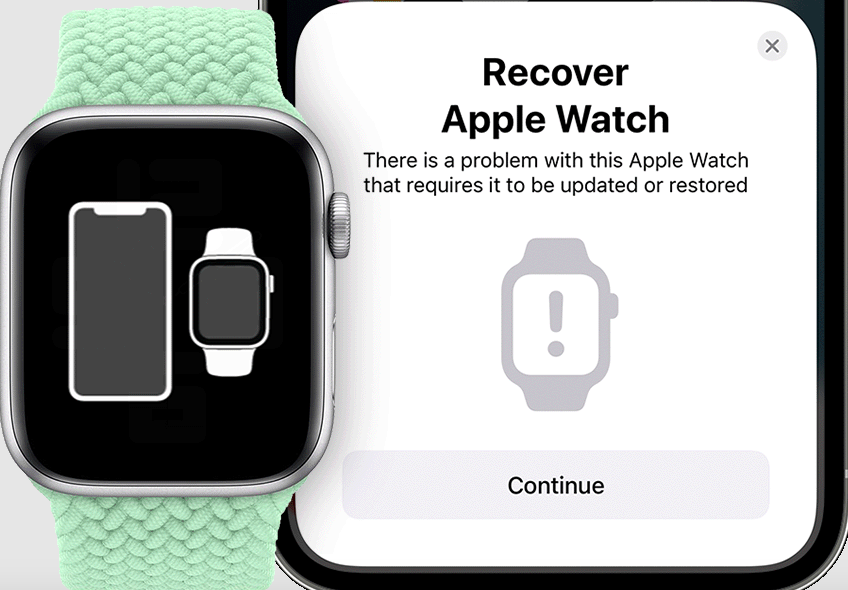
The Apple article says that in order to restoreyou'll also need an iPhone running iOS 15.4. If your watch shows a phone-to-watch pairing animation or a red exclamation mark, you need to do the following:
- Put the watch on charge.
- Unlock your smartphone and bring it closer.
- Double-click the Apple Watch side button next to the wheel.
The phone should then show a message that it has detected an Apple Watch in recovery mode.
During the recovery process, there may be a problem with which Wi-Fi network your phone is connected to, so you should read the fine print in the article.
Source: The Verge