If you follow jailbreak news, you know about an exploit that can help create
The latest version of the system with which it worksexploit - iOS 11.1.2. If in the future you would like to install jailbreak, then you need to roll back to iOS 11.1.2 before Apple stops signing the firmware. Below we will tell you how to do it.
Advertising
Advertising
What you need to know
There is no guarantee that jailbreak for iOS 11 will be released at all, but iOS 11.1.2 is the latest version that Ian Beer's tfp0 exploit works with.
If you already have jailbreak installed, then it makes no sense to upgrade to iOS 11.1.2, but it's up to you to decide. And if you have installed iOS 11, then rolling back to iOS 11.1.2, you will not lose anything.
Recently released iOS 11.2, so that soon Apple will stop signing iOS 11.1.2 firmware. Accordingly, you have little time. Make a decision as soon as possible and if necessary roll back while it is still possible.
Advertising
Advertising
How to roll back to iOS 11.1.2
one) Check that iOS 11.1.2 is still signed before you begin. Otherwise, you'll just be wasting your time. This can be done on the websiteIPSW.me.
2) Download iOS 11.1.2 firmware filefor your device.
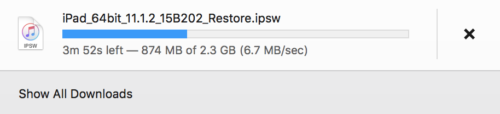

Note: the file size will be about 2GB depending on the device. Download times will be different for everyone.
3) Connect your iOS device to your computer using the USB cable and open iTunes.
four) Click your device icon in the iTunes window:
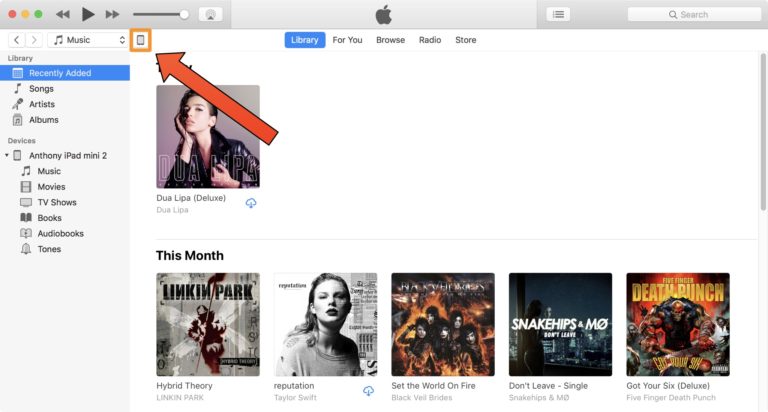

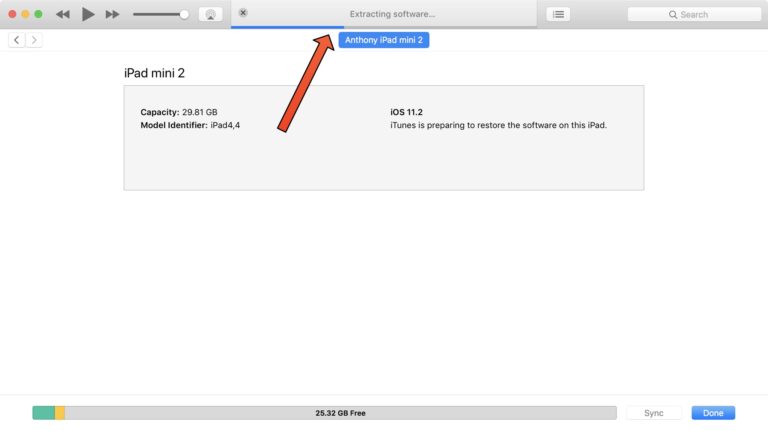
five) If you are upgrading from a previous version of iOS to iOS 11.1.2, clickOption+ clicking the mouse button (Mac)orShift+ clicking the mouse button (Windows)by buttonCheck for Updates.
If you are downgrading from a newer version of iOS to iOS 11.1.2, clickOption+ clicking the mouse button (Mac)orShift+ clicking the mouse button (Windows)by buttonRecovery:

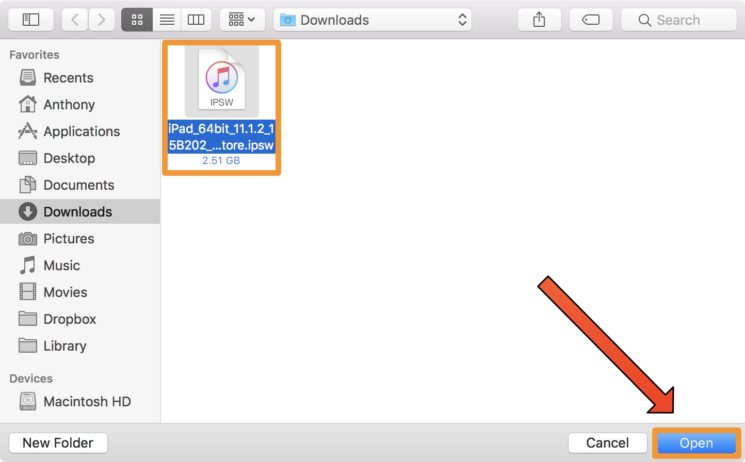
6)A Finder window will open. Select iOS 11.1.2 firmware file and clickOpen:

7) Then selectRefreshorReestablish:
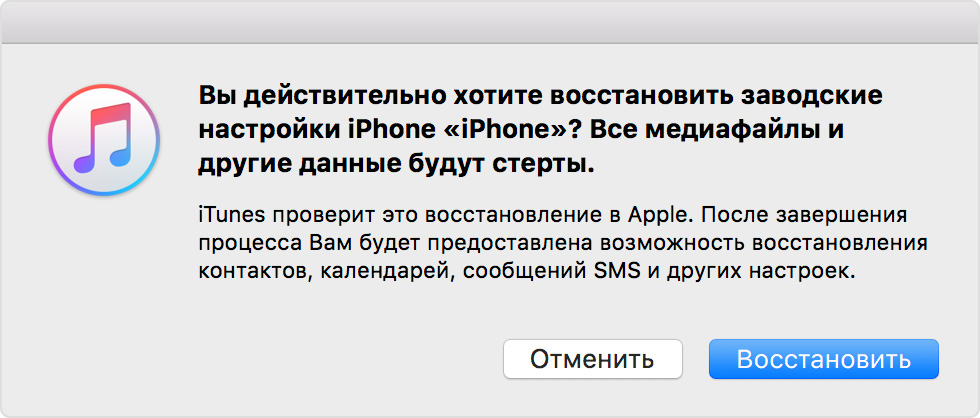
 Note: you will only see one of two options.
8)iTunes will begin updating or restoring your device. The process will take several minutes.
9) After the process is completed, a window will pop up on which you need to clickOk.
Congratulations! You now have iOS 11.1.2 installed.
Now what?
So far, all that remains is to wait. Updates should be avoided, as iOS 11.1.2 is the latest version of the system that will support potential jailbreak.
There is no guarantee that jailbreak for iOS 11will be born, but at least you will know that you have done everything possible to prepare for its installation. If we are lucky, then jailbreak will come out in the near future.