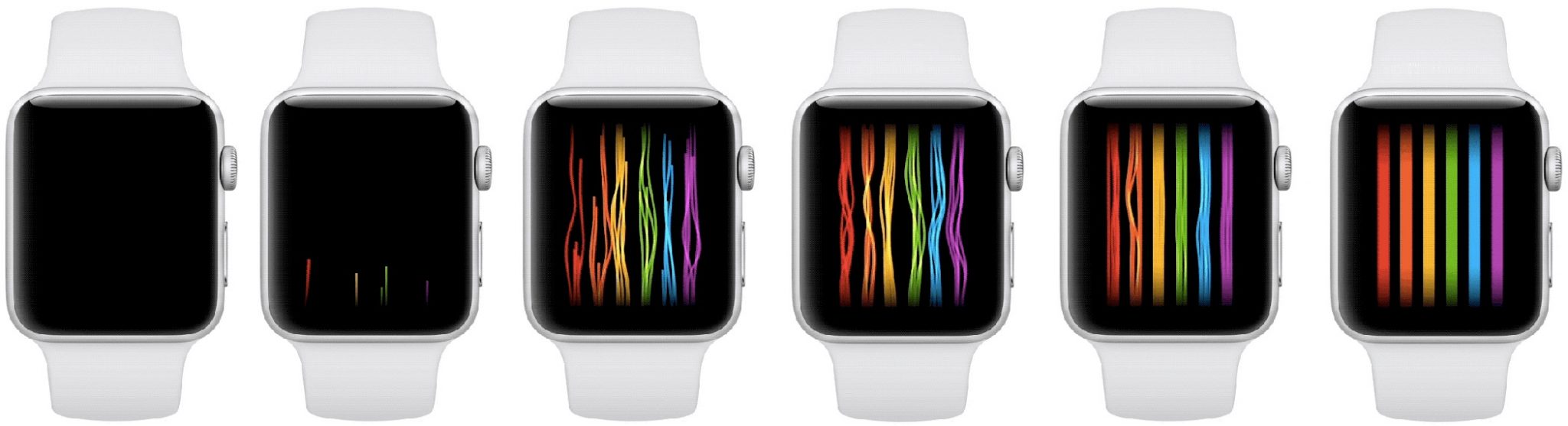
watchOS 4.3.1 introduced a new rainbow Pride watch face for the Apple Watch. It shows stripes of rainbow colors,
Although the watch’s release is only scheduled for June 4, you can install it now with a little trick.
Advertising
Advertising
Guillermo Rambo from 9to5Mac managed to find a new dial in the system and install it before the official release using the sample picture in the Apple Watch app for iOS 11.4.
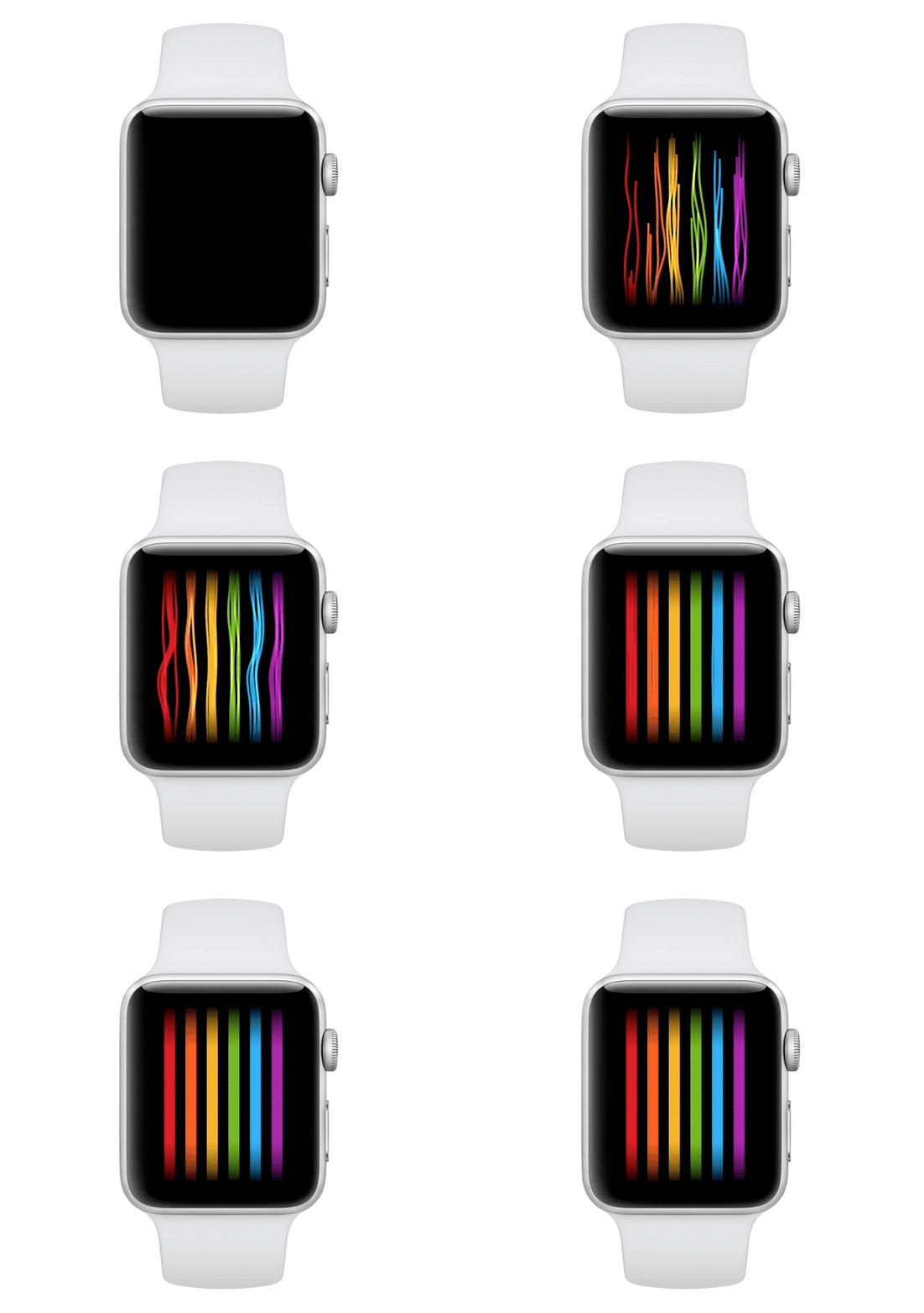

In addition, watchOS 4.3.1 contains video samples with dial animation. The dial is animated differently every time you touch the screen. At the same time, it continues to display time and up to three additional icons.
Advertising
Advertising
How to set the rainbow dial for Apple Watch
All you have to do is simply rearrange the date.
one)OpenSettingson your iPhone.
2)Go toMain.
3)Clickdate and time.
Note:If you have the item activeAutomaticallydisconnect it.
four)Set the date manually toJune 5th.
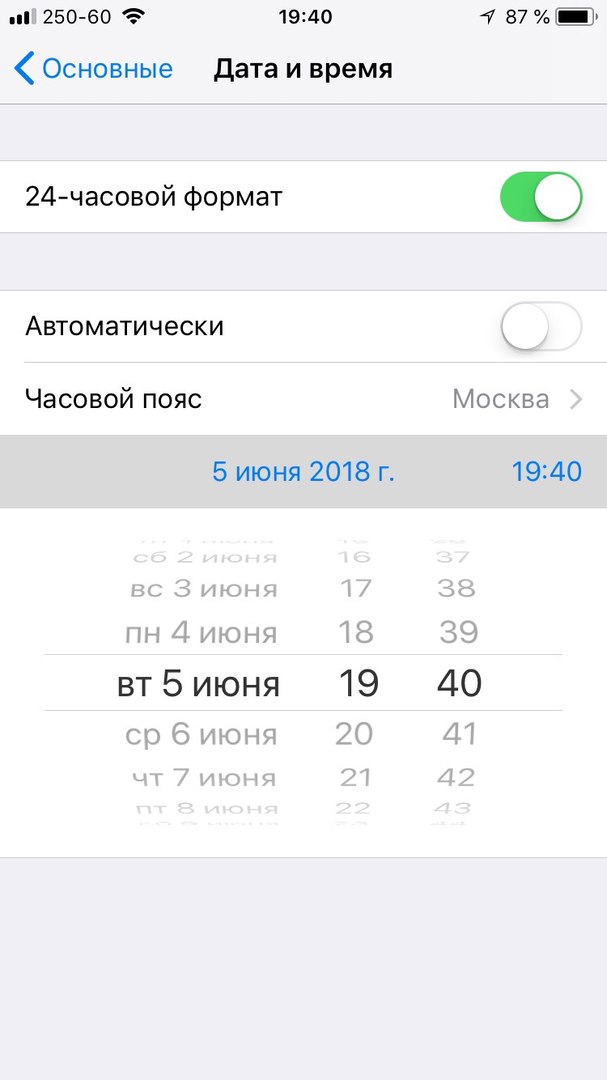

five)Close Settings and go to the applicationAppleWatchoniPhone
6)SelectDialsat the bottom of the screen.
7)The Pride watch face should appear in the new section. Select it.
Note:The paired iPhone must be running the final version of iOS 11.4 or the watch face won't appear.
eight)ClickTo addso that the dial appears on the Apple Watch.

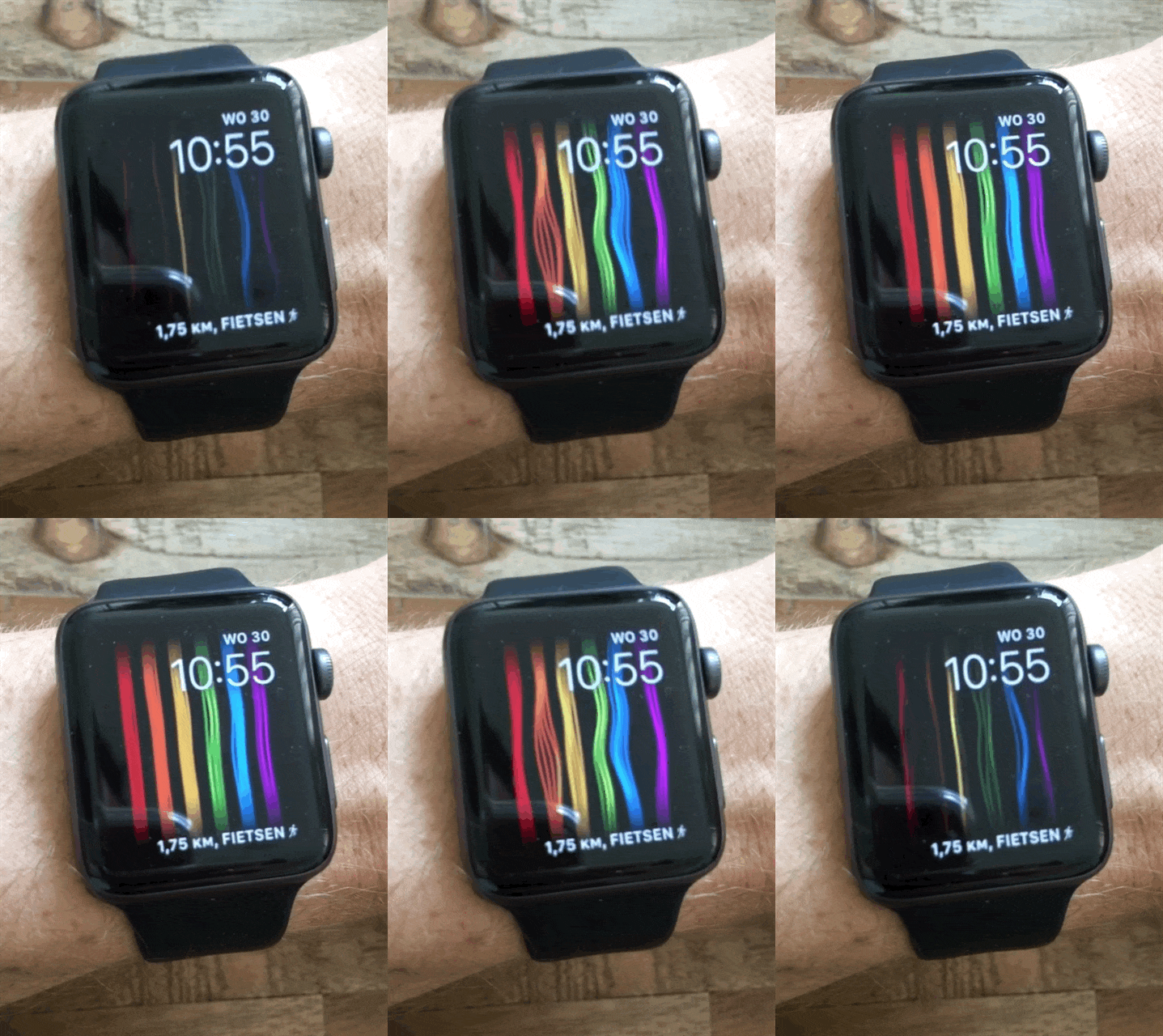
9)Now you need to hold down the watch face on your Apple Watch to open the selection screen, scroll to the new rainbow watch face, install it, and then customize it.
Let us remind you once again that iOS 11.4 must be installed on your iPhone, and watchOS 4.3.1 on Apple Watch.
If you have beta versions of updates installed, you won’t find the dial.

There are a few days left until WWDC 2018, and soon we will find out whether Apple will add support for third-party dials to its smart watch or not.
Do not forget to change the date on the iPhone to the correct one!