It may well happen that your neighbors will use your Wi-Fi. But how can we determine this? Zoom CNews specialists
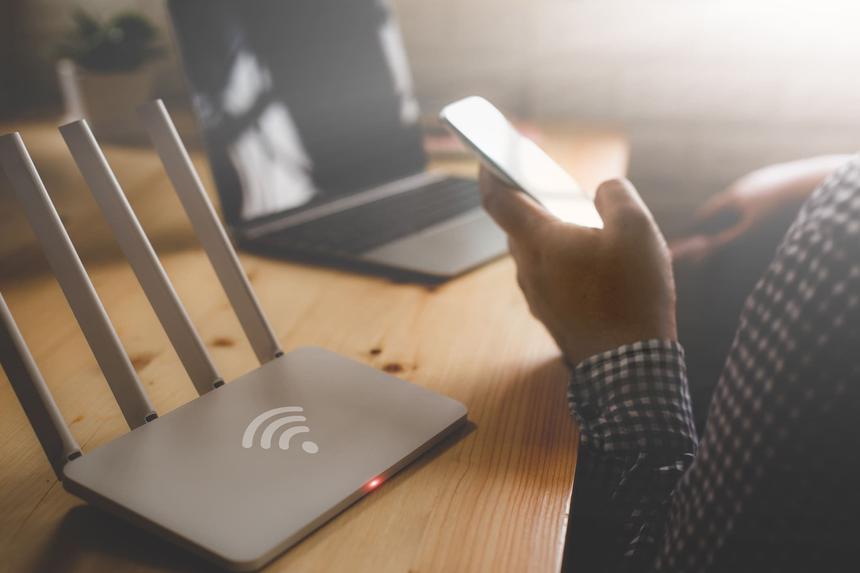
It is very important to secure your home network securely.Otherwise, neighbors or intruders will be able to use your Wi-Fi and access files on the local network. Here are four options to check if strangers are using your Wi-Fi network.
-
Check router status indicators. Before doing this, you need to turn off all wirelessgadgets. However, if you have a lot of such devices, then it is better to use another method. In case someone else is using your Wi-Fi, when all devices are turned off, the indicators will be active.
-
Use apps to detect devices connected to Wi-Fi. For example, among such applications – WiFi Guard program. It will give you the opportunity to see which specific devices use your wireless network.

-
Use the mobile app for the router. This is suitable if your router has a special application.
-
Login to admin control panel. This can be done through a browser. In this case, you will need a username (usually admin), a password (this can also be admin), and your IP address (usually – http://192.168.0.1/).
When a suspicious device is detectedThere are two ways to get rid of it. In the router application or in the admin panel, you can delete or block it using a special button. Second option – change Wi-Fi password.