WhatsApp messenger is used by every smartphone user today. And here dialogues are held not only with
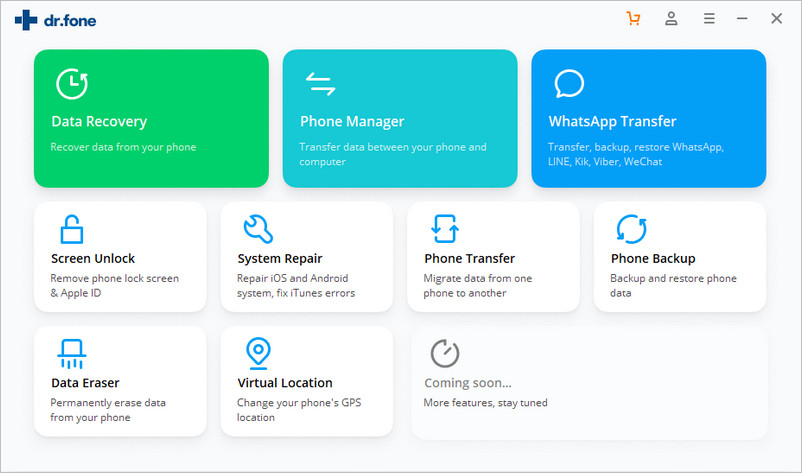
Dr. Softwarefone was created specifically for users of mobile devices and computers in order to facilitate interaction with them. WhatsApp Transfer can easily be done with Dr.fone-Whatsapp Transfer. This tool will help you quickly transfer WhatsApp from Android to iPhone, or vice versa. Please note that you can copy not only Whatsapp correspondence, but also attachments (pictures, photos, documents, etc.) from the old phone to the new one, which can also be very valuable to you. Next, we will tell you in more detail about the functionality of this utility.
Key features
First, let's decide on which devices it is possible to send WhatsApp messages to:
- from iPhone to iPhone
- from Android to Android
- from iOS to Android and vice versa
In addition, the list of key features includesflexible work with chats in the messenger, the ability to make backup copies of correspondence and then export them to your personal computer, restore backup files on iPhone, iPad and Android. In other words, the tool allows you to take full control of Whatsapp if you suddenly want to transfer data to a new phone. I especially like the function of selective transmission of correspondence history.
How to transfer WhatsApp from iOS to Android?
Below you will find detailed instructions on how toTransfer WhatsApp messages from iPhone to Android in just a couple of clicks. If you are using such software for the first time, you still should not have any difficulties and difficulties, because the developers have taken care of the simplest interface.
- Download and install the Dr.fone program. Launch and select the “WhatsApp Transfer” option.
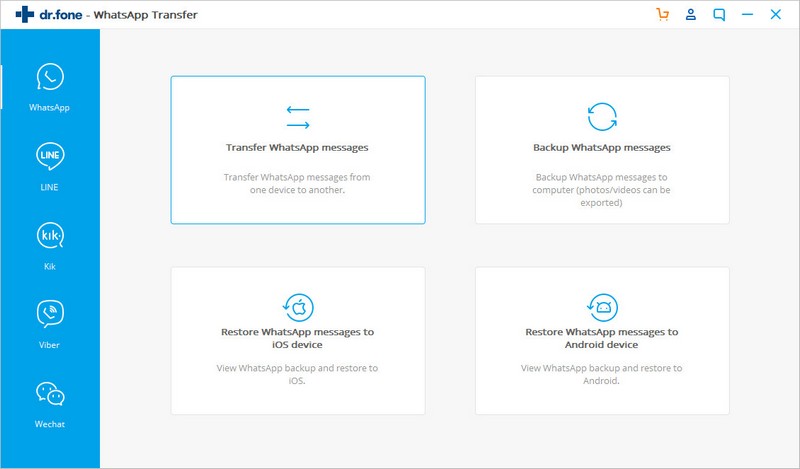
- Next, select the function on the left side of the panel «Transfer WhatsApp Messages» (“Transfer WhatsApp Messages”).
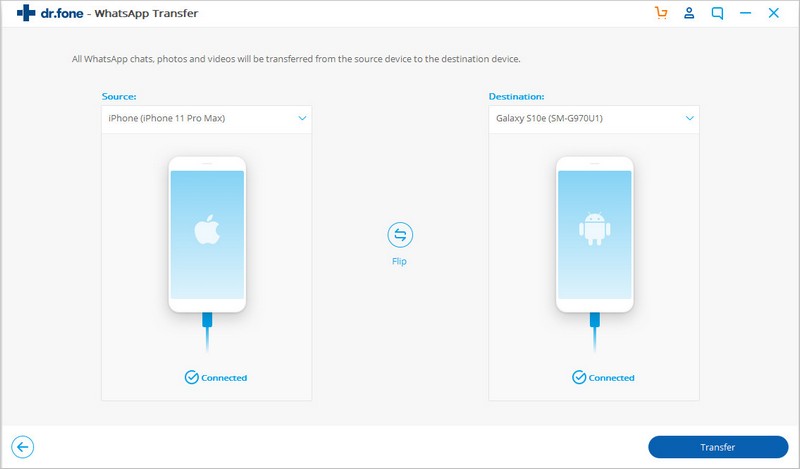
- Then we connect your two phones to the system and press the Transfer button to start the transfer. Please note that you will also need to give consent to the pop-up message.
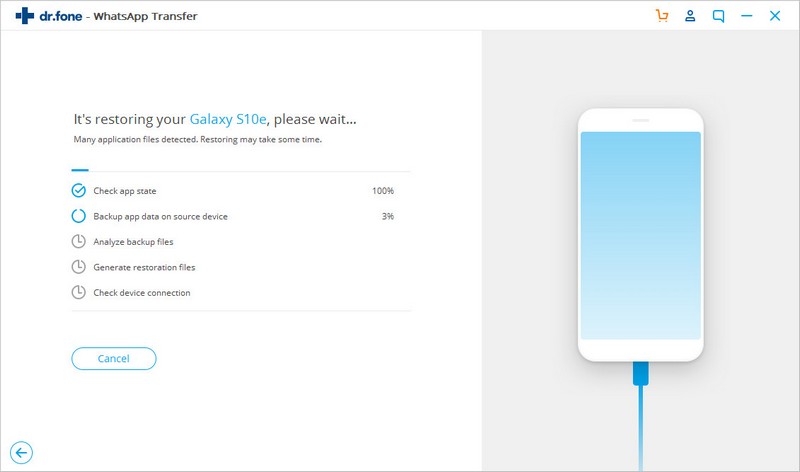
- The WhatsApp transfer process will start. Then just go to your Android device, launch WhatsApp and restore the backup.
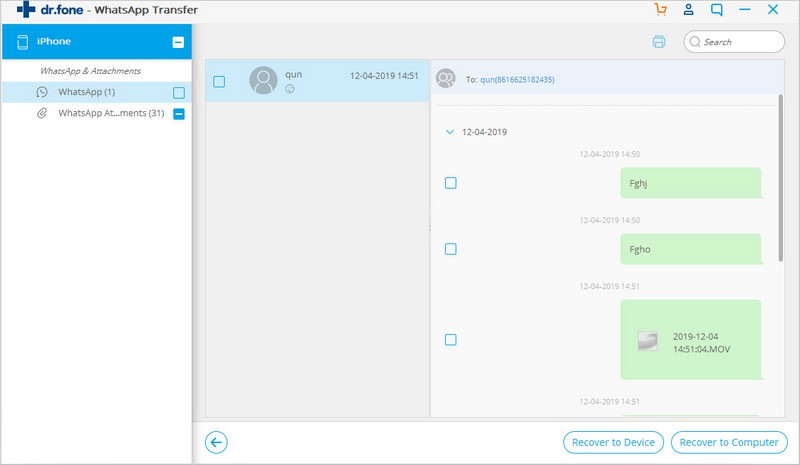
As you can see, there are no difficulties with the transferdata: simple, fast and efficient. If you need to transfer not only WhatsApp correspondence from iPhone to Android, but also other data, then you can use the alternative Dr.fone-Phone Transfer program. With it, you can transfer all data, including contacts, messages, photos and videos, call logs, notes and other equally important data, also just in one click.
By the way, we have another good news for you.The developers organized a real Easter holiday sale for Dr.fone — discounts on some software reach 80%. This is real luck, because you definitely can’t miss this opportunity, because these guys are developing unique and ideal software that will definitely suit everyone!