macOS Mojave is one of the biggest Mac software updates in years.
Advertising
Advertising
MacOS previously had a dark theme, but you can'tcall a full mode with full support in the system. Now the company has added a real dark mode, which is supported not only by system, but also by third-party programs. With it, not only the main elements of the interface will become dark, but also the programs Photo, Safari, Notes, etc. In addition, the mode even contains special dynamic wallpapers that become dark.
If you have already installed macOS Mojave beta on your Mac, but don’t know how to turn on dark mode, we’ll help you.
With launch:
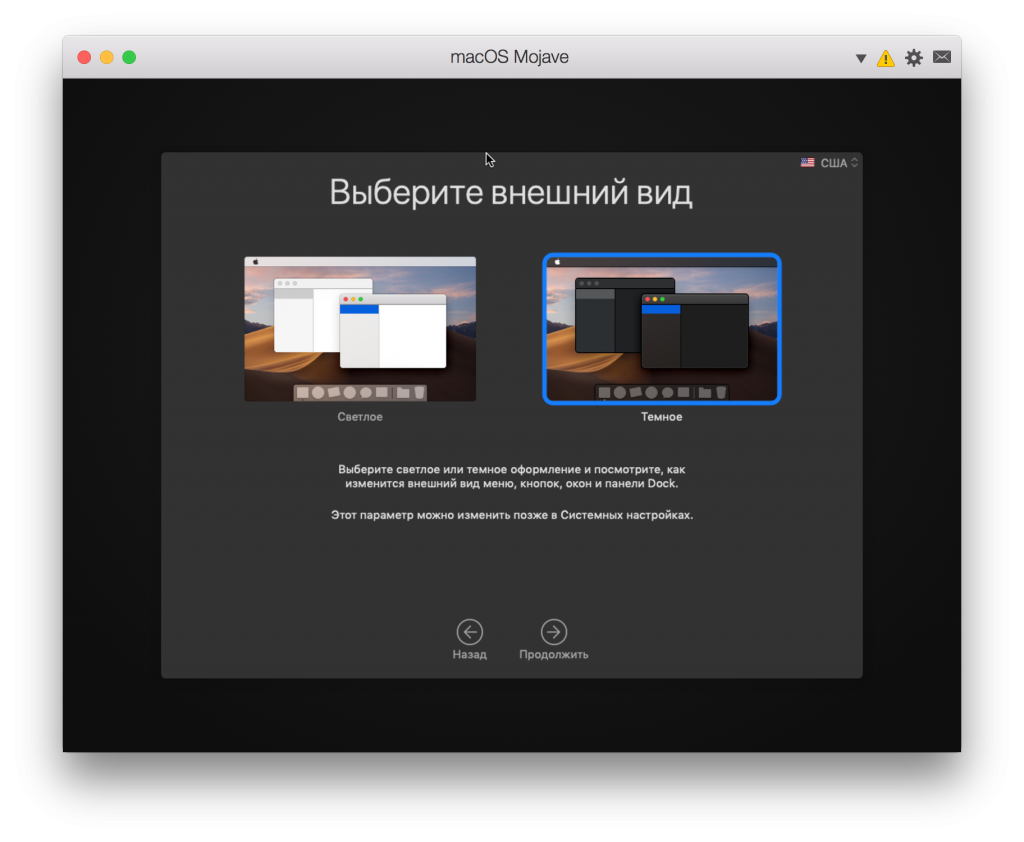
When you first start your Mac with the Mojave version after the upgrade, you will need to go through the system setup process. You will immediately be asked to choose a light or dark theme.
Advertising
Advertising

How to manually turn on dark mode macOS Mojave
Step 1: Go toSystem Settings -> Basic.
Step 2: Near the pointDecorYou can choose the light or dark mode.
If you do not have your wallpaper set, then activating the dark mode will change the standard wallpaper to dark.


The dark mode in macOS Mojave is made veryqualitatively and operates throughout the system and in programs. Considering how popular it will become, we can assume that in the future support for the dark mode will appear in many third-party programs.