We recently wrote about the ability to pin notes in iOS 11. At the same time, the Notes app received another
If you know where to look, then in Notes you can view all attached files, sort them by type and date, and also extract.
Advertising
Advertising
Using the function is very simple. Below we will tell you everything.
How to view attachments in Notes
one)Open the applicationNotesand choose someFolder. For example, iCloud Notes.


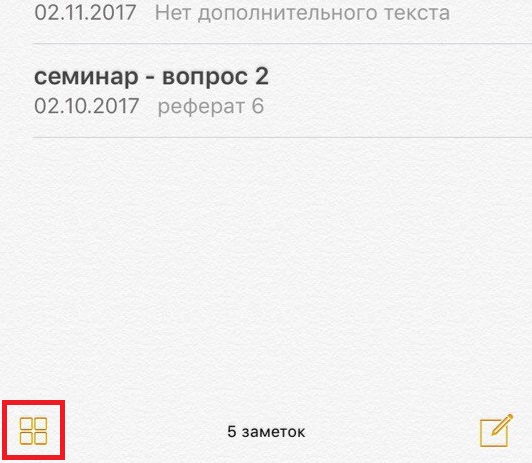
2)On the screen with a list of your notes, click on the four squares icon in the lower left corner.

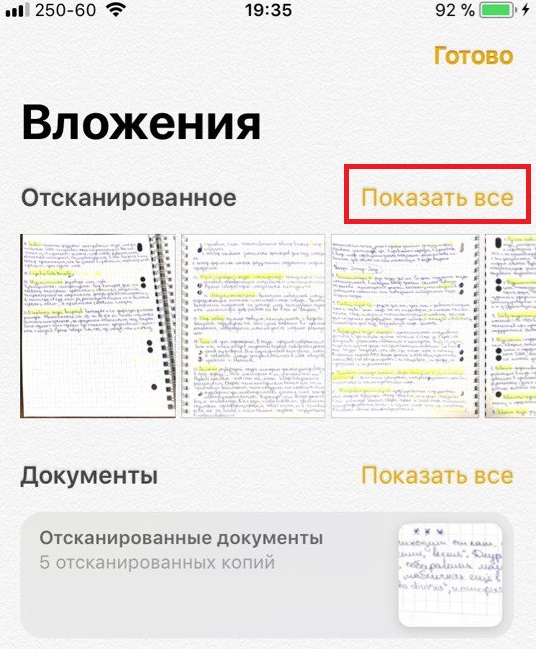
3)Here you will see all your attachments: photos, sketches and documents.
four)You can scroll through attachments or clickshow allin the corner of each item.

five)When you find the image you want, click on it. There will be an inscription in the upper right cornerShow in note, clicking on which will open the note in which the file is located.


If you have not used the function, then openNotes and explore all the features of the application. While you are doing this, at the same time you can delete old unnecessary notes that appeared there for some reason.