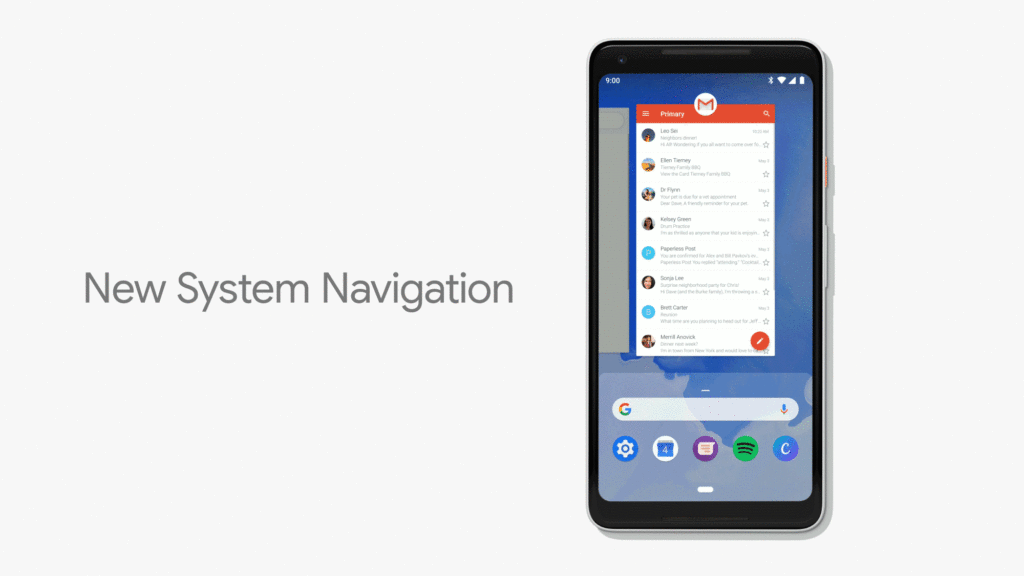
Google is borrowing ideas from Apple again, and this time it's Android P's navigation gestures. Google was clearly inspired by Apple, but brought in
Unlike Apple, Google hasn’t become completelyremove the navigation line from Android P. The line disappears only occasionally and is still displayed in applications. Thus, the screen does not become more space for displaying content, but gestures help make navigation faster and more convenient.
Advertising
Advertising
So how do Google gestures differ from Apple gestures? Let's figure it out below.
Return on home screen
On iPhone X, swipe up from the bottom to return to the home screen. In Android P, you just need to click on the icon or the “home” button.

Advertising
Advertising
Multitasking
To open the app switcher on iPhoneX, you need to hold up from the bottom of the screen, but stop in its center. This gesture is combined with the gesture of returning to the home screen, so the easiest way is simply to swipe up the screen at an angle of 45 degrees.
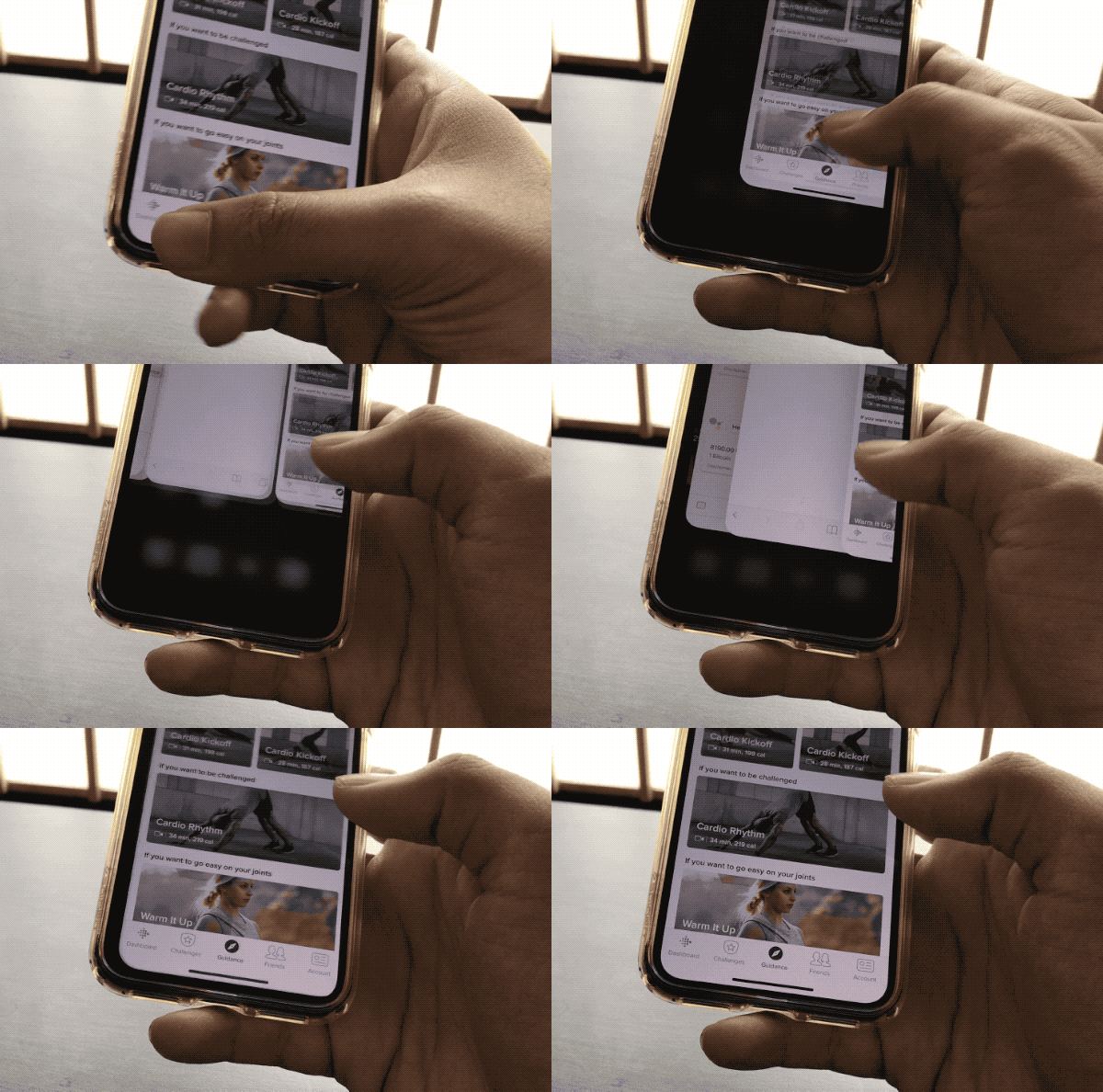

In Android P, you just need to swipe up the home screen.
Switching between applications
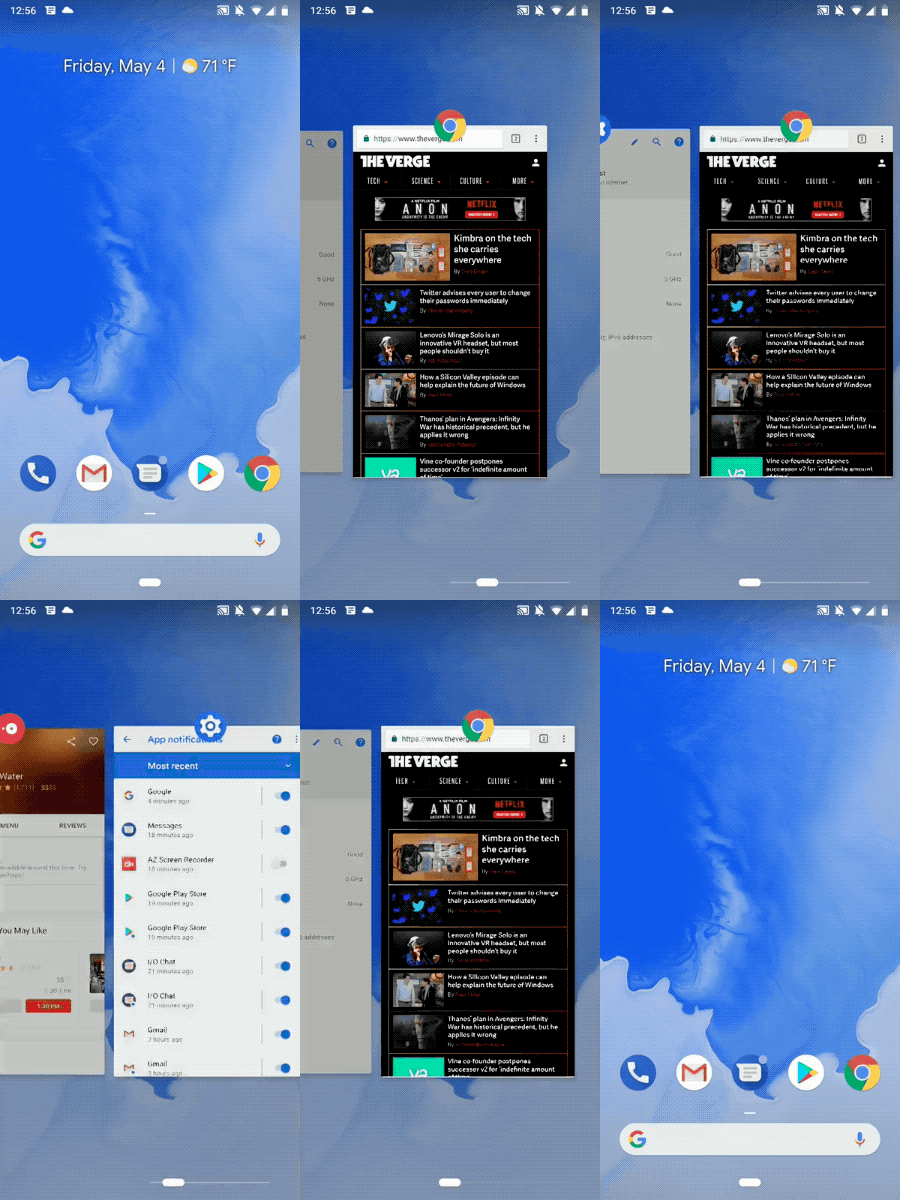
This gesture is similar to the iPhone X and Android P. You just need to swipe left or right on the home indicator. On the Google platform, this gesture works a little better and faster.

Closing applications
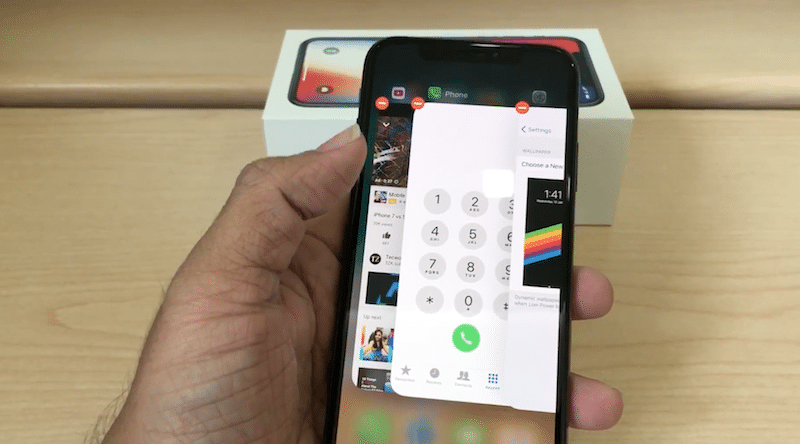

To close the application on iPhone X, you needopen the application switch, hold the card with the application, and only then swipe it or click on the red cross. It is long and uncomfortable. In Android P, you just need to go into Overview mode and swipe the card of the desired application.
ActivationSiri/GoogleAssistant
To activate Siri on iPhone X you need to hold the side button. In Android P, you can simply hold down the home button.
Paragraph of management/Fast settings
On iPhone X, the Control Center opens with a swipedown from the upper right corner of the screen. In Android P, just swipe down the screen with notifications from anywhere to open Quick Settings. However, the method may differ on notched devices.
You can watch a visual video comparing gestures on the iPhone X and Android P.
</ p>As you can see for yourself, the difference is still significant. Apple added gestures due to the lack of a physical home button, and Google uses them to quickly navigate the system.
If Google completely removes the navigation bar,few people will be upset, but so far the company has decided to do this only partially. In Android P, when you rotate the screen, an icon appears in the navigation bar to enable or disable it.