</ img>
Today we have another excursion into the world of devices designed to justify every dollar invested. IN
What is it?
Mercusys AC12G is simple and affordableGigabit Wi-Fi router AC1200 standard. It has 4 Ethernet ports on board, supports the 2.4 and 5 GHz bands, and theoretically should aim for speeds of 300 and 867 Mbit/s, respectively.
What makes him interesting?
Because this is the most affordable model onofficial Ukrainian market, having such a set of characteristics. Until recently, it was at the forefront of technology and cost significant money, but today it appears in the budget segment, even in such a conservative product group as routers. So that there are no arguments against the update.
What is in the box?
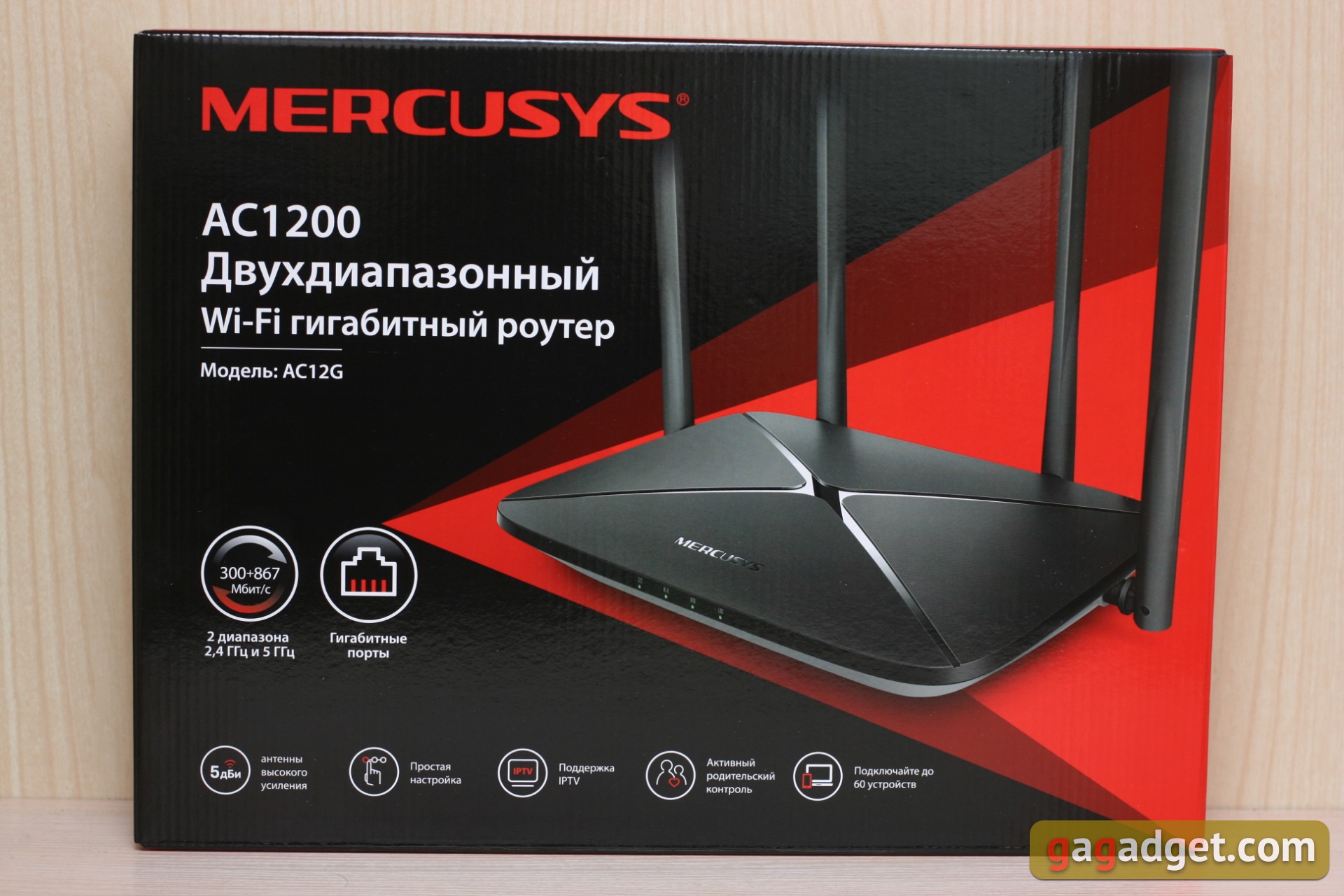
Spartan equipment: router, power supply and cable for Ethernet connection. Well, another instruction and warranty card. The packaging itself is also without any complaints, we are here not a fashion device, but a workhorse brought.
</ img>

</ img>

What does it look like?
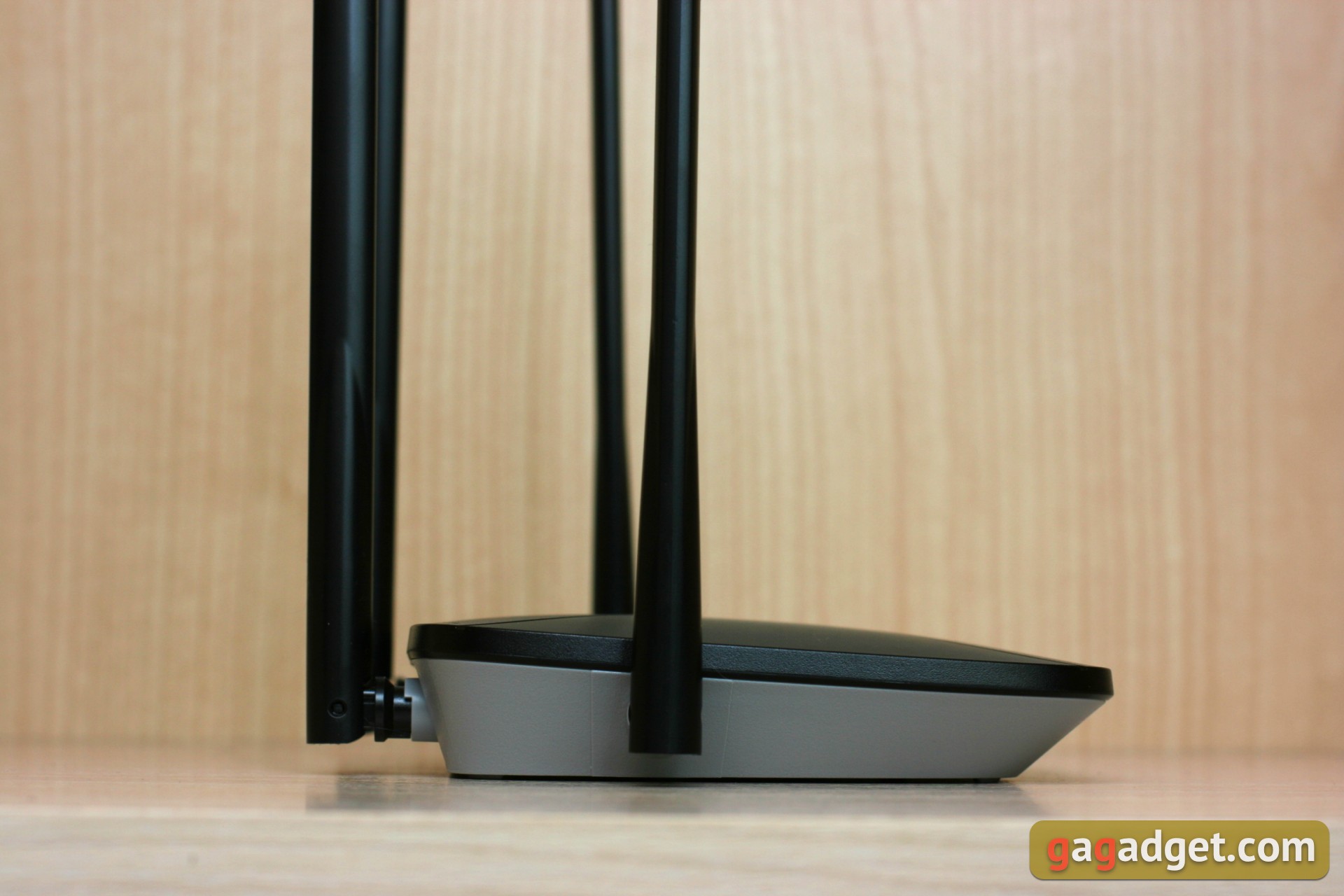
It looks good, by the way.
</ img>
</ img>
</ img>

</ img>
</ img>
</ img>


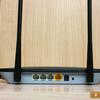
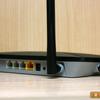
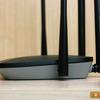
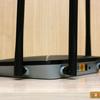
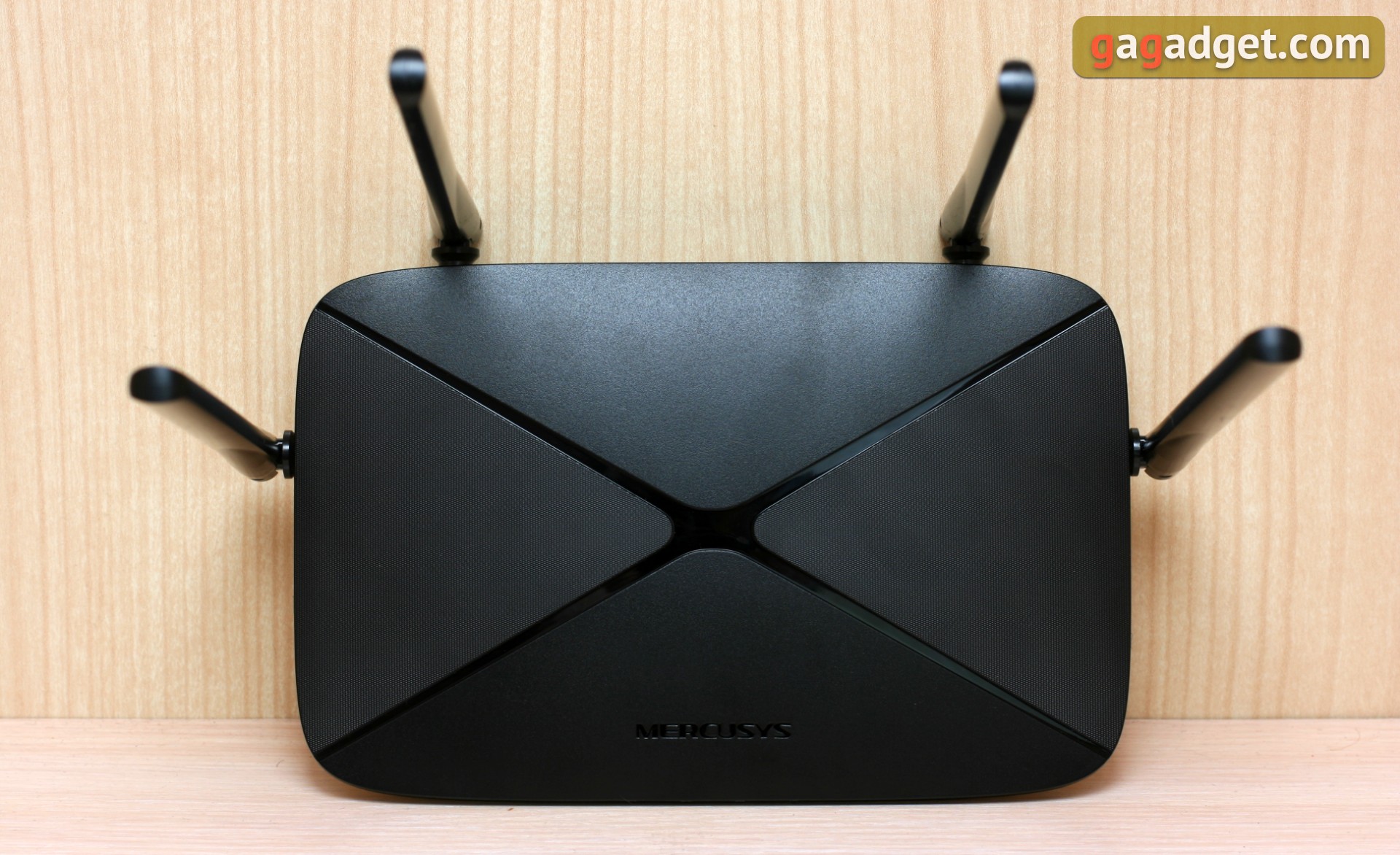
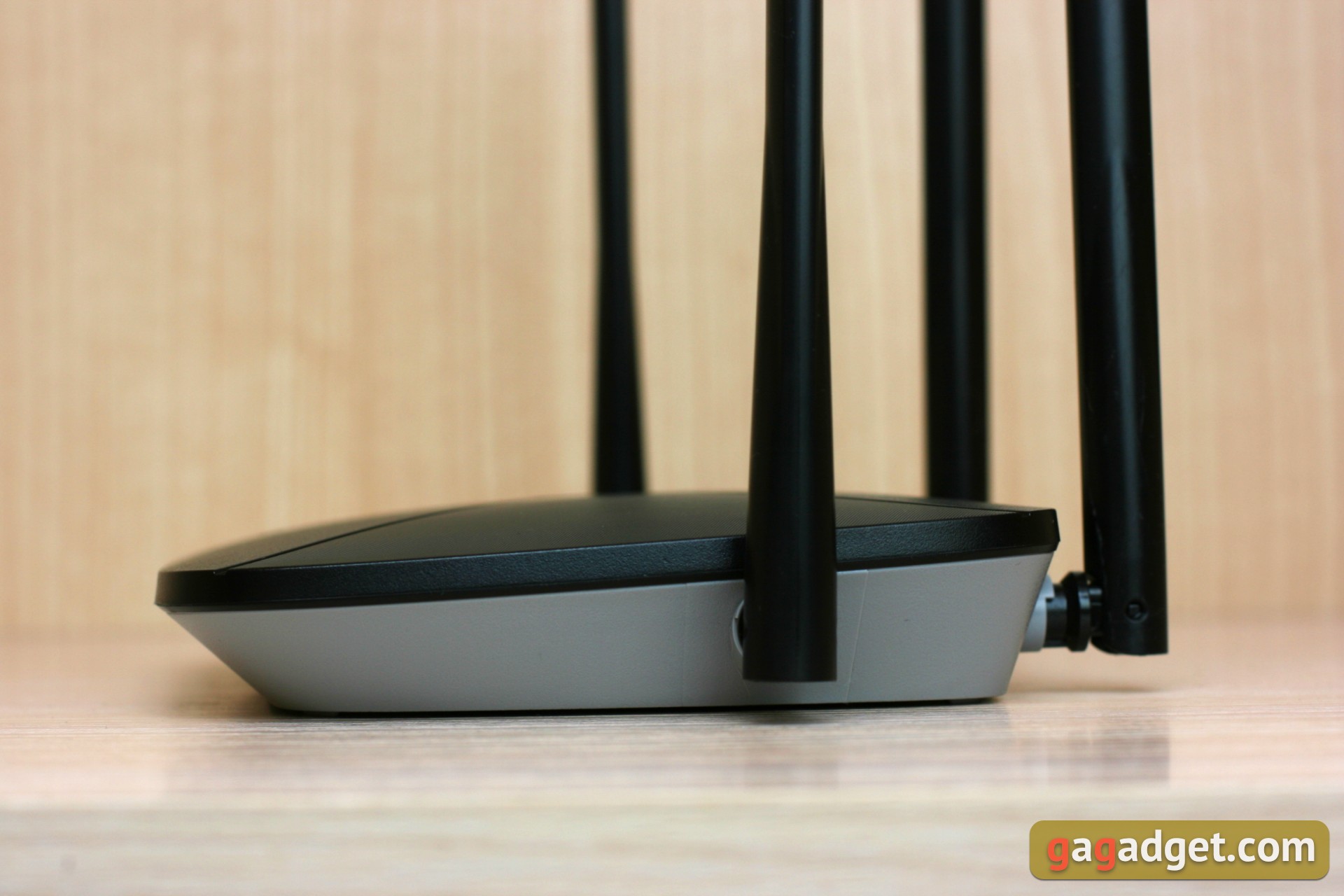
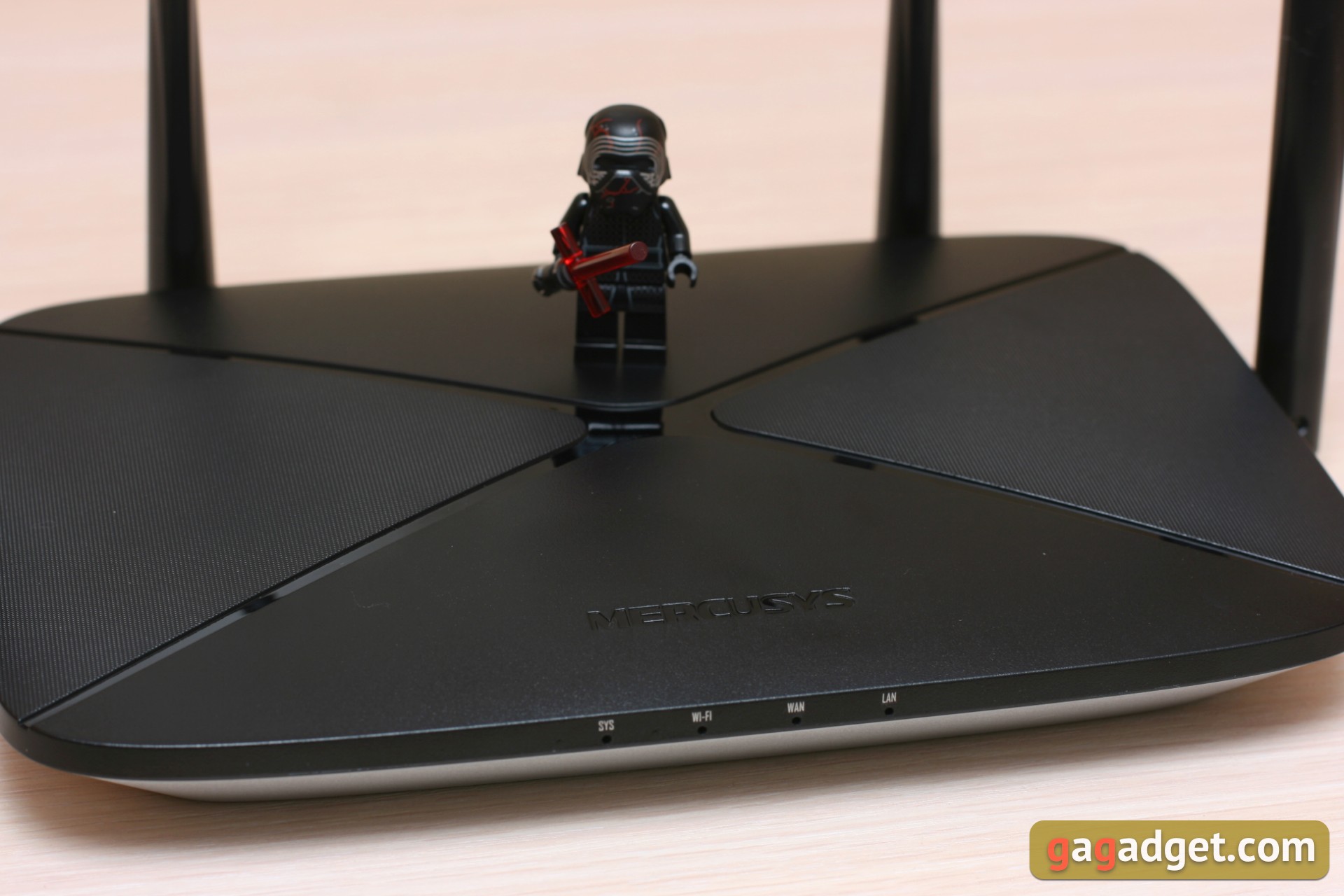
The practical surface of the matt black plastic cover is revived by a glossy insert in the form of two intersecting diagonals.
</ img>
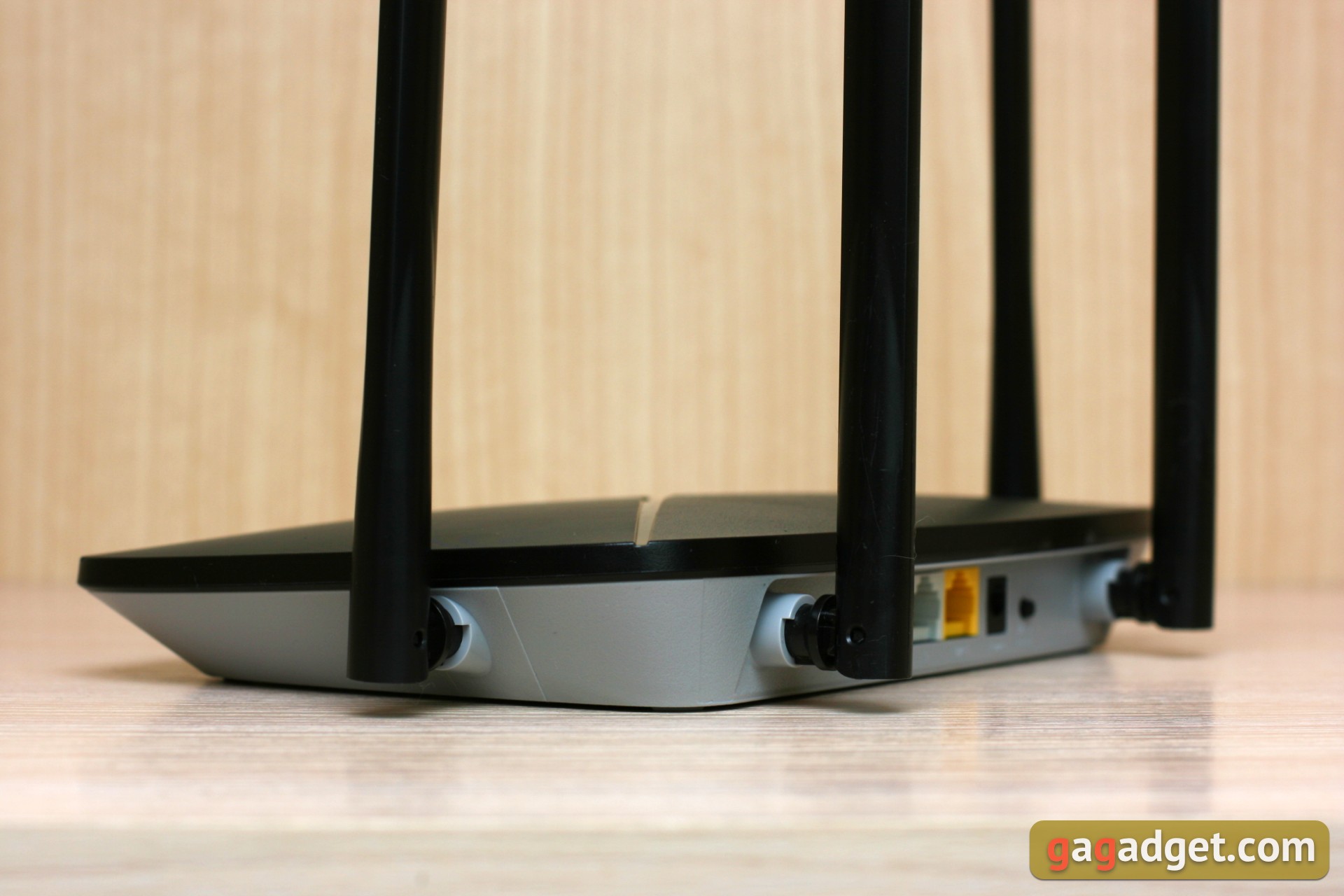
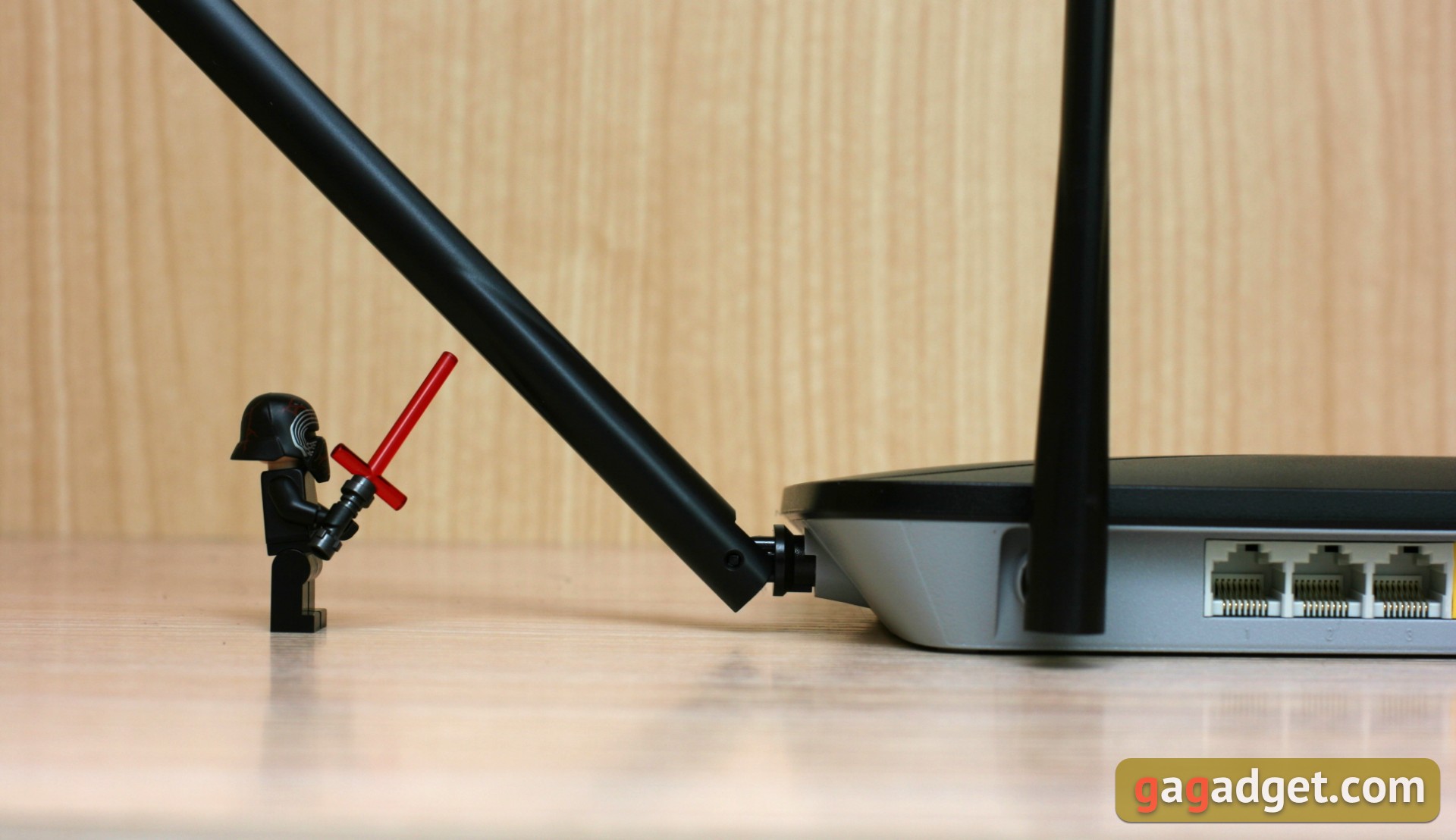
Antenna - four, two of them protrude on the sidesdevices and two more "grow" from the back panel. Each antenna can rotate 90 degrees relative to the plane of the body and rotate along its axis.
</ img>
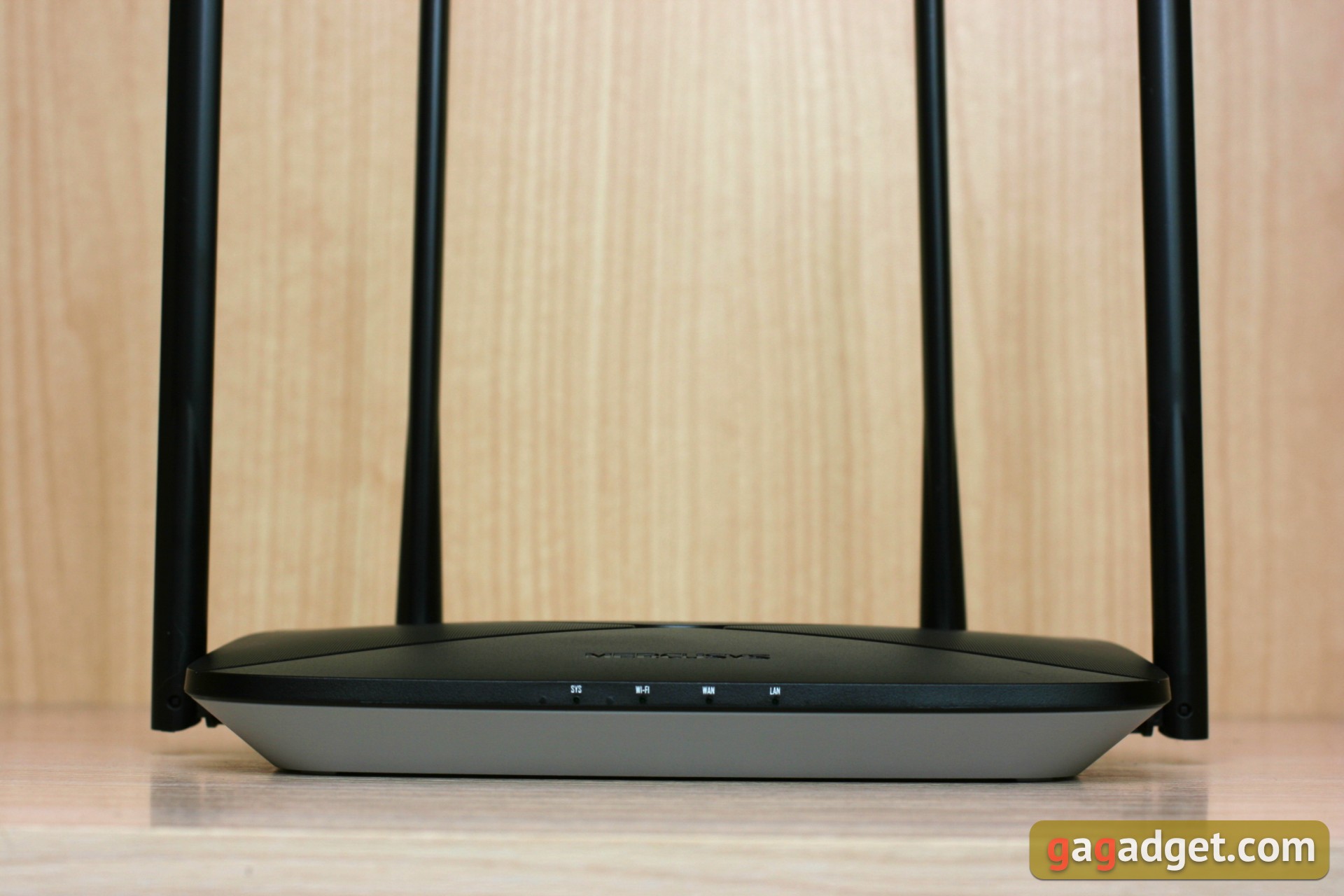
The front panel contains LED indicators SYS, Wi-Fi, WAN, LAN.

</ img>
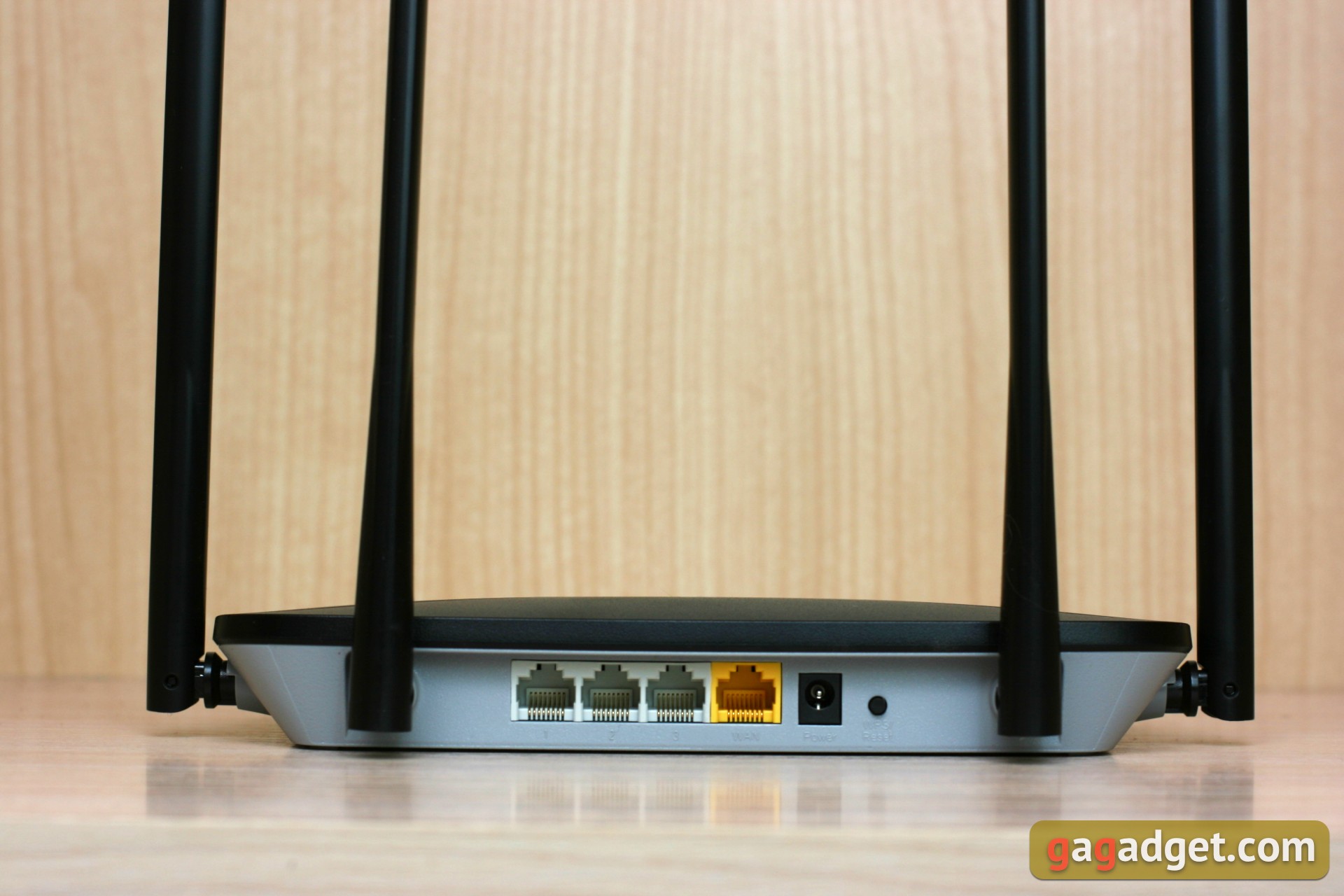
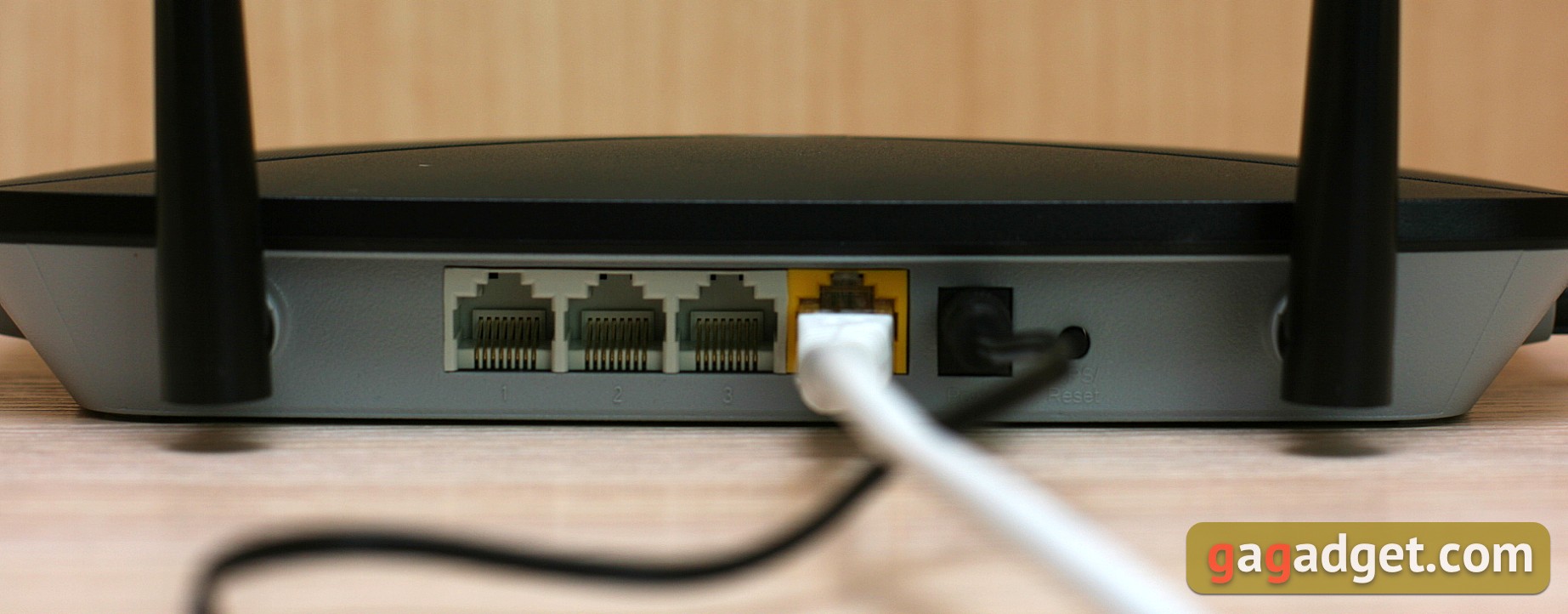
There are four connection ports on the backnetwork cables, one of them is “incoming” WAN. Nearby there is only a power connector and a reset button. The Ethernet connectors are positioned with their tongues facing up rather than down. This is not a very convenient solution; disconnecting the patch cords is slightly hindered by the protrusion of the case cover.
</ img>
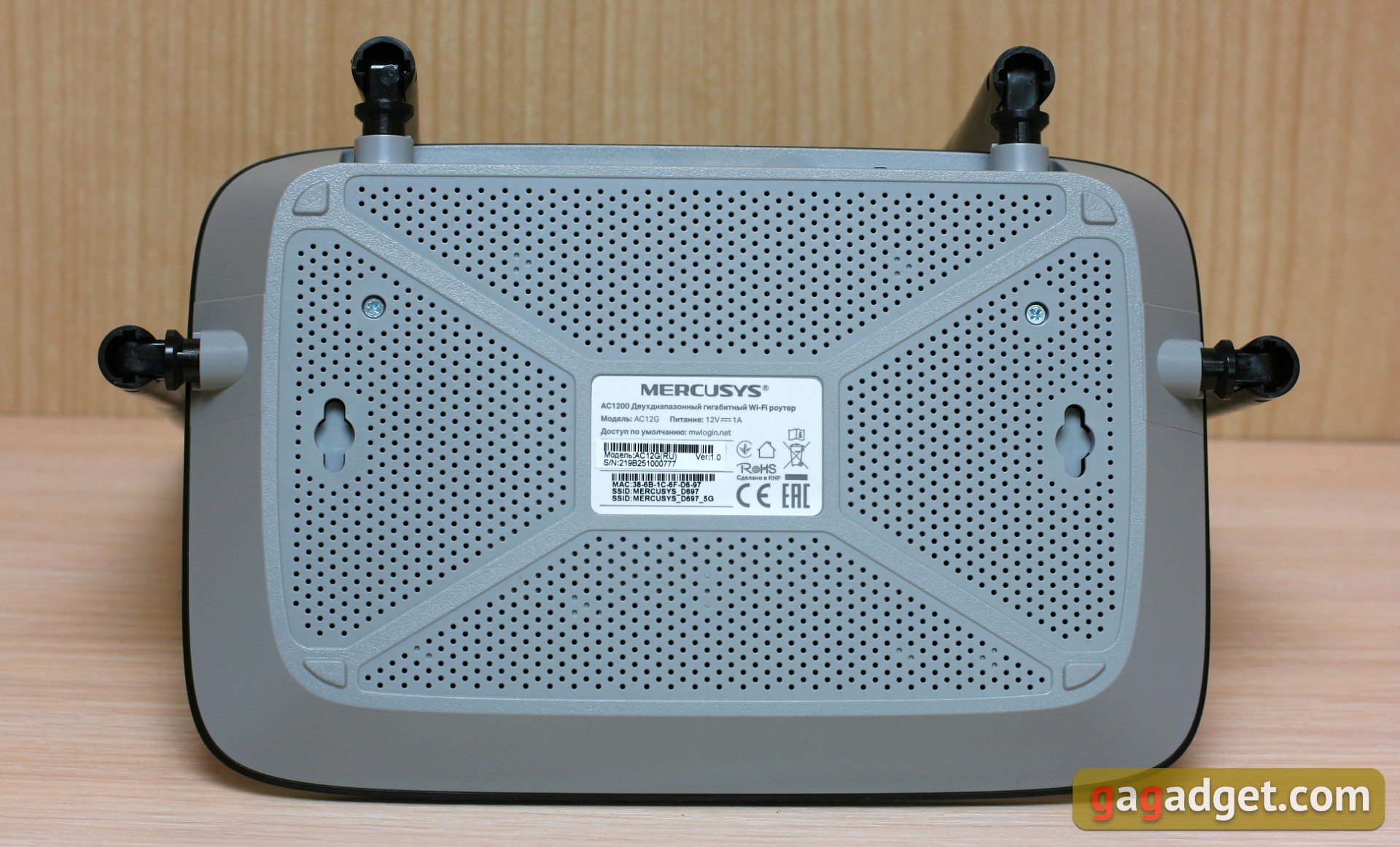
The underside looks simpler, there is a light grayplastic with a "strainer" of small holes. There are holes for hanging on the wall, it is very convenient, but for some reason not all manufacturers of routers think so.
</ img>
How to connect and configure?
We plug the device into a power outlet and connect it toWAN port is the source of the Internet. After this, we connect to the device using the SSID indicated on the sticker at the bottom of the case. Or via cable, if we carry out the setup from a computer via a wired connection.
Setup Wizard, traditionally for Mercusys,available at http://mwlogin.net, here we go first. To get started, just set a password, select a network type and name your access point. The procedure is no different from setting up other Mercusys routers.
What can?
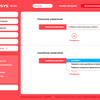
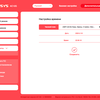
Mercusys AC12G - a fairly utilitarian device,but the settings under the hood are not so few. In the basic settings mode, you can see the lists of connected and blocked devices, connection parameters, as well as passwords and “switches” to wireless networks of both ranges.

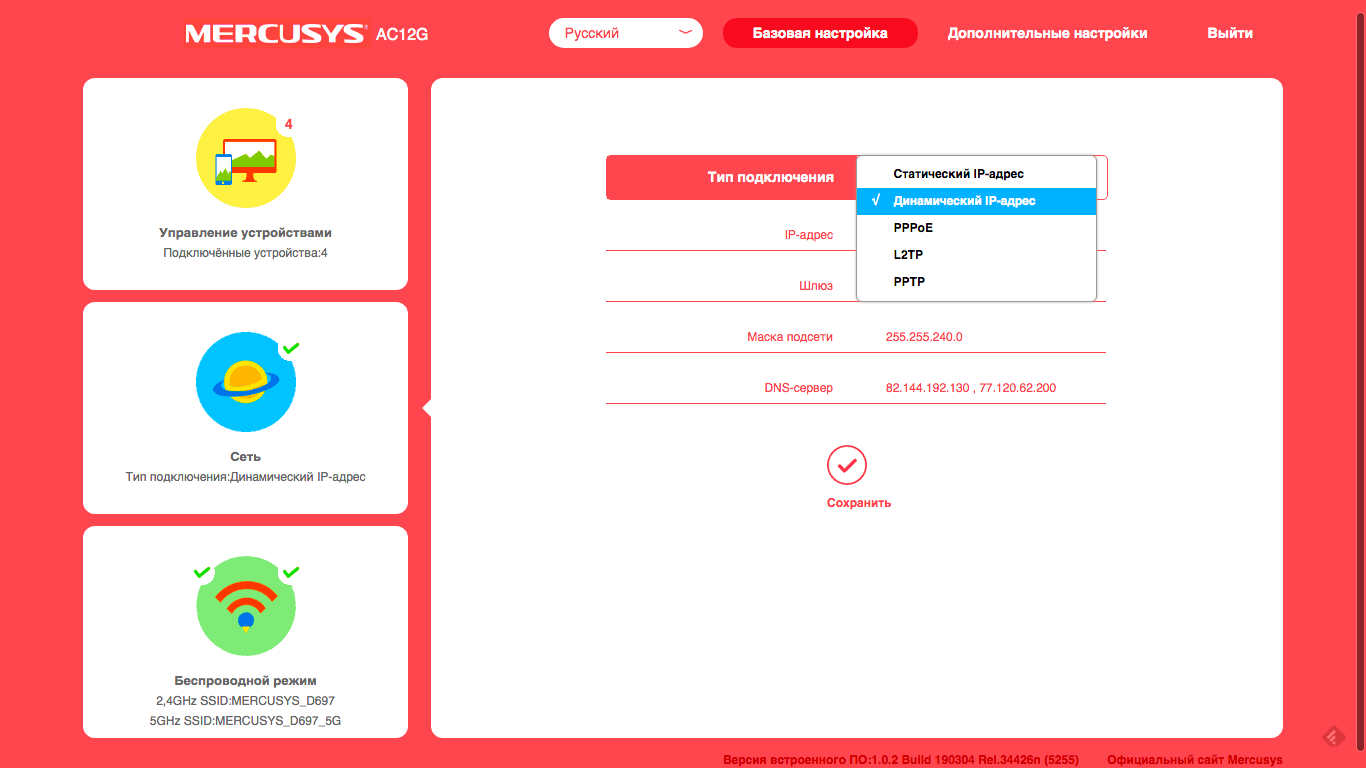
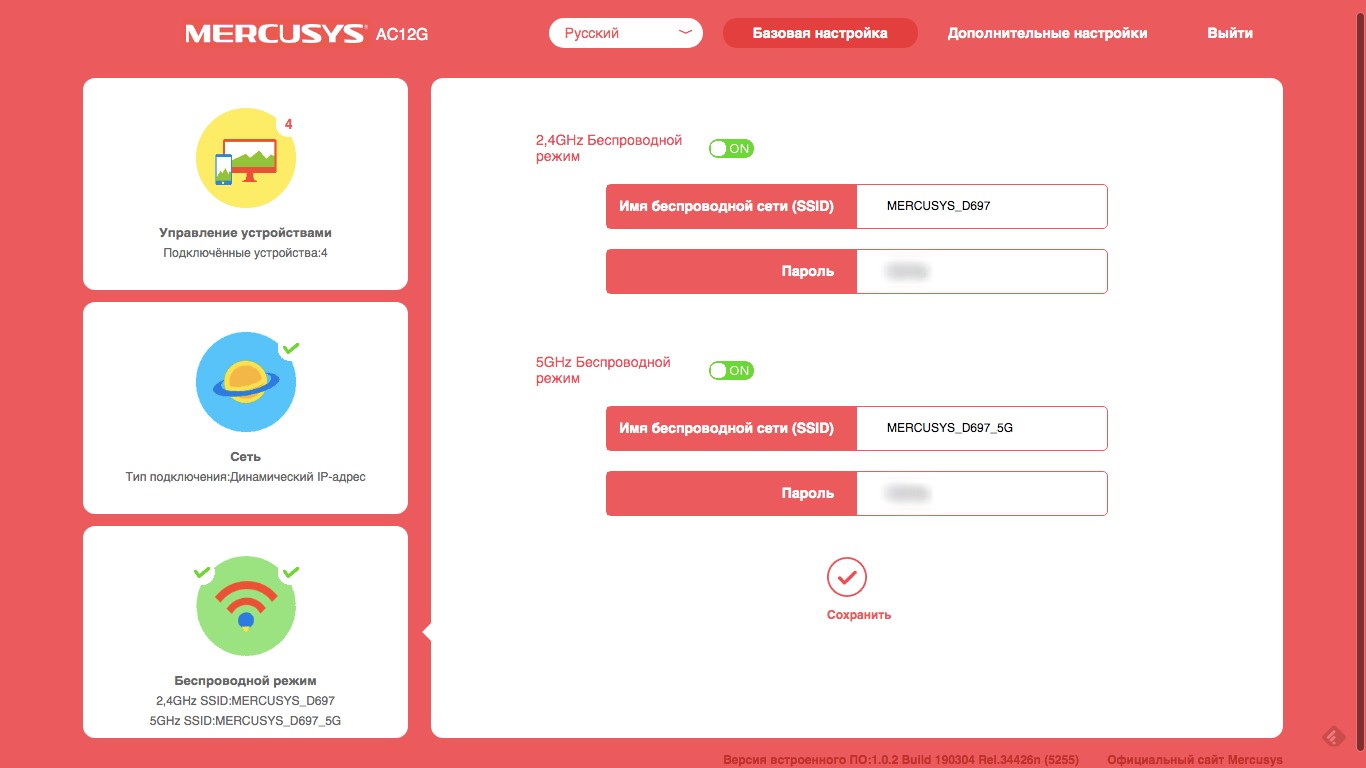
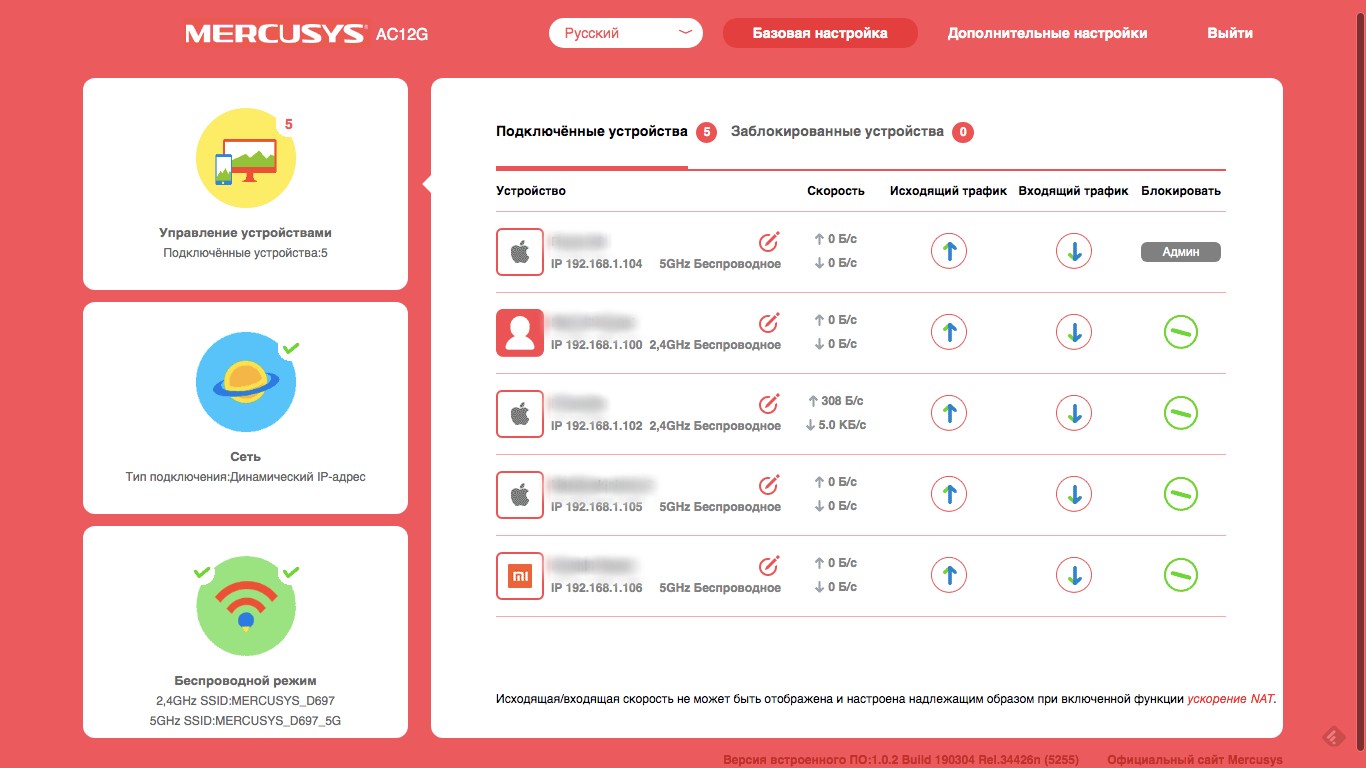



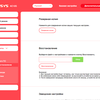
Much more is revealed in the section"Additional settings". Here we are offered to reconfigure the WAN interface, DHCP and DNS. You can bind client IP addresses to specific MAC addresses, change or clone the MAC address of the router itself. There is a section with IPTV settings, where you can assign separate LAN ports for IPTV itself, as well as VoIP and the Internet (for manual configuration, select the Custom mode).


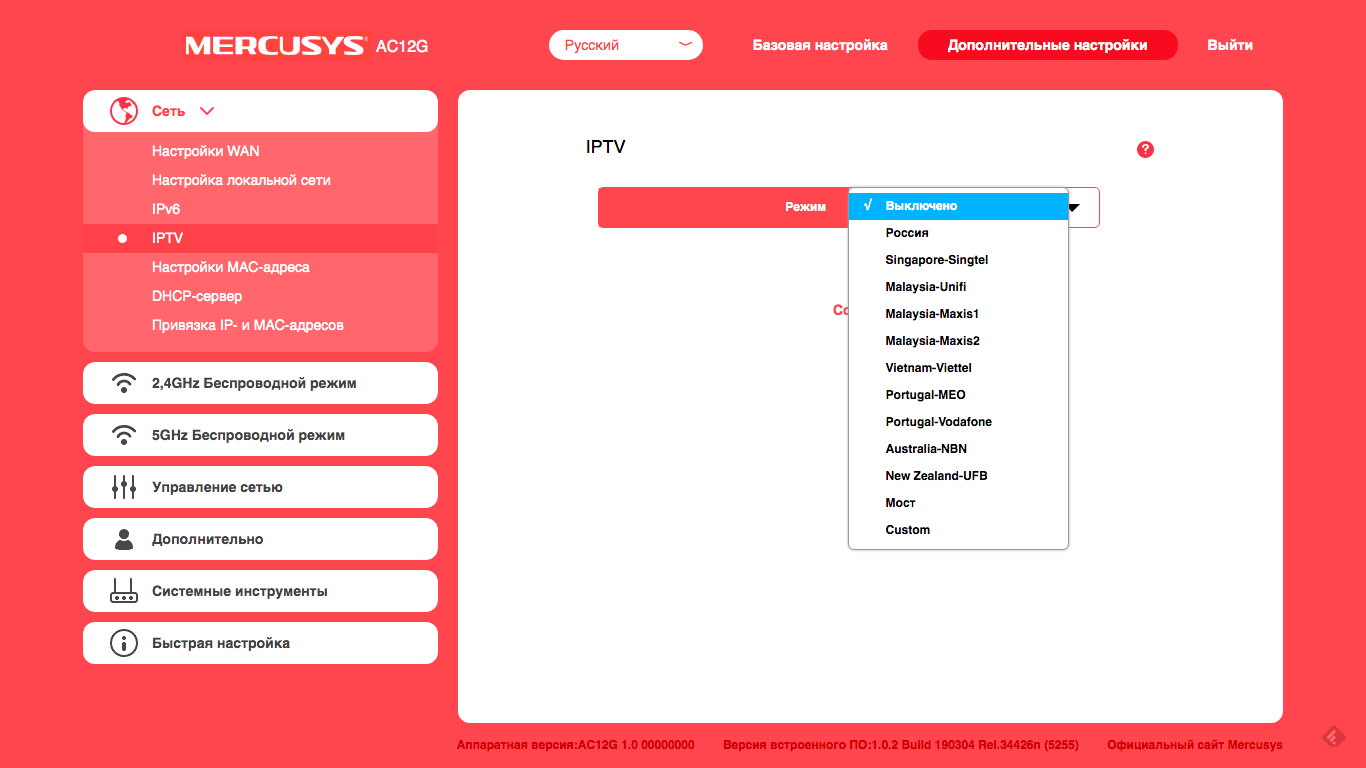
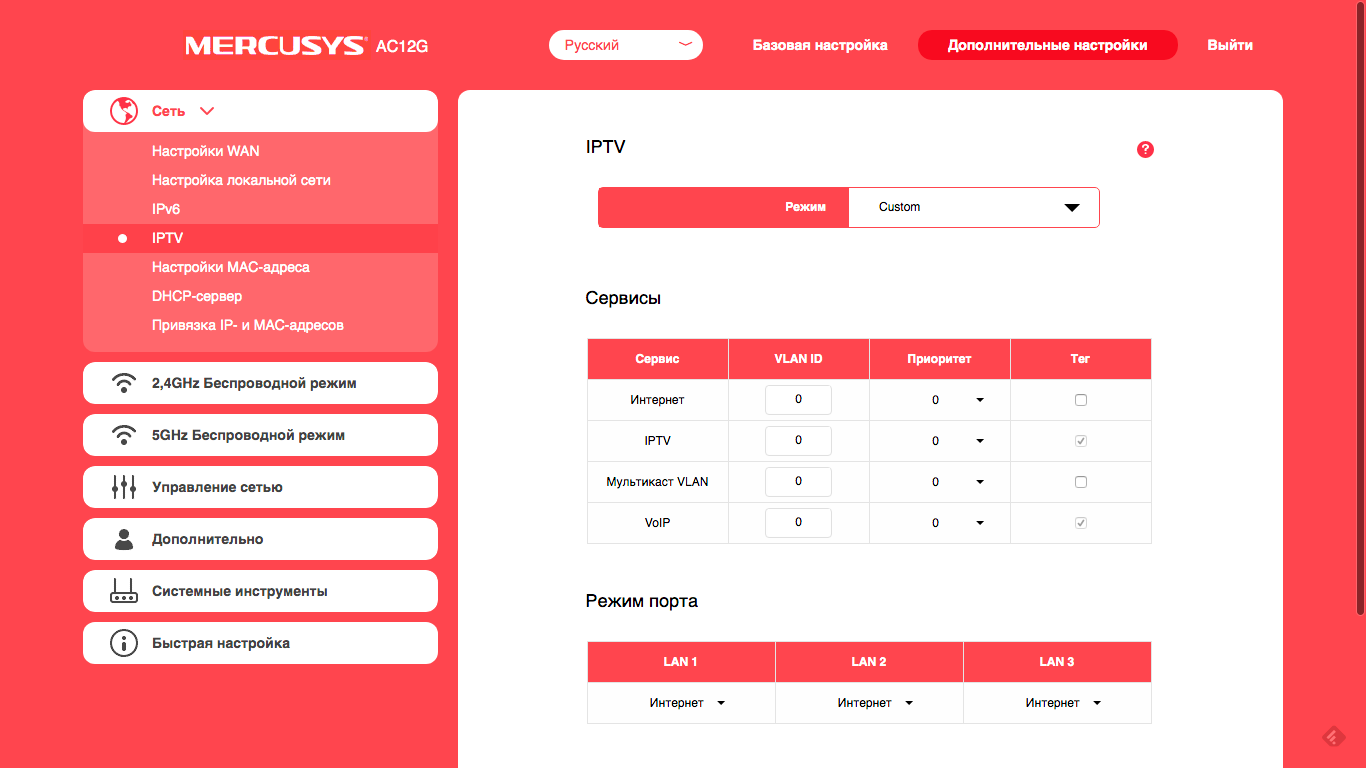
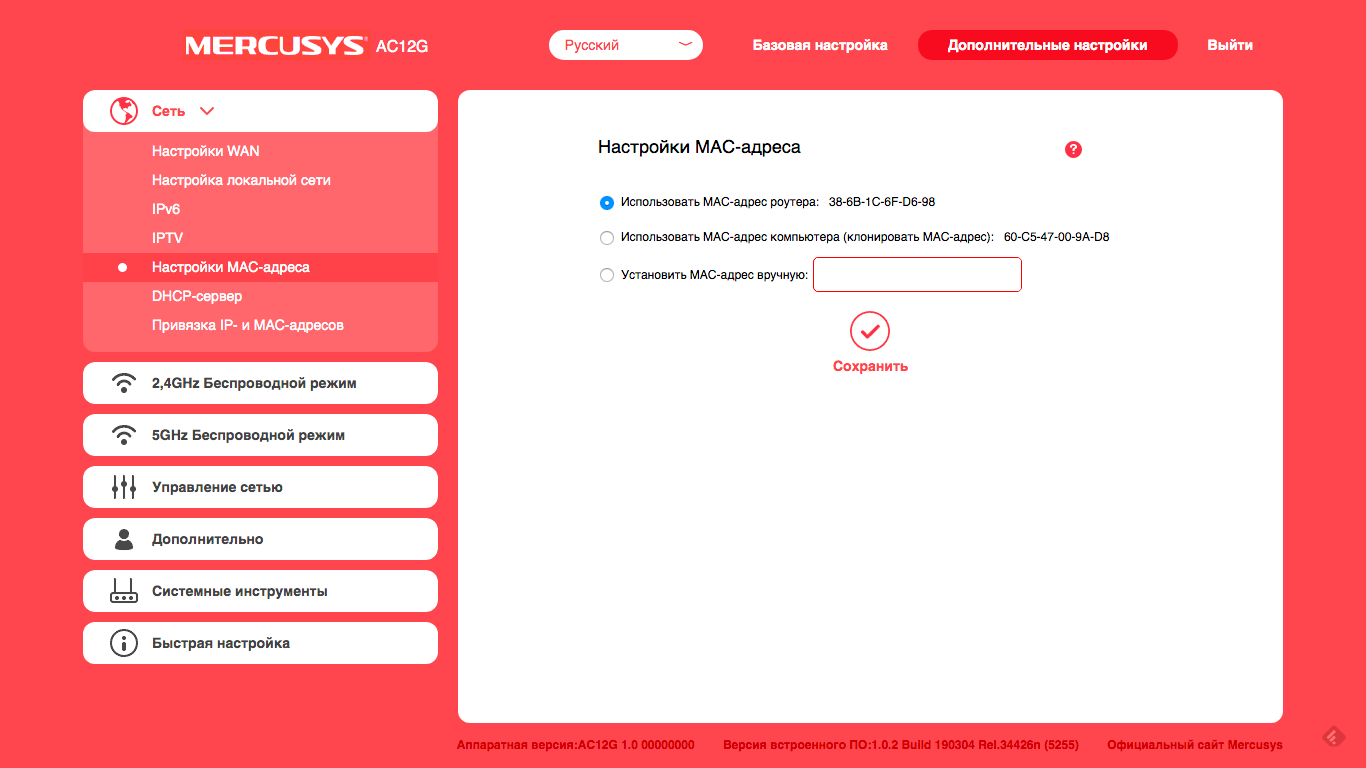
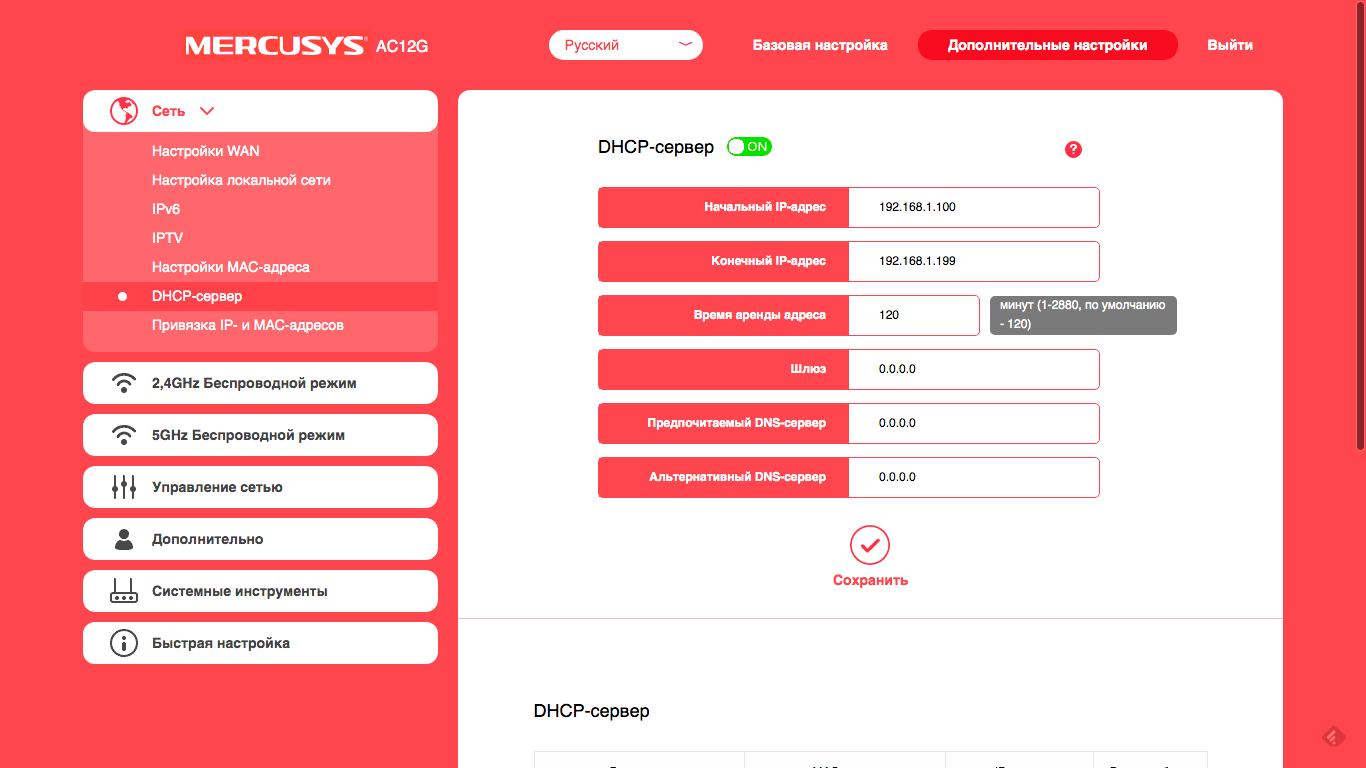


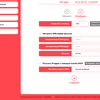

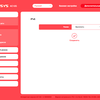
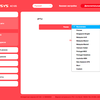
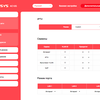



The same settings sections are devoted toWireless networks in each of two ranges. Name, password, channel and its width, mode, power, guest network - all this is configured here. Traditionally, Mercusys has a parental control section. Here privileged devices and time are selected, by hours and days of the week, when all other devices will be allowed to use the Internet. If this is not enough, then at your service black and white lists of devices in the next section of the settings panel.
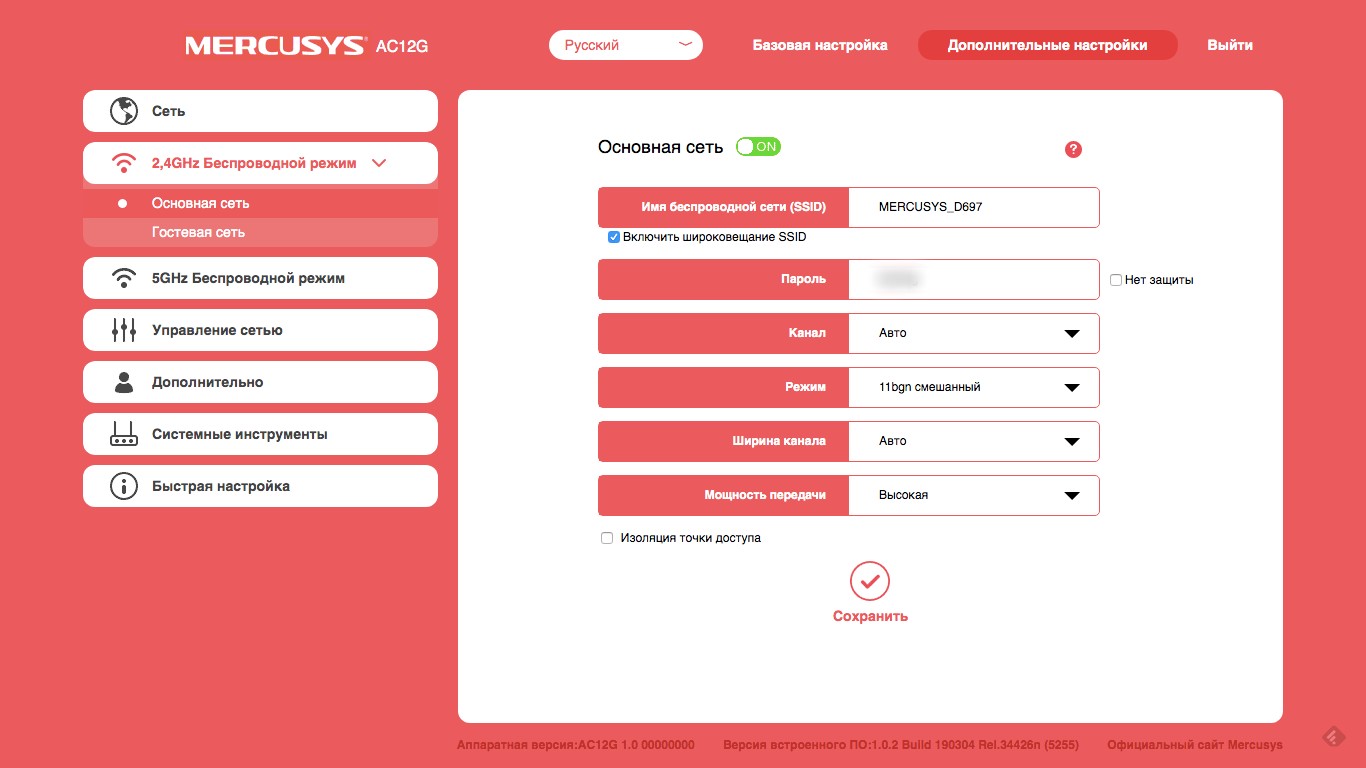
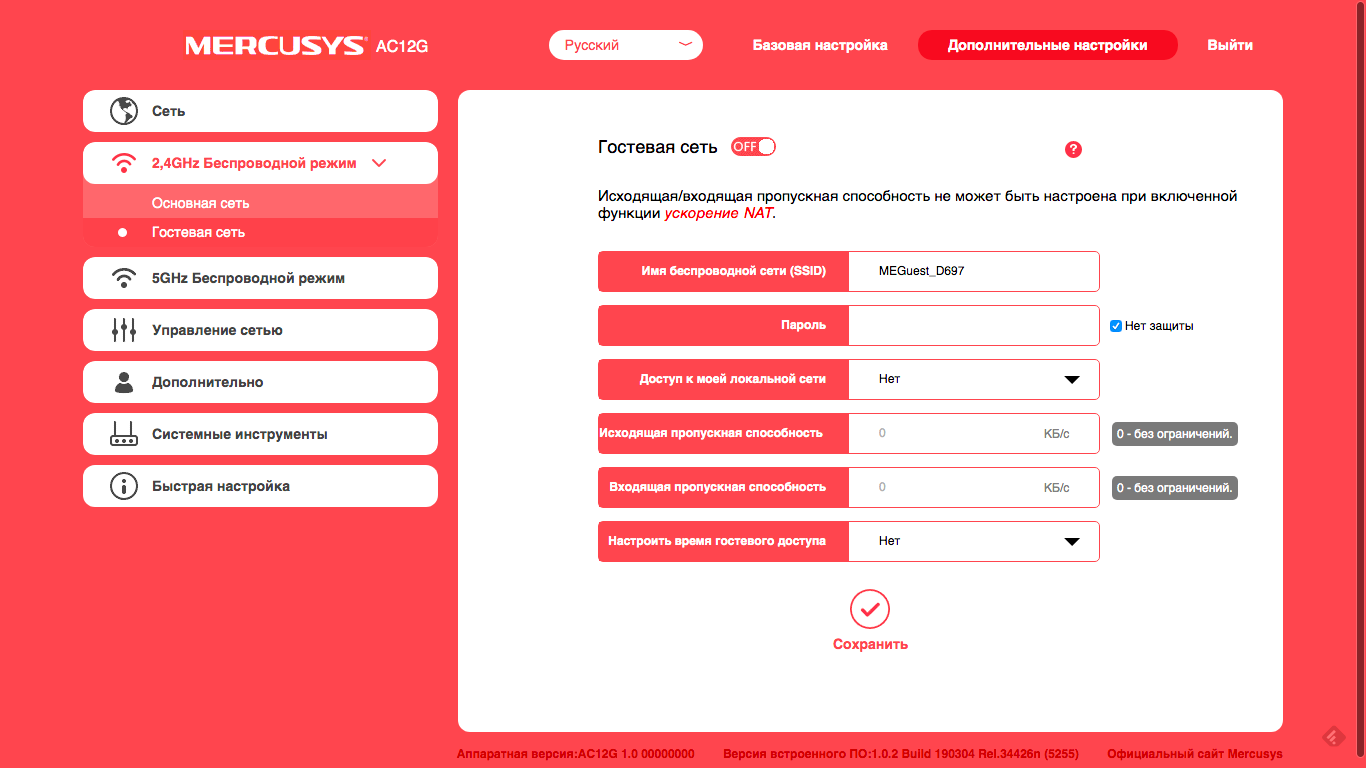
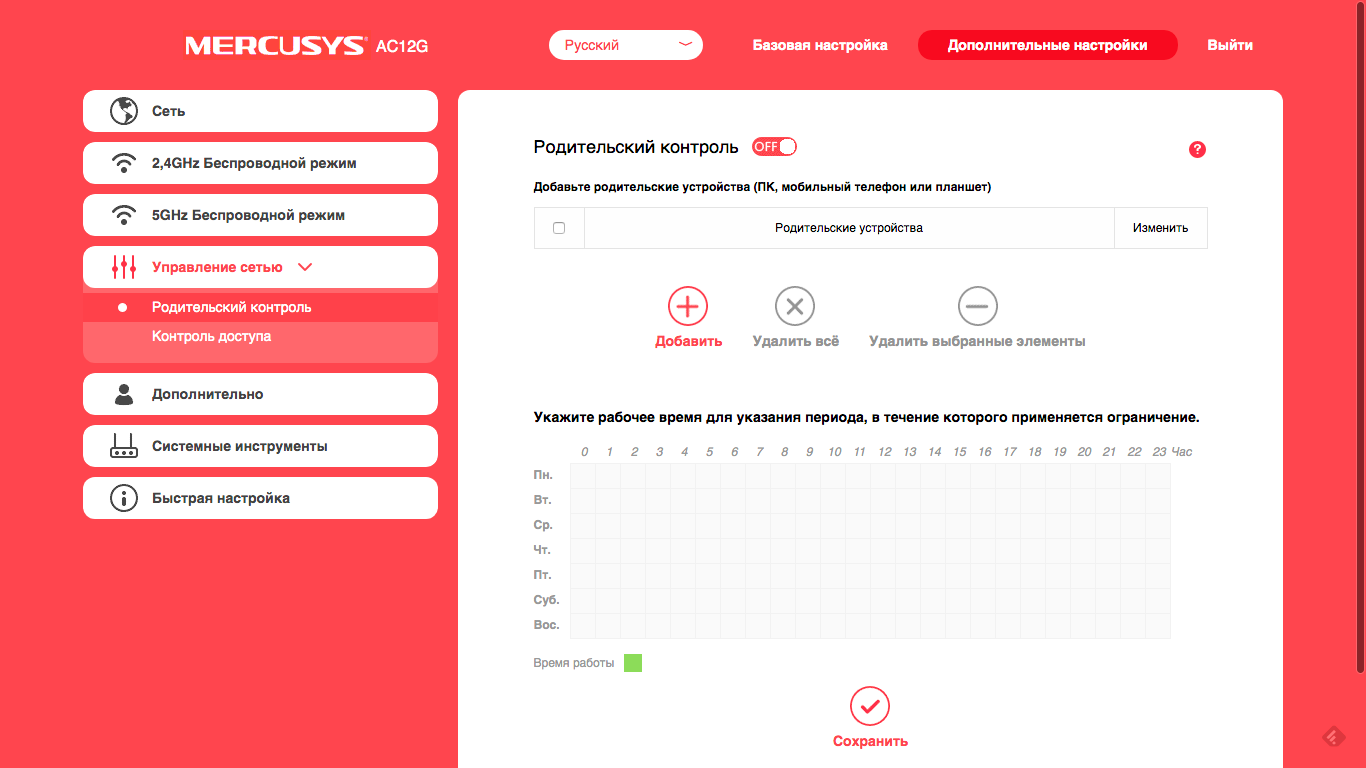
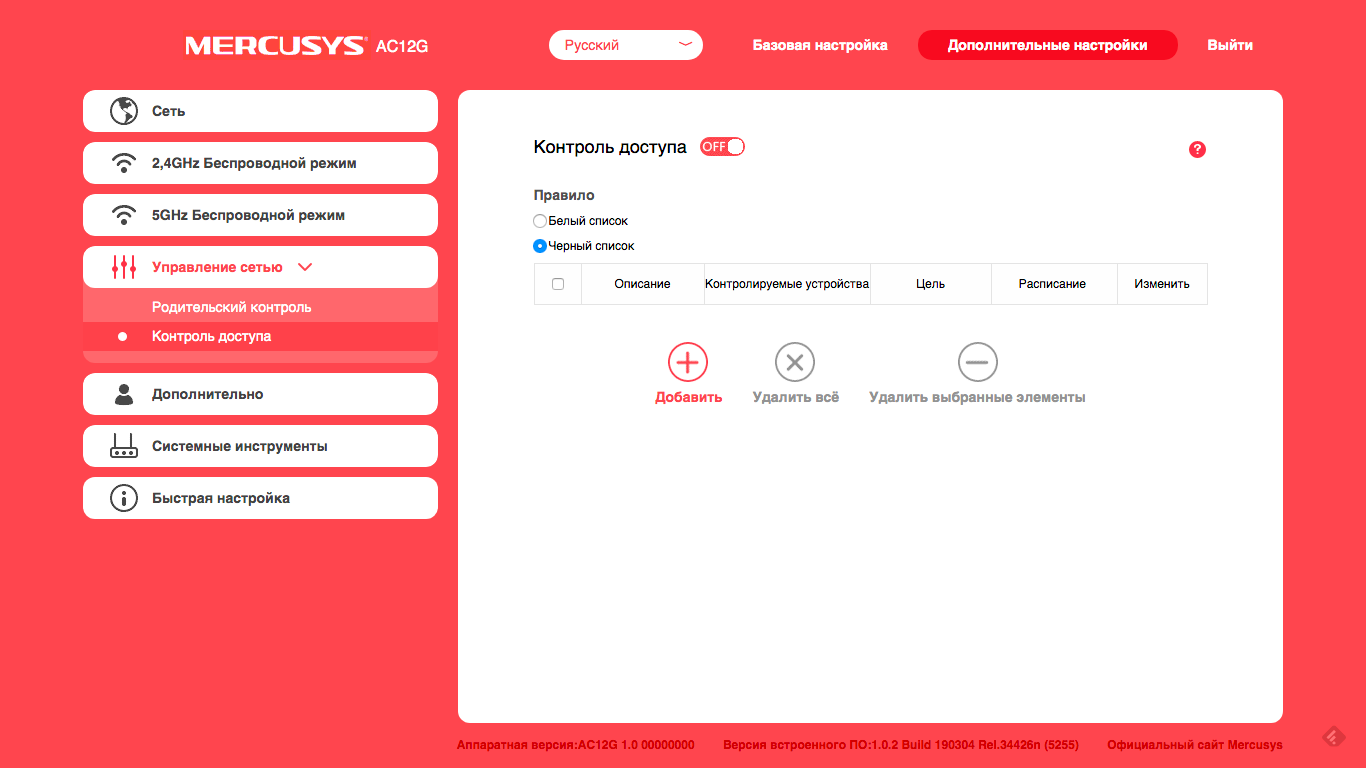


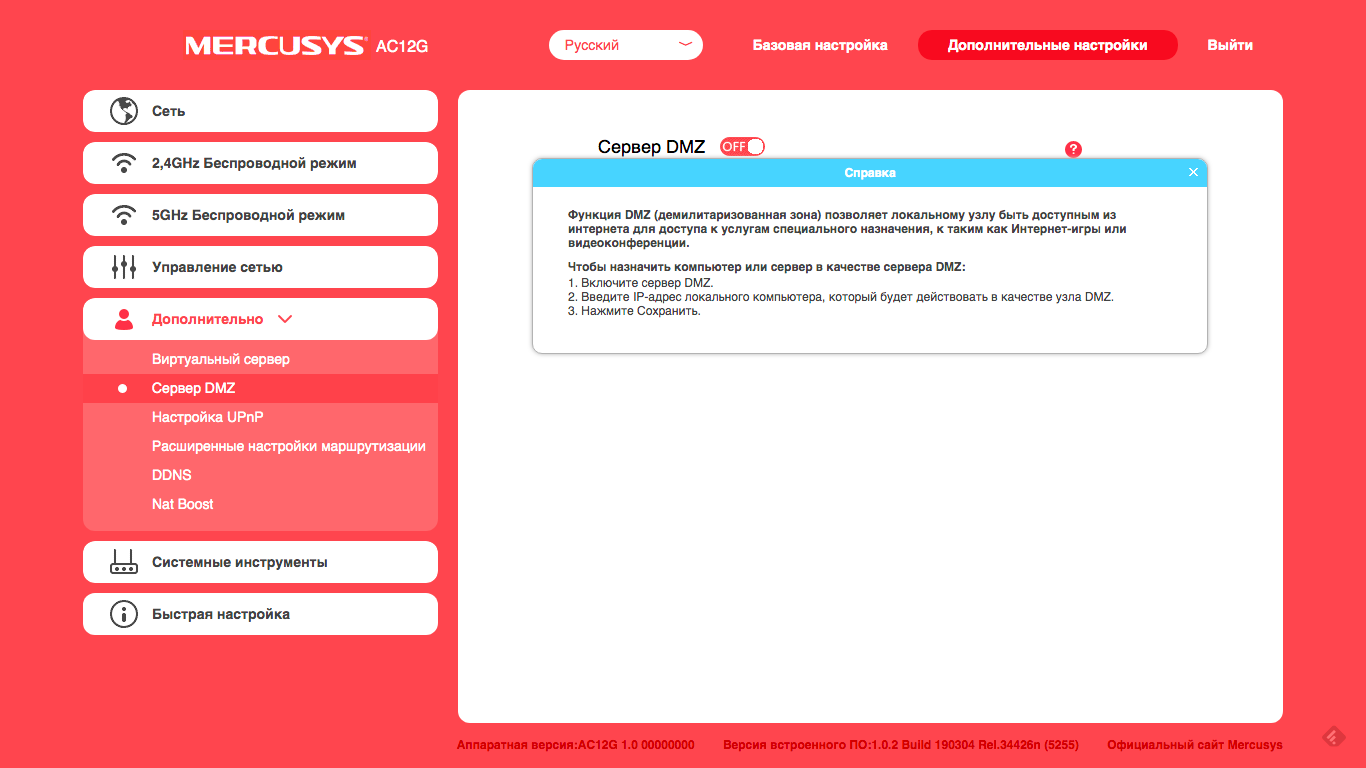
In the "Advanced" section, you can configurevirtual server (having thrown it into the Internet port from the local device), activate the DMZ node, play with the routing and DDNS settings. There is also a default NAT Boost feature.
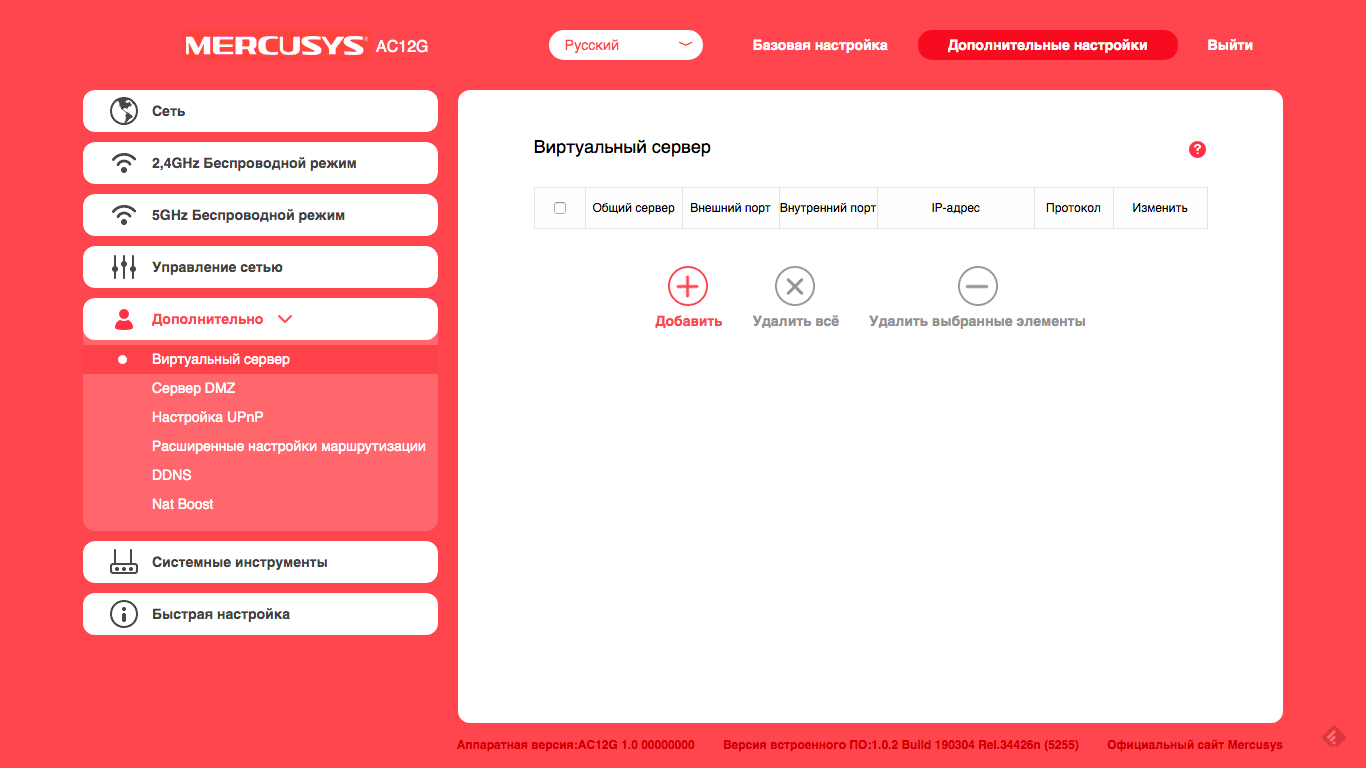
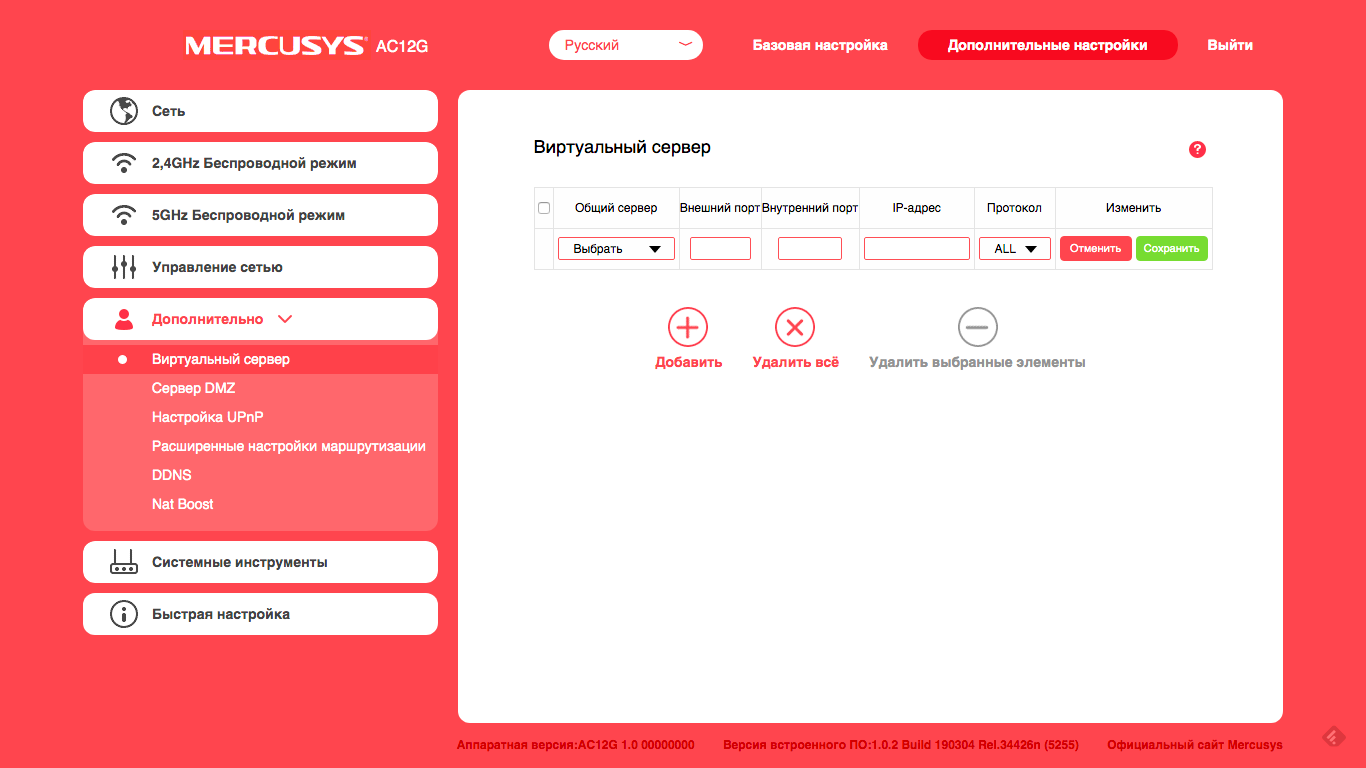
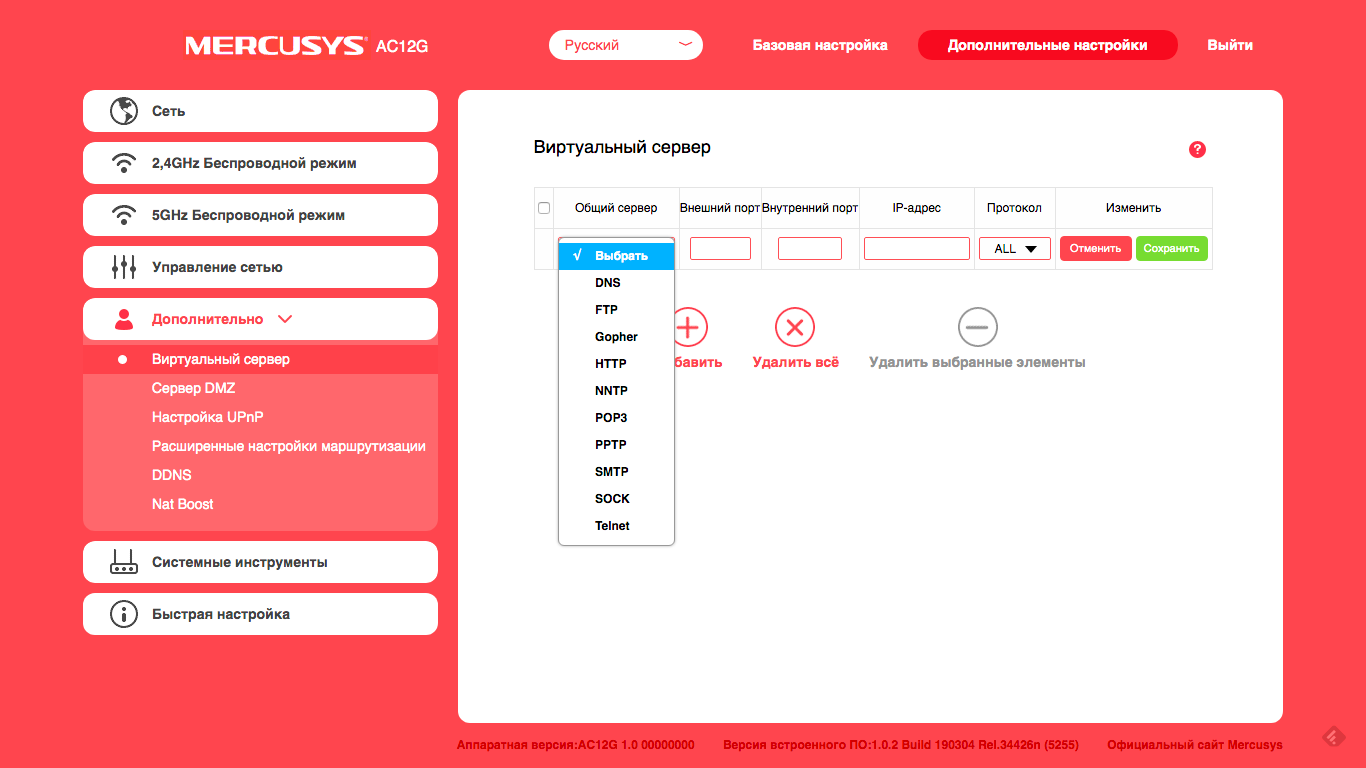
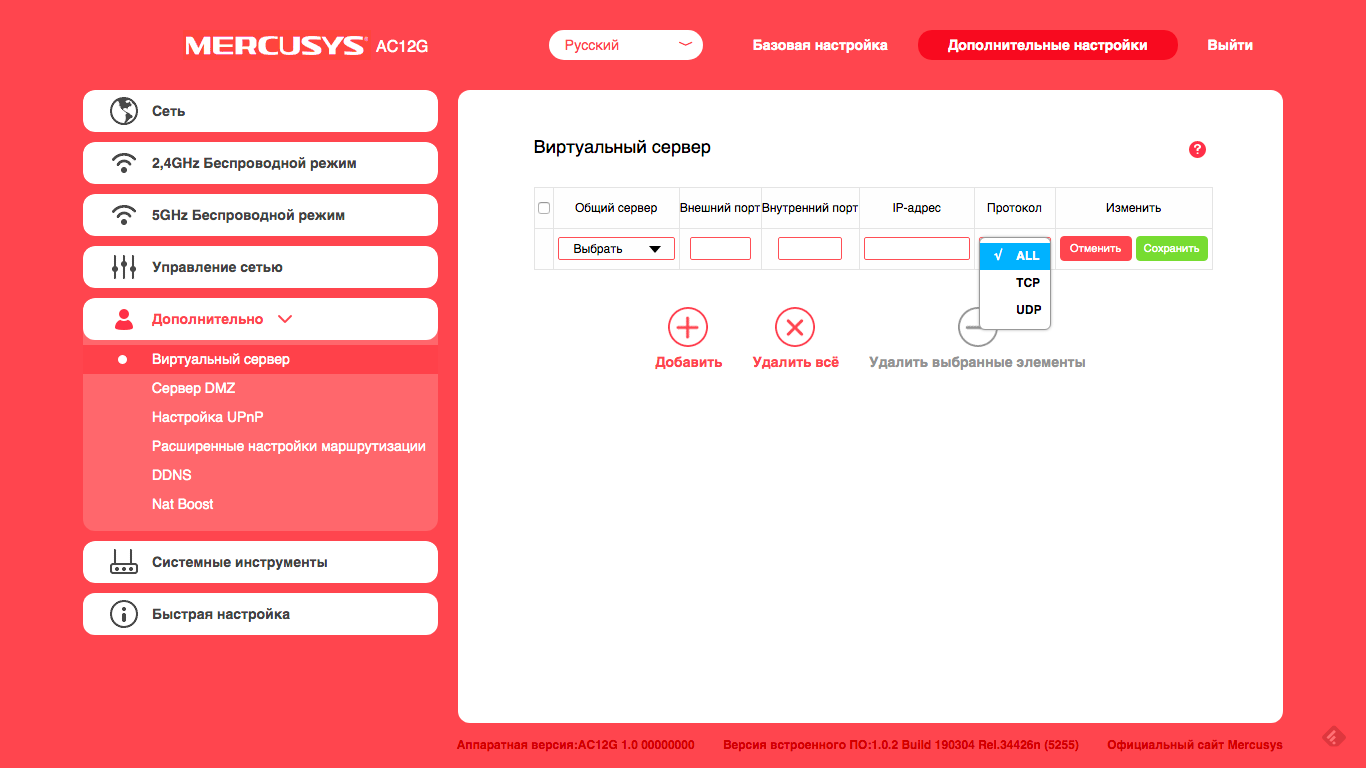
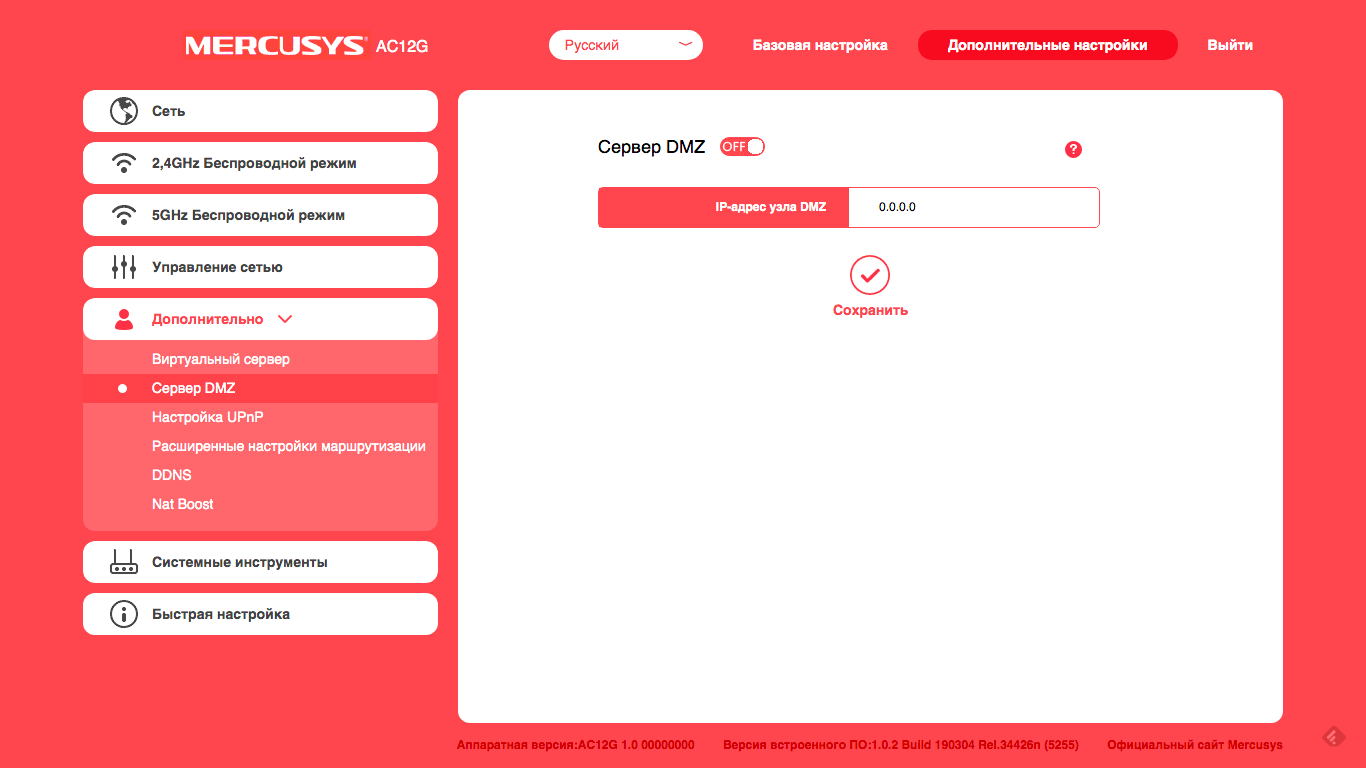

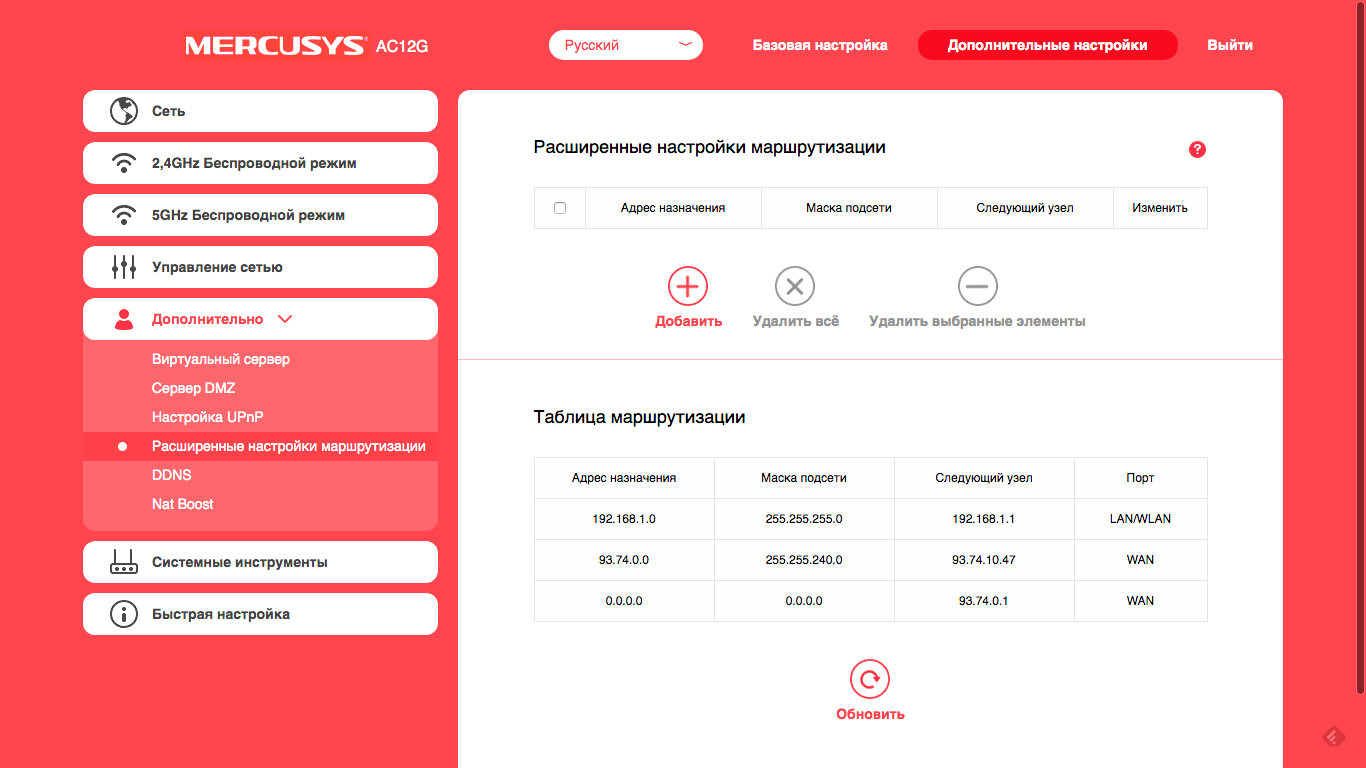
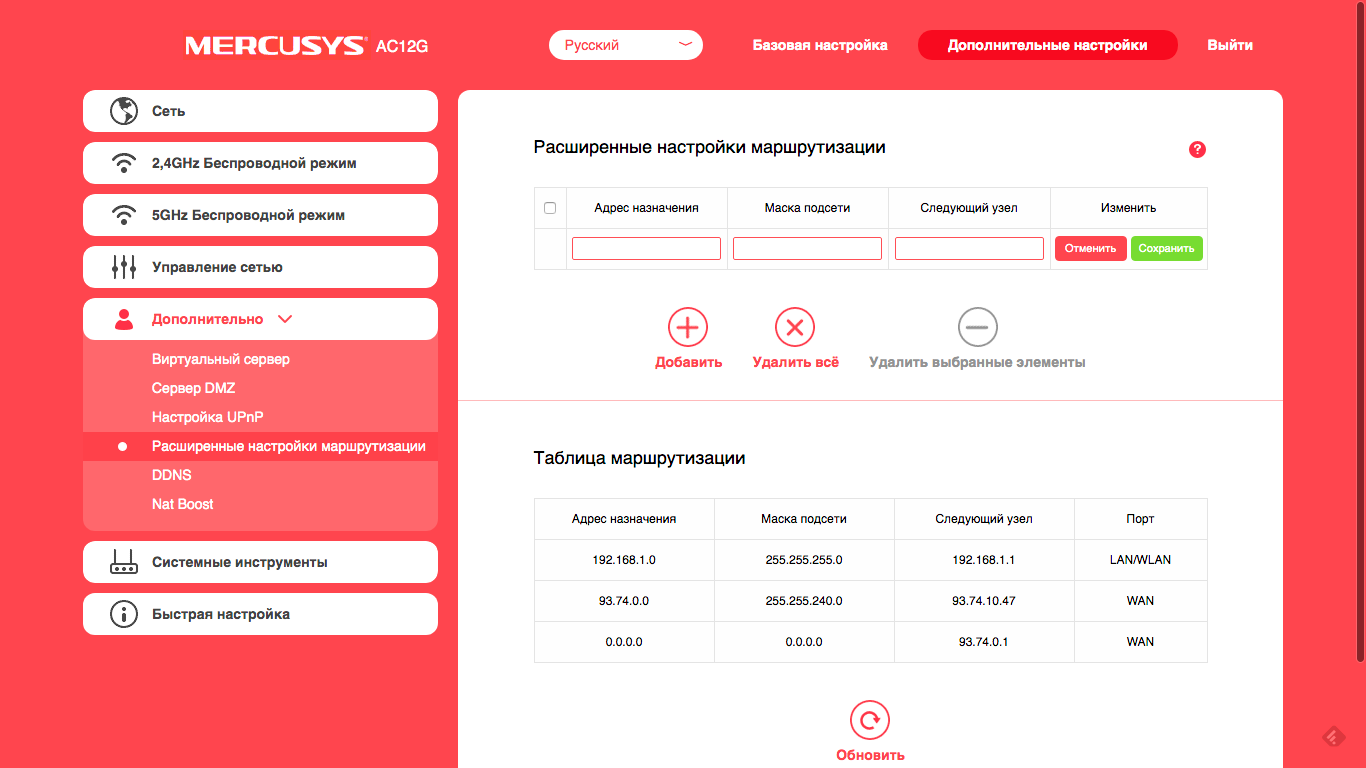

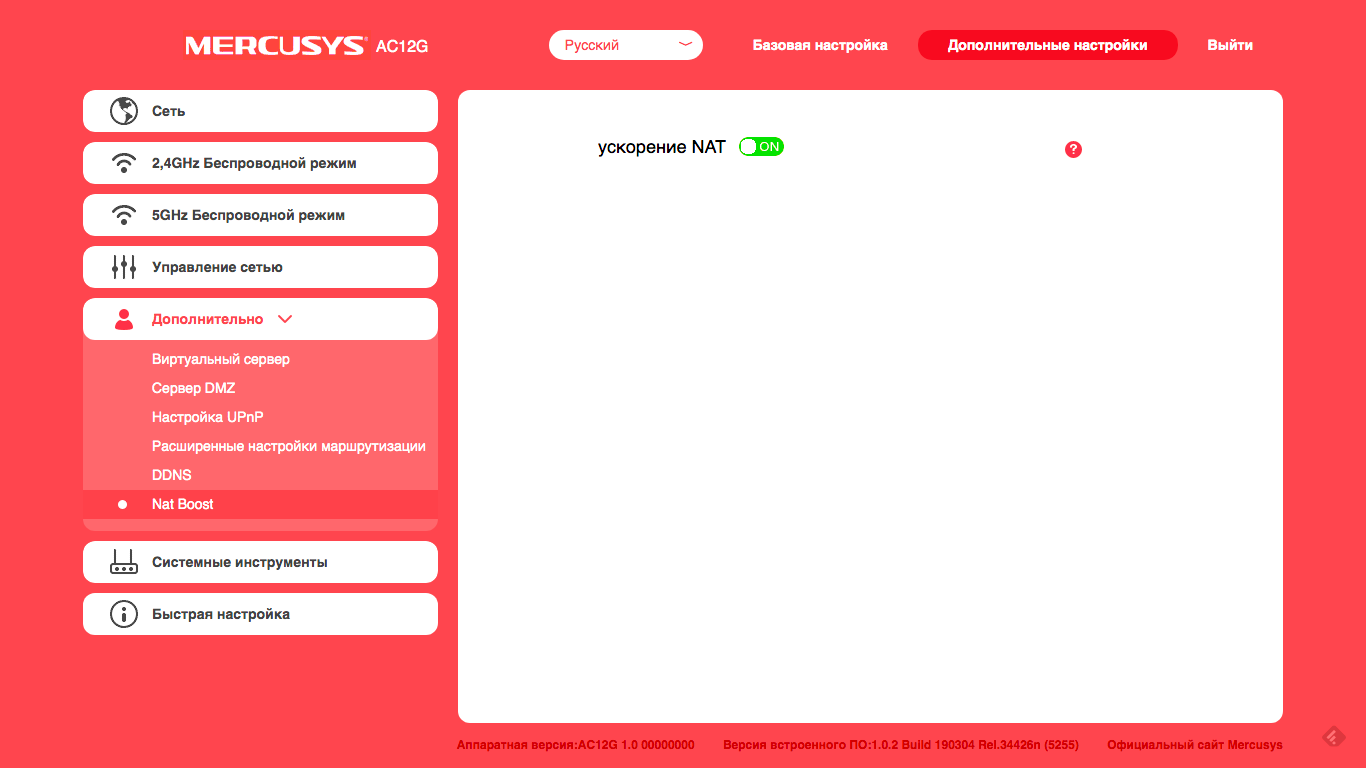
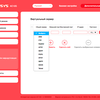
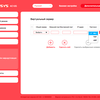
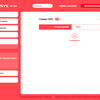
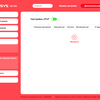



Each settings section is equipped with detailed hints that appear by clicking on the circle with a question mark.
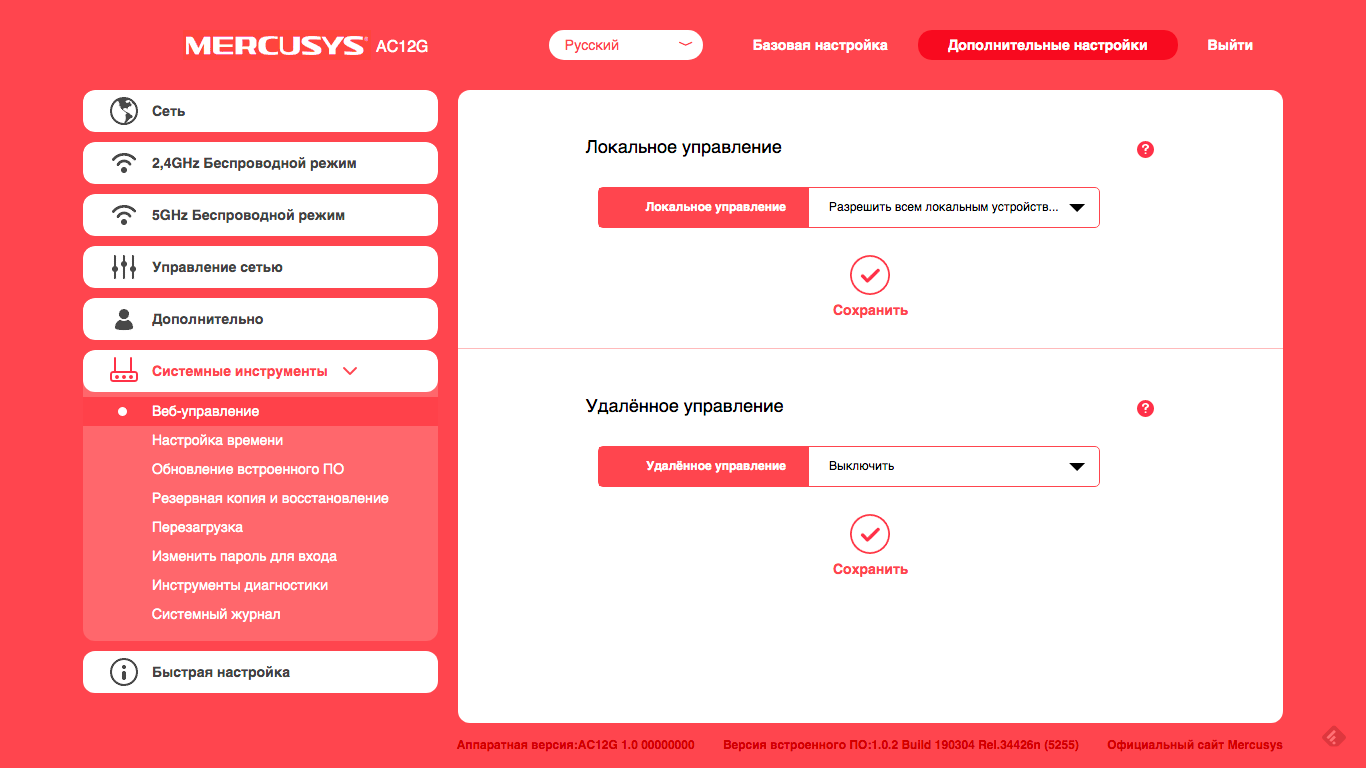
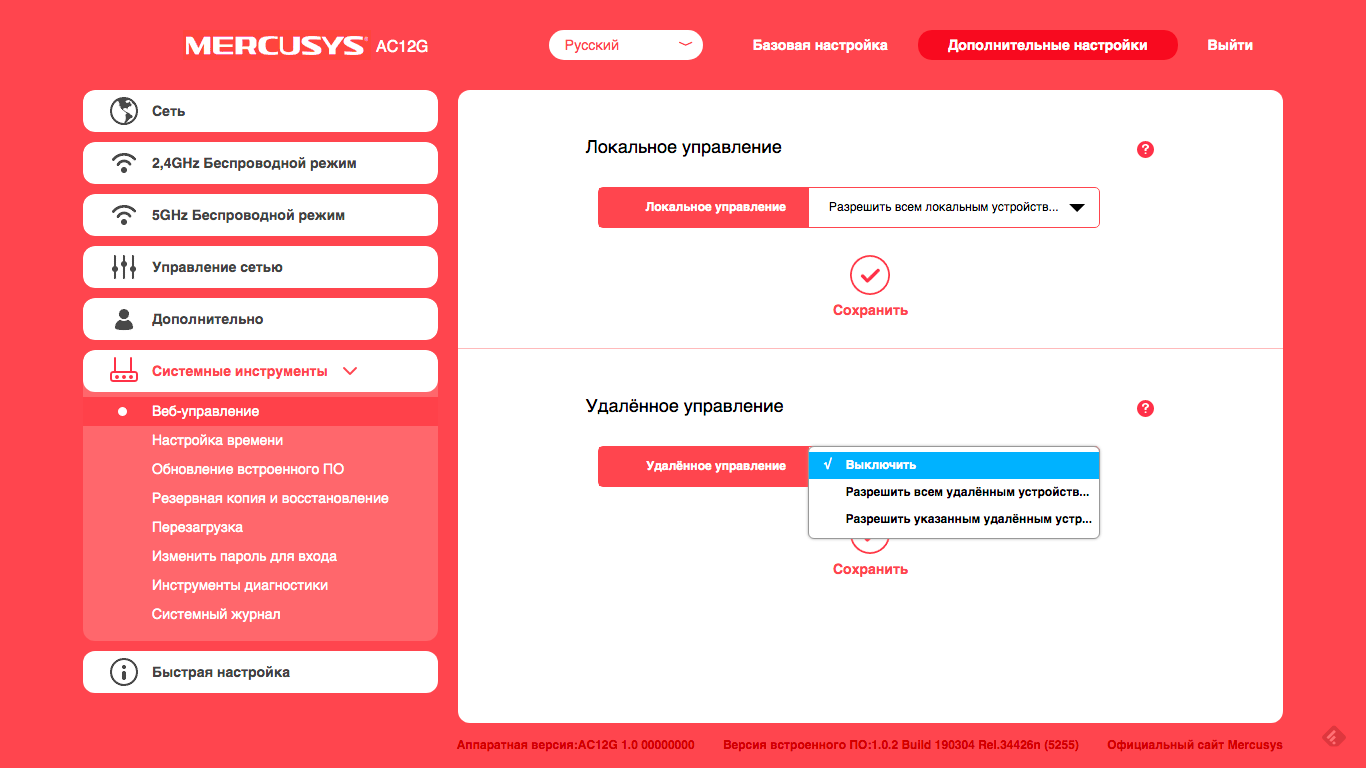
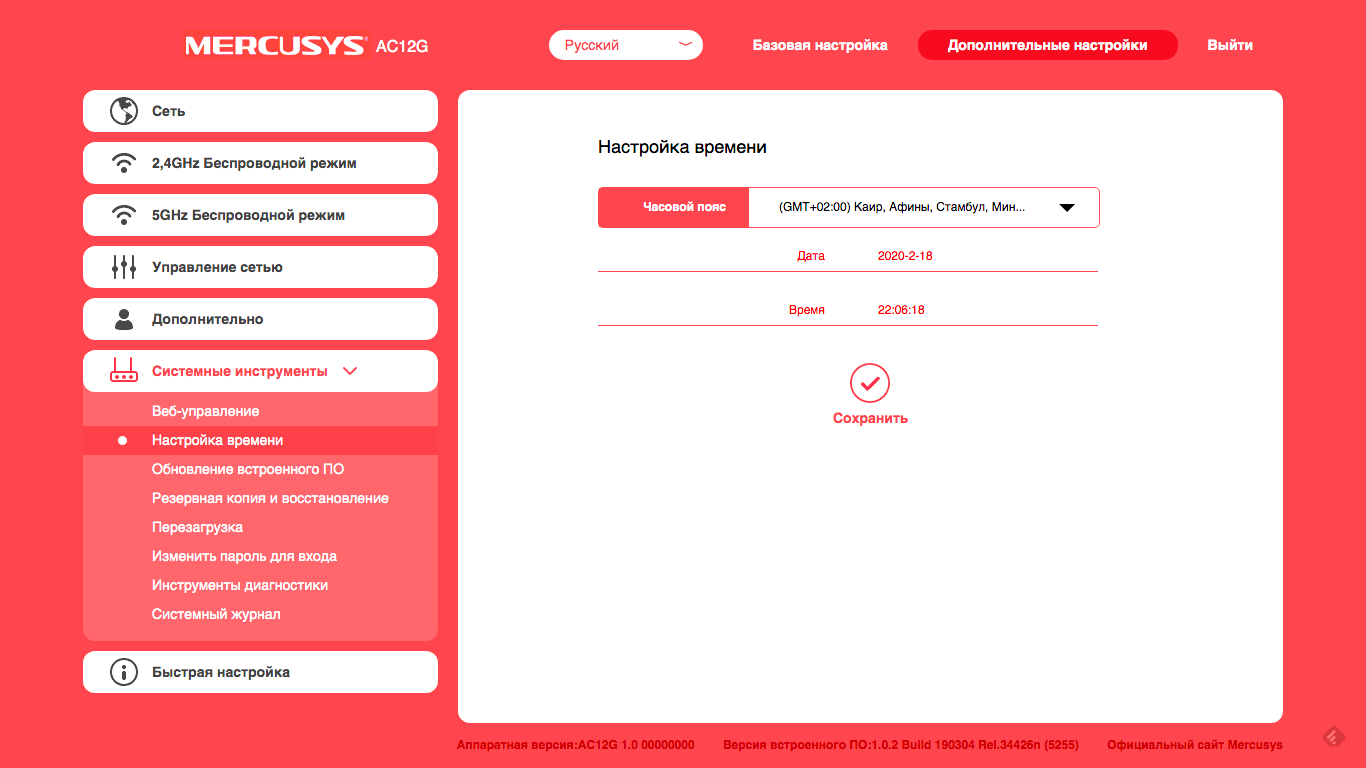
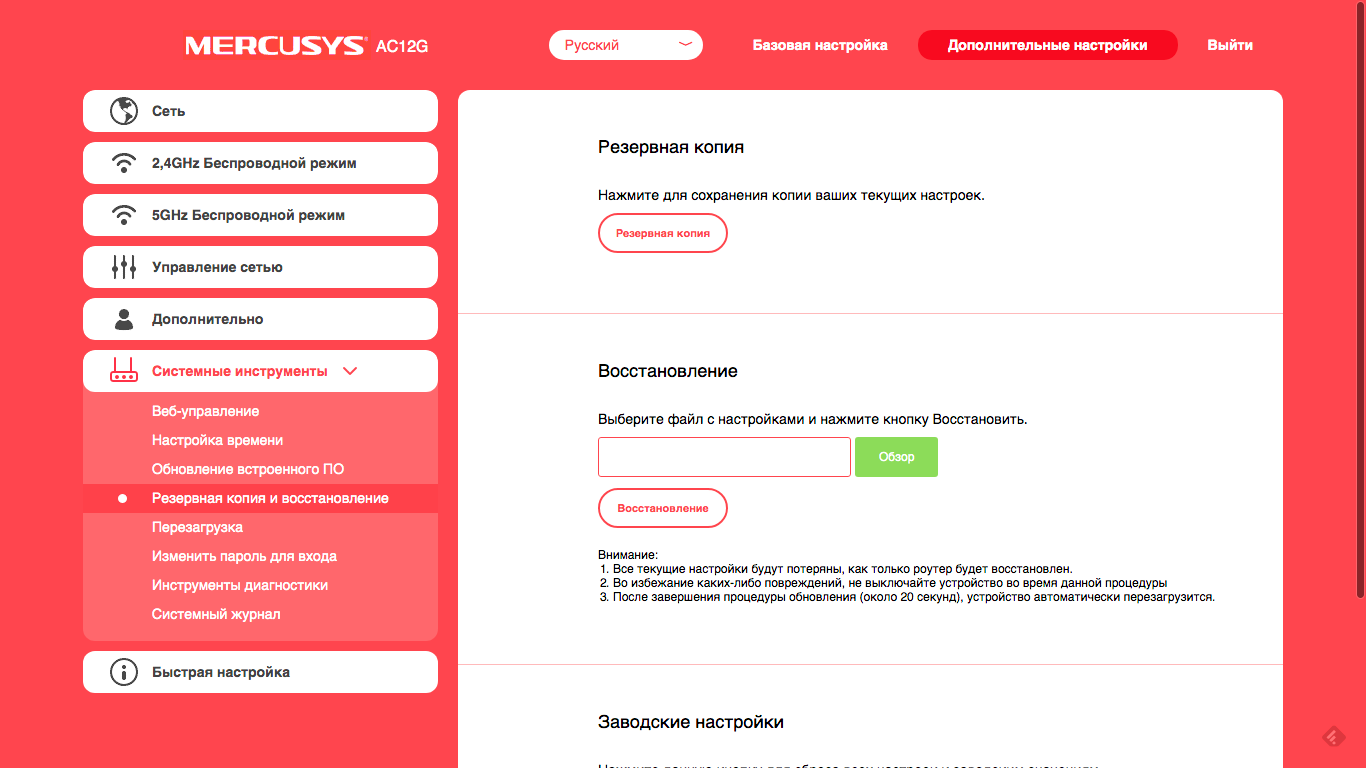
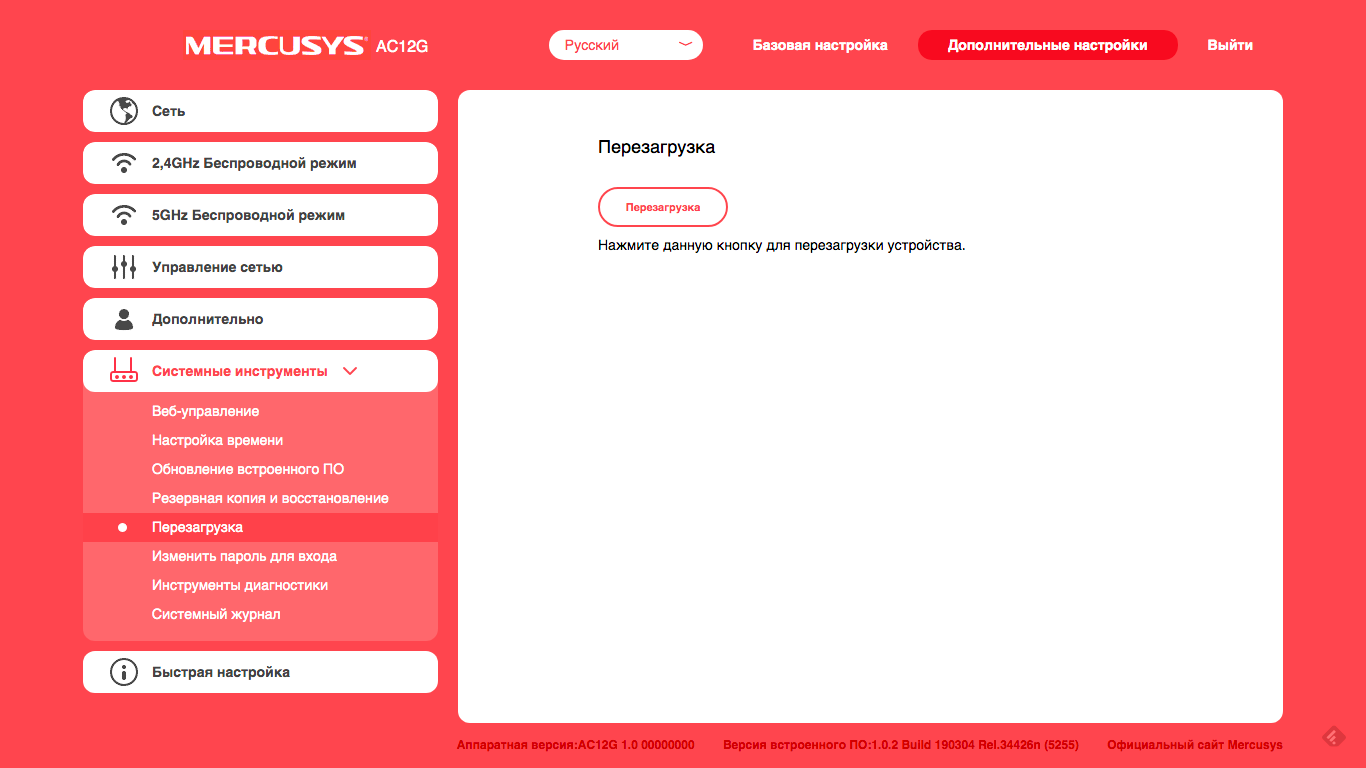
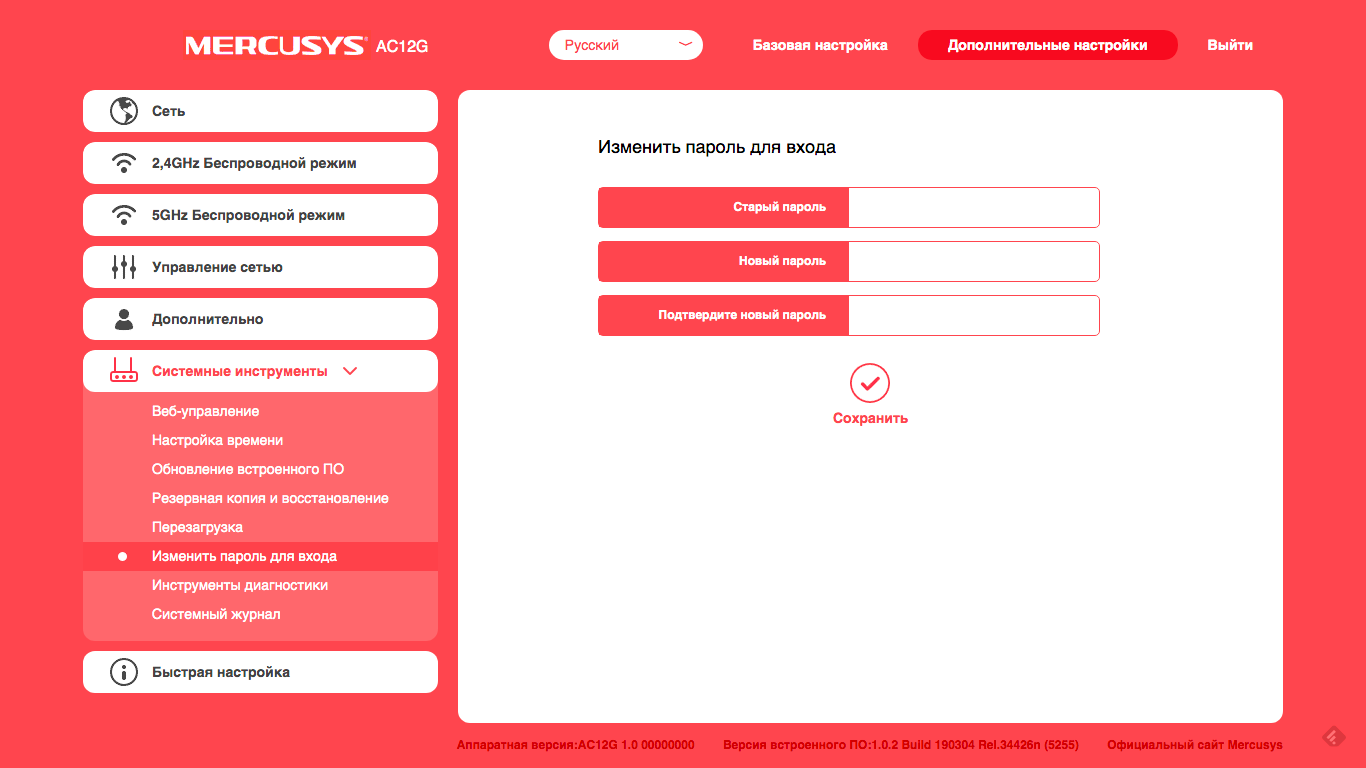
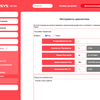
Firmware update occurs only from a file, inIn 2020, it looks old school harshly. You can save the router settings to a file, or load them from a previously saved backup. There is a system log, as well as ping and tracert diagnostic utilities.







What is the speed?
The AC1200 standard itself impliesthe maximum possible throughput of the router is up to 1200 Mbit/s in total in all wireless bands. Of course, this is a ceiling achievable only in laboratory conditions.
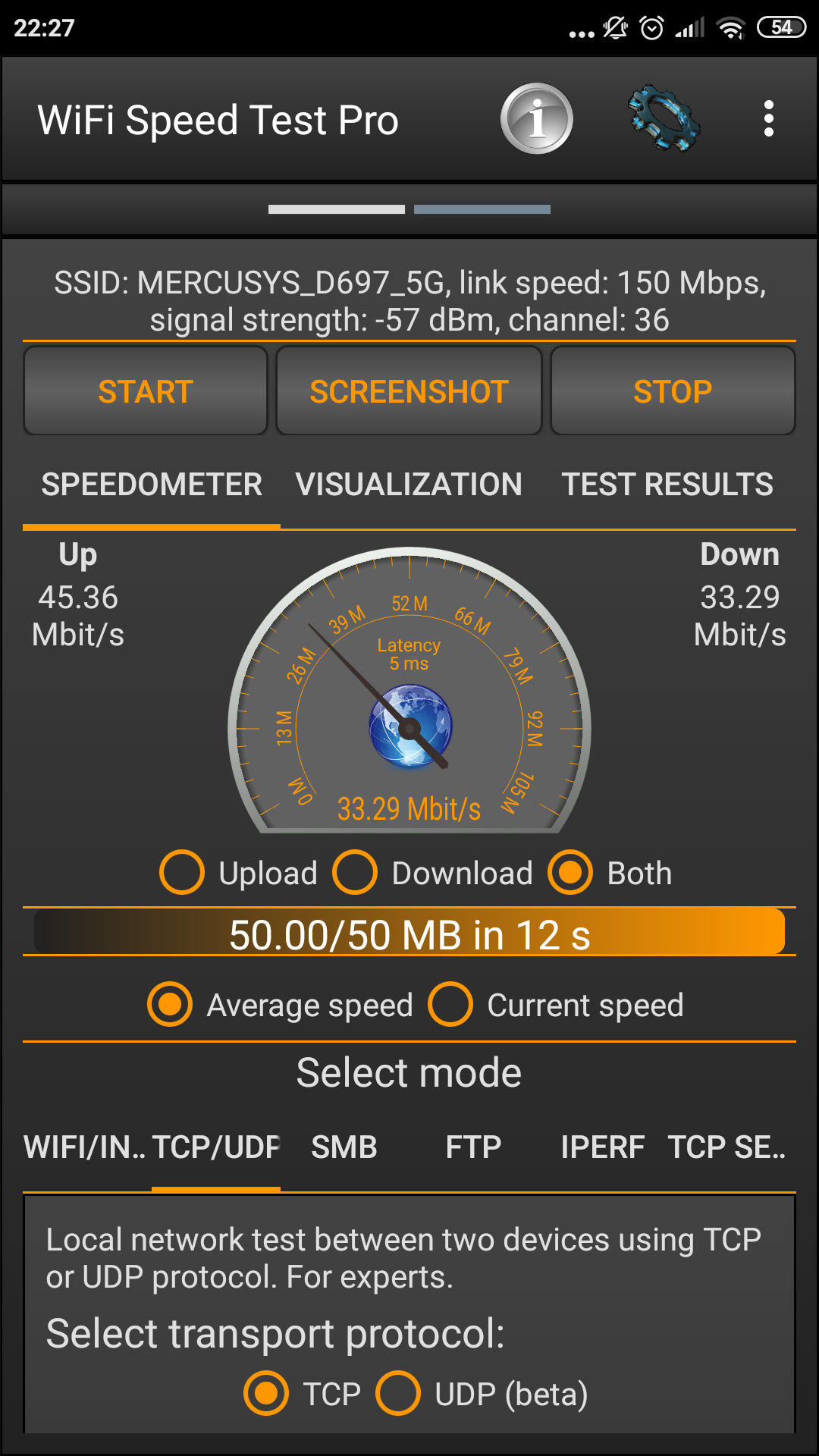
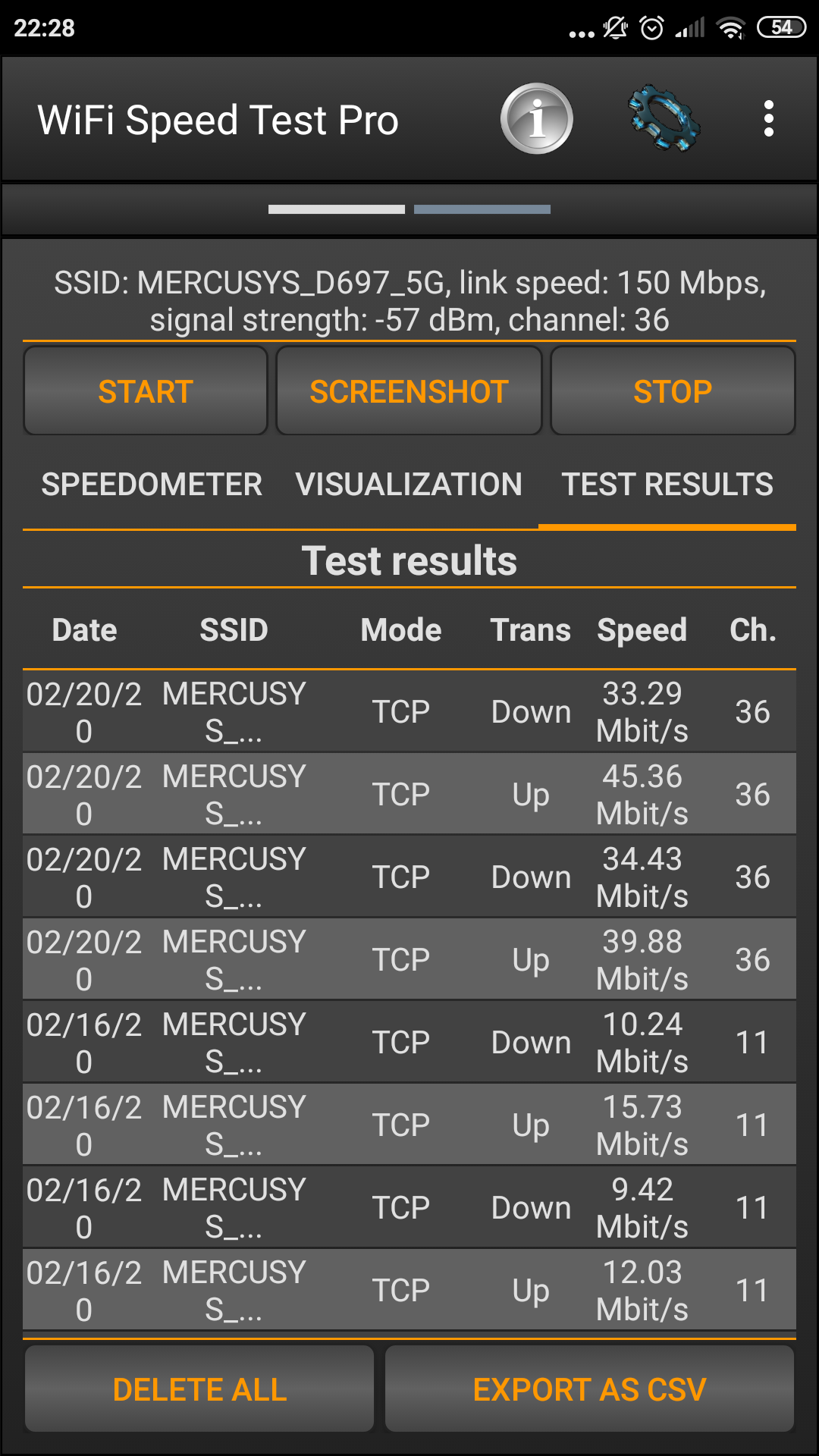
We, as usual, will try to test the devicein conditions as close as possible to domestic. And in everyday life smartphones are crowded with desktop computers; we cannot ignore this fact. Therefore, we take a couple of smartphones, launch a TCP server and a client on them, conduct several data exchange sessions, then change roles by devices, repeat the experiment and average the data.
</ img>

</ img>
</ img>

</ img>
</ img>
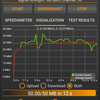
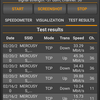

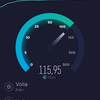
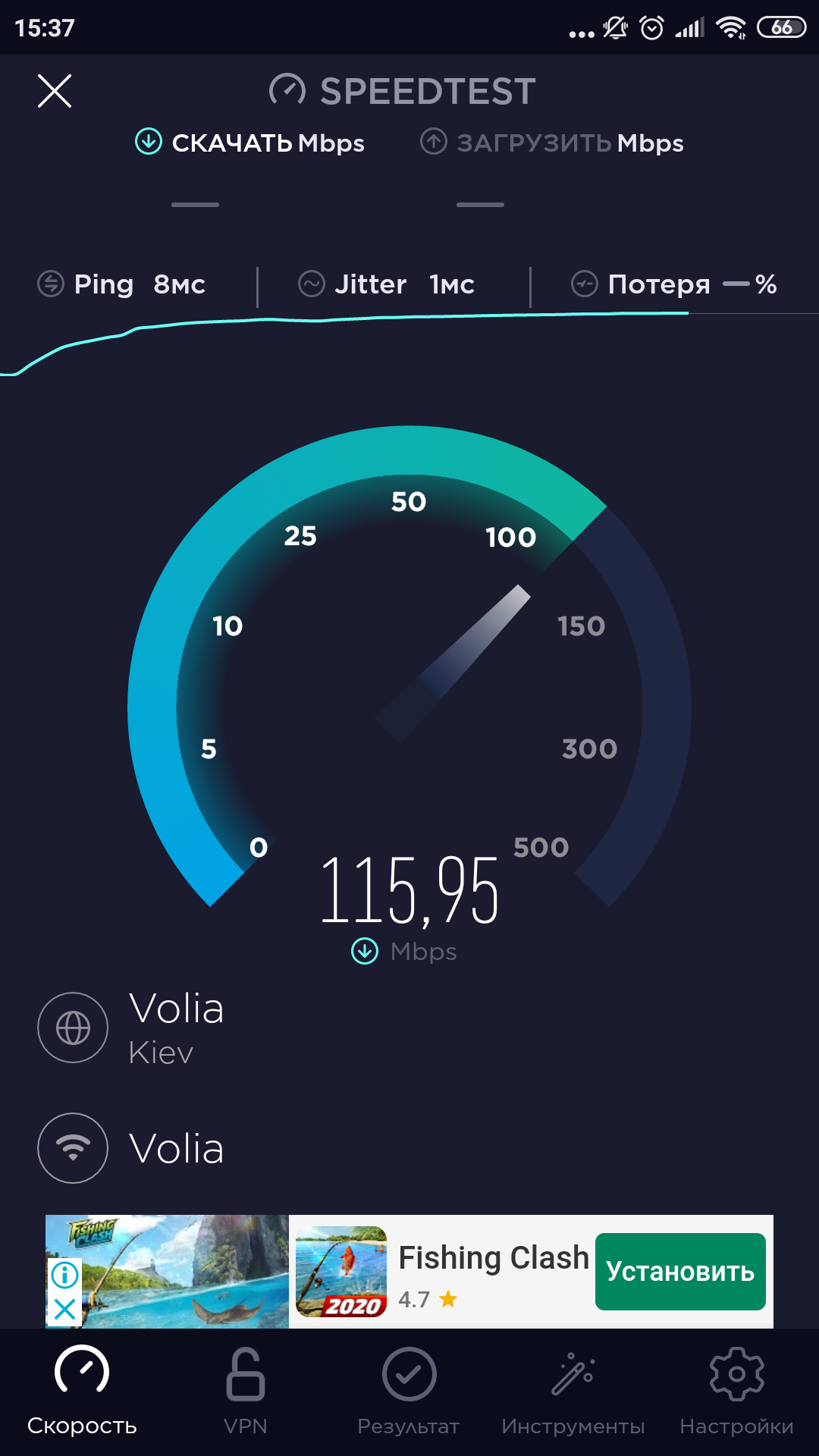
Based on the results of such a test, the real transfer rateData from smartphone to smartphone averaged 42 Mbps in 5 GHz mode and 22 Mbps in the good old 2.4 GHz band. As usual after such tests, it is sobering far from the references, but I focus on the fact that this is an average speed. Inside it lies vibrations associated with different devices used, different distances to the access point, different times of day and the load on the surrounding network. At the peak, when exchanging data between wired gigabit and wireless devices, you can catch 300 Mbps.
A separate issue concerns the stability of work underload under conditions of heavy traffic from many devices. At the everyday level: the Internet works quickly and does not lag, and your fighter in Brawl Stars is not stupid and does not lose (the latter, however, depends not only on the router). During testing, the AC12G did not freeze or show a tendency to overheat; the case remains slightly warm even under intense loads.
In the dry residue
Mercusys AC12G proved to be simple and reliablea tool for distributing home Internet. With a retail price of about 850 UAH, it is close to AC750 standard routers, which, judging by tests, it actually outperforms in wireless performance. It also offers gigabit wired connections, which are still largely the preserve of more expensive devices. The downside of these goodies is minimalism in controls, lack of USB ports and still not record-breaking performance.
3 reasons to buy Mercusys AC12G
- you need a simple and inexpensive router with 5 GHz support;
- at the same time, I want to immediately get the performance of the AC 1200 standard;
- and gigabit Ethernet ports in addition.
3 reasons not to buy the Mercusys AC12G
- need more Ethernet ports;
- need USB ports;
- There are specific performance or functionality requirements.
Mercusys AC12G
One of the most affordable routers with support for AC1200 and Gigabit Ethernet. Easy to set up, modest in appearance, practical to use. The budget is given by the lack of USB ports and a rustic design.

Inexpensive and gigabit