Microsoft has started testing the split-screen feature for two tabs in its Edge browser. For the first time about her
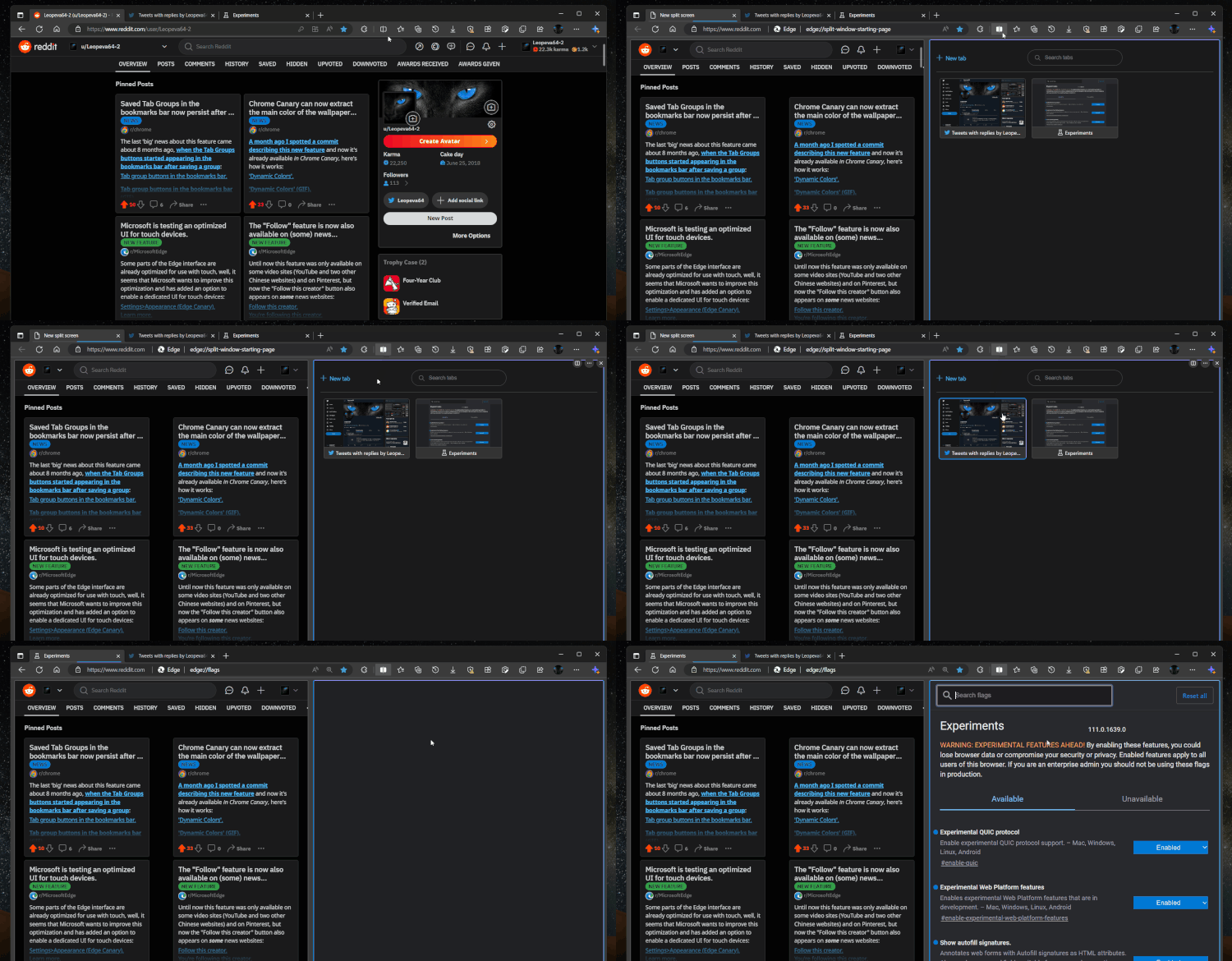
</ img>
After splitting the window into two tabs,a new tab has been created, when you switch to it, you will immediately get to two separated links. You can also pin these tabs side by side, duplicate them, or add them to groups just like any regular tabs. This makes this feature extremely useful if you regularly compare documents or web pages.