MSI Clutch GM31 Lightweight Wireless is a very interesting gaming mouse, one of the main features of which is
MSI Clutch GM31 Lightweight Wireless
Lightweight wireless mouse
73g wireless gaming mouse with 1200 DPI PixArt PAW3311 optical sensor. It has a polling rate of 1000 Hz. Operates from built-in battery up to 110 hours
Telemart

4reasons to buy MSI Clutch GM31 Lightweight Wireless:
- comfortable and very light design;
- durable Omron switches for 60 million clicks;
- fast and accurate PixArt PAW3311 optical sensor;
- support for wired and wireless 2.4 GHz connections.
1reason not to buy MSI Clutch GM31 Lightweight Wireless:
- not very convenient and functional software.
- What is in the box?
- What does the MSI Clutch GM31 Lightweight Wireless look like?
- How convenient is it to use?
- What can MSI Clutch GM31 Lightweight Wireless do?
- In the dry residue
What is in the box?
</ img>
</ img>
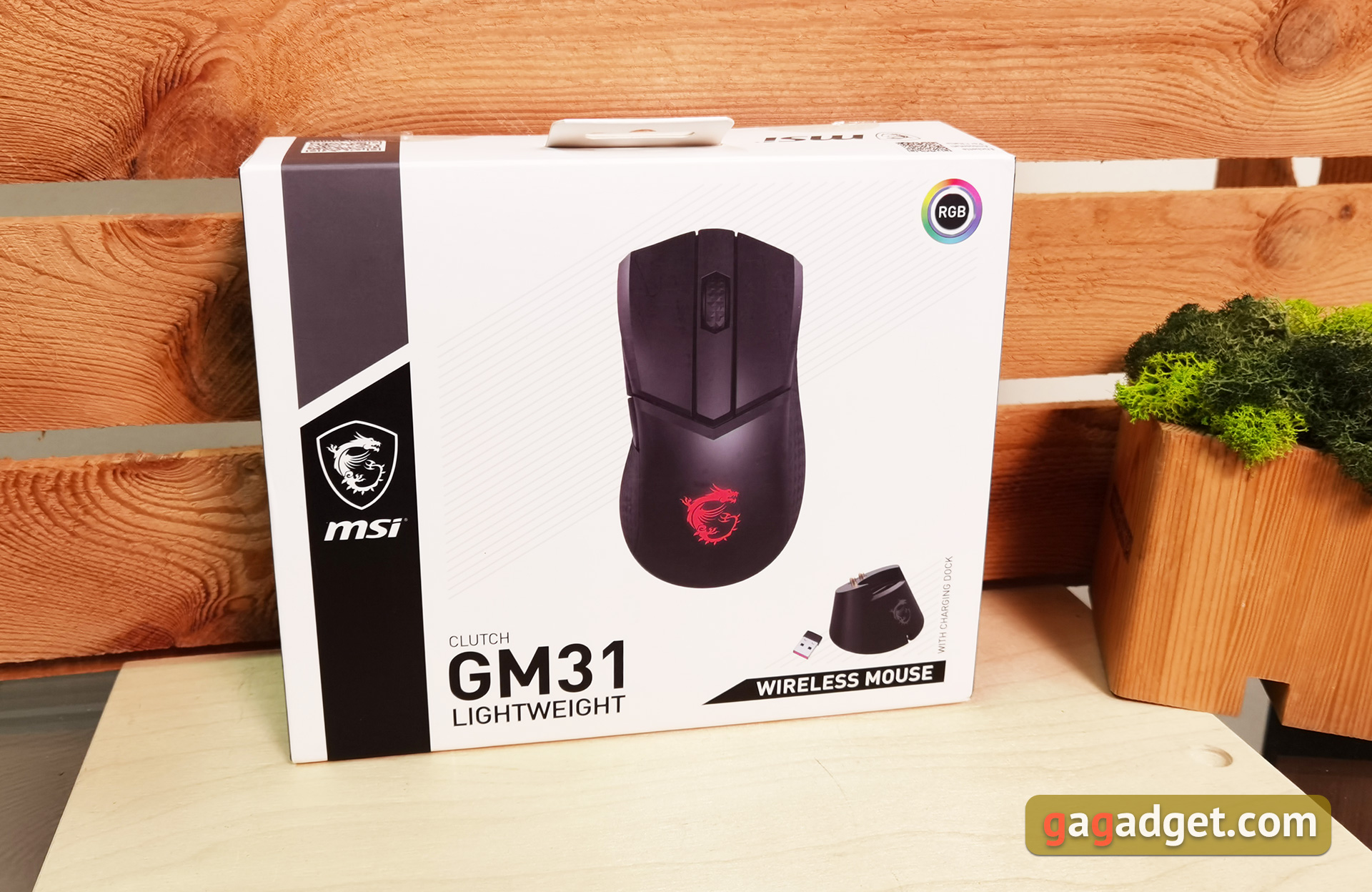
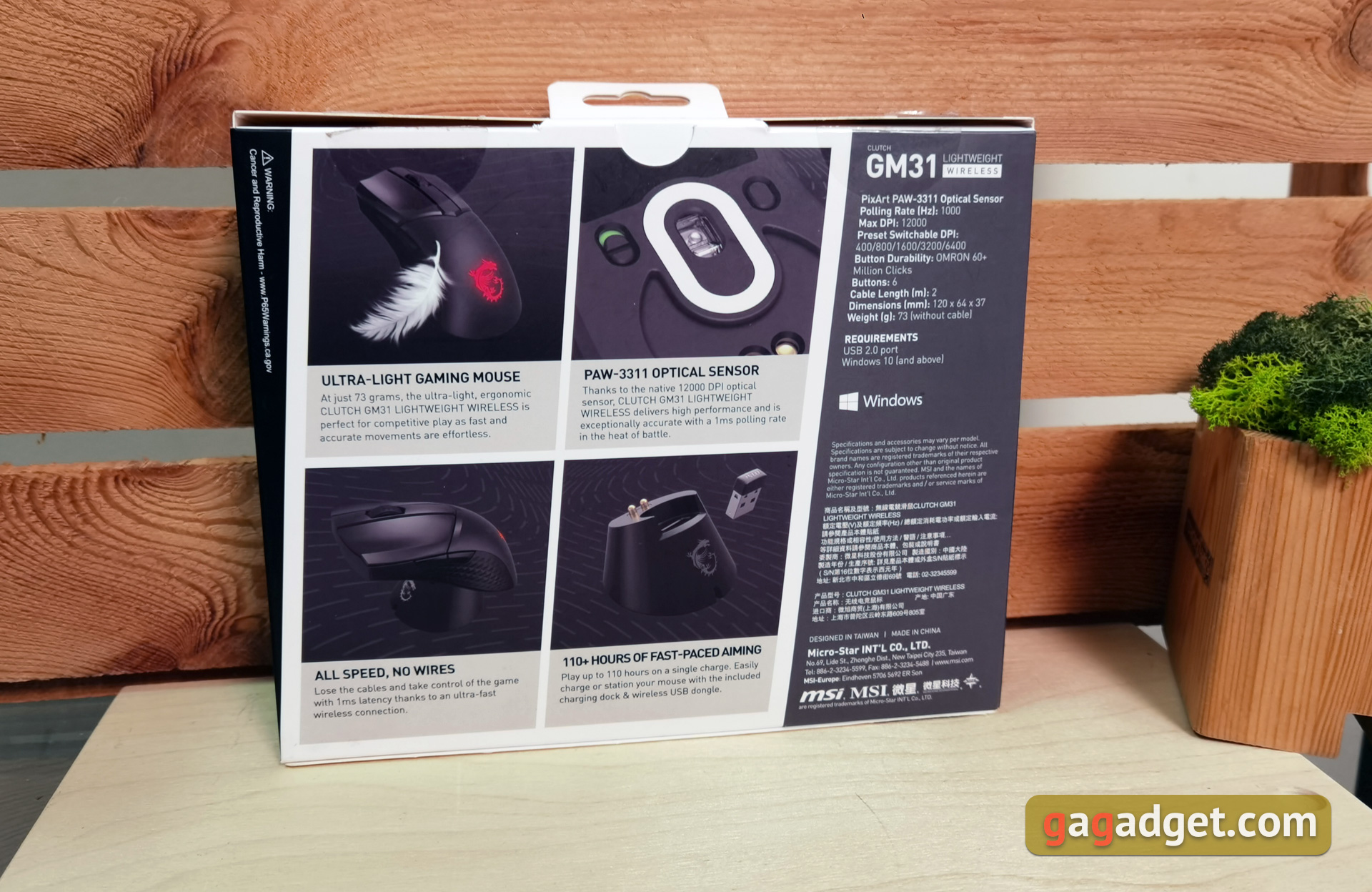
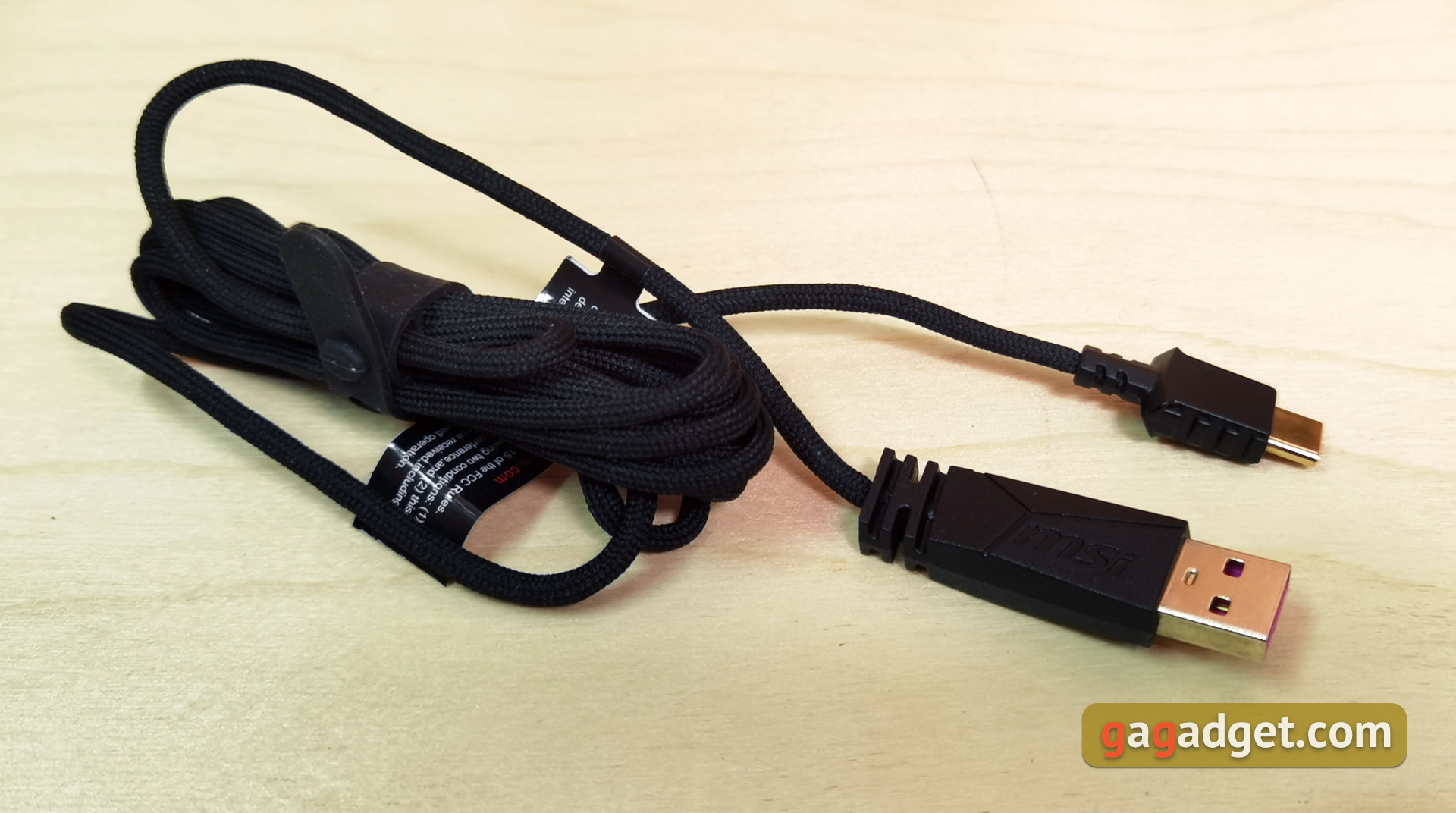
The MSI Clutch GM31 Lightweight Wireless is packaged in a fairly large box with black and white printing, an image of a mouse on the front and basic specifications on the back.The box contains the mouse itself, a 2-meter cable with fabric braiding, a charging dock, and a USB transmitterand documentation.
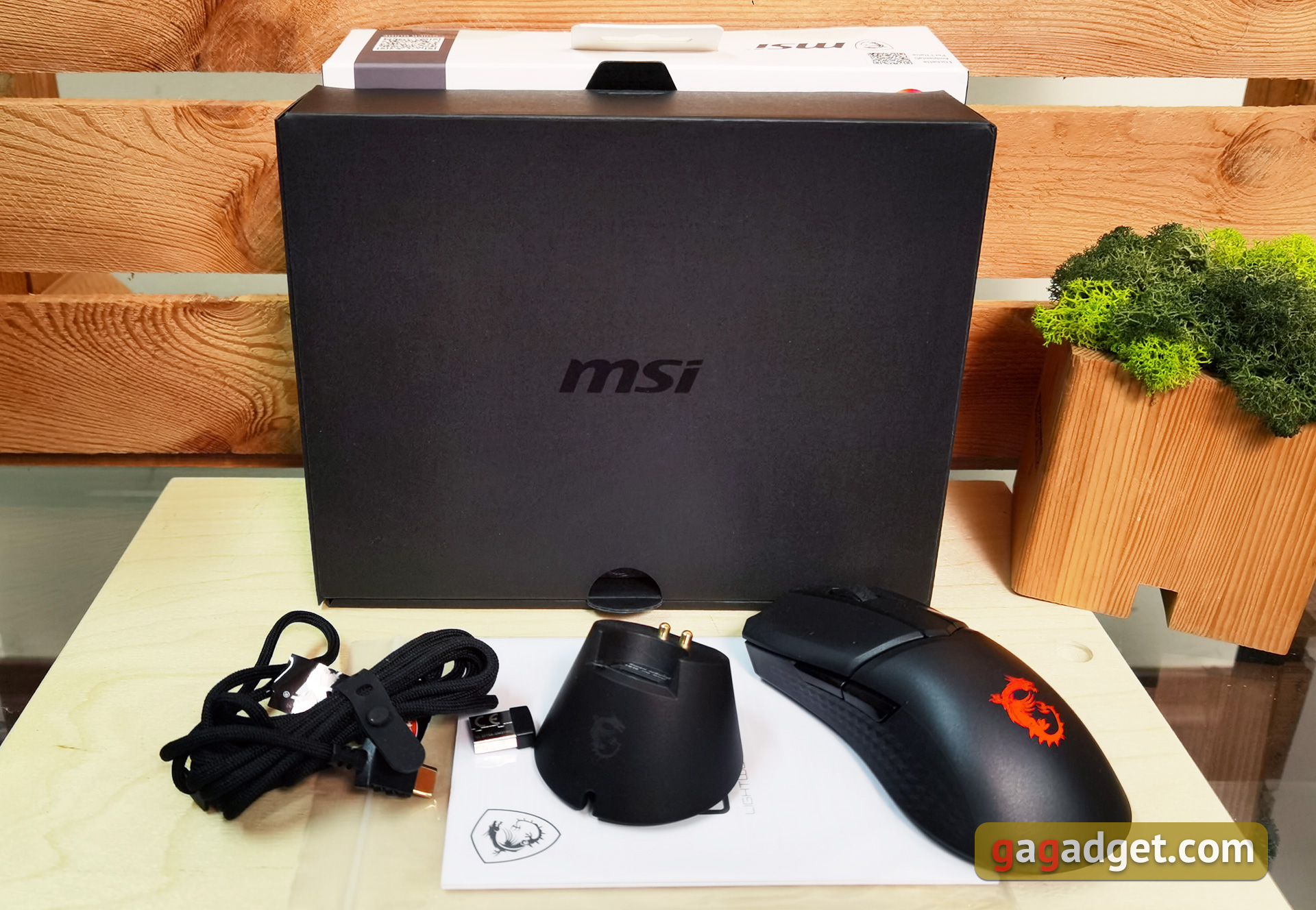
</ img>
What does the MSI Clutch GM31 Lightweight Wireless look like?

</ img>
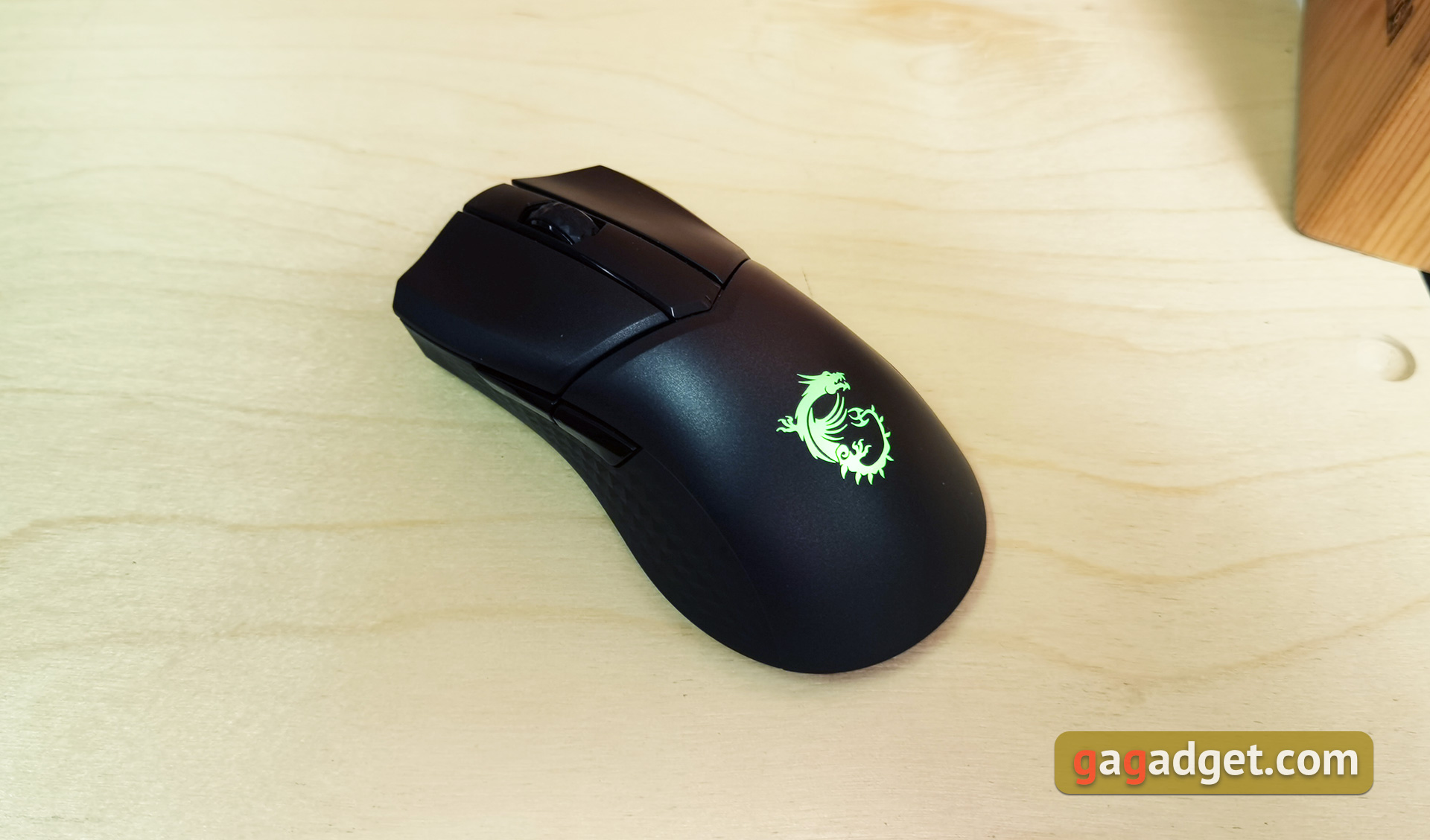
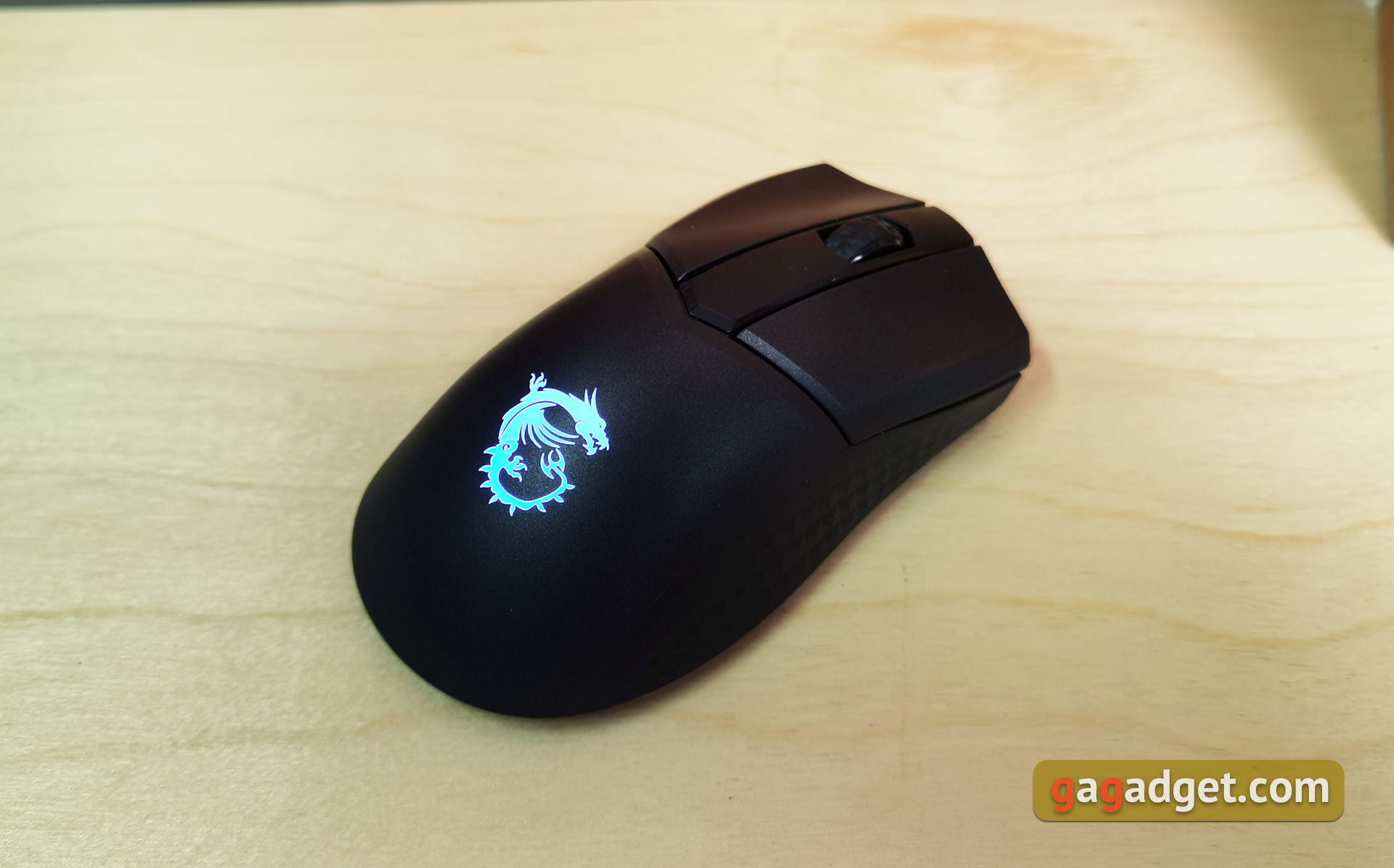
The MSI Clutch GM31 Lightweight Wireless is an asymmetrical mouse for right-handed use.It is made mainly of rough black plastic, which provides a good grip on the palm and is not very dirty.The main buttons are symmetrical and separated from theIt seems that they are additionally spring-loaded, since they do not wobble at all, which makes them sickMany mice have a similar design of the main buttons.an indentation for the thumb and a slight extension on the right, for the ring finger and little finger.

</ img>
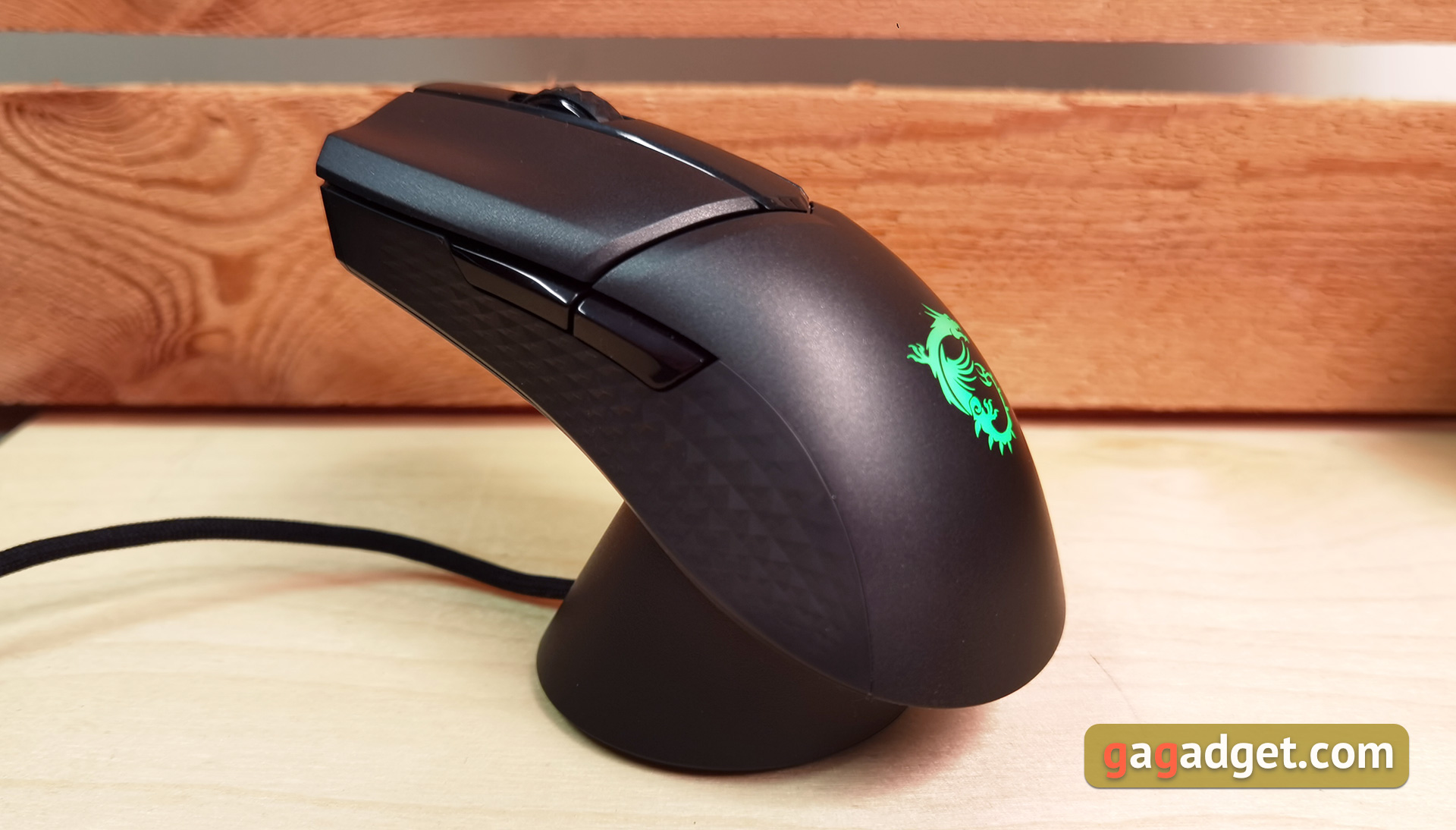
The sides have a textured coating that resembles rubber.It is still difficult to say how durable it is.The only high-gloss design elements are the additional side buttons.absolutely standard shape and size.
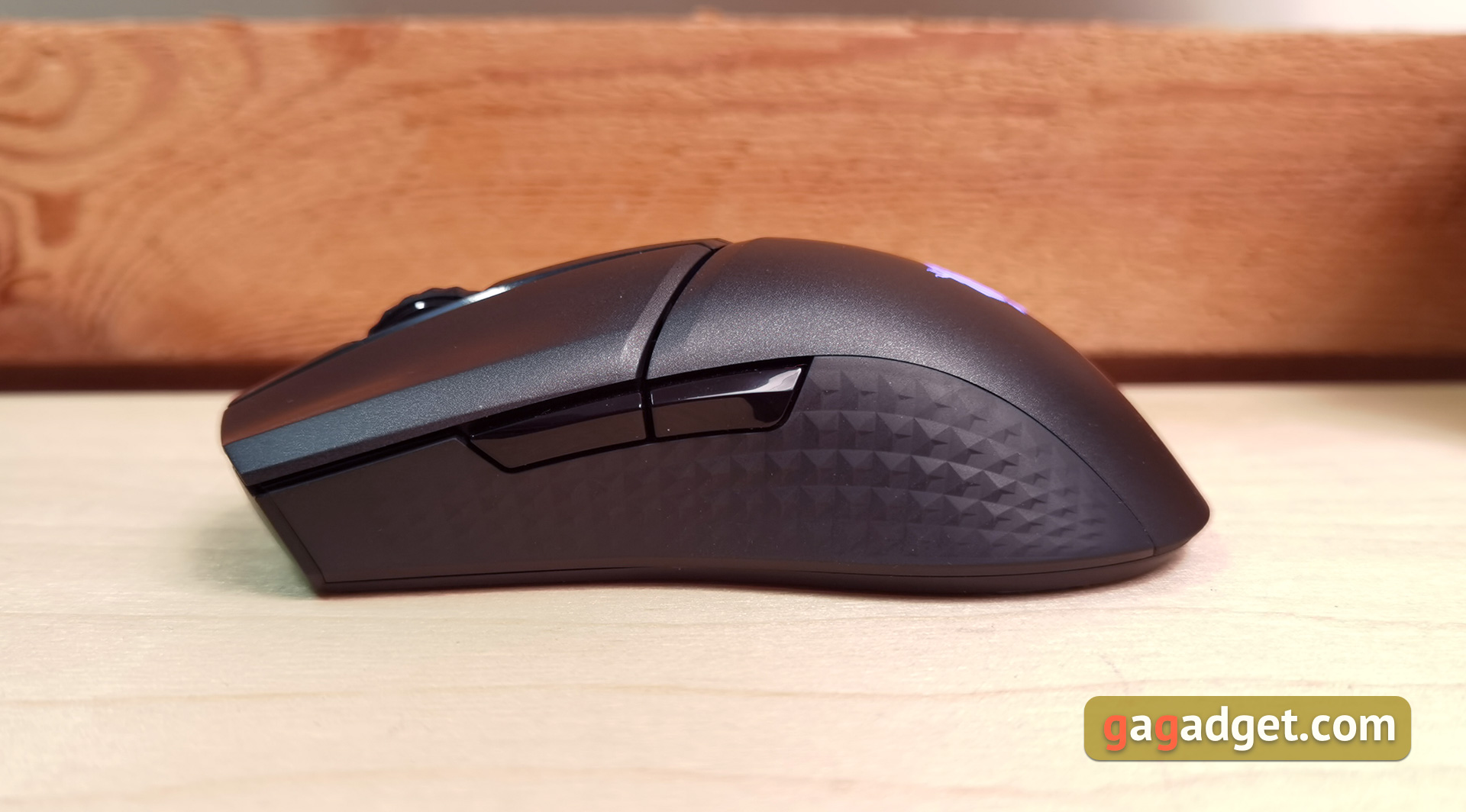
</ img>

</ img>
The scroll wheel also has a texturedrubber cover. Unlike most modern gaming mice, there is no backlight in this case. The scroll wheel is also very well fixed and does not move from side to side.

</ img>
At the front, there is a recess with a Type-C connector for connection with a cable:

</ img>
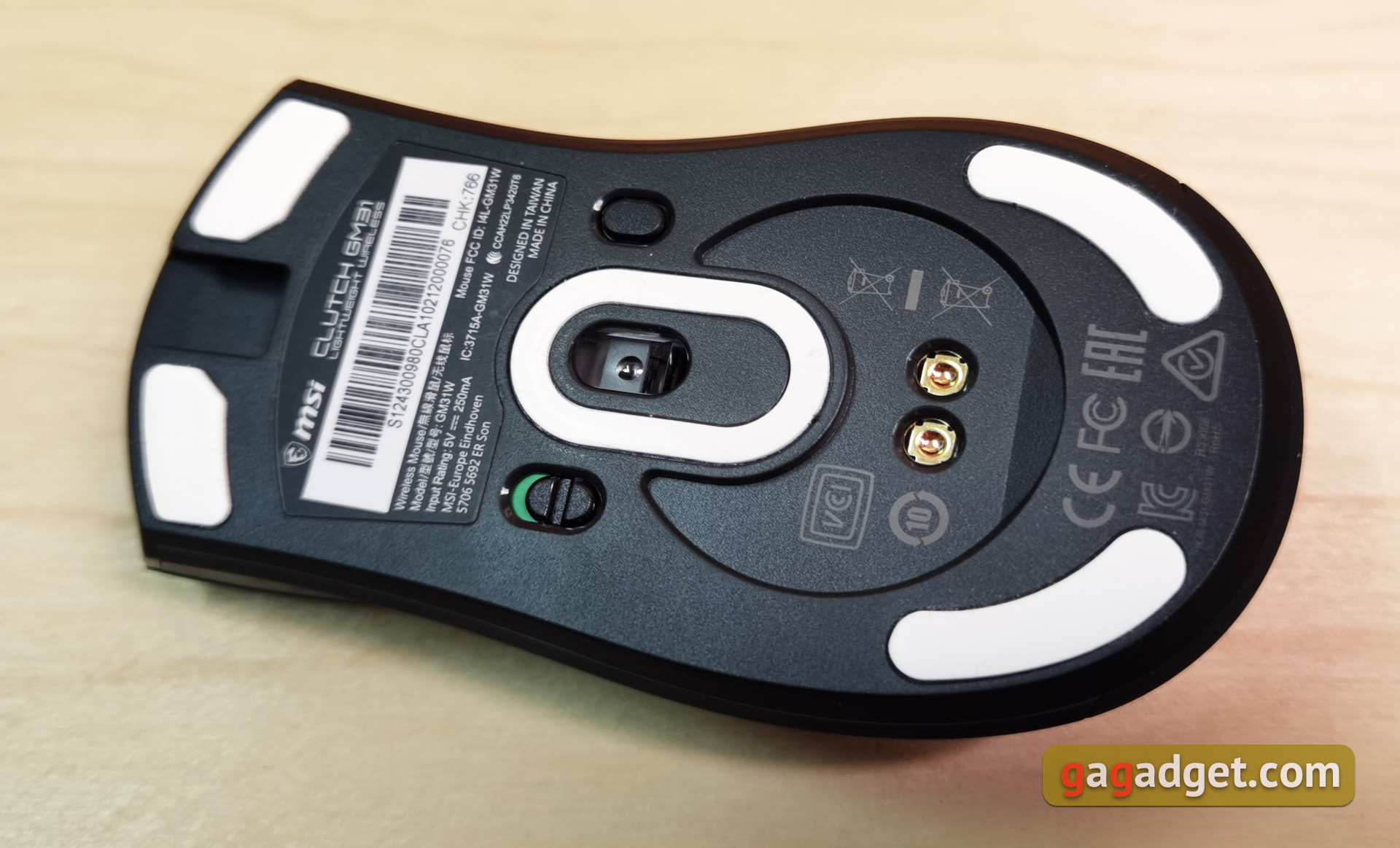
There are a lot of things on the bottom of the mouse.Four Teflon slides around the perimeter, another insert around the optical sensor, a recess with two charging contacts, a two-position power switch and one button. By itself, it is responsible for switching sensitivity modes, but there are combinations with other buttons, which we will talk about a little later.

</ img>
</ img>

The cable is 2 meters long.The webbing is soft and lightweight. It's hard to say how hardy it is, but using the MSI Clutch GM31 Lightweight Wireless in wired mode is very convenient. The cable is lightweight and easily takes the desired shape.
</ img>
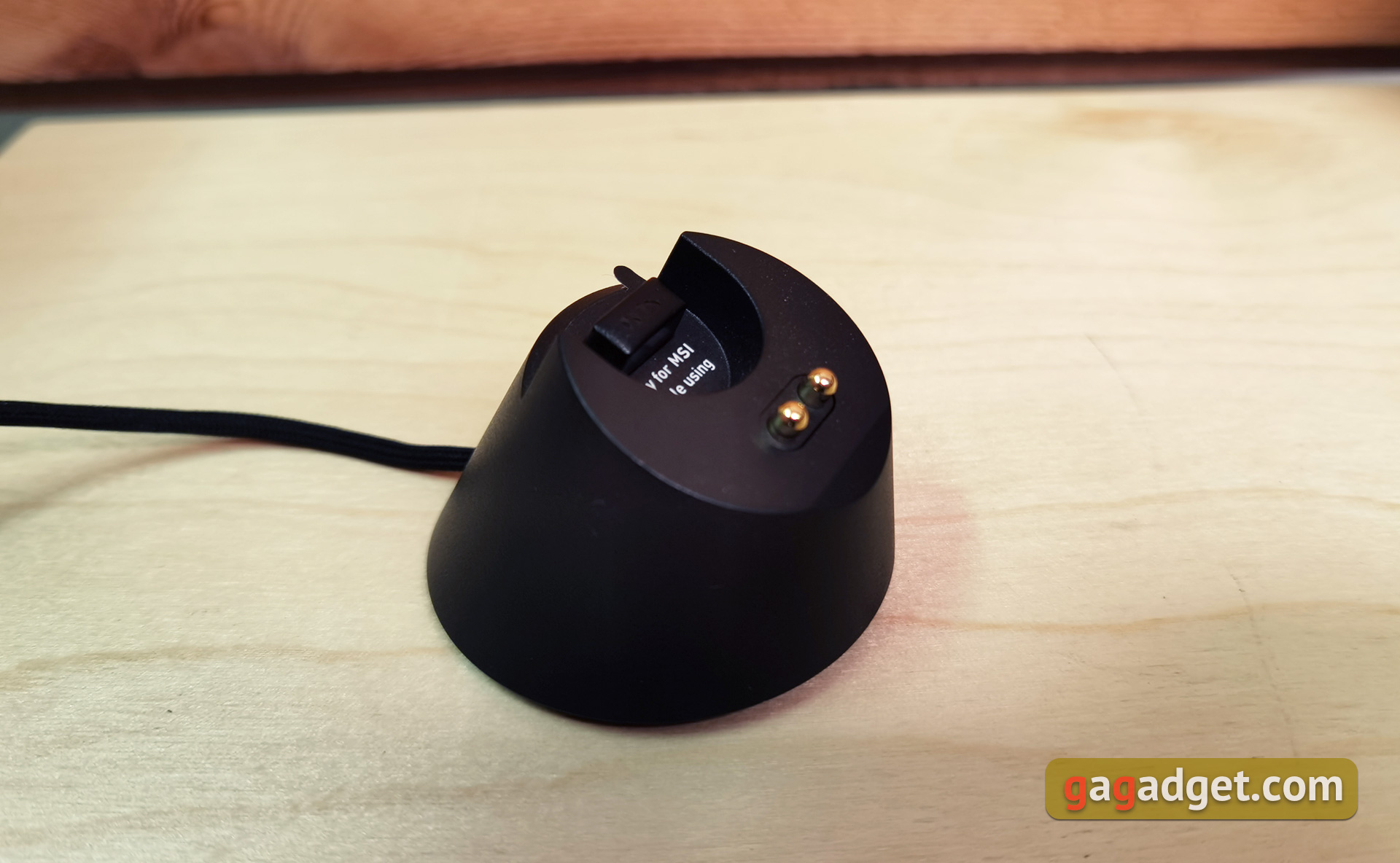
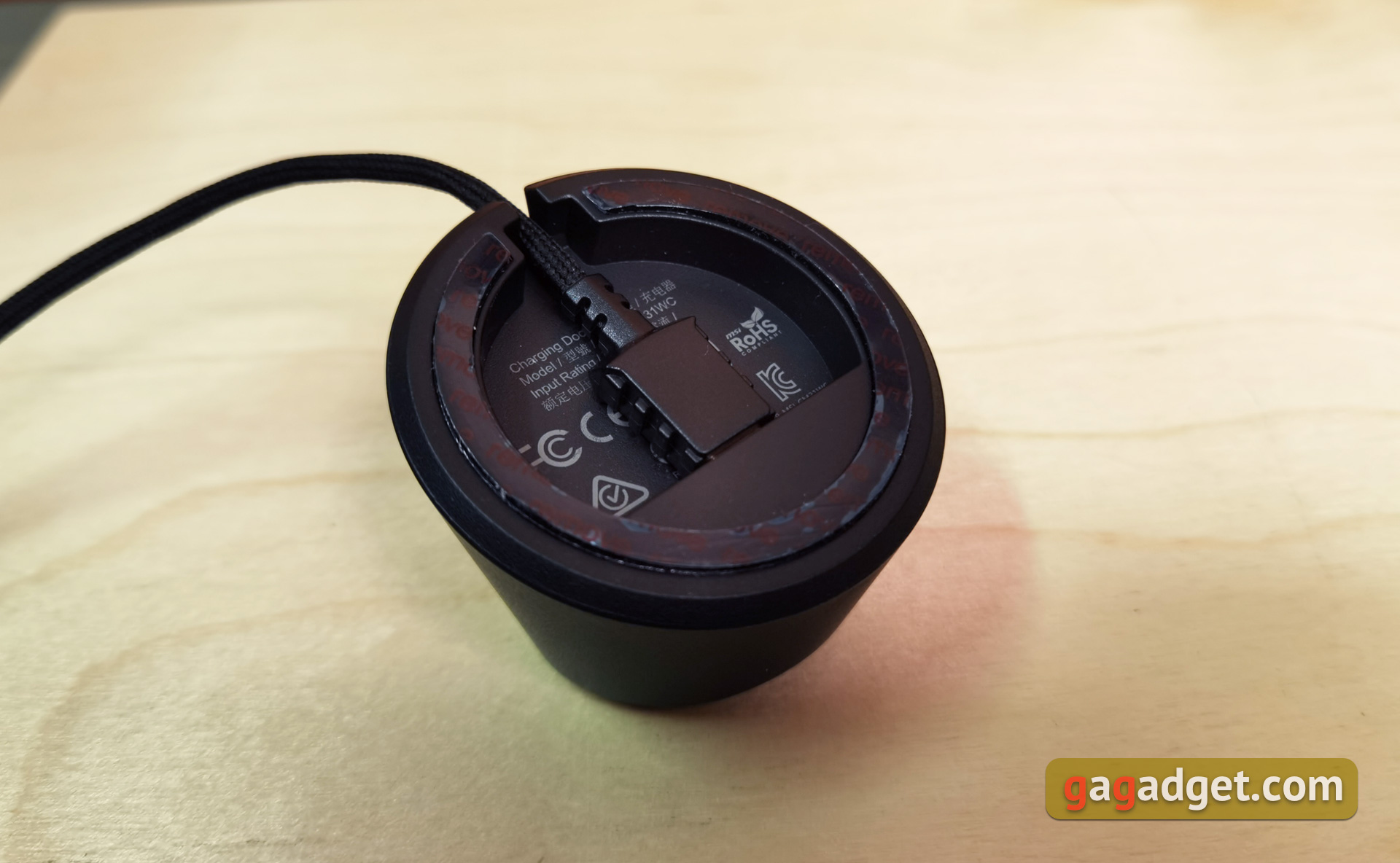
The charging dock is small, with spring-loaded contacts for charging the mouse and a recess with a USB connector for connecting a USB transmitter.At the bottom is the Type-C port for connecting the cable.
</ img>
</ img>

The appearance and build quality of the mouse are at a very good level: all parts fit perfectly, nothing wobbles.The dimensions can be called average: 120x64x37 mm, and the weight is only 73 g, which is very small, as for a wireless mouse.Still, the batteries are quite heavy, and MSI has put this nice feature in the name of the mouse.
</ p>How convenient is it to use?
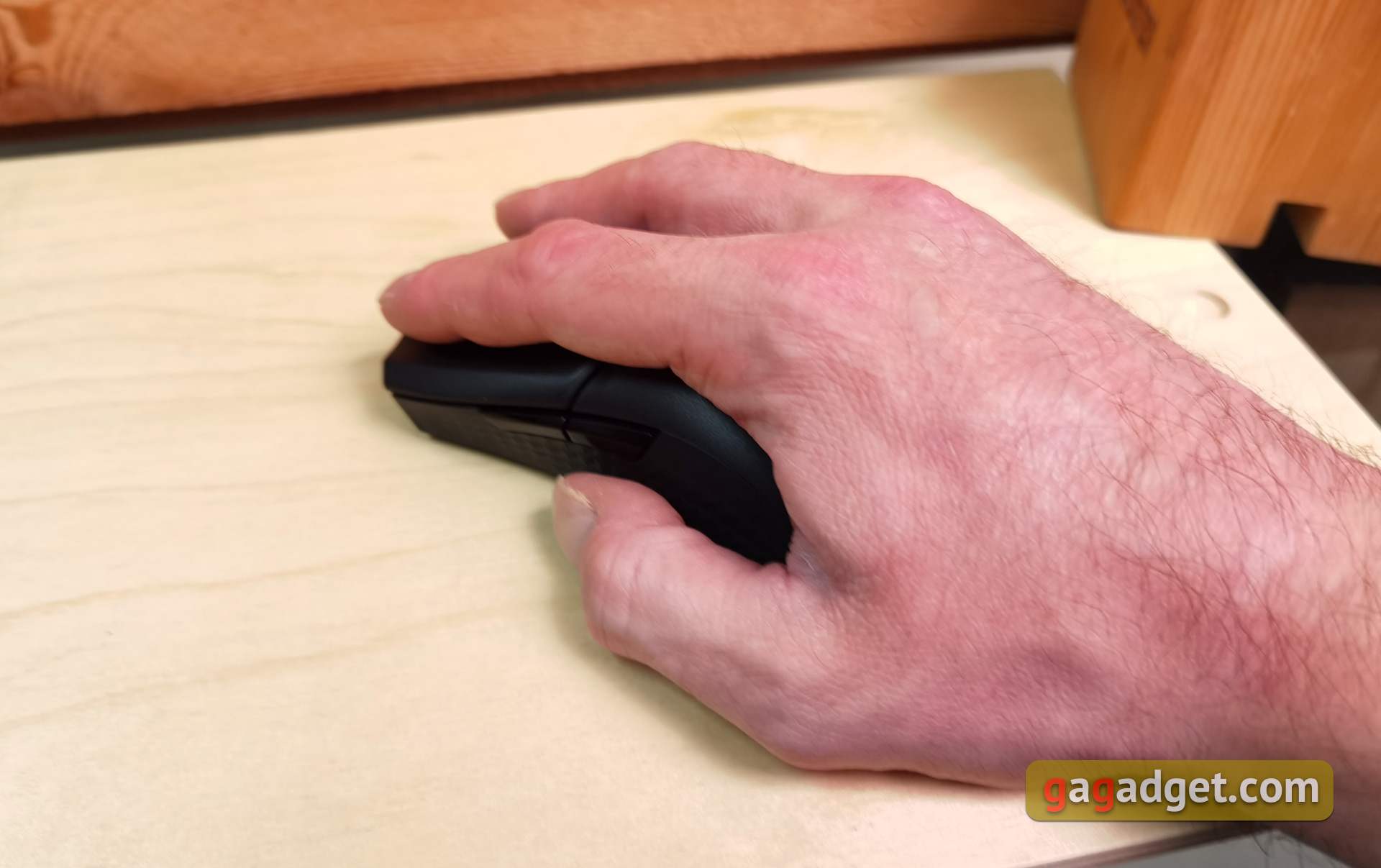
Overall, the shape of the MSI Clutch GM31 Lightweight Wireless is very comfortable.Of course, it all depends on the size of the hand, but for a palm or finger grip, the mouse is suitableThe less popular grip is not so good, but it's also quite normal.It may take some time to get used to after the wider models.After using Mionix Castor for a long time, the mouse seemed narrow for the first few days.The mouse is very lightweight, and the textured sides help it hold securely in your hand.And, importantly, the weight distribution is correct.The mouse does not fall forward or backward if you lift it off the surface.
</ img>
The main buttons use switchesOMRON with a resource of 60+ million operations. They have a very clear, informative and pleasant click. The scroll wheel works absolutely silently. Cut-offs feel good, but I would like a little clearer. Additional buttons have a clear click, but they are easy enough to confuse by touch.

</ img>
The mouse glides very well and is controlled on the vast majority of surfaces. Although it’s not worth using it just on the table: the slides will be erased faster, there should still be some kind of rug.
</ p>What can MSI Clutch GM31 Lightweight Wireless do?
</ img>
The MSI Clutch GM31 Lightweight Wireless uses the PixArt PAW3311 optical sensor with a maximum resolution of 12,000 DPI.It is capable of tracking movements at speeds of up to 300 inches per second and accelerations of up to 35g.With a maximum polling rate of 1000 Hz in wireless mode, it is an energy-efficient sensor designed for wireless mice.That's enough for today's high-resolution monitors.It behaves perfectly in fast shooters, as well as strategy, RPG and any games.Clear tracking, no shaking or stuttering.Of the small complaints about the sensor, we can mention the lack of a function for adjusting the lifting height from the sensor.The MSI Clutch GM31 Lightweight Wireless is also doing well in terms of wireless stability.There were no gaps or noticeable delays during testing.According to the manufacturer, the delay time is only 1-2 ms.Someone doesn't really like it – the time of waking up from sleep mode.It's not long, but it's palpable, although I don't think it's a problem.It is worth noting that the mouse can be used without an additional dock by connecting a USB transmitterBut thanks to the dock on the cable, the transmitter can be placed on the table closer to the mouse for a more stable signal.
</ img>
The company does not indicate the capacity of the built-inbattery, but assures that the mouse can work on a single charge for more than 110 hours. Of course, the operating time depends on the resolution, polling rate and backlight. It's hard to give exact numbers, but in real life, the mouse can work for more than a week with standard daily use of about 10-12 hours a day. Although, having a convenient docking station, which is very easy and convenient to put the mouse on every time after work, you can forget about the battery charge in general.
</ img>
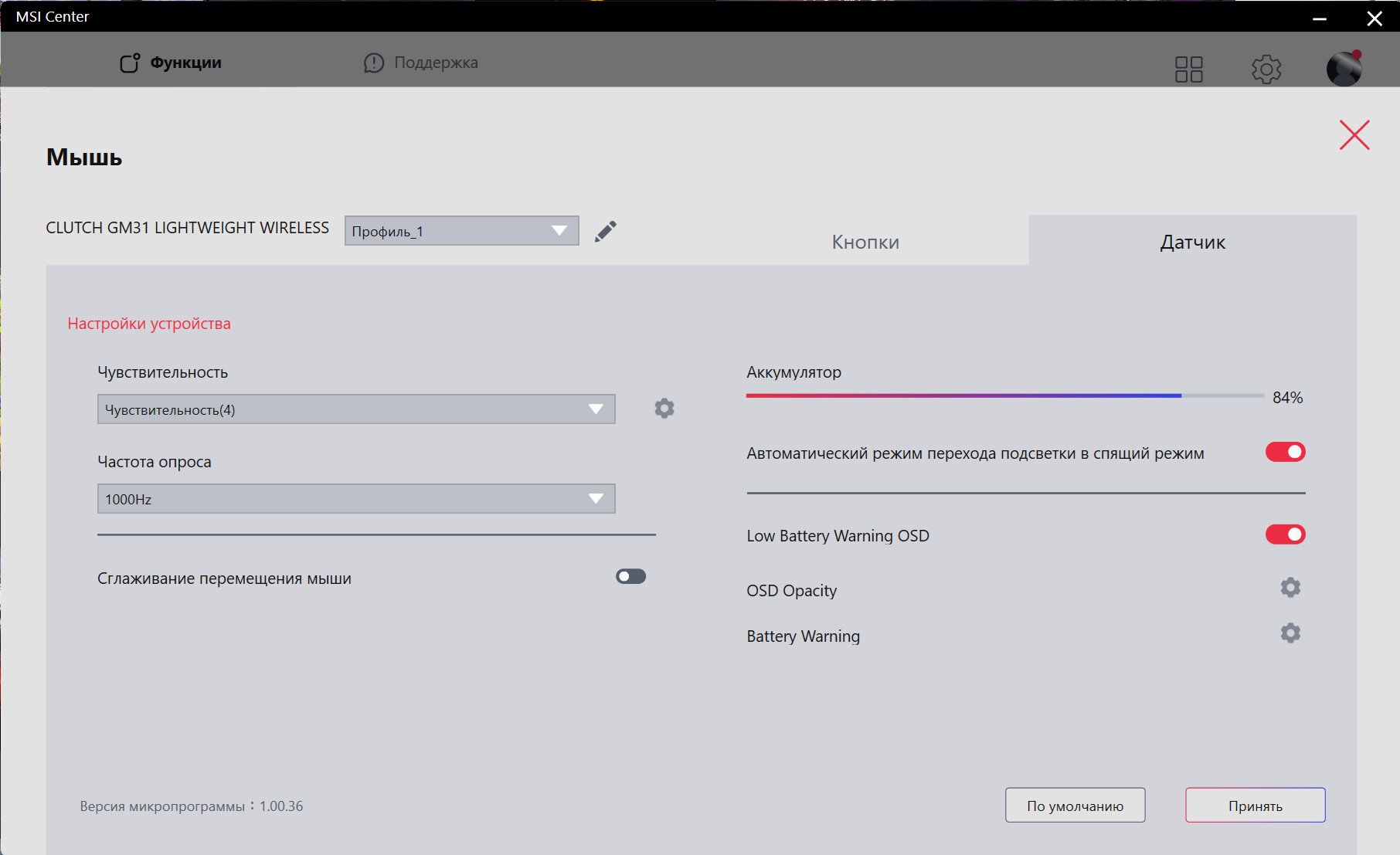
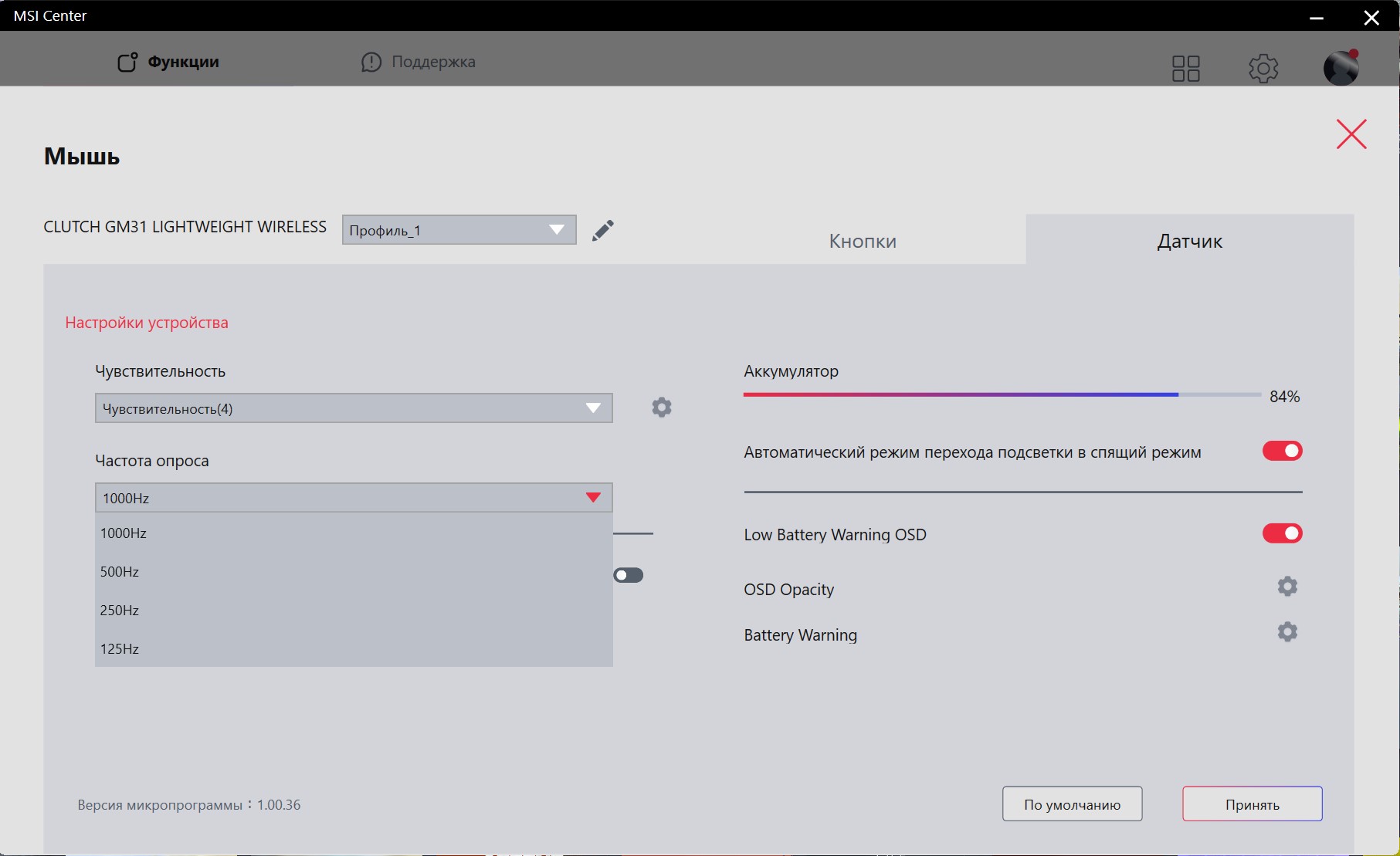
Some basic settings can be made withoutproprietary software. The DPI indicator is switched using the corresponding button on the bottom of the mouse. There are 5 levels by default: 400/800/1600/3200/6400. They can be configured using proprietary software. By combining the DPI button with other buttons, you can adjust the backlight
- DPI + right button: brightness level
- DPI+left button: select backlight effect
- DPI+First Secondary Button: Backlight Effect Speed
- DPI + second additional button: color selection
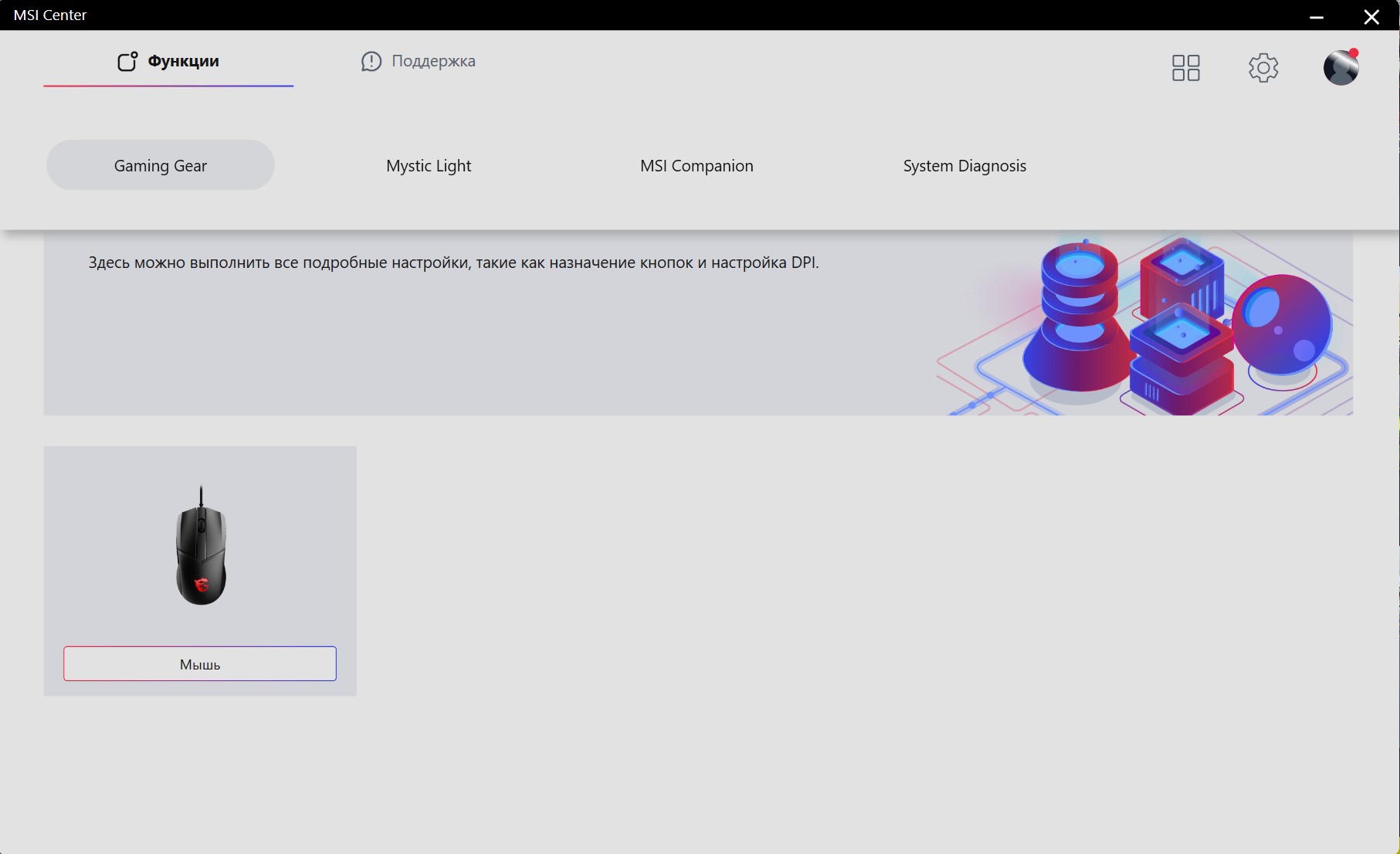
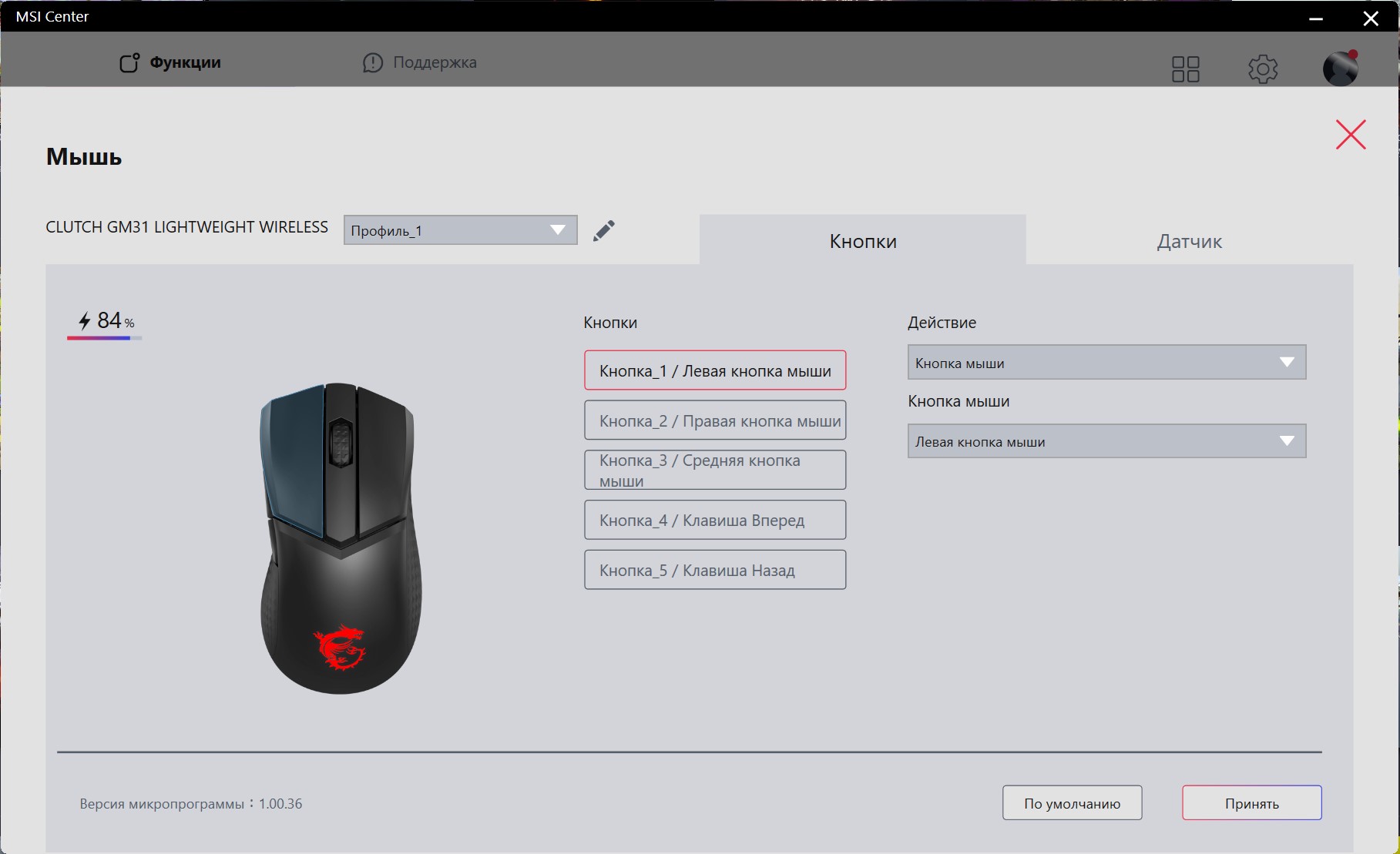
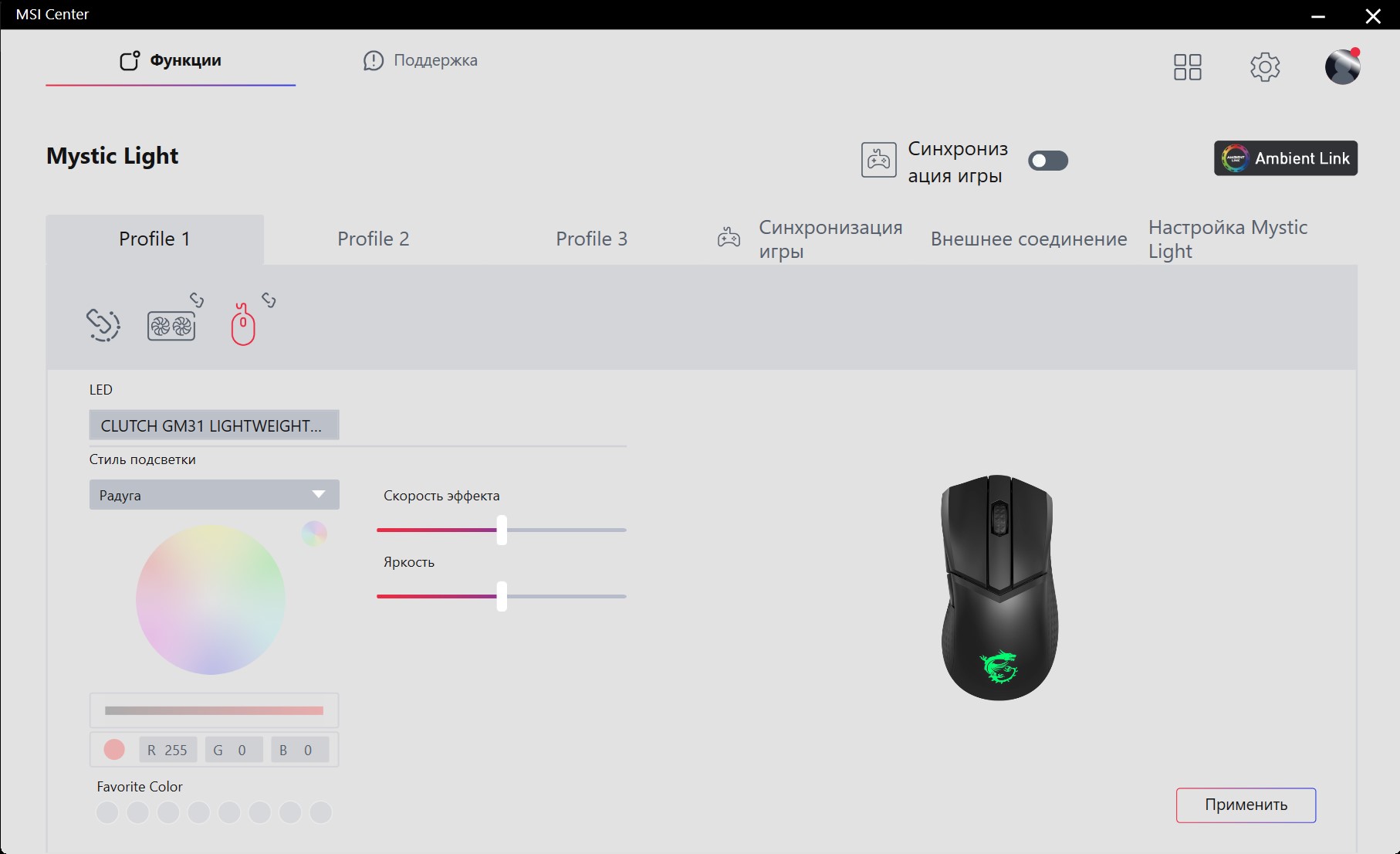
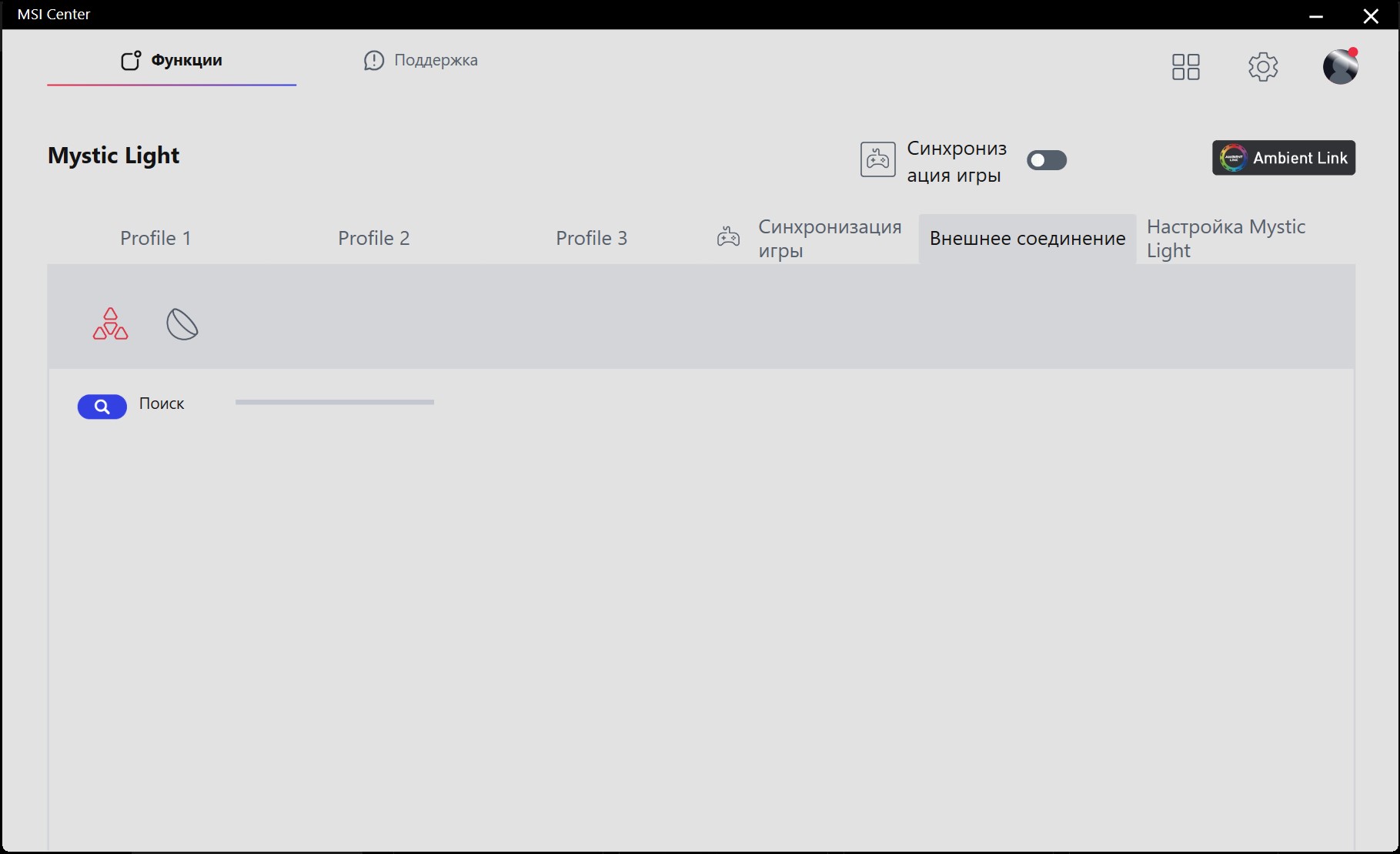
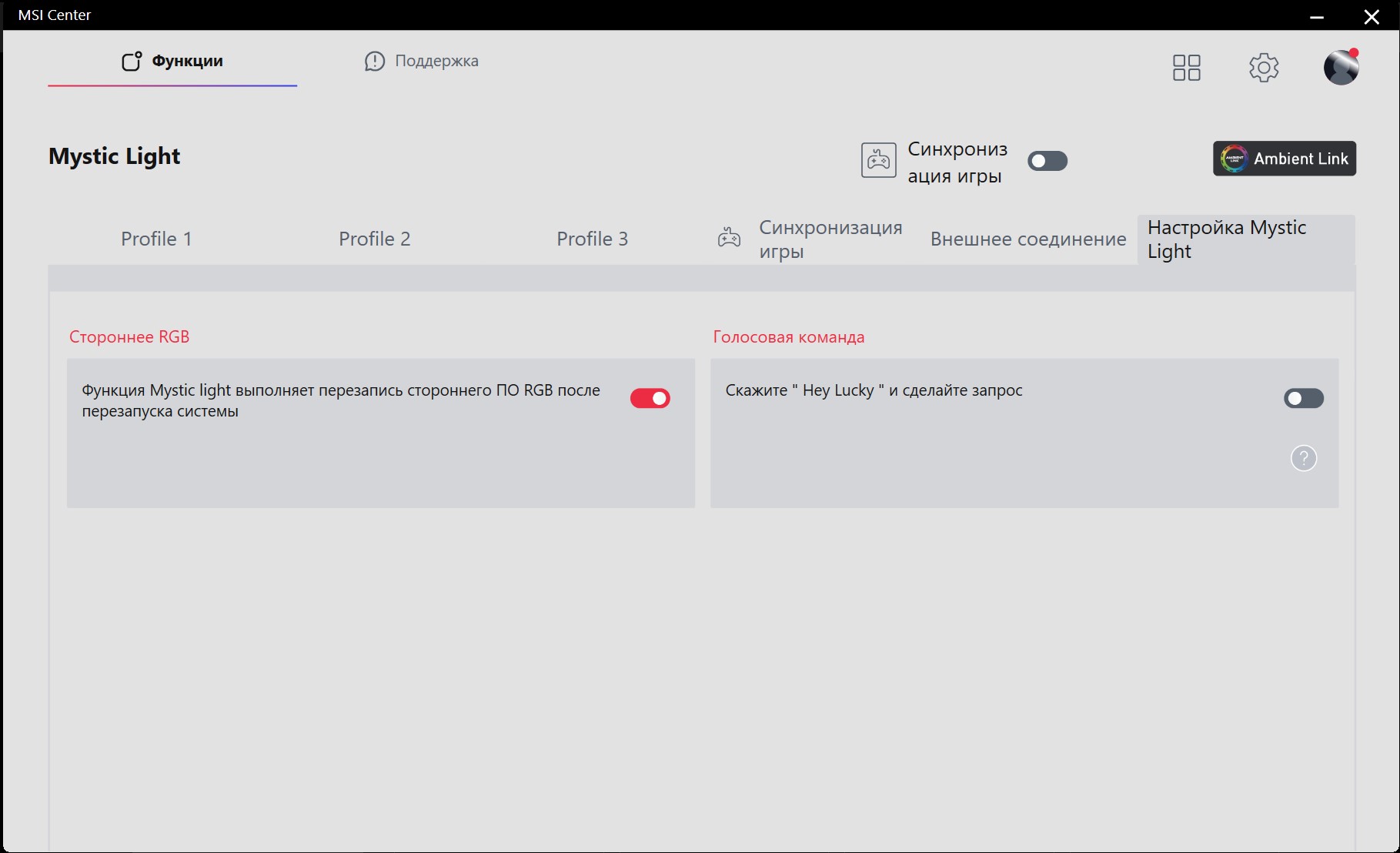
General MSI application is used for configurationCenter, which is responsible for all peripherals and MSI components. Basic settings are made in the Gaming Gear tab. Namely: button assignments, profiles, DPI levels, frequency, anti-aliasing and battery settings. Battery level, auto-sleep and low battery indication. Unfortunately, the transition time to sleep mode cannot be configured, only the standard option is 2 minutes. The backlight setting has been moved to a separate Mystic Light section. There is a standard set of effects, their speed and brightness. It is also possible to synchronize the backlight with some games (which support it), hardware and smart lamps. Mystic Light uses open source, so synchronization with third-party devices is also supported. In general, the software has everything you need, but the interface logic is not the most convenient.
</ img>
</ img>

</ img>
</ img>
</ img>
</ img>

</ img>
</ img>
</ img>









in dry residue. Three things to know about MSI Clutch GM31 Lightweight Wireless:
- The MSI Clutch GM31 Lightweight Wireless is an asymmetrical gaming mouse with a very lightweight design;
- It features a fast optical sensor and durable Omron switches;
- The mouse supports wired and wireless connection via 2.4 GHz radio channel.
MSI Clutch GM31 Lightweight Wireless MSI Clutch GM31 Lightweight Wireless
Number of buttons
6
Sensor resolution
12 000 dpi
Sensor type
optical, PixArt PAW3311
Maximum acceleration
35G
Top speed
300 in/s
Polling frequency
1000 Hz
Reaction time
up to 1 ms
Connection
wired, wireless
Battery life
110+ hours
Cable
2 m
Dimensions
120x64x37 mm
Weight
73 g