</ img>
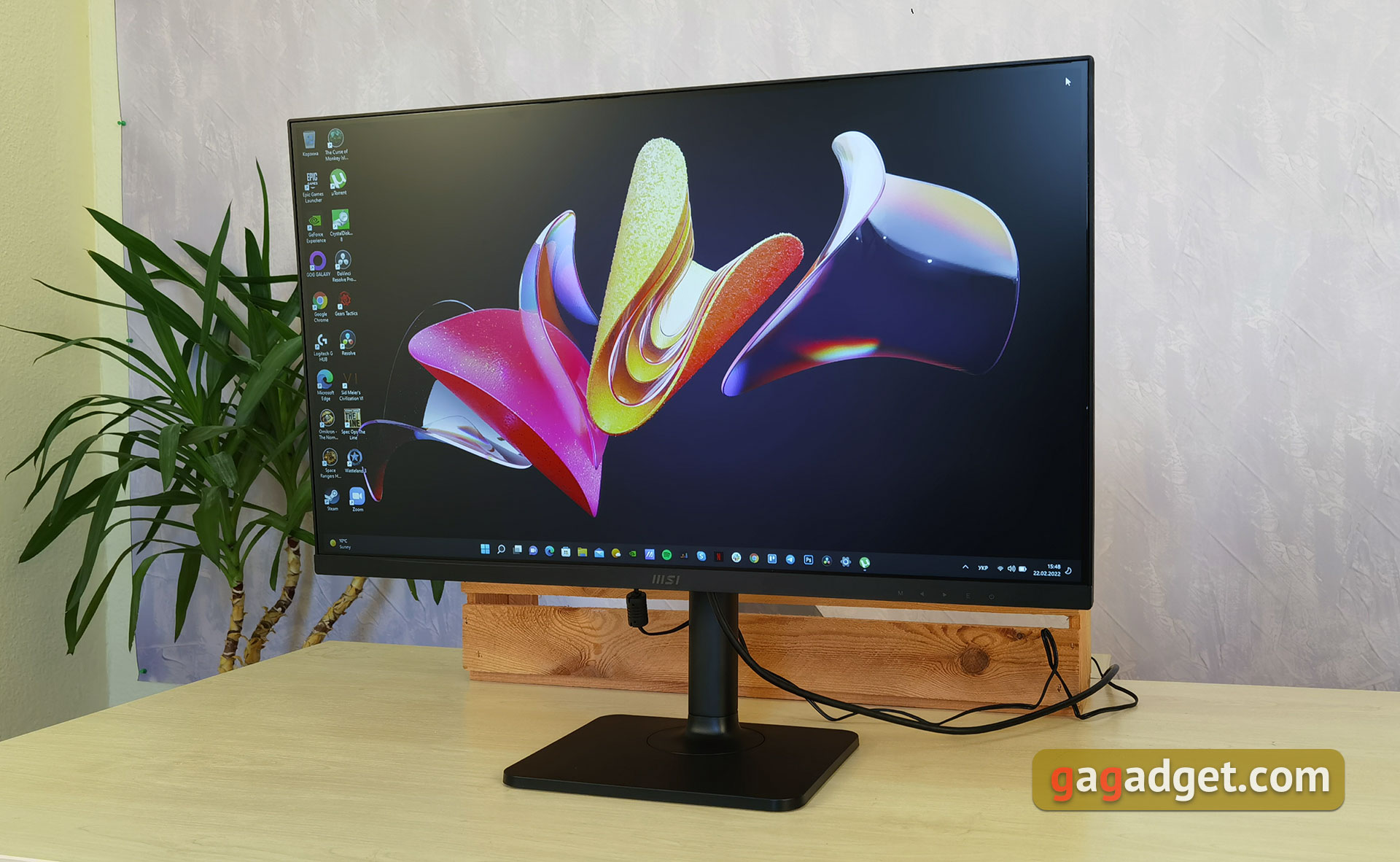
The MSI Modern MD271P monitor is positioned as an office model for work. And if you evaluate it exclusively with such
MSI Modern MD271P
75Hz office monitor
27" IPS office monitorFullHD resolution, 75Hz maximum refresh rate, 5ms pixel response time, HDMI 1.4, Type-C (with DisplayPort) and built-in stereo speakers
Brain
Comfy
Telemart
ITBox
5 reasons to buy MSI Modern MD271P:
- high-quality IPS matrix with decent calibration;
- refresh rate 75 Hz;
- flicker-free backlight and blue filter;
- convenient stand and universal appearance;
- built-in speakers.
2 reasons not to buy MSI Modern MD271P:
- you need a monitor with a diagonal and a higher resolution;
- a modest number of ports.
Fast passage:
- What is included?
- What does the MSI Modern MD271P look like?
- What with usability, adjustment and connectors?
- How is MSI Modern MD271P with picture quality?
- How did you perform in work and games?
- In the dry residue
What is included?
</ img>
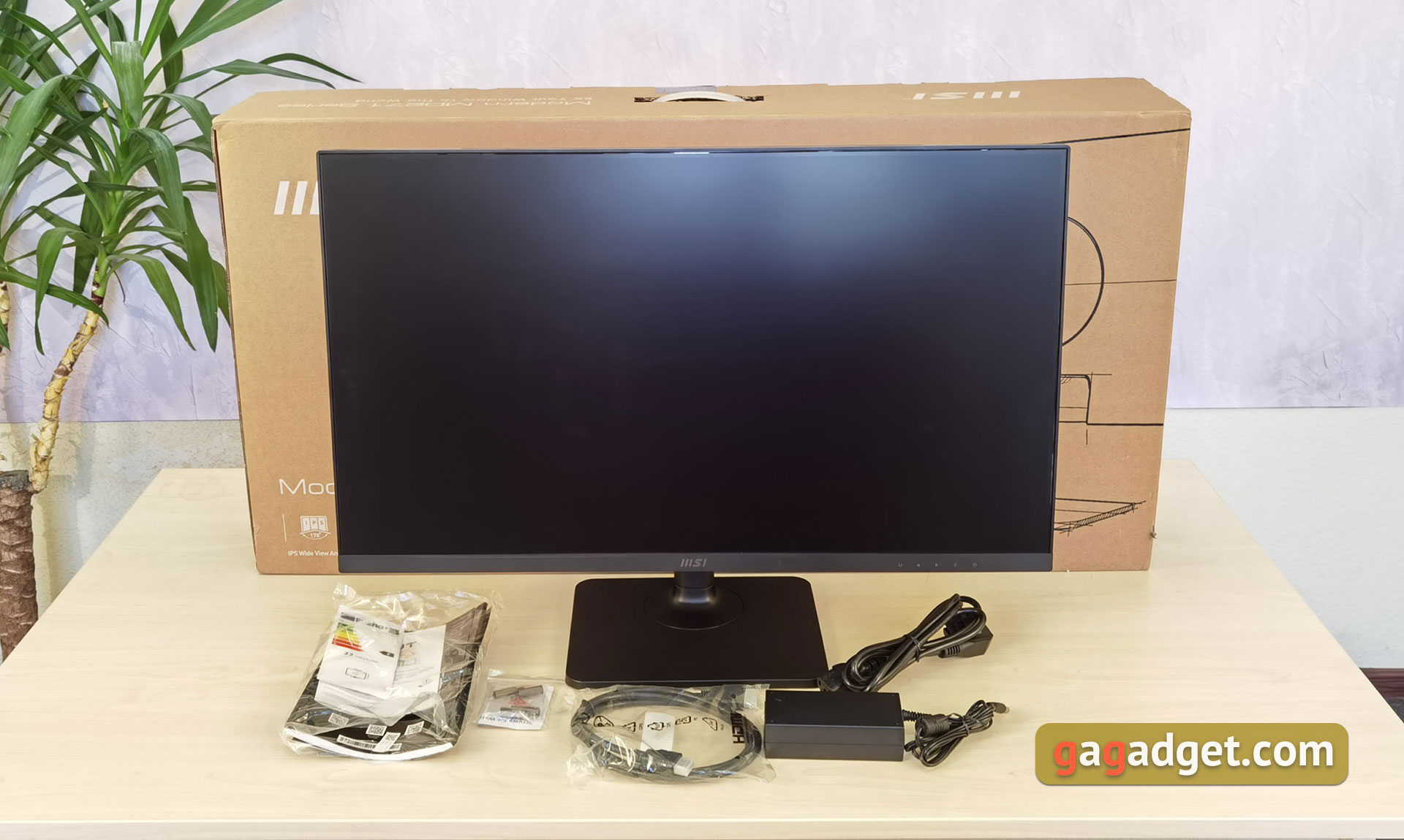
MSI Modern MD271P comes in a big boxmustard color with model name and all basic information. The package includes the monitor itself, power supply, power cable, HDMI, screws for VESA mounting and documentation.
</ p>What does the MSI Modern MD271P look like?
</ img>
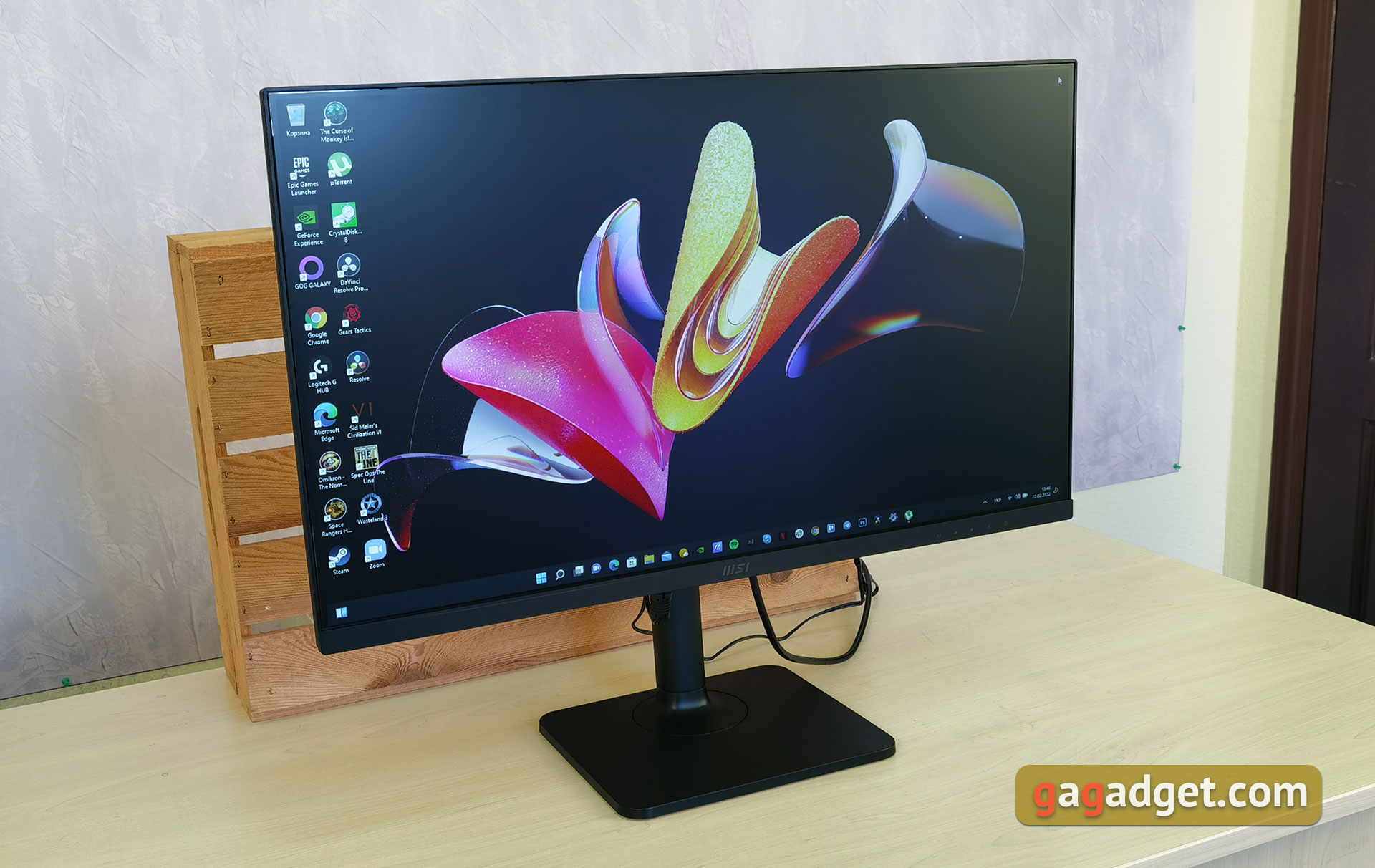
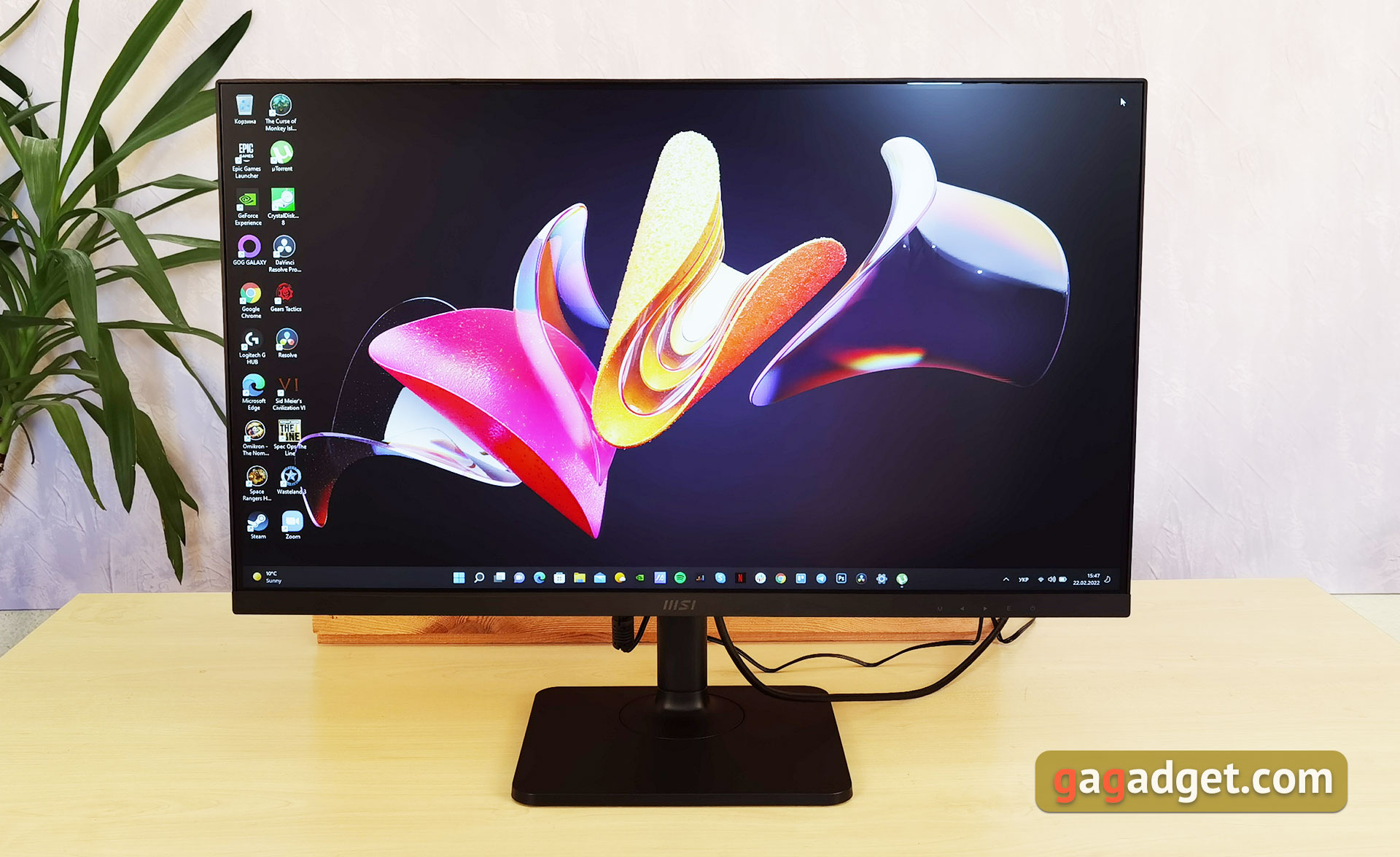
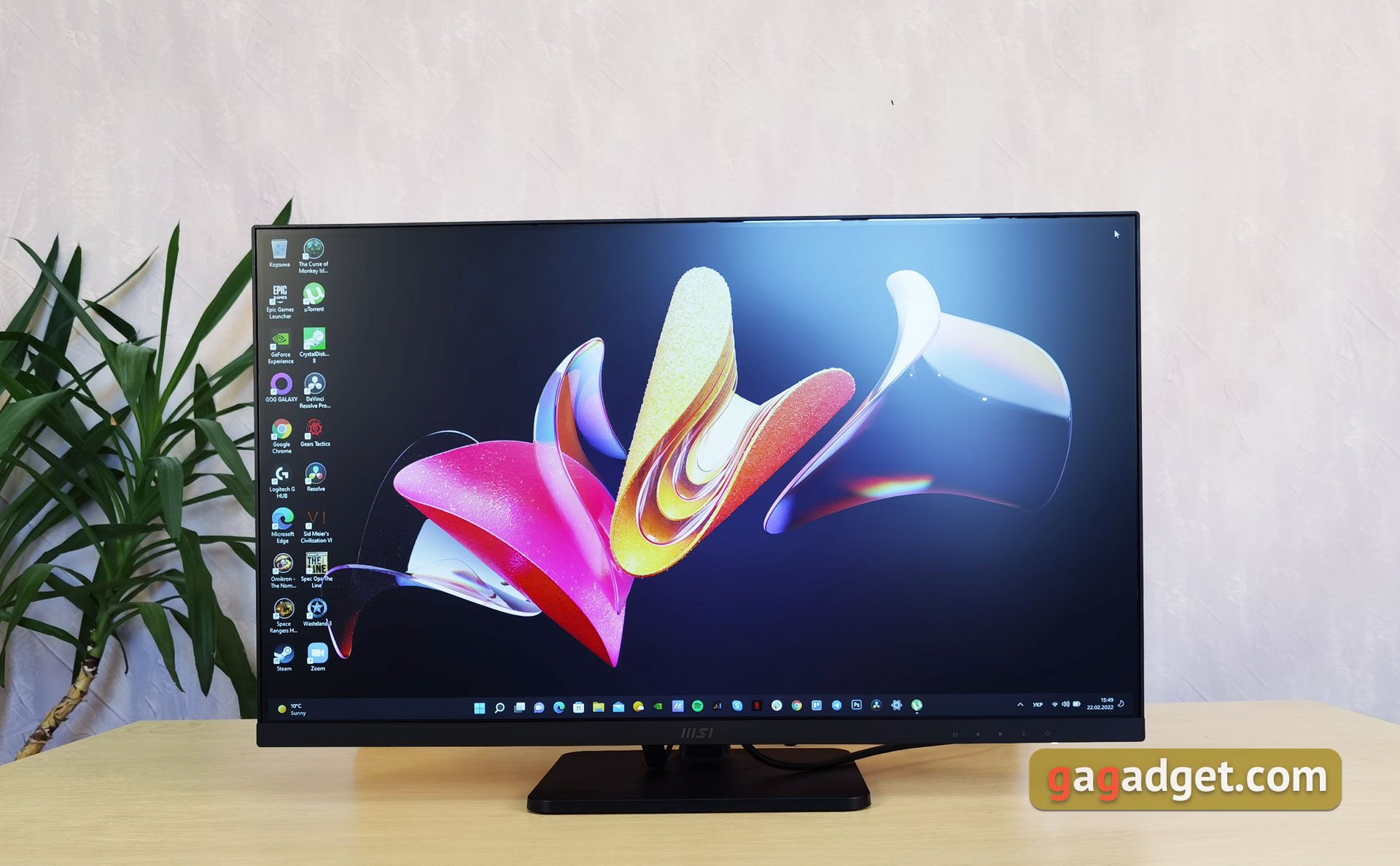
MSI Modern MD271P belongs to the category of officecompany monitors. And he has the appropriate look: stylish and minimalistic, nothing more. The whole body is made of black matte plastic, the frames on the sides and top of the display are very thin. More clearance at the bottom. On it is the MSI logo in the middle and the designations of the OSD control buttons. The model is also available in white, in case the standard black monitors are boring.
</ img>
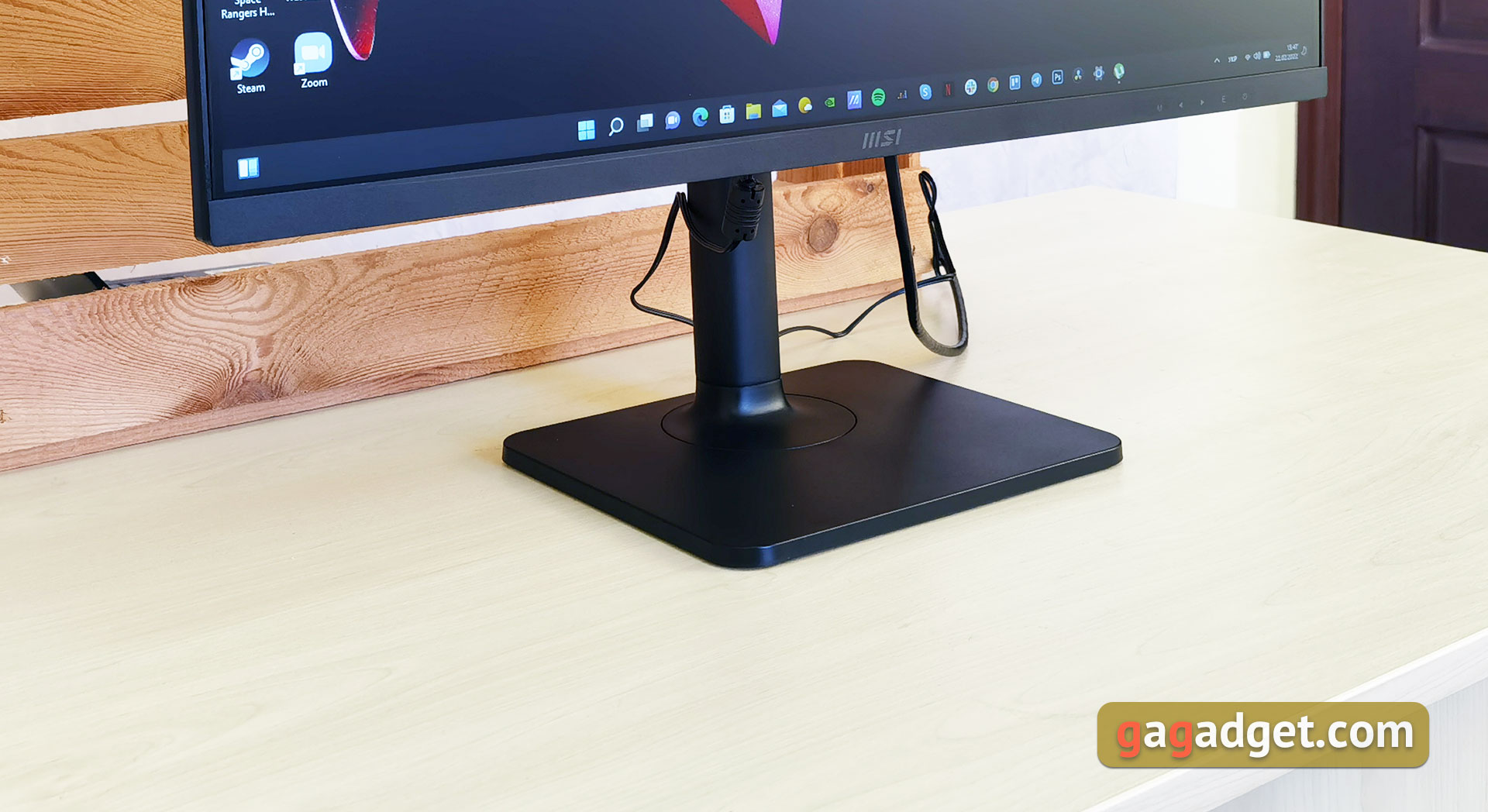
Square stand with rounded corners.Inside there is a metal base for rigidity and stability, although it does not cope very well with this. The monitor still wobbles slightly with careless movement. outside is plastic. On the bottom there are rubberized inserts so that the monitor does not slip and scratch the table.
</ img>
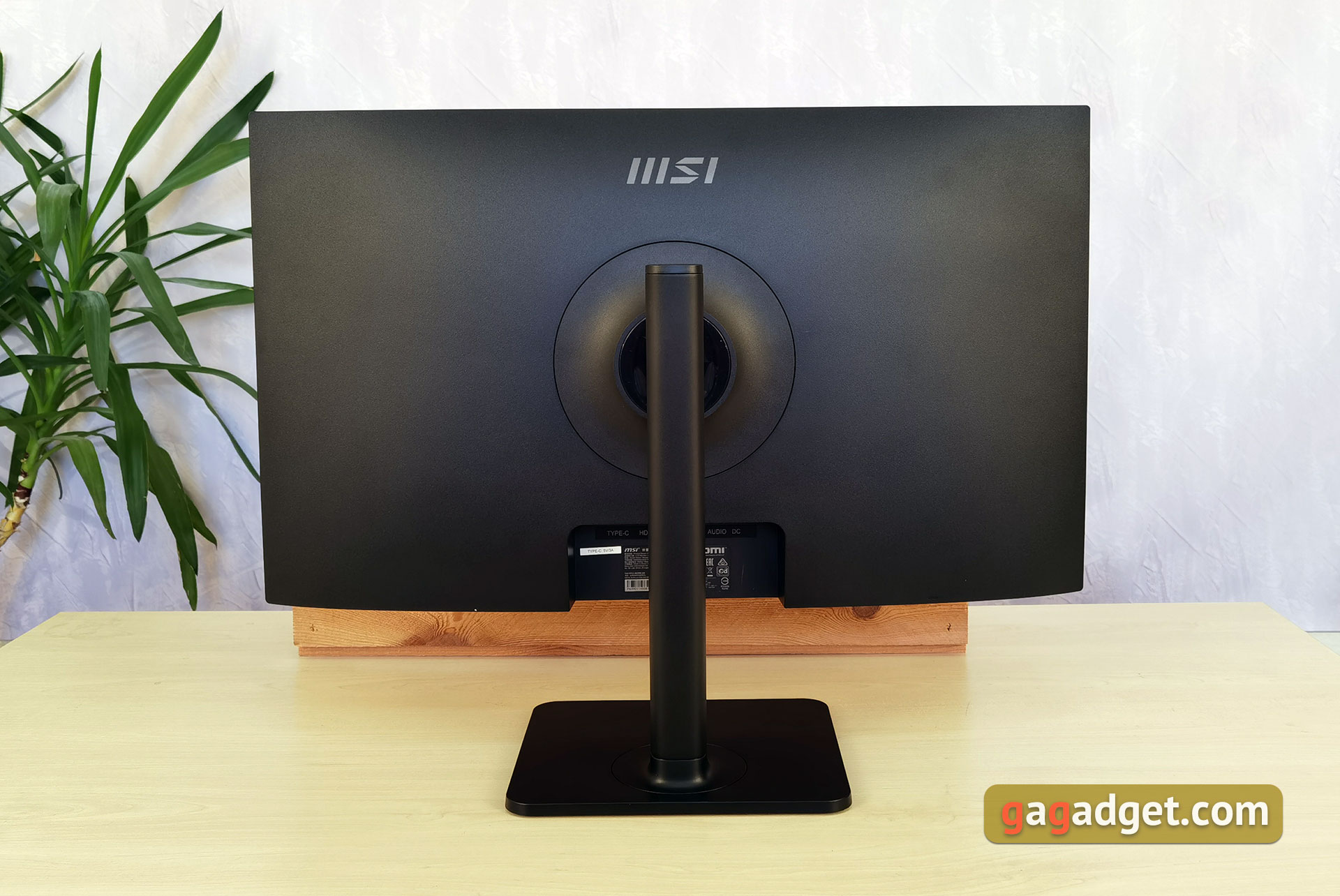
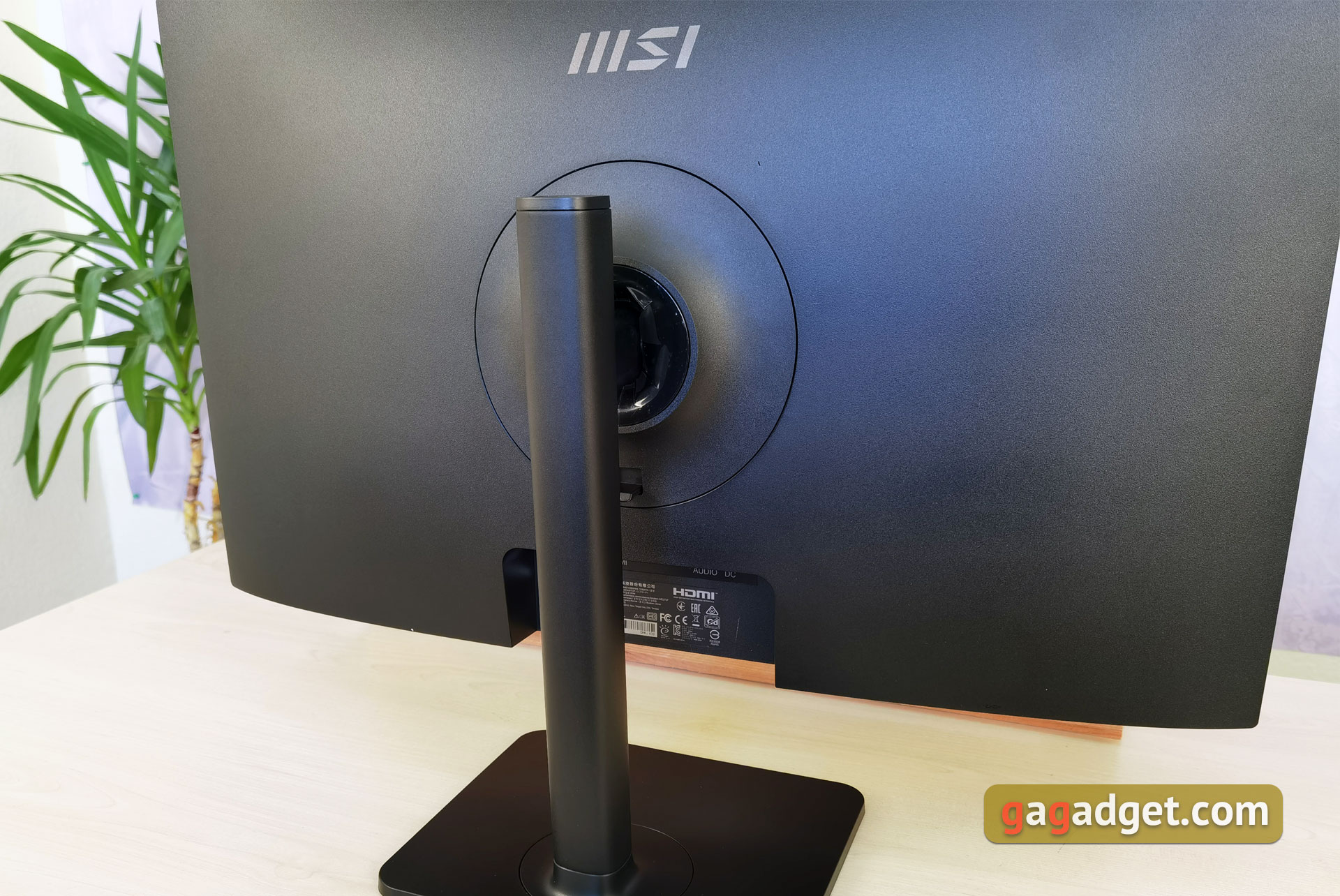
The back is a similar black color, withoutno decorative features, only the MSI logo is gray. The stand is quite thin and attaches to the monitor in the middle. Instead, you can use a VESA 75x75 wall mount.
</ img>
</ img>
The monitor has a very shallow depth and takes up minimal space on your desktop:
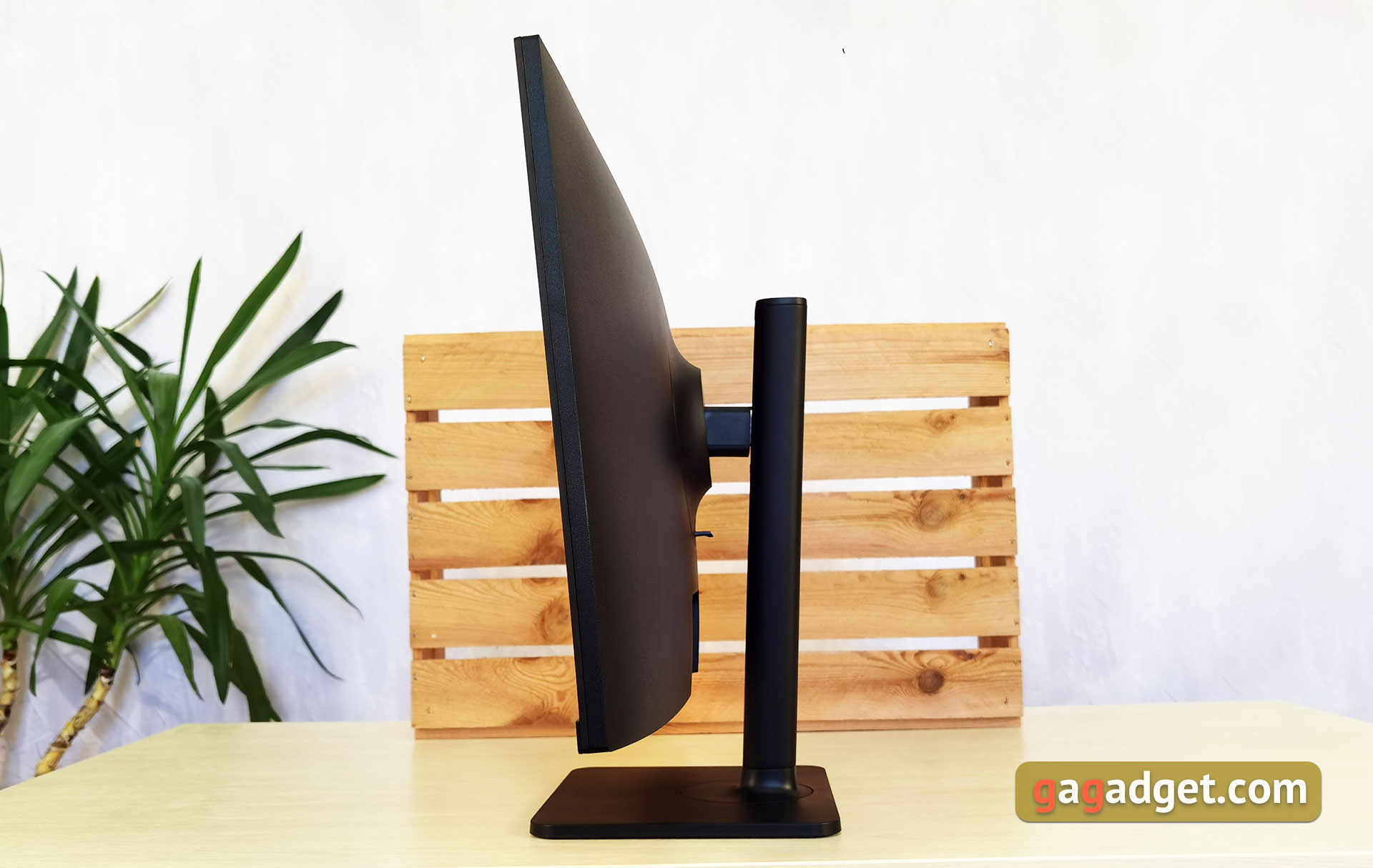
</ img>
To control the monitor, use the buttons that are located on the bottom right side of the monitor. Nearby is one of the stereo speakers and a power indicator.
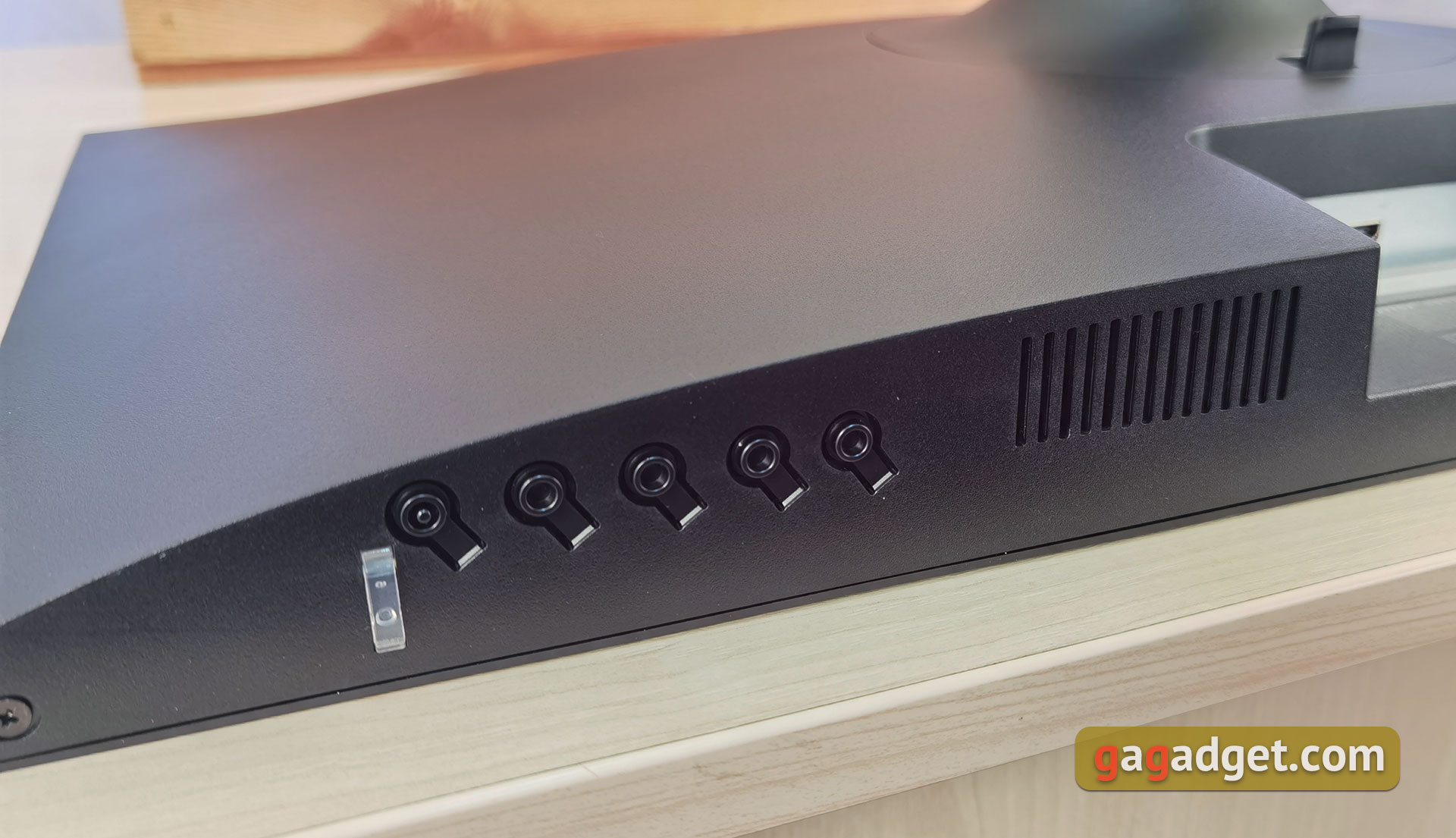
</ img>
On the opposite side is another speaker and a Kensington Lock connector.
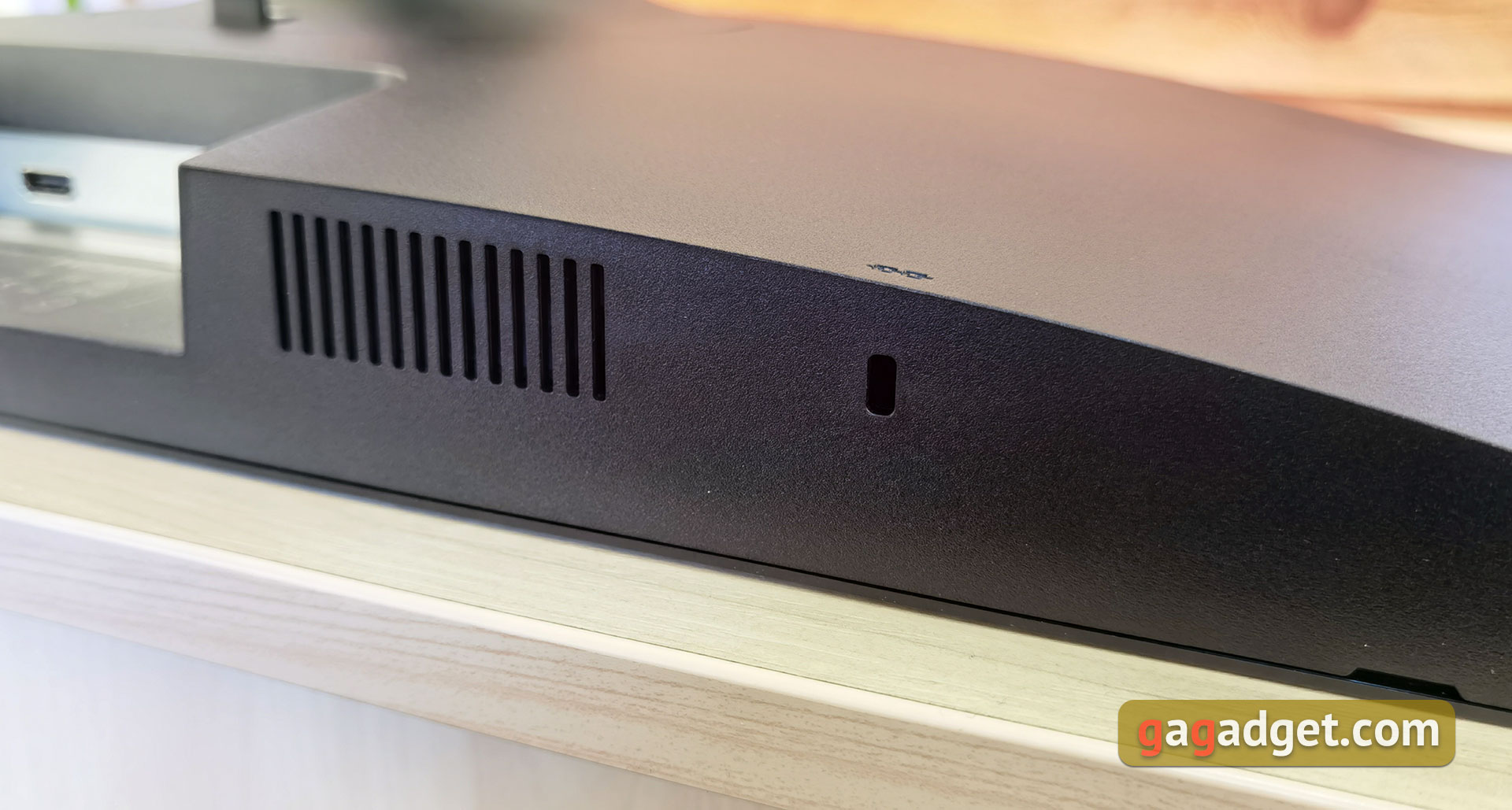
</ img>
The area with connectors is located under the rack mounting point and is directed downward.
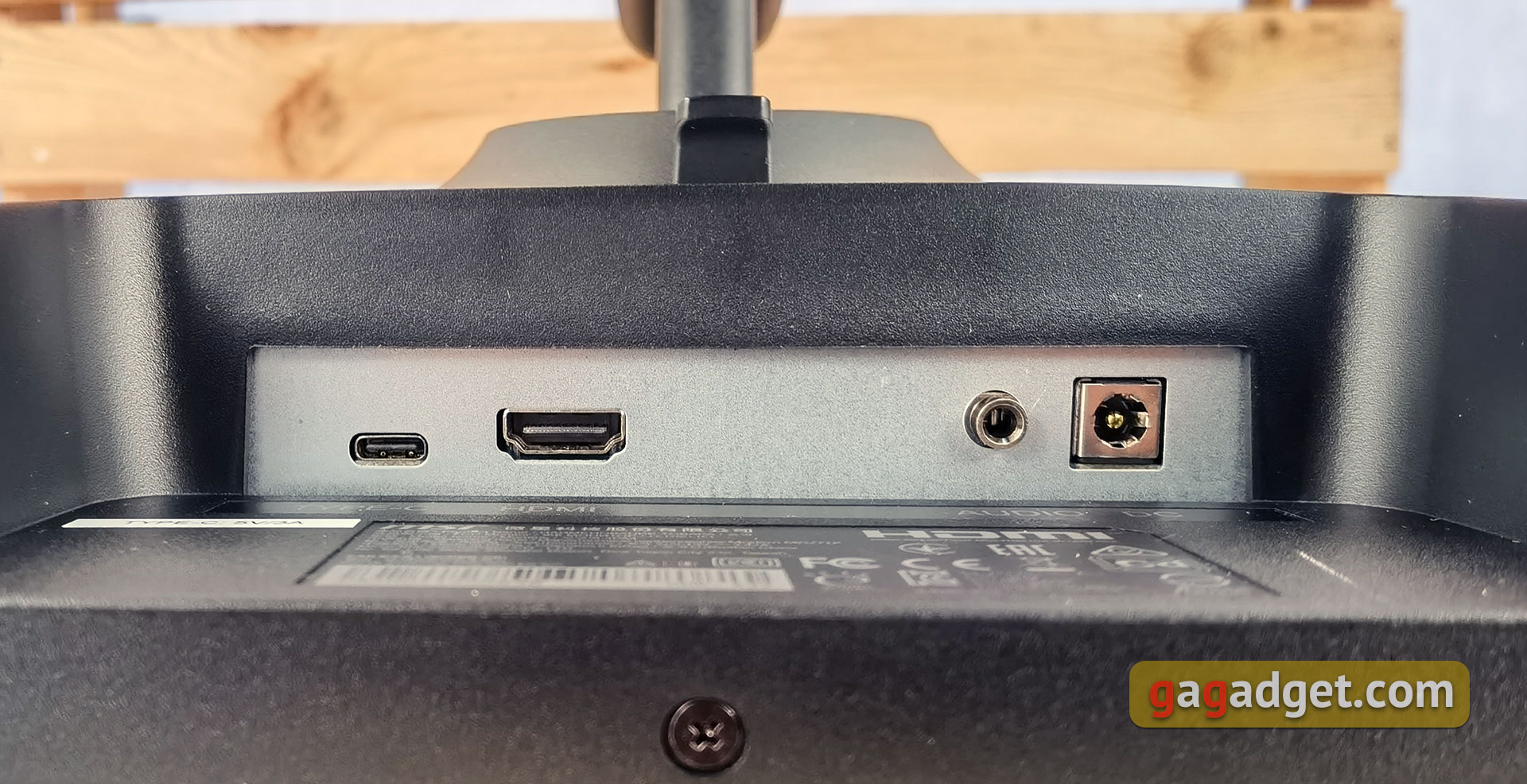
</ img>
The monitor is well assembled, no wobbles,There are no dangling parts, the plastic does not “crunch.” The appearance is universal, and its relatively compact dimensions will allow it to be installed in limited space.
</ p>What with usability, adjustment and connectors?
5 are responsible for managing monitor settingsbuttons: power, menu, confirmation and menu navigation arrows. Perhaps an option with a joystick would be more convenient. But in the case of the MSI Modern MD271P, the menu is quite simple, without an abundance of complicated functions and buttons in general are quite sufficient.
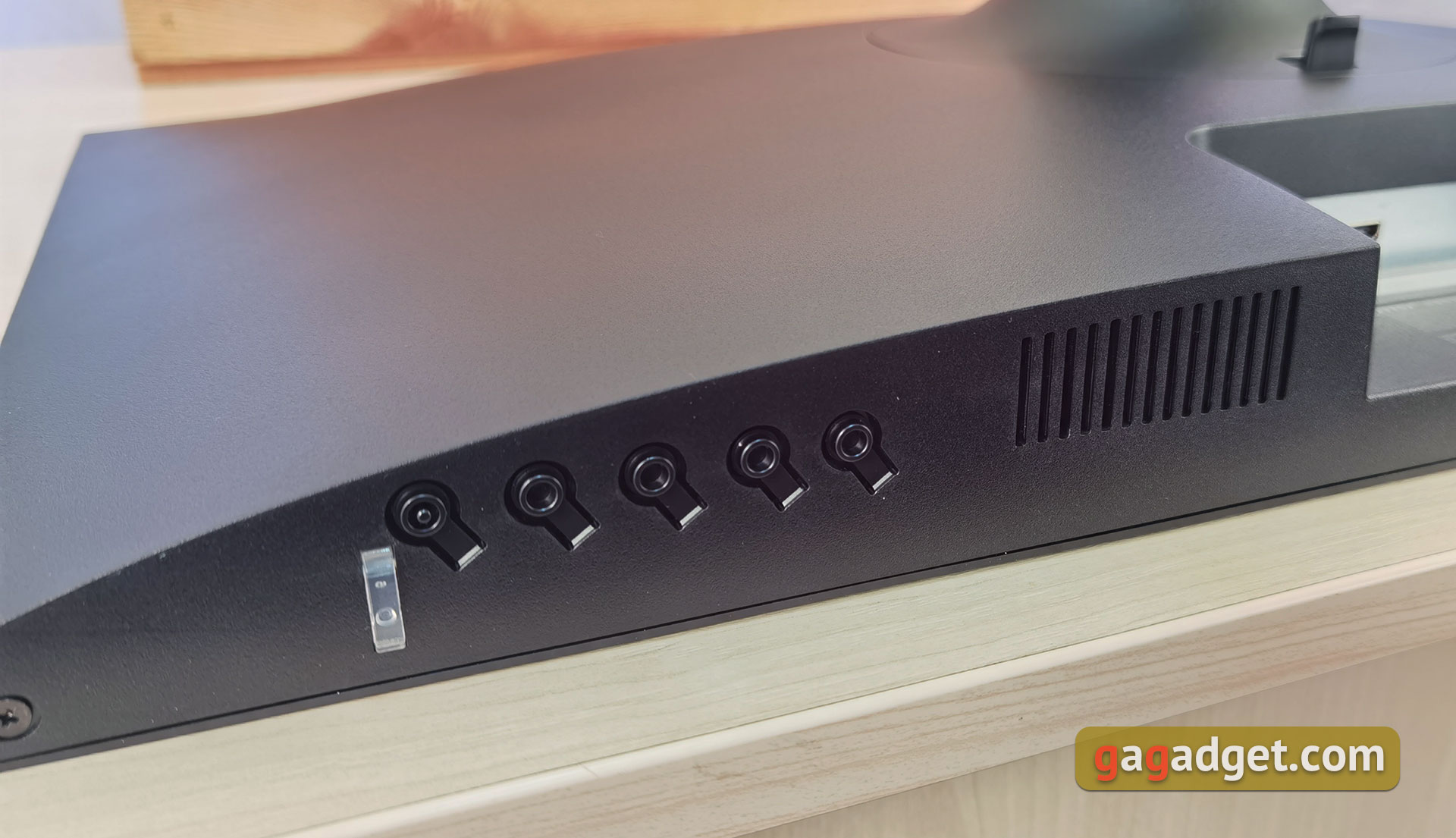
</ img>
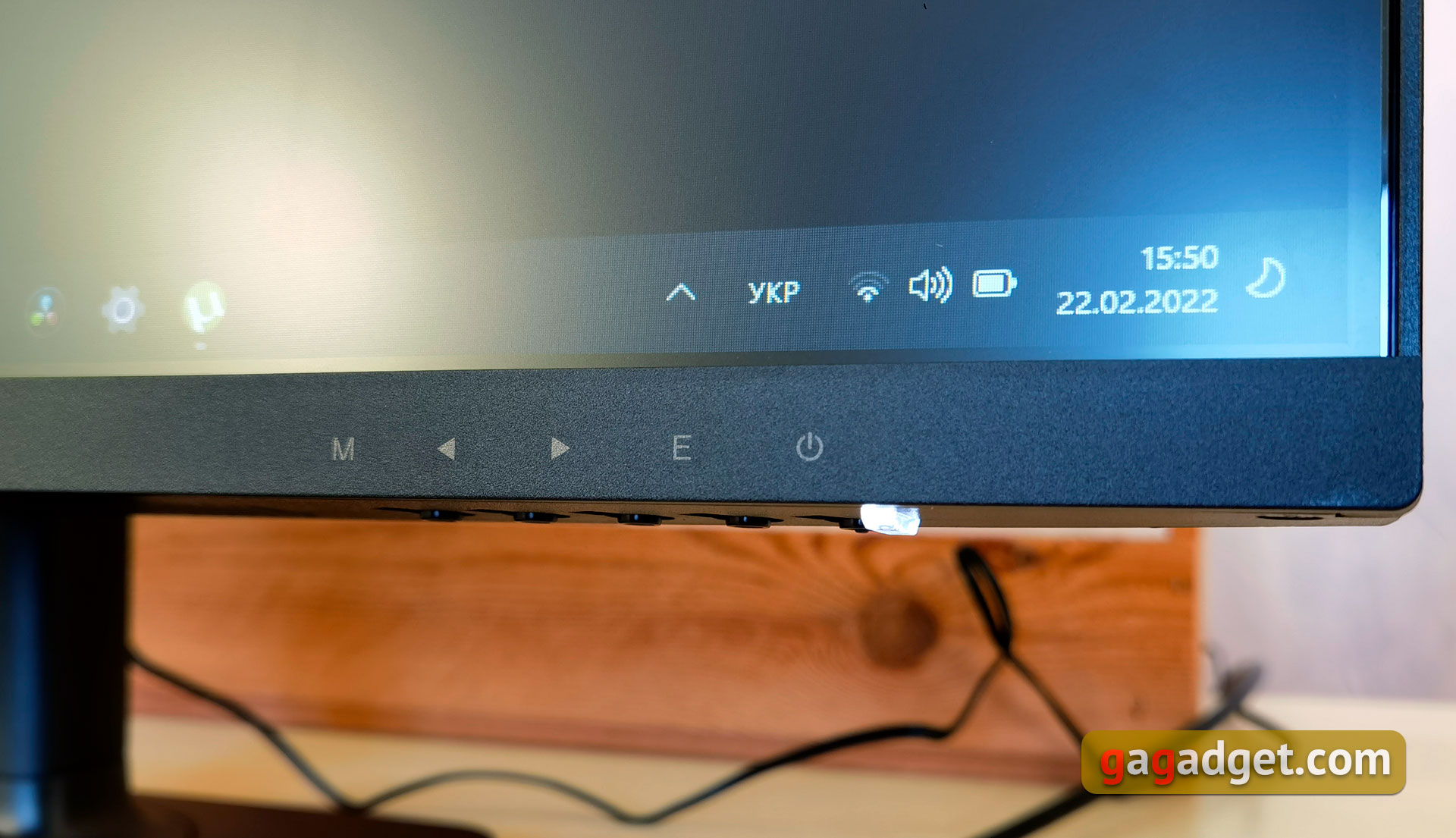
</ img>
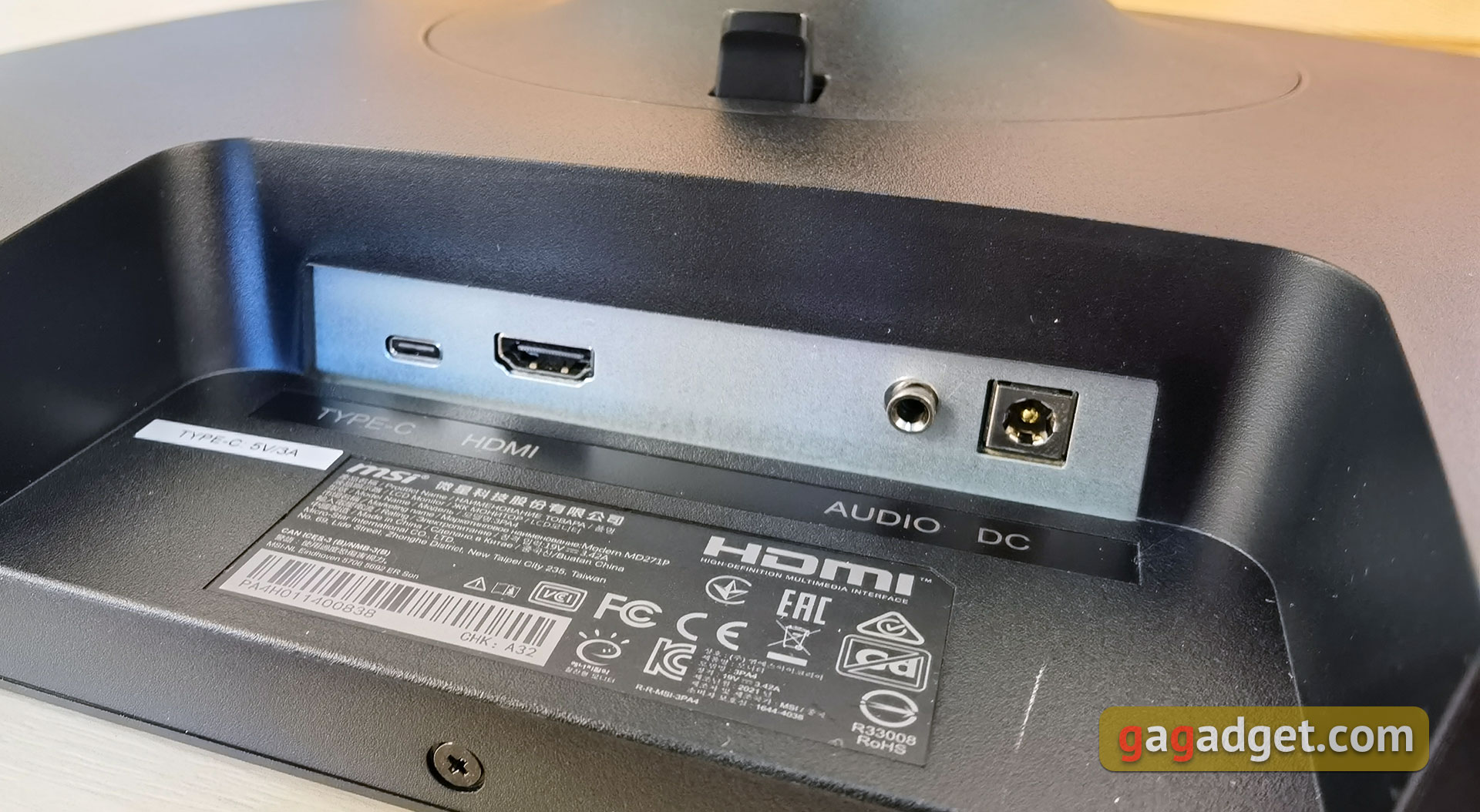
There are not many connectors, although this is not critical for an office monitor. 1xHDMI 1.4, 1xType-C (with DisplayPort support), headphone jack and power supply jack:
</ img>
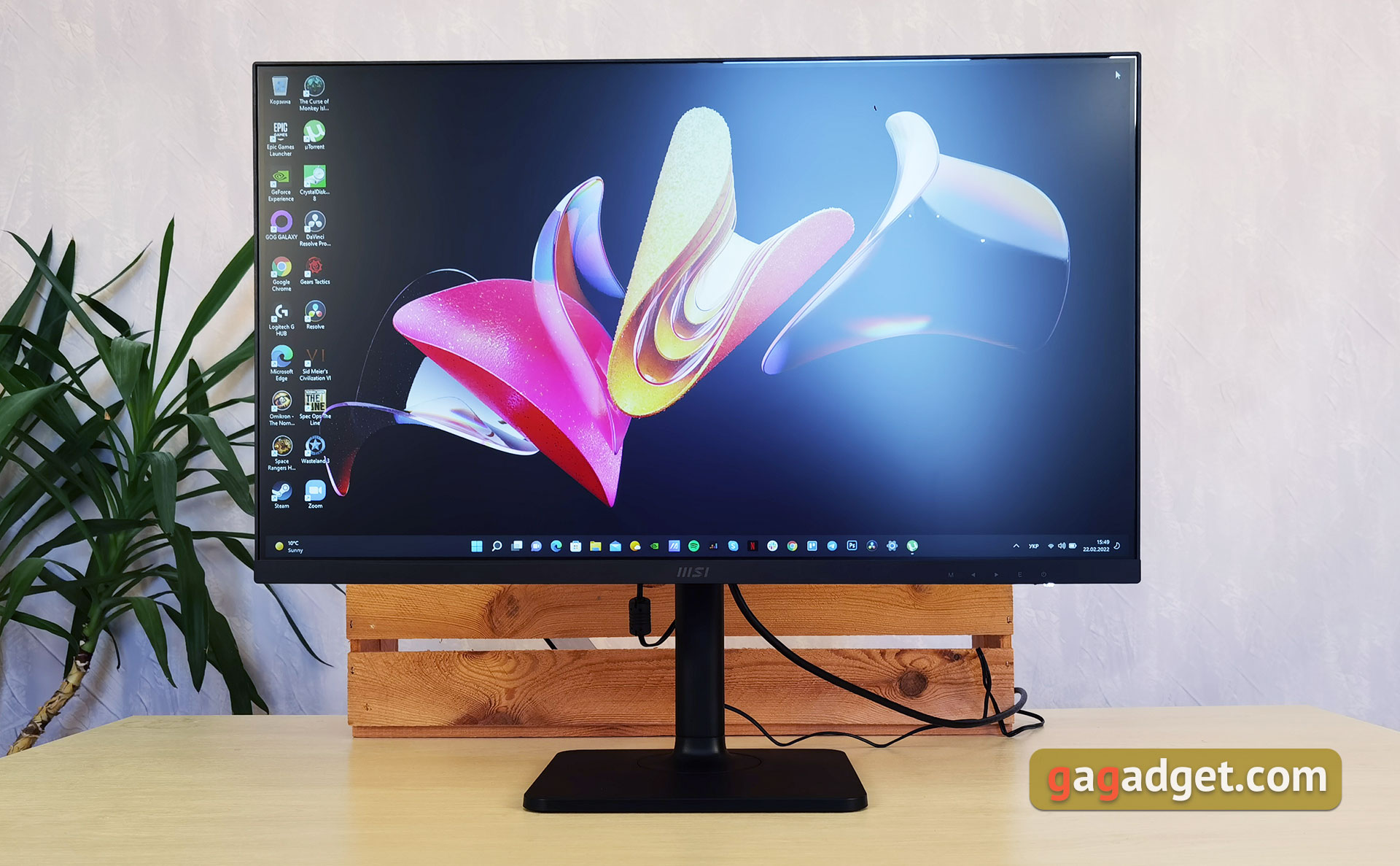
The stand is very functional and allows flexibleadjust the position of the monitor. It is possible to adjust the height with a difference of up to 110 mm. At the same time, in the lower position the monitor practically touches the stand:
</ img>
</ img>
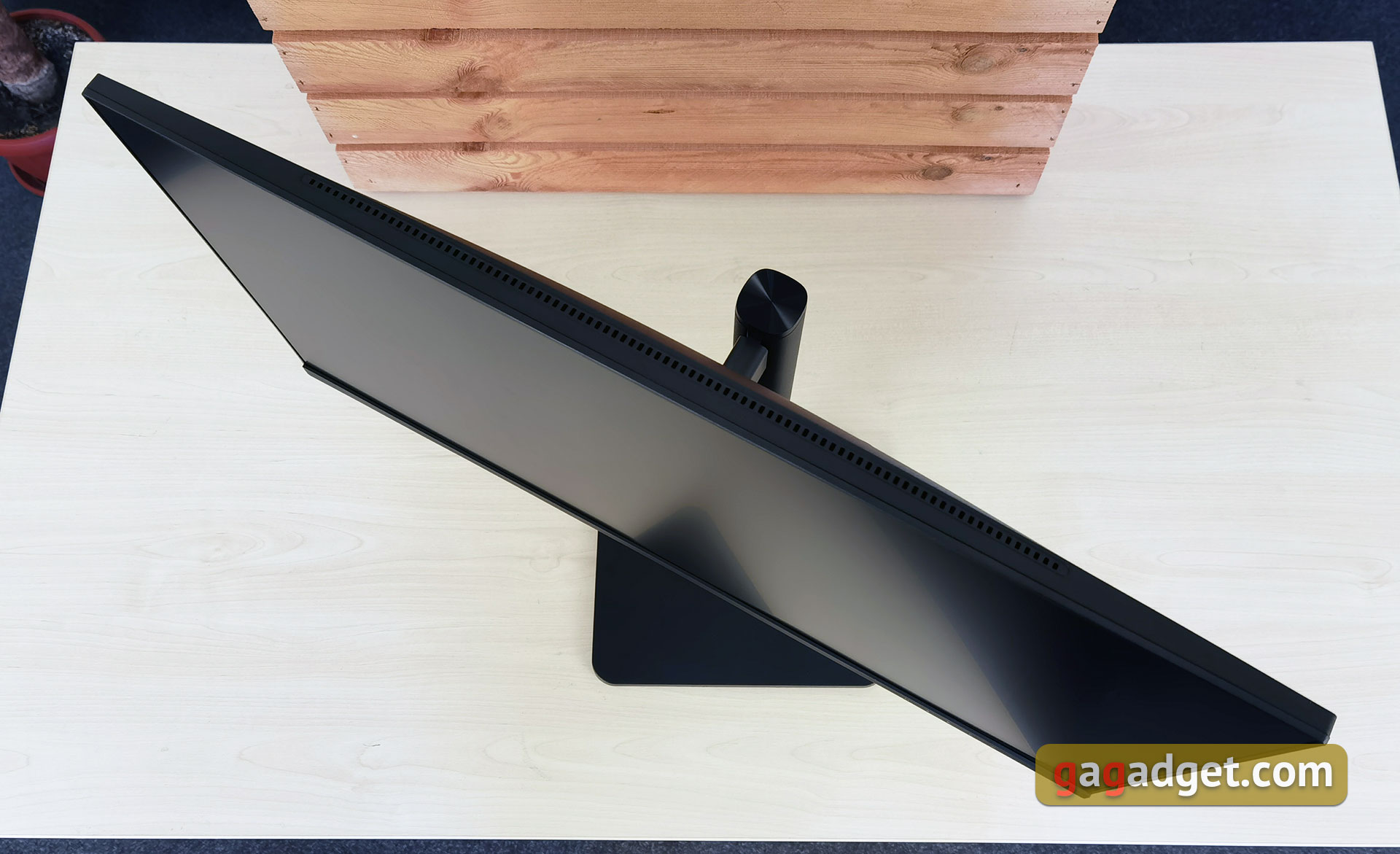
Rotate the monitor between +30° and -30°:
</ img>
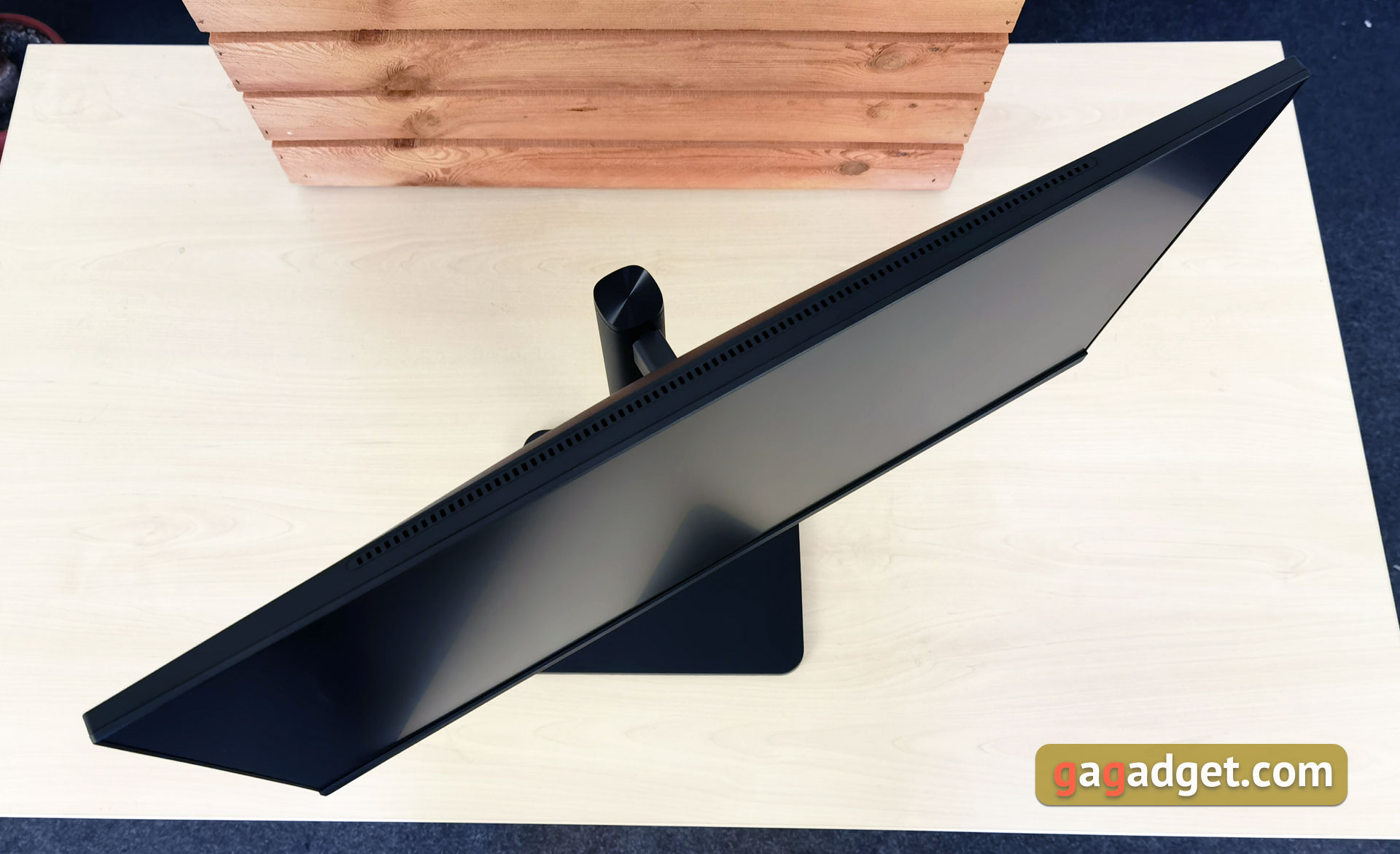
</ img>
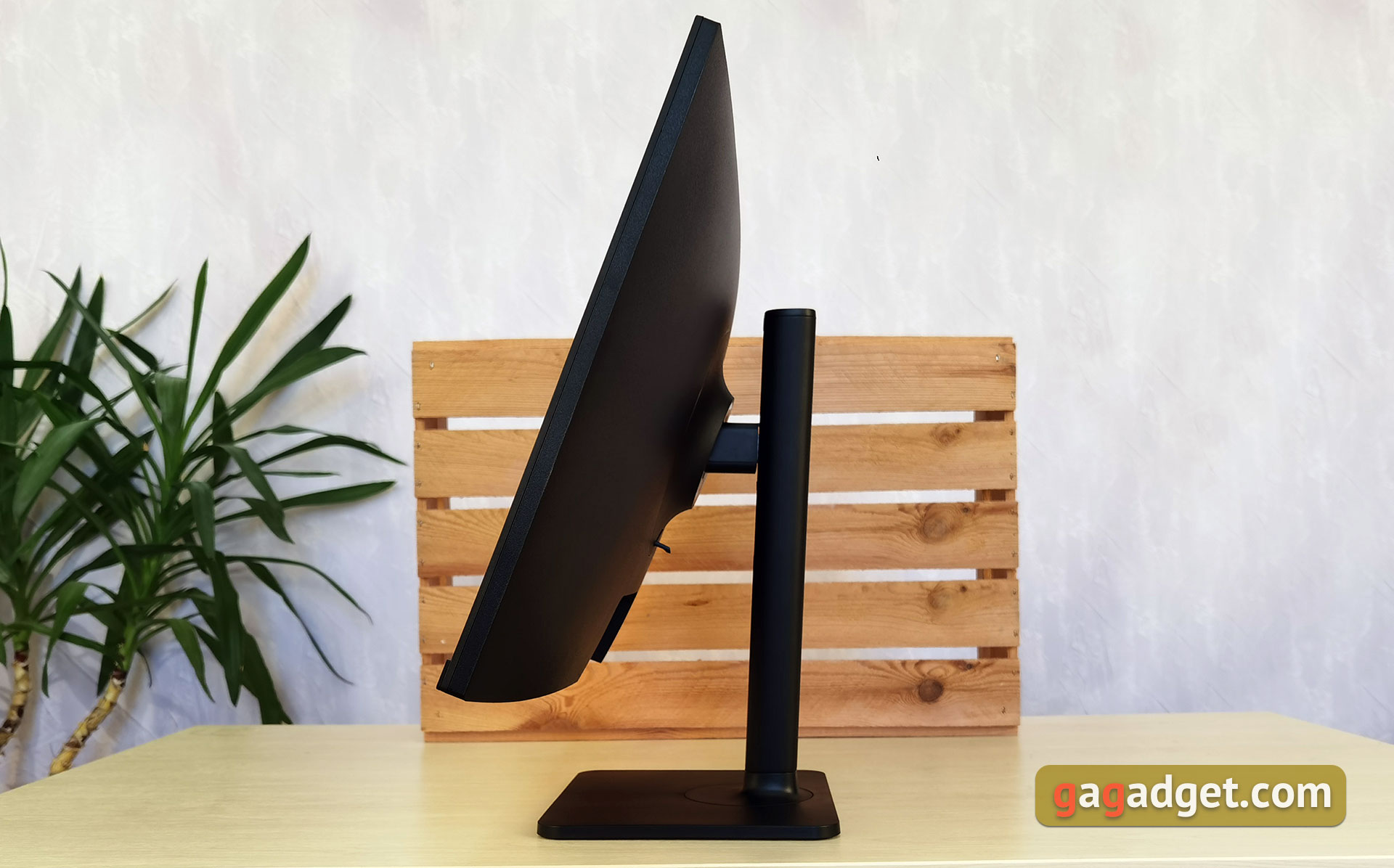
And tilt from +20° to -5°:
</ img>
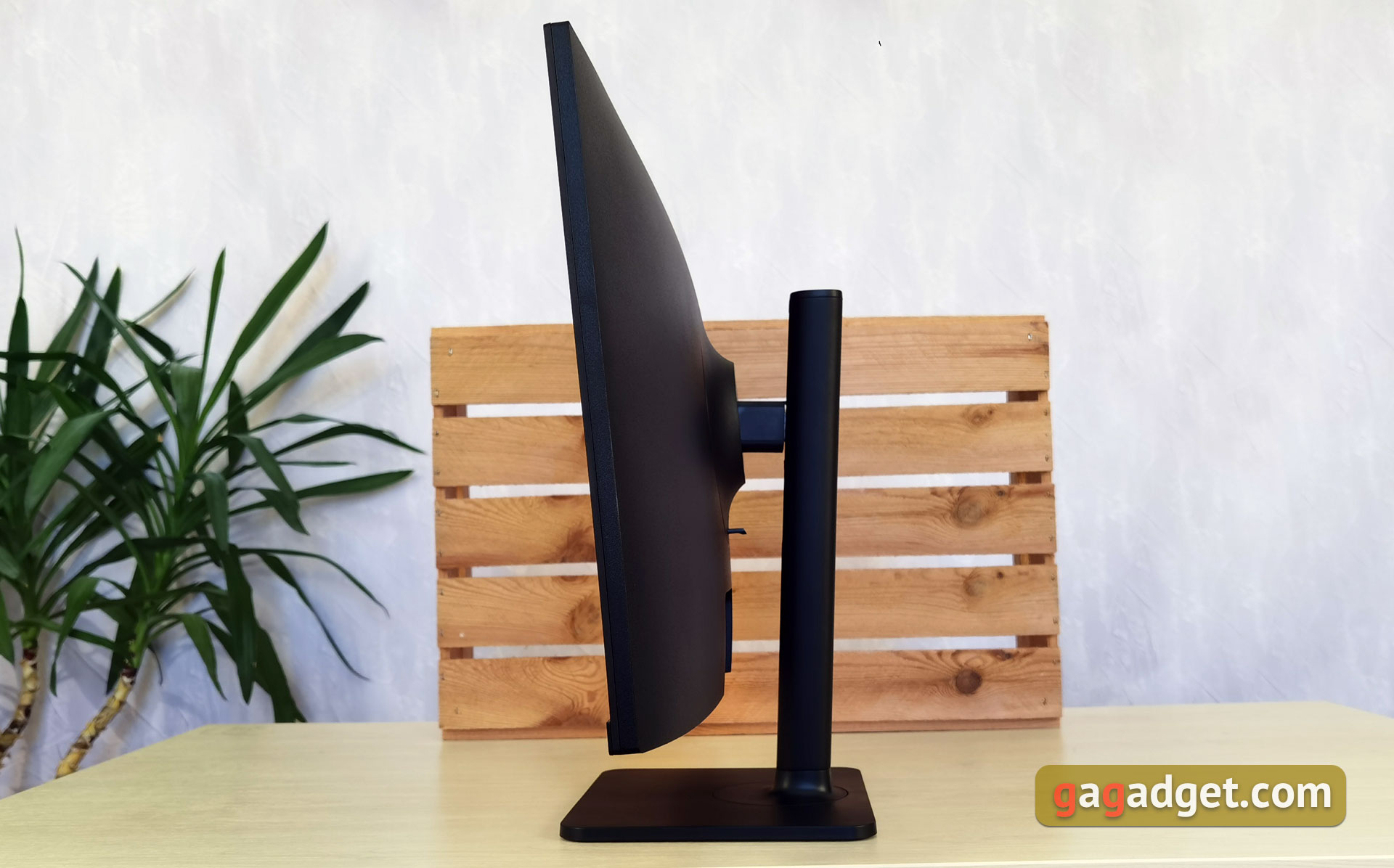
</ img>
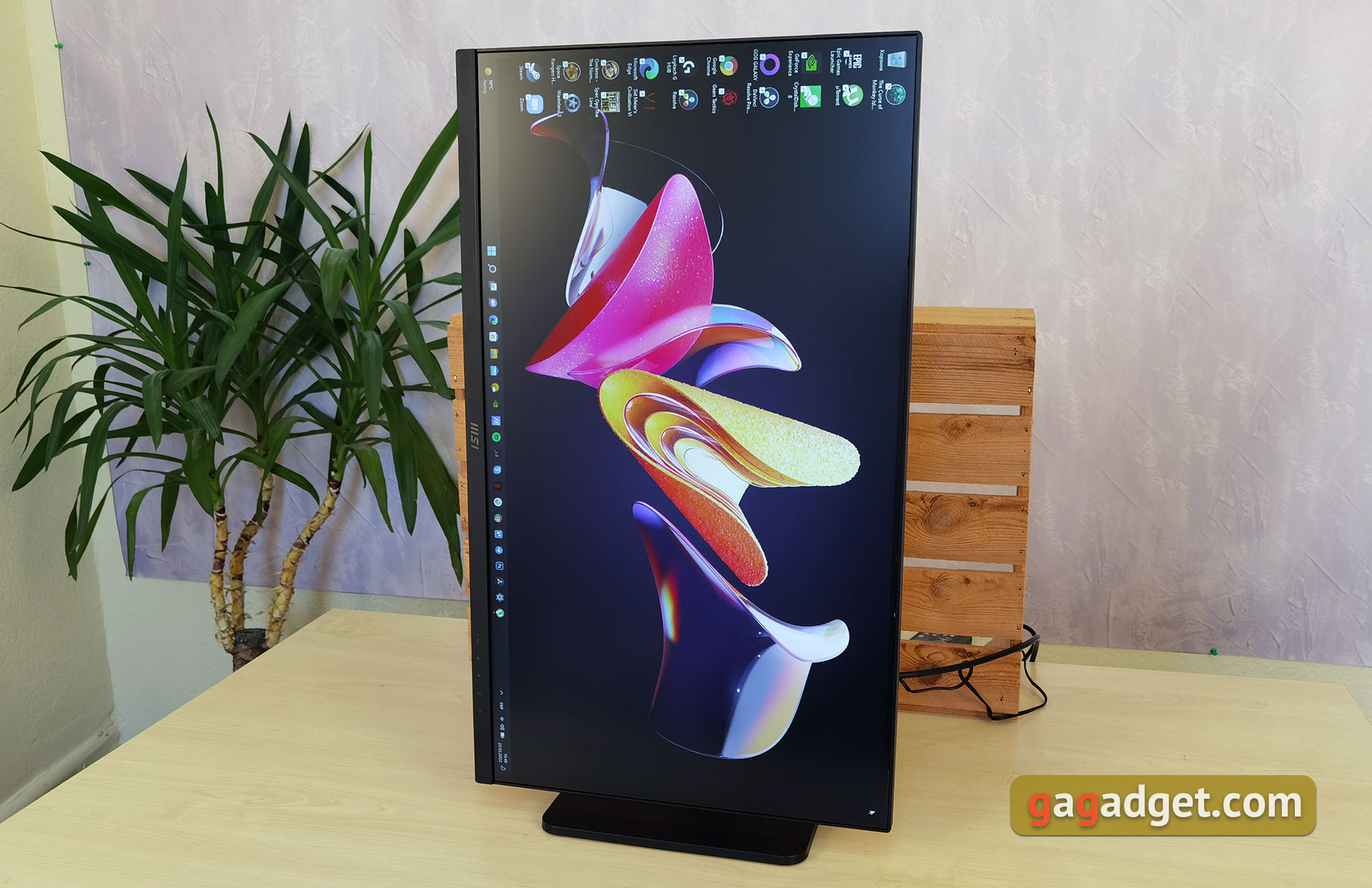
It is also possible to turn the monitor into portrait mode.
</ img>
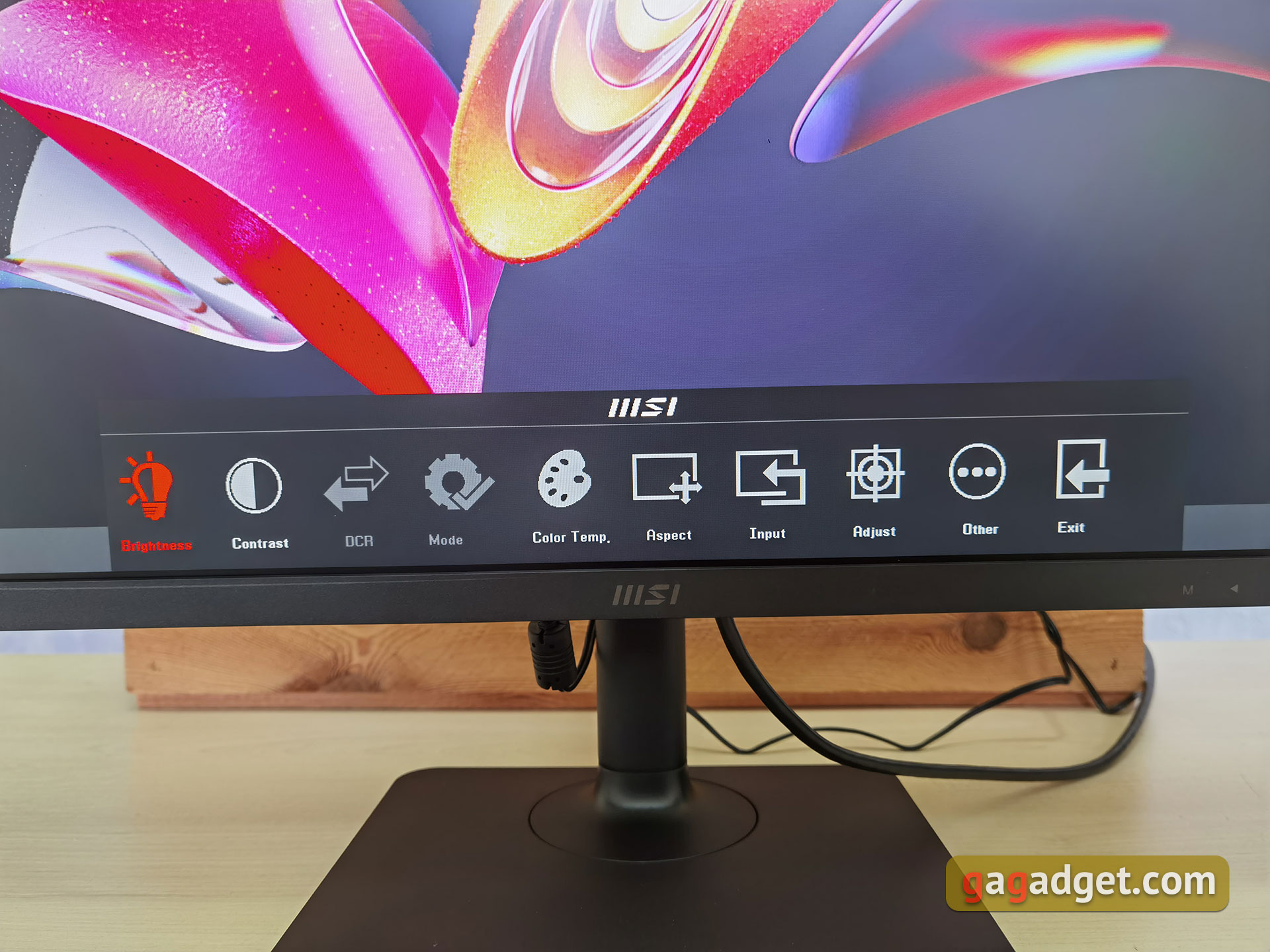
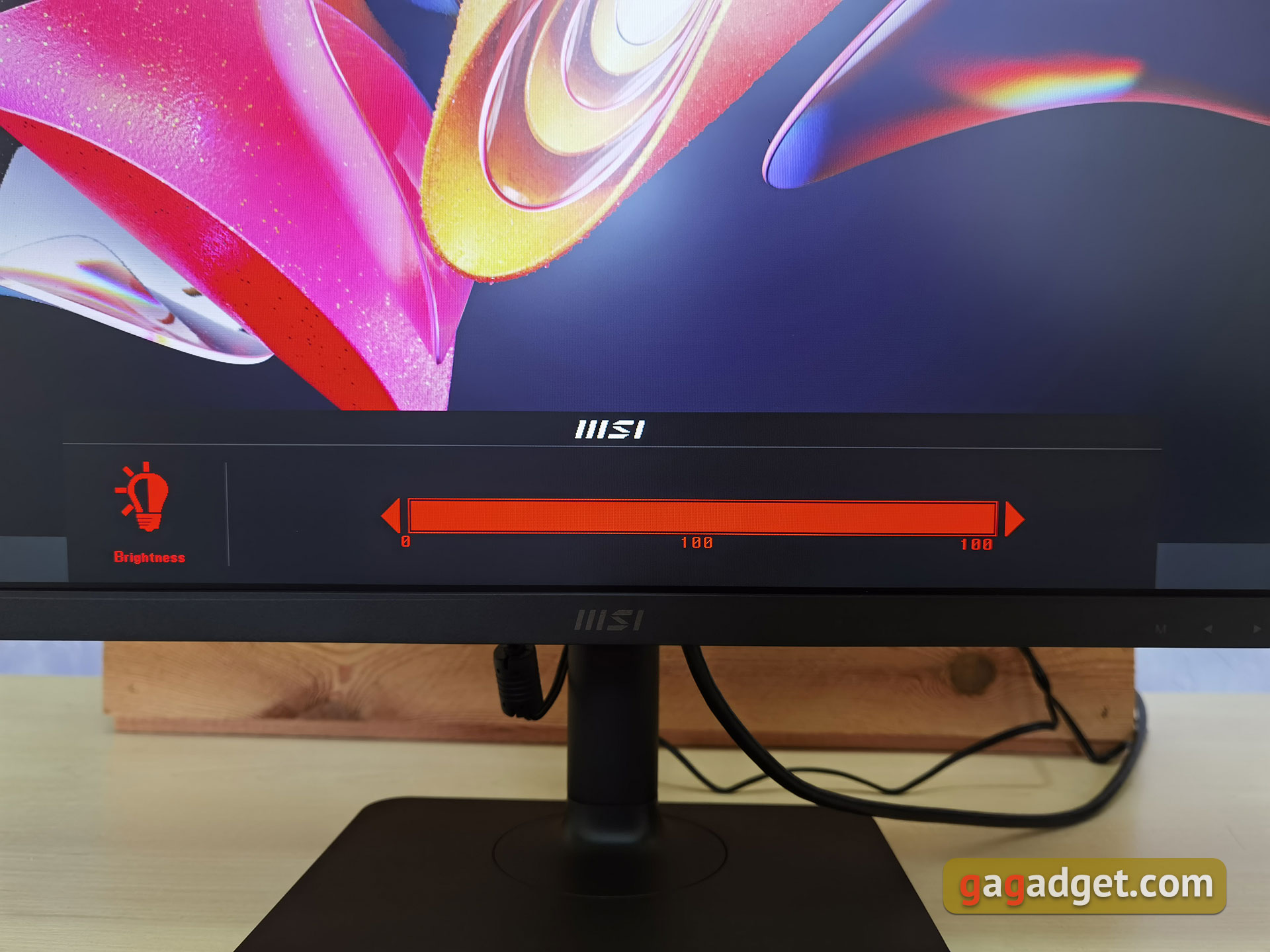
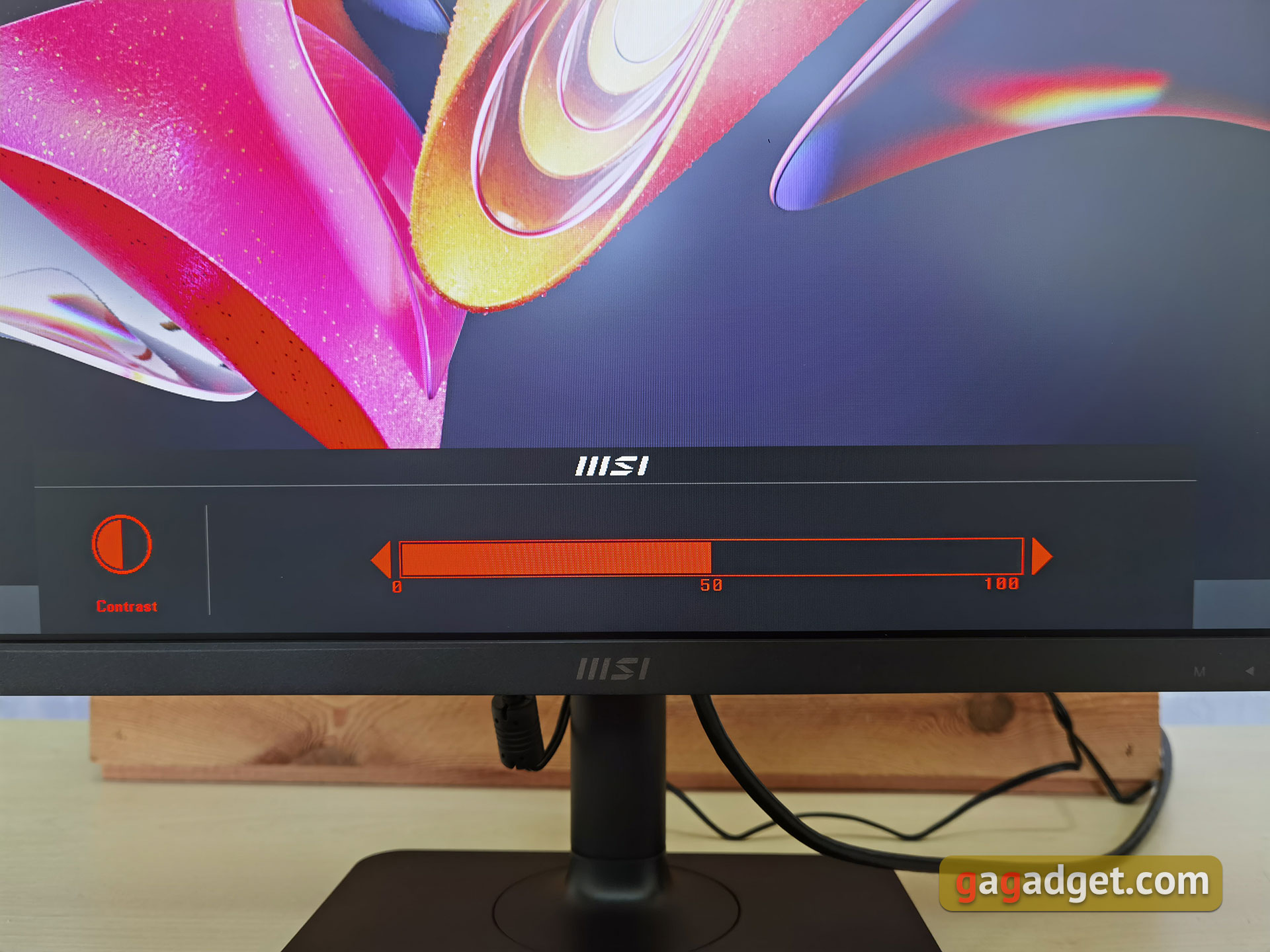
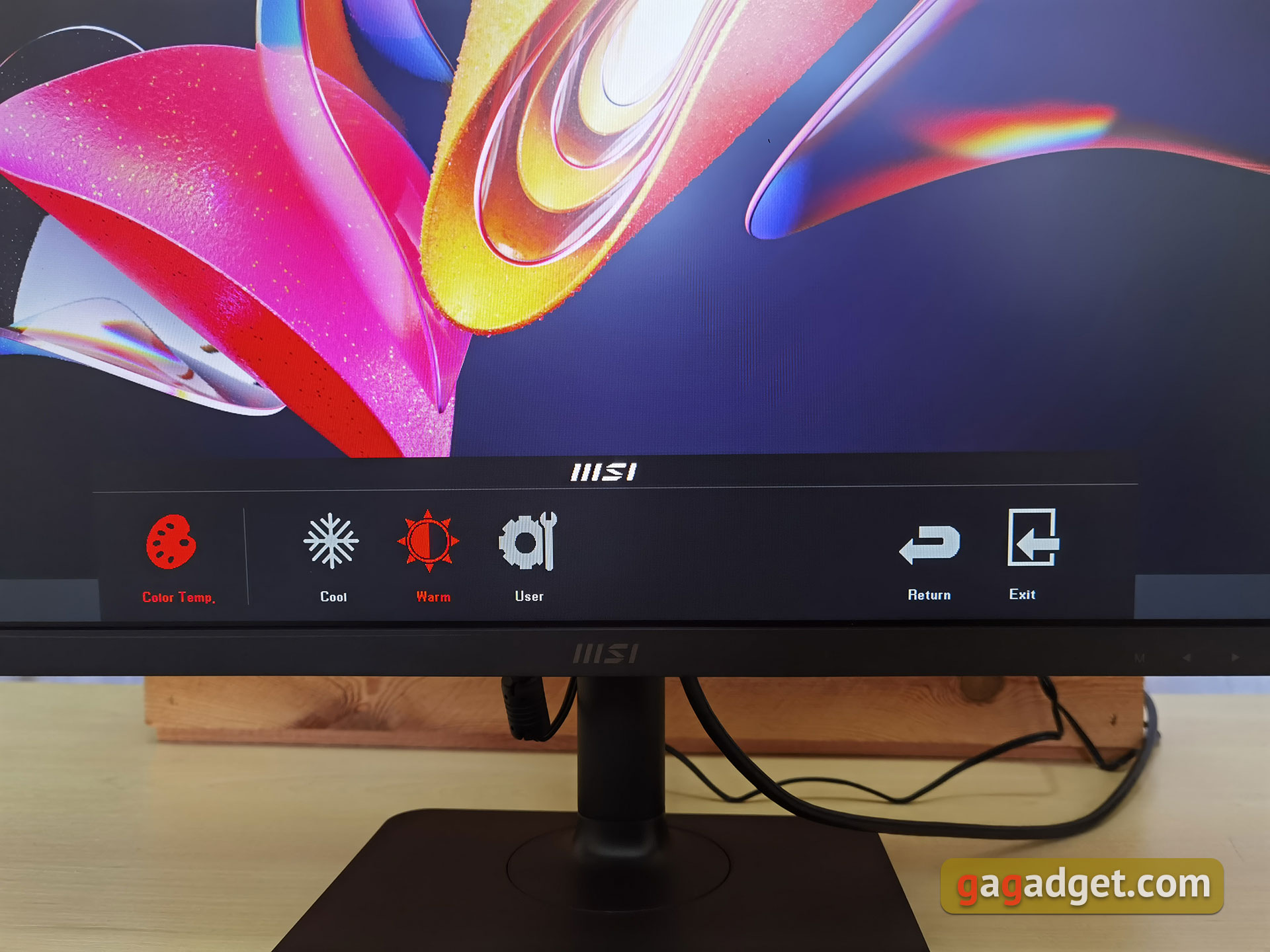
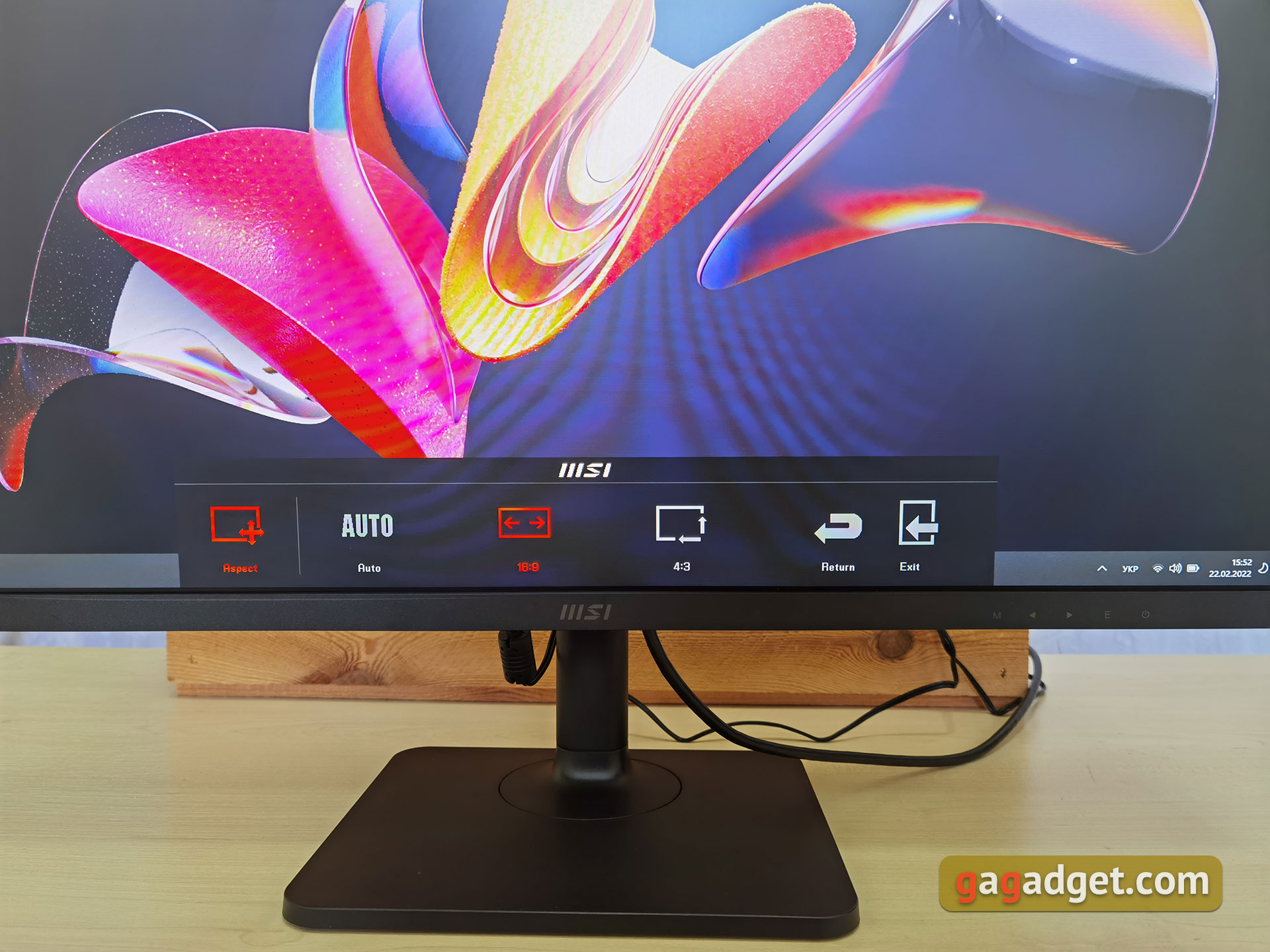
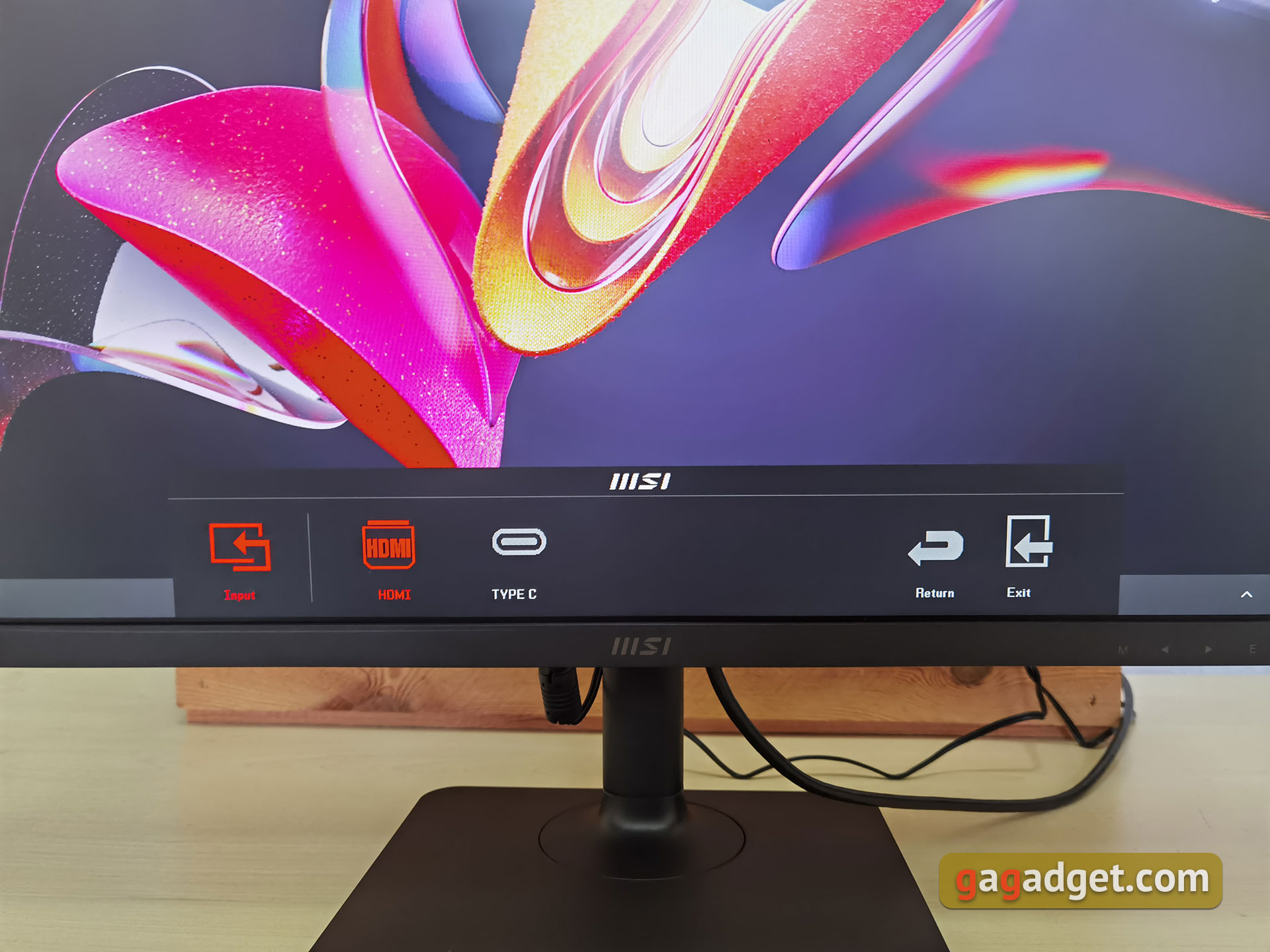
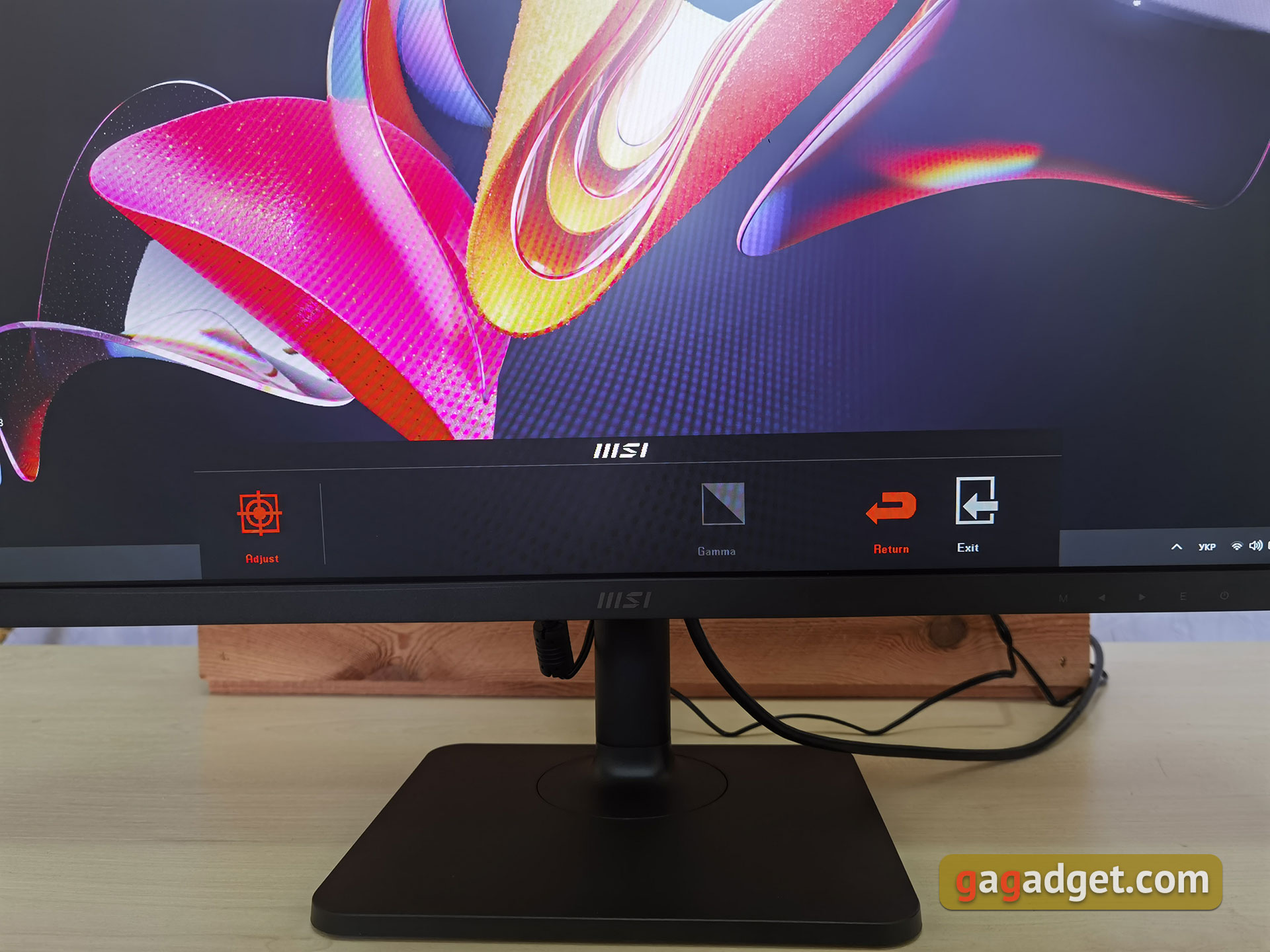
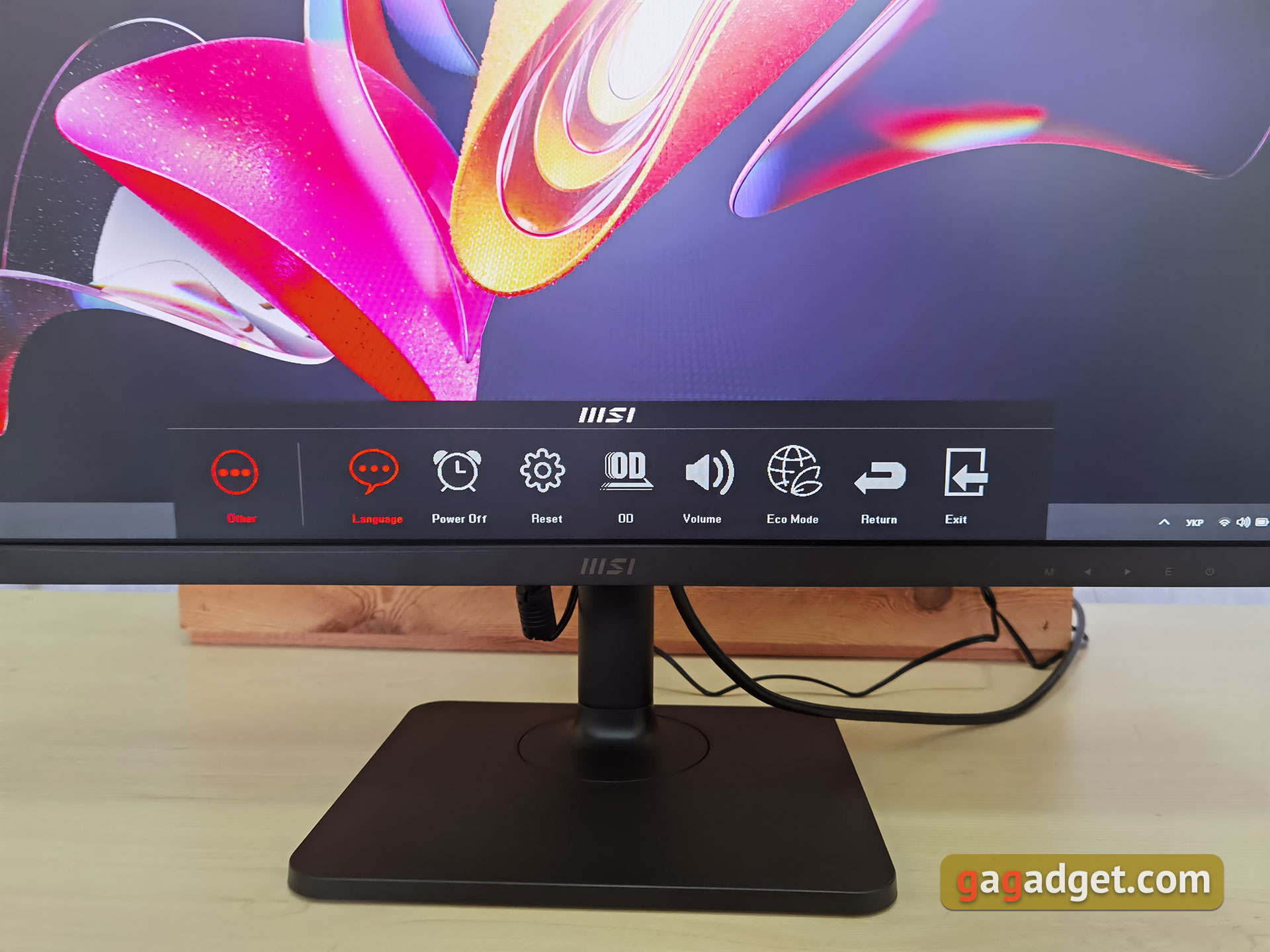
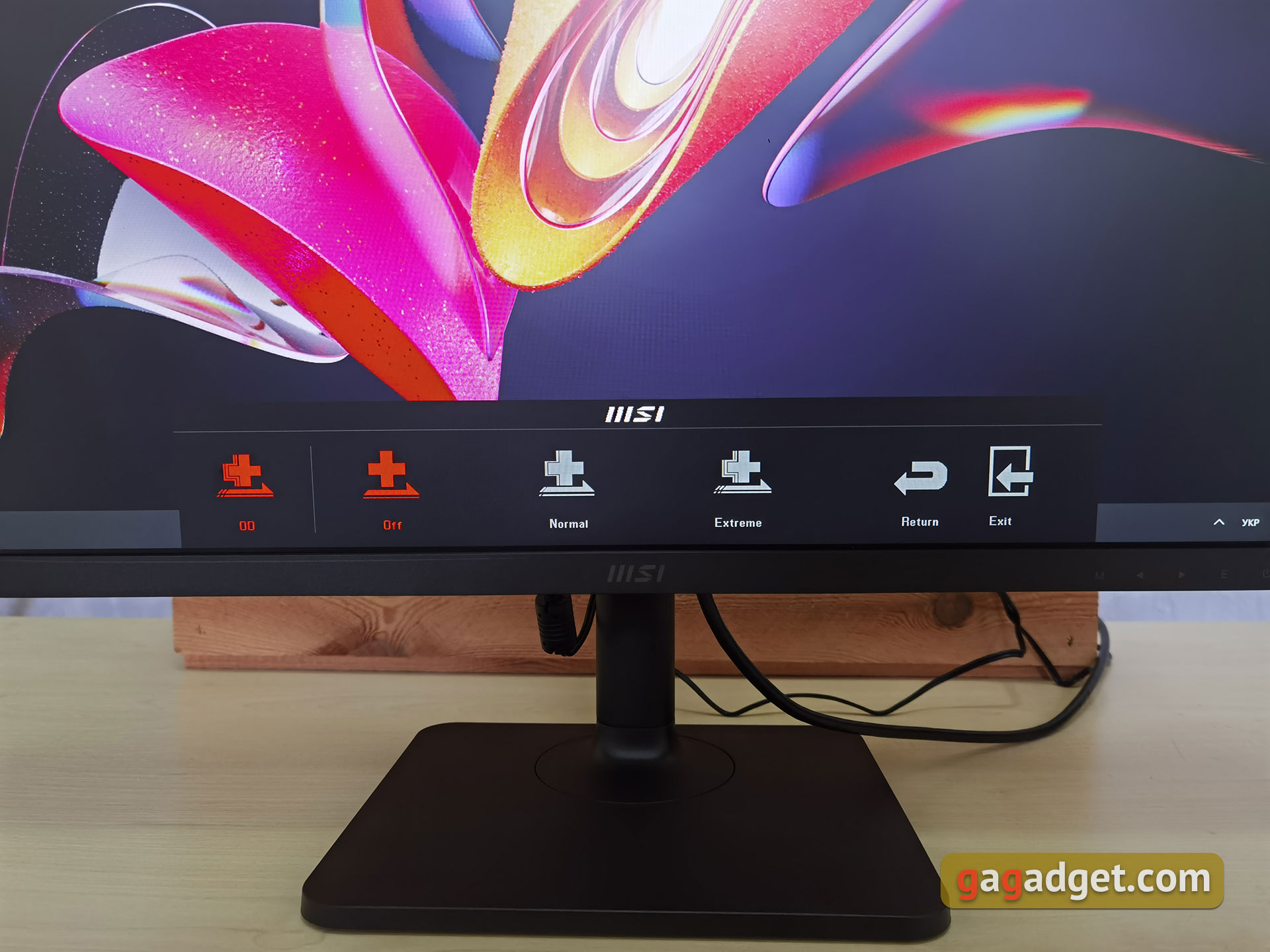
The monitor's OSD menu is displayed at the bottomparts of the screen in the center. There are no separate color modes, but there is manual adjustment of brightness, contrast and color temperature. The next menu item is responsible for selecting the aspect ratio (auto, 16:9 or 4:3), followed by selecting the signal source and adjusting the gamma. In the last paragraph “Others” hidden language selection, shutdown timer, reset to factory settings, Overdrive (overclocking the matrix with two levels), adjusting the volume of the built-in speakers and an economical operating mode.
</ img>
</ img>
</ img>
</ img>
</ img>
</ img>
</ img>
</ img>
</ img>
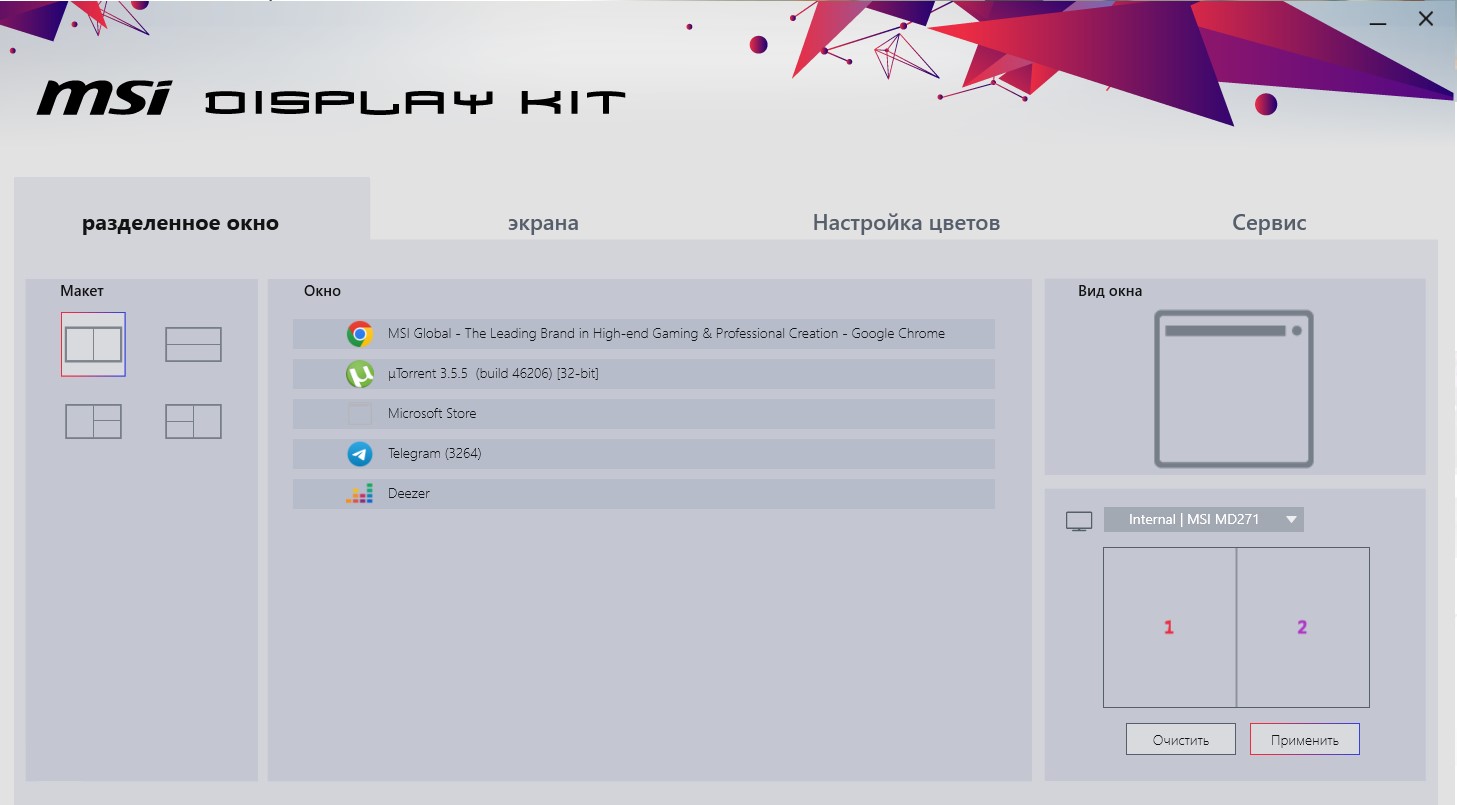
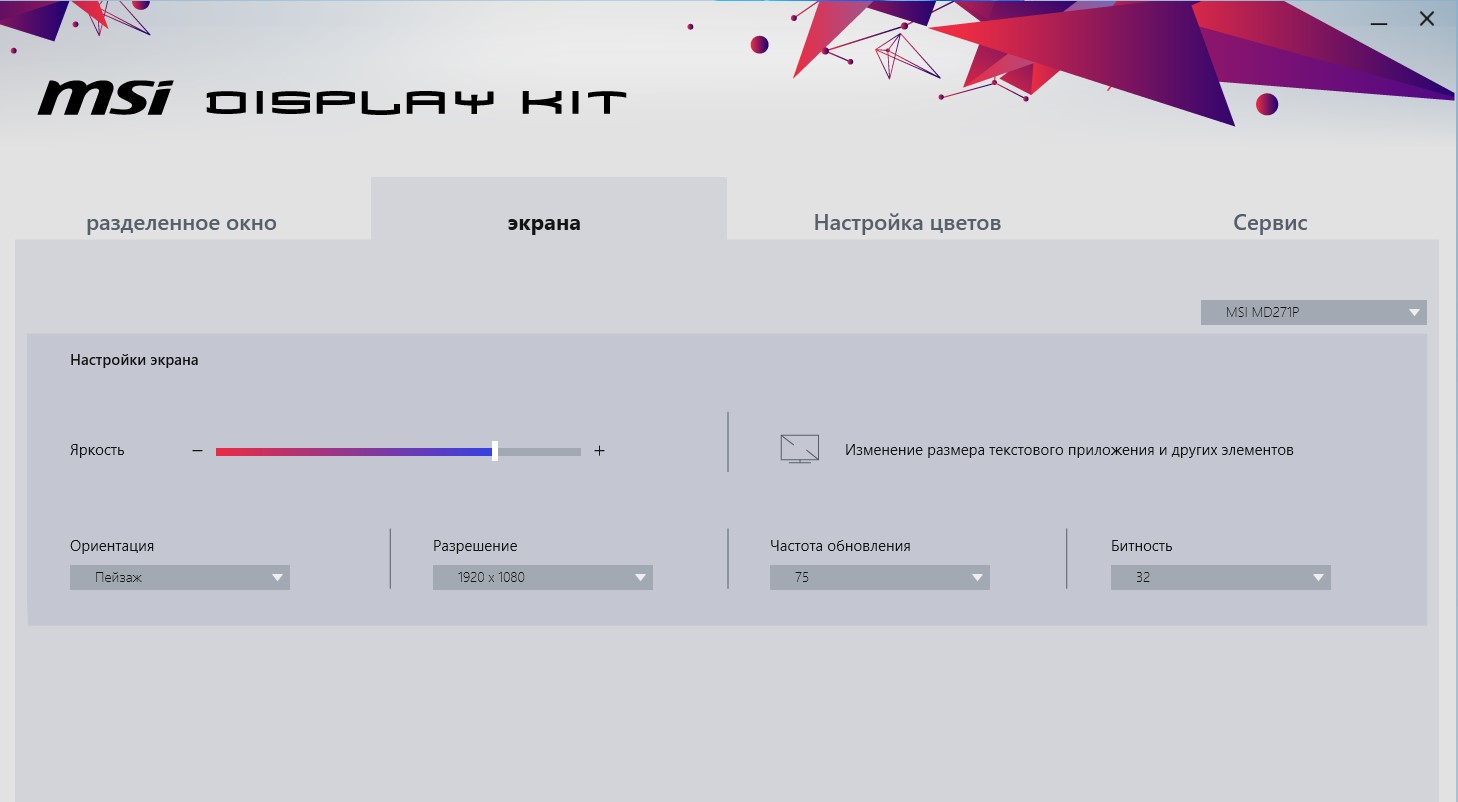
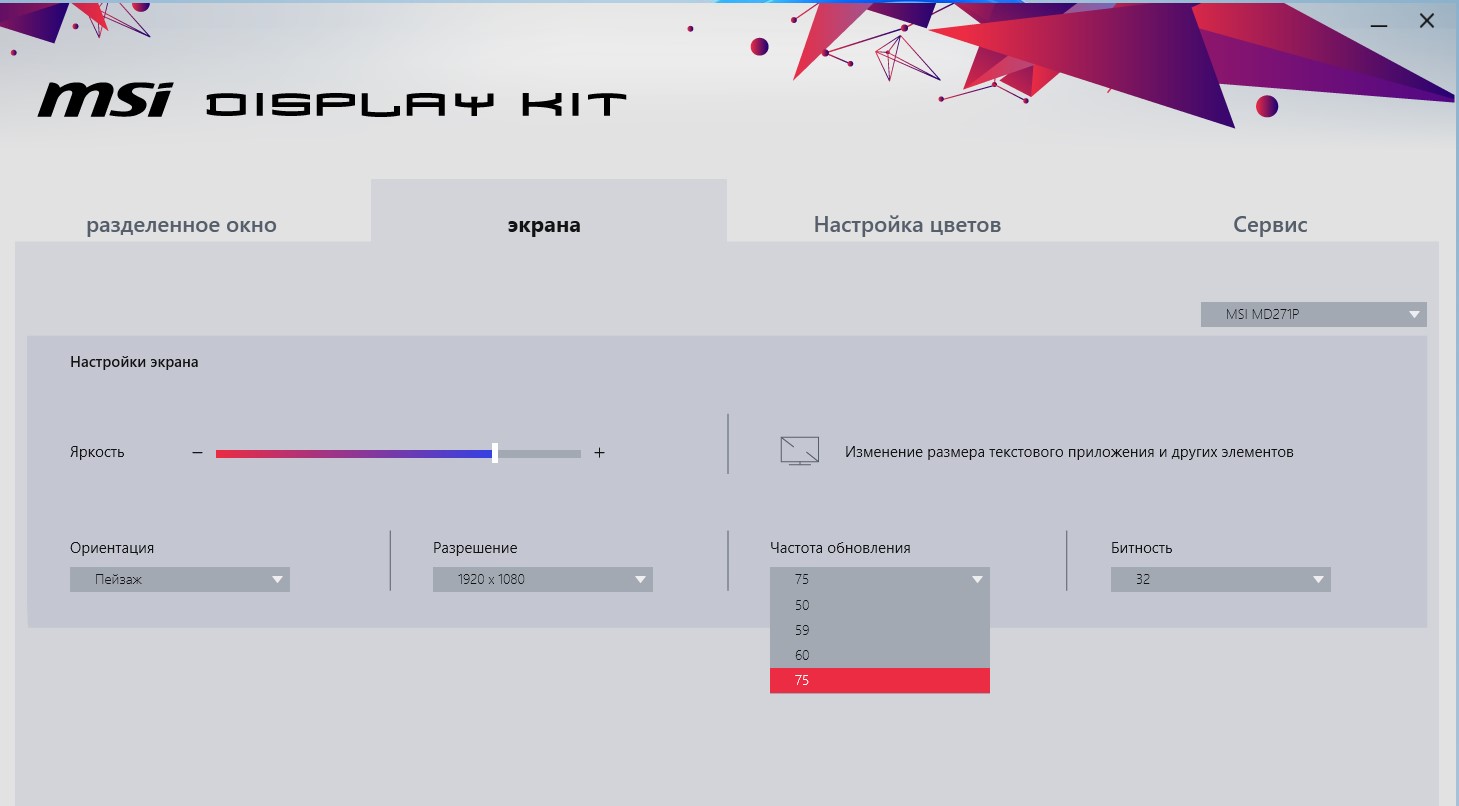
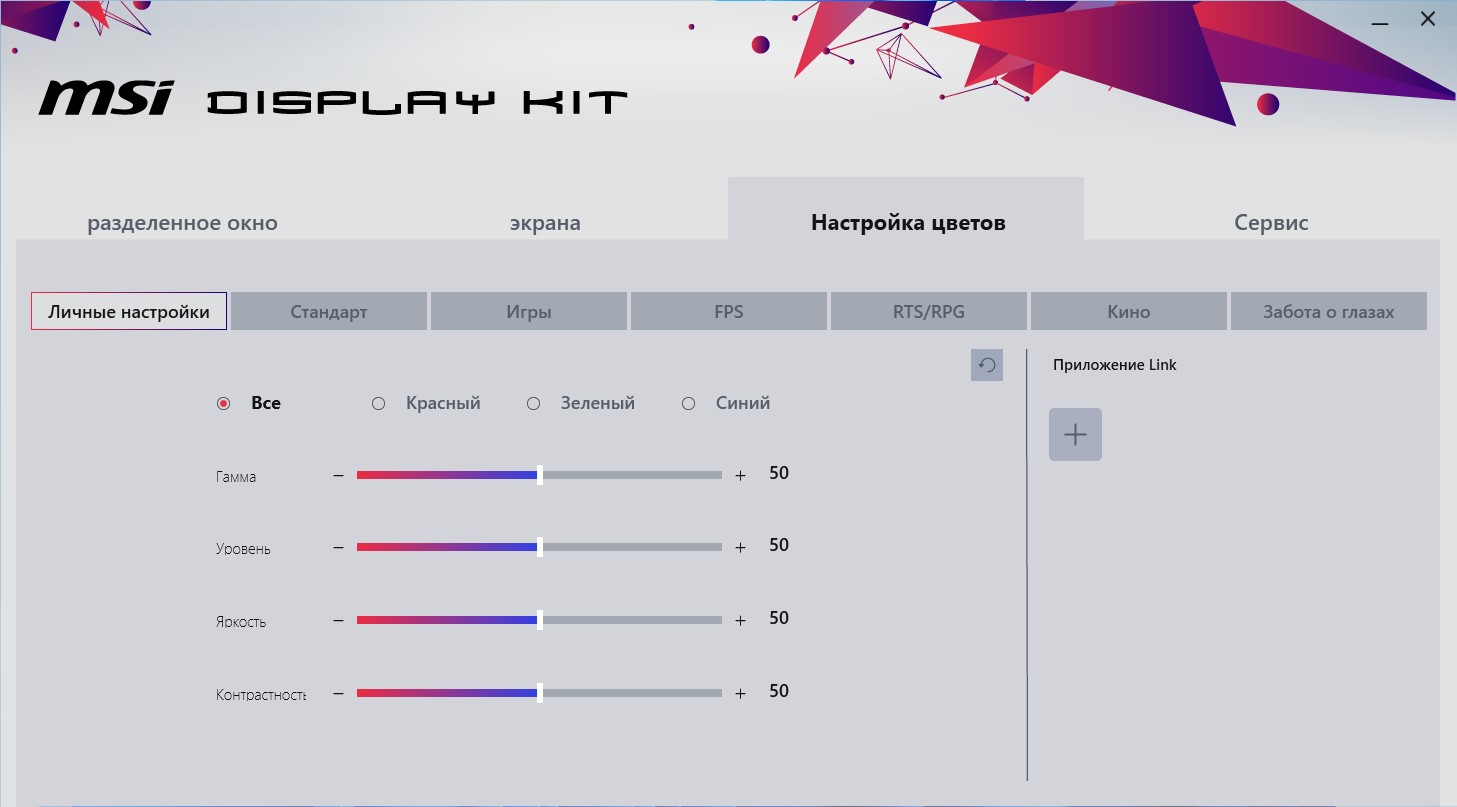
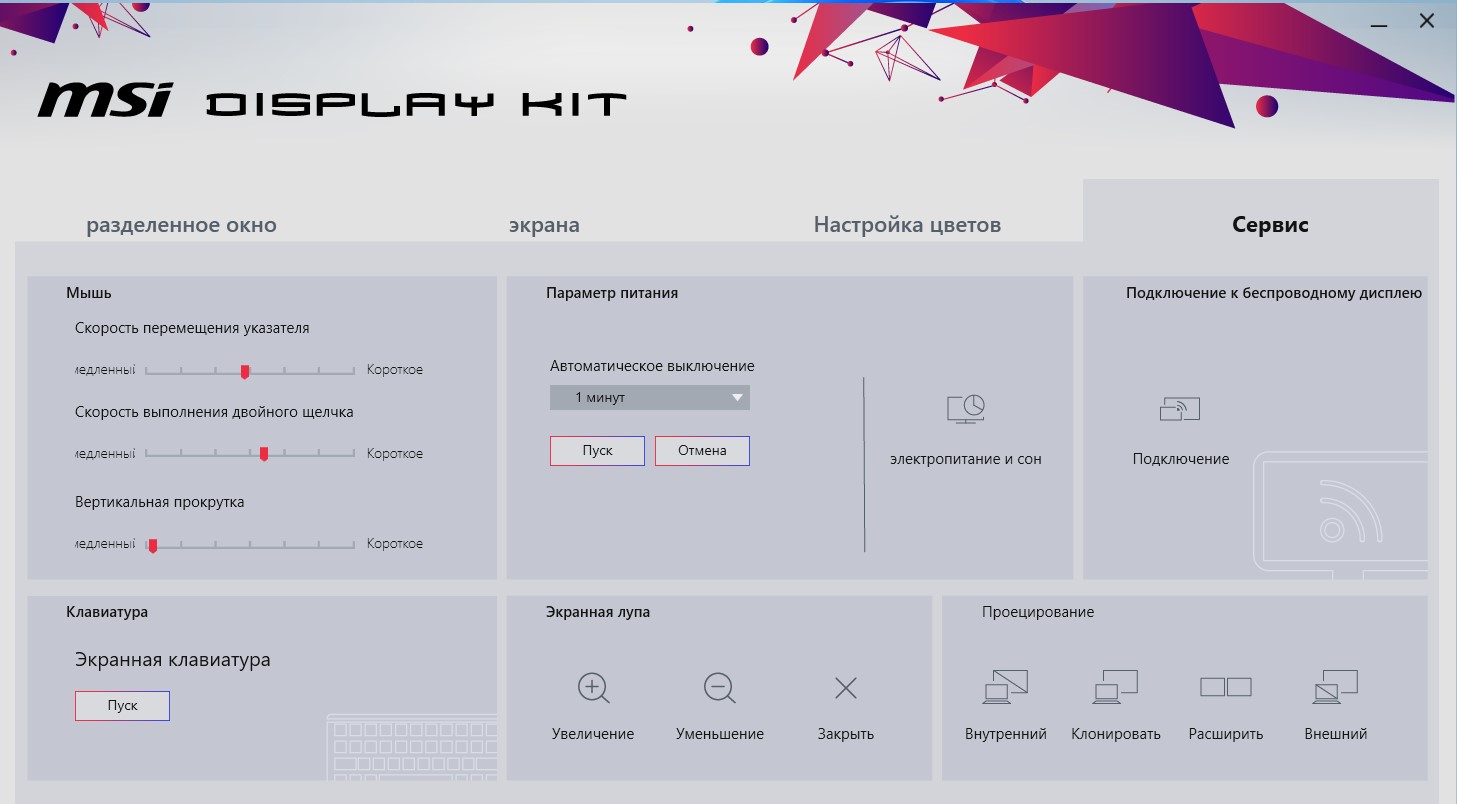
Additionally, you can install the MSI applicationDisplay Kit, in which you can customize almost everything, from multi-window modes with presets for applications, flexible color temperature settings and annual modes for different purposes (including gaming) and ending with all sorts of bonuses such as a virtual keyboard.
</ img>
</ img>
</ img>
</ img>
</ img>





How is MSI Modern MD271P with picture quality?
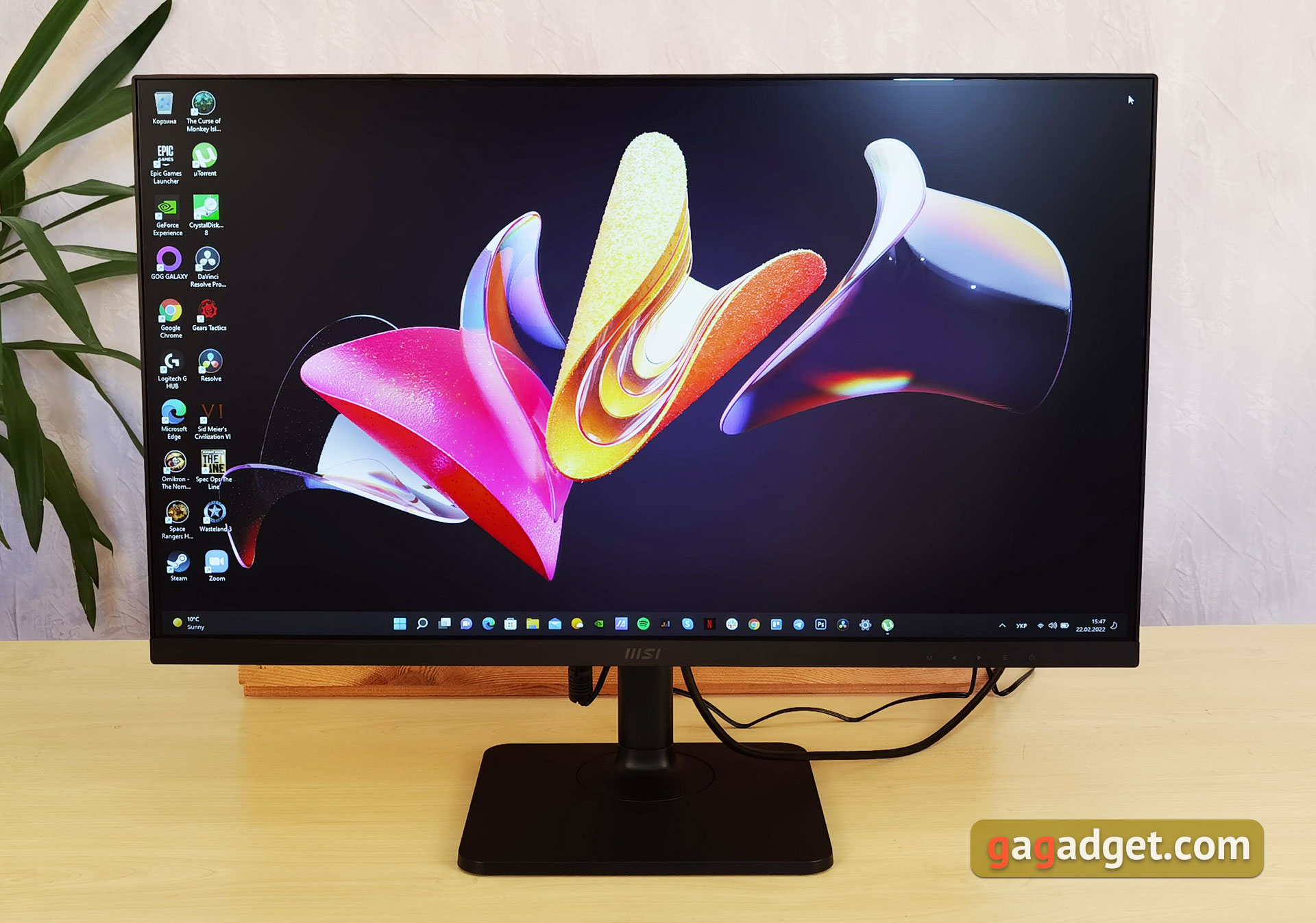
MSI Modern MD271P has 8-bit27-inch FullHD IPS matrix with W-LED backlight, 75 Hz picture refresh rate and 5 ms response time. The maximum declared brightness is 250 cd/m², and the static contrast is 1000:1. It is worth noting useful bonuses in the form of flicker-free Anti-Flicker backlight and blue filter.
</ img>
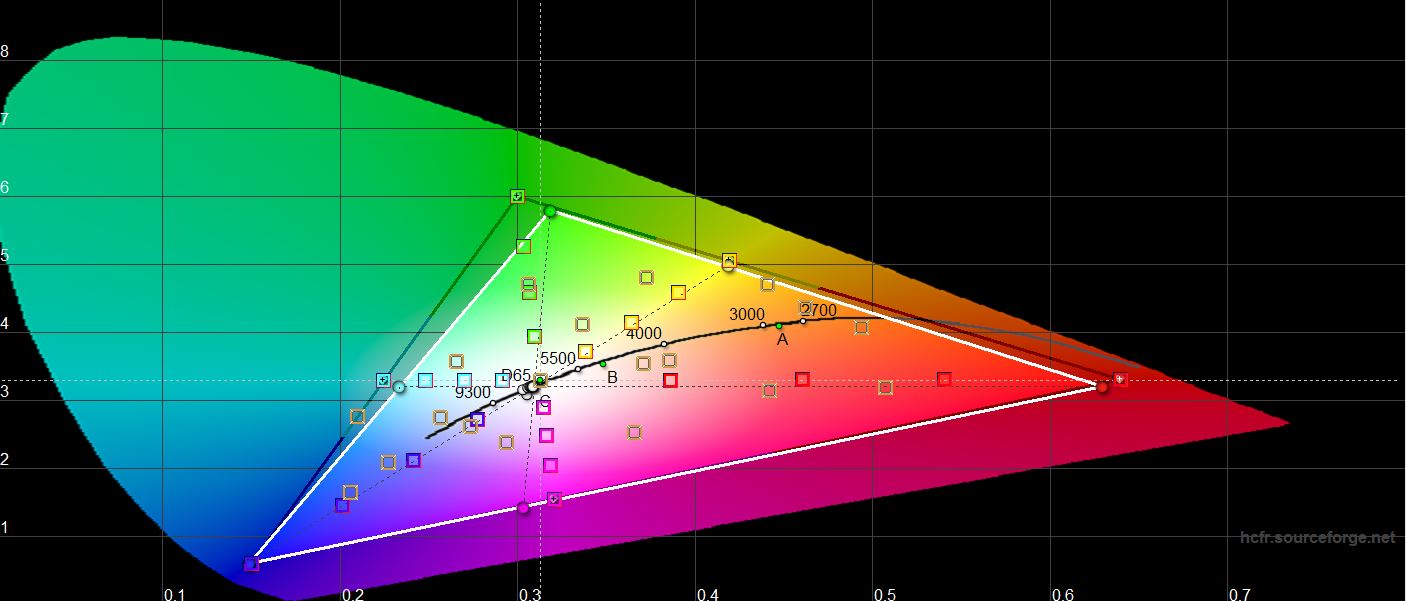
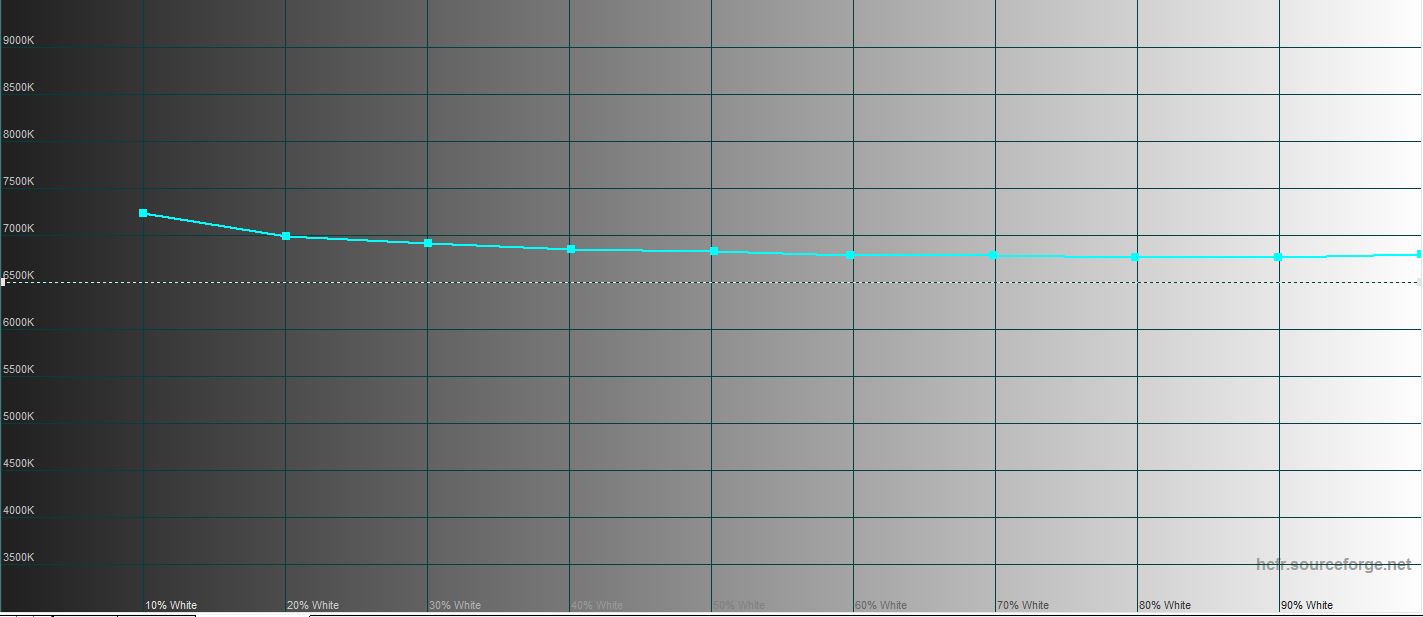
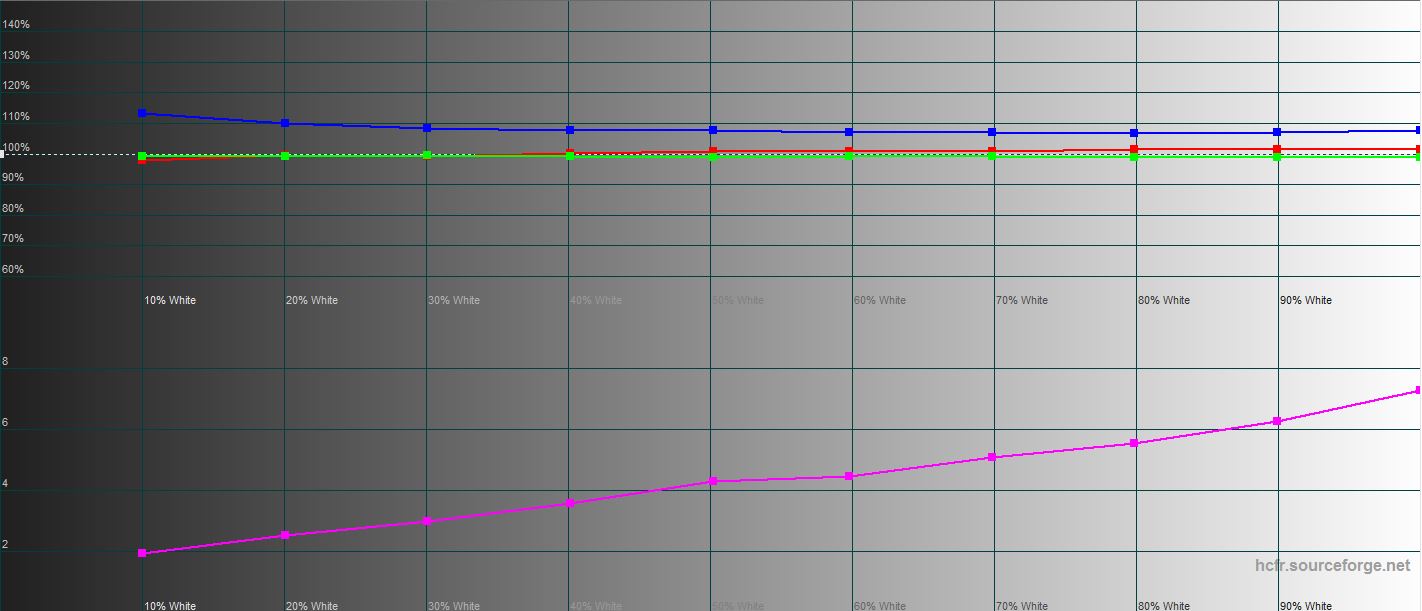
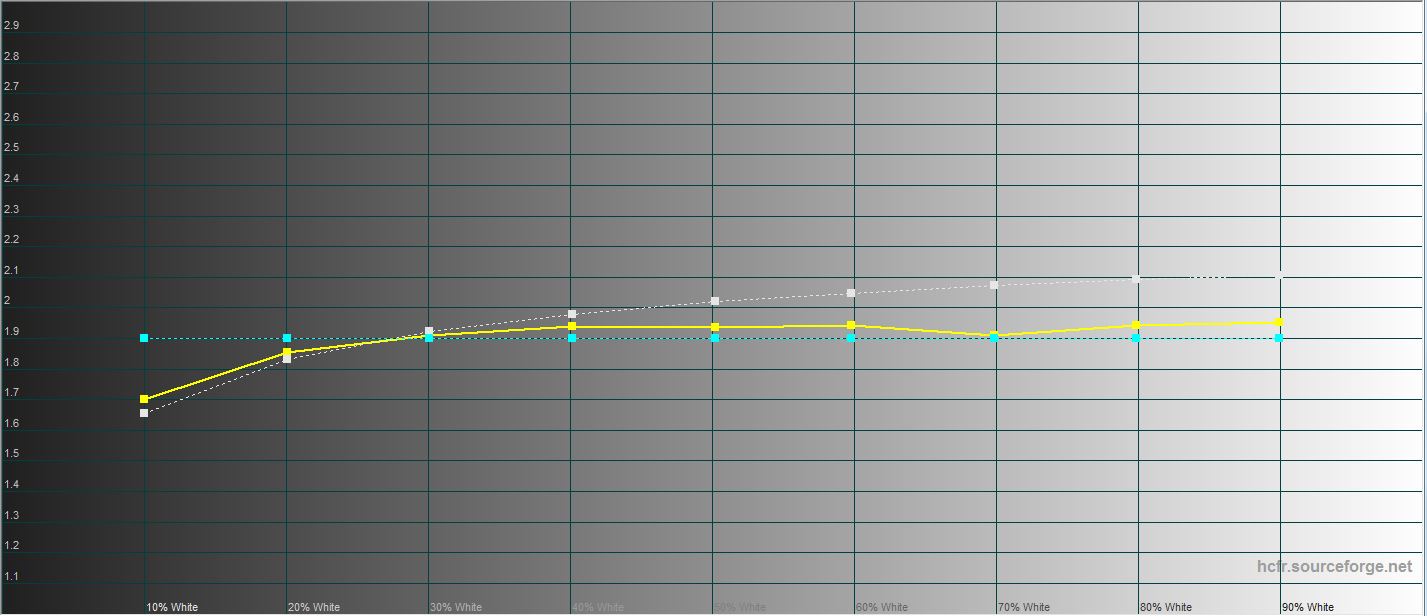
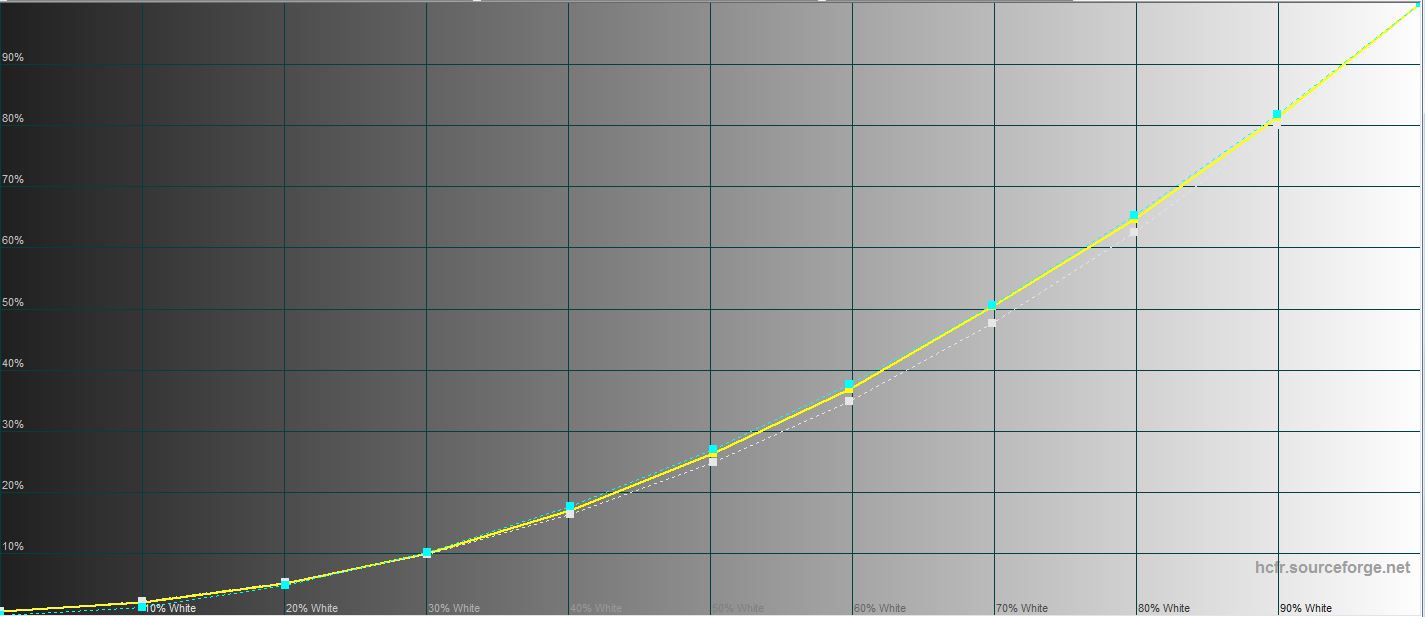
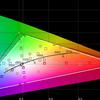
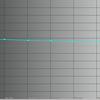
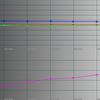
The picture quality of the MSI Modern MD271P is nicepleased. Visually, color rendition is natural, viewing angles are maximum both horizontally and vertically. The contrast reduction at angles is very slight, and the Glow effect is minimal. A very effective anti-reflective coating is used, making it comfortable to work even in front of a bright light source. The illumination is uniform, without too obvious, annoying glare. The brightness reserve is not too high, but quite sufficient for office work. Measurements showed that the maximum brightness of the monitor is 242.433 cd/m², the brightness of the black field is 0.253 cd/m², and the static contrast is 958:1, the figures are almost as stated. Factory calibration is also good: the color gamut is close to the sRGB color space, all other indicators are close to the reference values.
</ img>
</ img>
</ img>
</ img>
</ img>

How did you perform in work and games?
</ img>
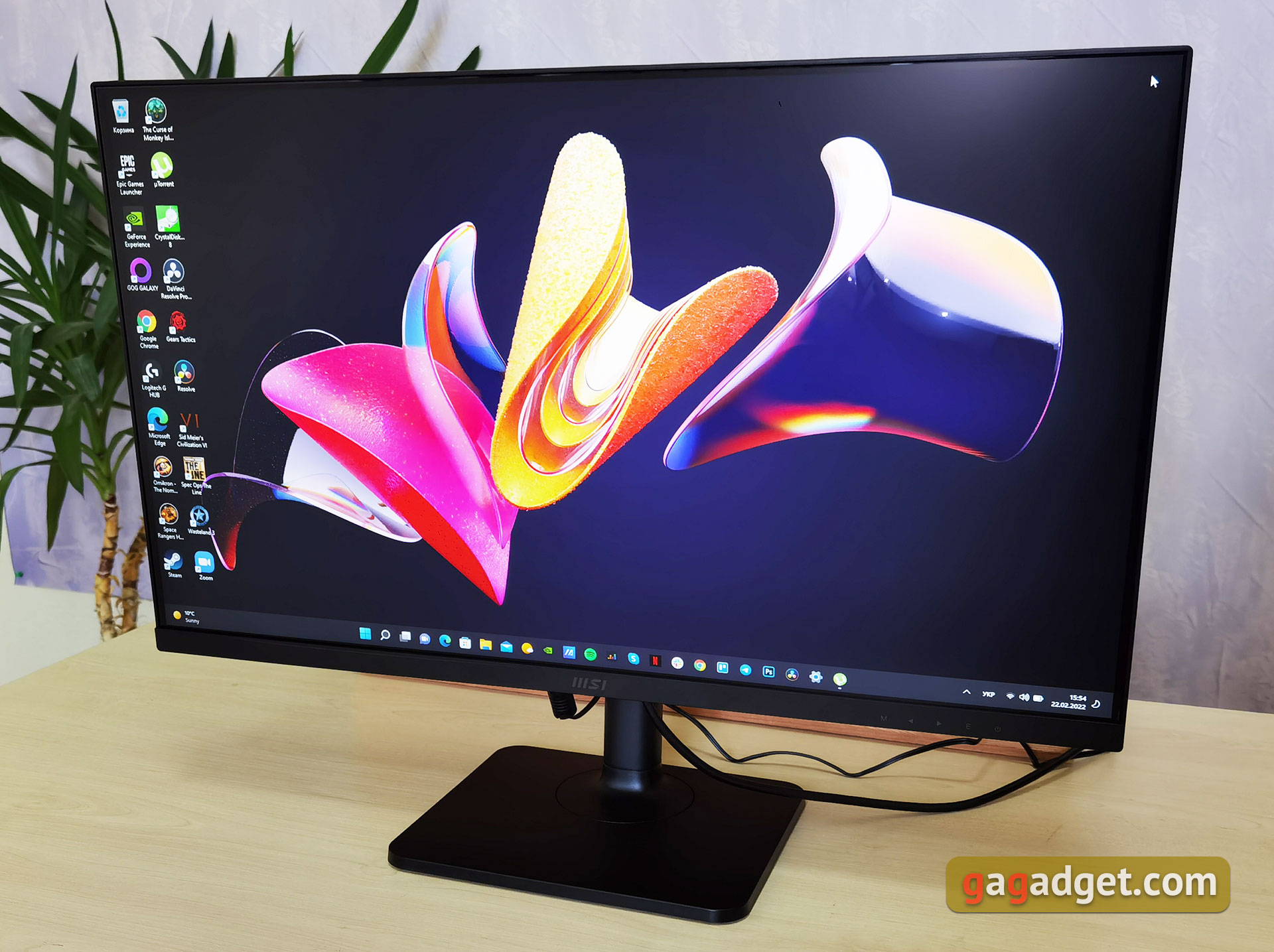
Monitor MSI Modern MD271P firstdesigned for office work. And it suits this purpose perfectly: a decent picture, a convenient functional stand and a minimalistic universal design. And high-quality color rendition allows it to be used for photo/video processing at a basic level. The built-in speakers cannot boast of particularly high sound quality, but they are quite sufficient for watching movies and videos. As for games, the monitor is also quite enough for a non-hardcore gamer, especially if you play some RPGs or strategy games. For those who like to play all kinds of online shooters and action games, it’s better to take a closer look at something with a higher frequency, shorter response time and support for adaptive frequency.
</ p>in dry residue. Three things to know about MSI Modern MD271P:
- The monitor is equipped with a high-quality IPS-matrix with a maximum refresh rate of 75 Hz and a pixel response time of up to 5 ms.
- there are HDMI 1.4, Type-C (DisplayPort) connectors, a 3.5 mm audio jack for headphones, but no USB hub and full-size DisplayPort.
- The monitor is equipped with anti-flicker and blue filter technologies.
Specifications MSI Modern MD271P
Diagonal
27″
Matrix type
IPS
Aspect ratio
16:9
Resolution
1920×1080
Contrast
1000:1 (max)
Viewing angles
178 / 178
Colors displayed
8 bit
Pixel pitch
0.311×0.311 mm
Response time
5 ms
Brightness
250 cd/m2 (max)
Maximum refresh rate
75 Hz
Coating
anti-glare
Connectors and ports
HDMI 1.4, Type-C (with DisplayPort), 3.5 mm audio, Kensington Lock
Wall mount
VESA 75×75
Built-in speakers
2x1 W
Size (with stand)
613.5×401.5×200.81 mm
Weight (with stand)
5.8 kg
For those that want to know more:
- MSI Katana GF66 11UD review: a practical weapon for a virtual samurai
- Philips Brilliance 499P9H review: 49-inch aircraft carrier monitor
- AOC CQ32G1 review: 32-inch curved gaming monitor with 144 Hz
- Acer Predator X27 review: dream gaming monitor
- ASUS ROG Swift PG258Q review: a 240 Hz gaming monitor for hardcore gamers
- Review ASUS ROG Strix XG32VQ: 32-inch curved gaming monitor with a frequency of 144 Hz