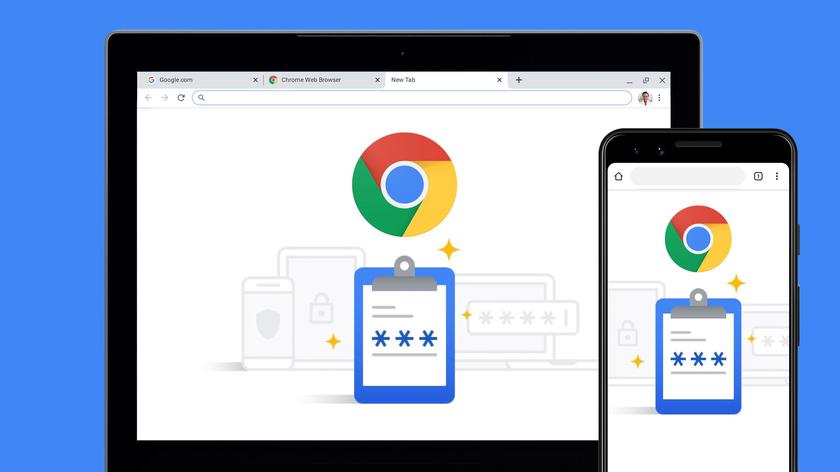
Google Chrome's password manager will soon support biometric authentication on PC and Mac, like this
This is especially convenient if you usecomputer with other people and don't want Chrome to automatically fill in your account passwords for others. Please note that this feature requires a PC or Mac with a built-in fingerprint sensor or facial recognition support. Google says the feature is “coming soon” on computers.
In addition, Google has announced several otherUpdates for Chrome Password Manager. For example, now you can add notes to saved passwords and easily import your passwords from other managers. Instead of using checkboxes as before, you can upload a CSV file with your credentials from another password manager through the Chrome settings menu.
The desktop version of Chrome is nowThere is also a separate tab for the password manager, which can be accessed by clicking on the new option “Password Manager” from the Chrome menu or by selecting “Manage Passwords” when Chrome prompts you to automatically fill in your password. You can also create a desktop shortcut that quickly opens the Chrome password manager.