Content
- Video review
- Equipment and design
- Software
- findings
SberDevices does not
 |
Specifications | |
|---|---|---|
| SberBox | SberBox Mini | |
| Power Supply | 45W USB Type-C | 12W DC |
| Wireless interfaces | WiFi 5 bluetooth 5 |
|
| Sound | 360 degree speaker 40W 4 microphones |
360 degree speaker 5W 2 microphones |
| Water protection | Not declared | |
Video review
Equipment and design
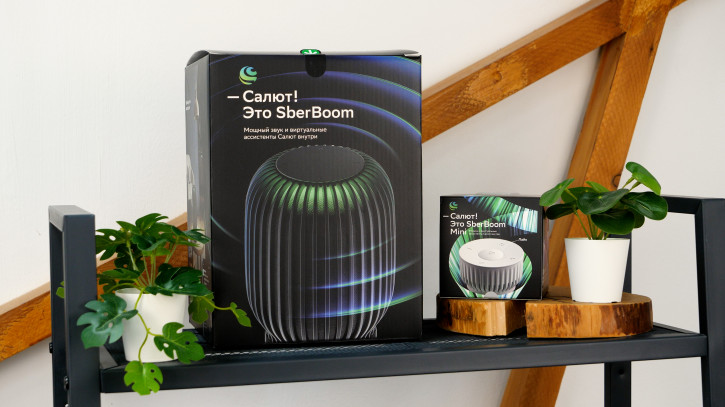
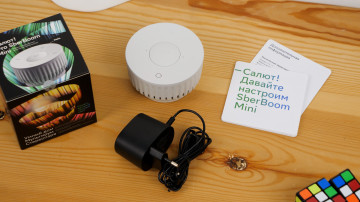
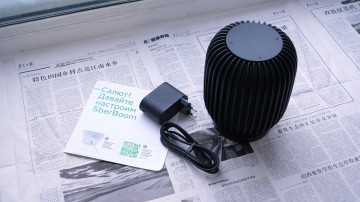
Both speakers come in almost blackcubic boxes with rich graphics and descriptions of the main features of the device. This seems to be the case when the manufacturer expects the box to be on the counter; its purpose is to attract attention. The delivery set is almost the same: power supply, cable, speaker itself, documentation. Nothing extra. The documentation is clear and colorful to introduce you to the features of the device. Because you know exactly what your smartphone does, but it is unlikely that you fully understand the functionality of smart speakers.
SberBoom Mini — SberBoom
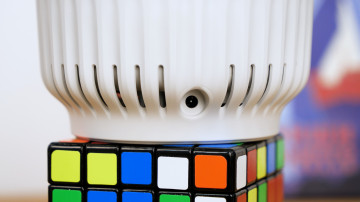
The size differs not only in boxes andspeakers, but also power supplies. 12 watts for the mini, 45 watts for her big brother. The difference corresponds to the difference in speaker power: 5 watts versus 40 watts. And yes, I don’t call them “power supplies” for nothing, and not chargers: they don’t charge anything, because there are no batteries in SberBoom and SberBoom Mini. These are not portable devices, they work only from the network. The bundled cables are also different: the older model has Type-C-Type-C, which can be useful for other purposes on the farm, but the mini-column cable is soldered to the power supply and connected to the speaker via a round DC connector.
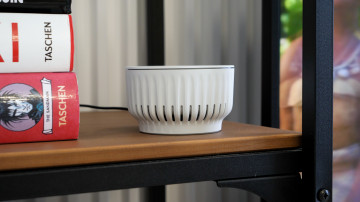
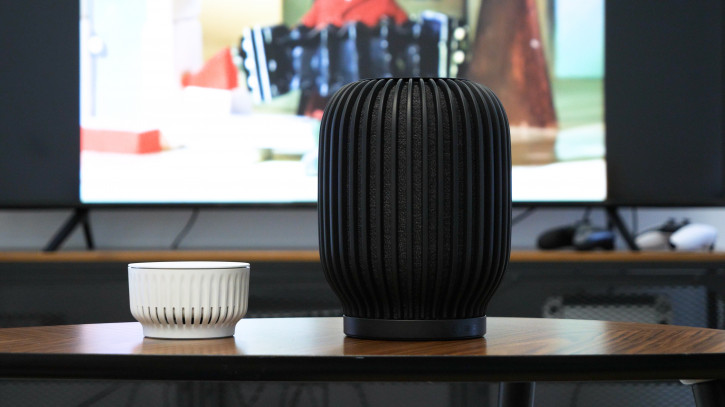
SberBoom Mini
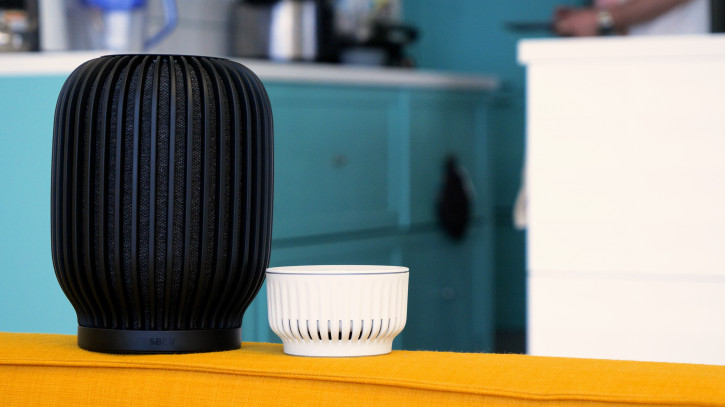
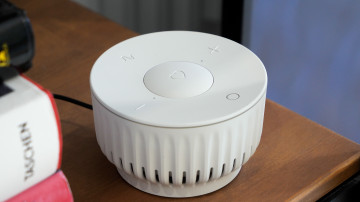
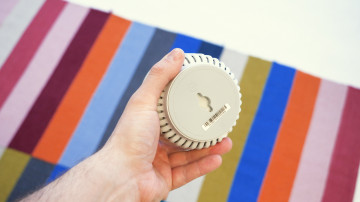
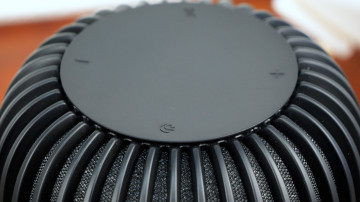
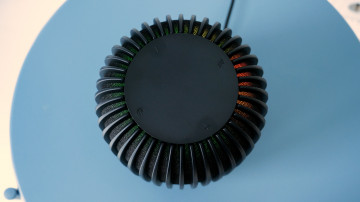
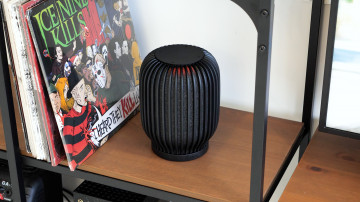
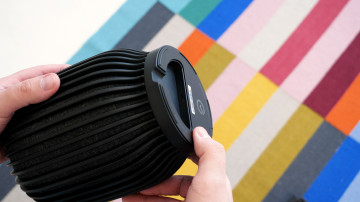
The design of the speakers differs dramatically, butthe concept is general: the control panel is on top, the speakers are in all directions and somewhere below the charging port is hidden. The SberBoom Mini has an additional wall/ceiling mount on the bottom panel. From the ceiling, of course, it will be inconvenient to press the buttons, but hanging on the wall is the very thing. The set of buttons for the speakers is different. The general thing is volume control and a virtual assistant call button (in the form of the Salyut logo for SberBoom and a glowing circle for SberBoom Mini).
SberBoom
The differences are more interesting.SberBoom has a microphone mute button. I don’t know how honest it is, but the speaker really doesn’t answer questions in this mode (the developers say that the button de-energizes the microphones). SberBoom Mini does not have a separate button for this (the microphones are turned off by long pressing the luminous circle), but there is a “Like” button and a button for calling a personal “radio wave” (apparently based on likes). All this only works with a subscription to "Sound", of course. I note that the buttons are hardware, not touch, it is very convenient to press. SberBoom Mini still has 2 microphones on top; SberBoom has 4 of them, but they are not visible.
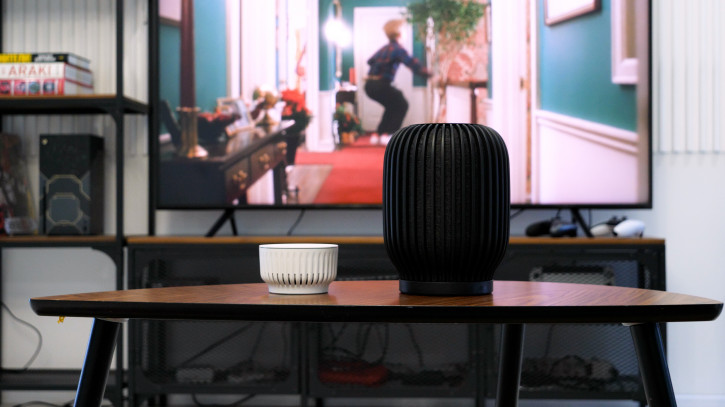
The most important thing in the speakers is, of course, the sound.He's good here. I don't have a lot of acoustics in my house to compare with, but even the SberBoom Mini plays much better than almost any smartphone. And SberBoom is much better than SberBoom Mini. And you don't have to be a connoisseur of music to feel the difference between them. Both speakers have a good volume margin; I never reached 100% on any of them, very loud. At the same time, SberBoom Mini starts to play loudly and high by 70-80%, and the sound of SberBoom remains clear and balanced.
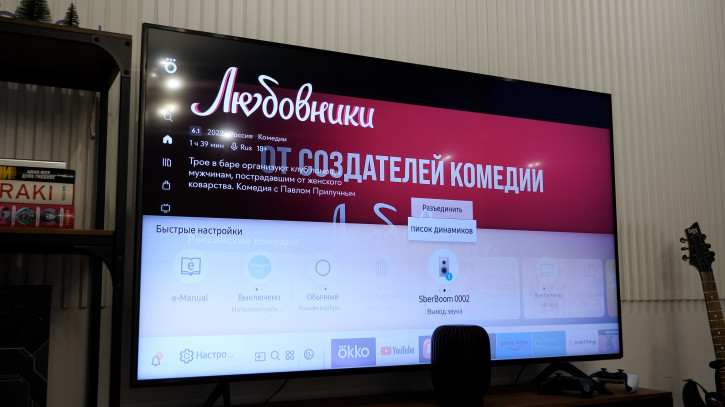
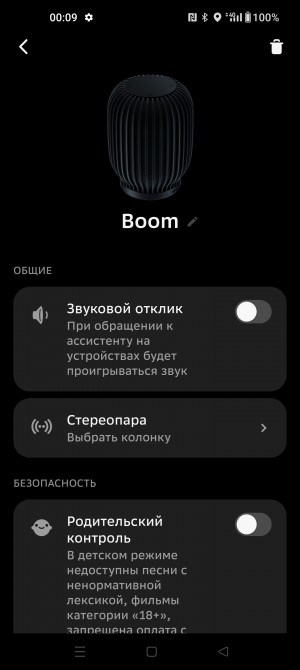
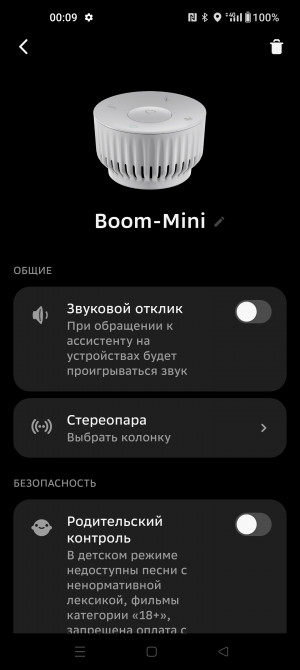
The columns are absolutely symmetrical, and not only inin terms of design, but also in terms of sound: the same sound goes in all directions. If you want stereo, buy two speakers and combine them into a stereo pair, they can do it. Just keep in mind that you need the same speakers: you won’t be able to combine SberBoom and SberBoom Mini into a stereo pair. Either two SberBooms or two SberBoom Minis.
Software
The software of the speakers themselves is an assistant Salute and nothingmore. No, it is clear that there is some kind of OS and so on, but it is impossible to get to the bottom of this, and there is no need. The assistant's set of features is pretty standard, but SberDevices brought in a few quirks. For example, you can whisper with a column. It can also control compatible smart home devices; this is already several dozen different gadgets. Another useful feature is “Noise Detector”: when this mode is activated, voice control is turned off, and a notification is sent to the smartphone about every sound heard by the speaker.
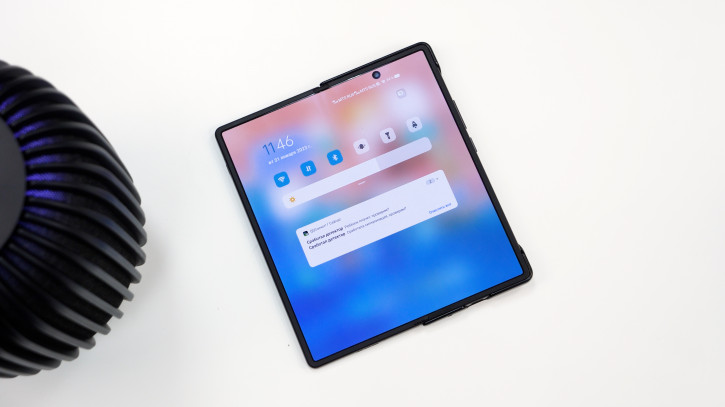
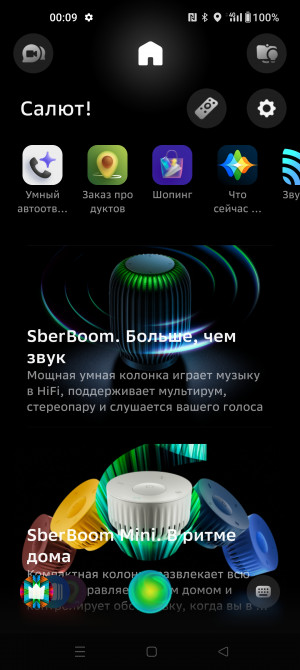
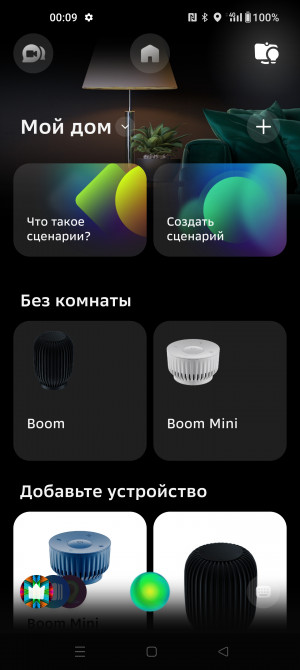
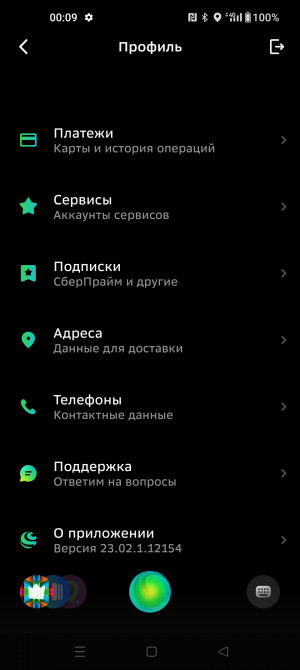
To sync your phone with the speakerthe Salute! application is used, it is still available on Google Play. You do not need to use it constantly, all the control of the column is carried out by voice. You will need it mainly for the initial setup: enter the Wi-Fi password, set up a stereo pair and parental control. You can also track the status of subscriptions, set up addresses and payment cards. The application is convenient, although its design is very unusual.
And a very, very important point:unlike SberBox Time, which we reviewed some time ago, SberBoom and SberBoom Mini can work as regular Bluetooth speakers, connecting to any device and playing music from any source. That is, in principle, you can use them without buying any subscriptions! In Bluetooth speaker mode, the assistant continues to work; for the duration of the answer, the music is muffled, but does not turn off completely.
Conclusions
SberBoom prices:11,990 rubles for the older version, 3,490 rubles for the younger version, and 19,990 rubles for a set of two large SberBoom. In my opinion, this is reasonable money for smart speakers with the feature set offered by SberDevices. And even if you have not joined the Sber ecosystem, they are still worth considering for purchase: Bluetooth music and a virtual assistant work without subscriptions. And which of the two models to choose depends on your use cases. If you want a desktop device for music and quick answers to questions, feel free to take the Mini. If you want full-fledged home acoustics, choose a large SberBoom.
© Oleg Lazarev.