</ img>
If only they were included with Oneplus smartphones! Simple, stylish, with good sound, Oneplus Buds Z would be
Oneplus Buds Z
In-ear TWS headphones for $ 40
Universal model with bass sound, goodautonomy, fast charging and pleasant appearance. The earbuds are sweat and rain resistant, provide good voice transmission in headset mode, and easily connect to Oneplus smartphones (they work with any other too). Equipped with touch buttons, but their functionality may seem insufficient.
OnePlus brand store on Aliexpress
to OnePlus smartphone
</ img>
3 reasons to buy Oneplus Buds Z:
- pleasant appearance;
- the ability to control through the application;
- adequate sound with powerful bass.
3 reasons not to buy Oneplus Buds Z:
- no volume control;
- no active noise cancellation;
- not everyone likes touch buttons.
What is in the box?
Before describing the filling, I note that the packaging itselfIt turned out to be extremely pleasant and of high quality. Somehow, everything is well thought out and neatly arranged, with “tabs” sticking out in the right places to remove the “layers” of the packaging. It creates the feeling of an expensive and high-quality product of a higher class.
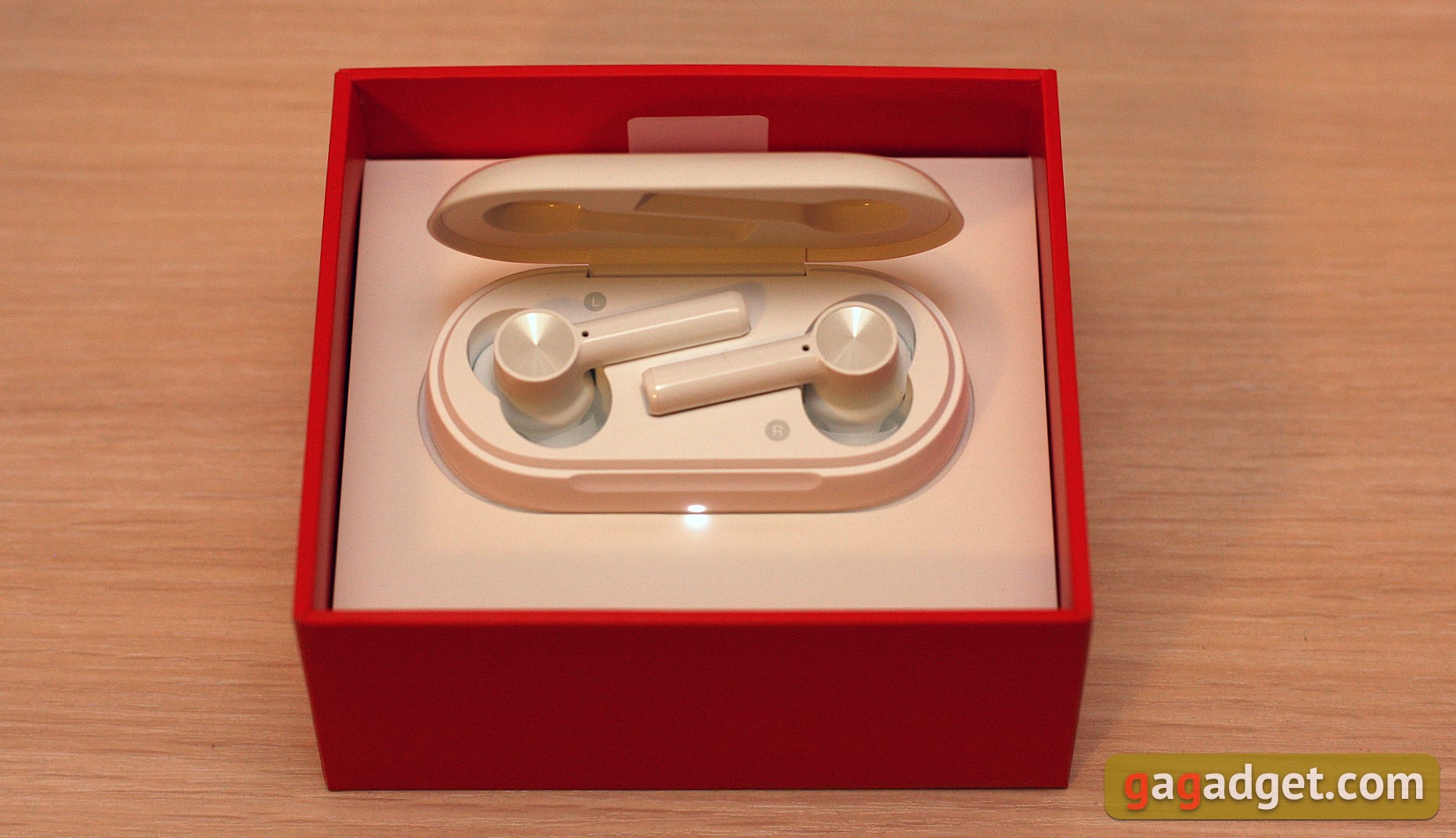
</ img>
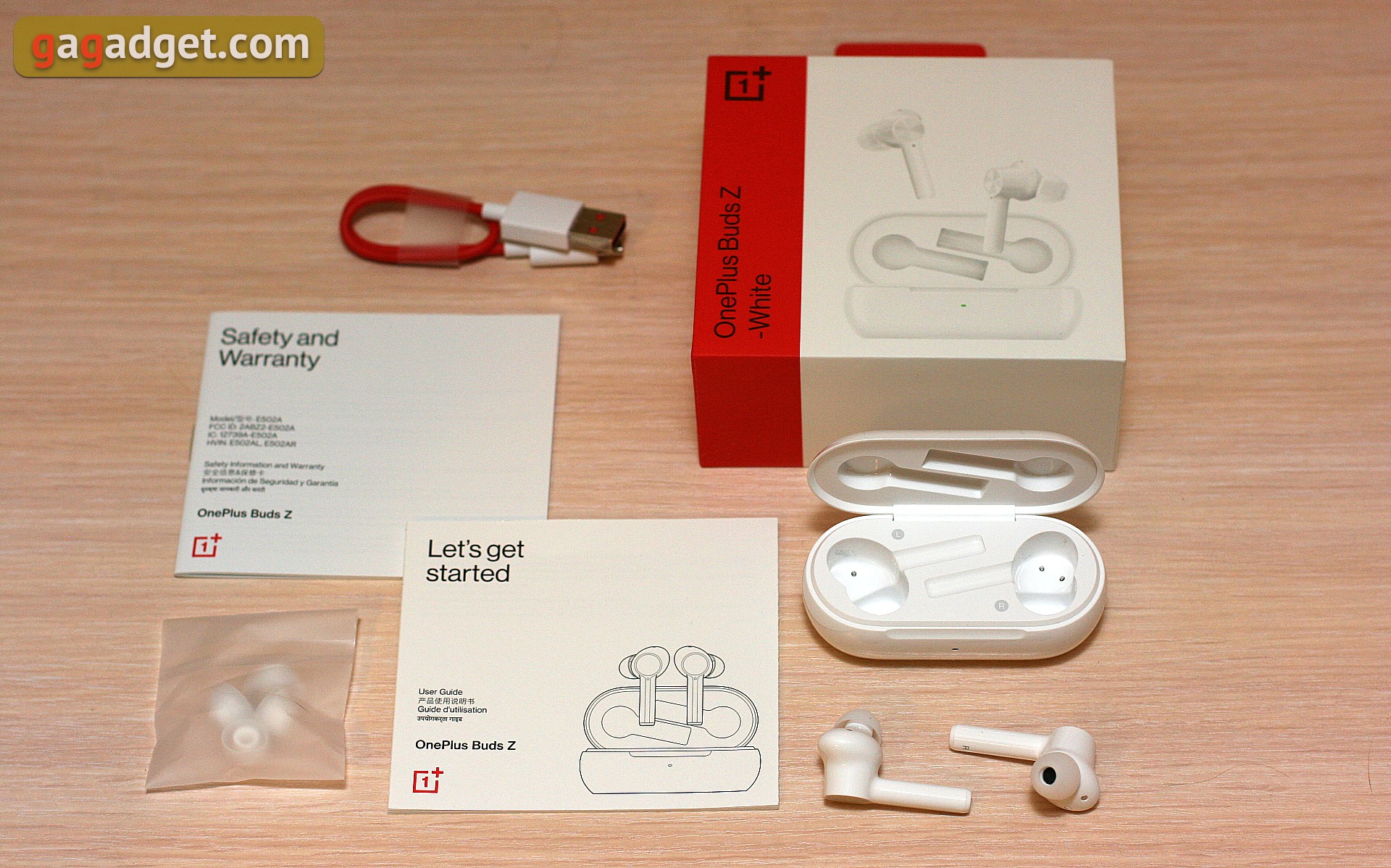
But in fact, we ended up with ourselves in the boxheadphones in the charging box, a short charging cable from USB-A to USB-C, replaceable earbuds and several paper instructions. Cable in Oneplus brand colors: red with white connectors.
</ img>
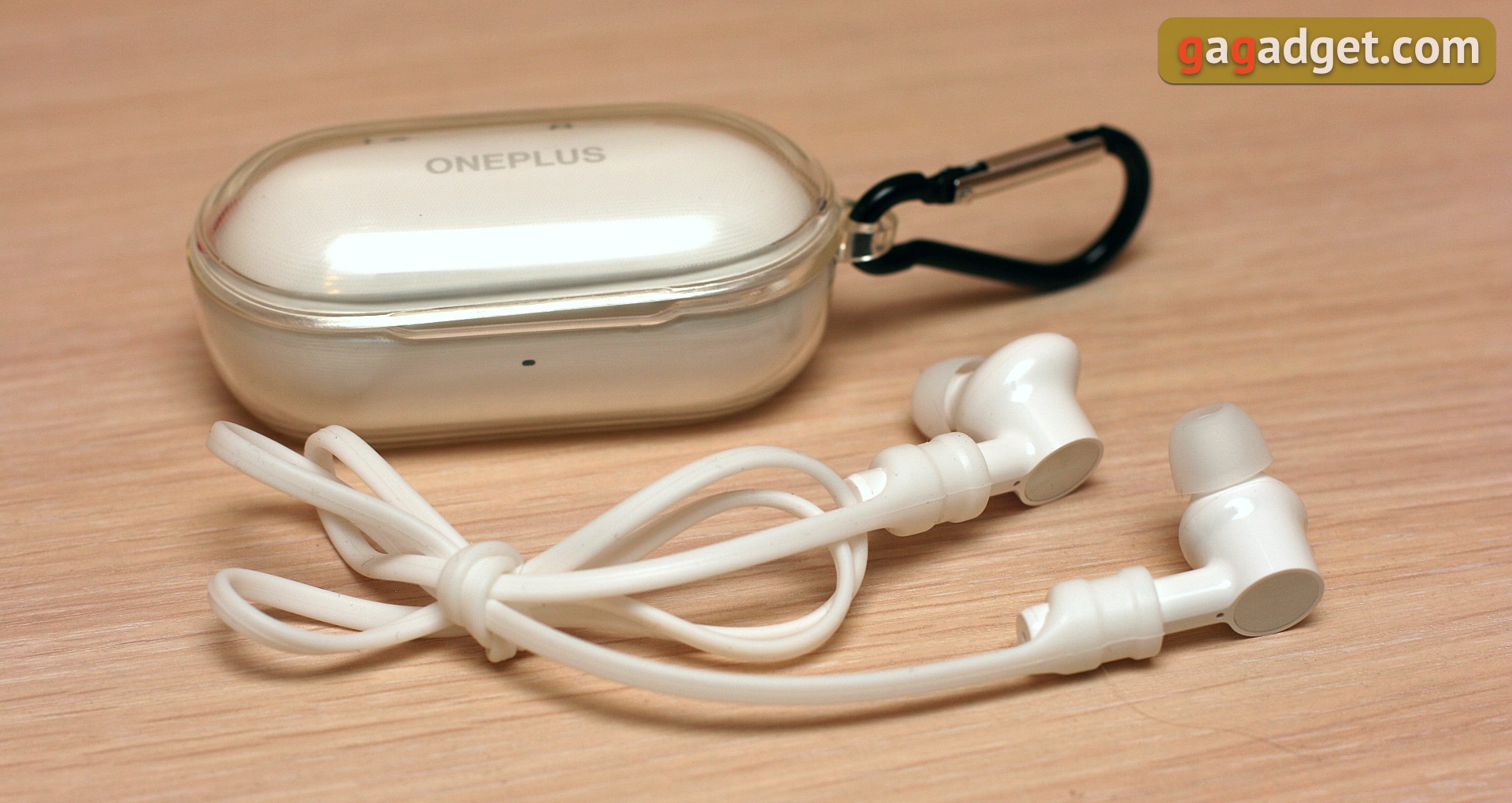
There are optional accessories for this model that can be purchased separately, they are not included in the package. For example, a protective case for the charging box and an elastic band.
</ img>
What do they look like?
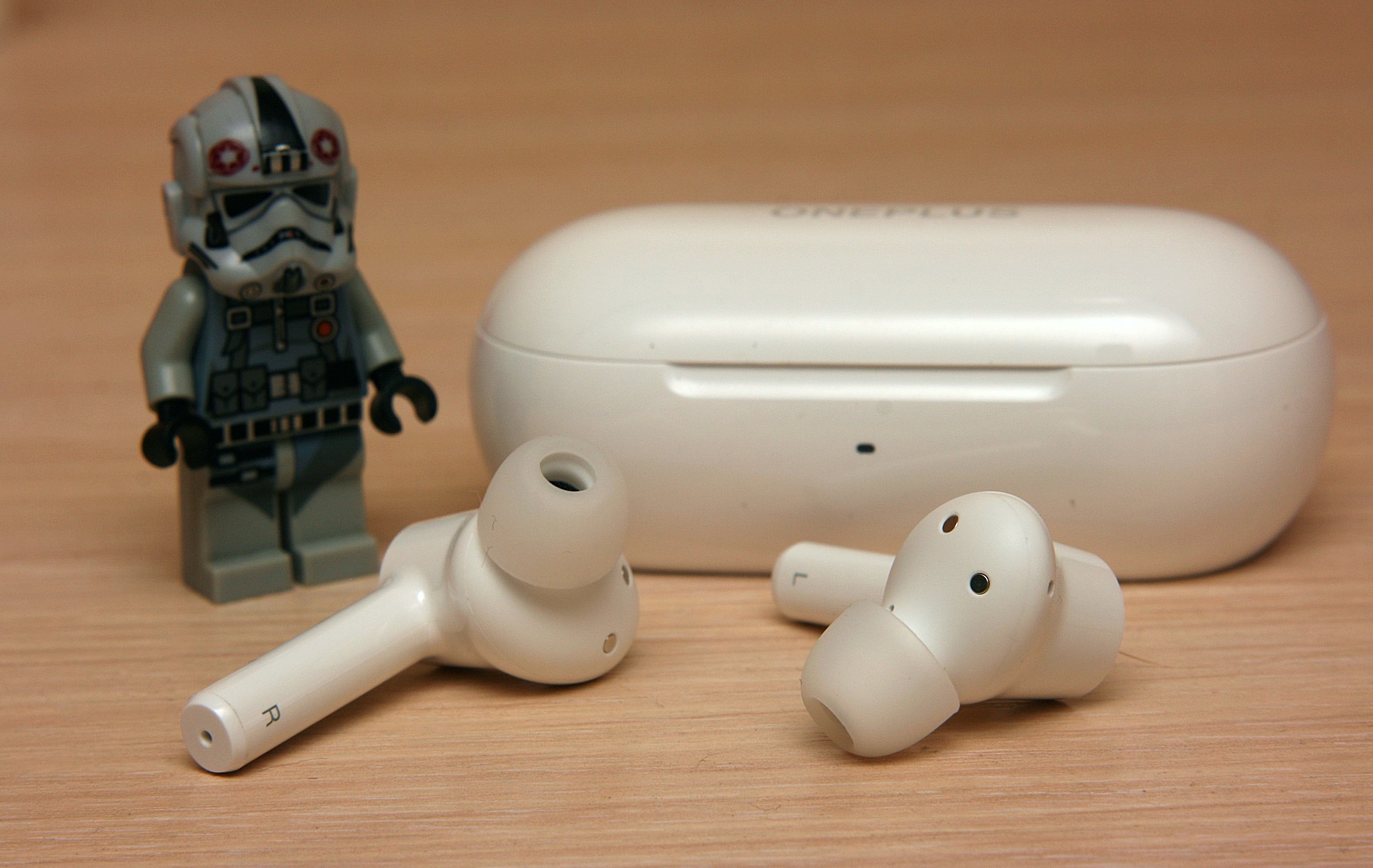
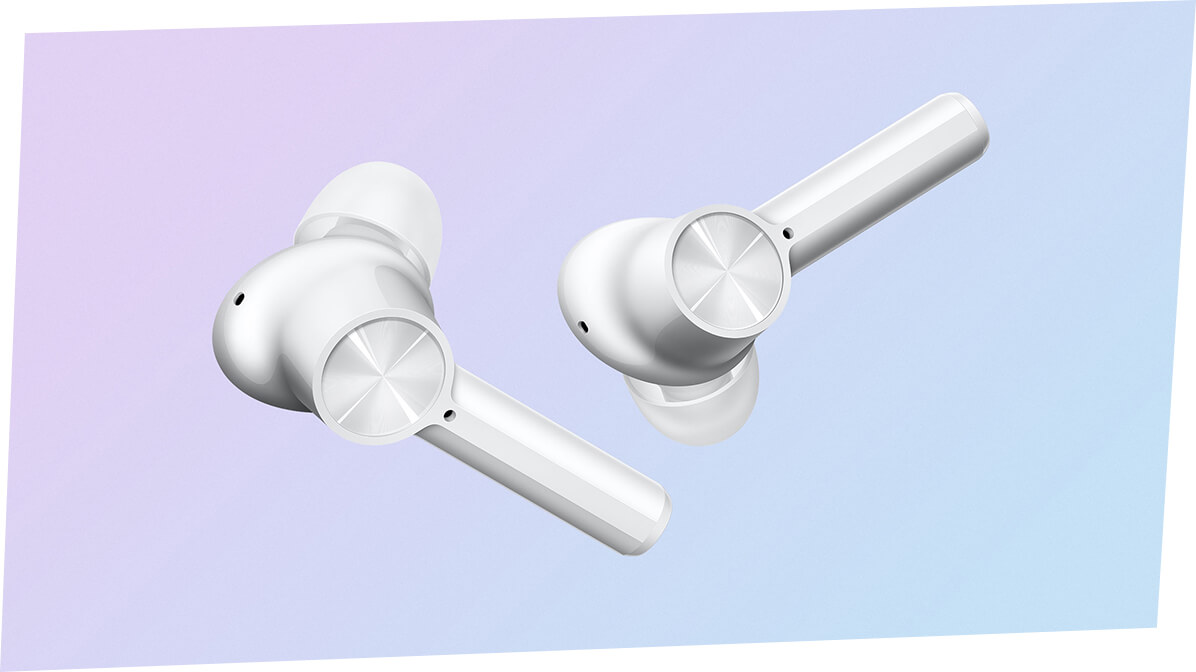
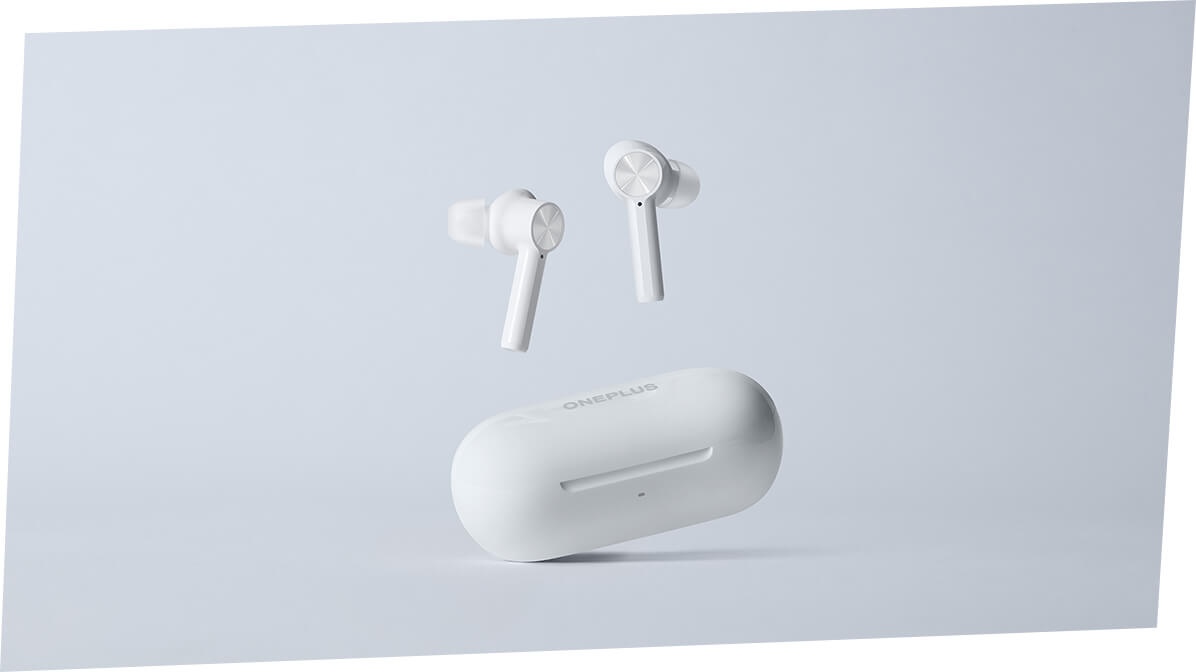
In my opinion, Oneplus designers are goodcoped with the task of “Make it like Apple, but not quite.” If they had such a task, of course. Associations with Apple are the most obvious. Glossy white plastic and LED that glows milky white or green. And the form factor of the headphones themselves. But the design of the box is not at all the same as that of AirPods, and the details of the headphones are also quite original. In addition, if there is insufficient charge or during charging, the LED does not light up in orange, but in Oneplus’s signature red color. And the headphones themselves, in addition to white, are available in the original Steven Harrington Edition, which is unlike anything else.

</ img>

</ img>

</ img>
</ img>
</ img>
</ img>





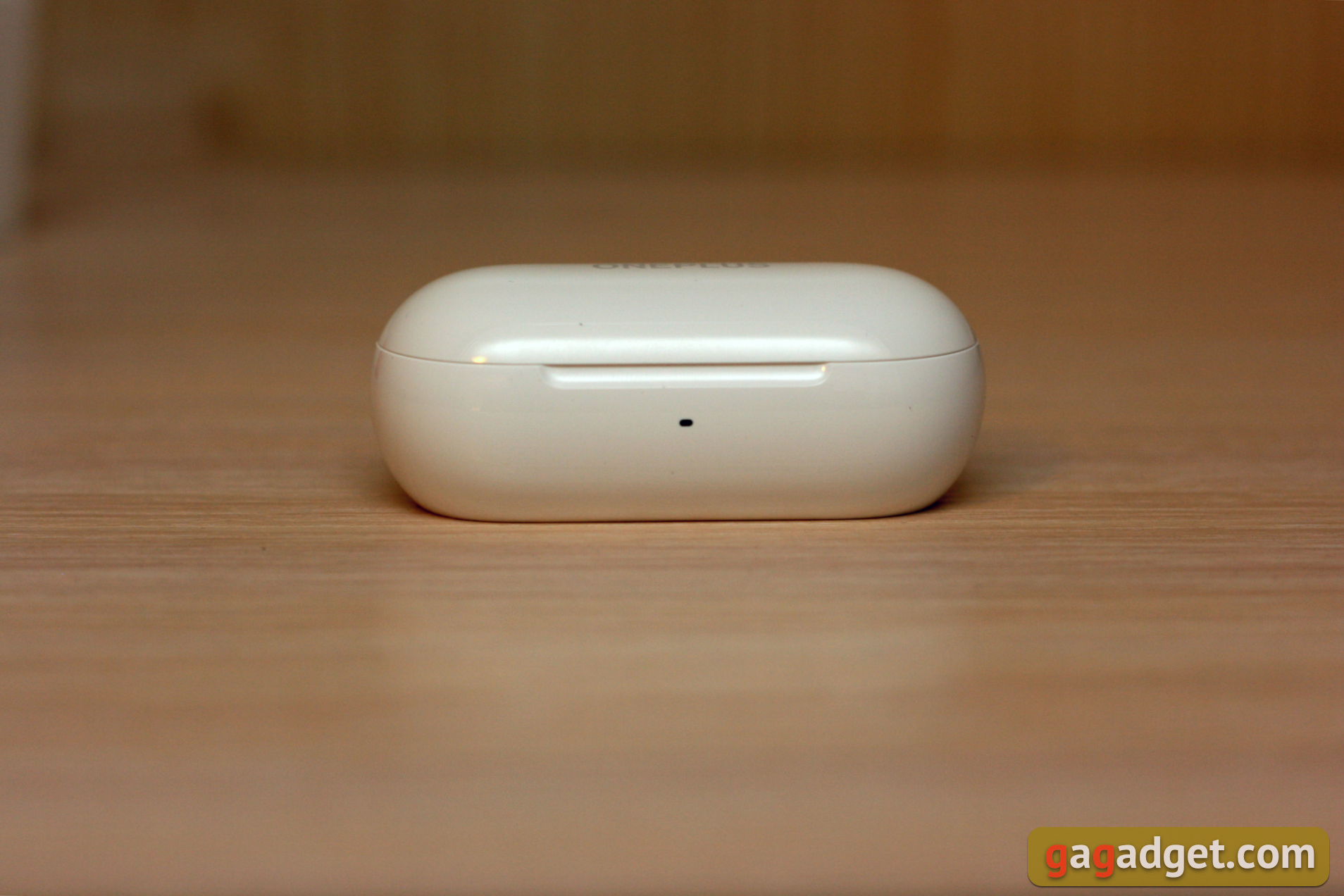
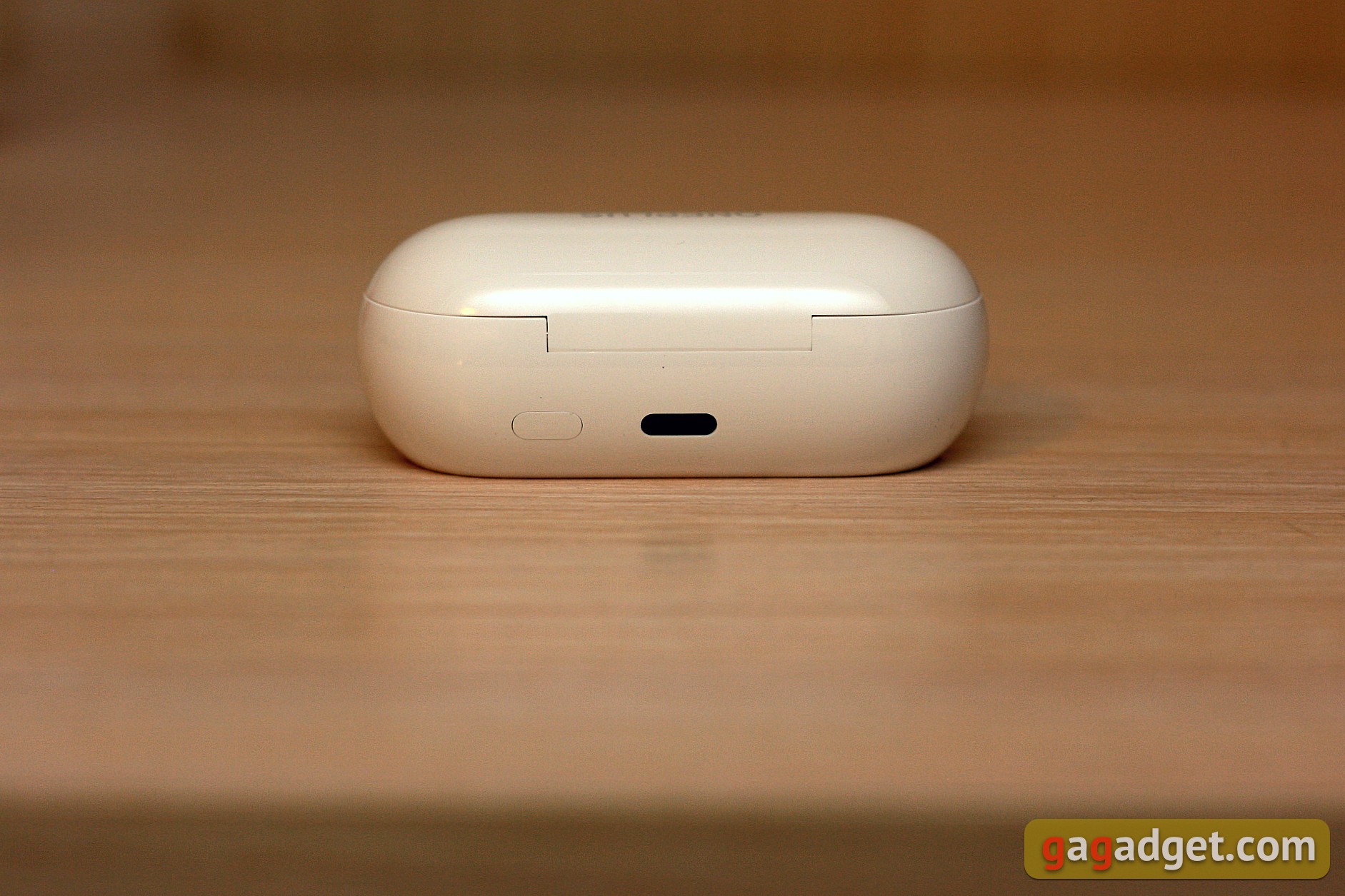
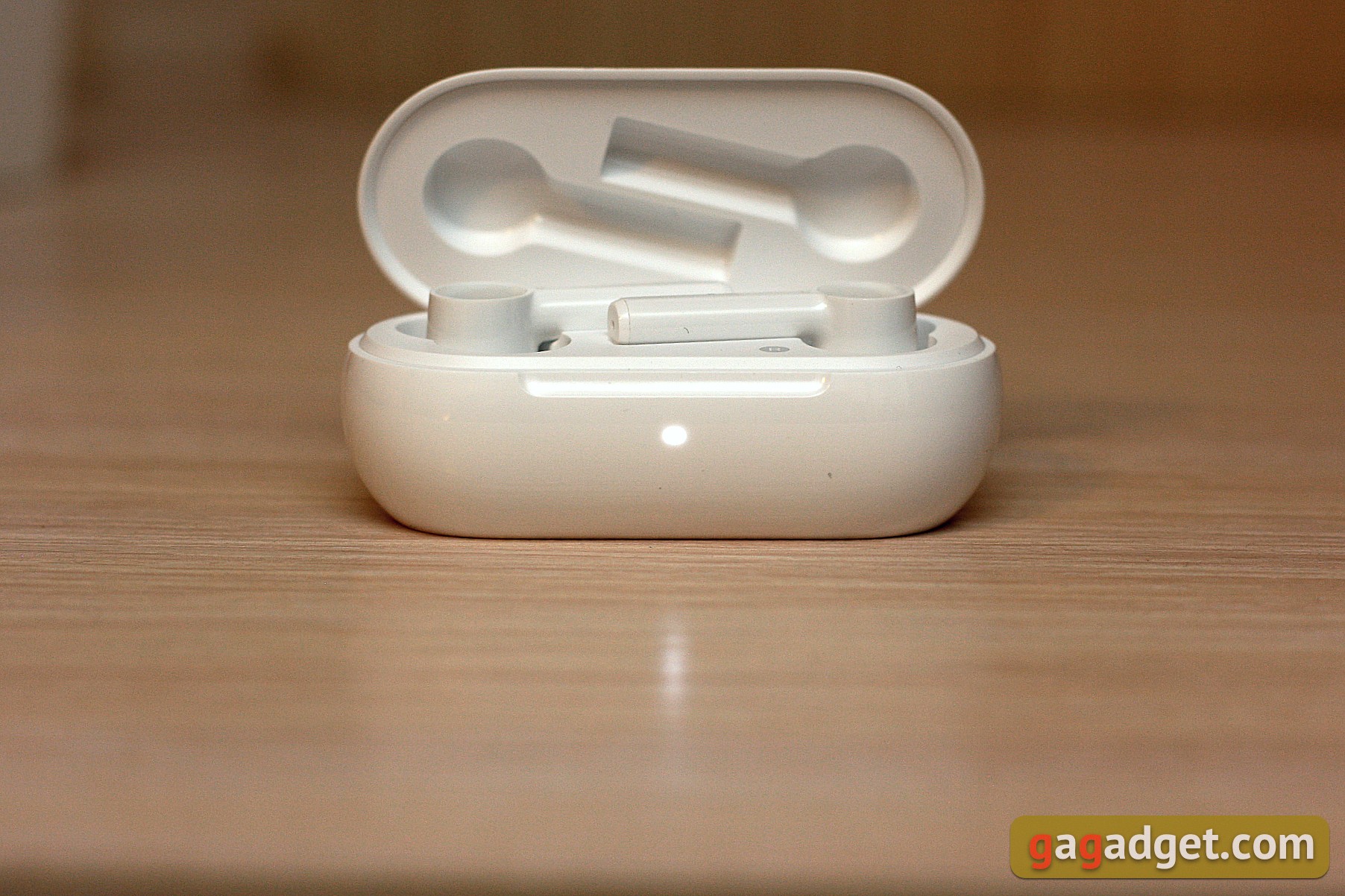
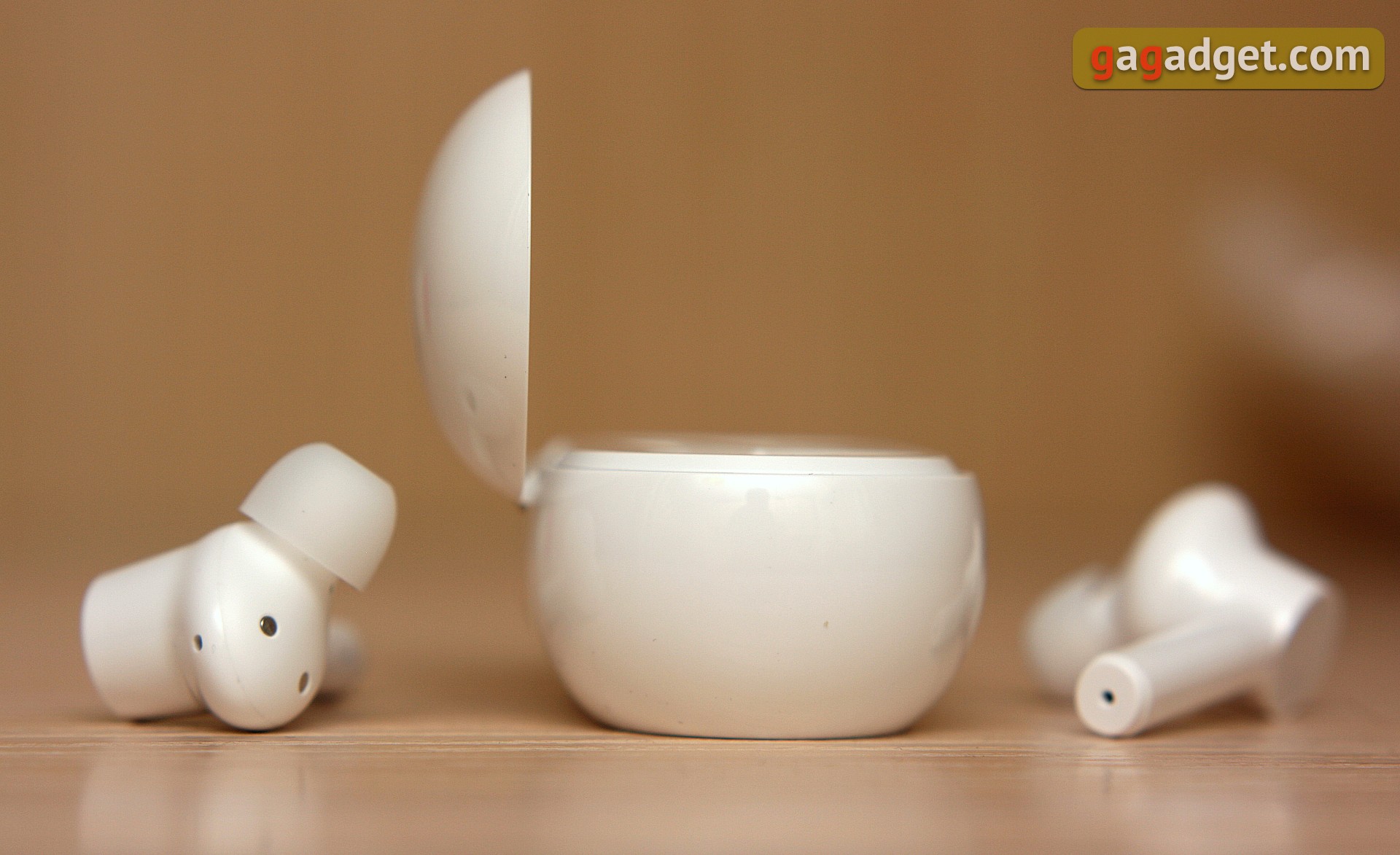
But we have just the white version for study,let's get back to it. The charging box looks like a sleek capsule with a logo on the lid. It’s beautiful, but experience shows that such a surface quickly becomes covered with scratches. The lid has a magnet to keep it closed. There is a status LED on the front, and a USB-C connector for charging and a pairing button on the back. The bottom side is flat, all service inscriptions are placed on it.
</ img>

</ img>
</ img>



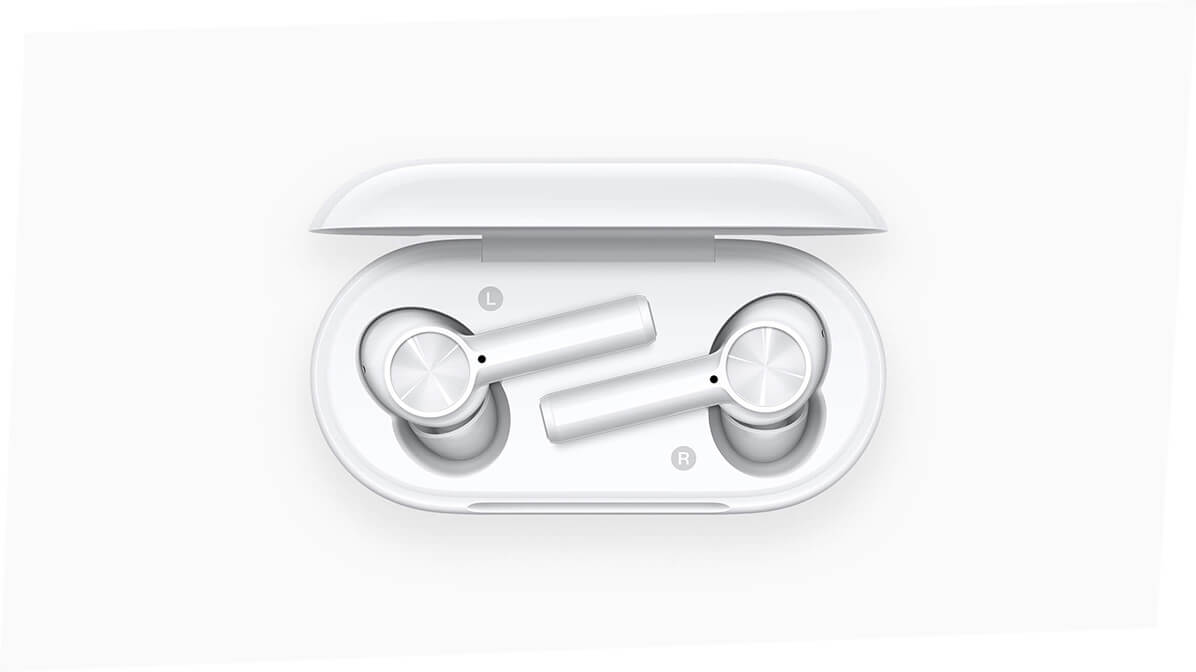
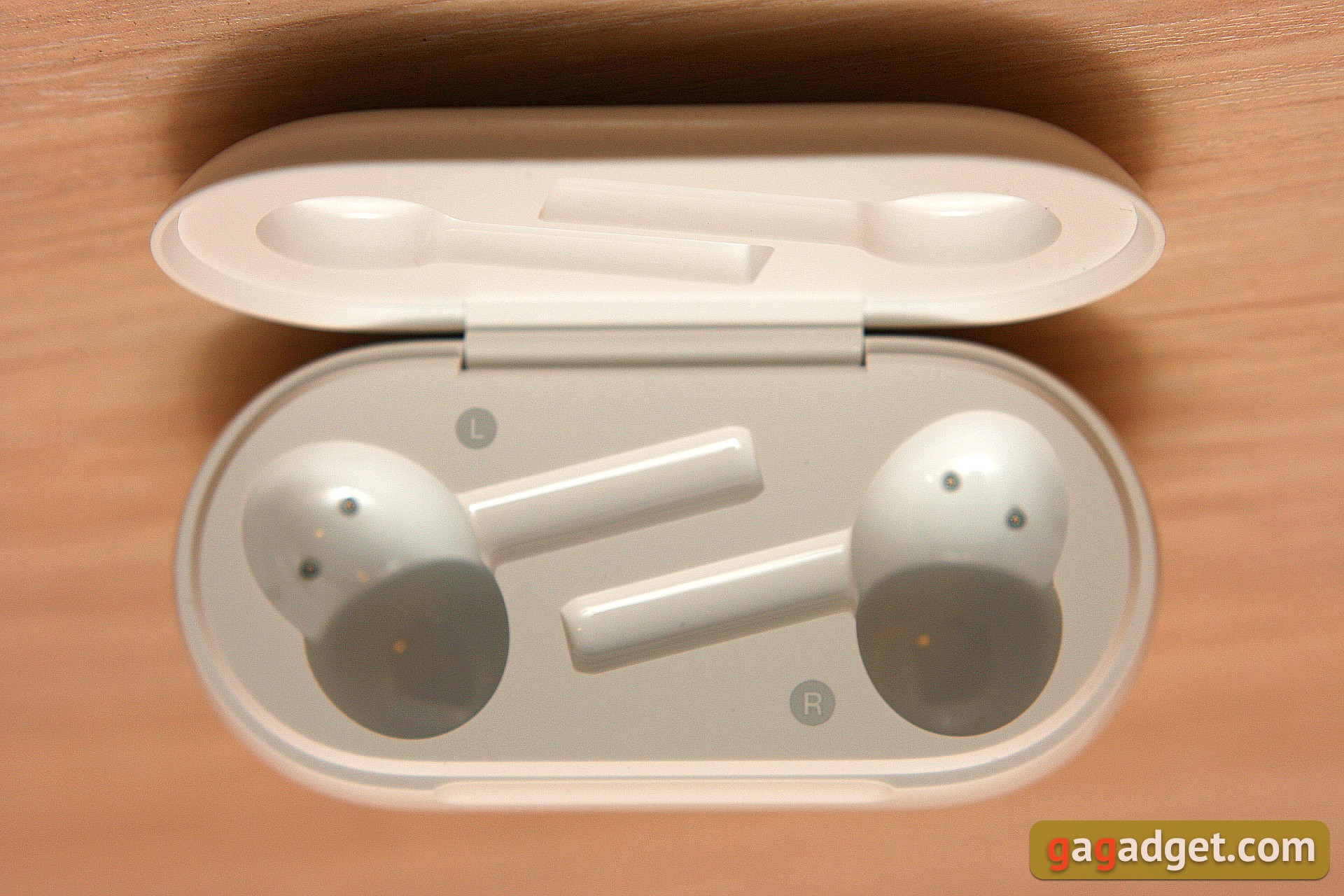
Recesses for headphones inside the charging boxlabeled with the letters R and L to avoid confusion due to their complex shape. At the bottom of each recess there are two contacts for charging the headphones and invisible magnets for attaching them.
</ img>
Each earphone has a long “leg” with twomicrophone holes: at the end and at the base. The right and left headphones are marked, respectively, with the letters R and L. The round, flat touch button has notches in the form of concentric circles, visible at a certain angle. The inside of each earbud has charging contacts and an in-ear sensor. The silicone earbuds are removable and come in larger and smaller sizes.
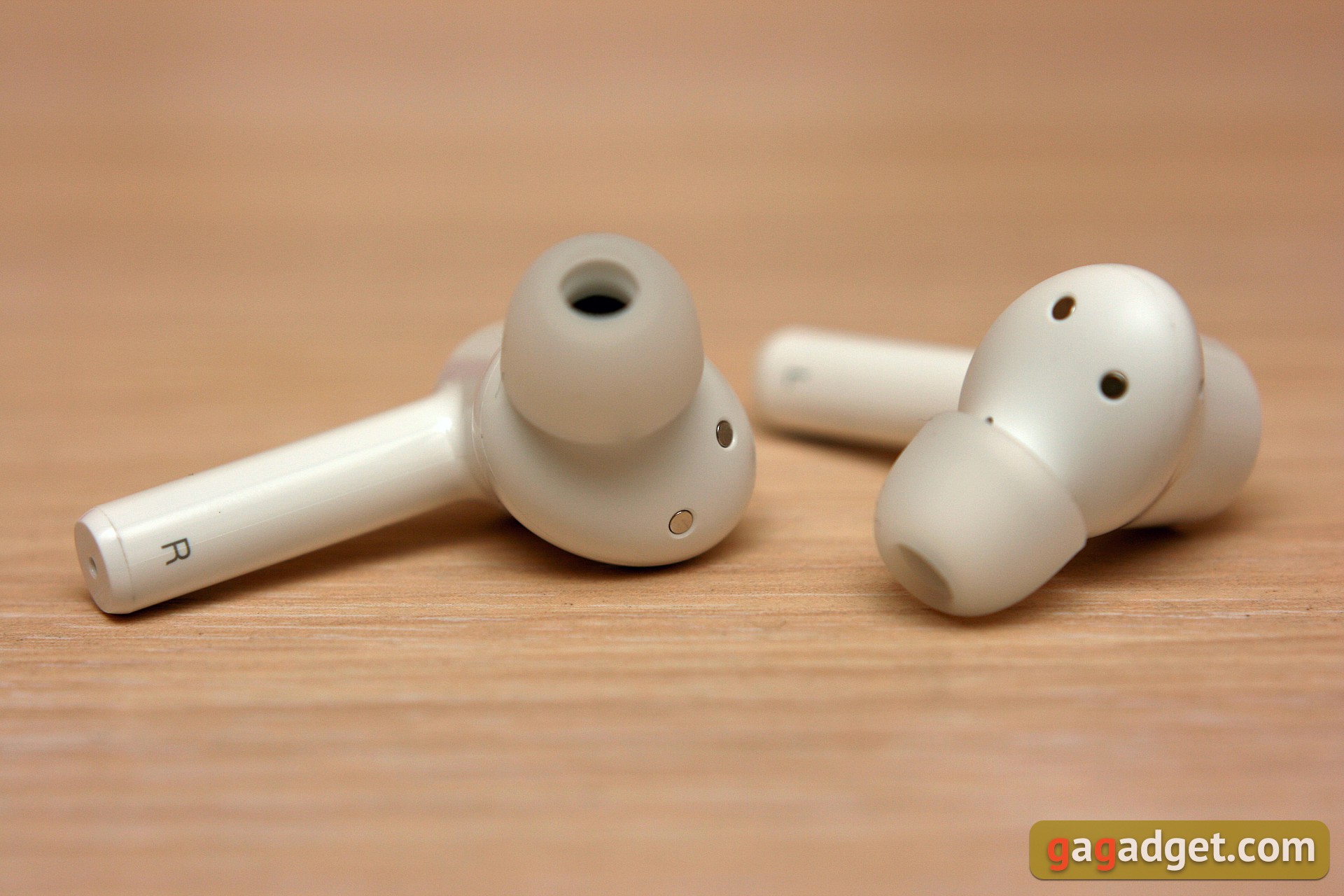
</ img>
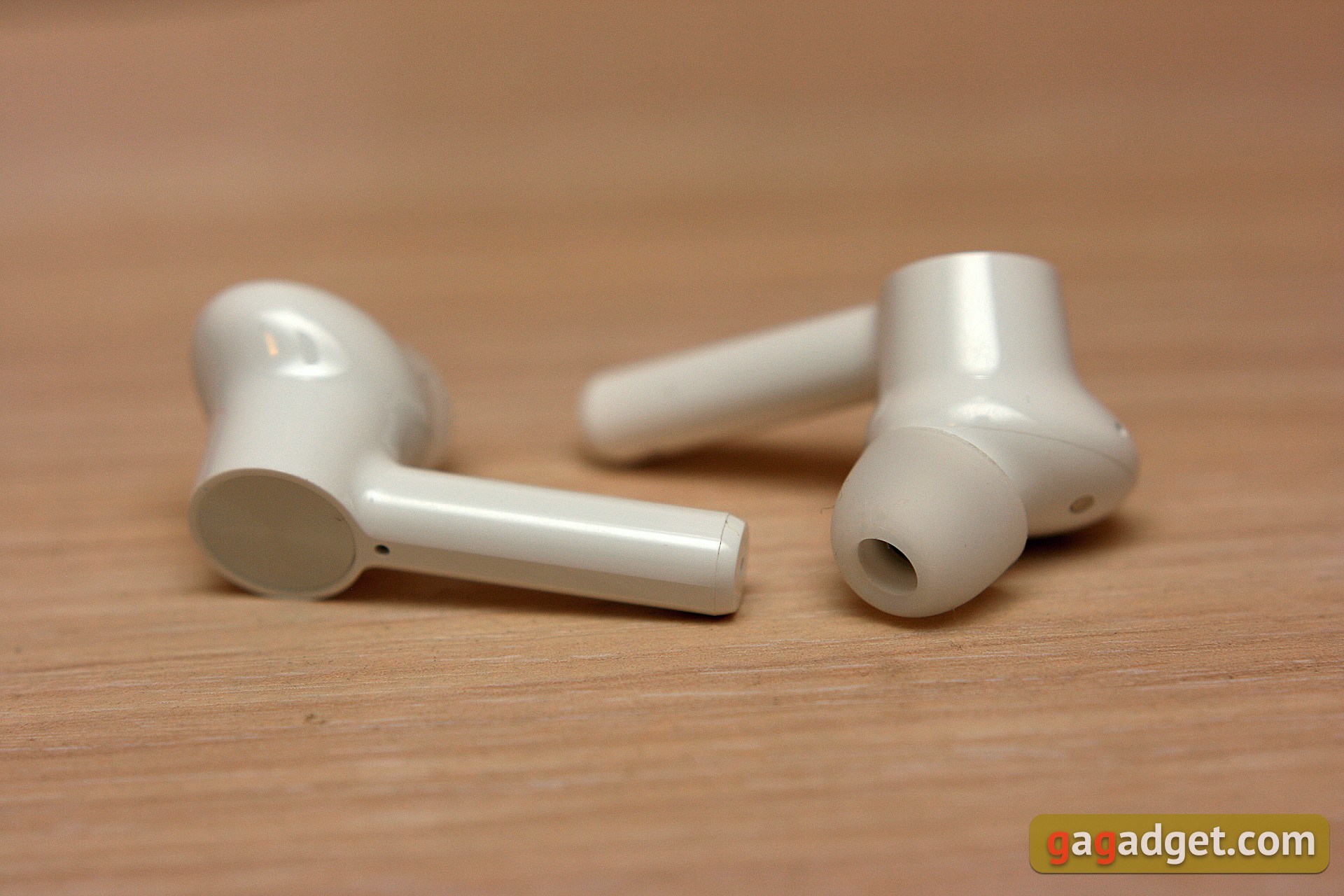
</ img>


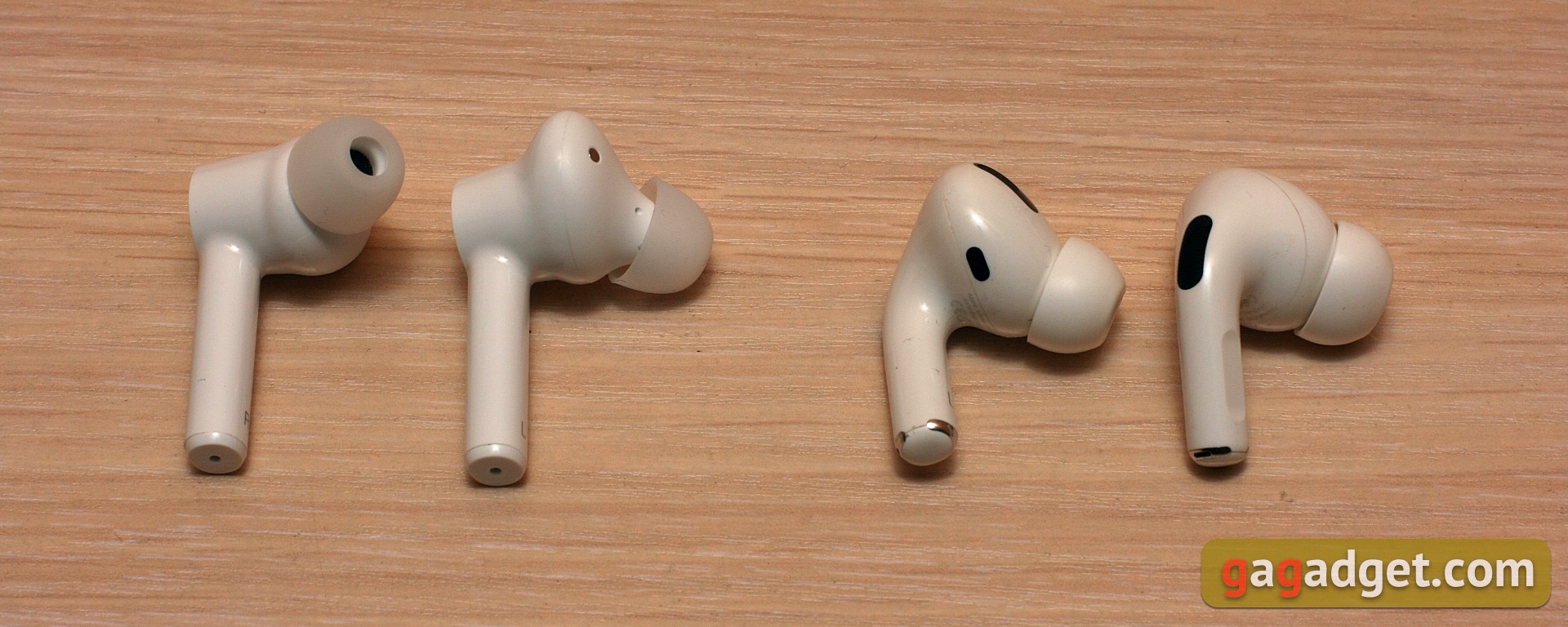
For those who like to know everything in comparison: here are Oneplus Buds Z (left) and Apple AirPods Pro lying next to each other. As you can see, white headphones with the same form factor can be very different.
</ img>
How to connect and configure?
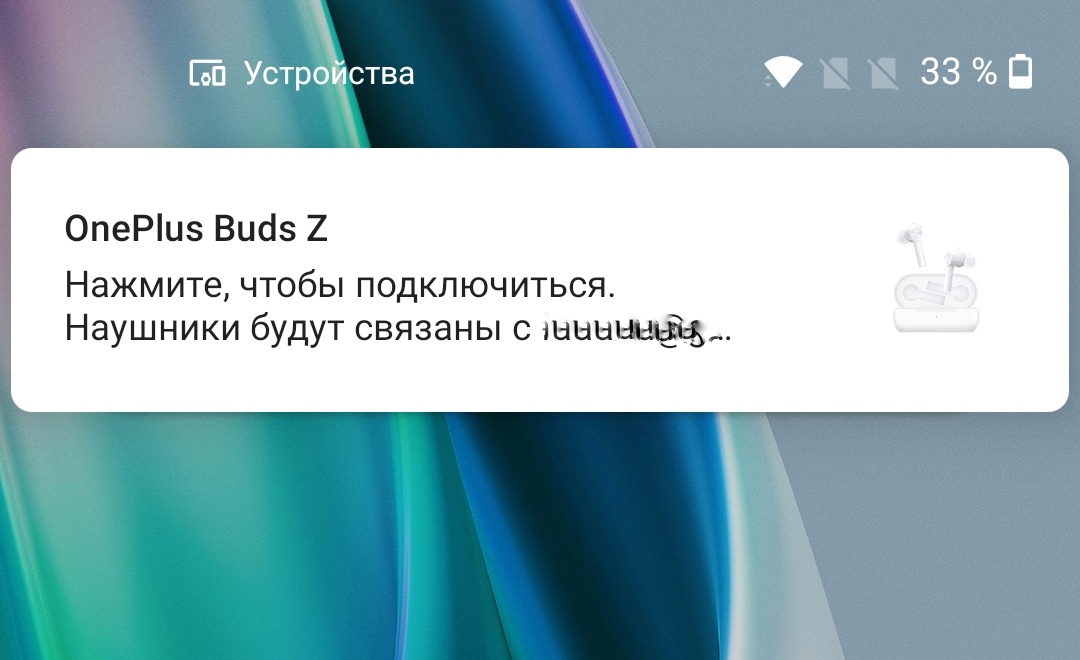
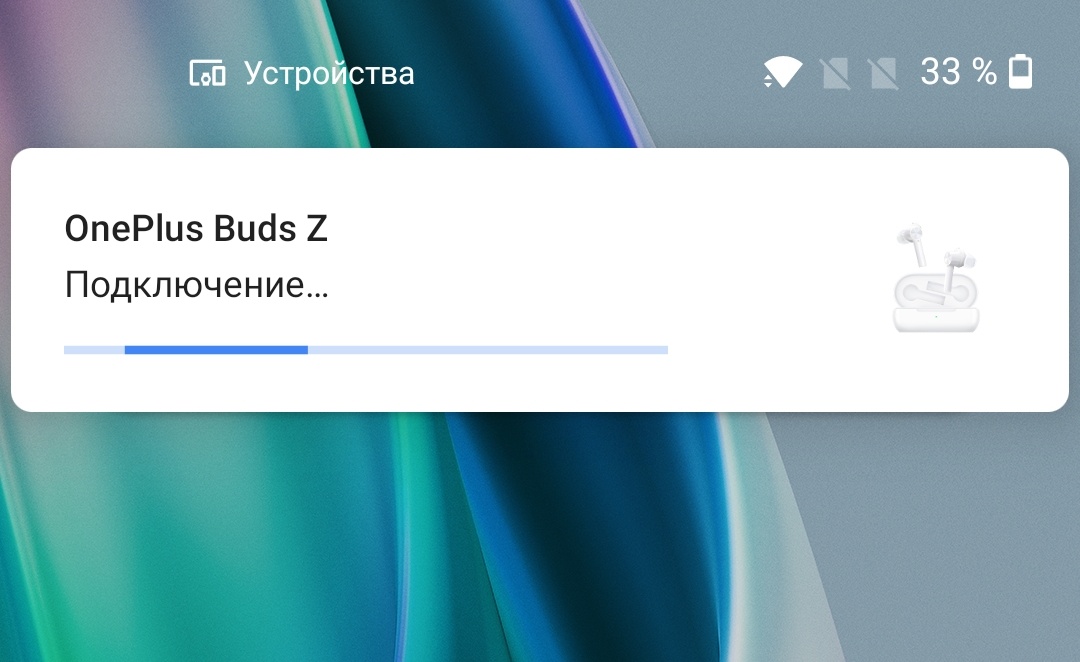
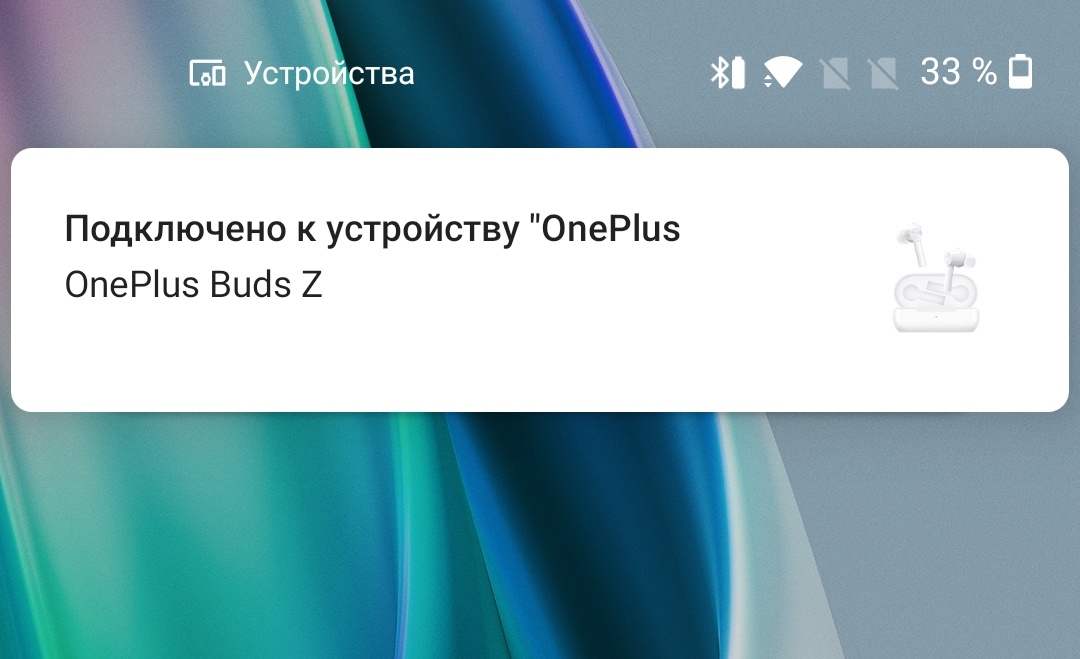
The simplest and most effective way is to connect Oneplus Buds Z to Oneplus smartphones. It is enough to open the box near the smartphone, and the headphones will be recognized. And if you want, you’ll be connected right away.
</ img>
</ img>
</ img>



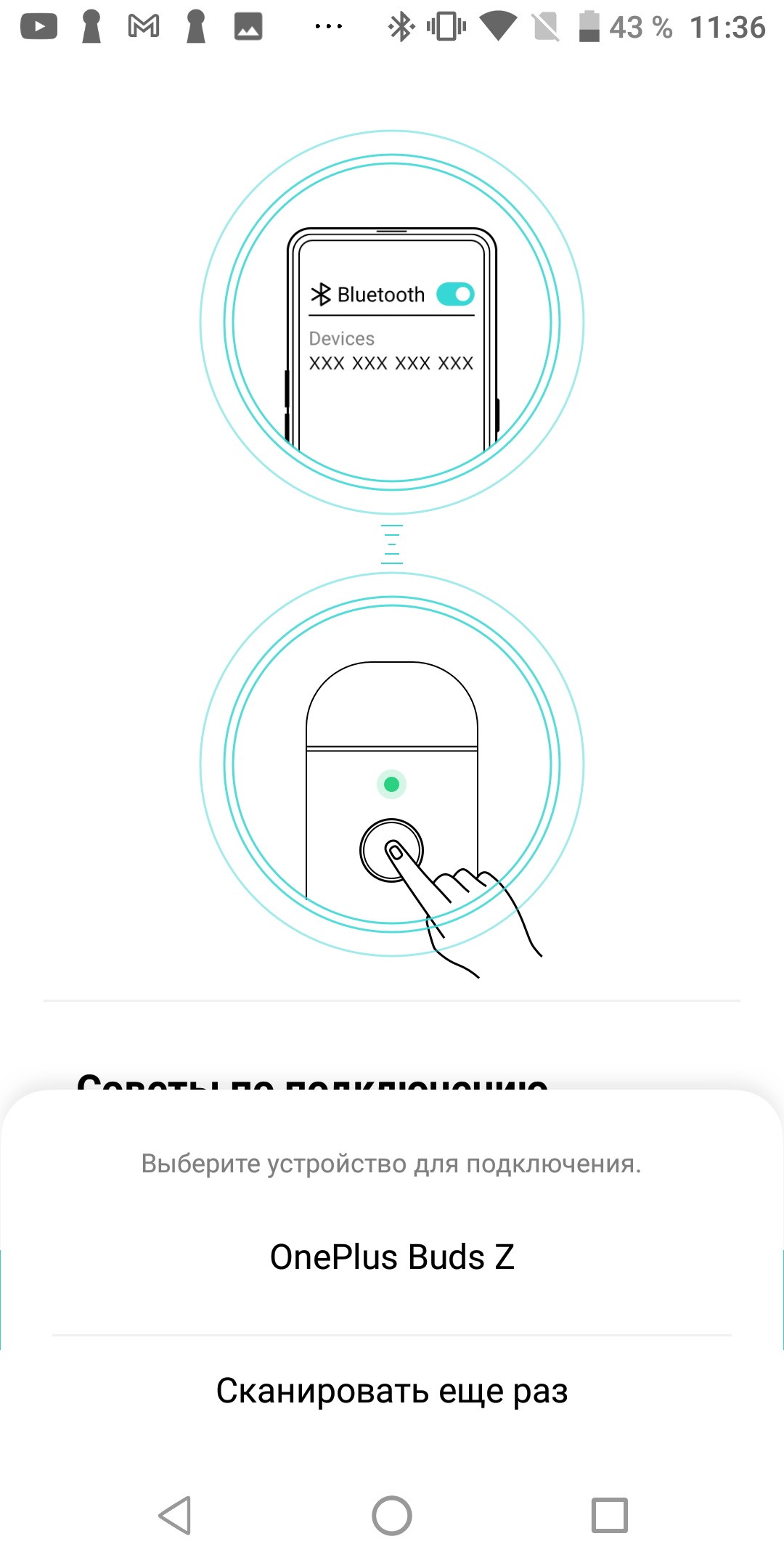
To connect to other devices we use“pairing” button. It must be held for one or two seconds, after which the LED on the box lights up white. In this mode, the headphones appear in the list of devices available for connection on your smartphone, tablet or laptop, regardless of brand and model.
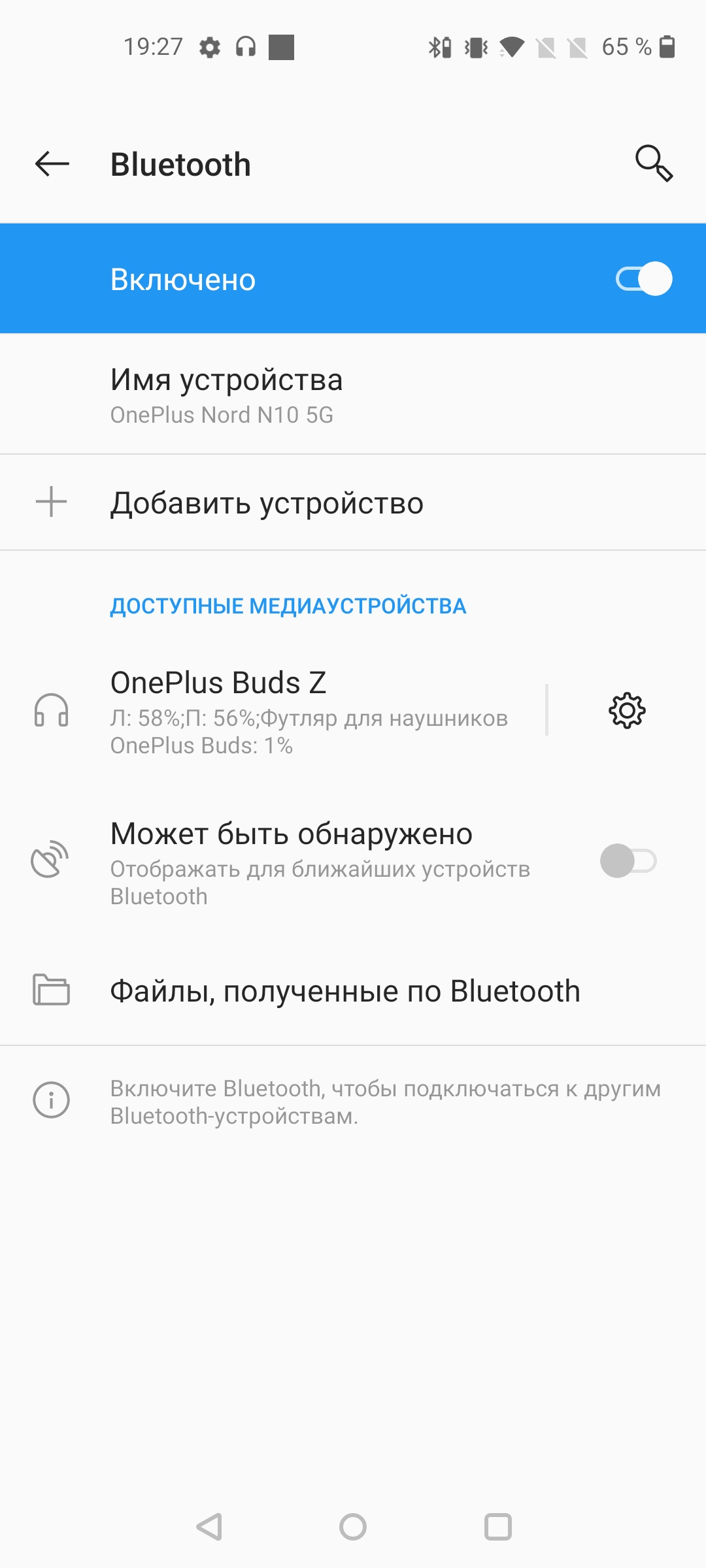
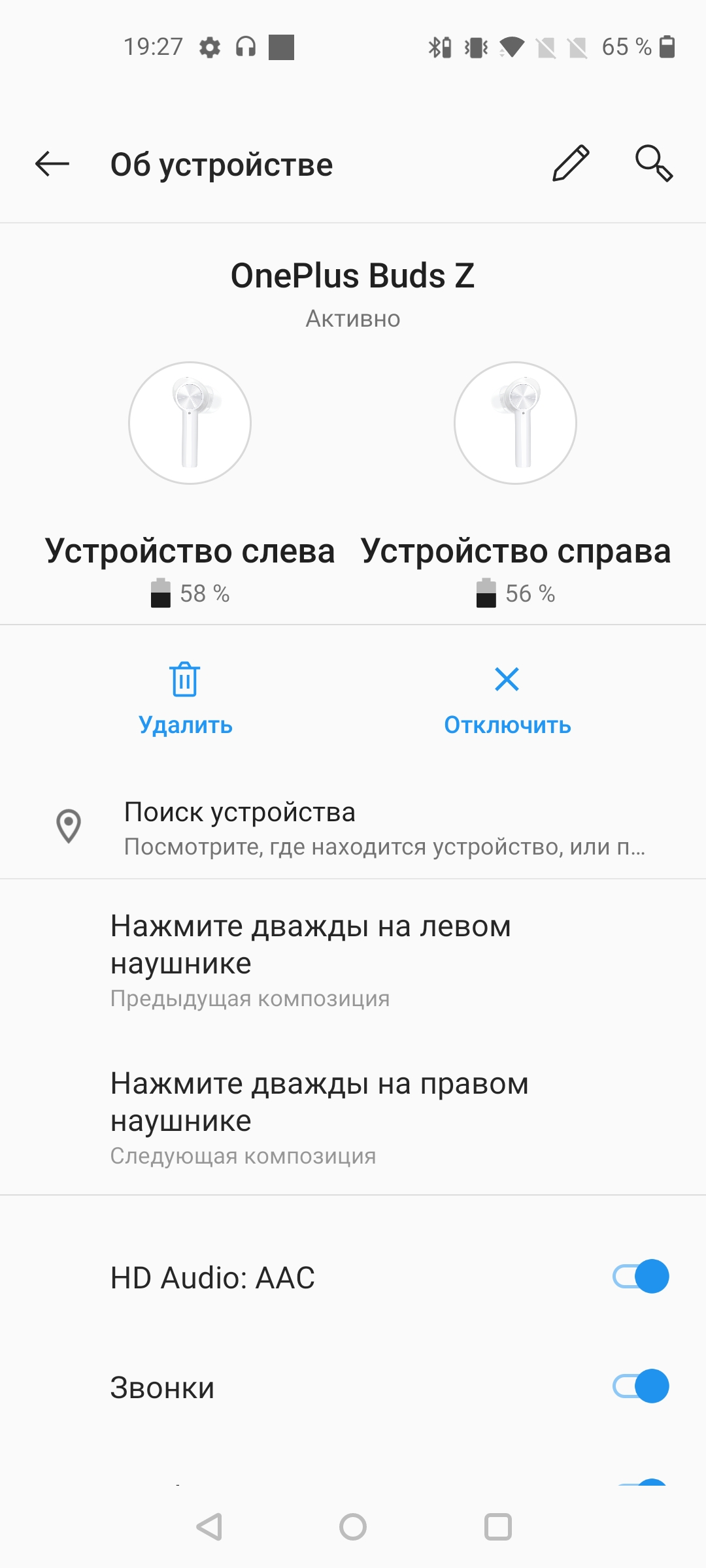
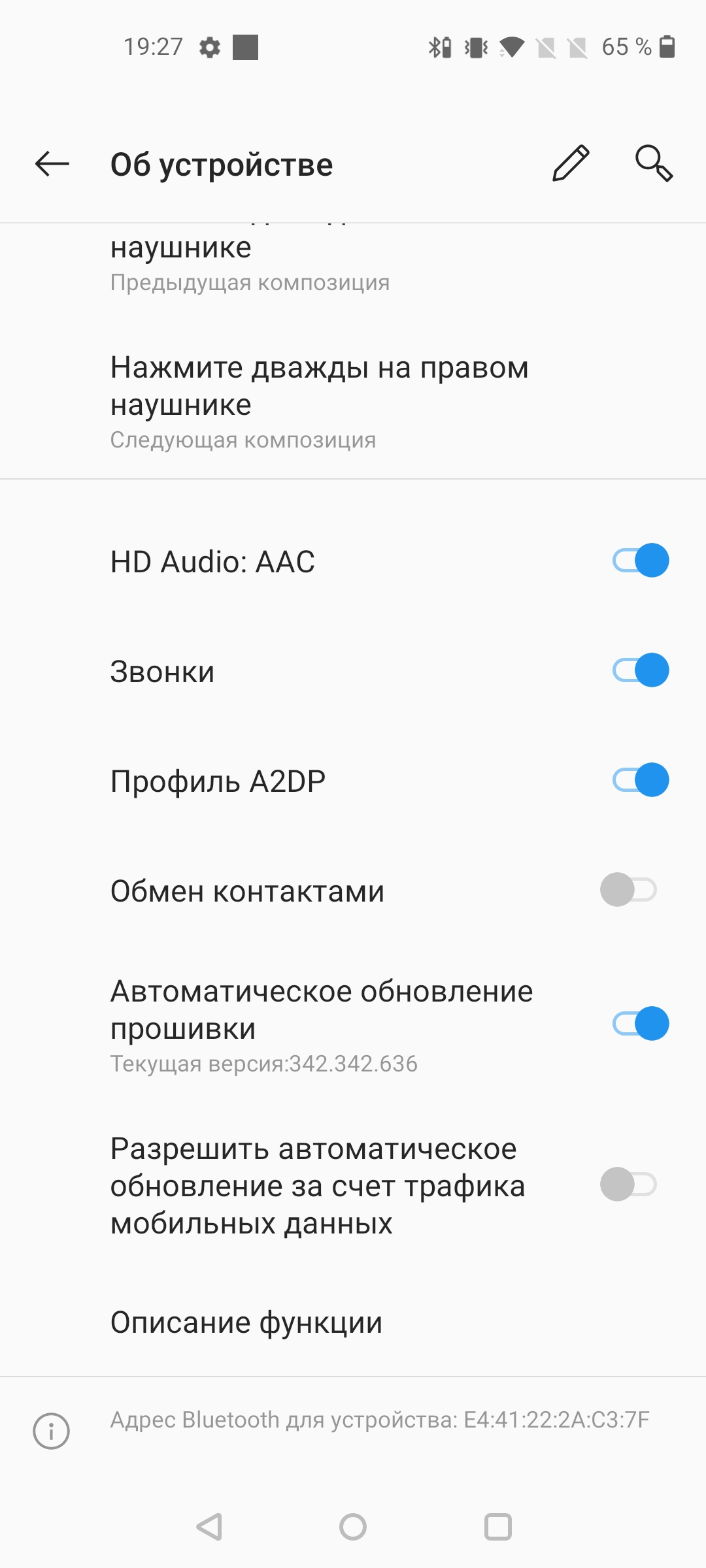
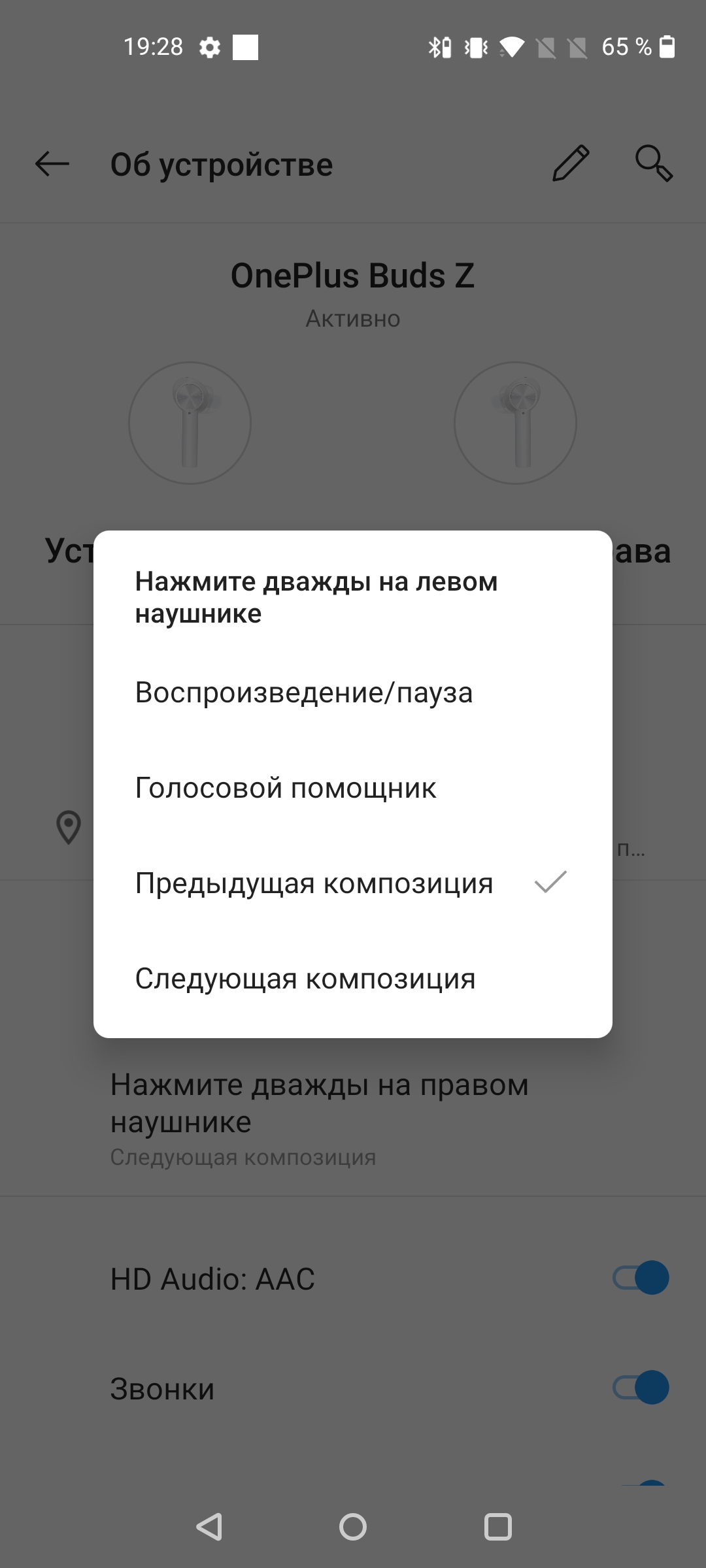
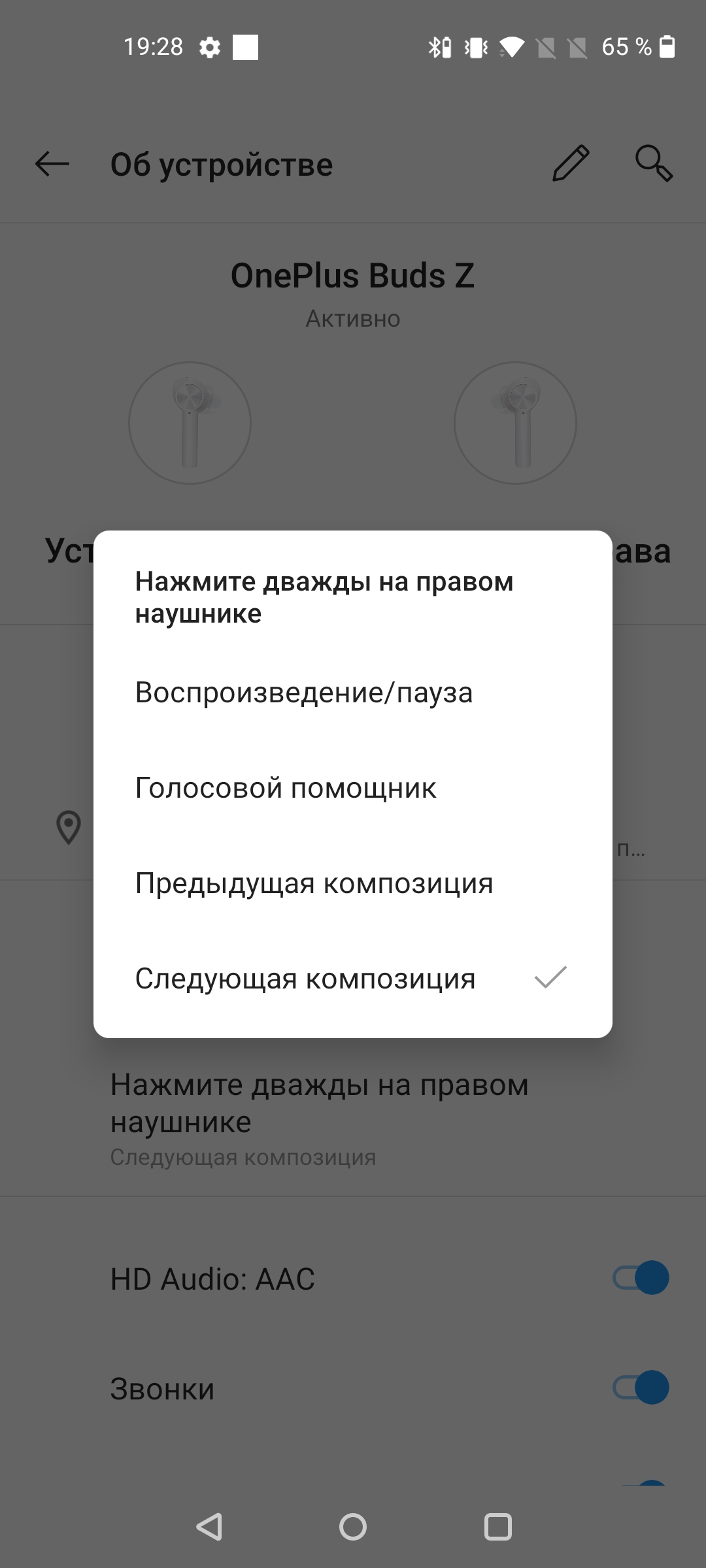
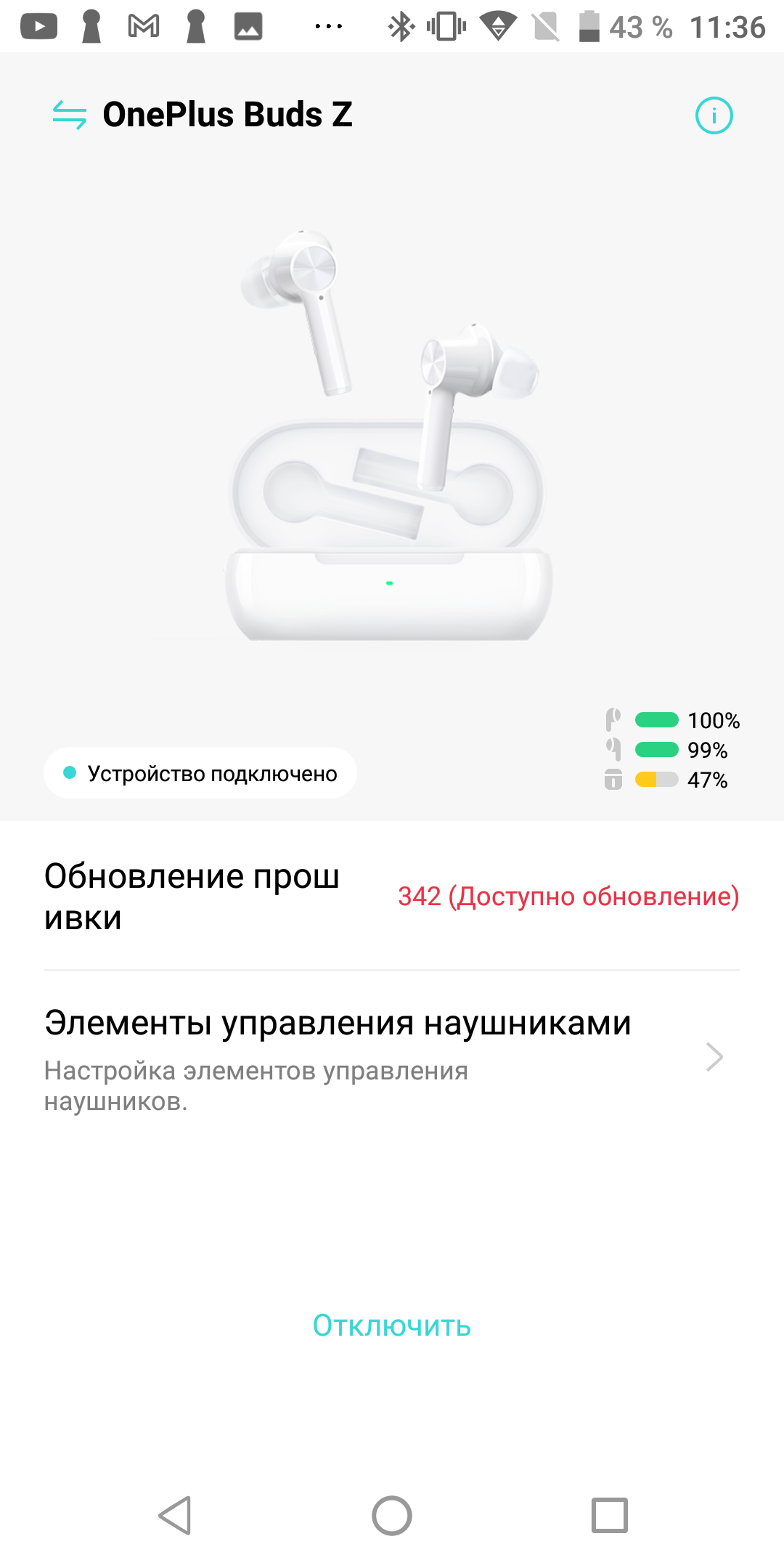
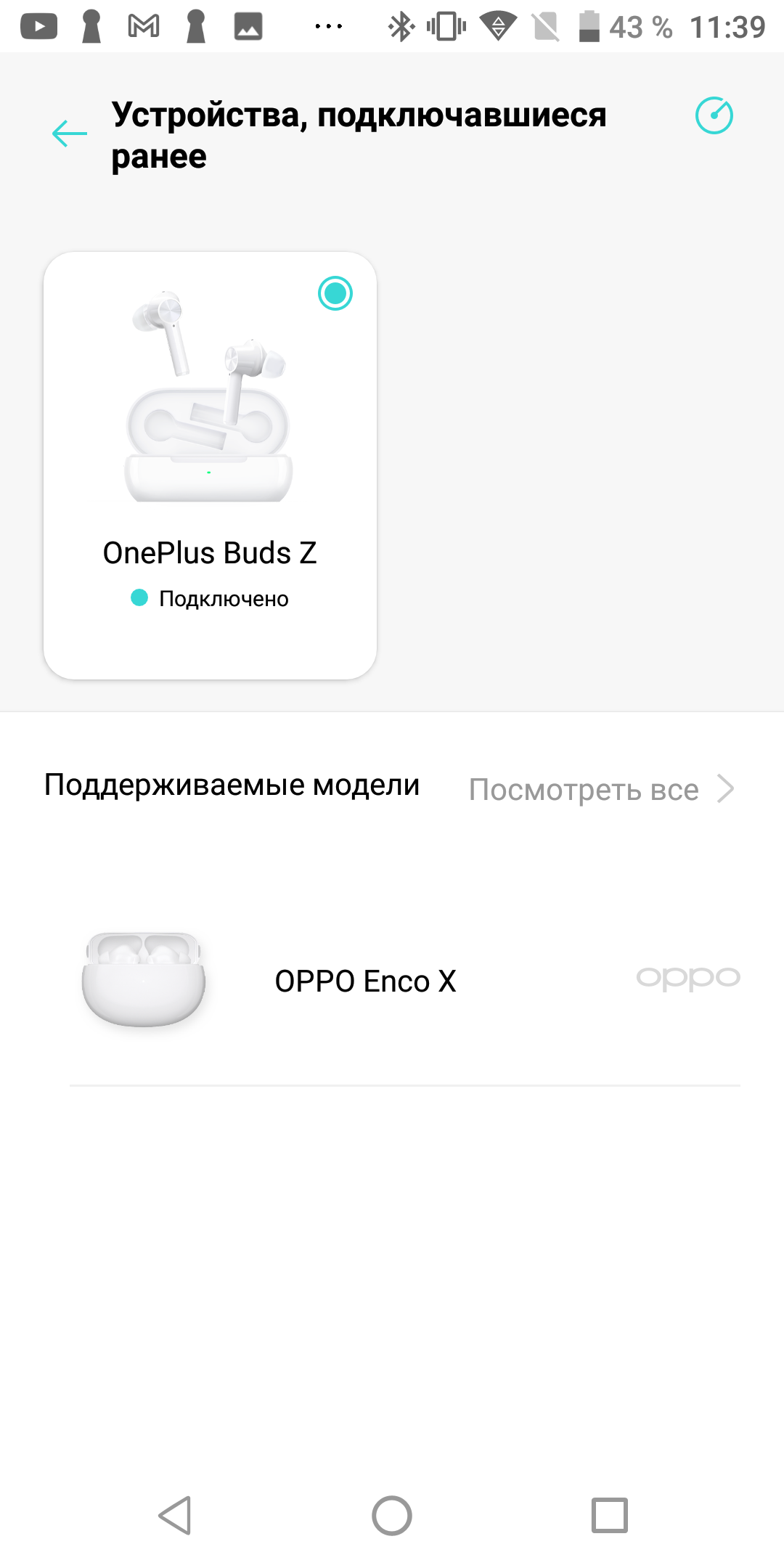
Oneplus Buds Z customization options are highlydepend on what device you are using them with. It’s easiest for owners of Oneplus smartphones: they already have all the settings in the Bluetooth settings section. However, there are not many opportunities here. When the box is open, you can see the charge level of the box itself and each of the headphones; when closed, only the headphones. And you can only configure the action of double-clicking the touch button (I’ll tell you more about this later). In addition, there is a headphone search function: viewing the last known location and sending a test sound to any of the headphones. A very useful thing, but never try to turn on this sound with headphones in your ears: it is very loud.
</ img>
</ img>

</ img>
</ img>
</ img>
</ img>






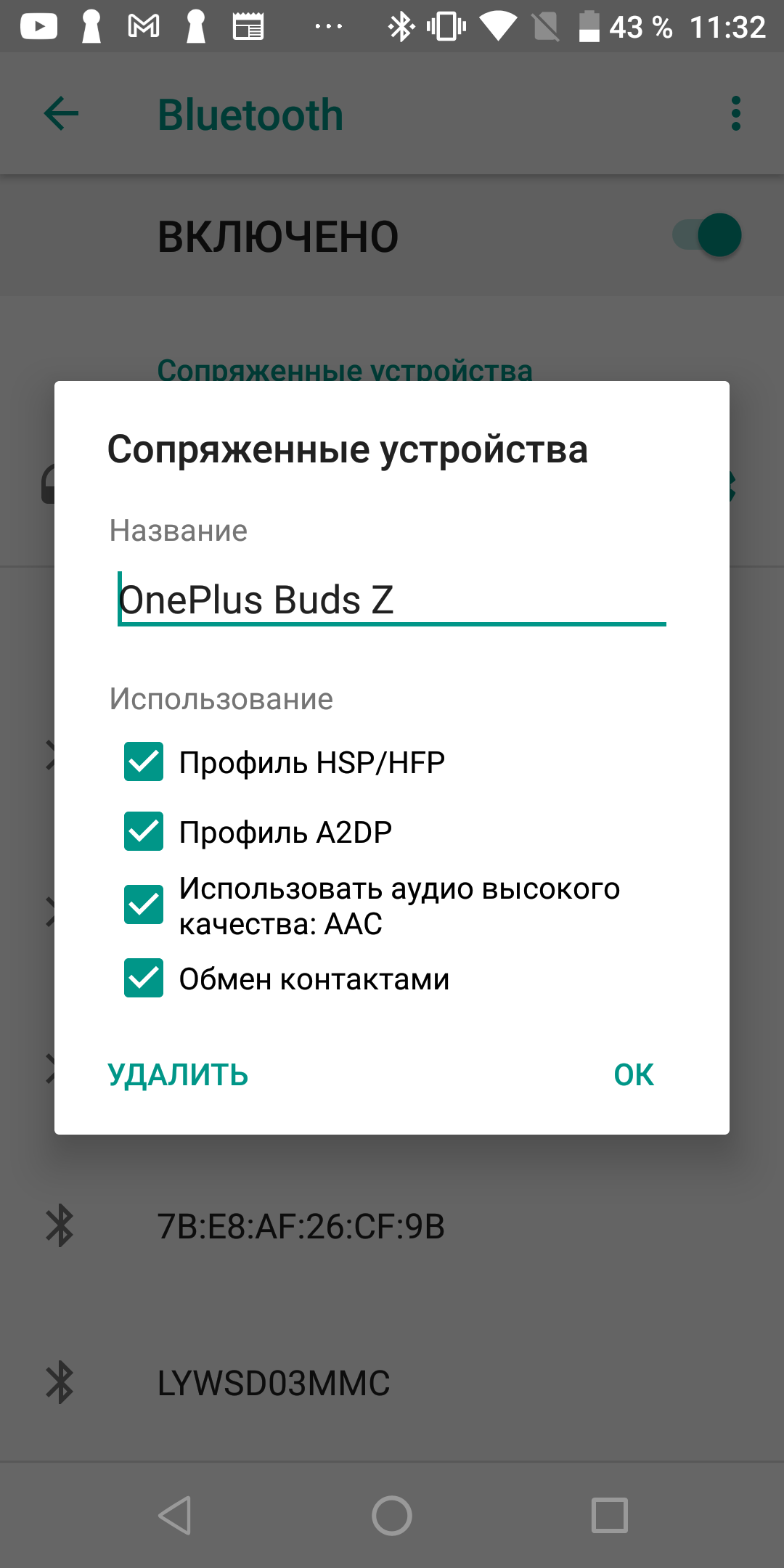
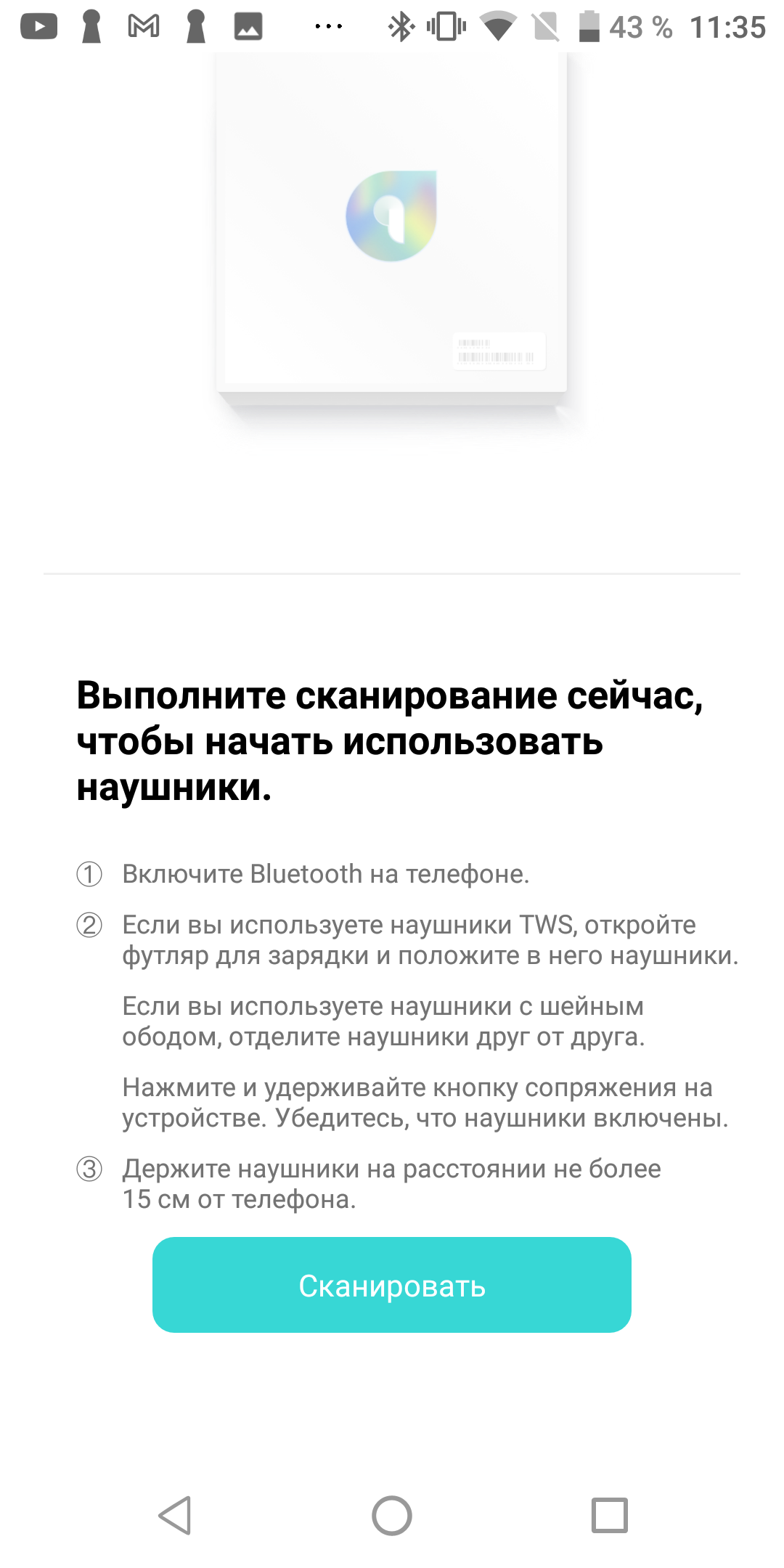
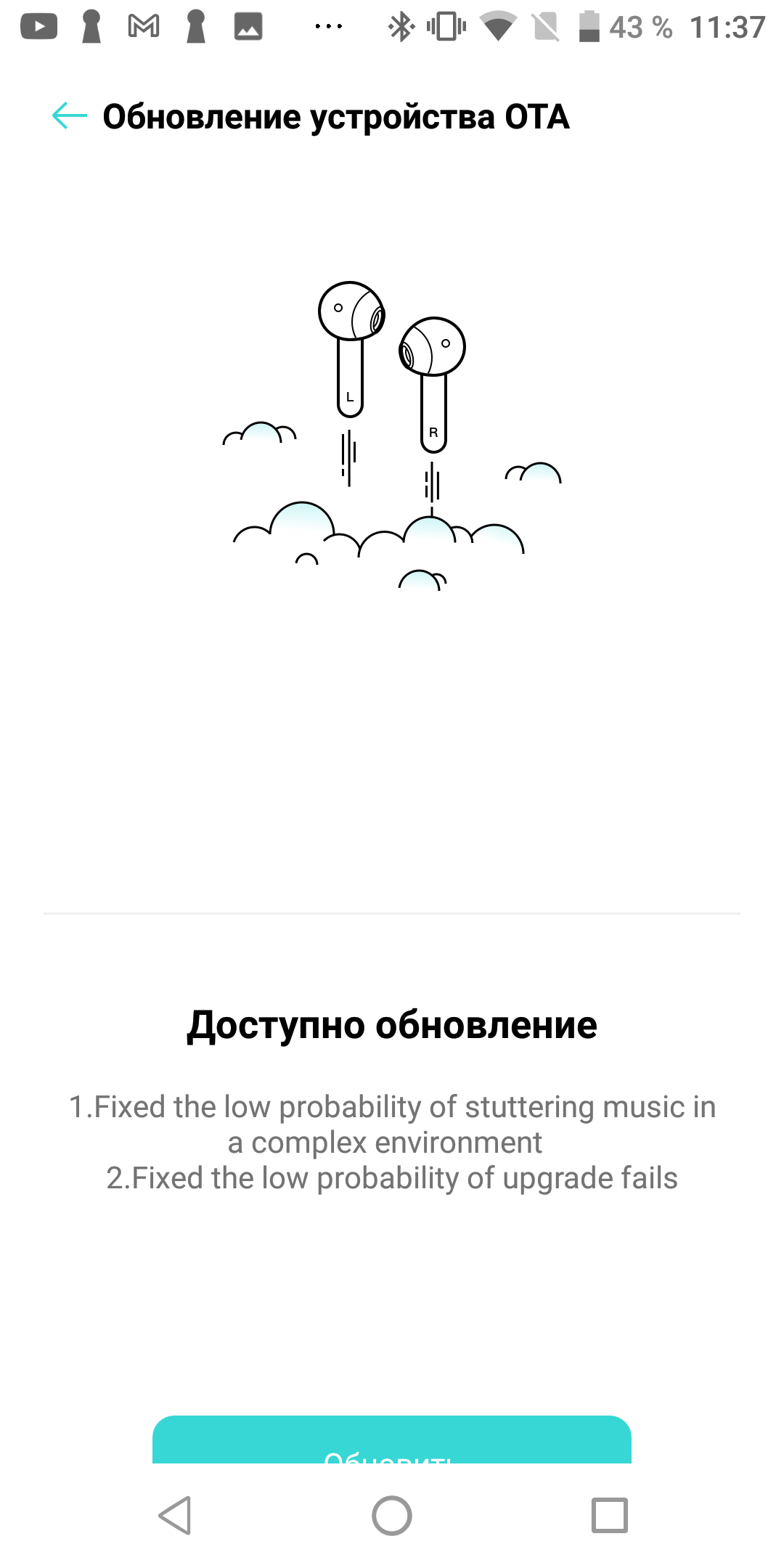
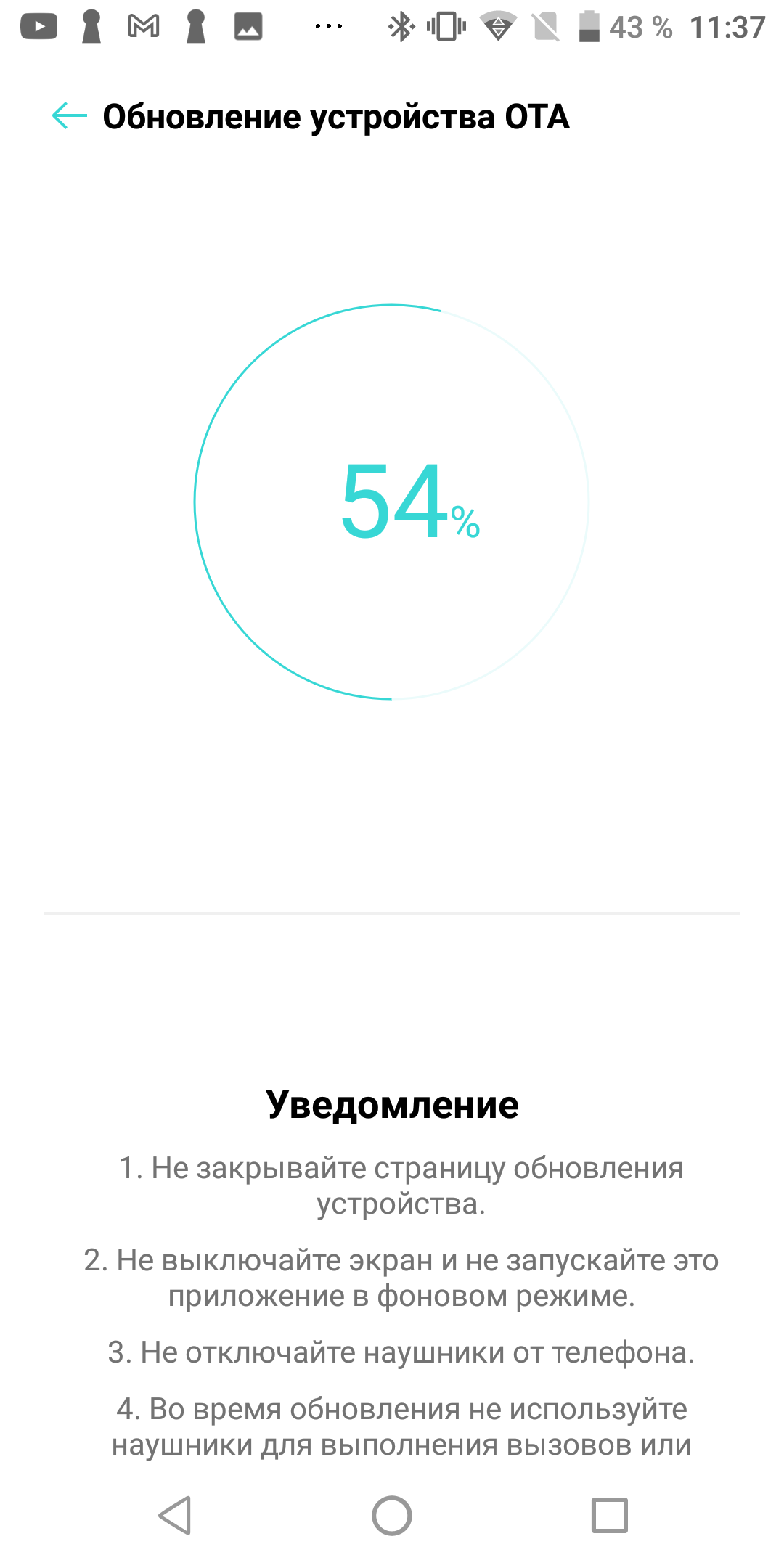
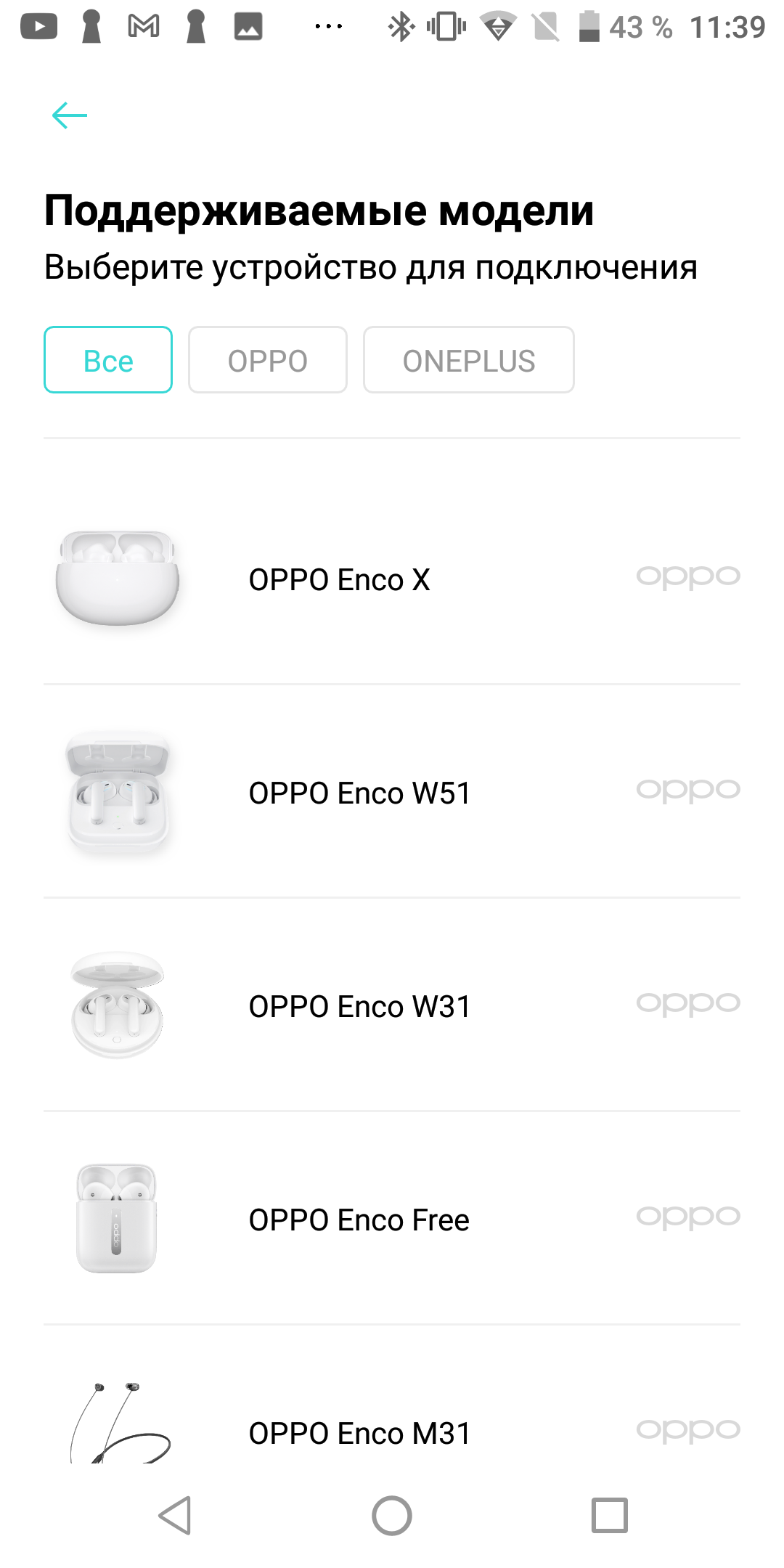
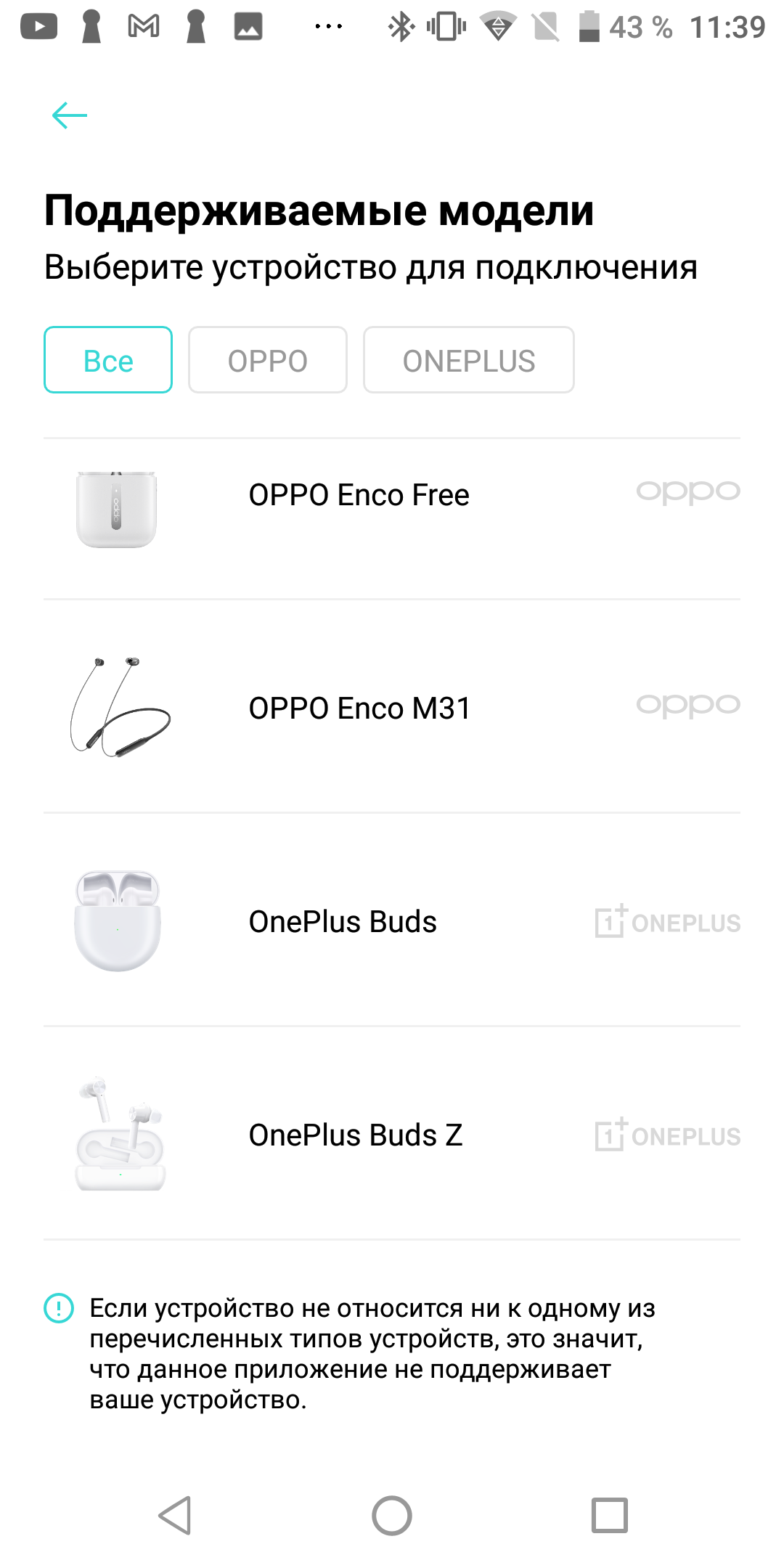
Android smartphones from other manufacturersby default will not have such interaction capabilities with these headphones. At most, you can rename them and select the desired profiles. Therefore, we go to PlayMarket and download the free HeyMelody application. It is designed to configure OPPO and Oneplus headphones and brings the standard capabilities described above to a smartphone from any manufacturer. It can also update the firmware.
</ img>

</ img>

</ img>

</ img>
</ img>
</ img>
</ img>

</ img>
</ img>
</ img>
</ img>
</ img>

</ img>
</ img>
</ img>
</ img>














For owners of Apple equipment, I do not provide such softwarefound. Oneplus Buds Z can be connected to an iPhone or iPad, they will work (including double-tap and auto-pause when removing the earbuds), but nothing can be configured.
How are they managed?
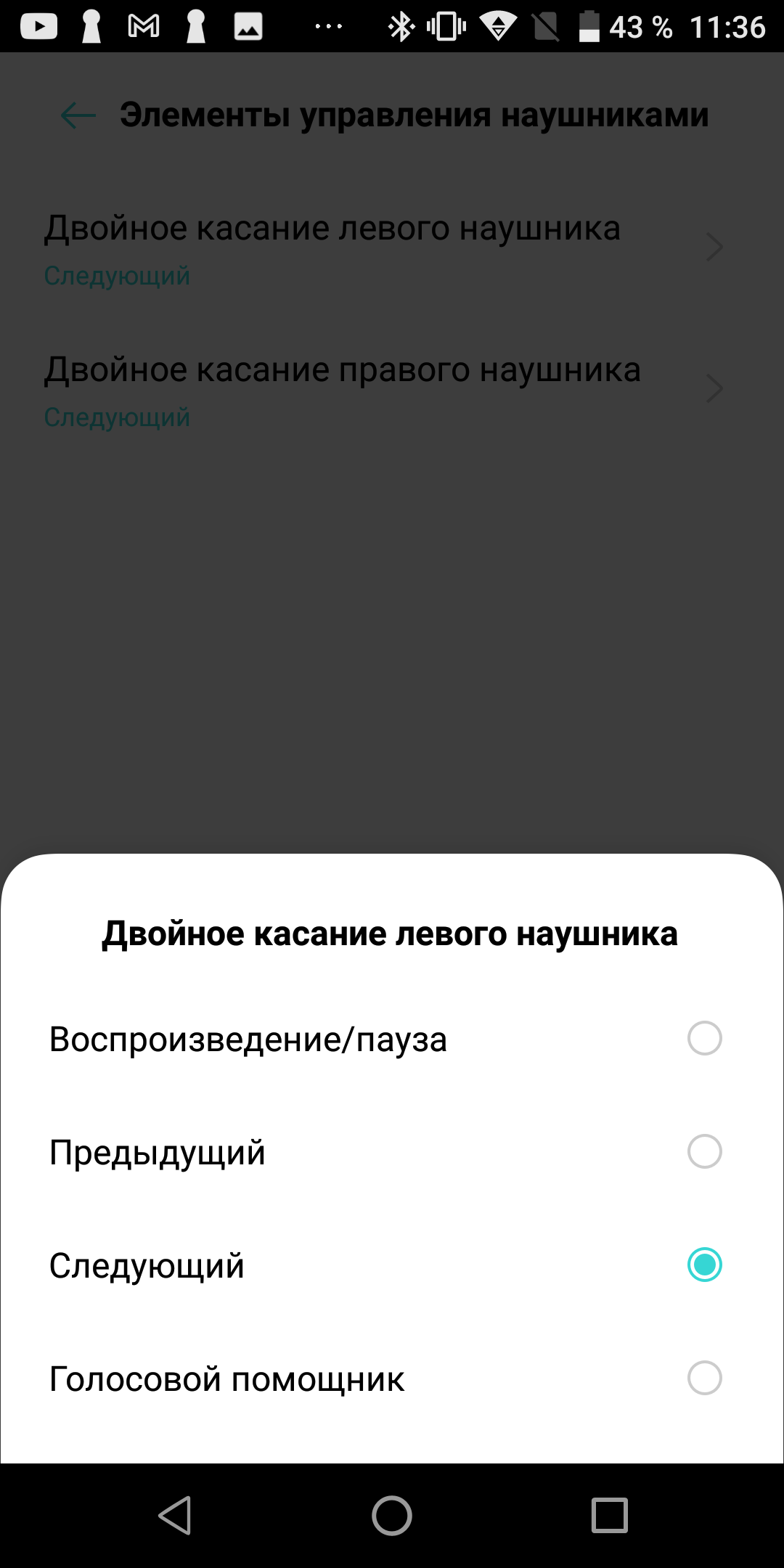
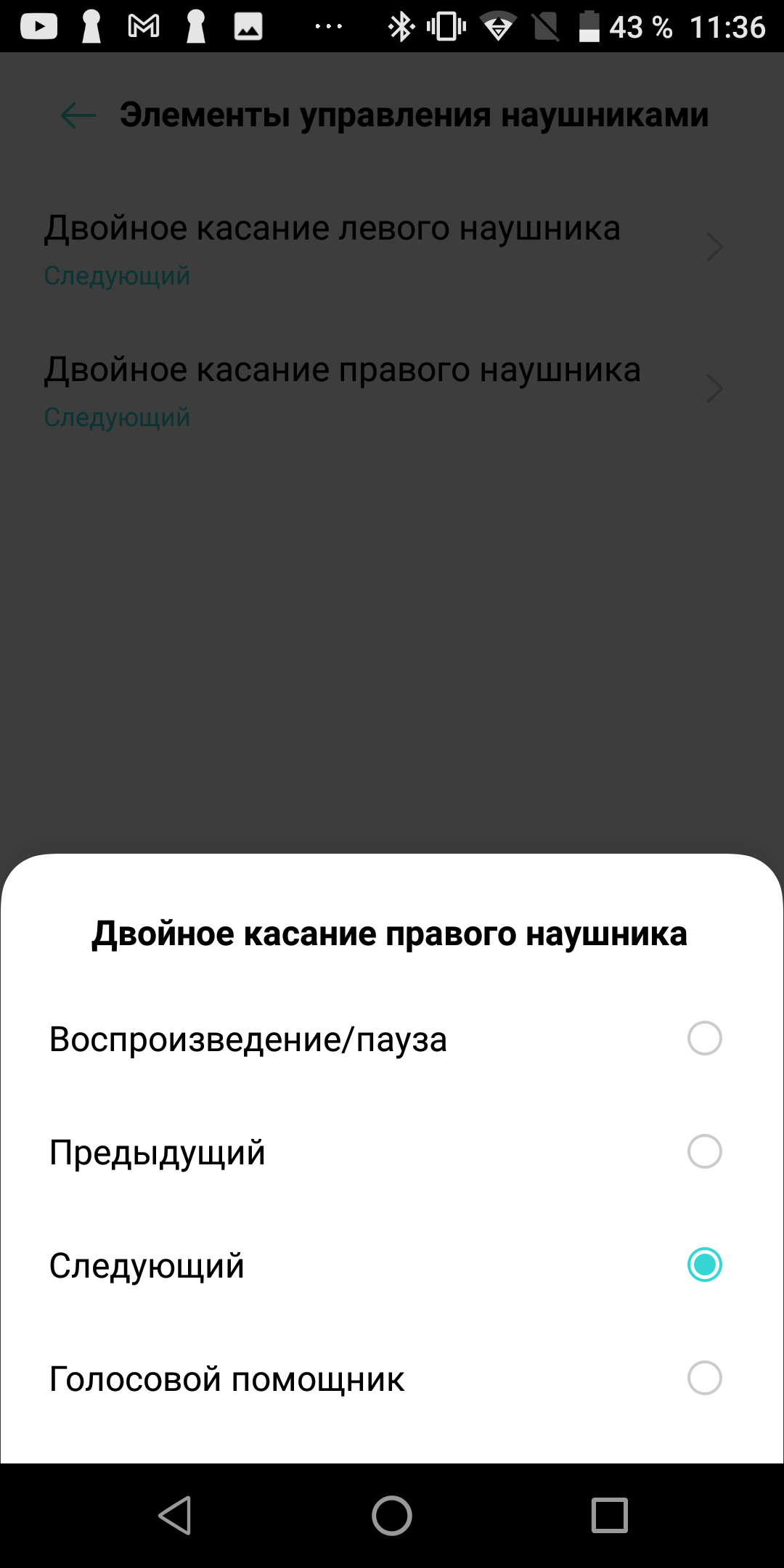
Each earbud in a pair of Oneplus Buds Z hasonly one control element: a round touch button. And for a mysterious reason, it only supports one action: double tapping. Why single and long presses are not used is unclear. Yes, we can say that a single press often leads to false positives, and a long press is simply inconvenient. But why not give the user the opportunity to choose whether he needs these types of controls or not? Be that as it may, we have a double press at our disposal, and one of the commands can be assigned to this action: play/pause, previous track, next track, call the voice assistant. Moreover, you can configure this function separately for each of the headphones. For example, double-tapping on the left will play the previous track, while double-tapping on the right will pause or continue playing the music. Receiving a phone call and ending it can also be done by double-tapping the button (on any of the headphones).
And yes, you didn't miss anything, featuresThere is no volume control. Just like AirPods. However, what the Buds Z have in common with Apple headphones is not only this dubious practice, but also the mechanism for detecting the earphone in the ear. As soon as you take one of the headphones out of your ear during playback, a pause immediately triggers. When you return the earphone to your ear, playback also automatically resumes. This function is implemented perfectly, it works very clearly and quickly. But you can't turn it off.
How are they at work?
Oneplus Buds Z are your typical TWS earbuds withheadset function. They are suitable for listening to music and making voice calls. There is no active noise cancellation, but the design of the “plugs” protects well from external sounds. Headphones of this design need ANC not for noise reduction as such, but, on the contrary, for implementing transparency mode. Which, of course, is not here. Therefore, in the old fashioned way, we take out one earphone when we want to hear what is happening around us. As I already said, this pauses playback. This is convenient, but may not appeal to those who like to continue listening to music with one ear. But, of course, you can generally listen to music in one earphone; the second one can even be in the box. Another thing is that you will need to manually start playback after you remove one of the headphones from your ear.
</ img>
There are no voice prompts, when connecting headphoneslimited to a short sound signal. Simultaneous operation with several devices is not supported; when connected to a second smartphone, the headphones are automatically disconnected from the first. Oneplus Buds Z have an IP55 water and dust resistance level, so you can safely use them for training without fear of sweat or splashes of water. But, of course, you can’t swim with them.
What about autonomy?
Each earphone has a built-in batterywith a capacity of 40 mAh, plus there is another 450 mAh of reserve in the charging box. It turns out that the headphones can be charged from the box more than ten times, and each time will be enough for 3-5 hours of work. The headphones consume less power when listening to music, and more when talking. In practice, like most normal wireless headphones, Oneplus Buds Z are so autonomous that you don’t really think about autonomy. As expected in 2021, the charging box is equipped with a USB-C connector. For those with a modern smartphone and slightly older headphones, this means one less cable to carry around. Although, why “carry with you”? It’s more likely to be “taken on a long journey”, fortunately, the autonomy of the box is enough, as we already understood, for a long time.
How do they sound?
I already noted above that Oneplus Buds Z would beexcellent standard headphones for a smartphone. This is also due to the decent sound. In general, it can hardly be called neutral; a certain bias towards low frequencies is noticeable. Moreover, precisely when used in conjunction with a Oneplus smartphone with default settings. My impression was that the sound seemed a little more balanced when using the iPhone. But again, we are talking about working without any settings; any equalizer can adjust the sound closer to your tastes. Overall, highly recommended for bass lovers. The Buds Z are good as a headset; interlocutors note the good quality of the transmitted voice. The design has a long “leg”, at the end of which there is a second microphone.
How comfortable are they?
The headphones are light and almost unnoticeable in the ears.They sit comfortably, without a tendency to fall out. At the same time, due to the presence of the already mentioned rather long “leg”, the earphone can be caught on something (for example, a scarf or hat), and it will fall out. But this is a design feature of all models of this form factor; it can be compensated for by using a safety cord. I consider the absence of any LEDs on the headphones themselves to be an advantage, because you still don’t see what’s blinking there when the headphones are in your ears.
By the way, how are they different from “regular” Oneplus Buds?
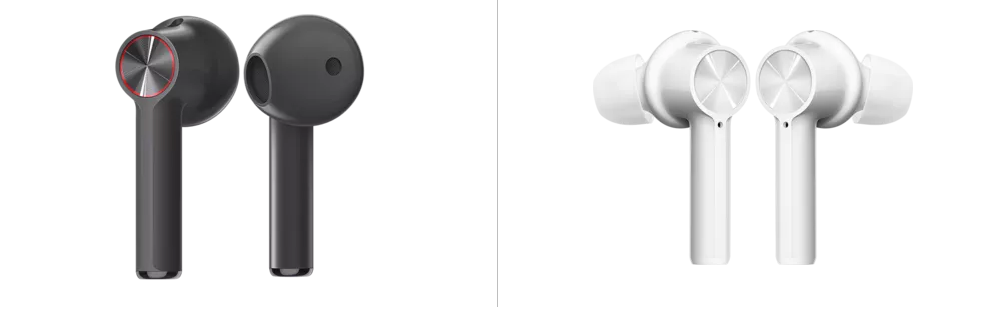
Yes, the most attentive readers know that Oneplus already has a TWS model with the same name, but without the letter Z (in the picture on the left).
</ img>
The second model can be considered more advanced - it hasIt has active noise reduction, but at the same time the driver is a little smaller and the battery life is more modest. However, the price of the Z-version is half the price; in addition, these headphones have vacuum ear pads, while the older version is a classic earbud. The design of the charging box is also different, but the recognizable touch button is still the same.
The bottom line: three things you need to know about Oneplus Buds Z
- These are TWS headphones with the function of “magic” connection to Oneplus smartphones;
- Sounds good, with an emphasis on drive and powerful bass;
- More than 10 times are charged from the box, working 3-5 hours from each charge.
Technical specifications of Oneplus Buds Z headphones
Type of
TWS, with earbuds
Radius of action
Up to 10 meters
Dust and water resistant
IP55
Active noise reduction
No
Driver diameter
10 mm
Sensitivity
97 ±3 dB
Bluetooth
5.0
Play / Talk Time
5 / 3 hours (up to 20 hours including recharging)
Battery capacity
40 mAh in each earphone + 450 mAh in the box
Fast charge
up to 3 hours of operation after 10 minutes of charging
Microphones
4 analog + 6 digital microphones
Weight of one earphone / box
4.35 g / 40 g