</ img>
This year Samsung decided to please not only the “traditional” flagship smartphones and a large selection
- What is it?
- What makes him interesting?
- What does the Samsung Galaxy Note10 Lite look like?
- How good is the screen?
- What are the unlock methods?
- What about performance, memory, sound and autonomy?
- What's with the interface and the S Pen?
- How good are the cameras?
- In the dry residue
What is it?
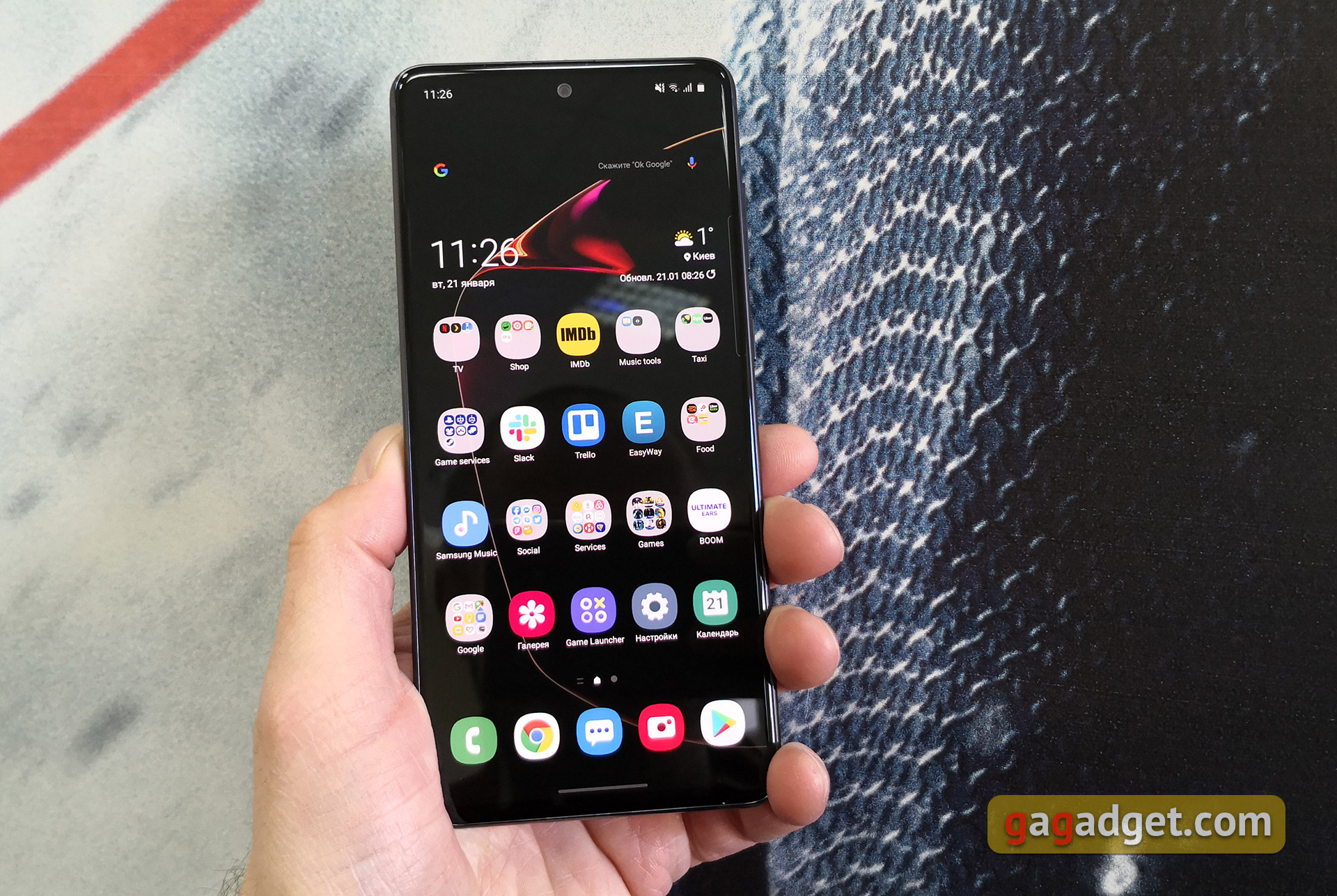
Samsung Galaxy Note10 Lite - Android Smartphonea 6.7-inch Super AMOLED display, an eight-core Samsung Exynos 9810 processor, 6 GB of RAM, a main triple camera, an S Pen stylus and a large battery.
</ p>How is it interesting and how does it differ from the flagship Galaxy Note10?

</ img>
In fact, it really makes Samsung similar.The Galaxy Note10 Lite, with the flagships of its line, only has Note in the model name and the presence of an S Pen, but otherwise the smartphones differ very significantly. The S Pen is a little simpler: pressure detection is detected, there are remote control functions, but there is no gesture recognition. Instead of a curved Dynamic AMOLED, the smartphone has a flat Super AMOLED screen with a diagonal of 6.7 inches and a resolution of 2400x1080, but the round cutout for the front camera and the fingerprint scanner under the screen remain in the same places. The Note10/10+ flagships received the top-end Exynos 9825 processor, while the hero of today’s review is equipped with the Exynos 9810 processor, which was used in last year’s Galaxy S9/S9+ and Note9 flagships. RAM - 6 GB, built-in - 128 GB, there is a slot for MicroSD (it is in the Galaxy Note10+, but not in the Note10). What could be an extremely pleasant bonus of the new product is that it has a standard 3.5 mm headphone jack, which all Samsung flagships have lost. The cameras are simpler, although they are also very interesting and boast a full gentlemanly set of modern features. The main camera is triple, includes three 12 MP modules: main with f/1.7, 1/2.55″, 1.4µm aperture, Dual Pixel PDAF and optical stabilization, telephoto: 2x zoom, f/2.4, 1/3.6&# 8243;, 1.0µm, PDAF, also with OIS and f/2.2 ultra-wide. Front camera - 32 MP, f/2.2. The smartphone is powered by a large 4500 mAh battery with support for fast charging. There is no wireless charging, nor is it waterproof. They decided to make the back cover of the smartphone plastic.
What does the Samsung Galaxy Note10 Lite look like?

</ img>
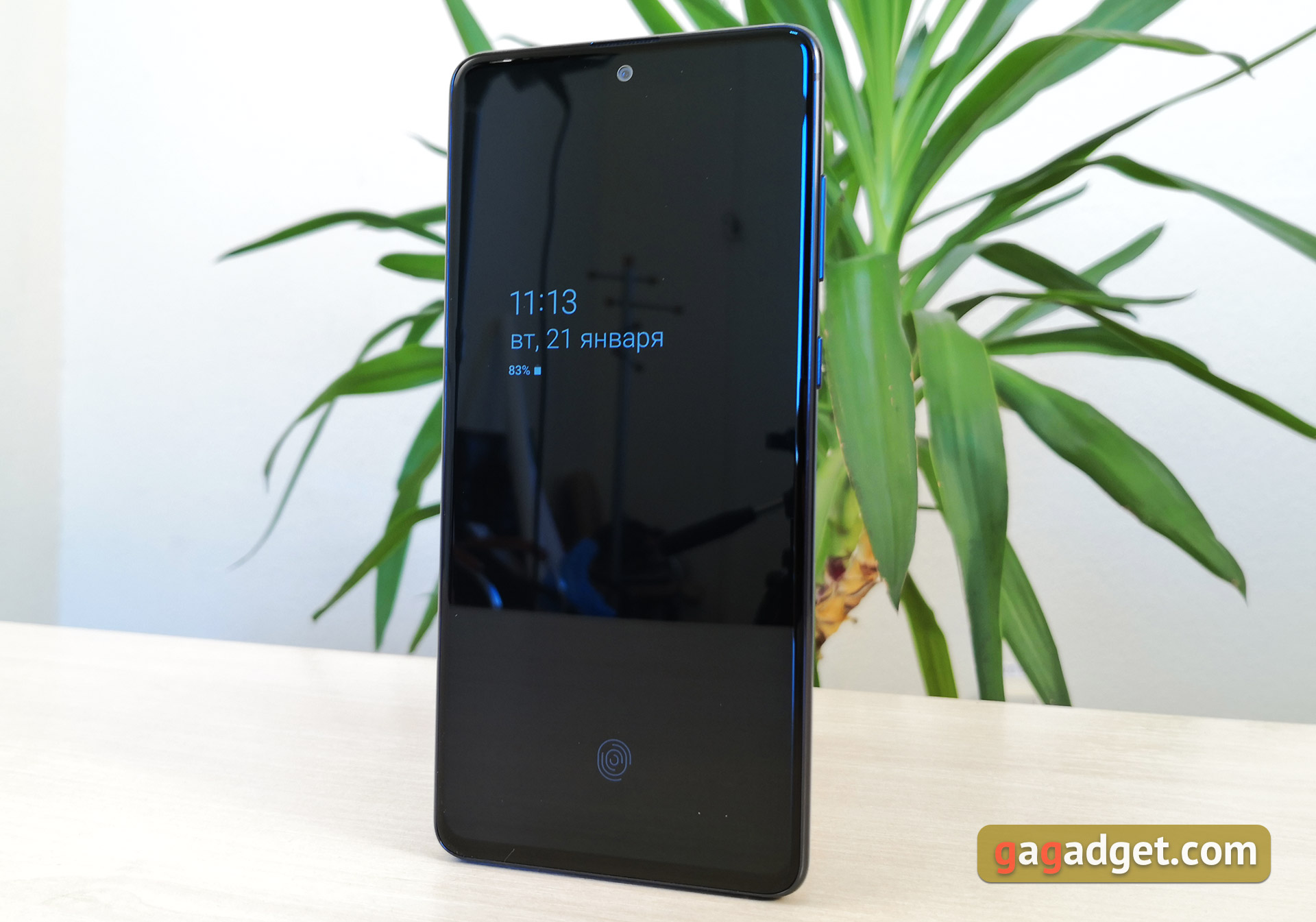
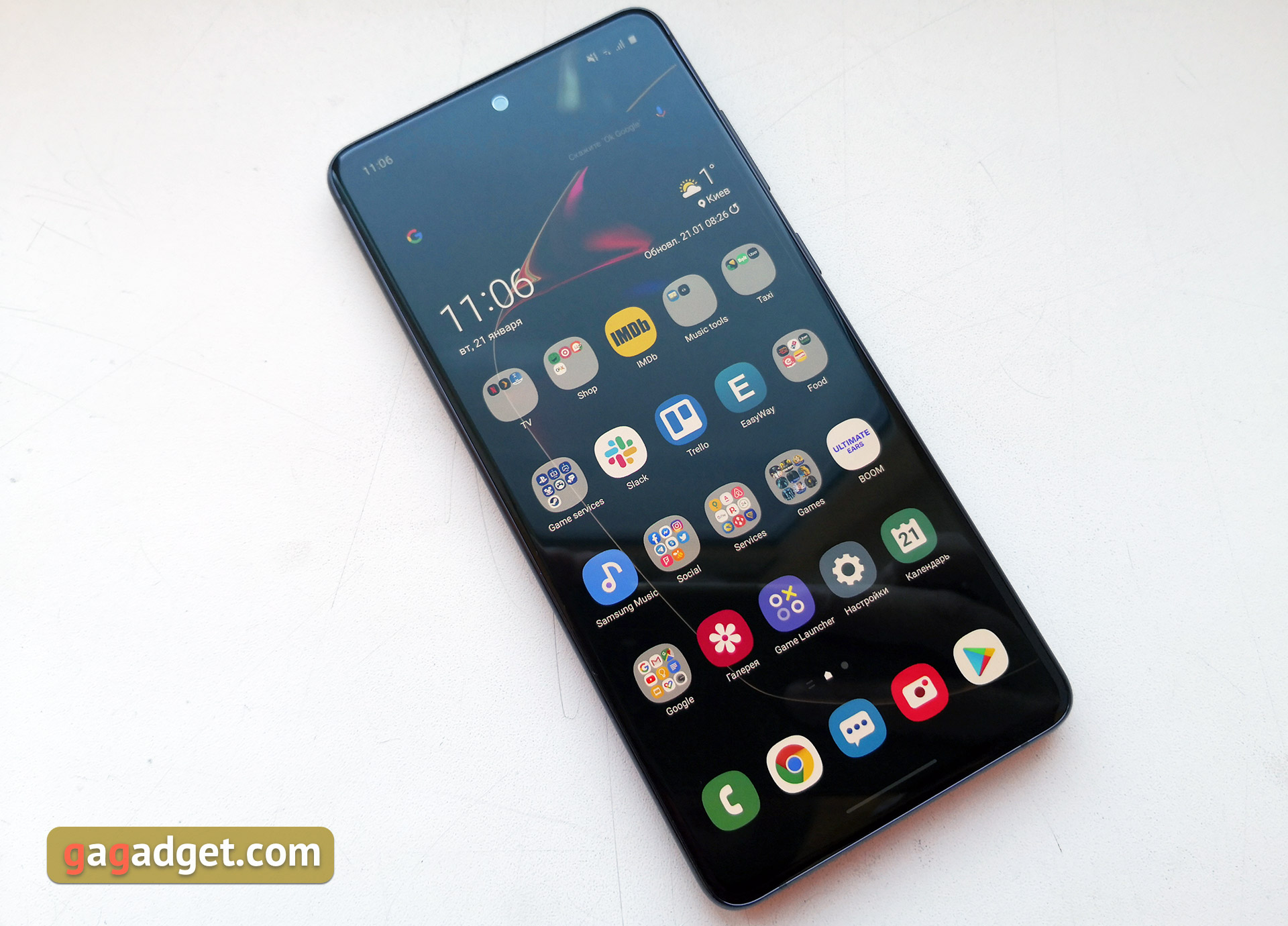
Externally, the Samsung Galaxy Note10 Lite is significantlydiffers from its older brothers: in addition to other materials and “flat” screen, the smartphone has a more streamlined shape without chopped top and bottom ends. The Galaxy Note10 Lite looks modern, but not unique. This is a typical large smartphone with a large display: the frames are small and the protective glass is rounded around the perimeter. At the top of the screen in the middle is a “hole” front camera, above which there is a speaker. There is no notification indicator, but Always on Display will cope with this task quite well.
</ img>
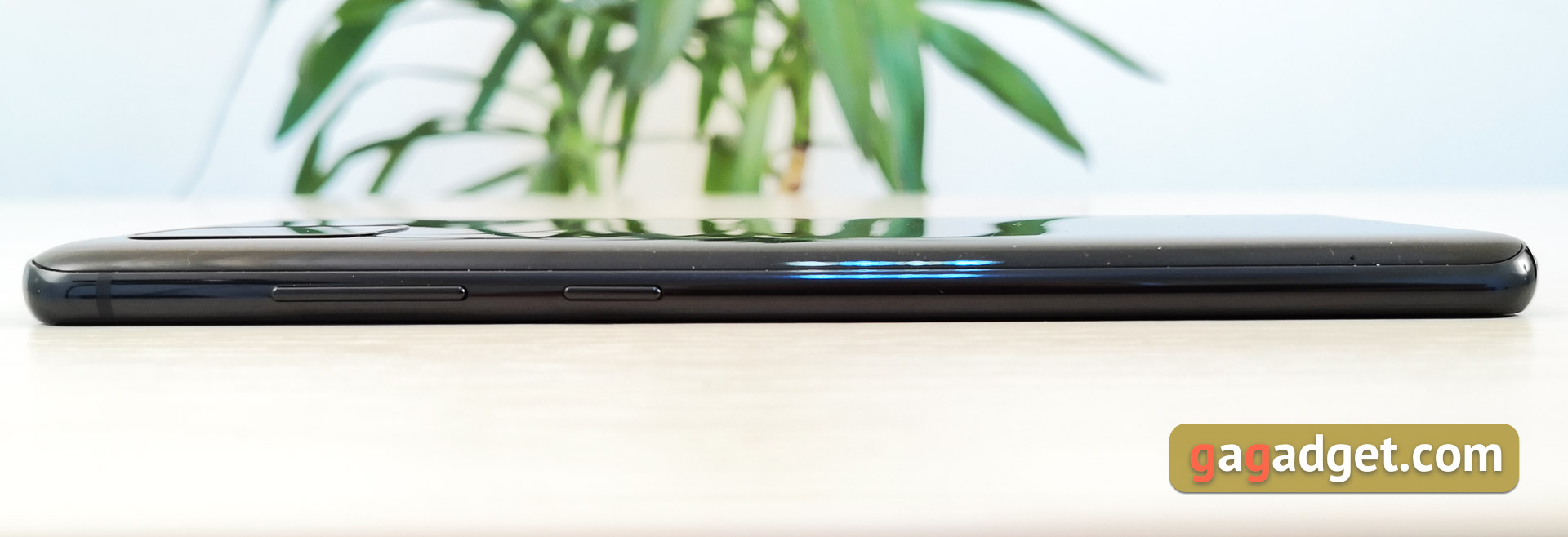
The frame is made of metal, which adds rigiditydesigns. It is painted with gloss paint in the color of the body and has a streamlined shape. Unlike older Note, the power and volume buttons are placed more familiarly, on the right side.
</ img>
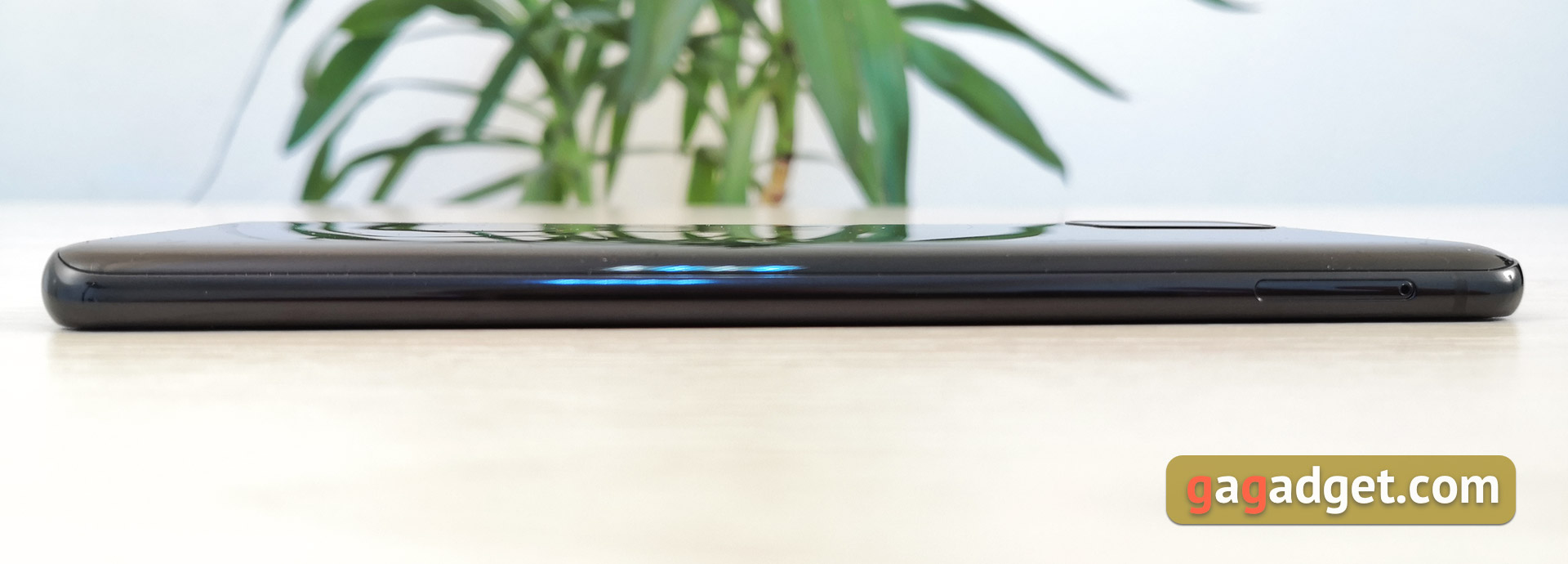
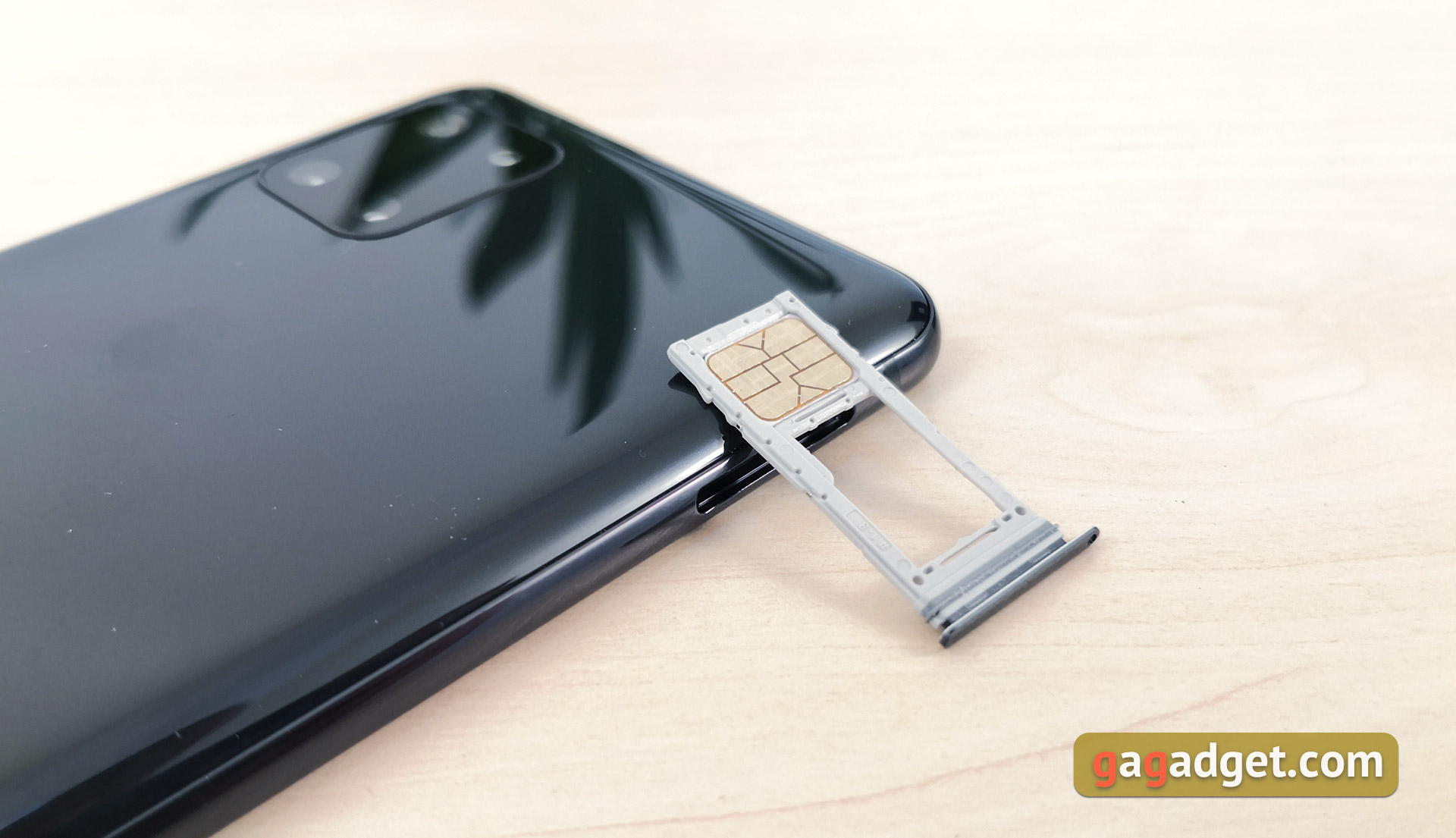
The tray migrated from the upper end to the left side.
</ img>
It is hybrid, you can install either two SIM cards, or add memory with a MicroSD card, sacrificing the second SIM card. (if you use it).
</ img>
At the top end of the interesting, there was only an additional microphone:

</ img>
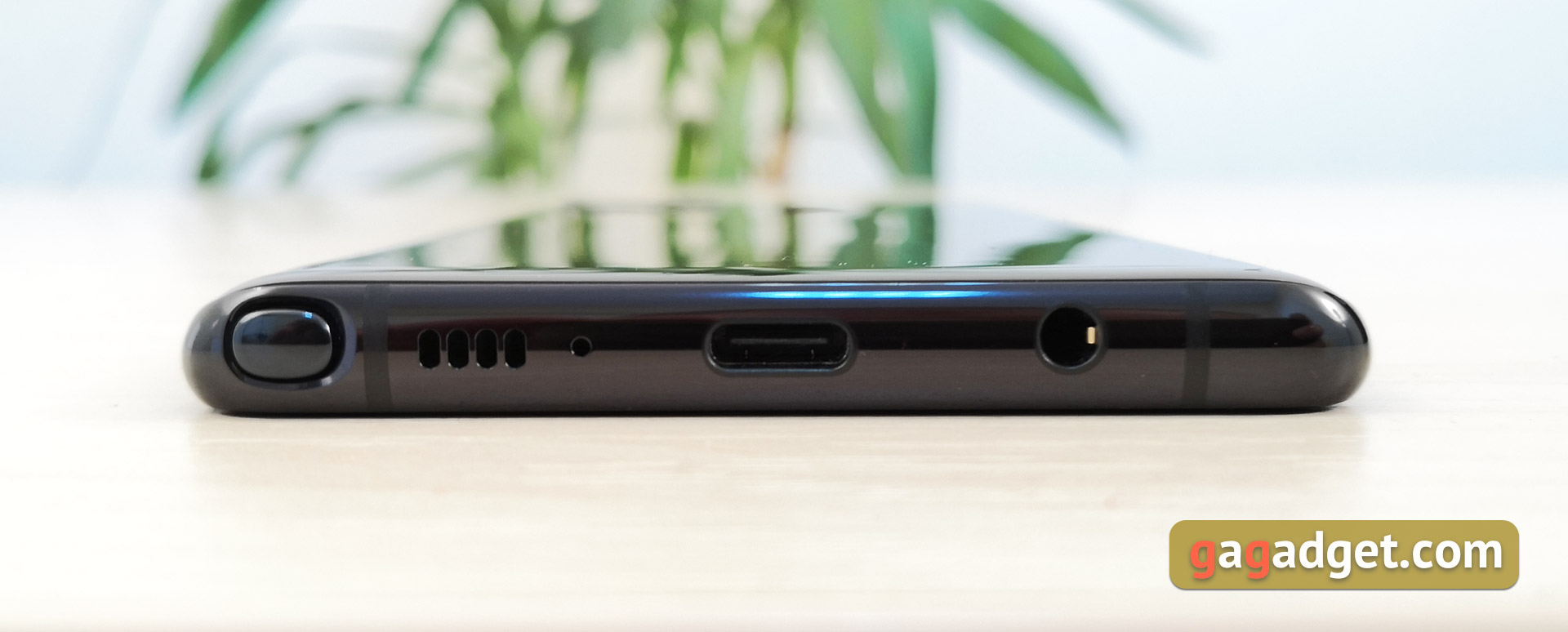
Below, there’s a lot of interesting things: the S Pen stylus, earpiece microphone, external speaker, USB Type-C connector and a standard 3.5 mm headphone jack:
</ img>
There are no innovations in the design of the S Pen: it is equipped with a single mechanical button, and inside there is a Bluetooth module and a battery that charges while the stylus is in the smartphone:

</ img>
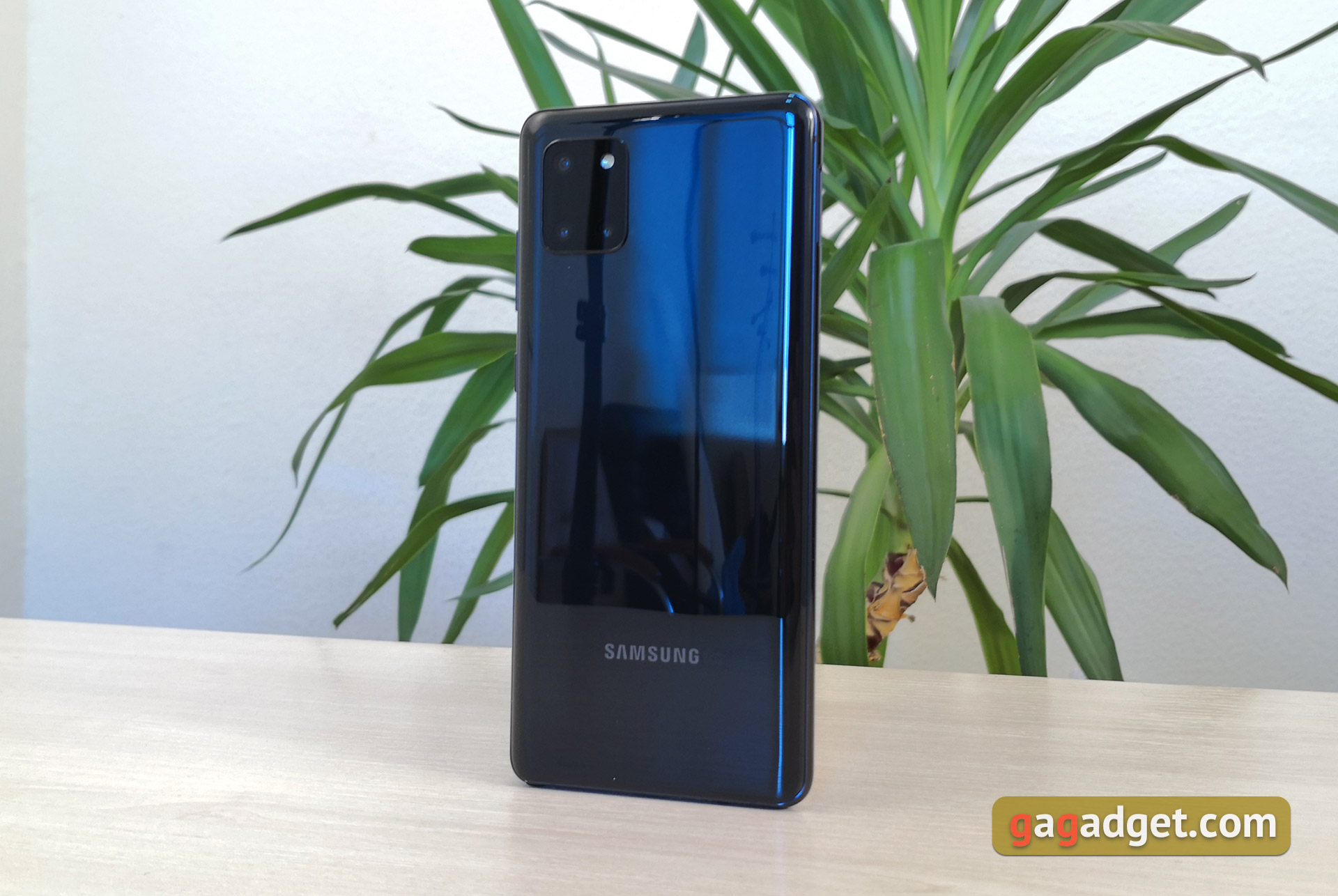
The back cover is made of plastic, which itselfIt’s not critical for yourself. But it will get covered with small scratches faster than glass. So the bumper obviously won't hurt. We had a black version, there are also red and pearlescent ones.
</ img>
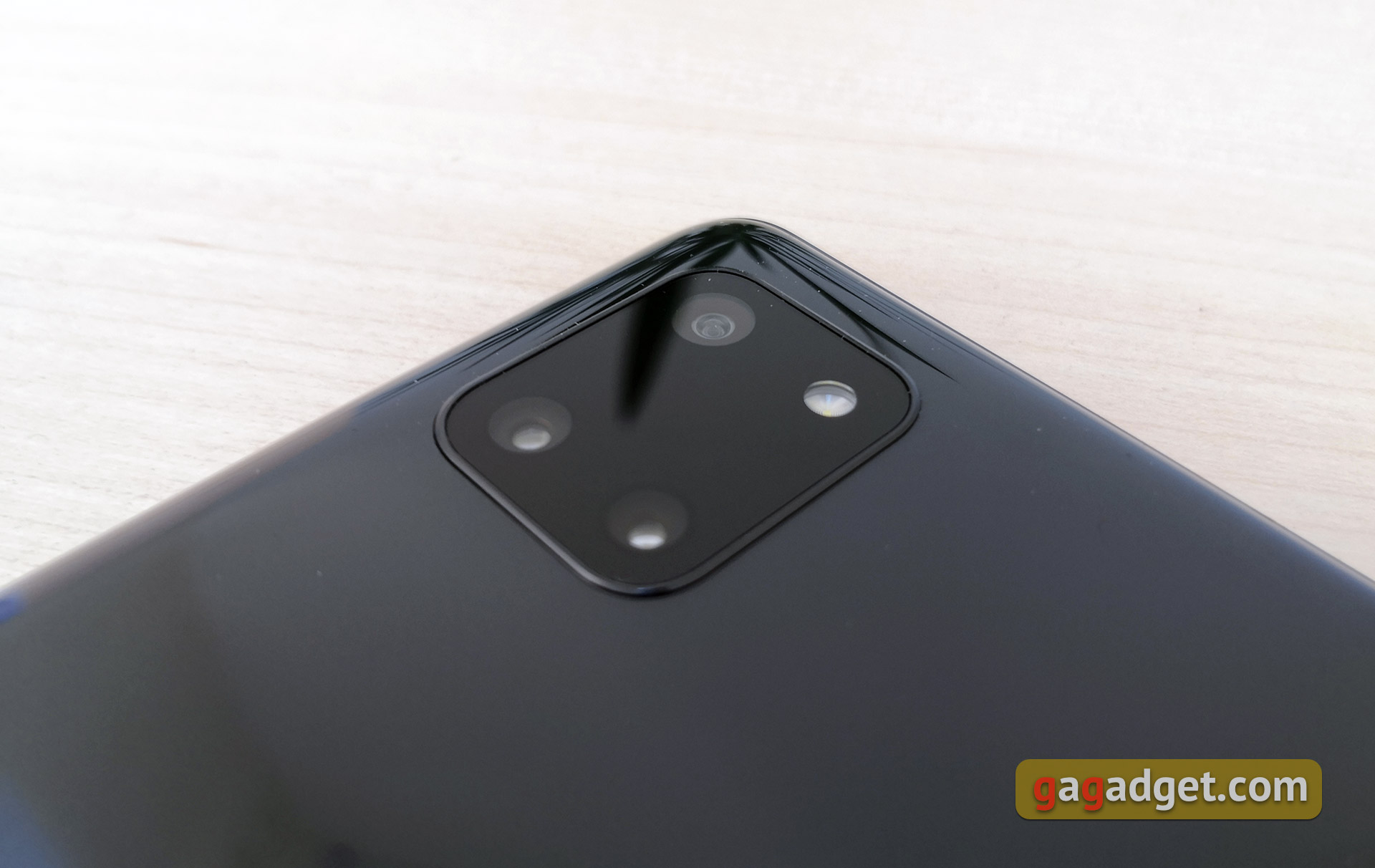
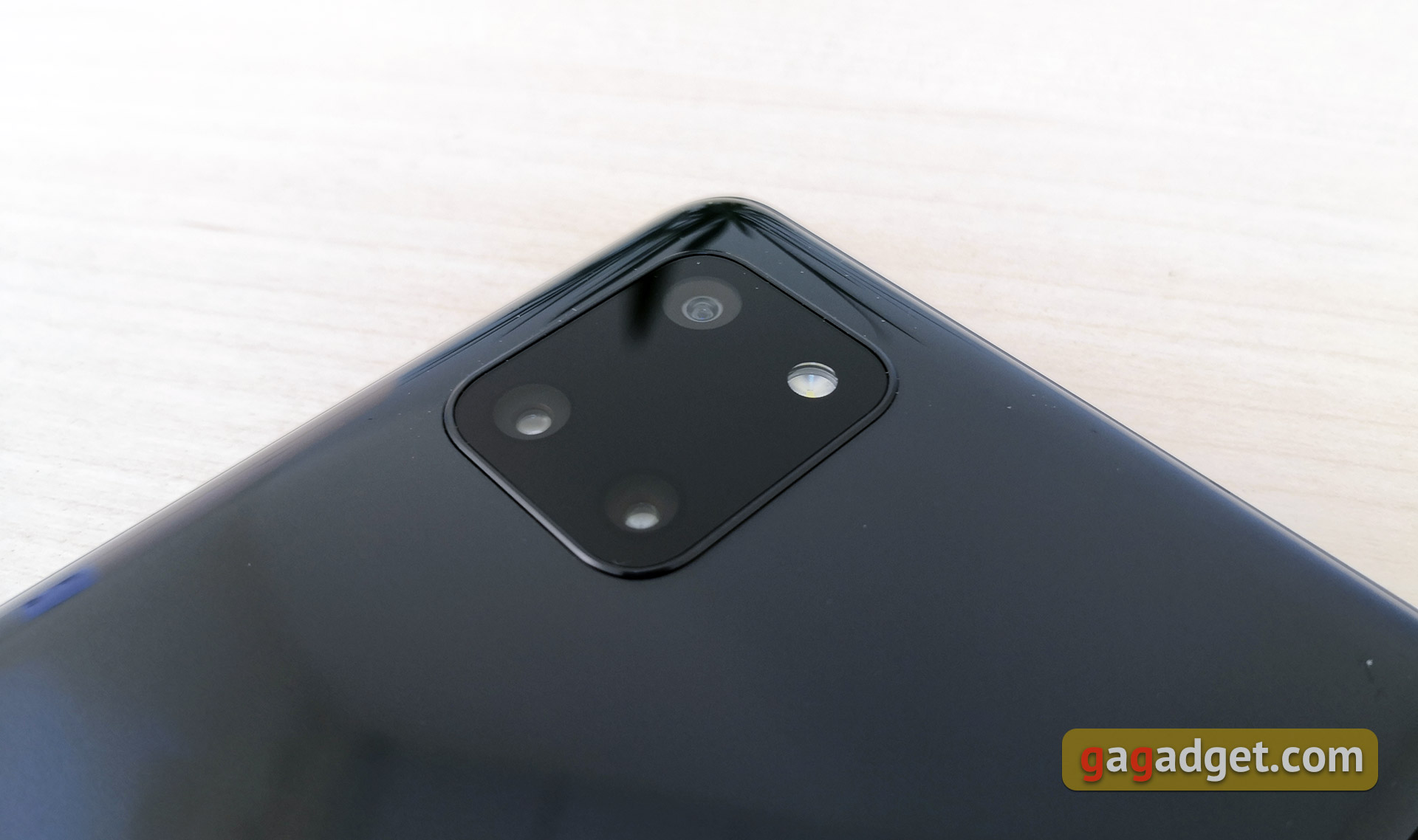
The main triple chamber was placed in blackrounded rectangle. The design resembles the Google Pixel 4 or the iPhone 11 line, but in the Galaxy Note10 Lite it practically does not stick out and looks neater than the aforementioned models. In all color options, the camera unit is black and in the case of a black case, it is almost not evident.
</ img>
There is only one complaint regarding the assembly and appearance of the Galaxy Note10 Lite: I would still like the glass at the back, given the cost of the smartphone.
</ p>How good is the screen?
</ img>
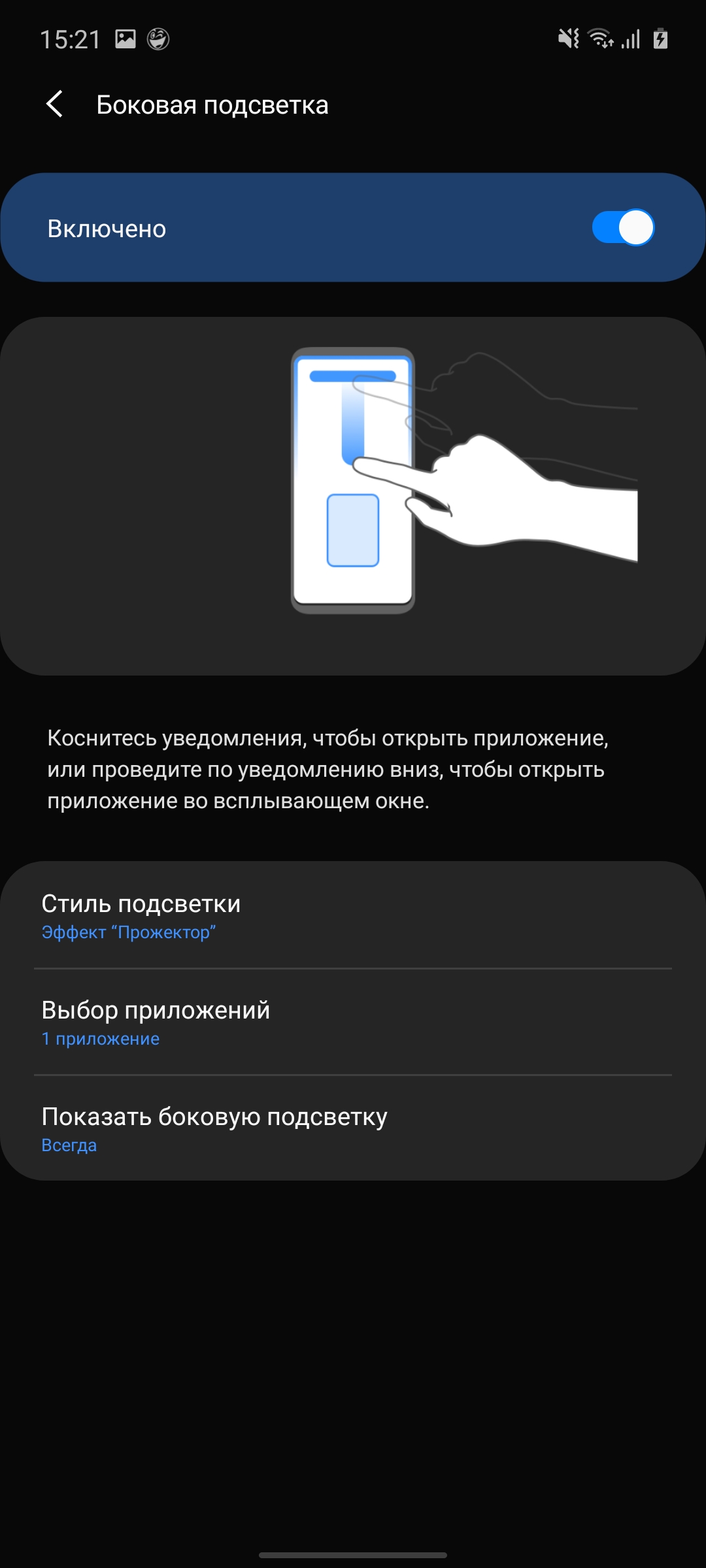
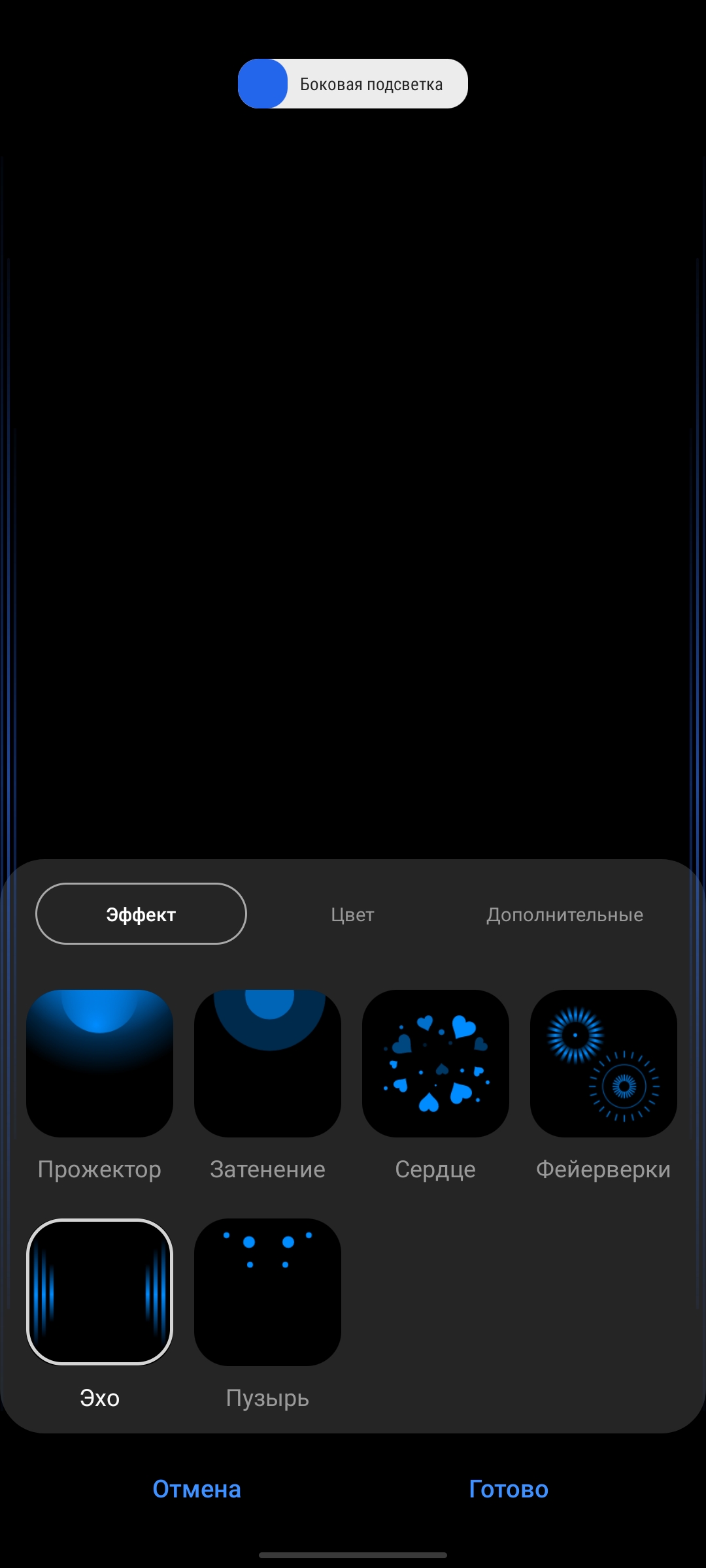
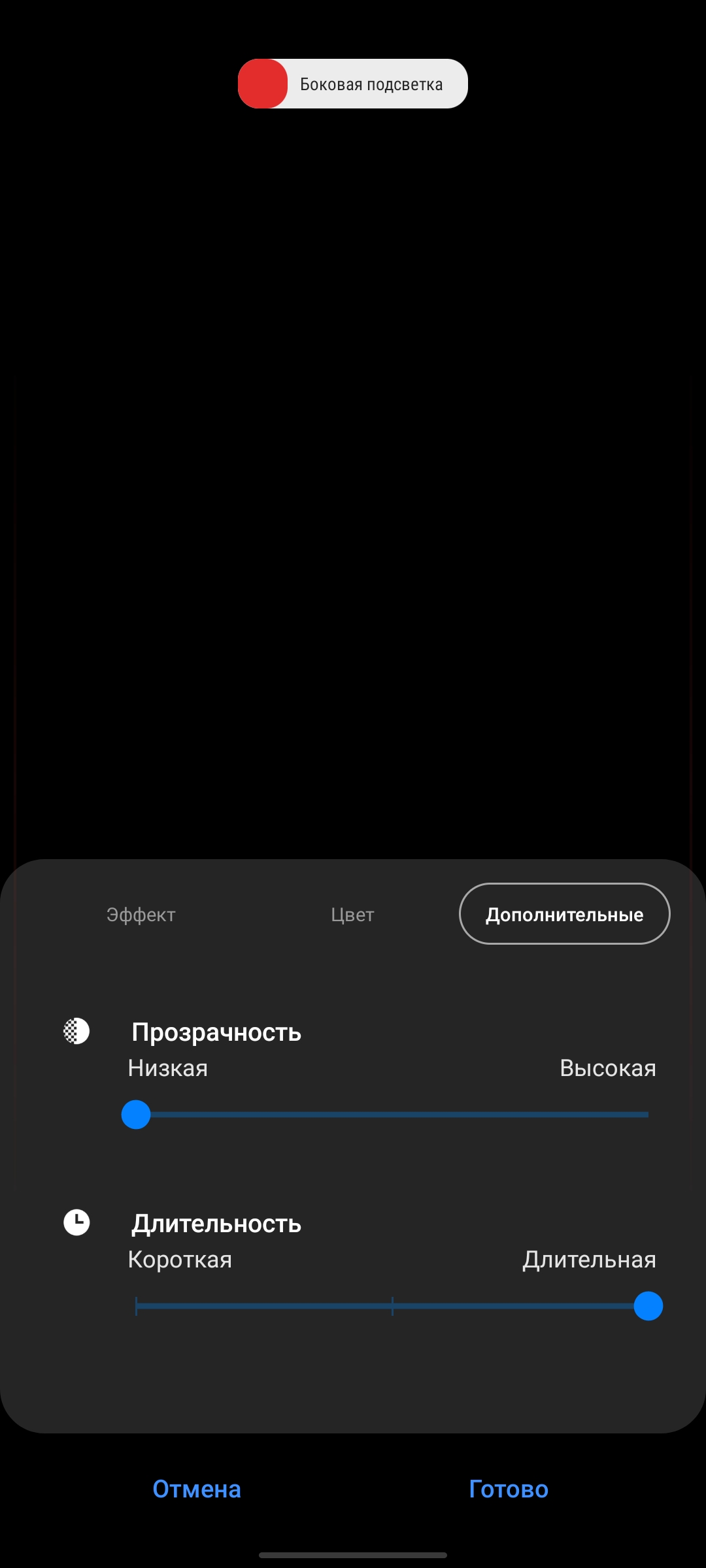
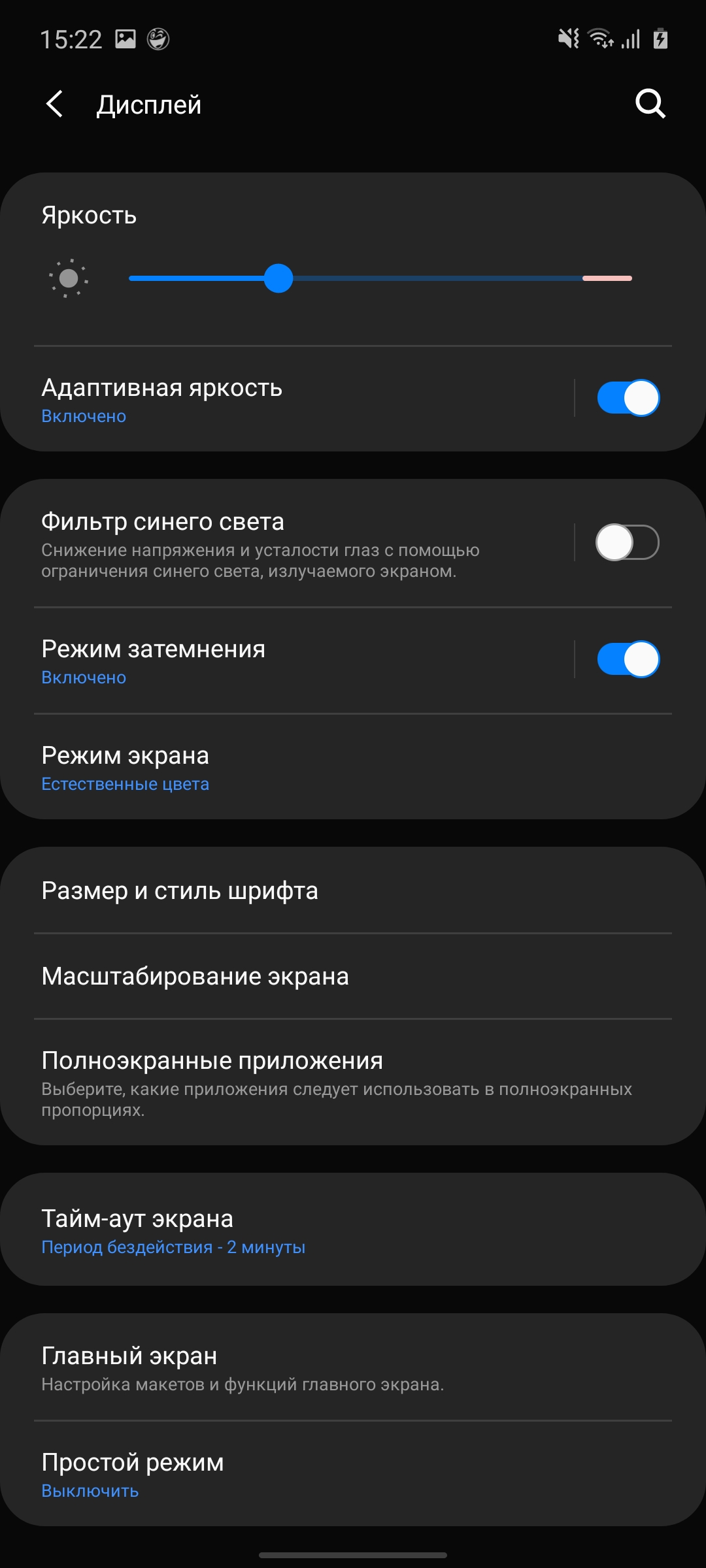
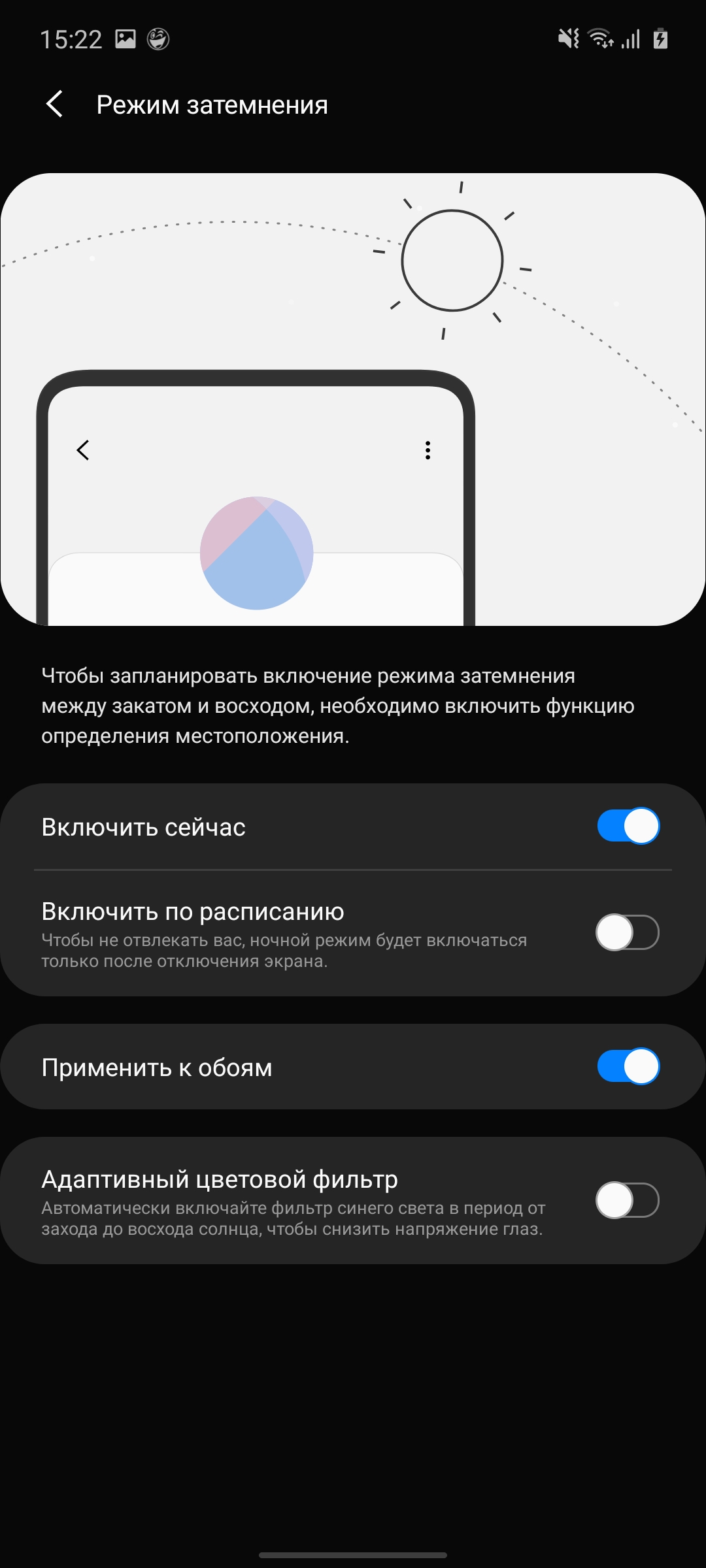
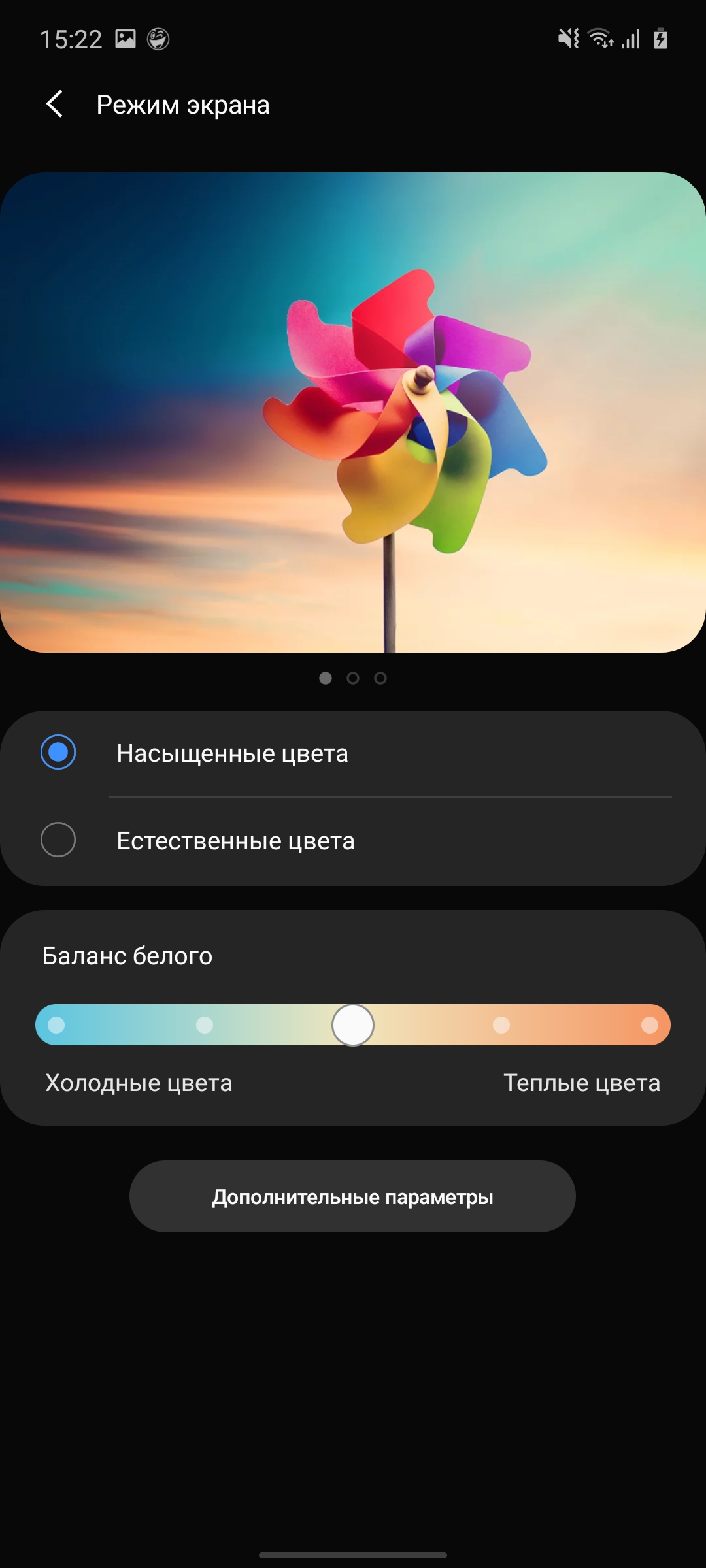
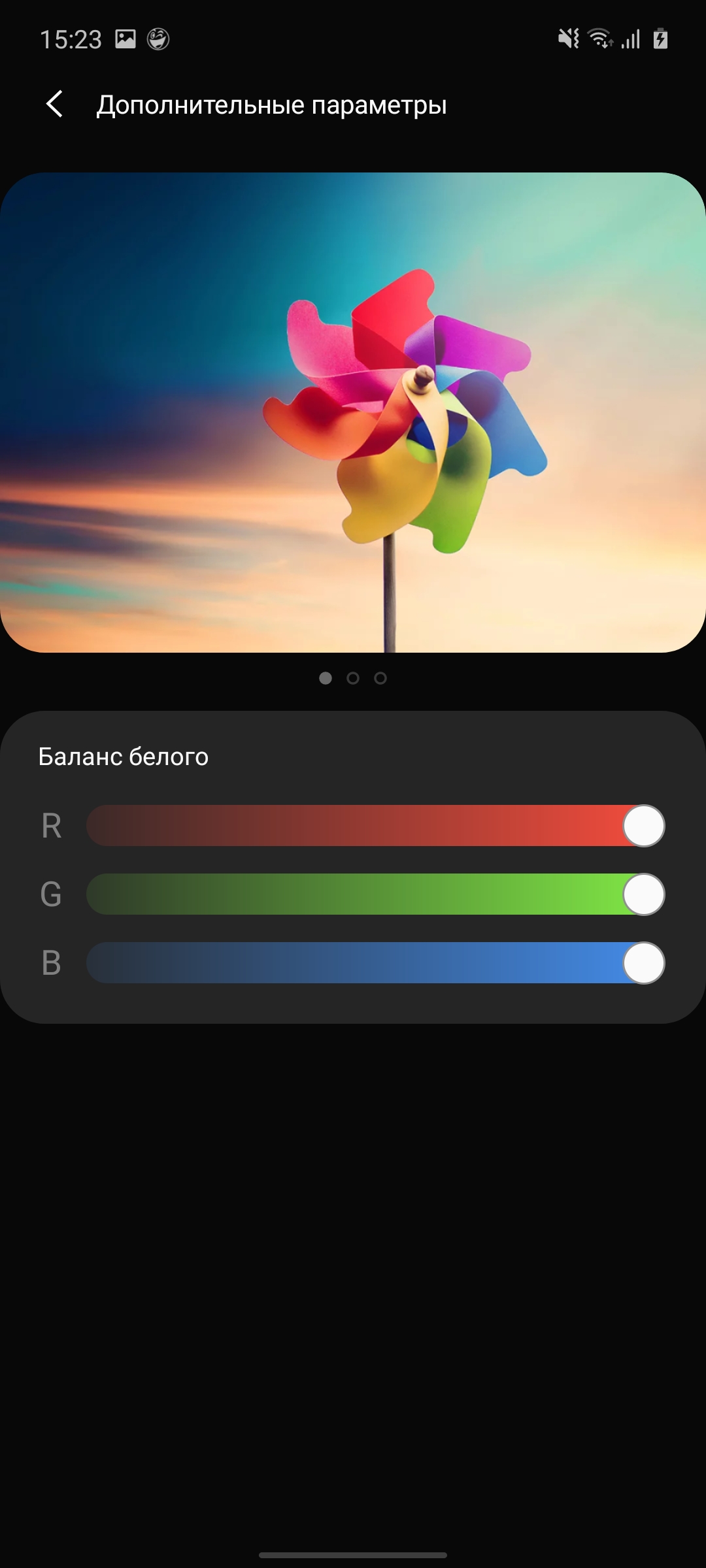
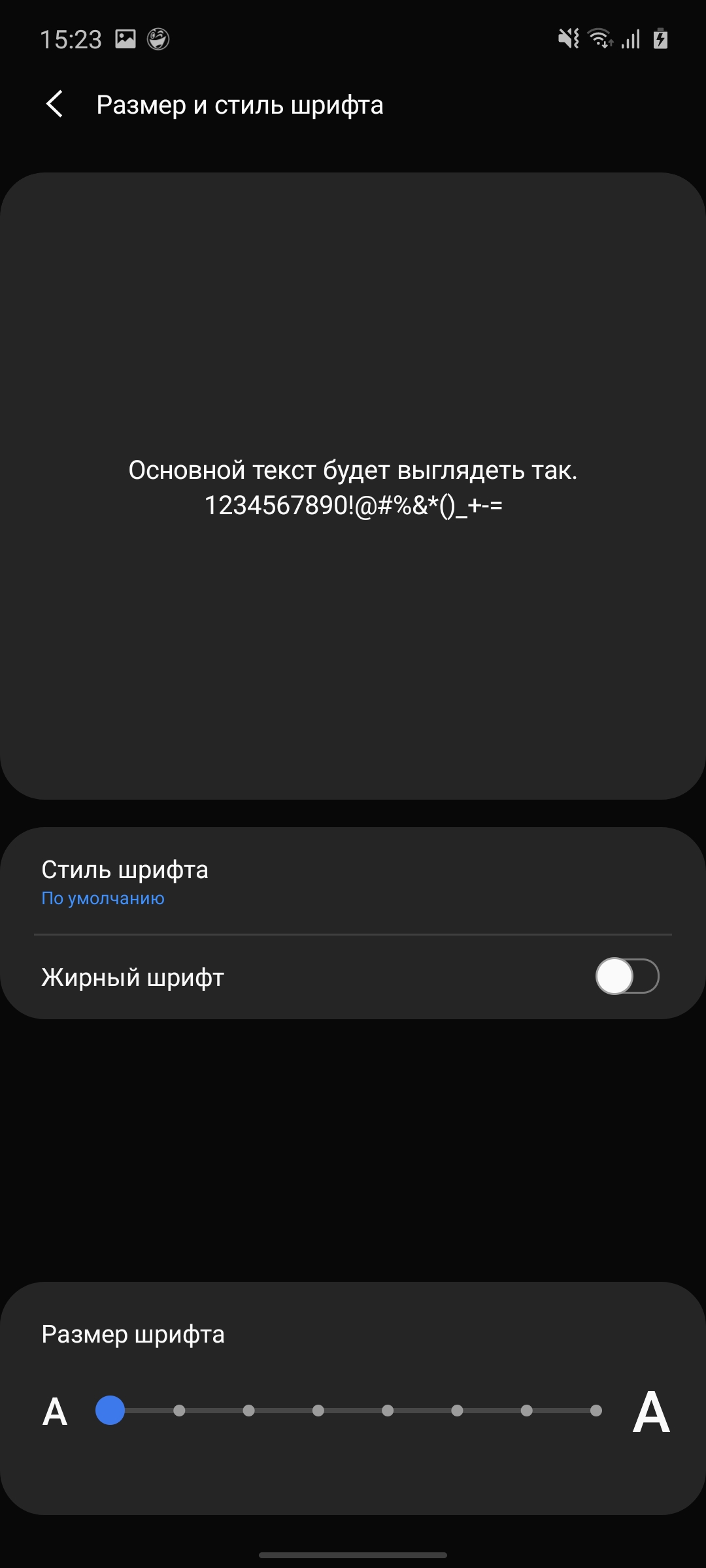
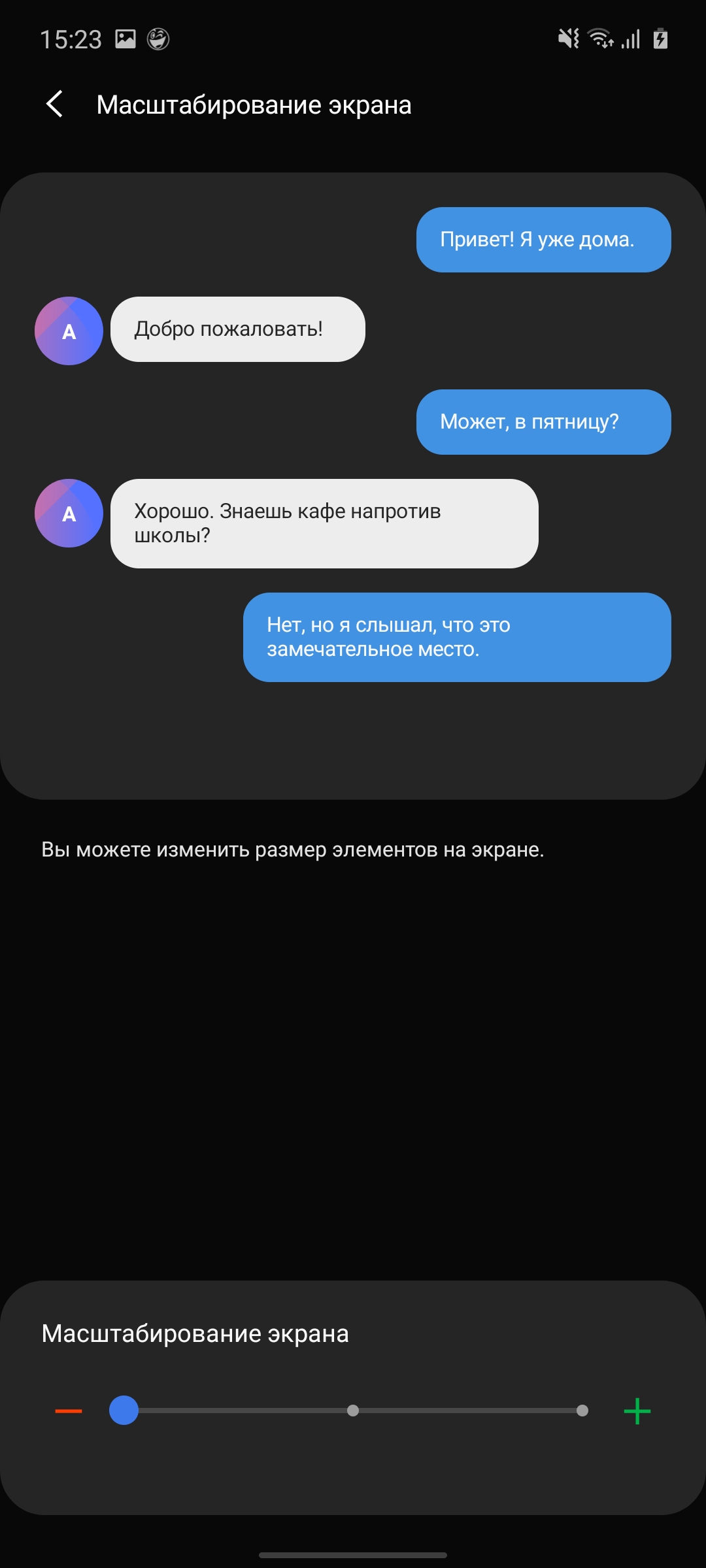
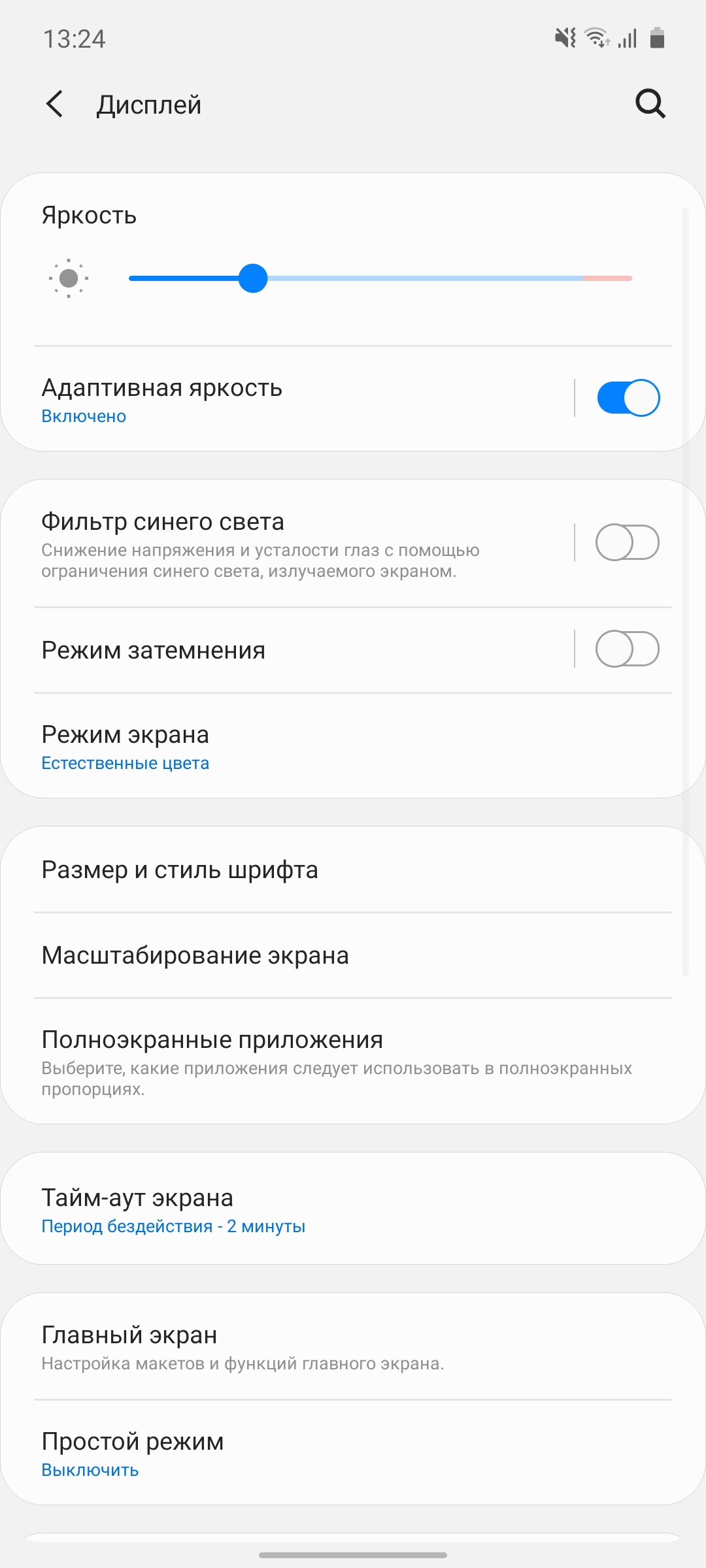
Galaxy Note10 Lite and equipped with Super AMOLEDdisplay with a diagonal of 6.7 inches and a resolution of 2400x1080. Slightly smaller than the Galaxy Note10+ (6.8 inches) and larger than the Galaxy Note10 (6.3 inches), but the proportions of the new product are more elongated: 20:9 instead of 19:9. The pixel density is 394 ppi, slightly lower than the Note10's 401 ppi. The settings have a standard set: brightness adjustment, font size selection, scale of interface elements, blue filter, dark interface theme, Always on Display, edge lighting (when receiving notifications) and two color display modes: “natural” and “rich”. The latter allows you to adjust the color temperature. We saw all this in previous Samsung models. What’s more interesting is that there is now anti-flicker protection (DC Dimming in some smartphones). It seems that it appeared along with the new software version. But it’s not in the settings: it works by default and cannot be disabled. Although I don’t see much point in turning it off.
</ img>
</ img>

</ img>
</ img>
</ img>
</ img>
</ img>
</ img>









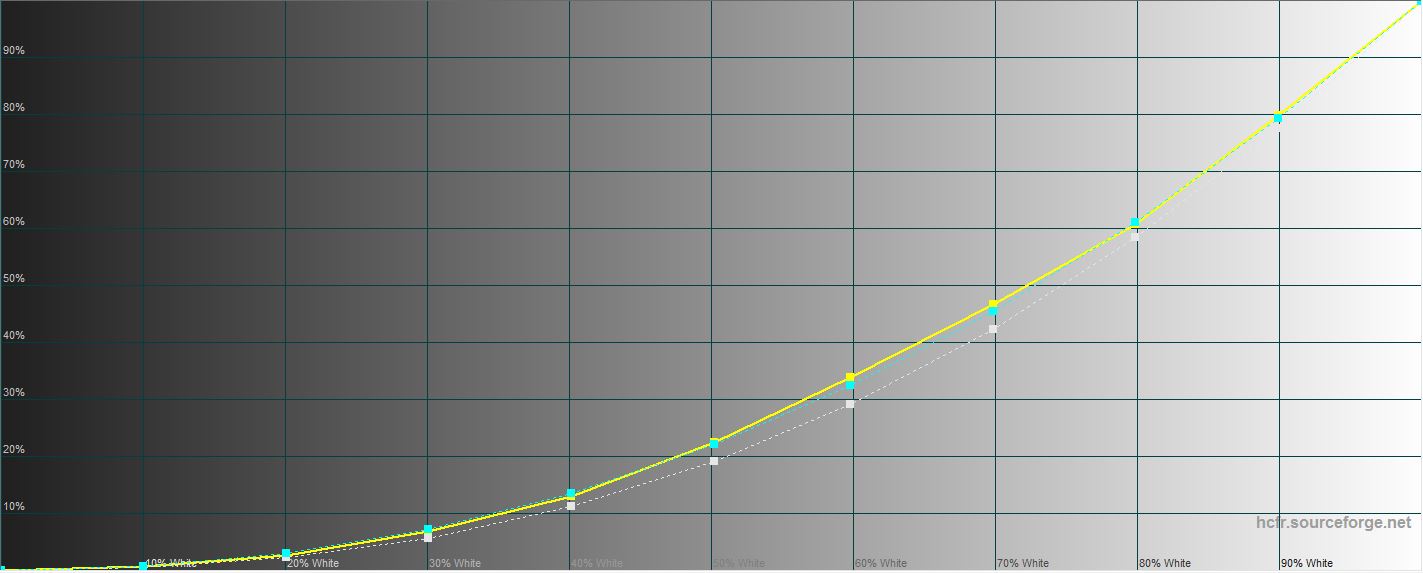
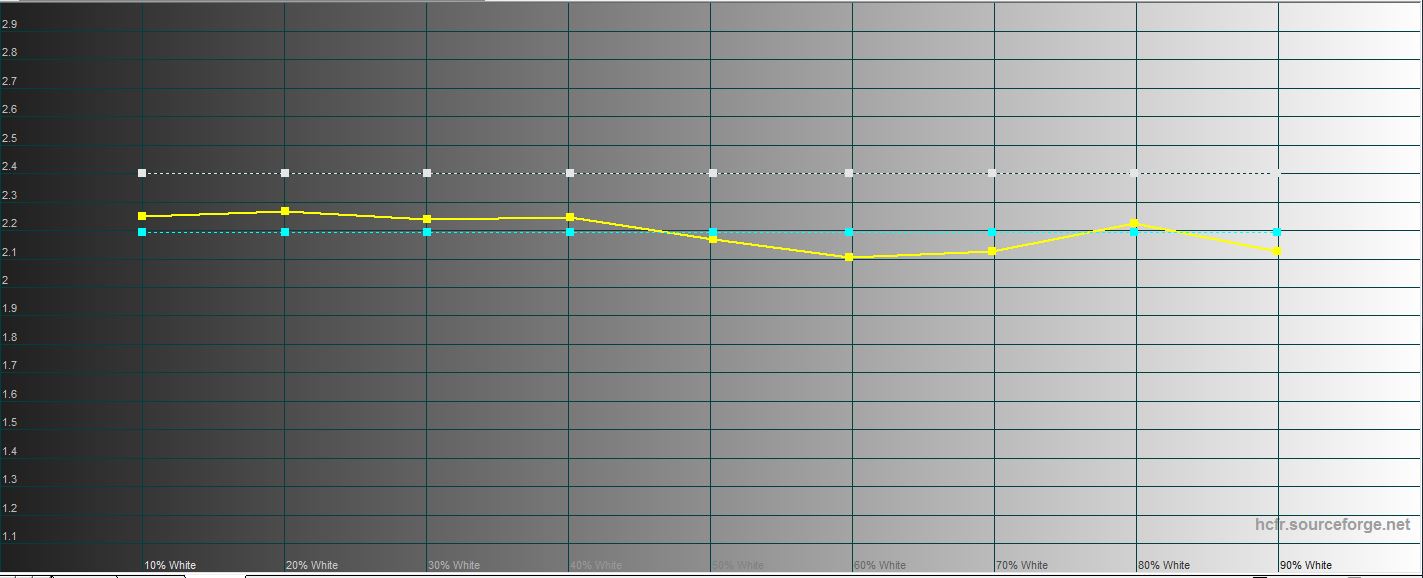
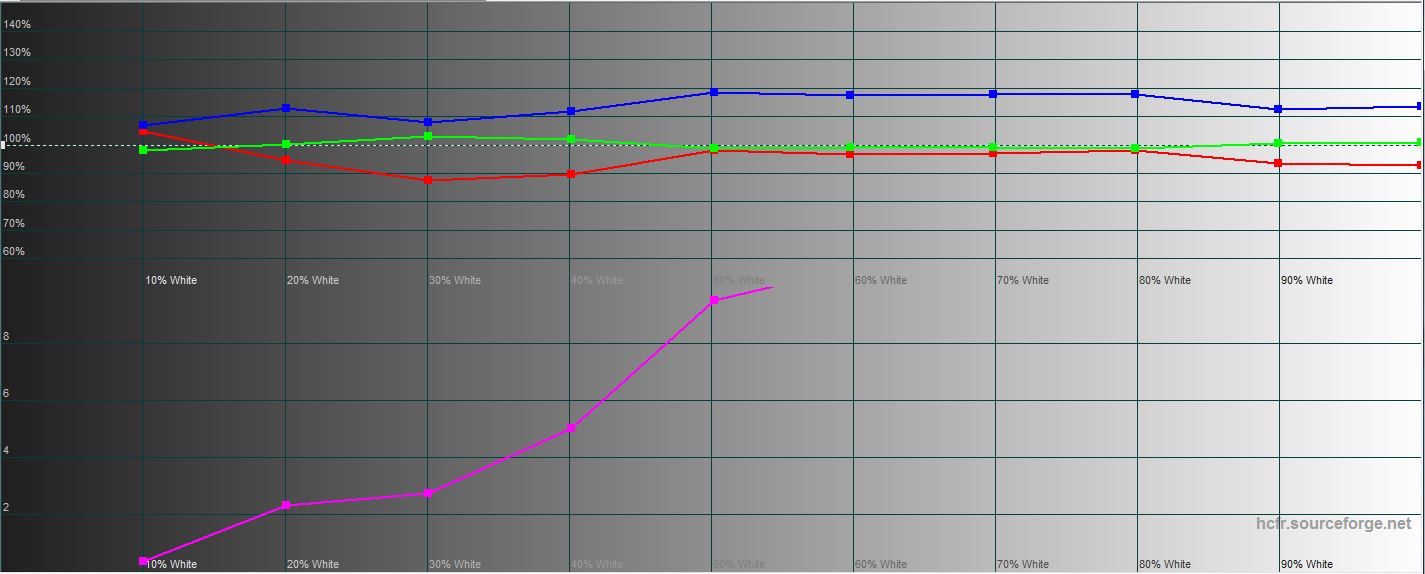
I had no visual complaints about the screen:neither to the brightness reserve, nor to the picture. Is the standard greenish tint of white present at some angles? but this is a traditional AMOLED feature with a PenTile subpixel arrangement. Although the effect is minimal. Indoors in “natural” mode, the maximum brightness was 386.339 cd/m2, and color rendition was very good. There is a very slight excess of blue, and the color gamut does not coincide slightly with sRGB:
</ img>
</ img>
</ img>

</ img>
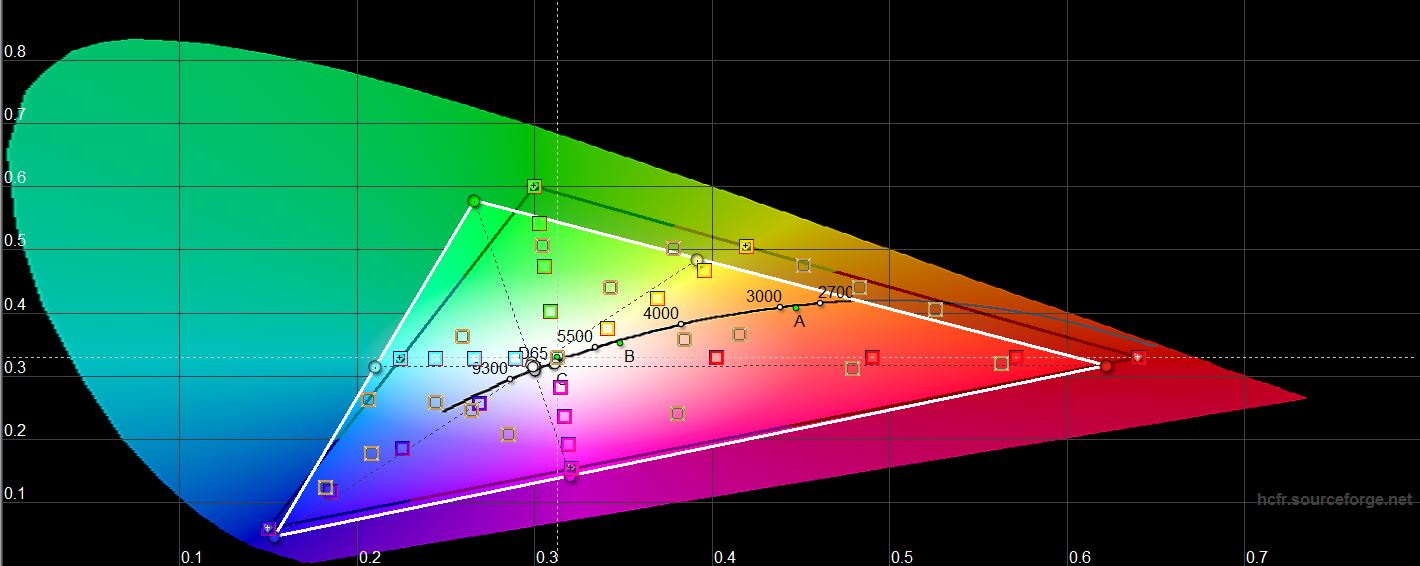
</ img>





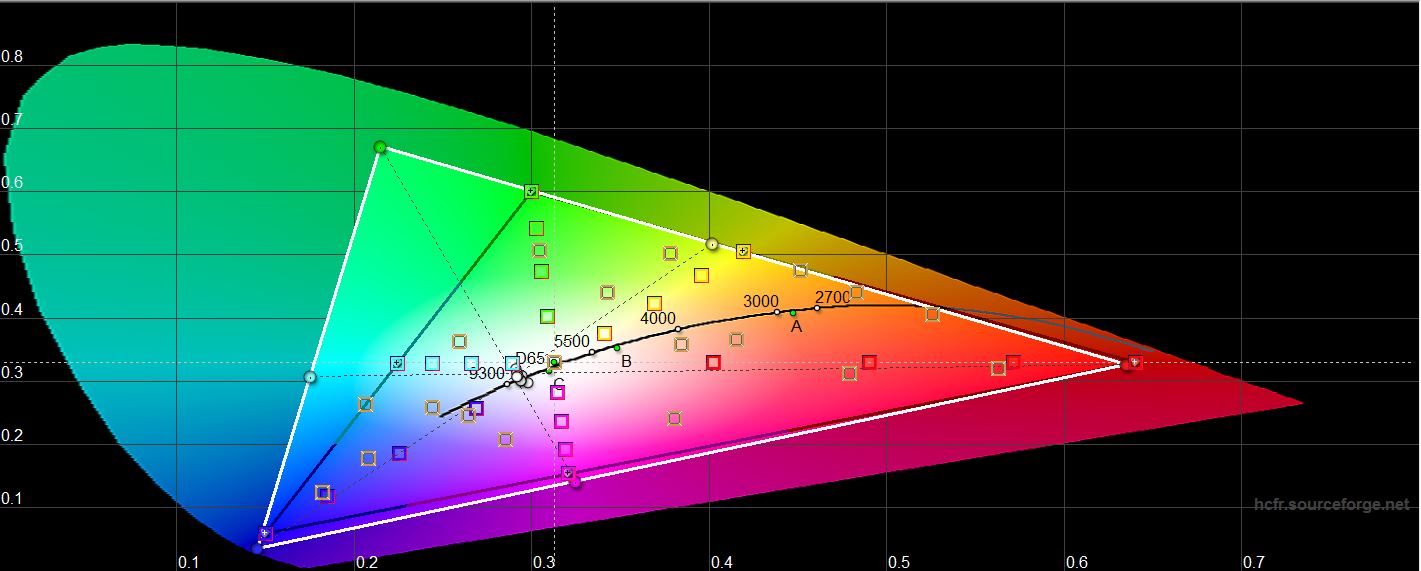
In the “saturated” screen modethe maximum brightness is slightly higher than 398.897 cd/m2. The bias towards cool shades is a little more, but also within reason. The color gamut is significantly wider than sRGB, as in all AMOLEDs:

</ img>
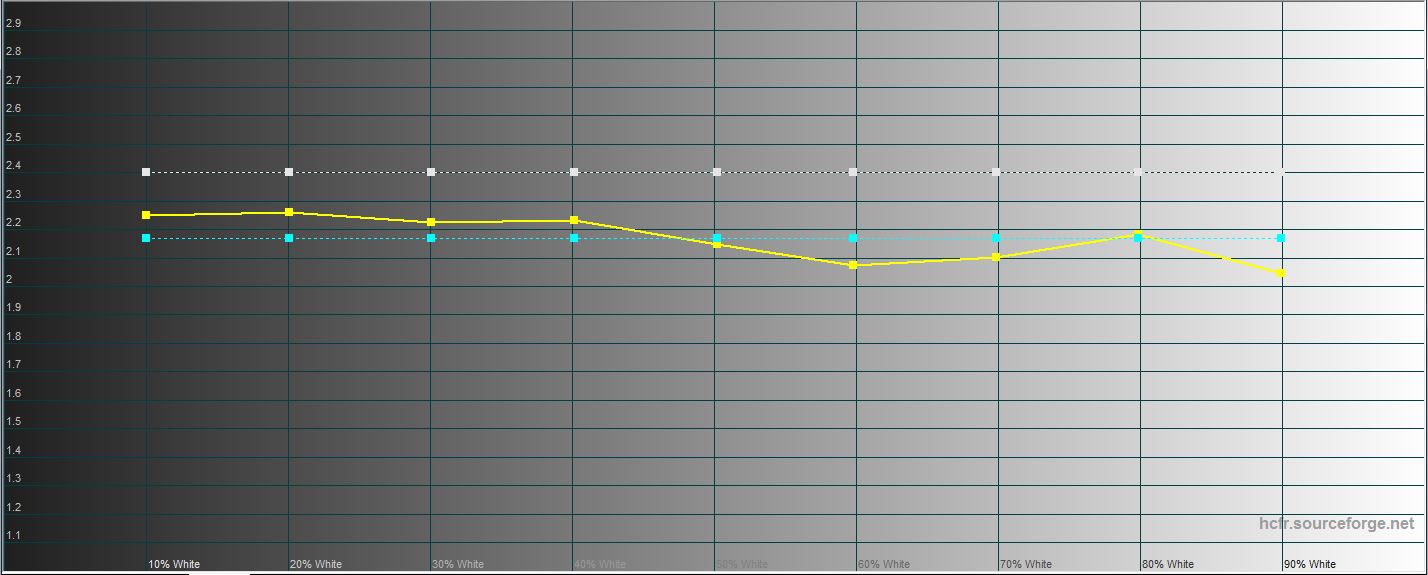
</ img>
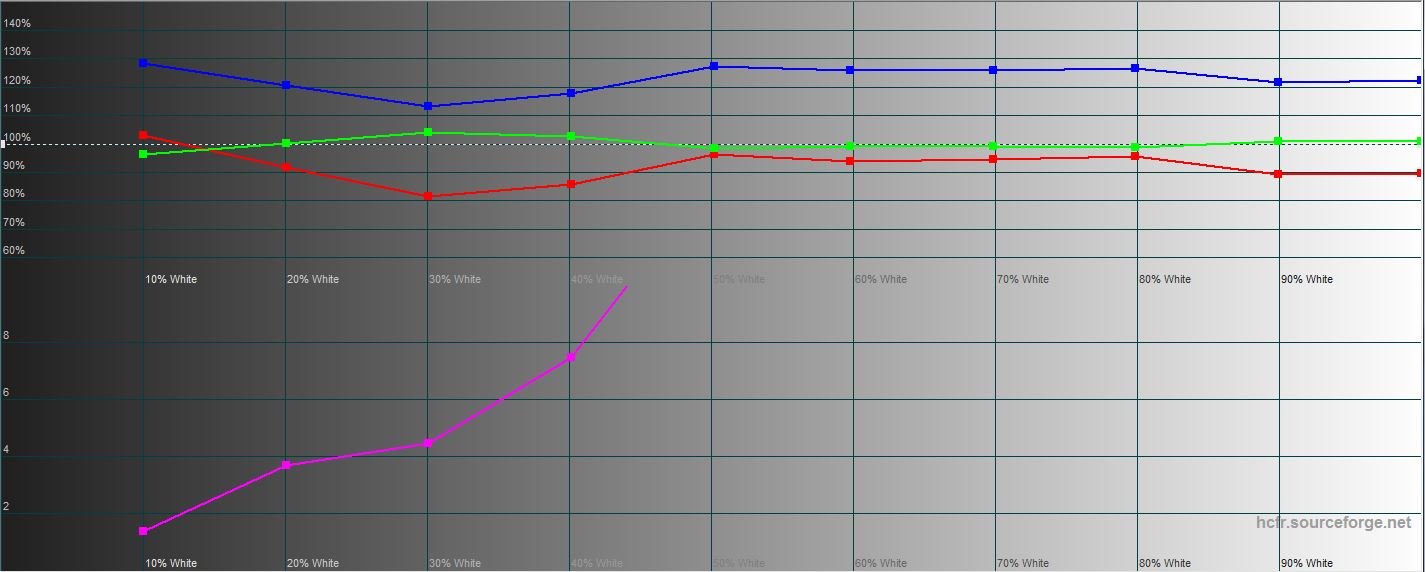
</ img>
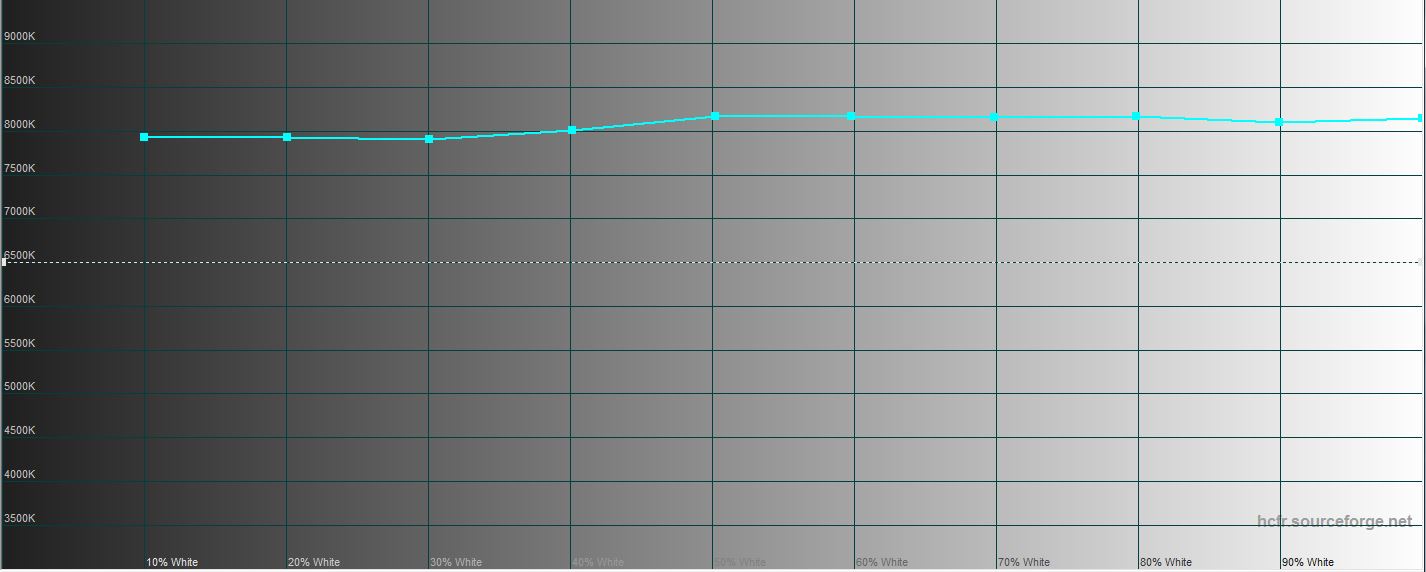
</ img>
</ img>





Comparison with other models:
Device name
White field brightness,
cd / m2
The brightness of the black field,
cd / m2
Contrast
Samsung Galaxy Note10 Lite
398.897
0
∞
Samsung Galaxy Note10
372.727
0
∞
Samsung Galaxy Note10+
387.745
0
∞
Sony Xperia 1
394.97
0
∞
Huawei P30 Pro
447.247
0
∞
Samsung Galaxy S10
378.72
0
∞
Samsung Galaxy Note9
340.32
0
∞
What are the unlock methods?
</ img>
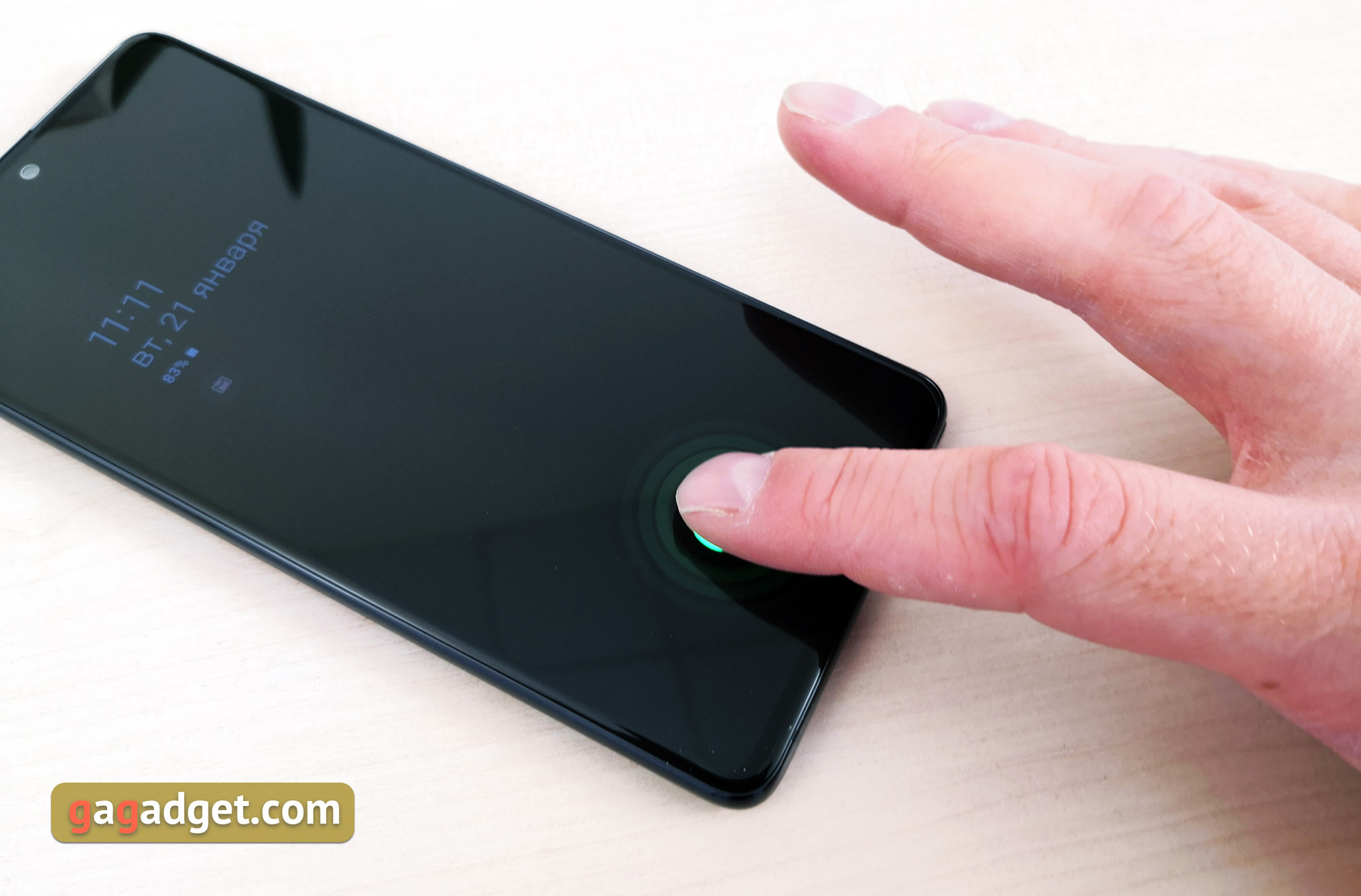
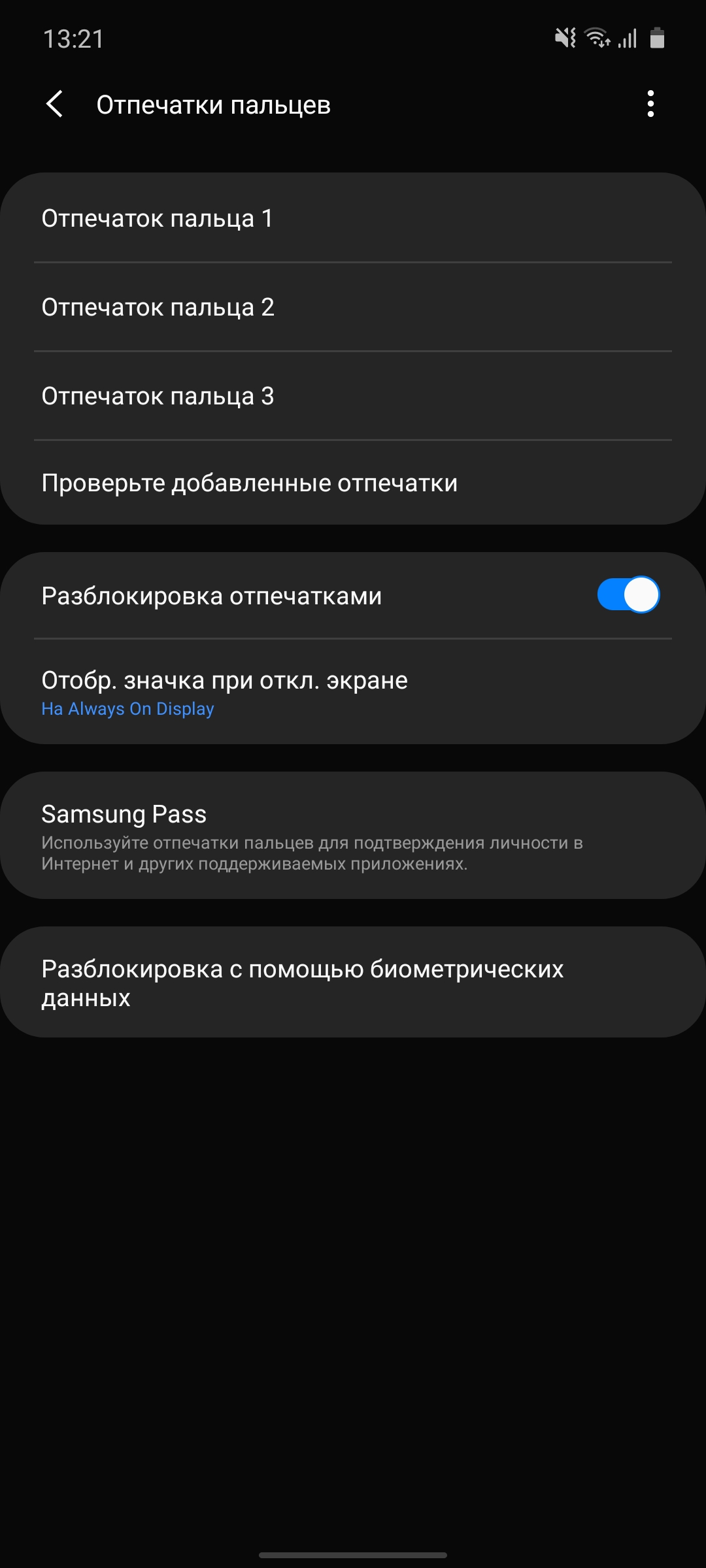
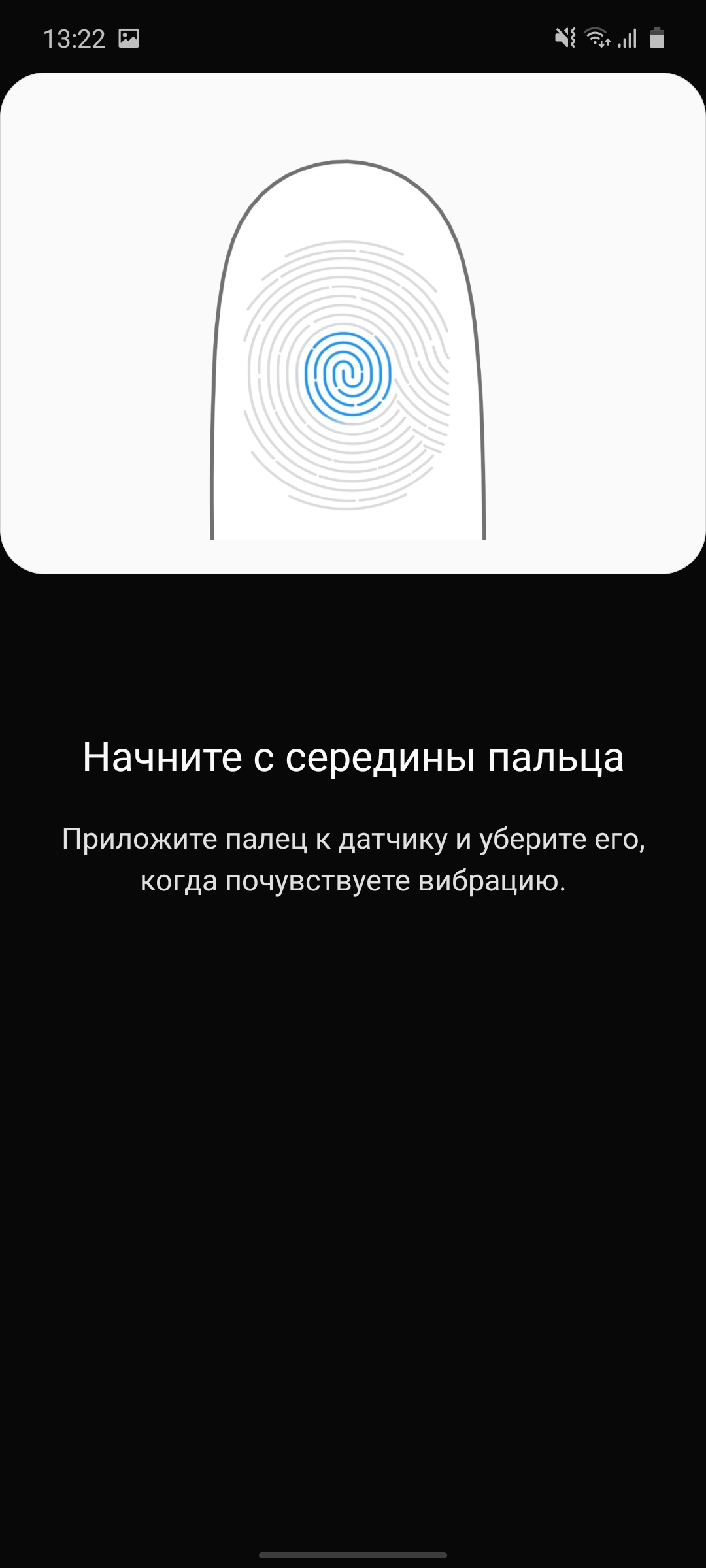
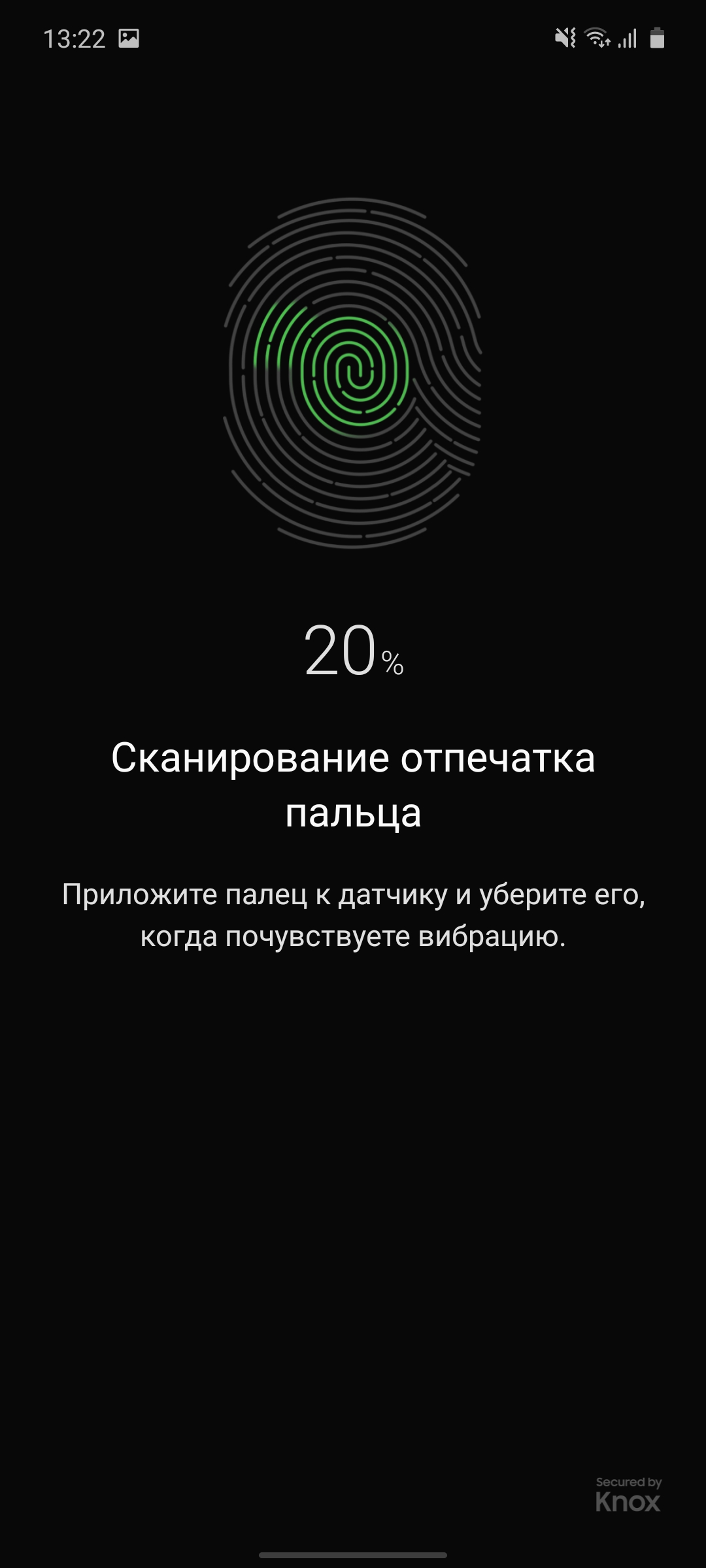
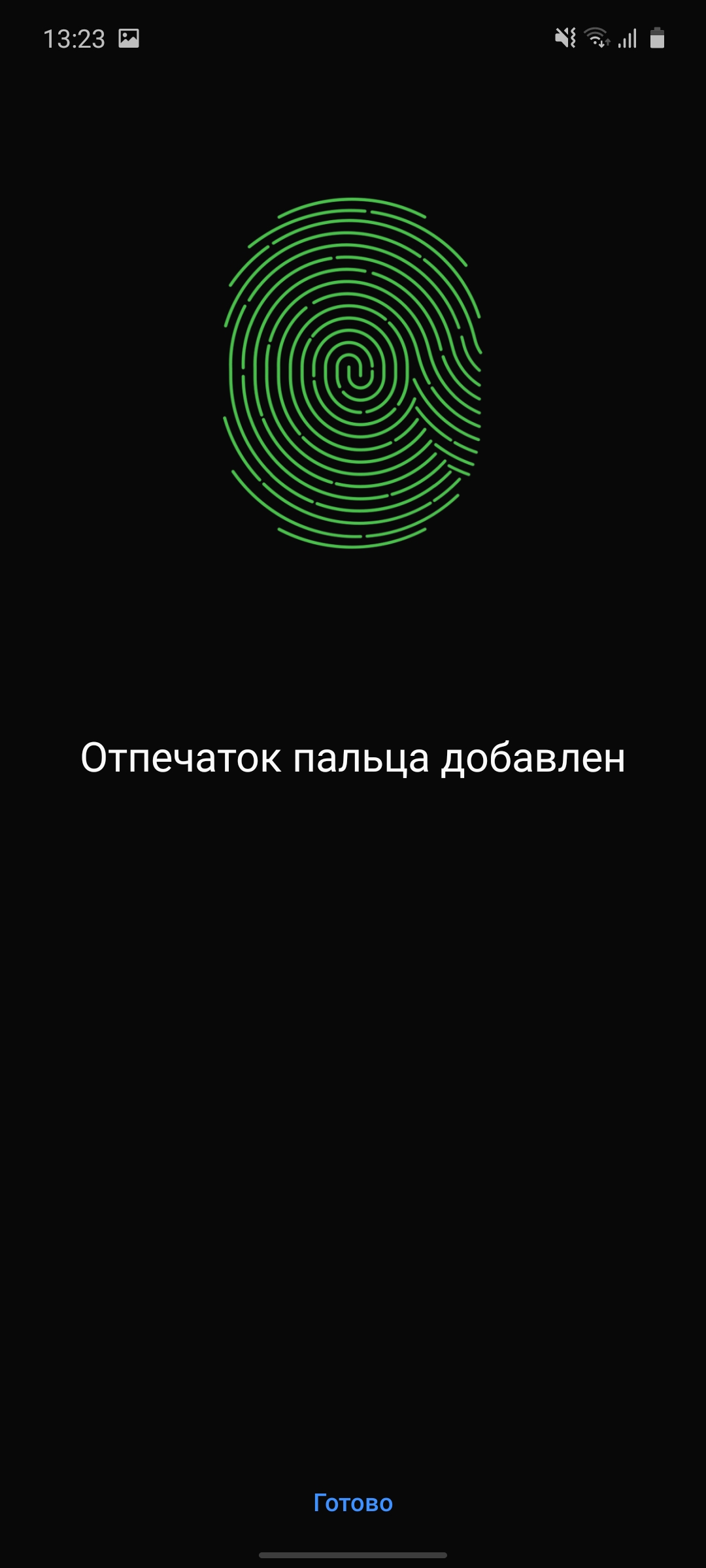
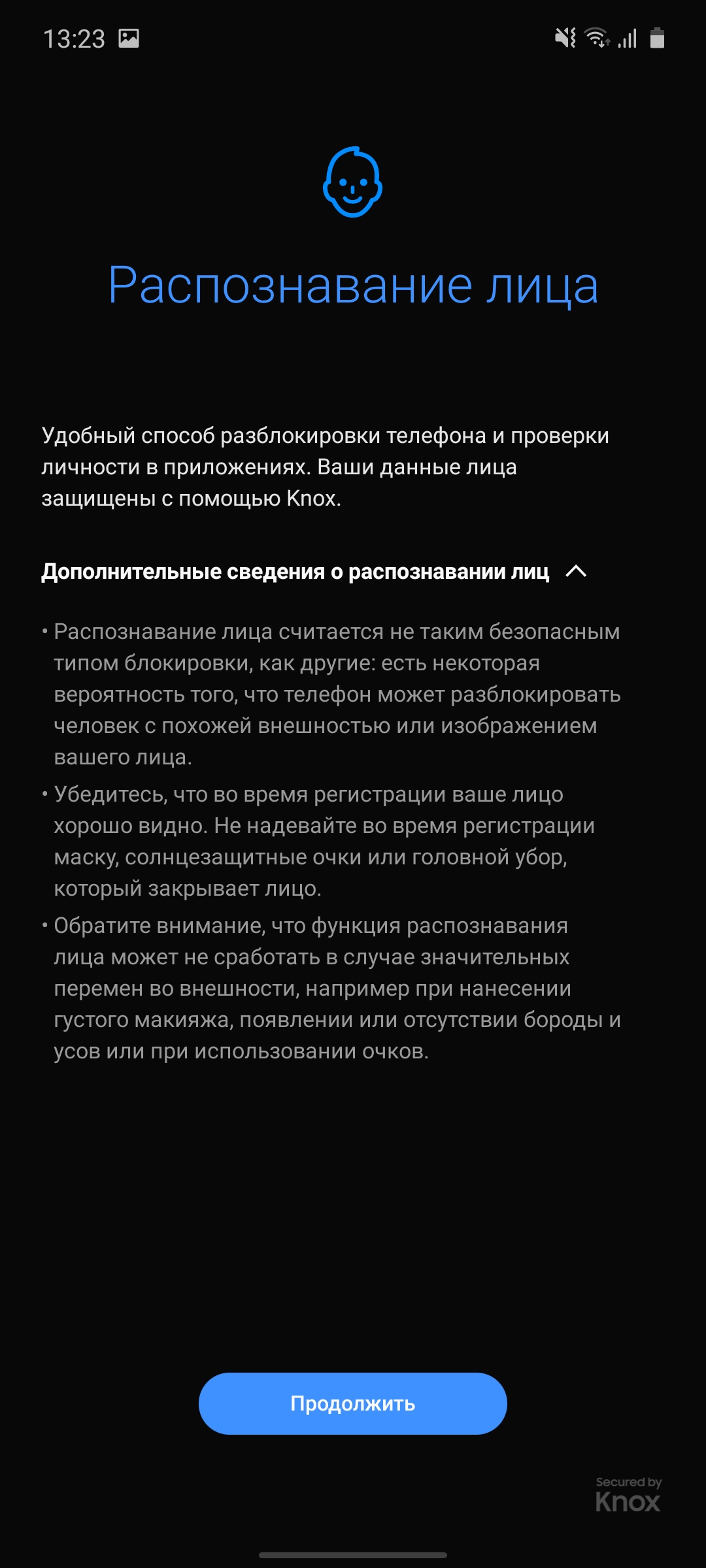
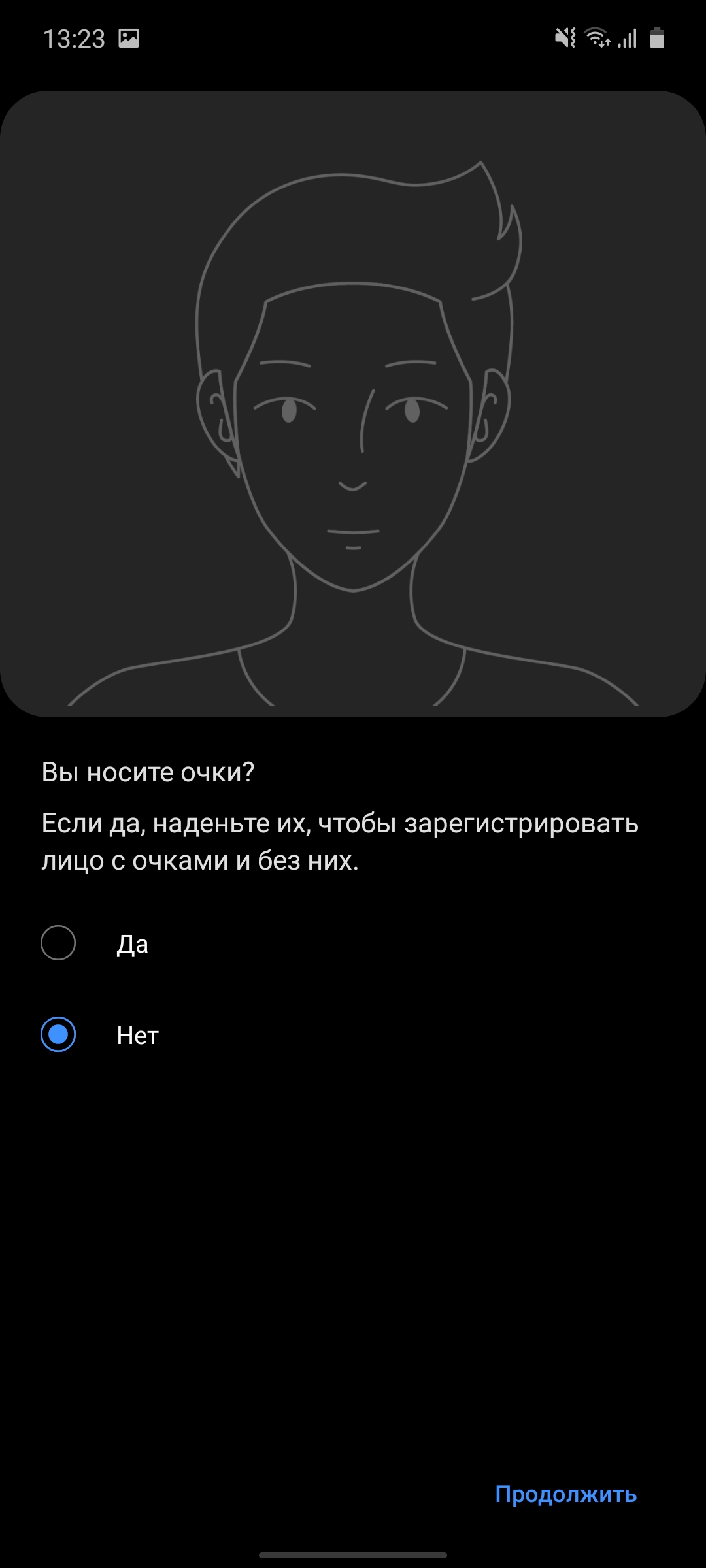
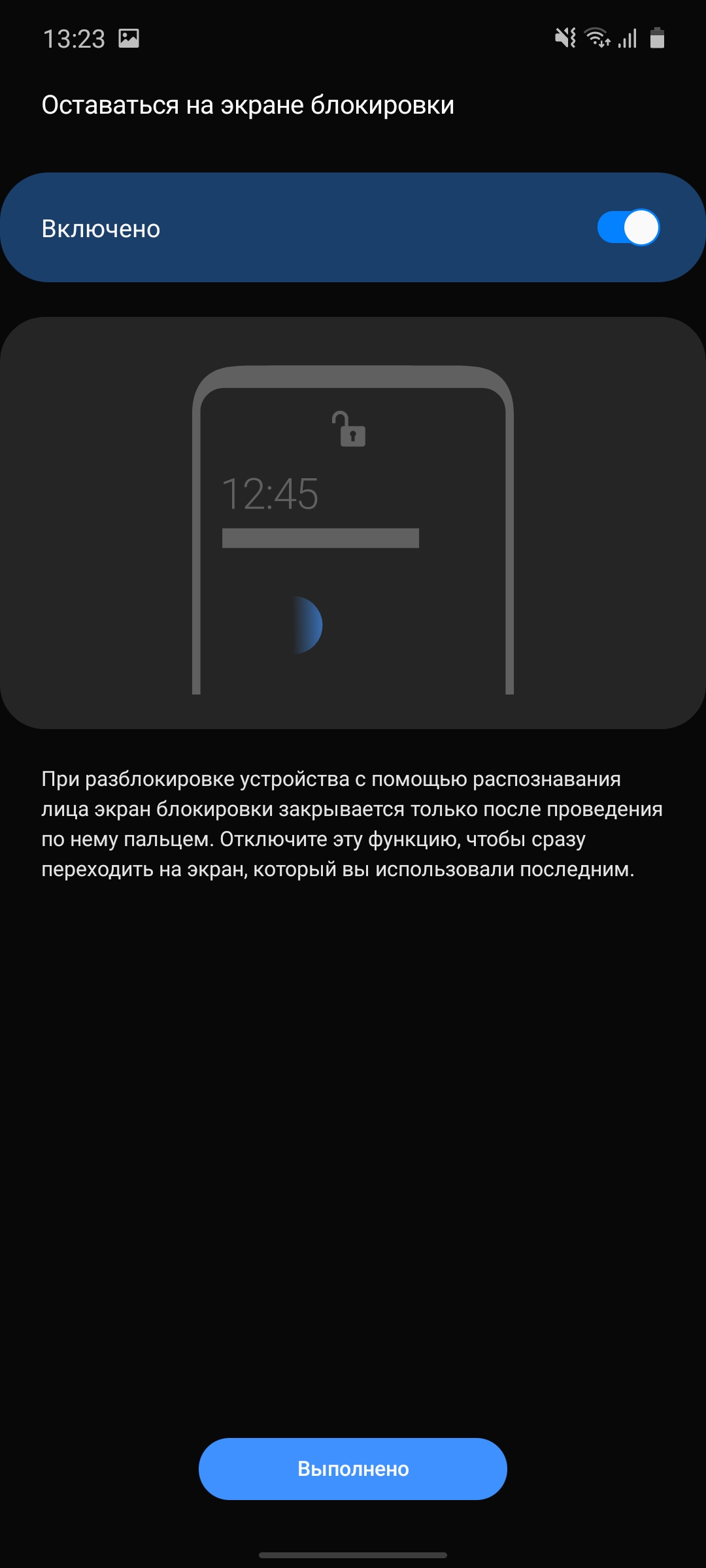
To unlock the smartphone providedstandard modern set. Identification by the face of the owner, of course, exclusively by the front camera. So this method cannot be called too safe, but it will obviously not be superfluous in the winter when the hands are in gloves. And a fingerprint scanner in the screen. Unlike flagships, an optical rather than an ultrasonic option is used. But it works very well: accurately and fairly quickly. Not lightning fast, but within comfortable limits.
</ img>
</ img>
</ img>
</ img>
</ img>
</ img>

</ img>
</ img>






What about performance, memory, sound and autonomy?
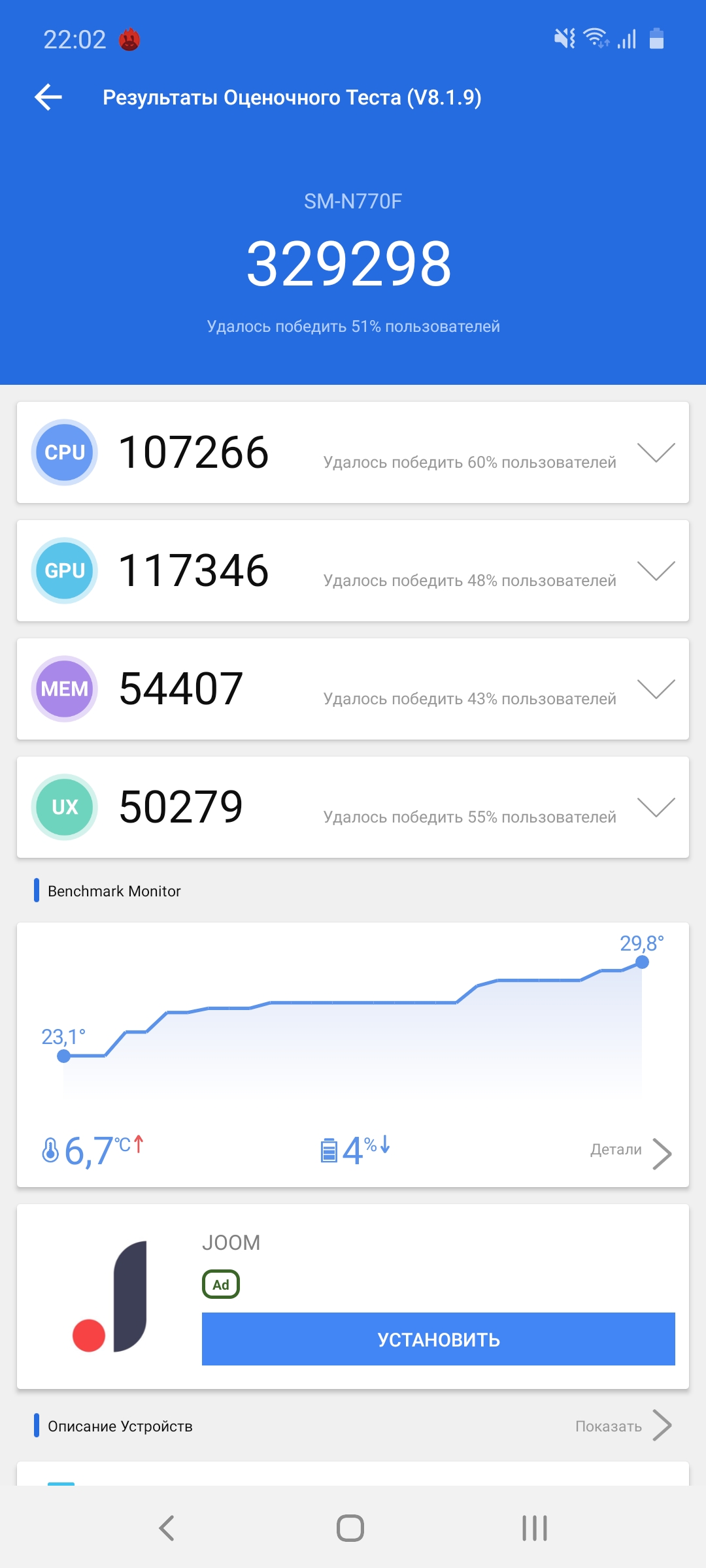
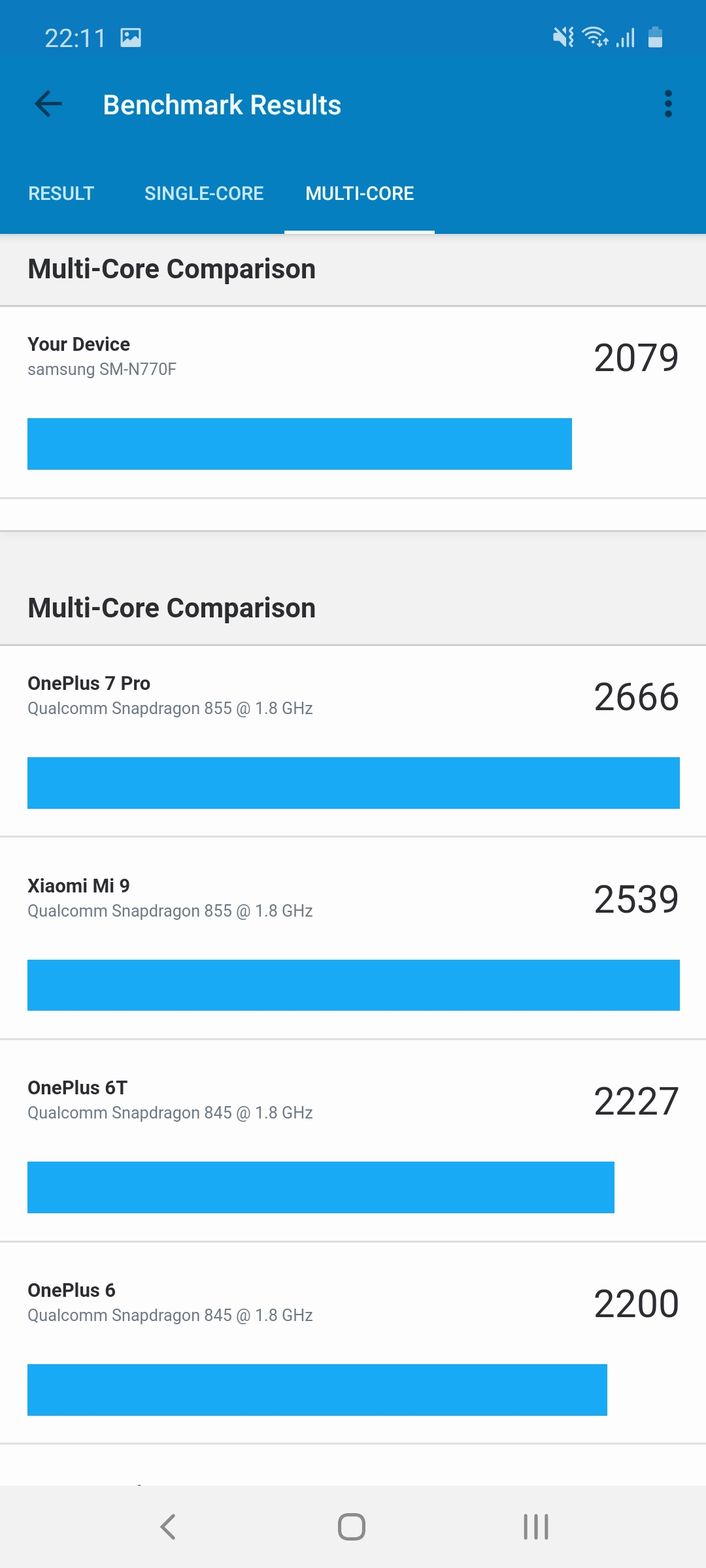
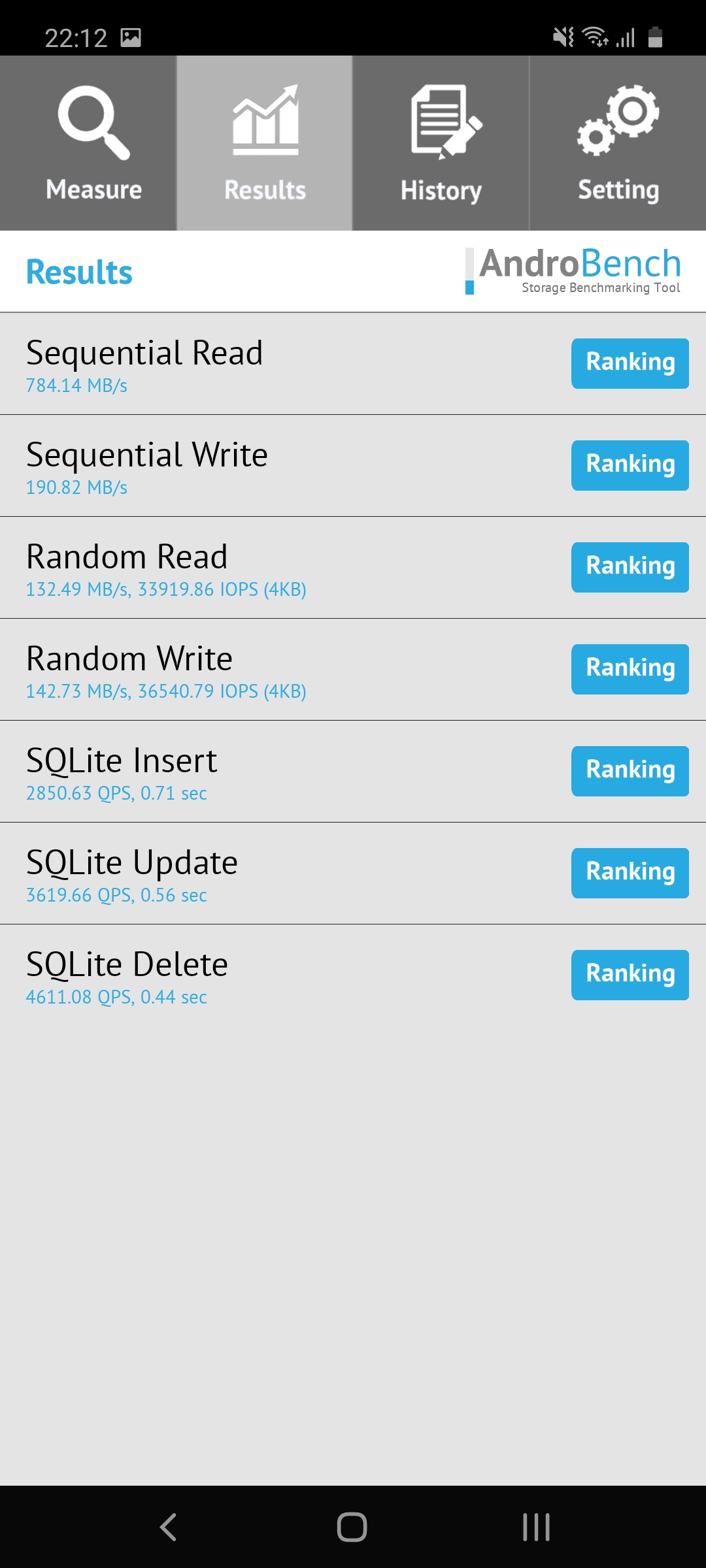
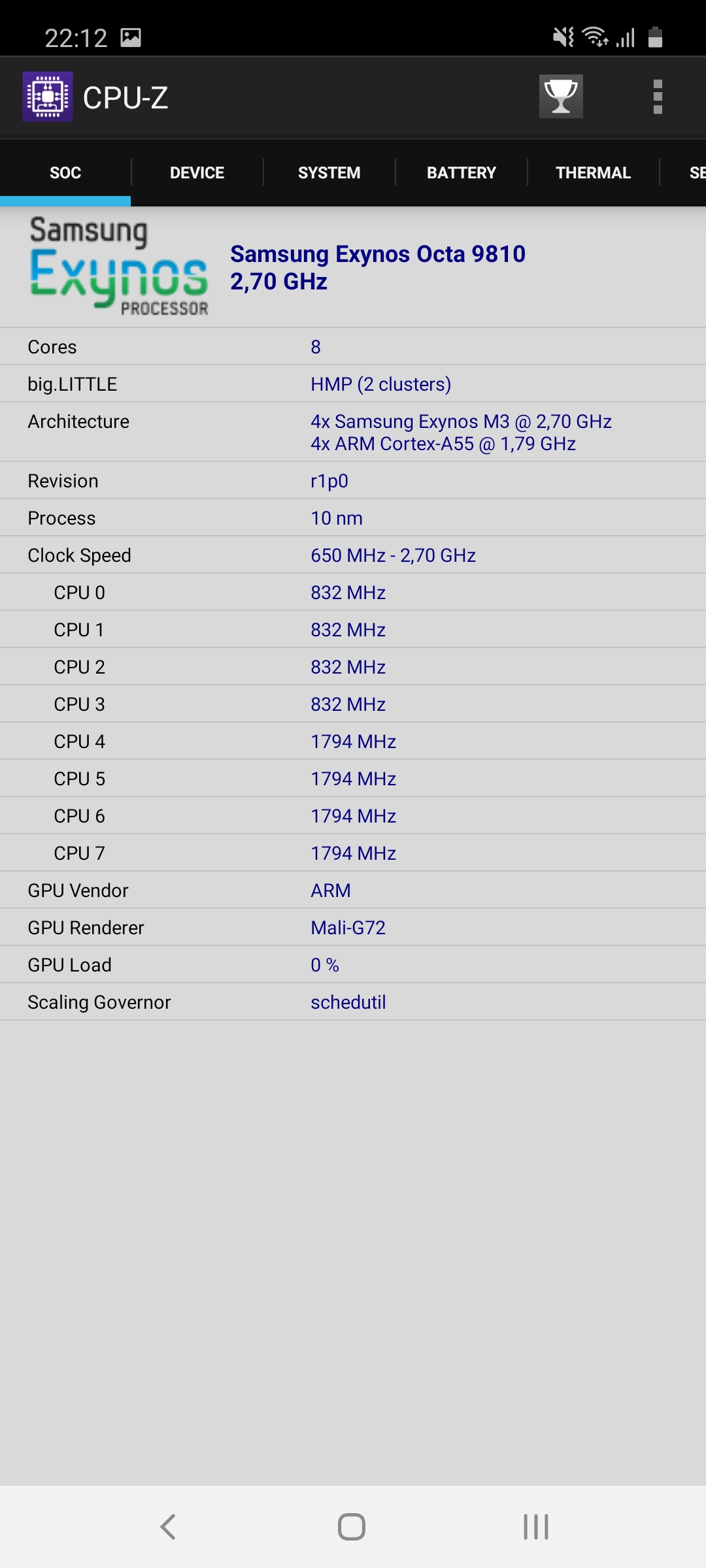
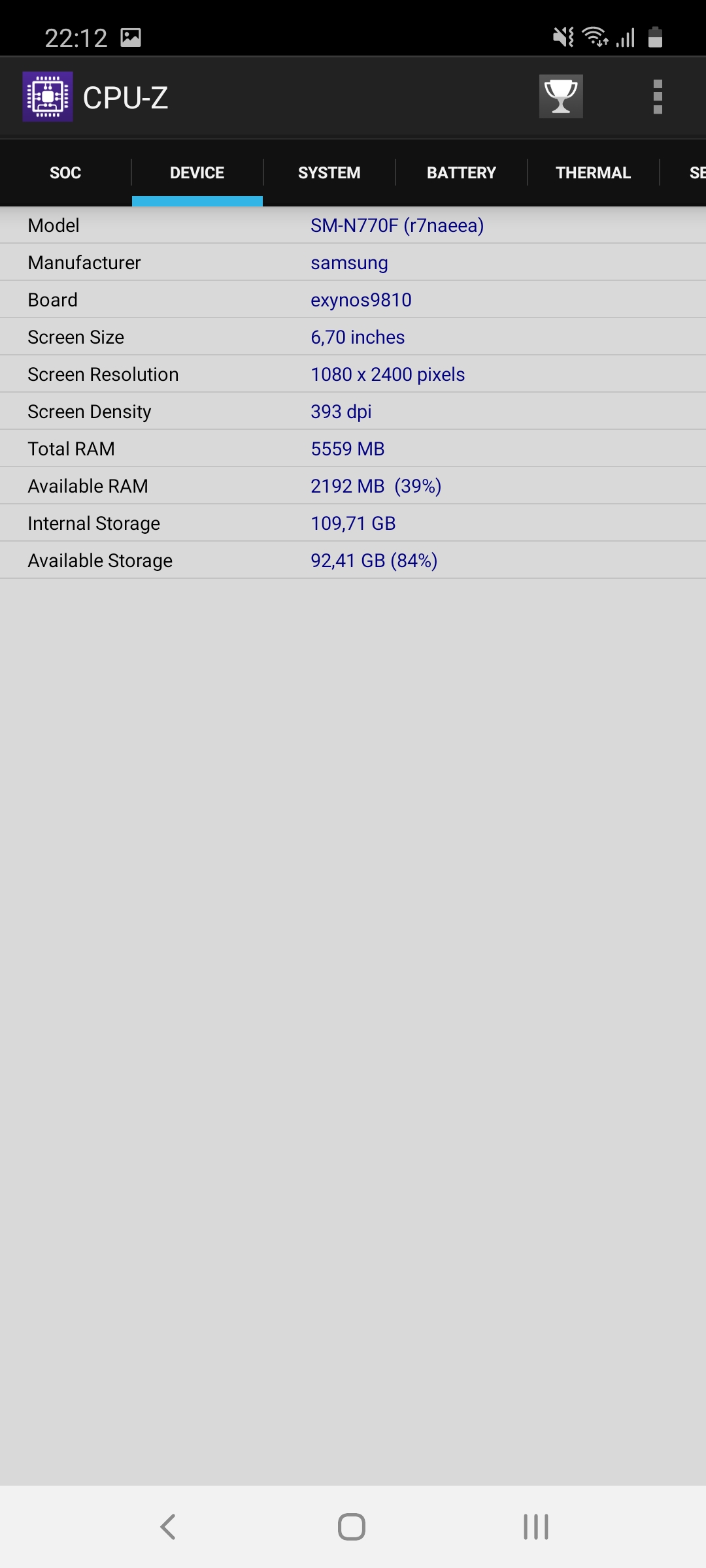
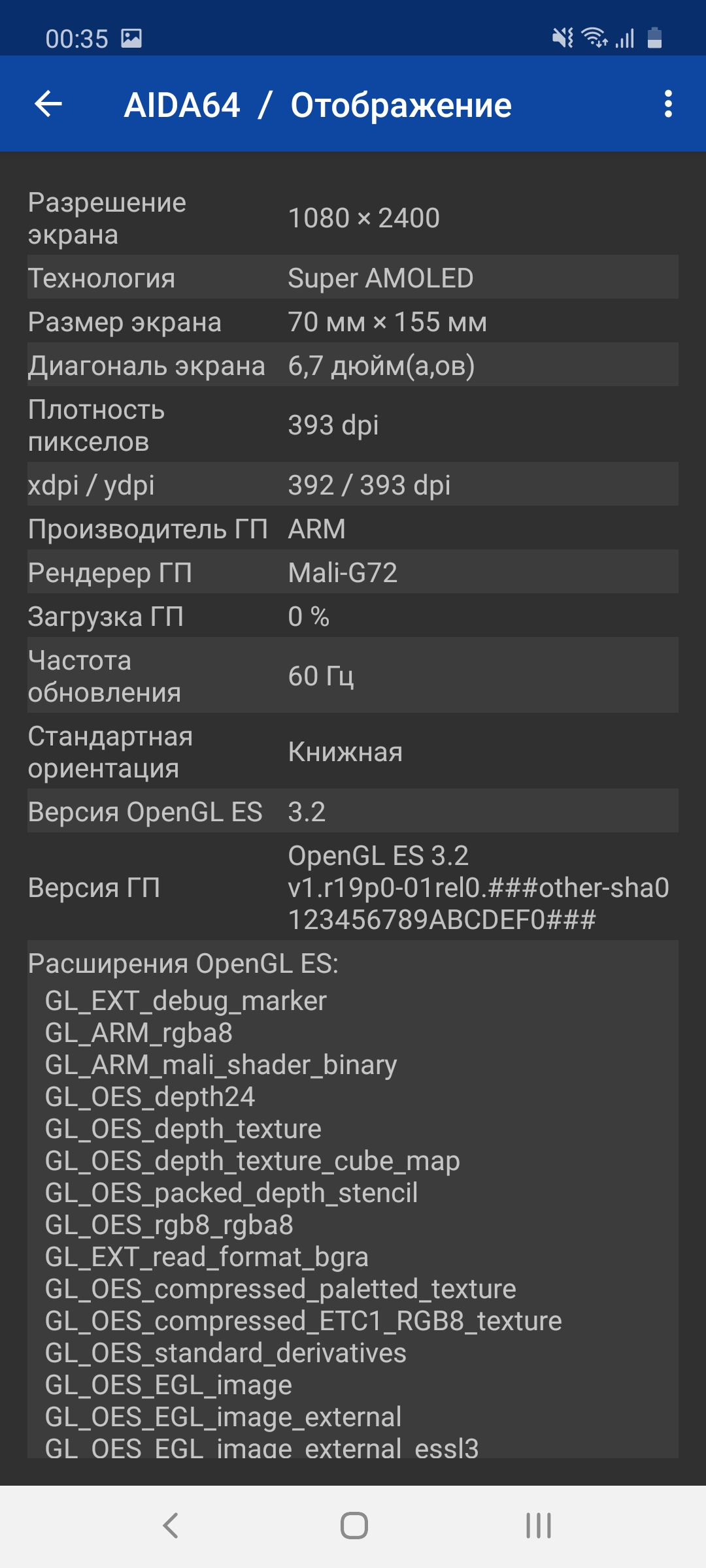
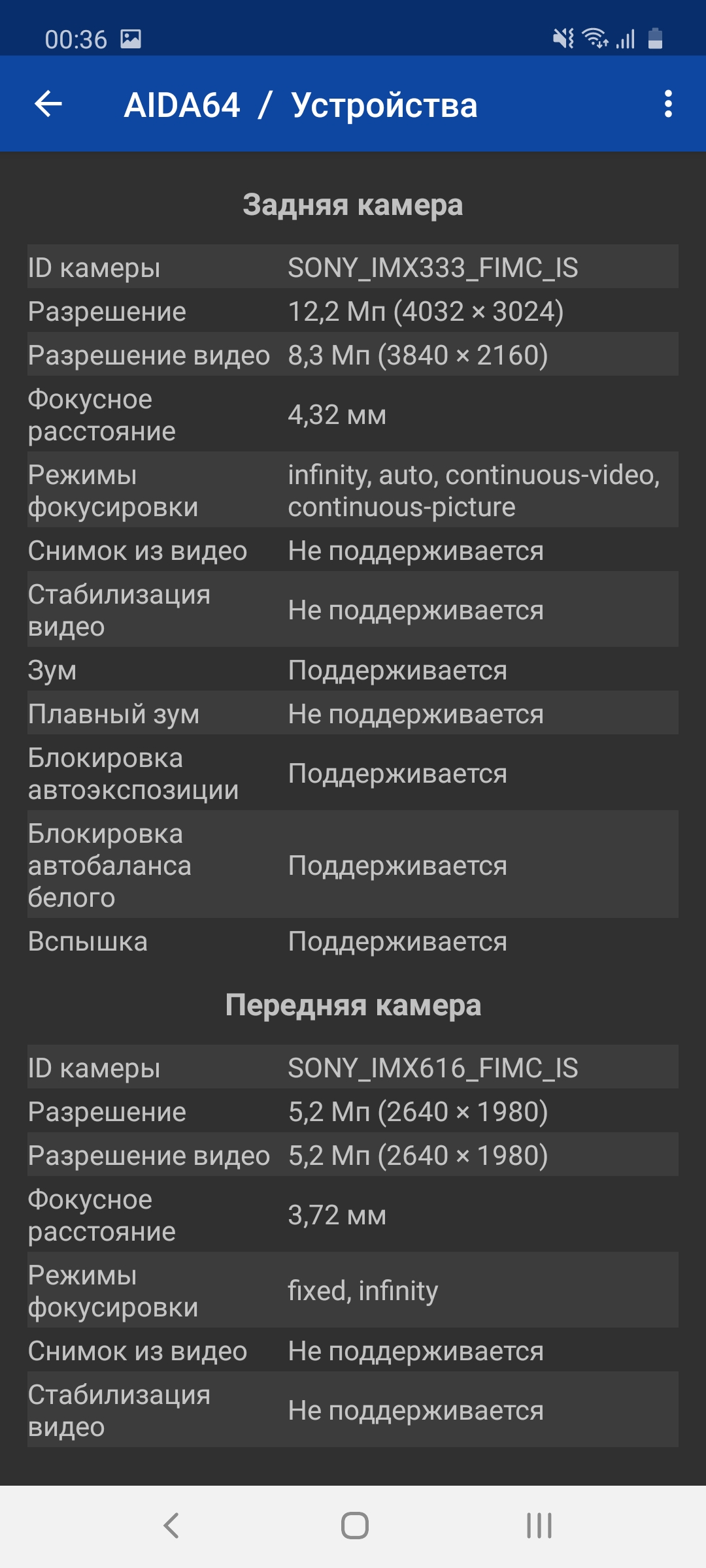
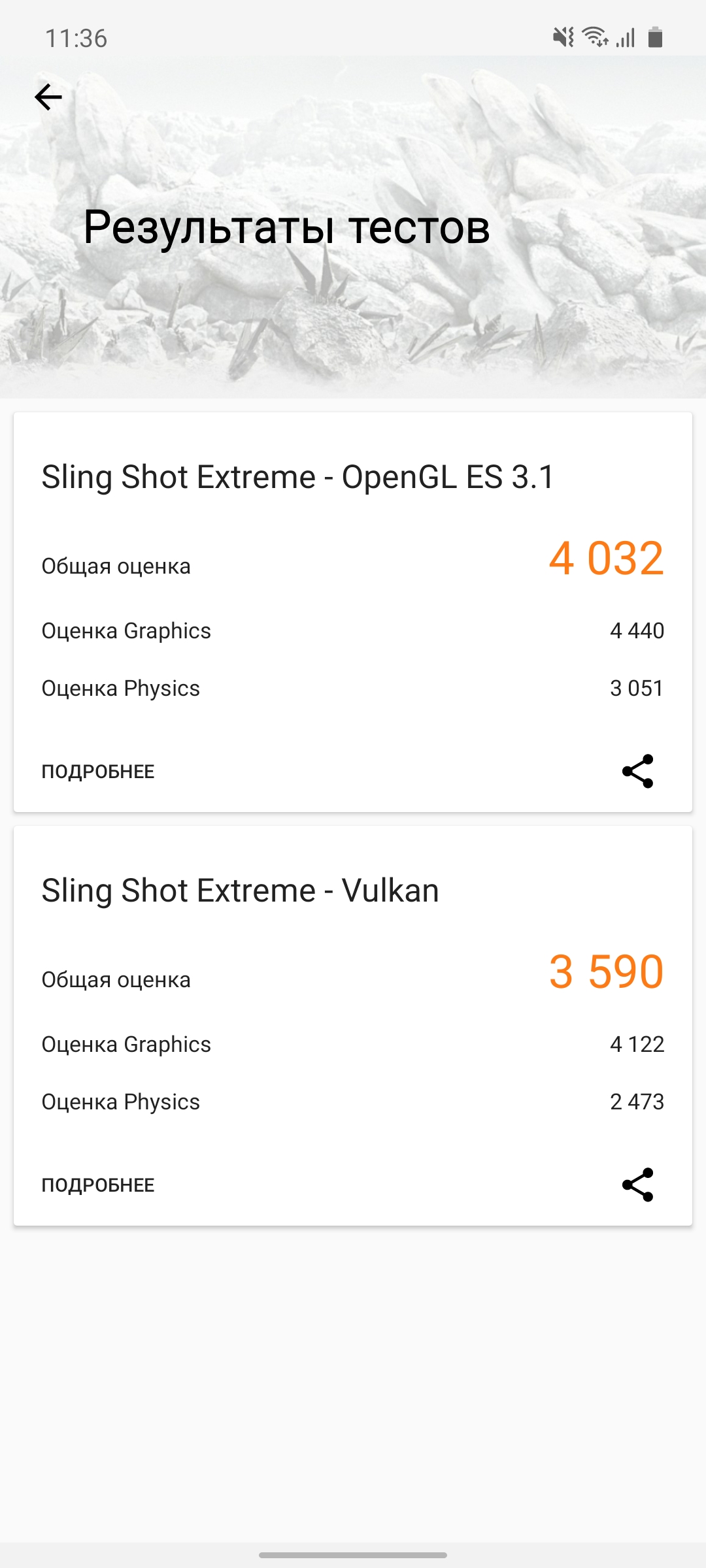
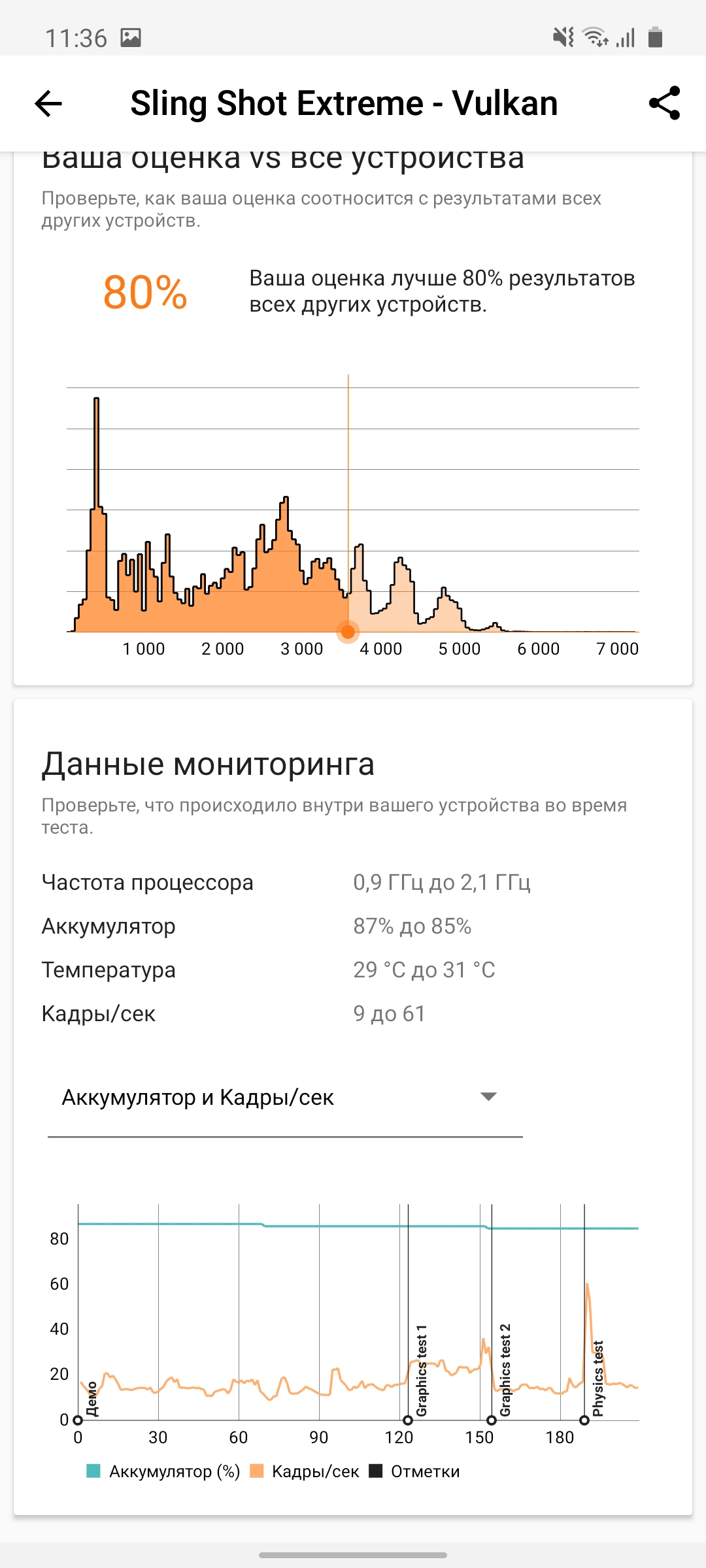
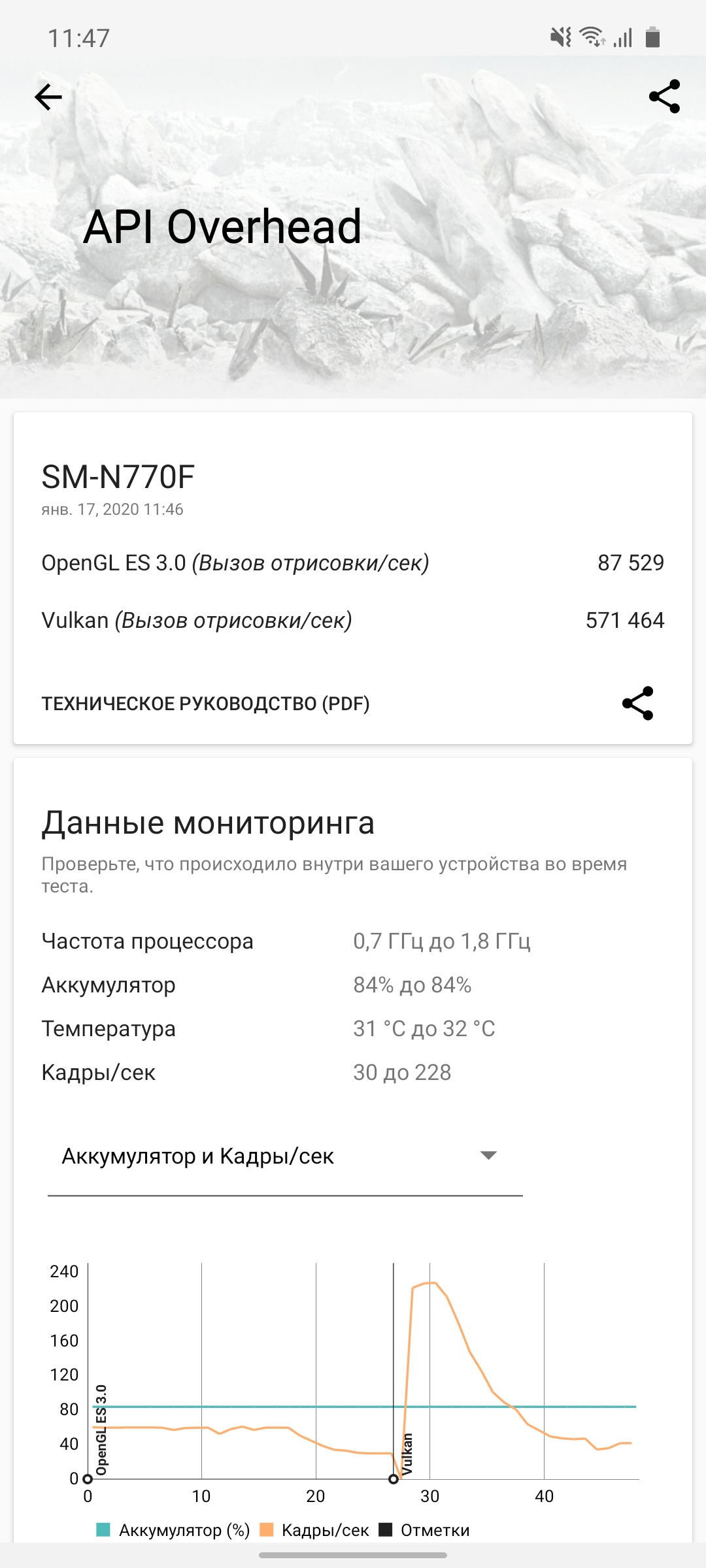
Generally speaking, the smartphone receivedflagship components of the previous generation: the same processor as used in the Samsung Galaxy S9/S9+ and Note9. This is very good, because flagship processors usually do not turn into “pumpkin” a year later and their productivity is still sufficient. In more detail: the smartphone has a 10-nanometer Samsung Exynos 9810 processor with four powerful 2.7 GHz Mongoose M3 cores, four energy-efficient 1.8 GHz Cortex-A55 cores and a Mali-G72 MP18 graphics accelerator. RAM - 6 GB. Yes, in performance tests the smartphone is somewhat inferior to current flagships, but in real tasks there are no complaints about performance:

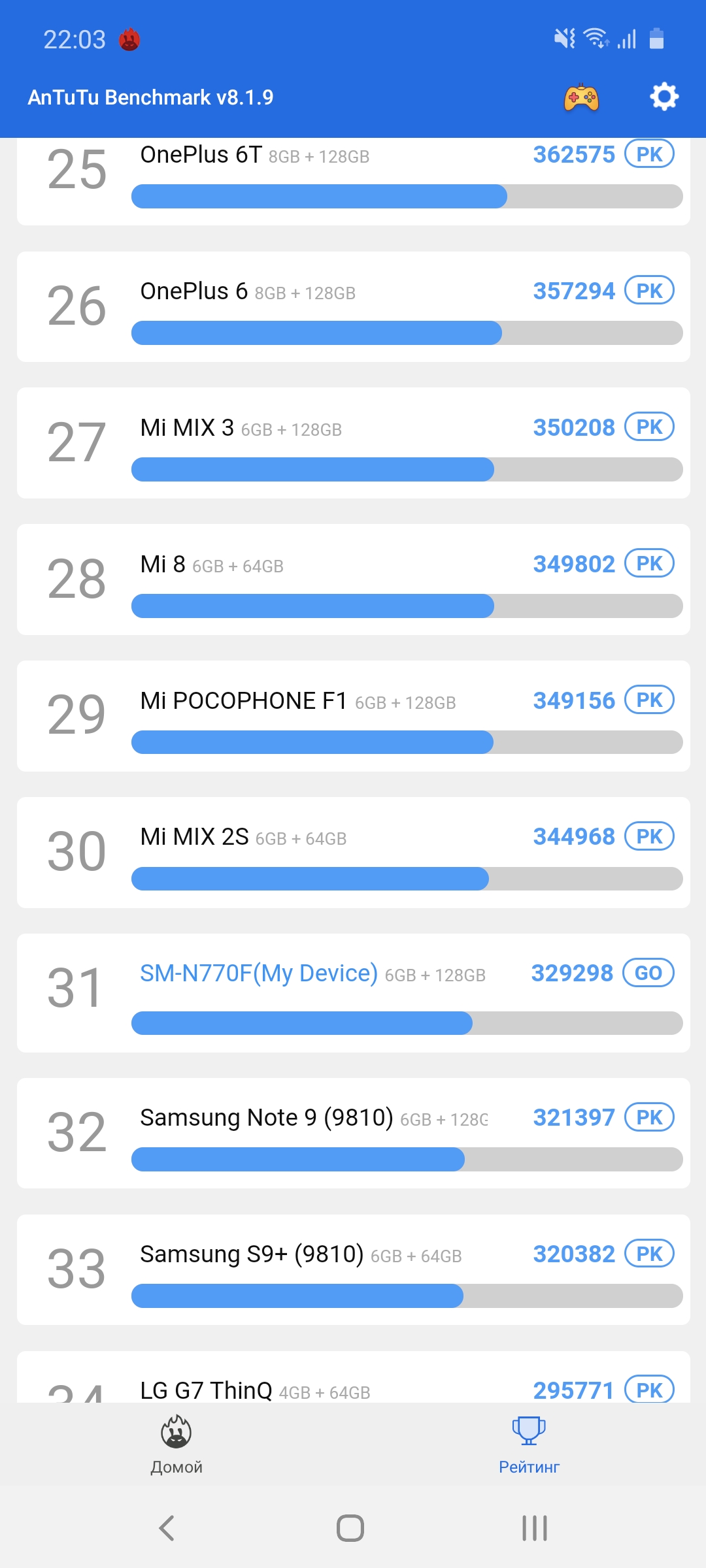
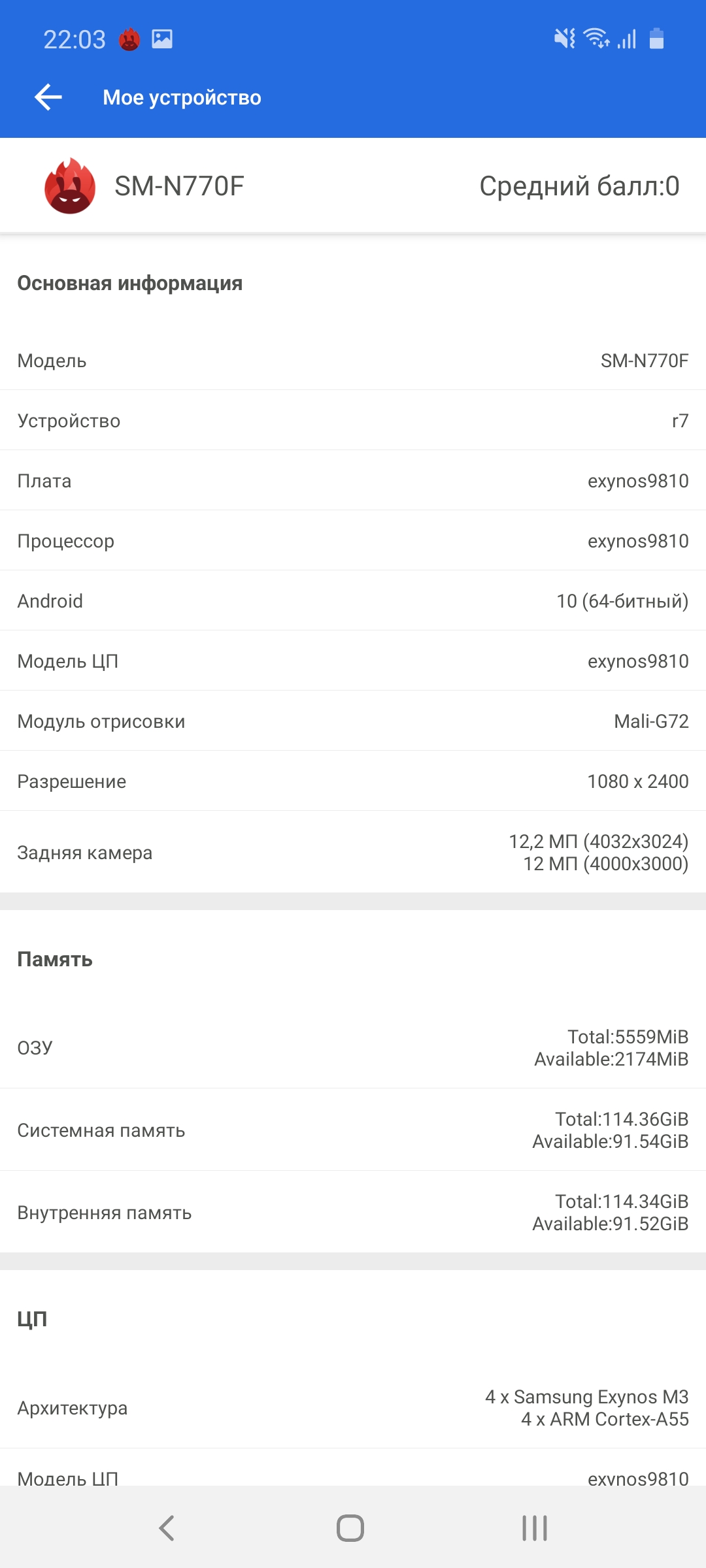

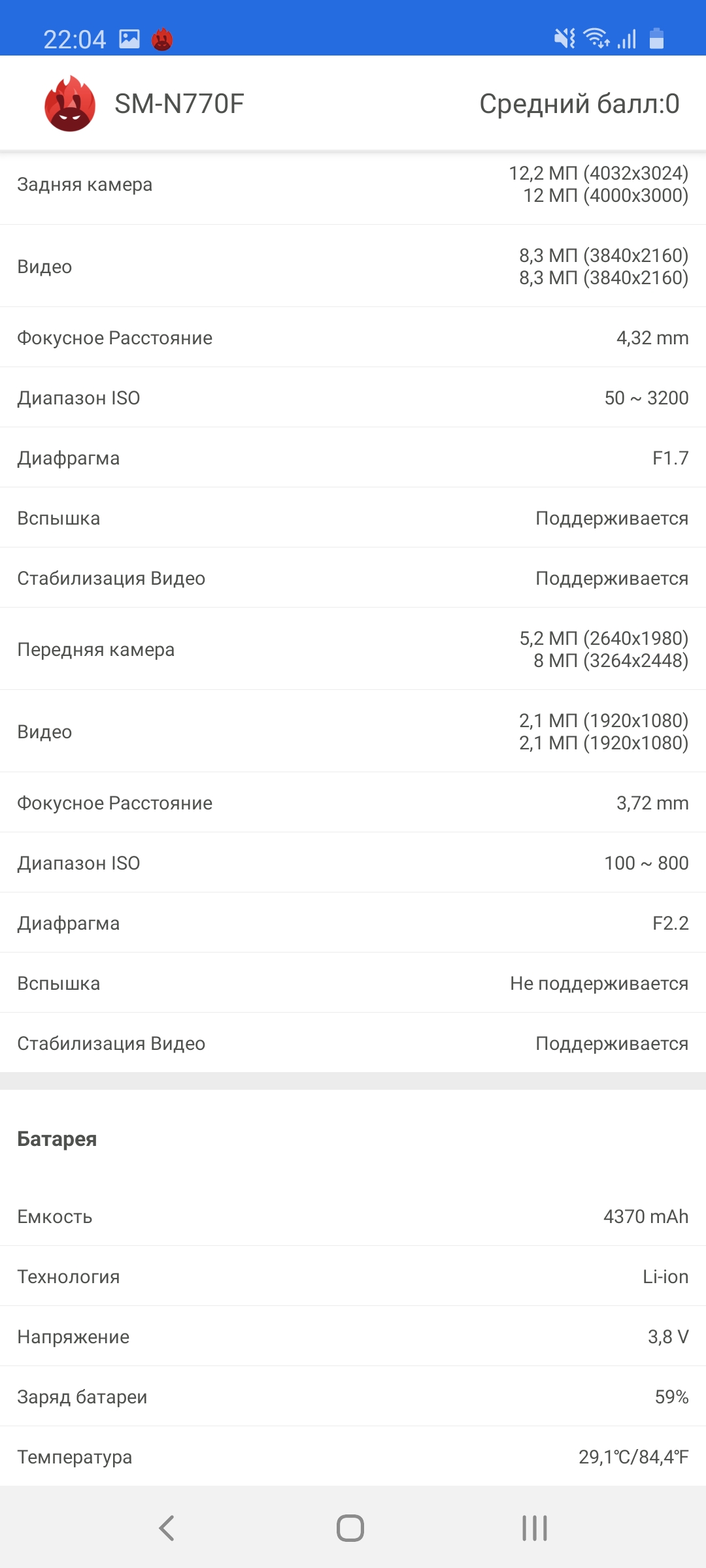
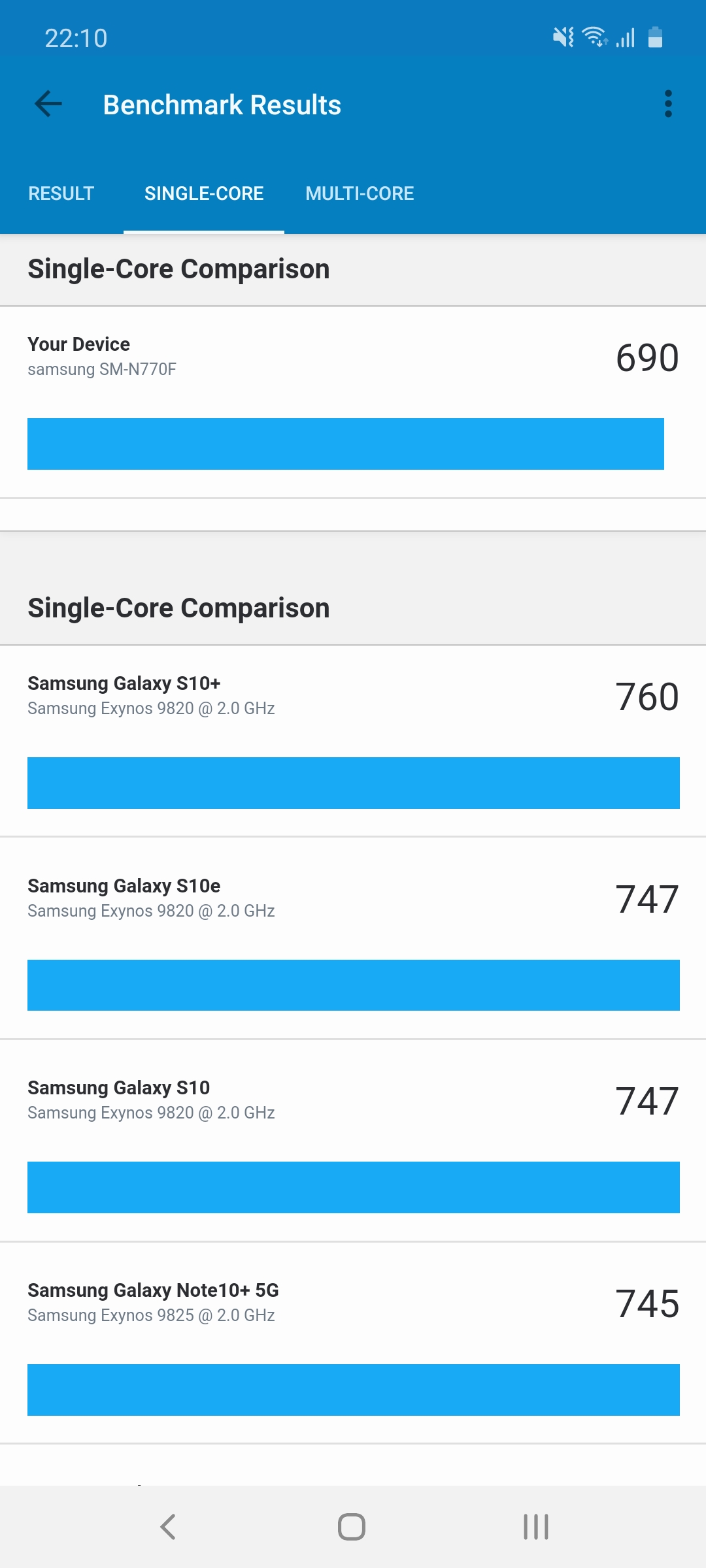
</ img>
</ img>
</ img>

</ img>

</ img>

</ img>
</ img>
</ img>
</ img>

</ img>
</ img>
</ img>
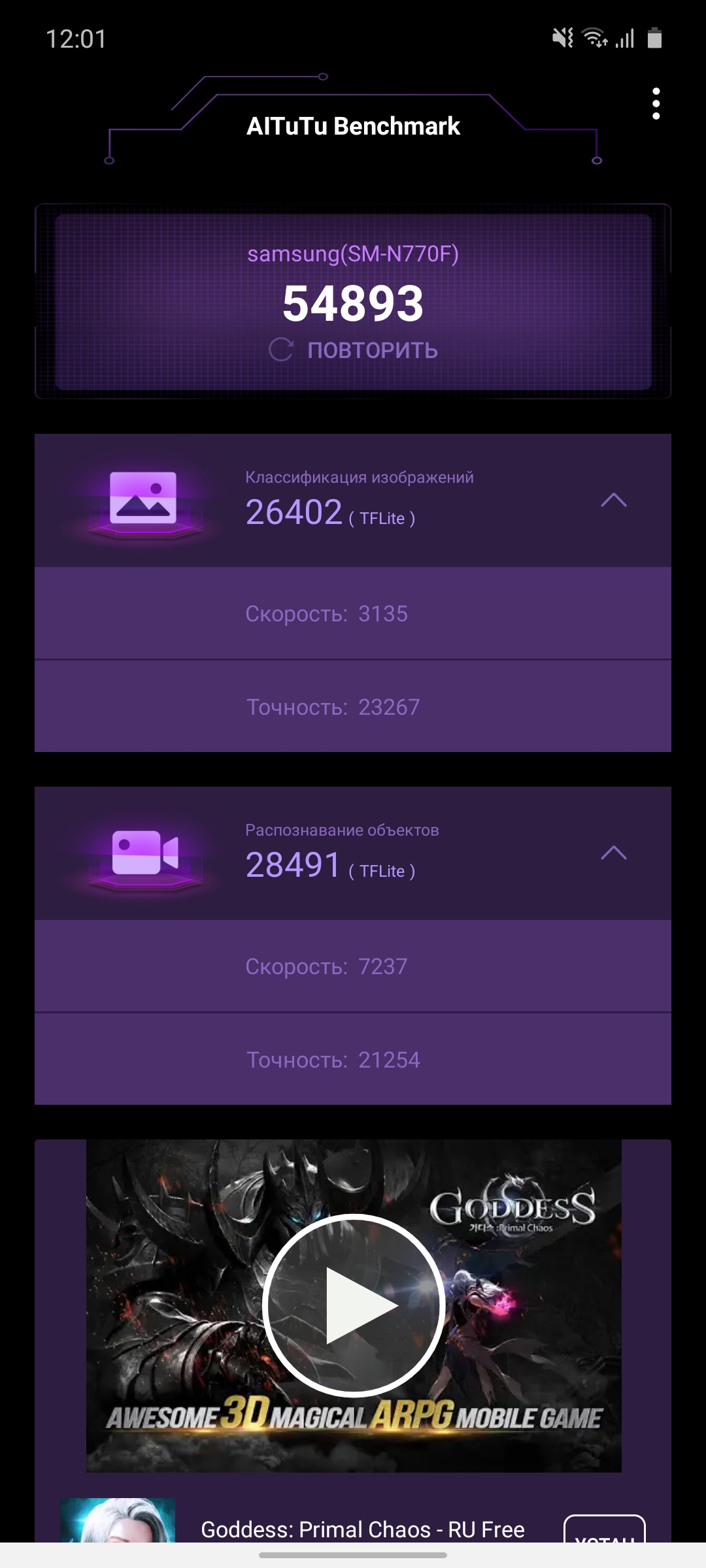











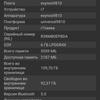

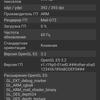







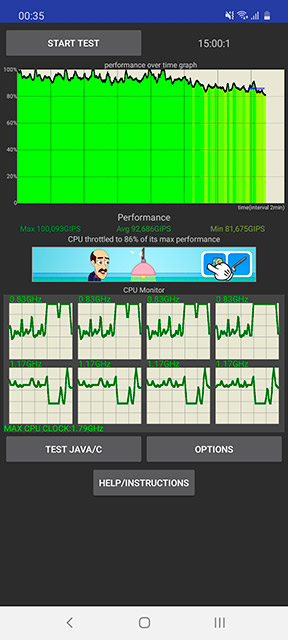
The smartphone works quite stably during longpeak loads, a noticeable subsidence of performance is observed only after 10 minutes of the Throttling Test, while it drops to 86%, which is not critical.
</ img>
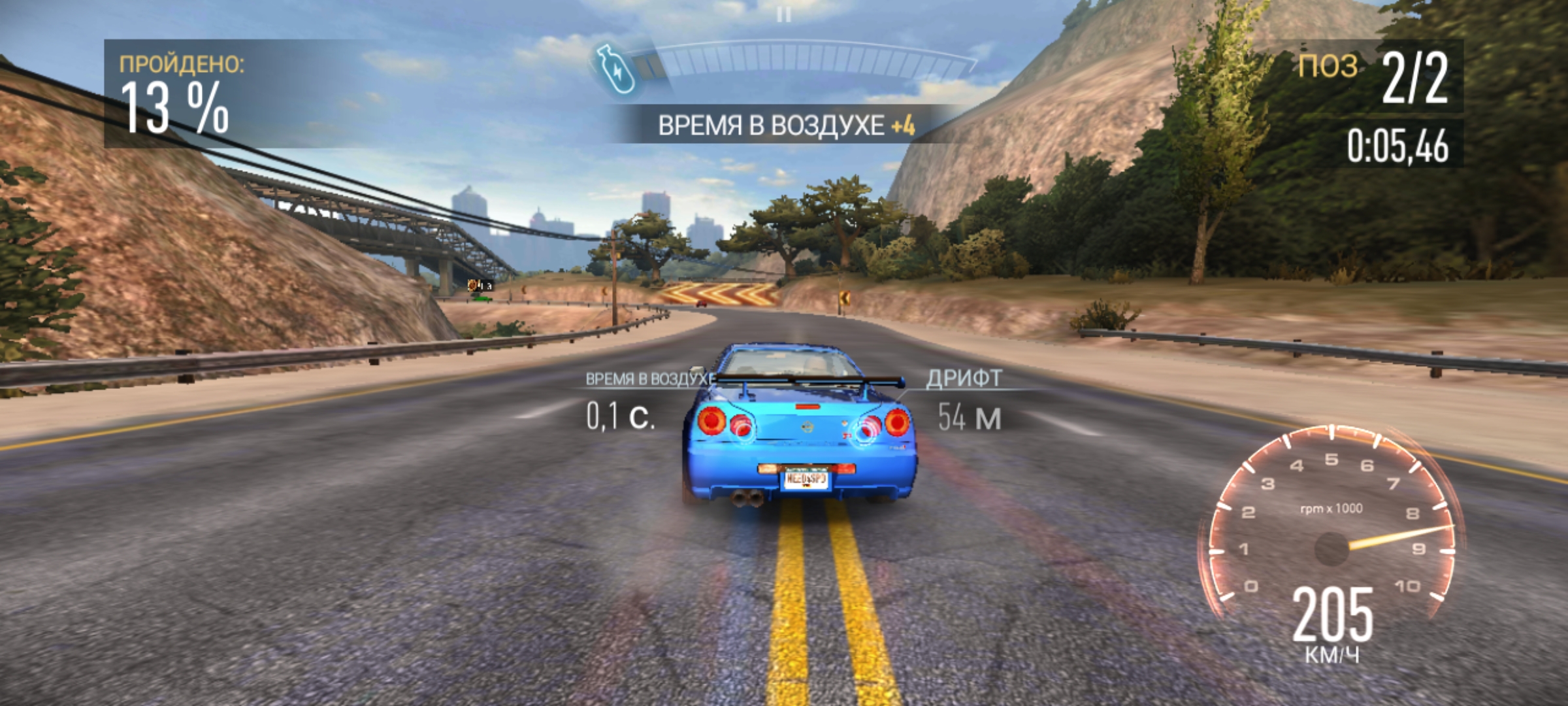
There are no problems with modern games in general,brakes and sagging frames are not observed. Although the heavy schedule, the championship is still behind the flagship Snapdragon. Call of Duty Mobile at very high graphics settings works very smoothly. According to personal feelings, FPS does not really sink below 60.
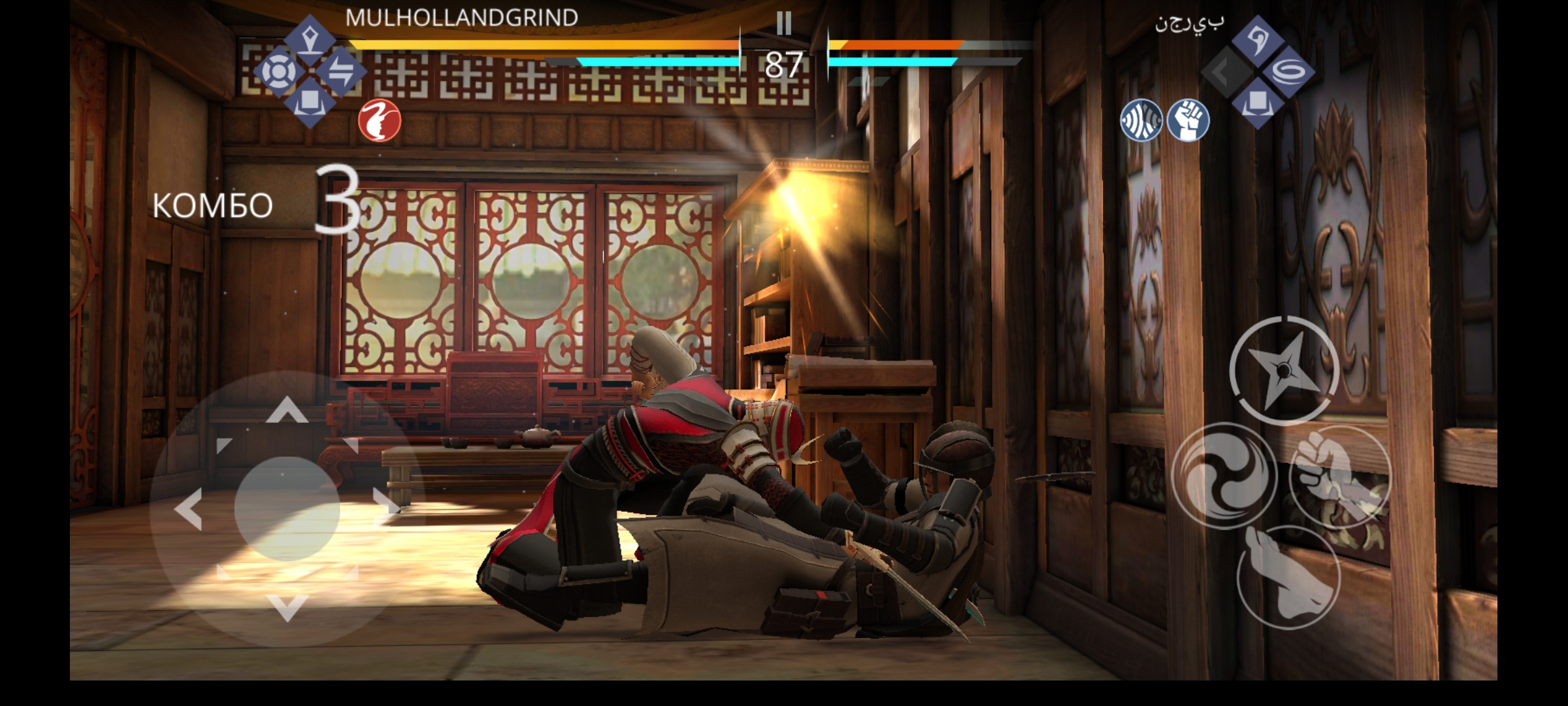

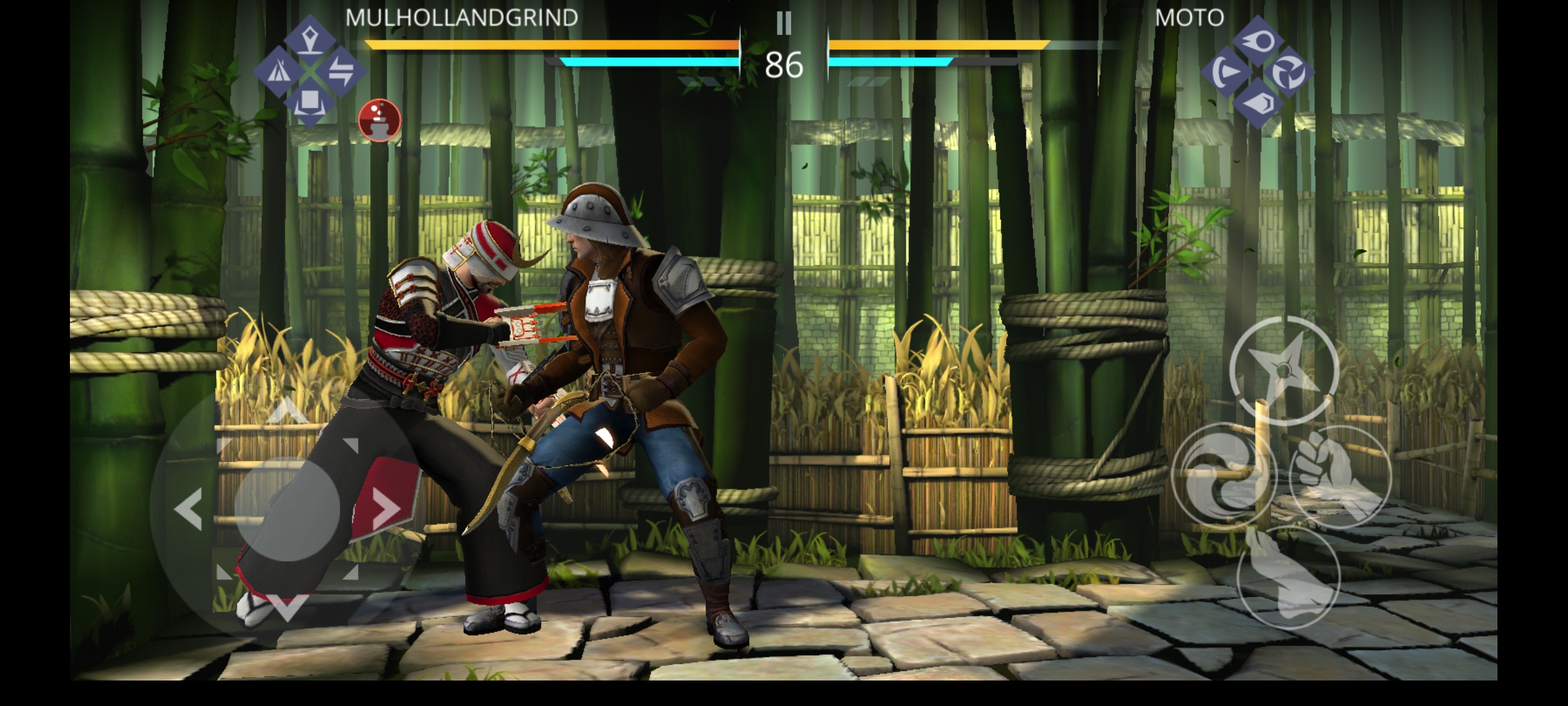
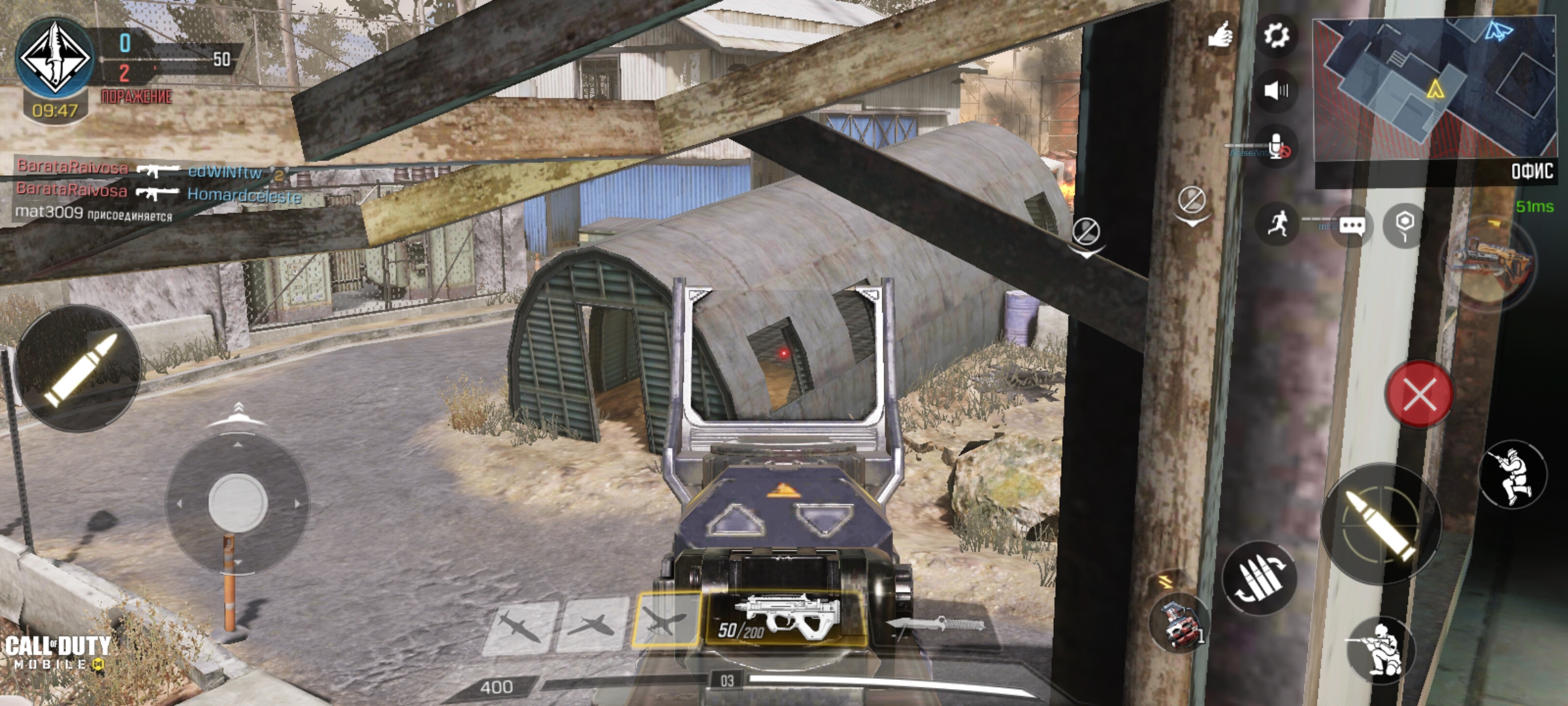
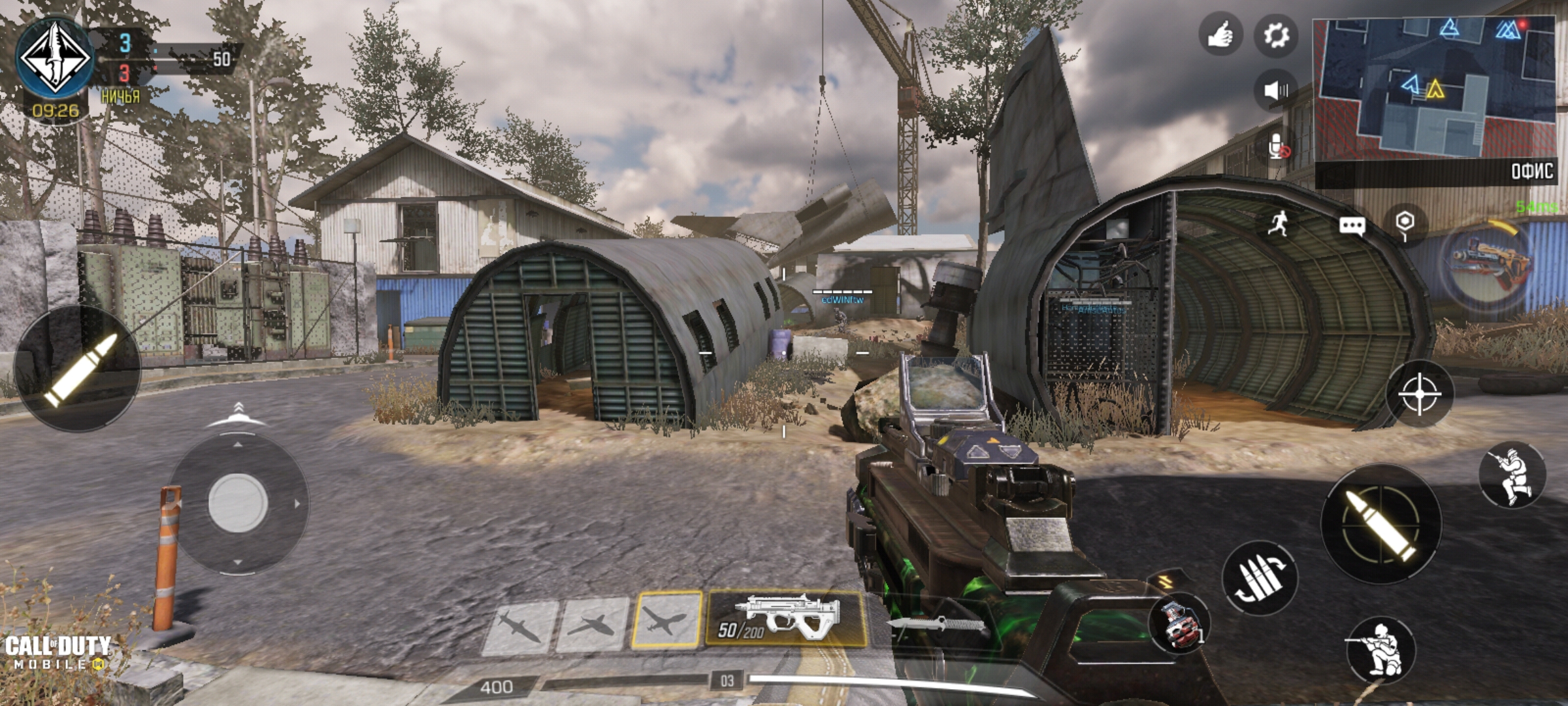






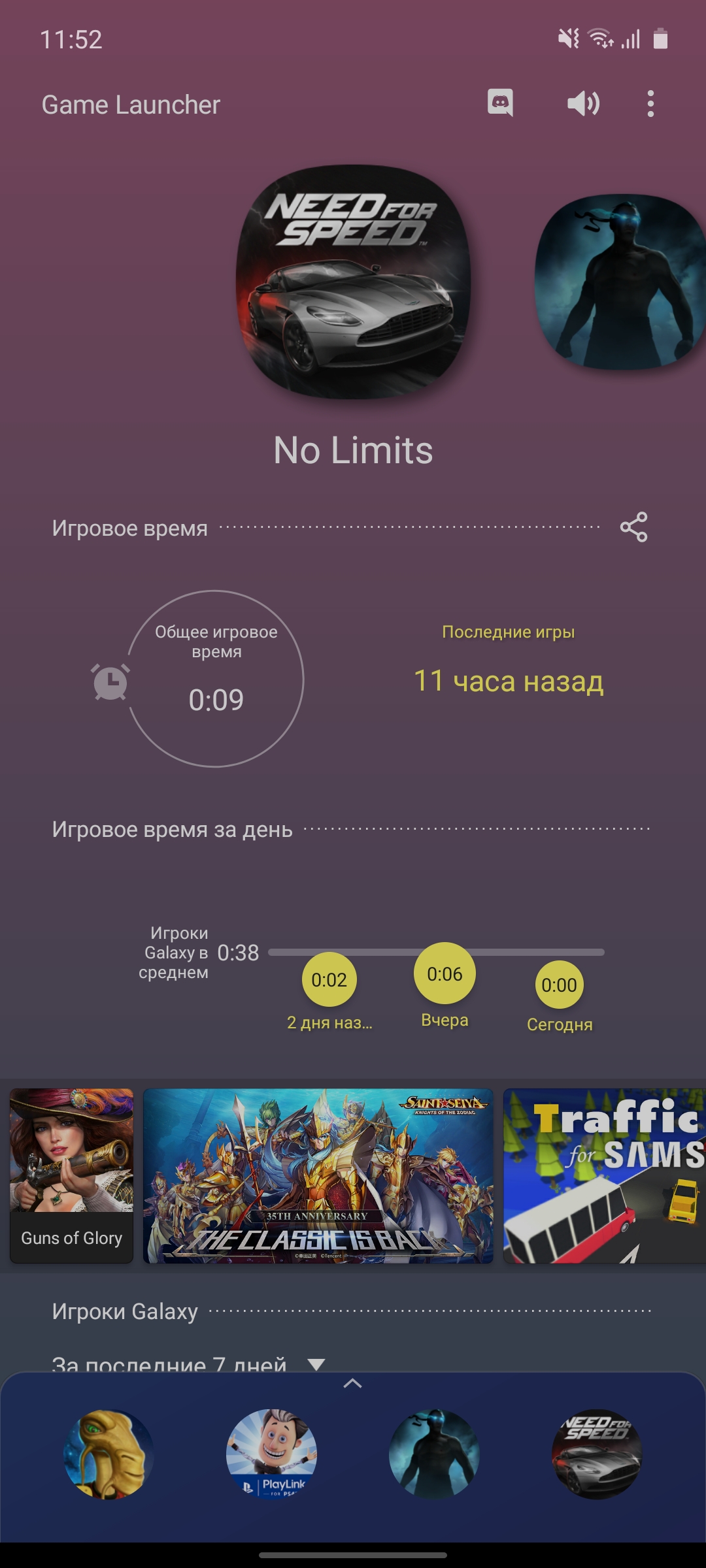
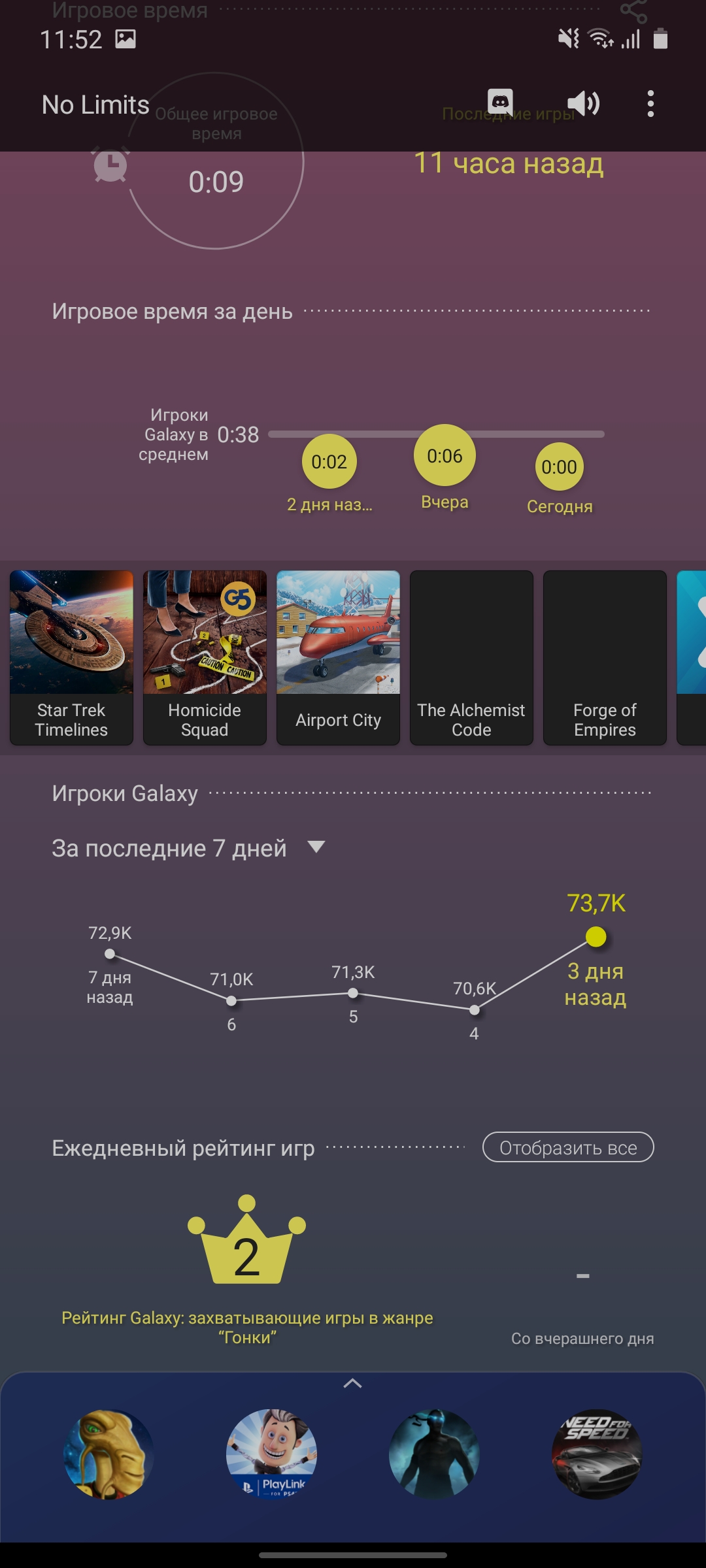
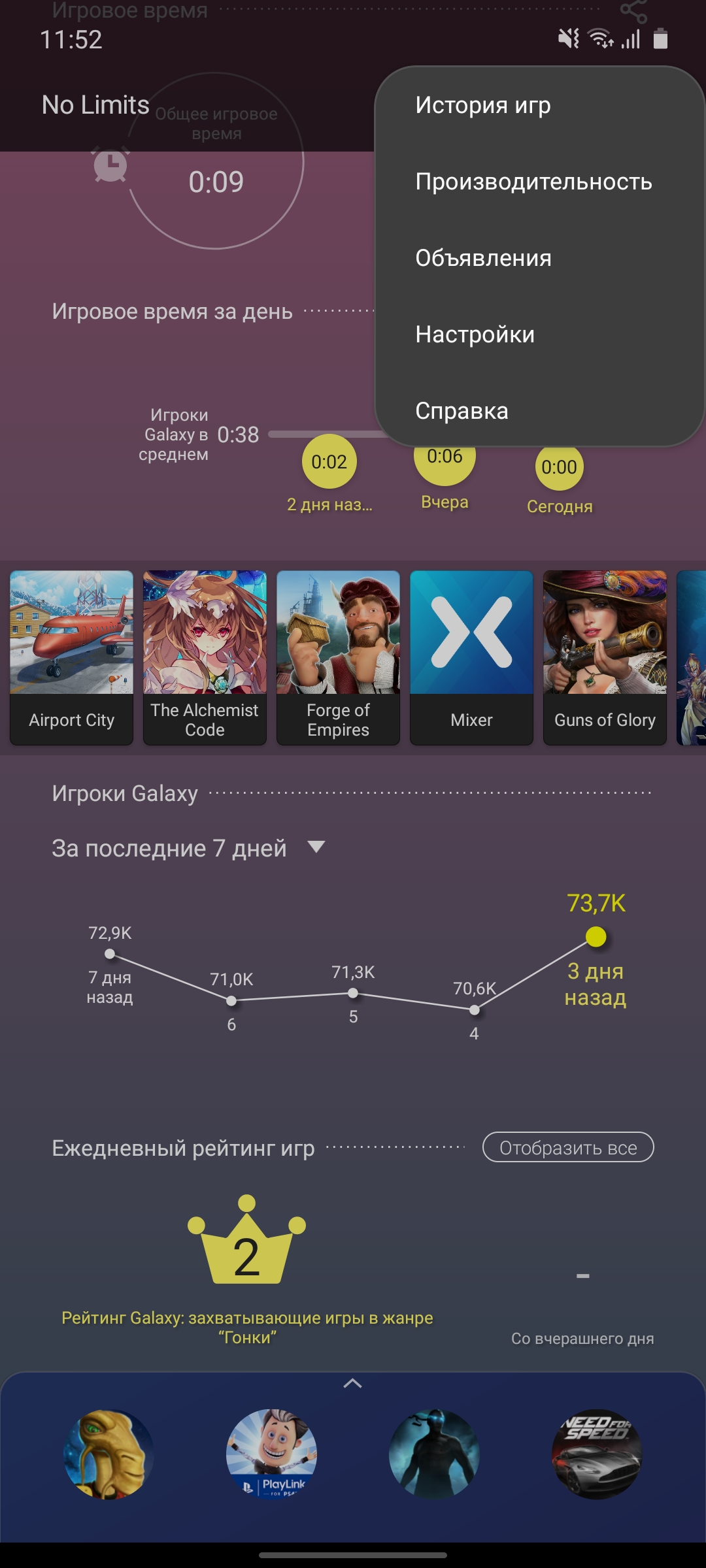
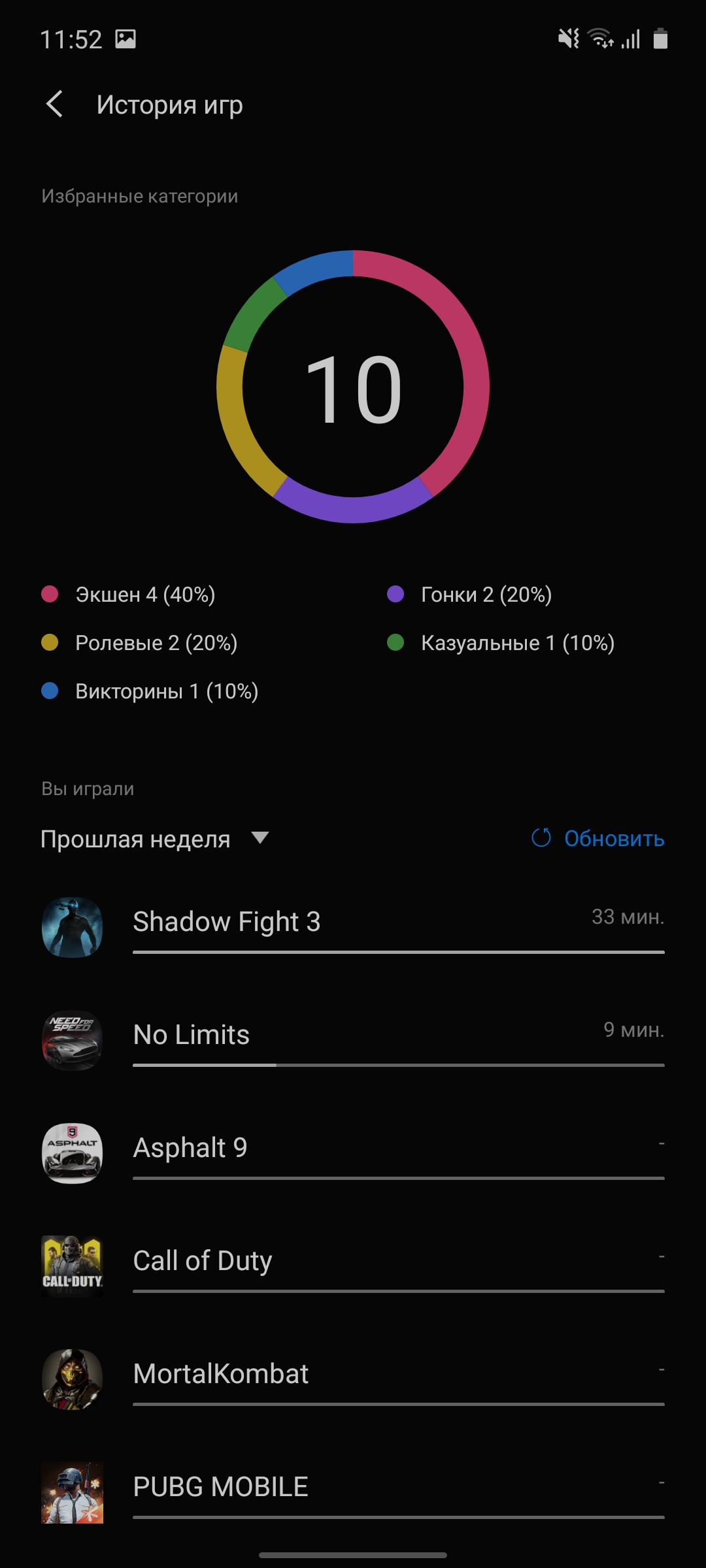
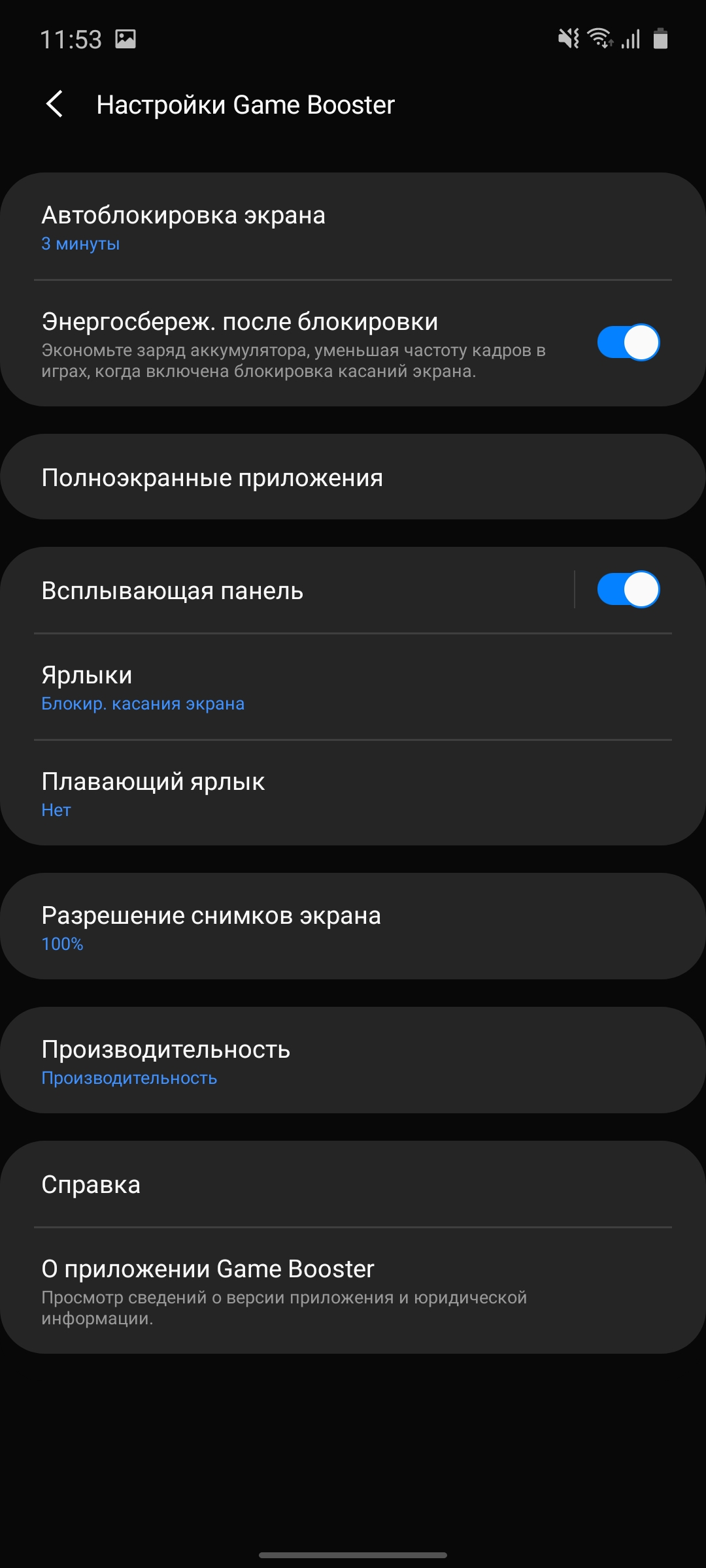
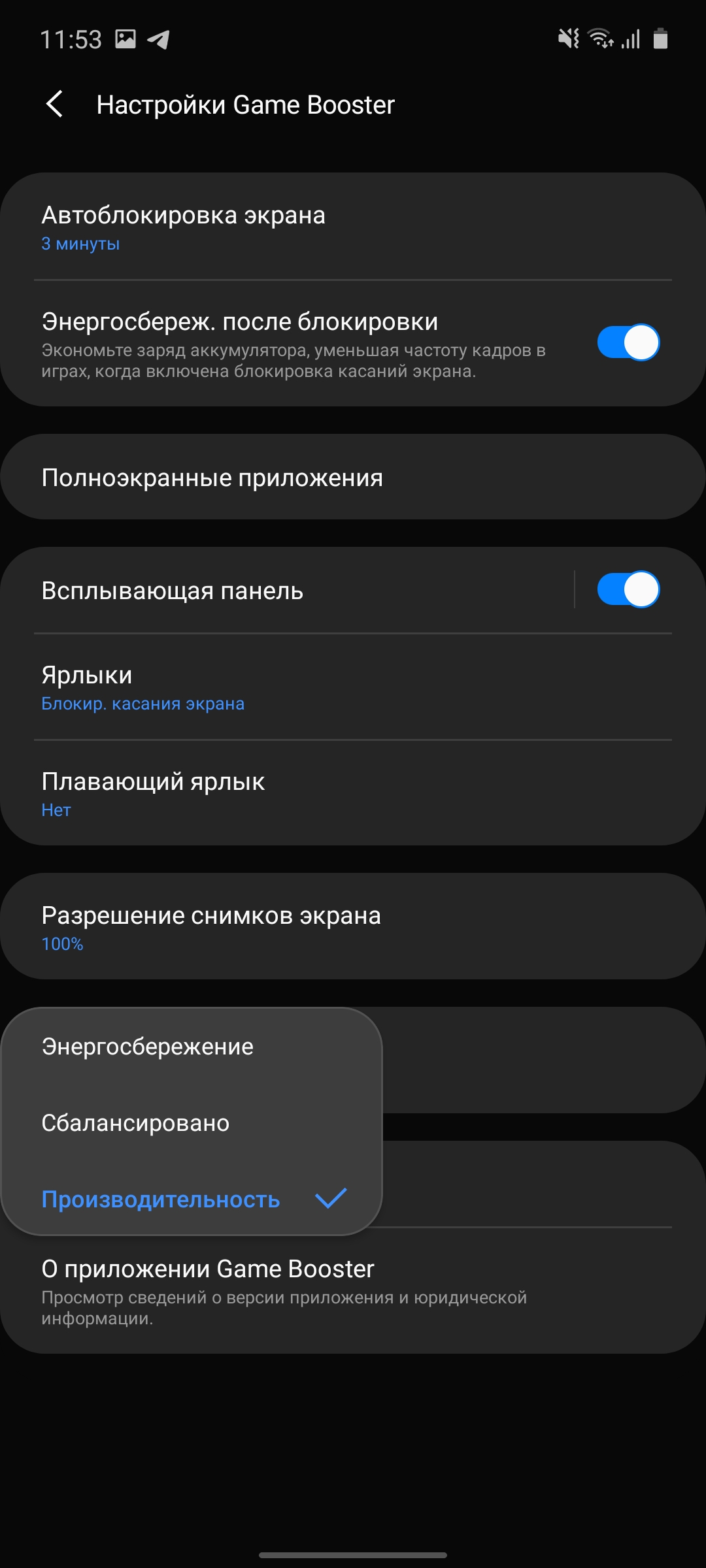
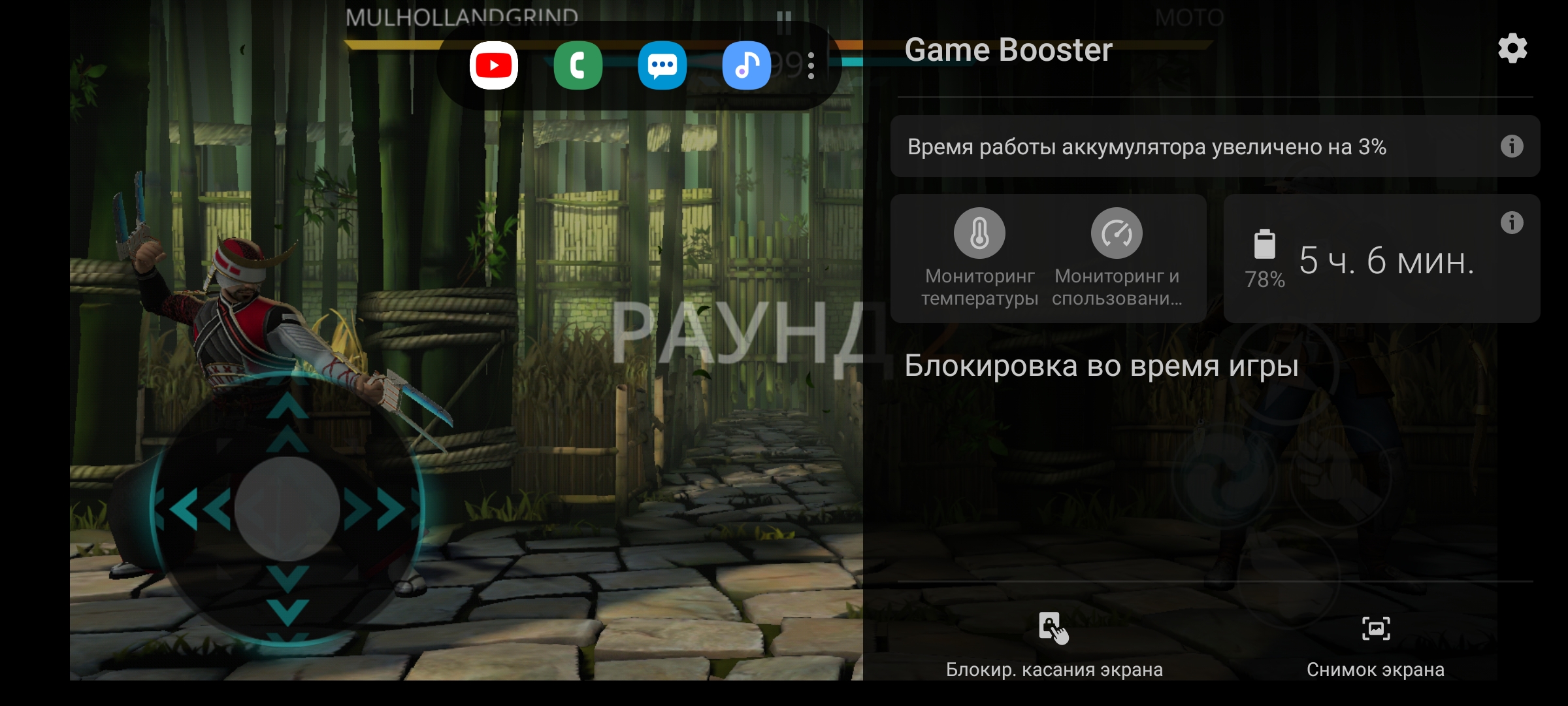
Game Launcher and Game Booster overlaysimilar. Current models that we have already reviewed. The application allows you to adjust performance (if necessary, for each game), turn off notifications during the game, collect statistics on time in games, take screenshots and videos:










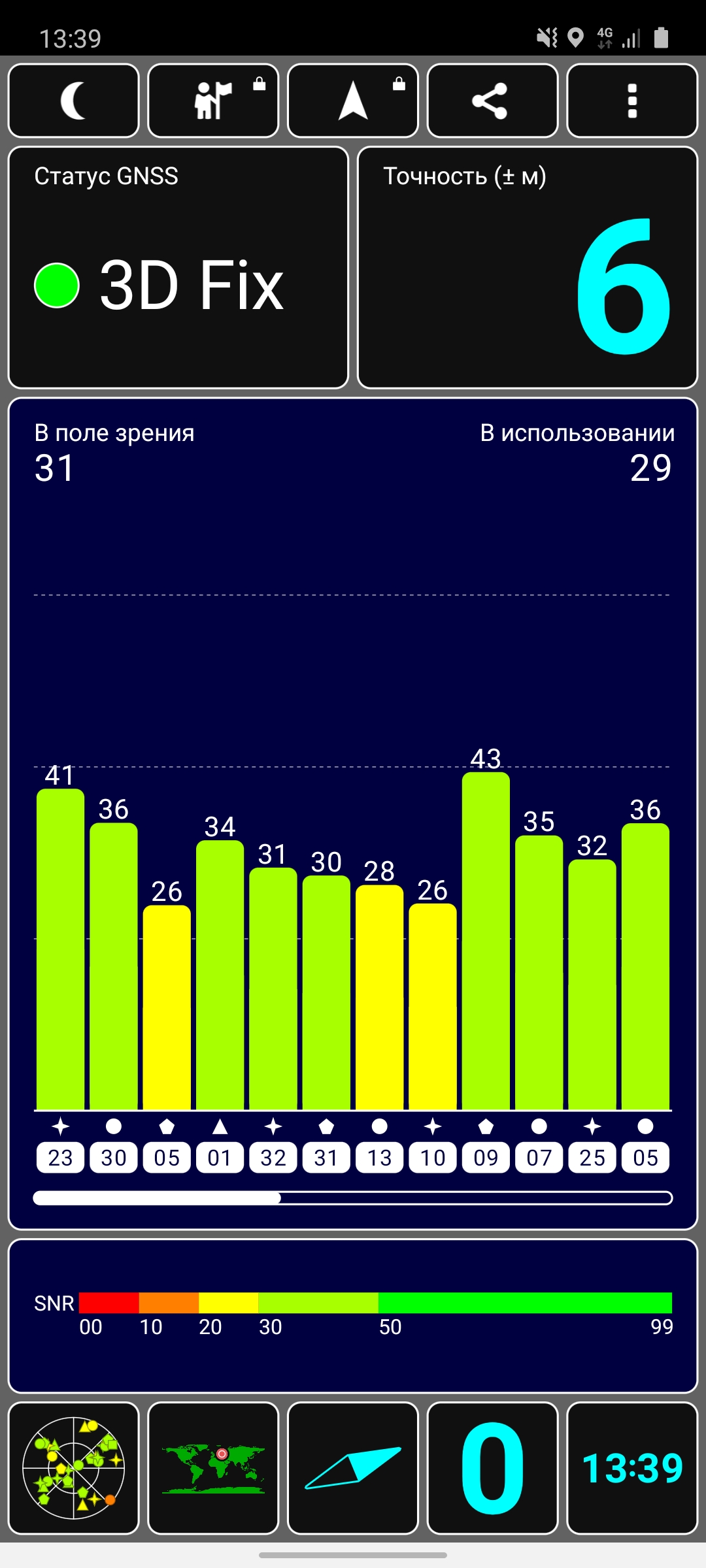
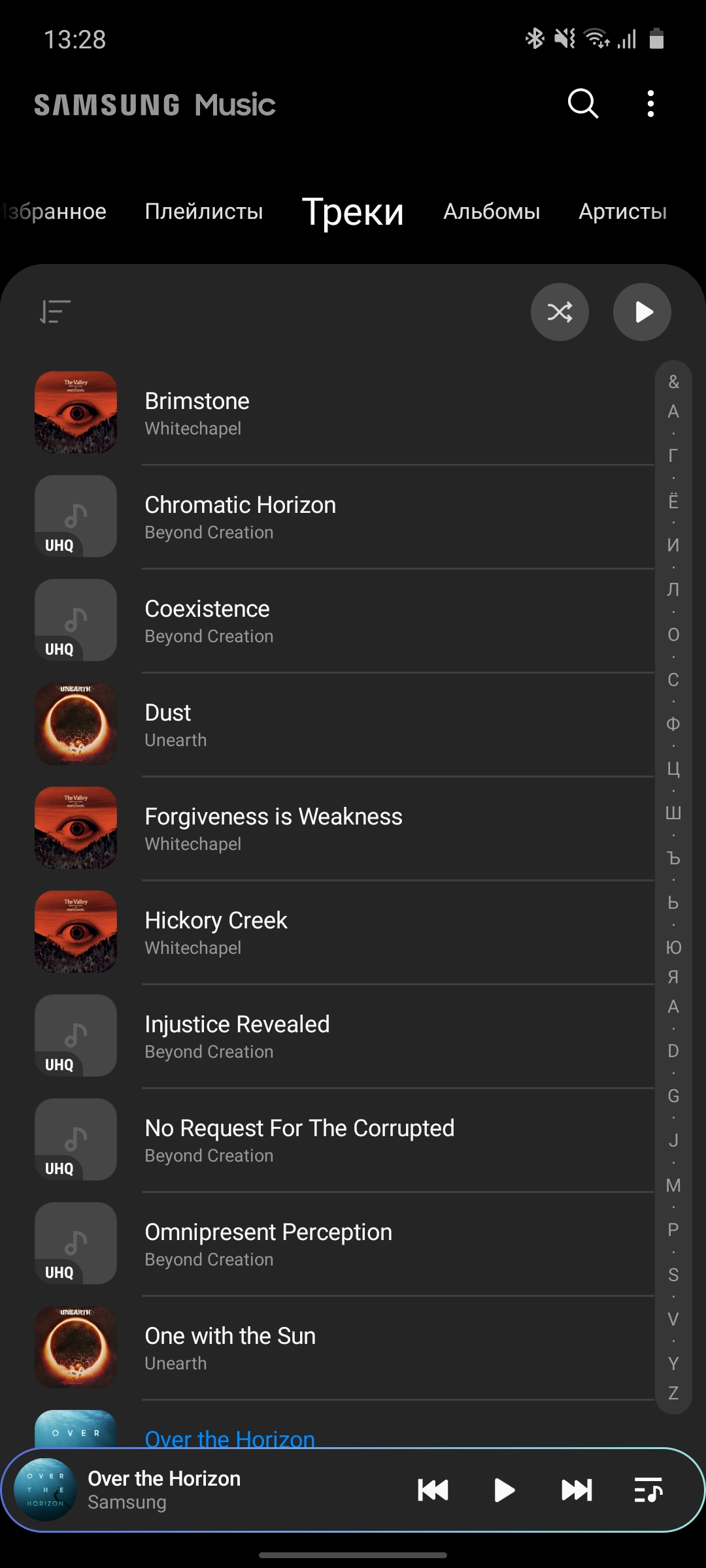
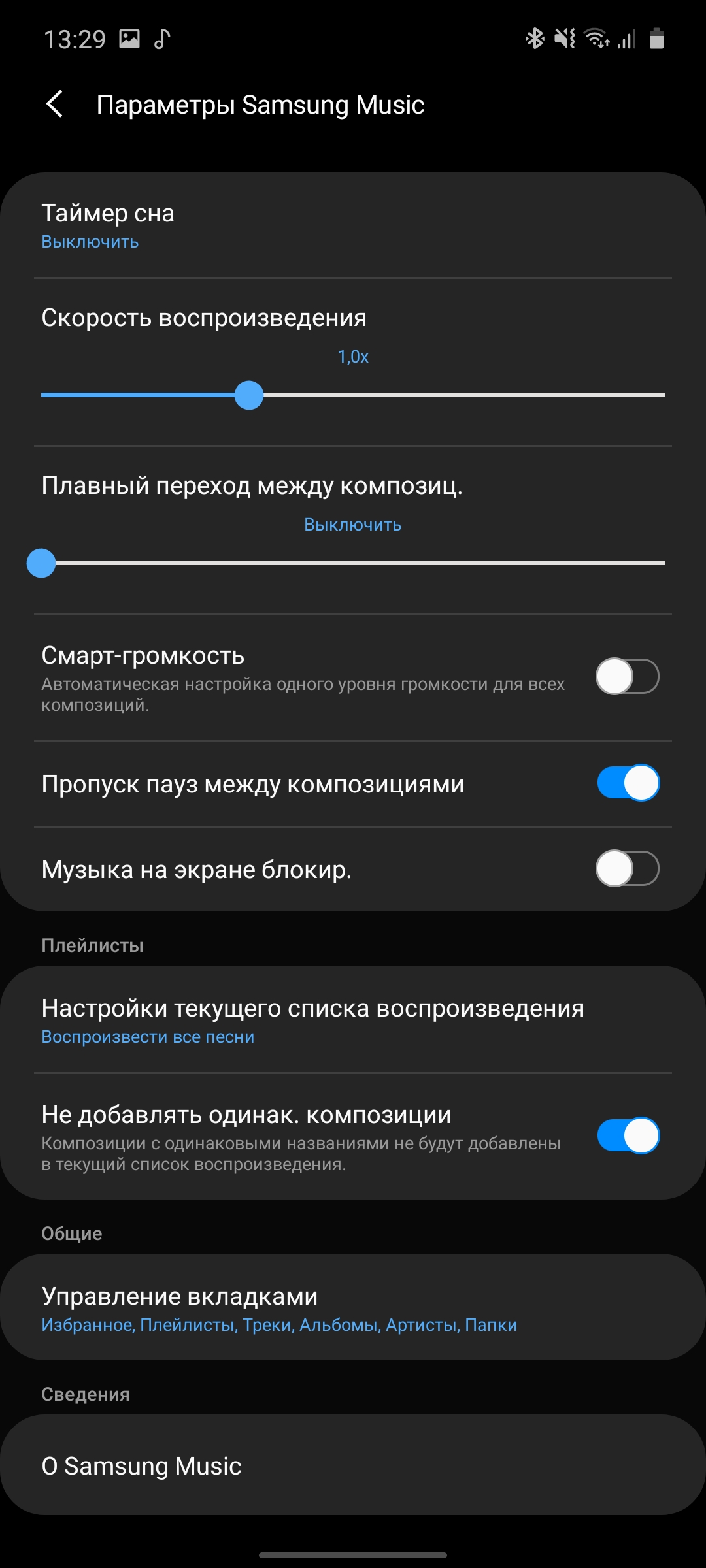
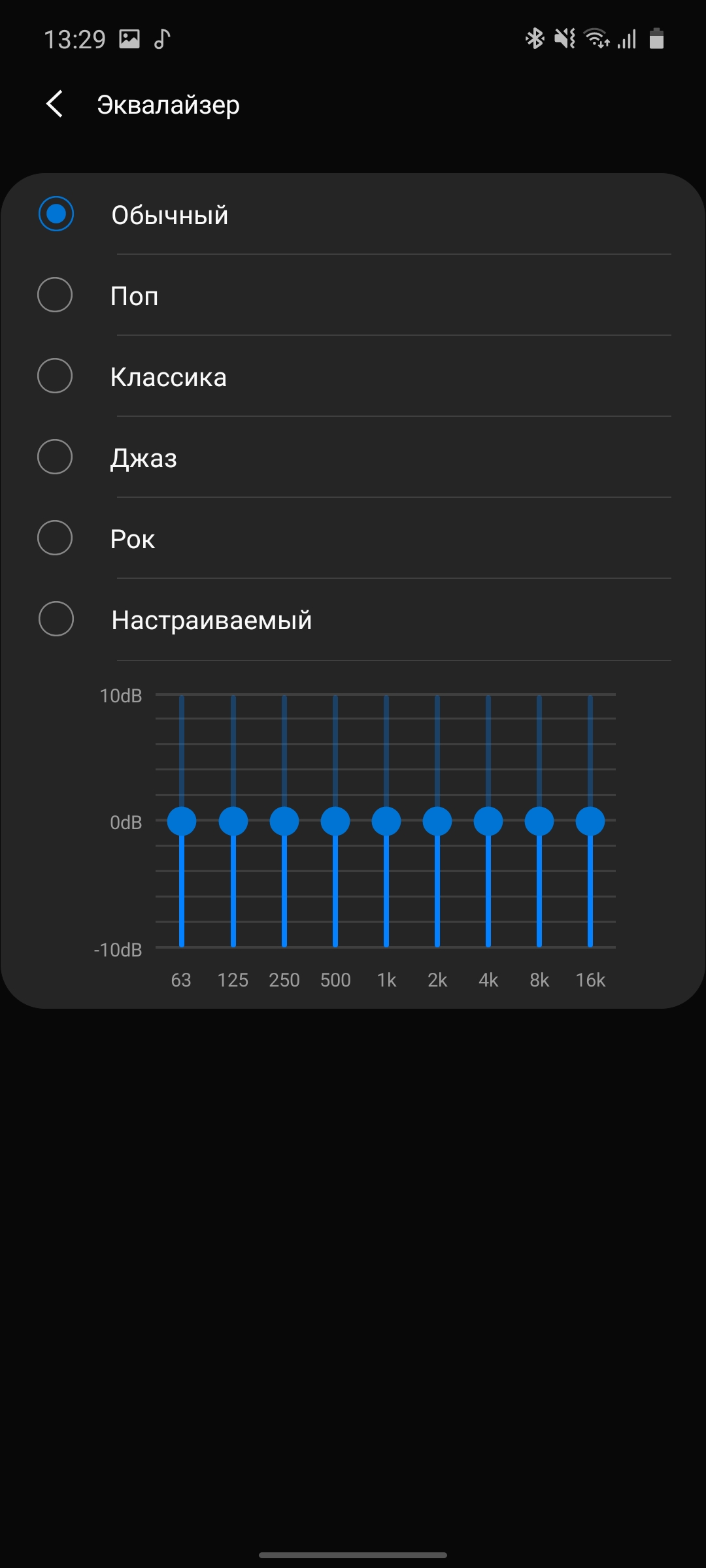
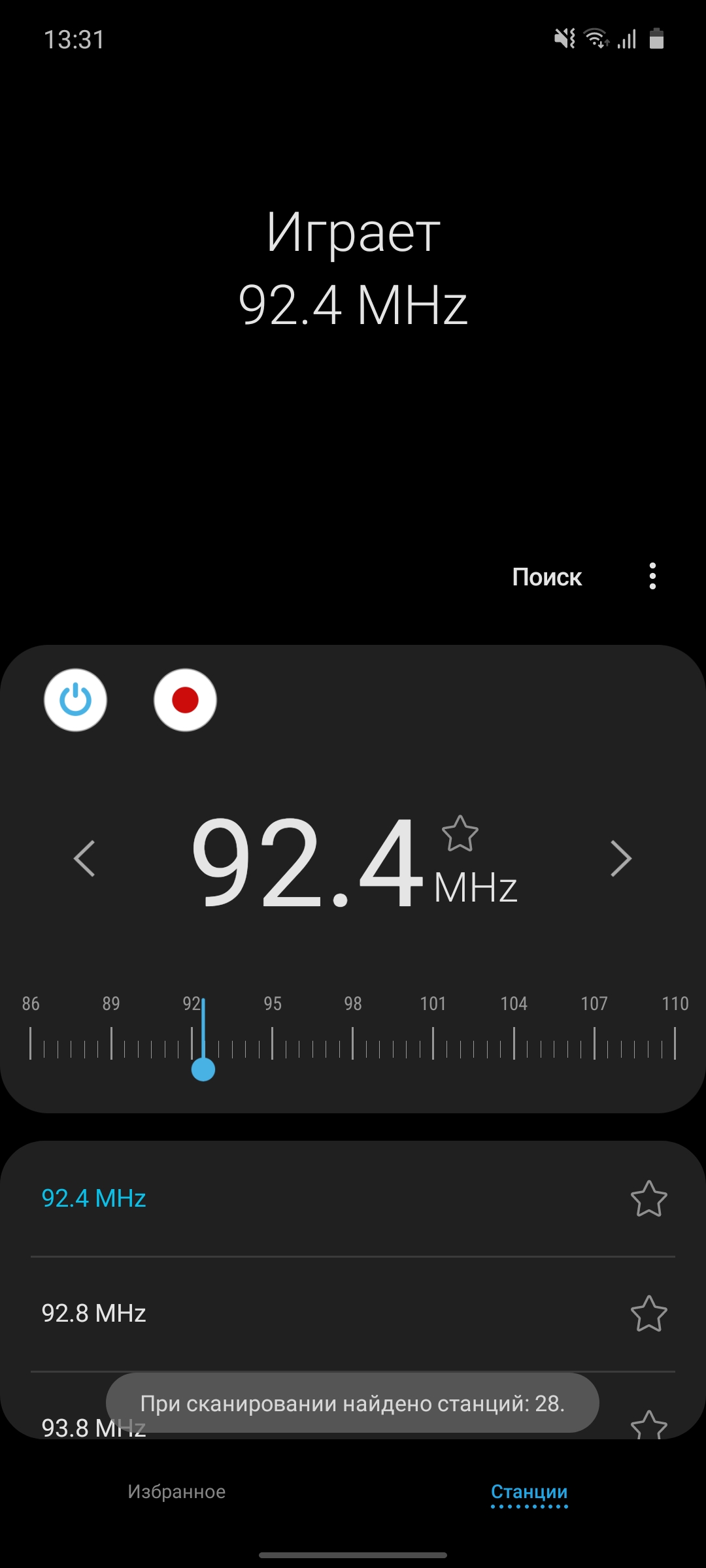
Interfaces: Wi-Fi 802.11 a/b/g/n/ac 2.4 GHz and 5 GHz, Bluetooth 5.0 LE, NFC and FM. Global positioning systems GPS, GLONASS, Beidou, Galileo are supported. Unlike its older brothers in the line, the smartphone cannot boast of stereo sound. There is only one external speaker and the conversational speaker does not help it. But the volume is impressive. In terms of quality, there are no revelations. Just like the sound in headphones. It is not bad and in the weight category of smartphones is in no way inferior to most models available on the market. The proprietary player has a full range of necessary functions, including an equalizer, sorting by artists, albums, tracks, and so on.

</ img>

</ img>





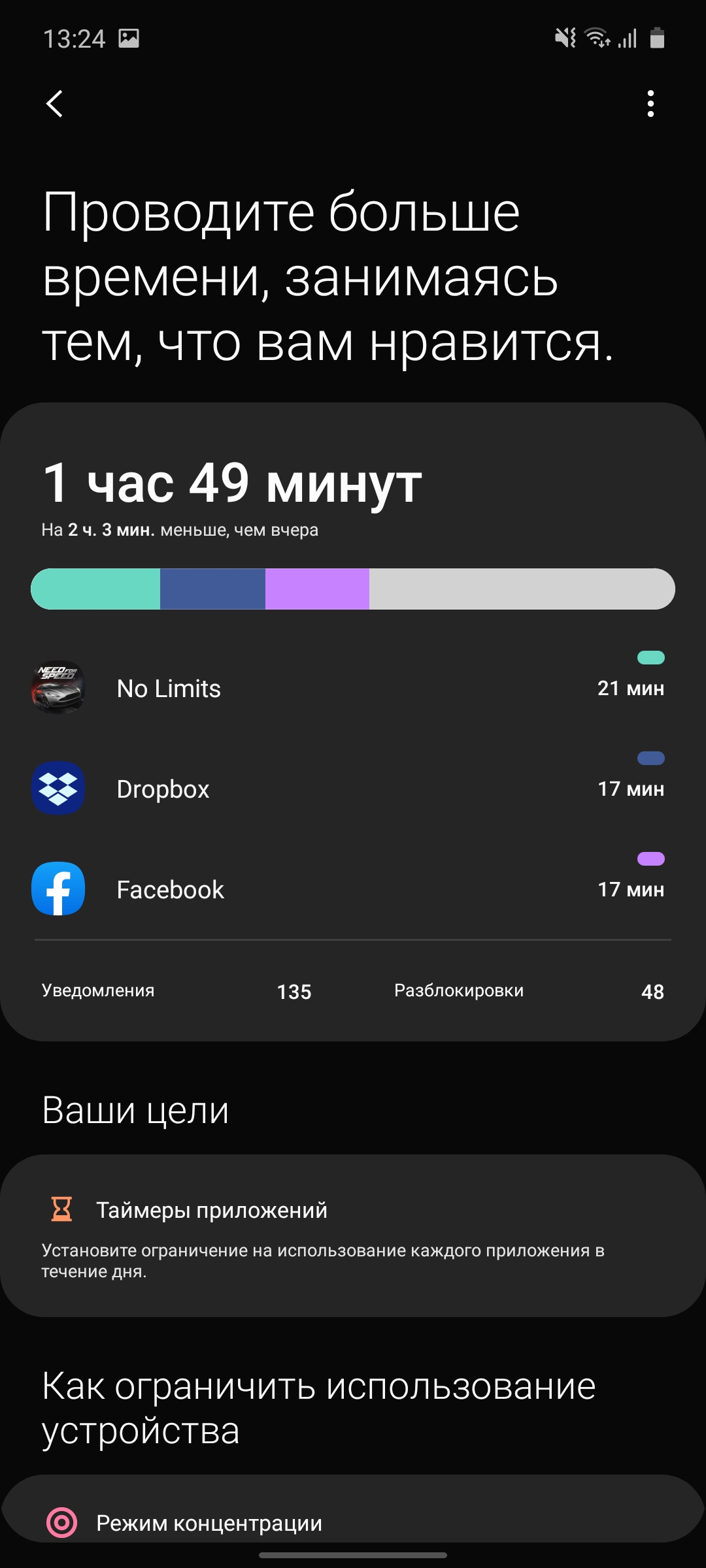
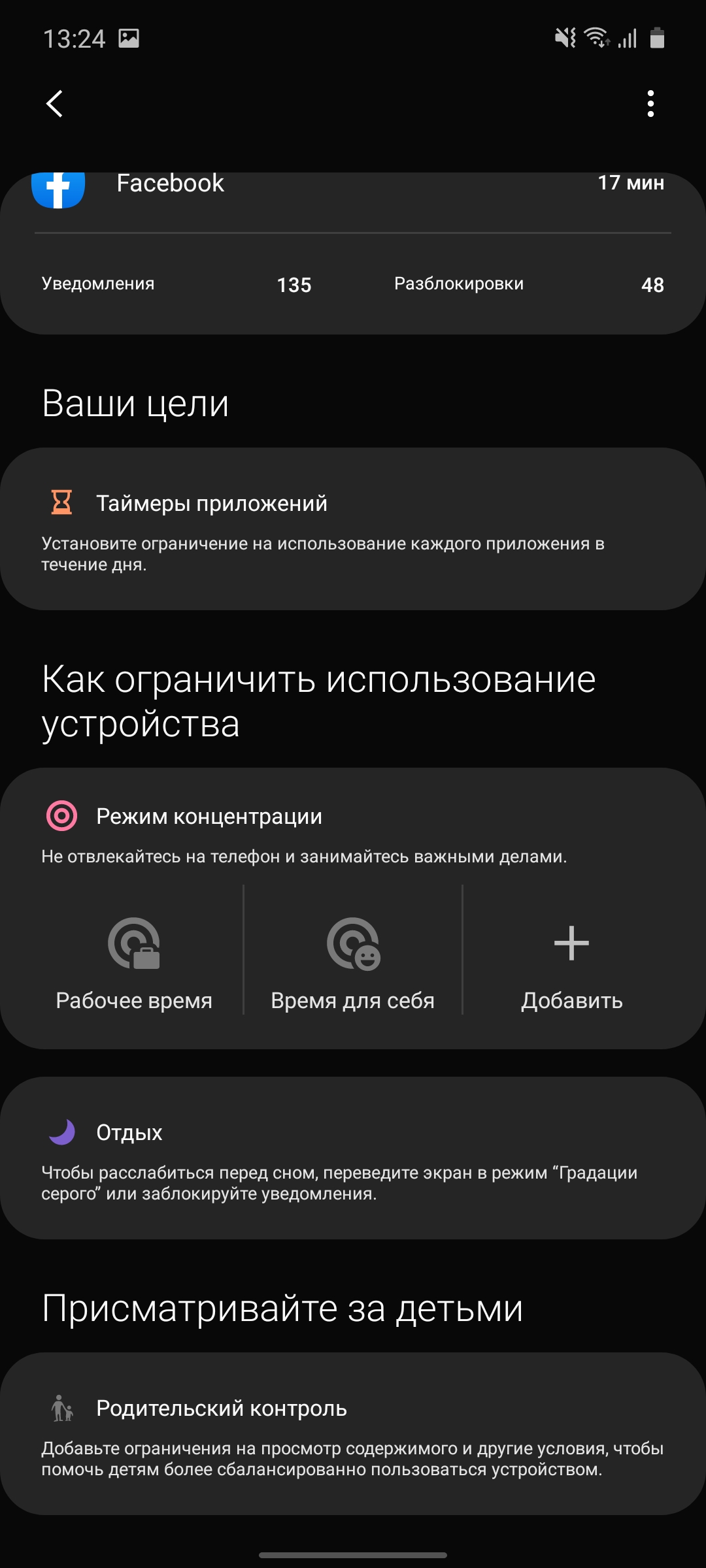
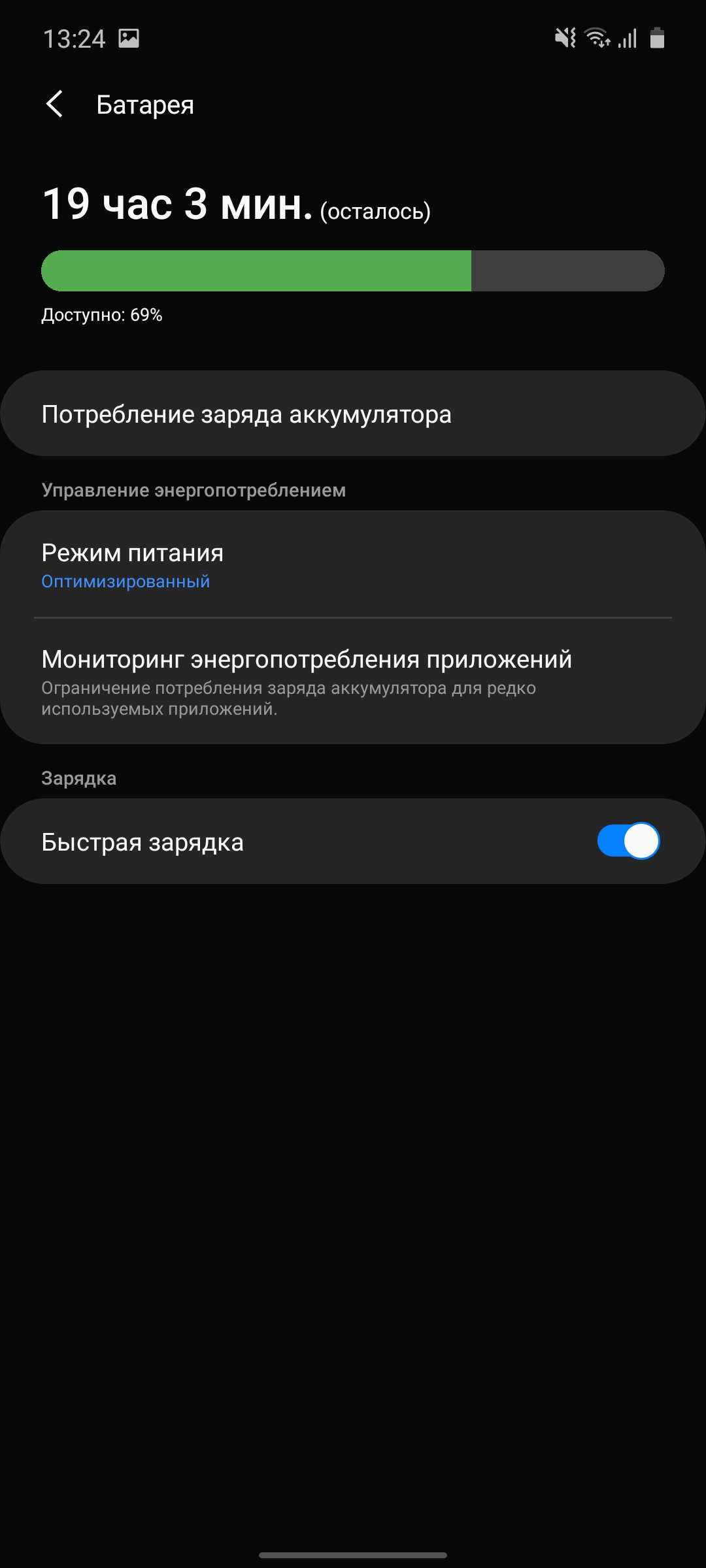
The battery capacity is 4500 mAh, whicheven slightly more than the flagship Galaxy Note10+. On average, it lasts for a day and a half of fairly active use, including some games and videos from YouTube, social networks, email, web surfing and some photos. More active gamers will have enough for a day, and more reserved users can stretch it for 2 days. There are various options for energy saving modes, as well as something like the standard Android Digital Wellbeing feature, Samsung called it “Device Usage and Parental Controls.” Designed to monitor smartphone use, time in different applications and limit time if necessary. In general, this was the case in the previous version of One UI, but with the update there were more functions and the design changed.
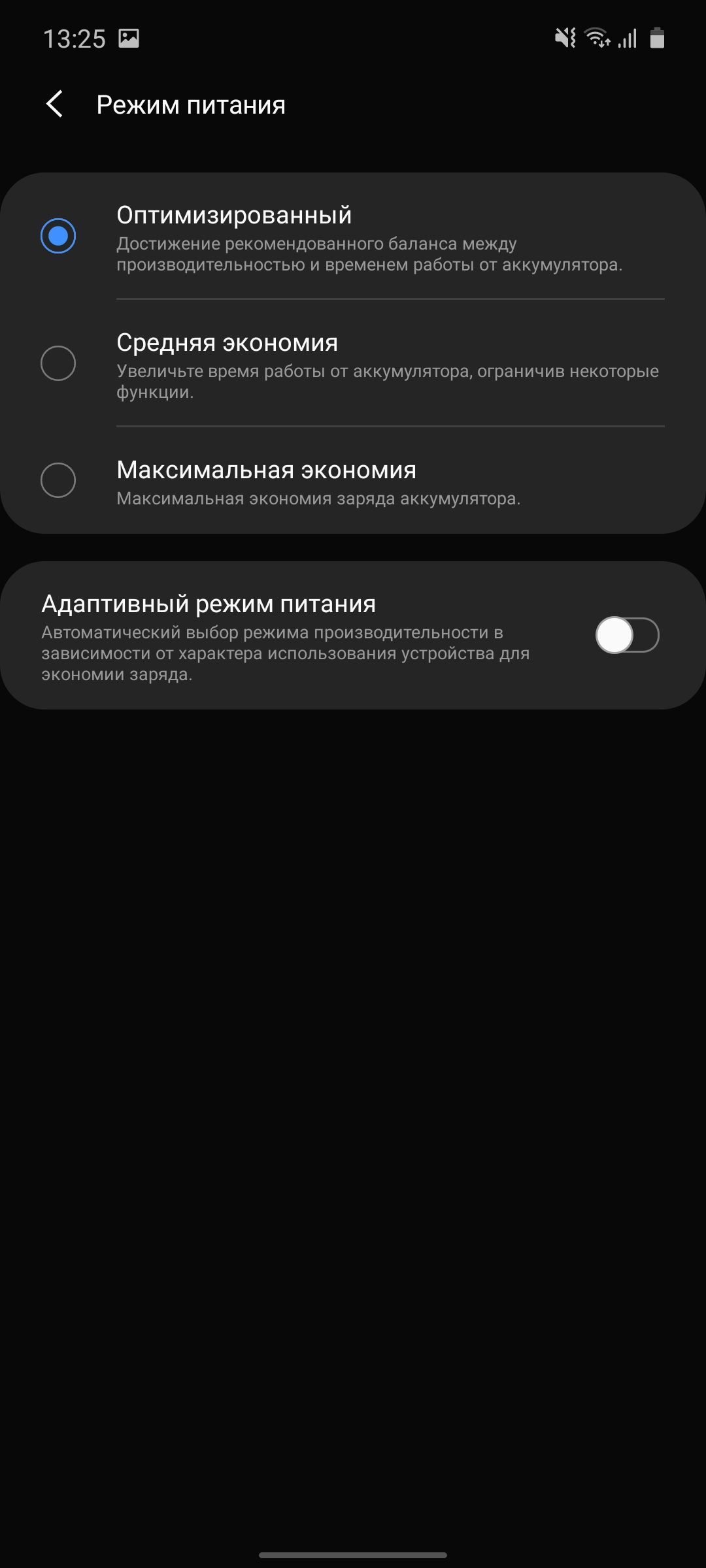
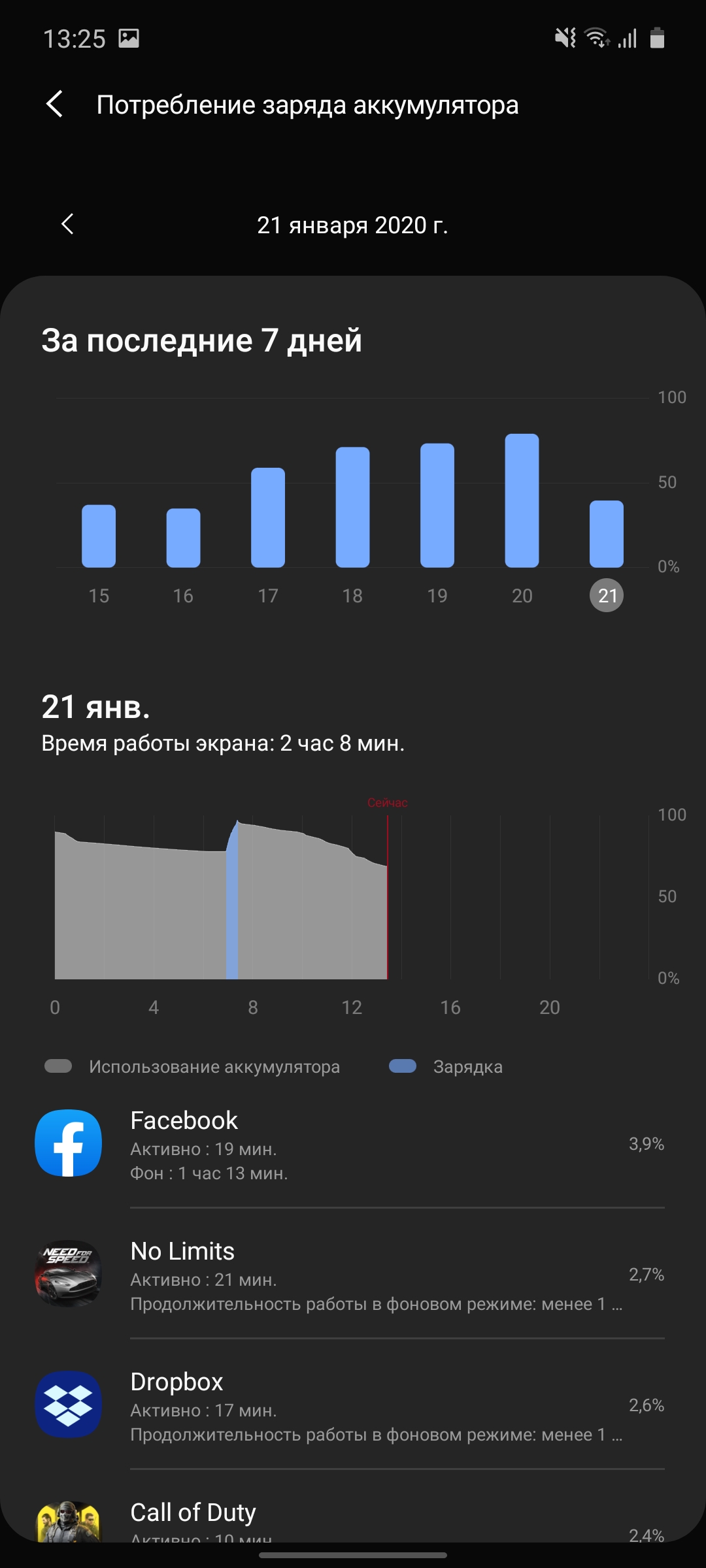





The smartphone supports fast charging, but our editorial office did not receive the package, so, unfortunately, there is nothing to say about the charging speed.
</ p>What's with the interface and the S Pen?
</ img>
</ img>


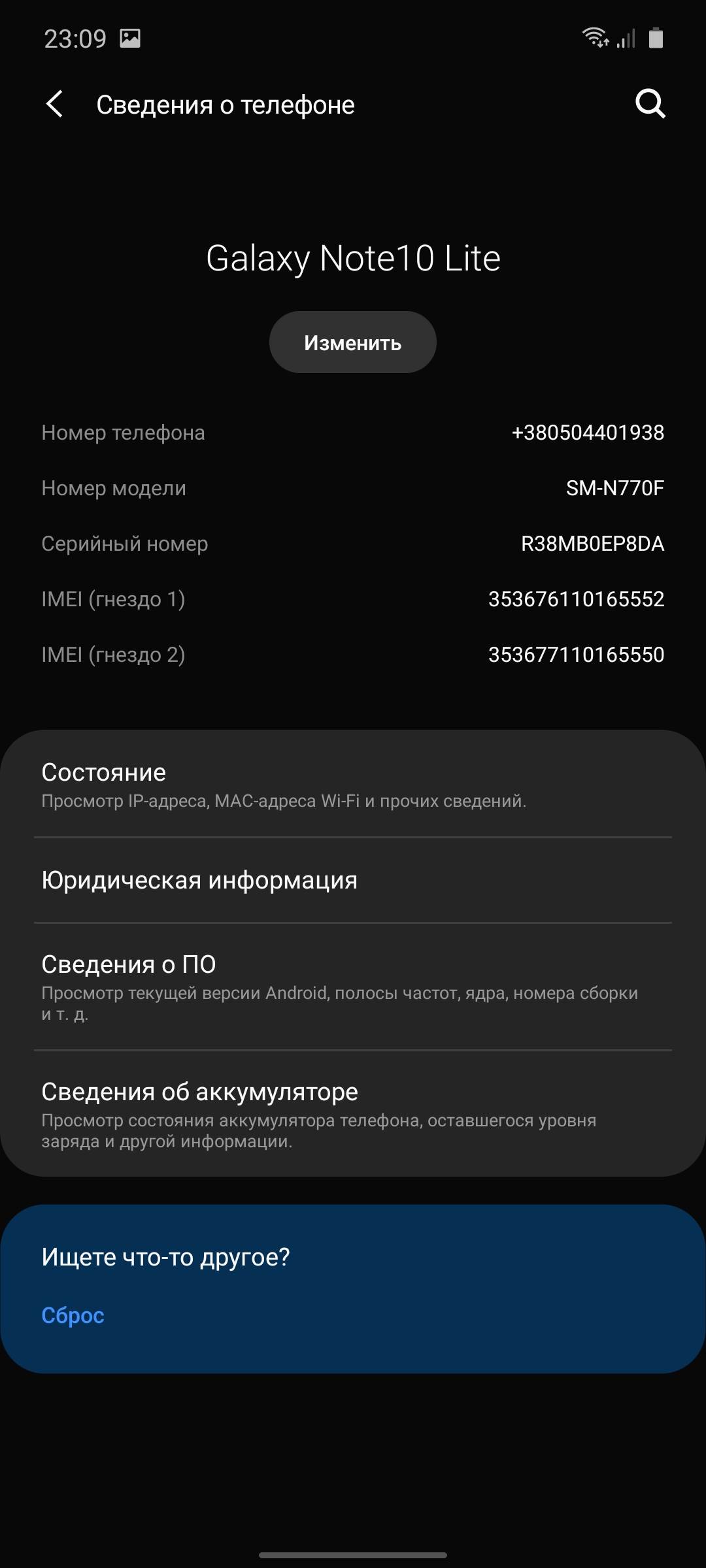
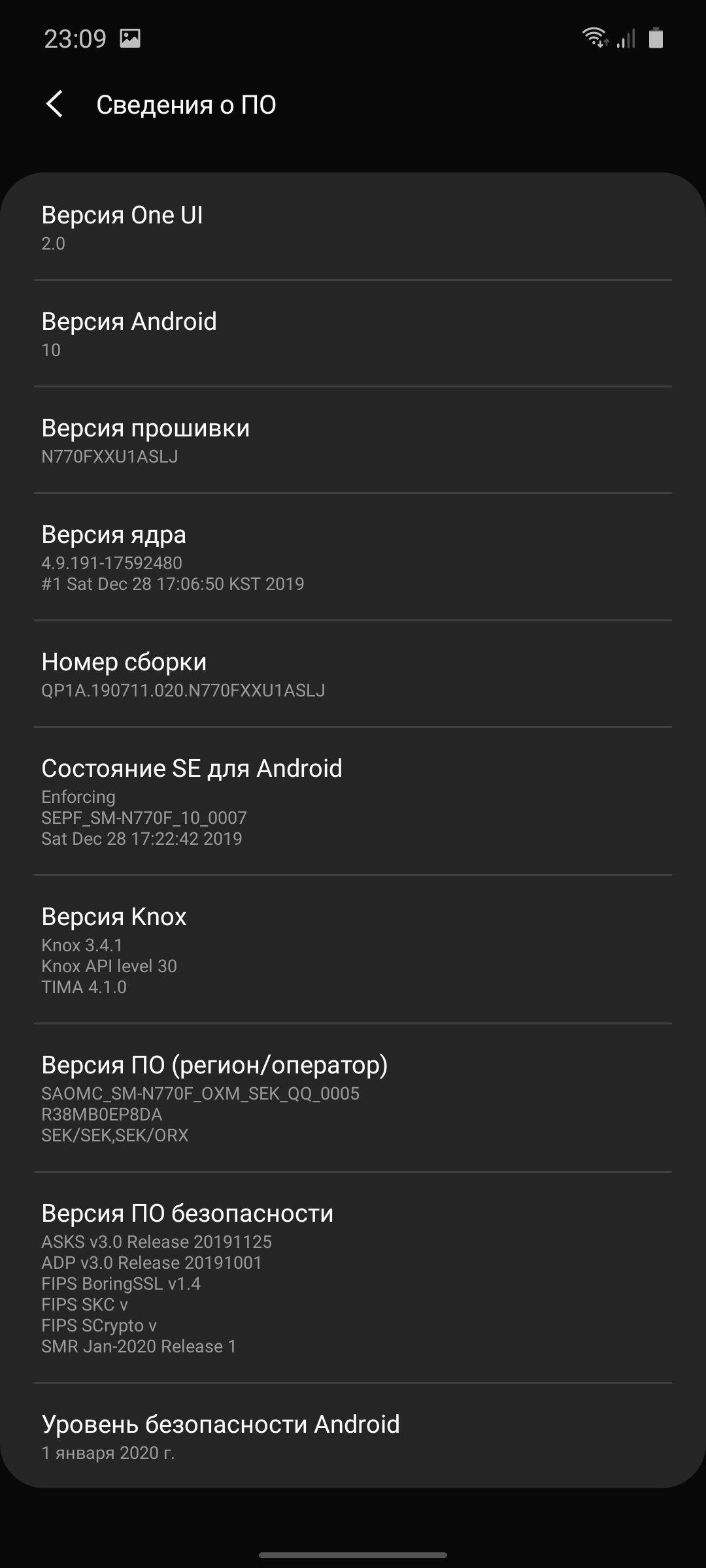
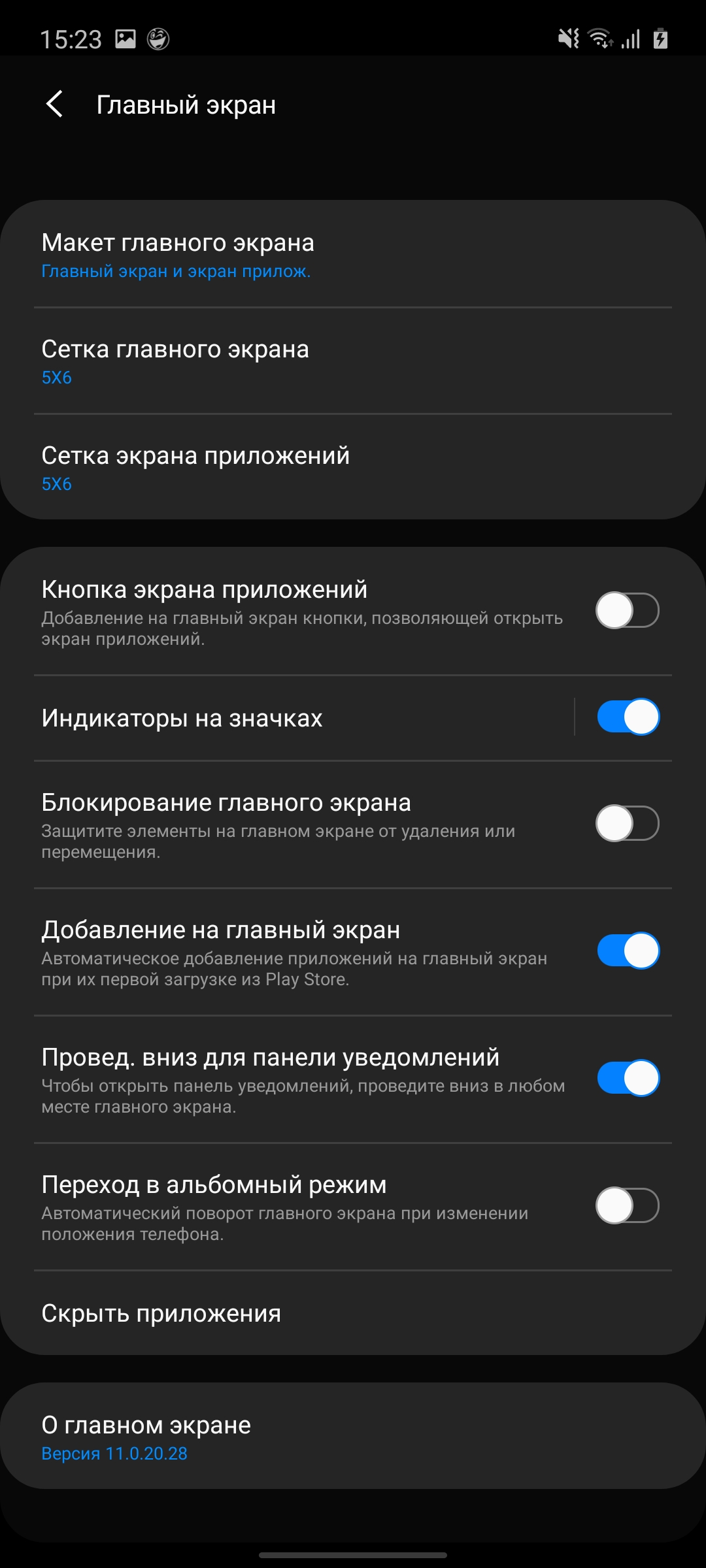
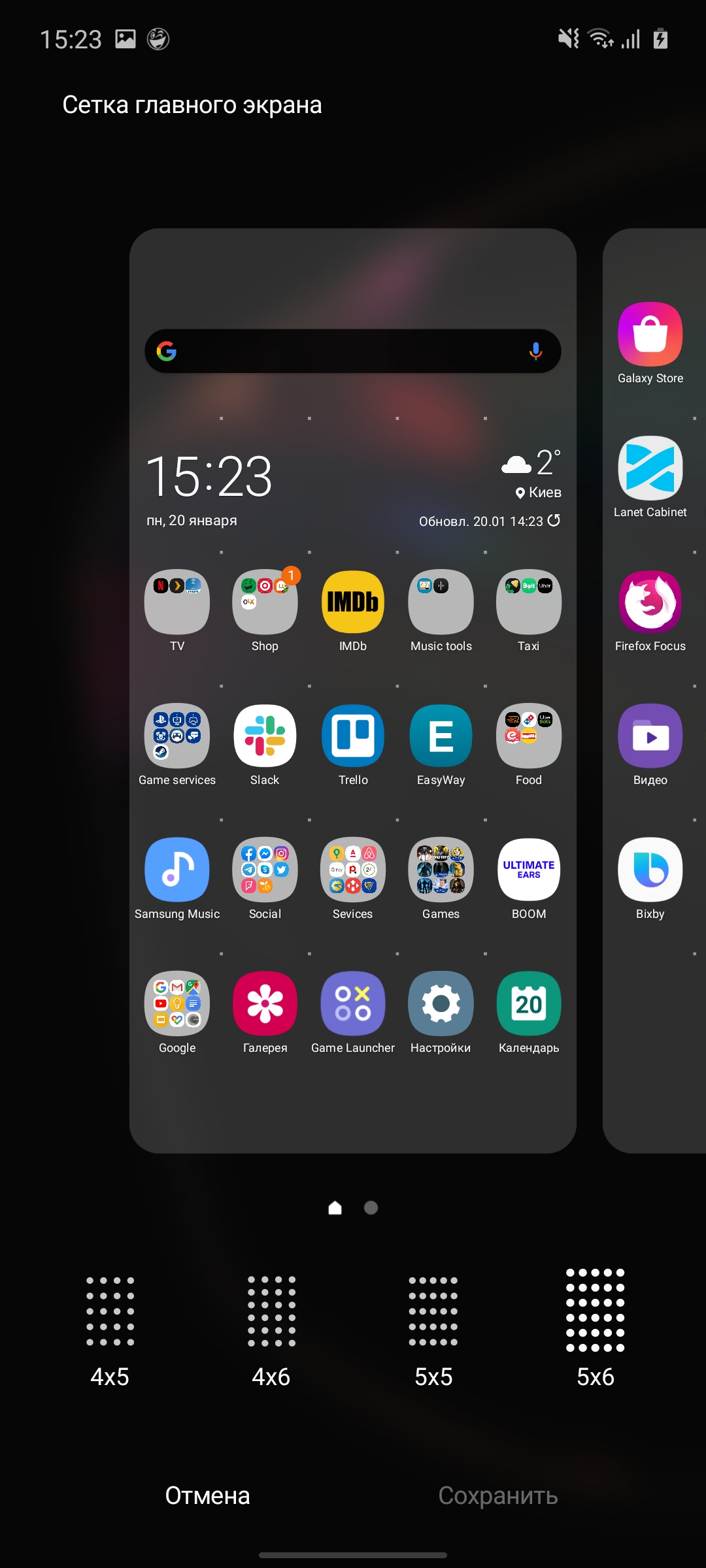
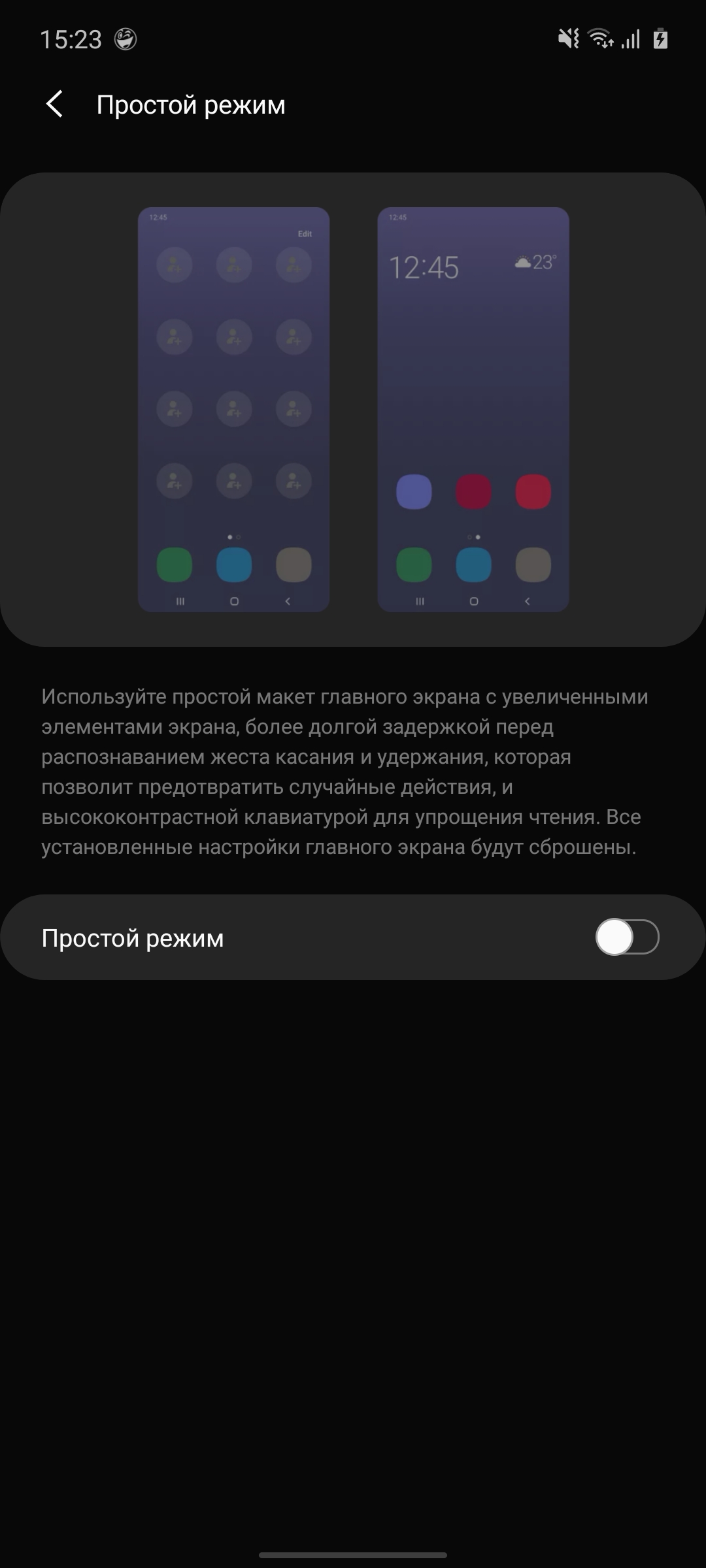
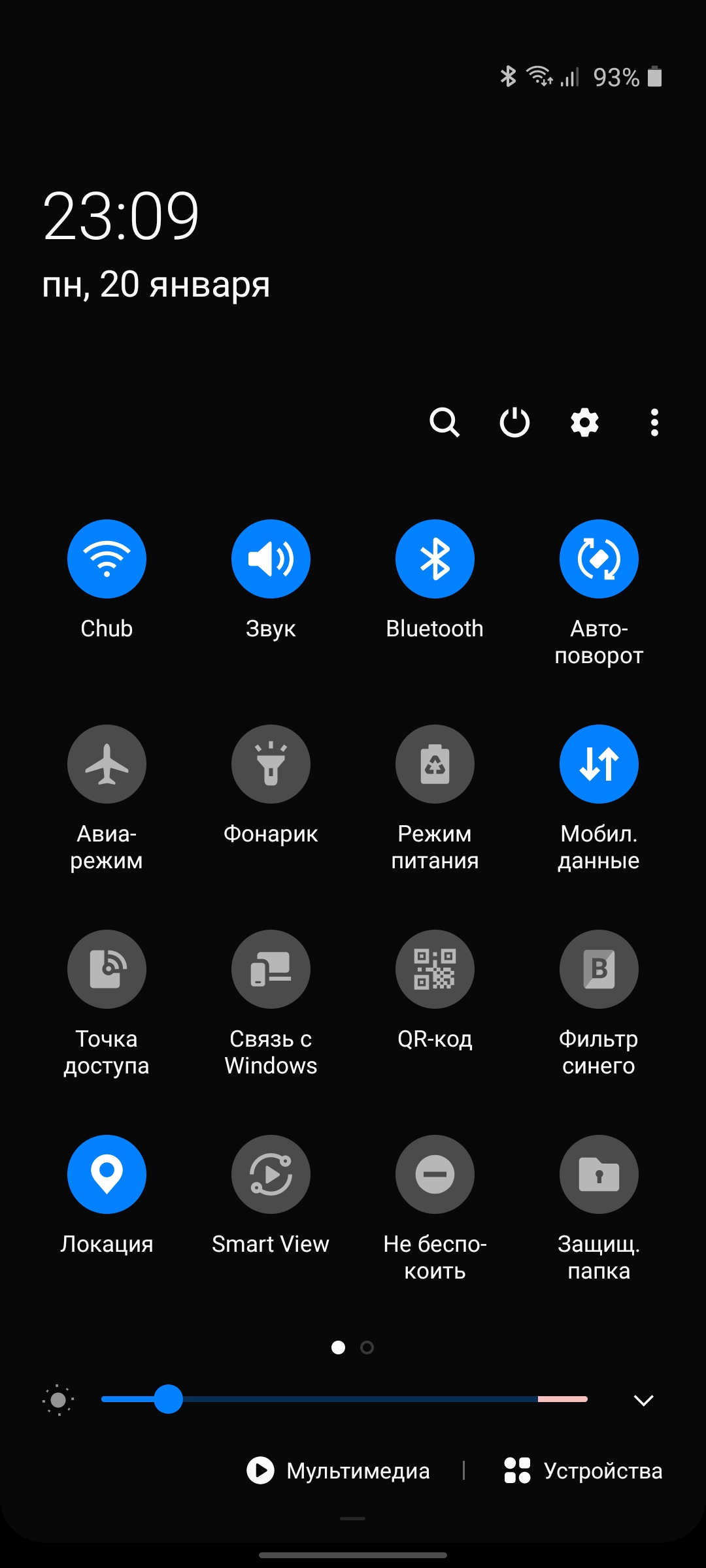
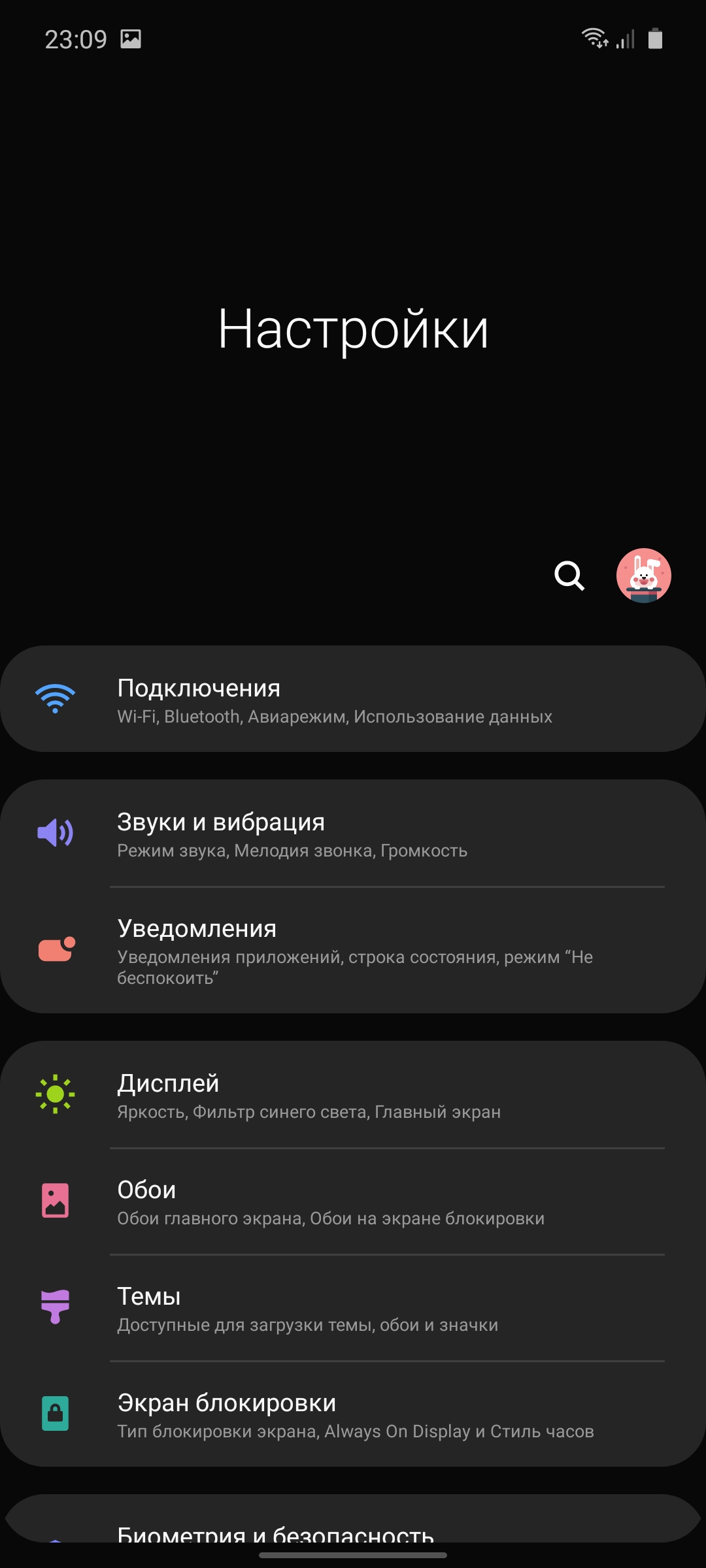
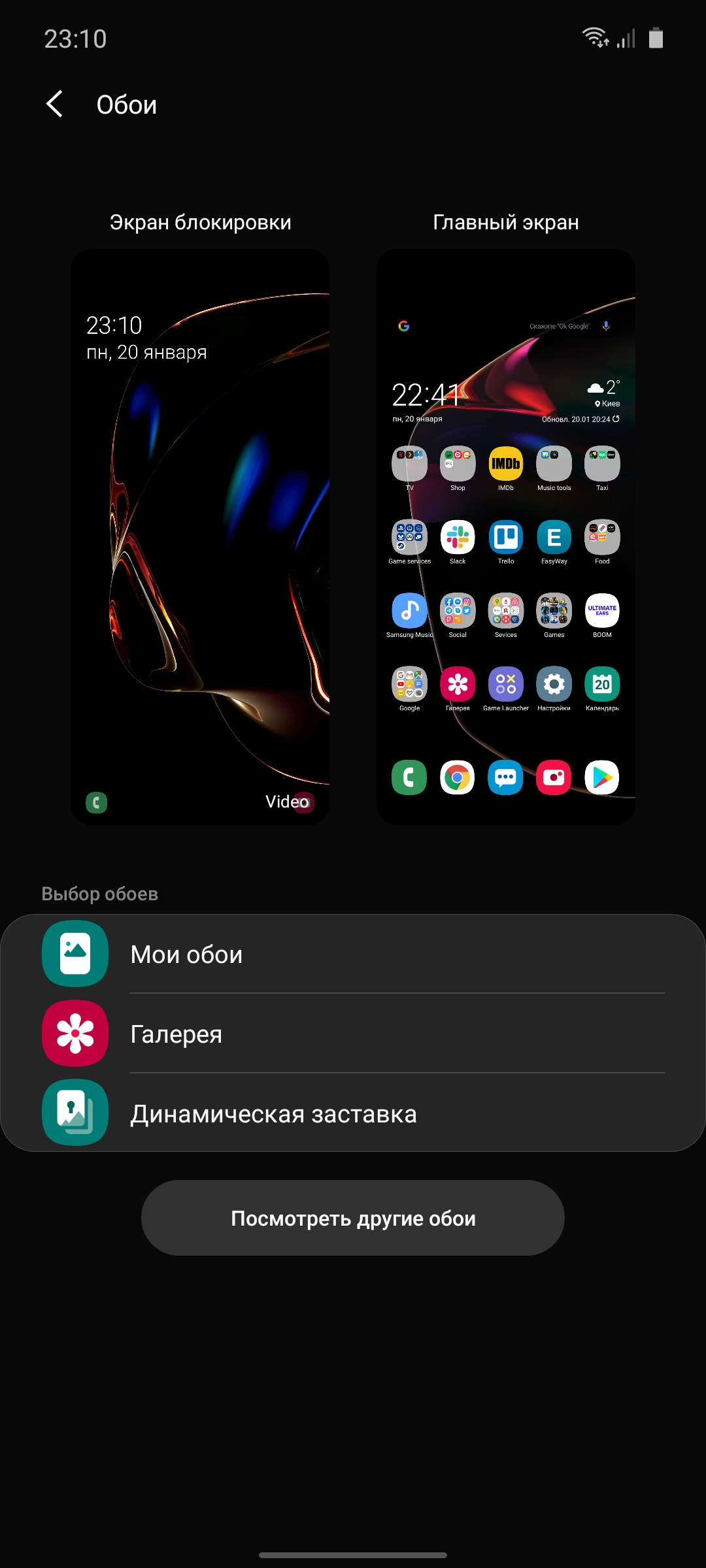
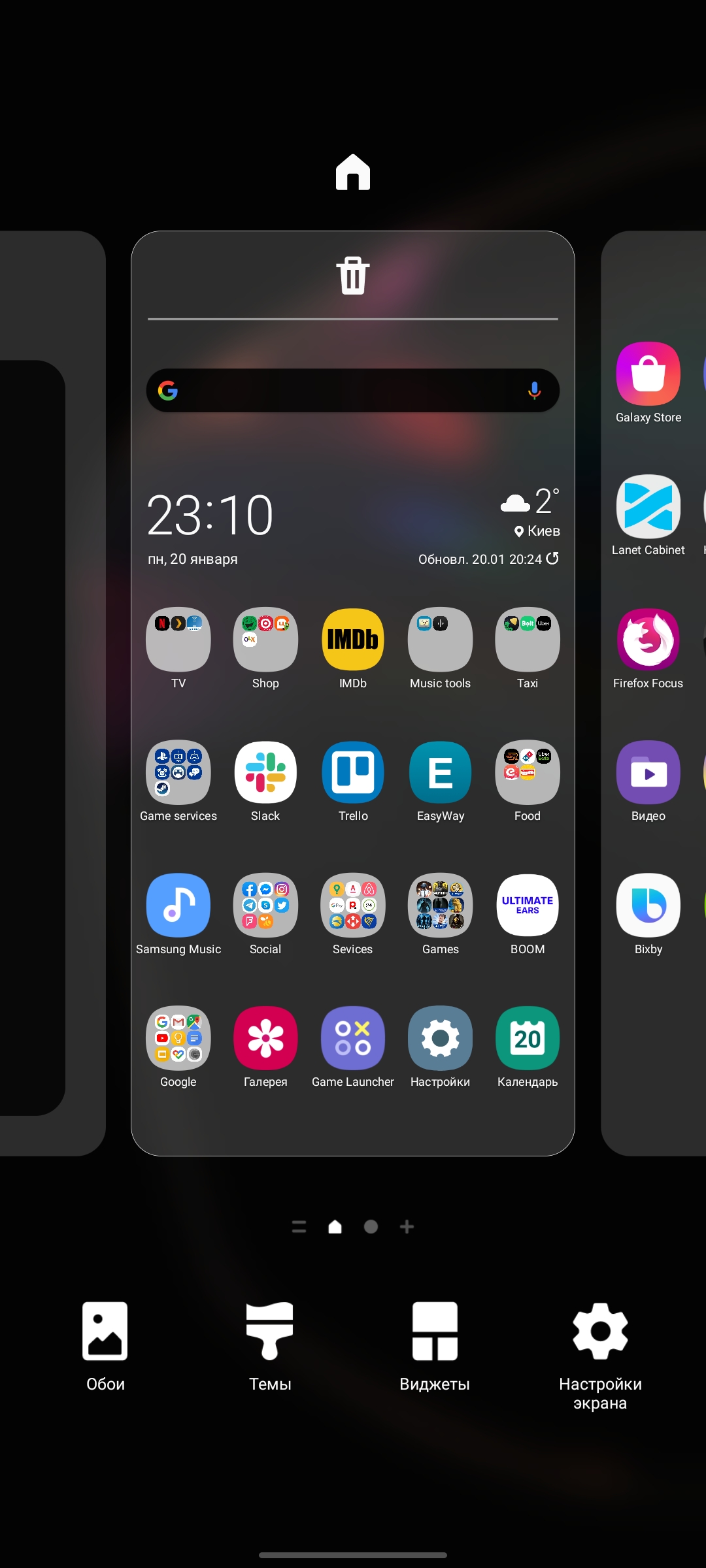
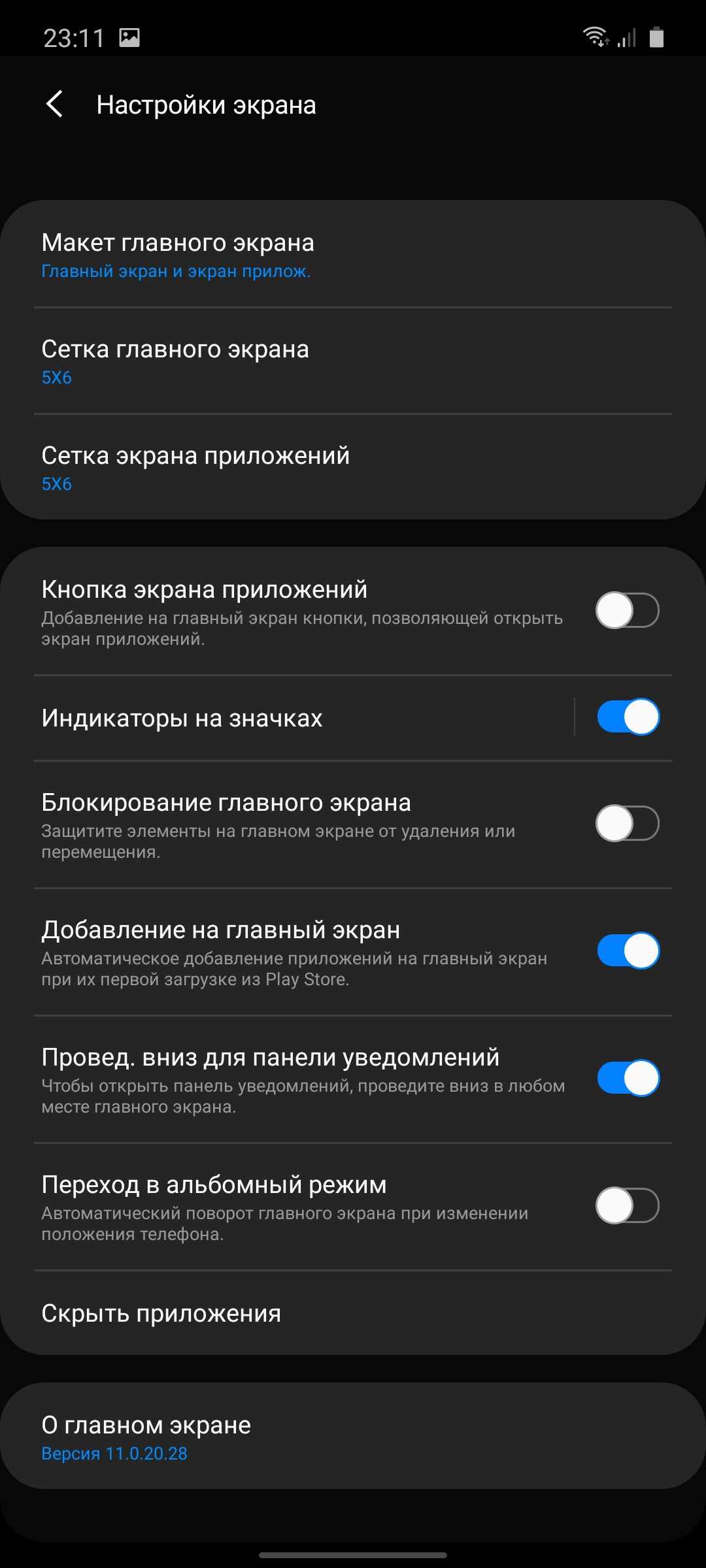
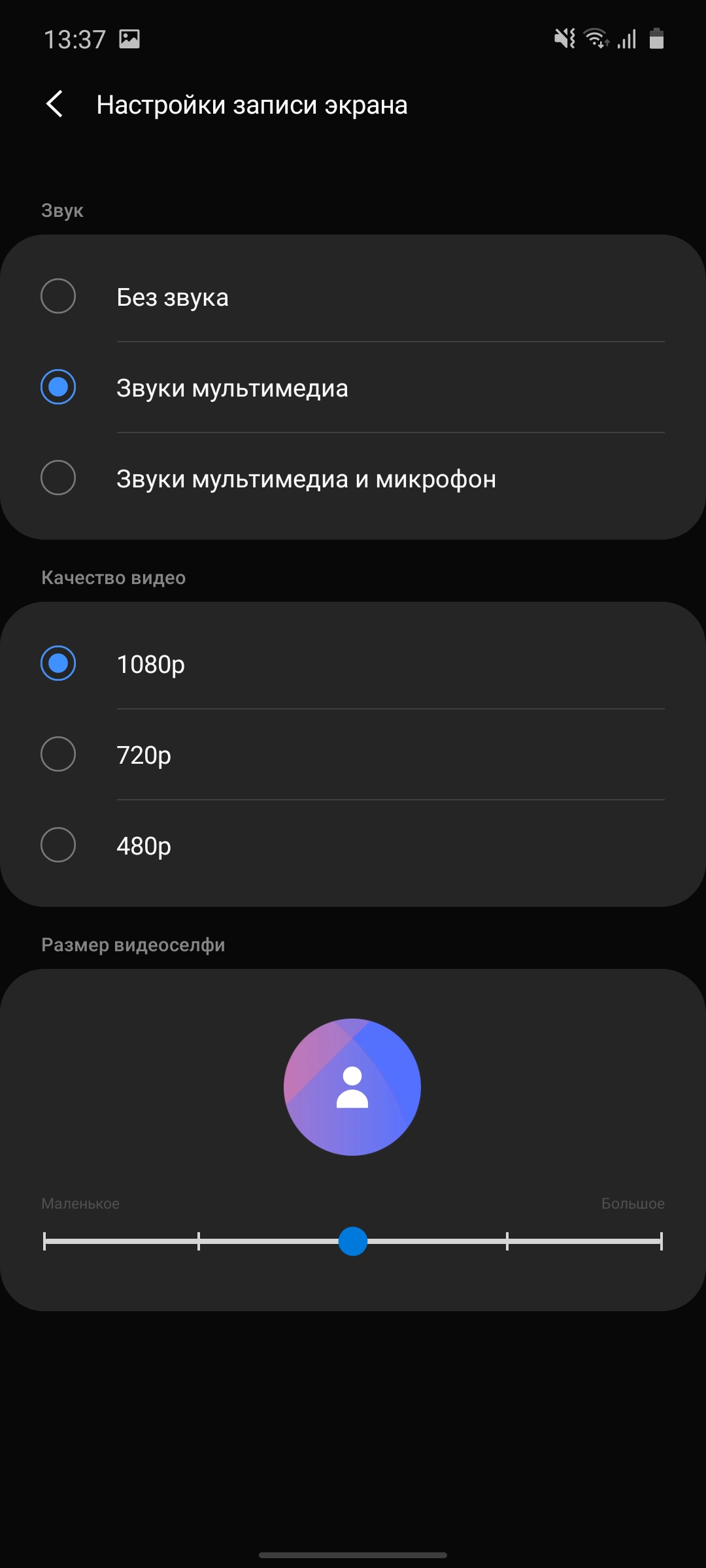
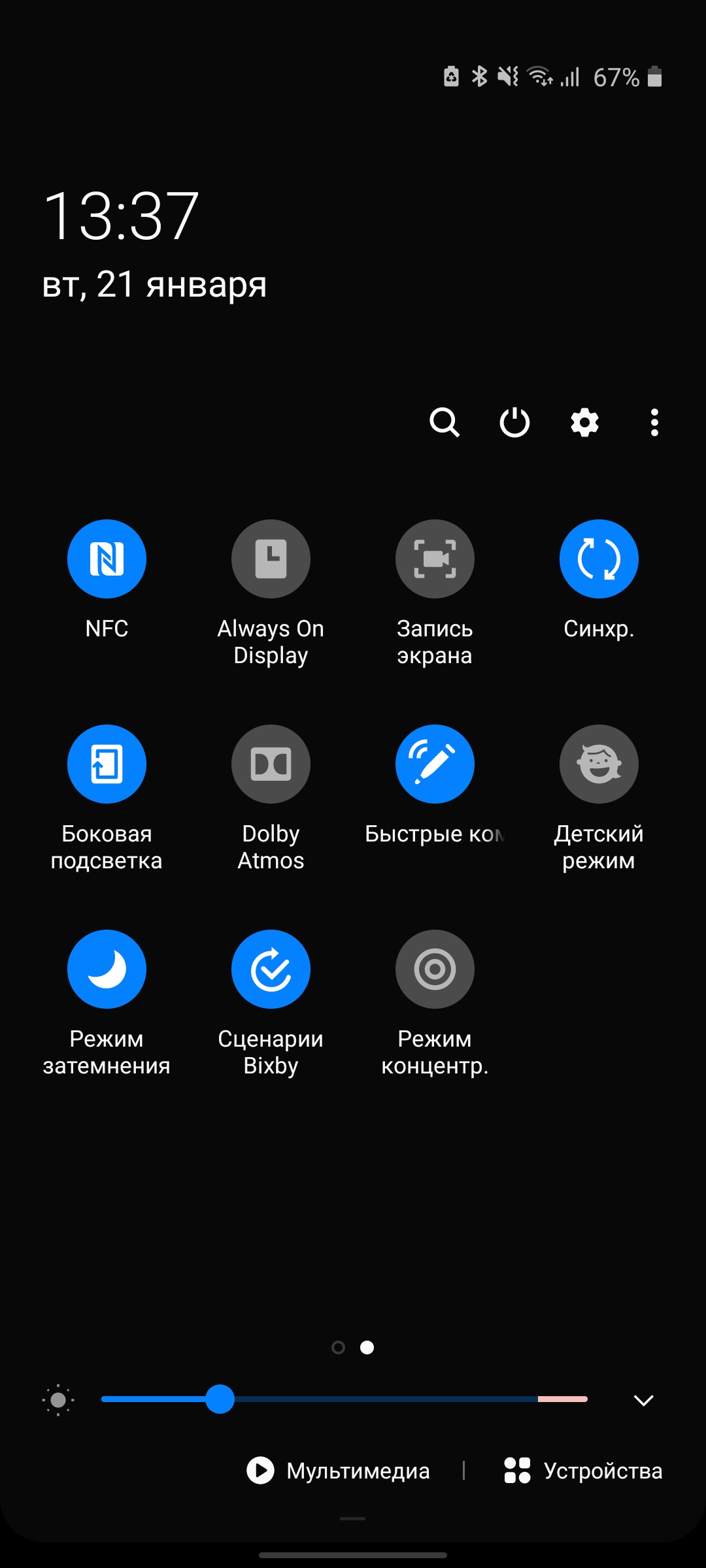
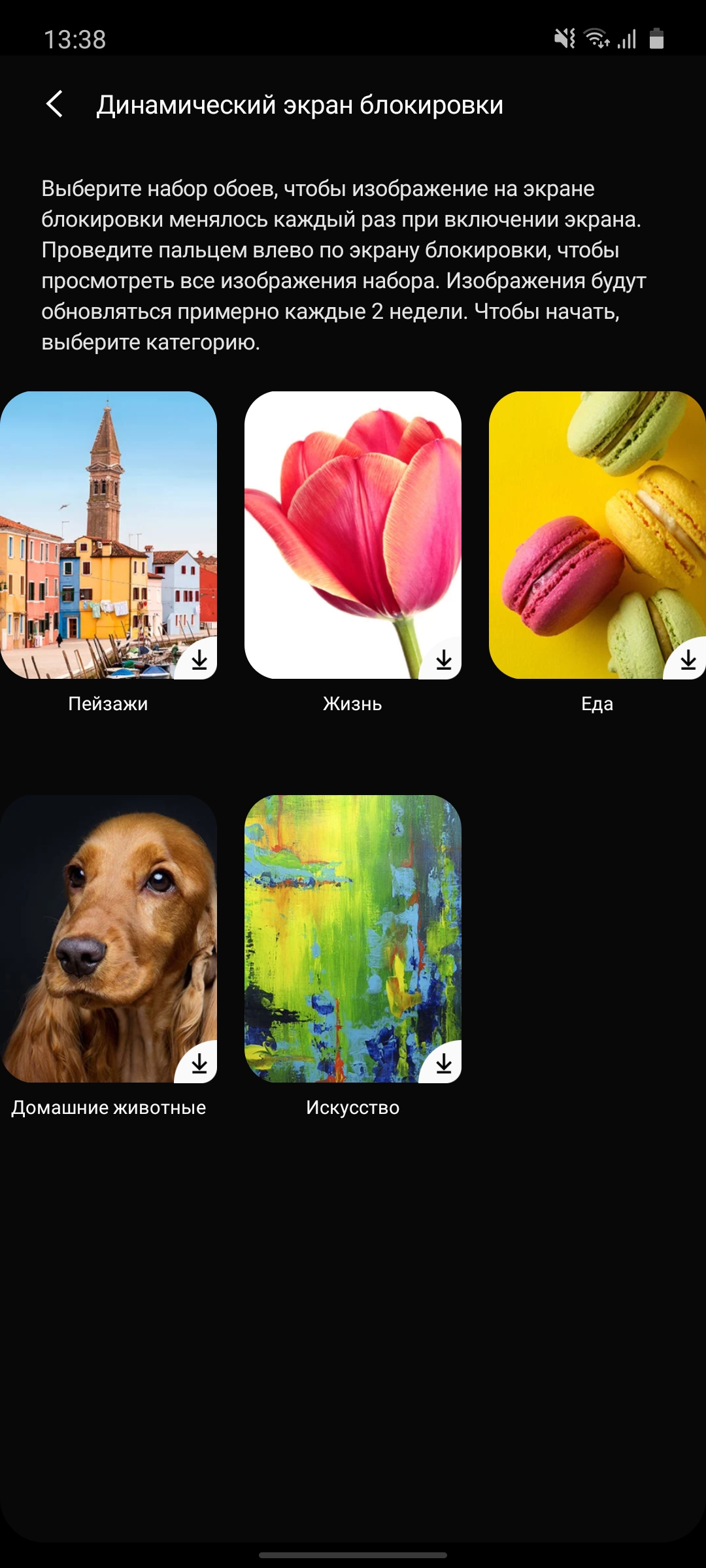
Samsung Galaxy Note10 Lite runs on OSAndroid 10 with the updated One UI version 2.0. There are not many changes compared to the previous version. The general logic and stylization remains the same. The entire interface has been redrawn in its own style; there are still features for easy one-handed operation on large screens. In most system menus and in the full curtain (by the way, it is possible to call it anywhere on the screen, not just from the top edge), the interface elements are shifted to the bottom of the display. To make it easier to reach with your finger. As standard, there are desktops and a separate application menu, but you can disable it and upload everything only to desktops. There is a “simplified” mode with large icons and some restrictions on functions. Various design themes have not gone anywhere, “alive” wallpaper, including on the lock screen, and so on. In addition to screenshots, there is now a standard ability to record video from the screen. Including recording sound on a microphone (for example, for your own comments).

</ img>

</ img>
</ img>















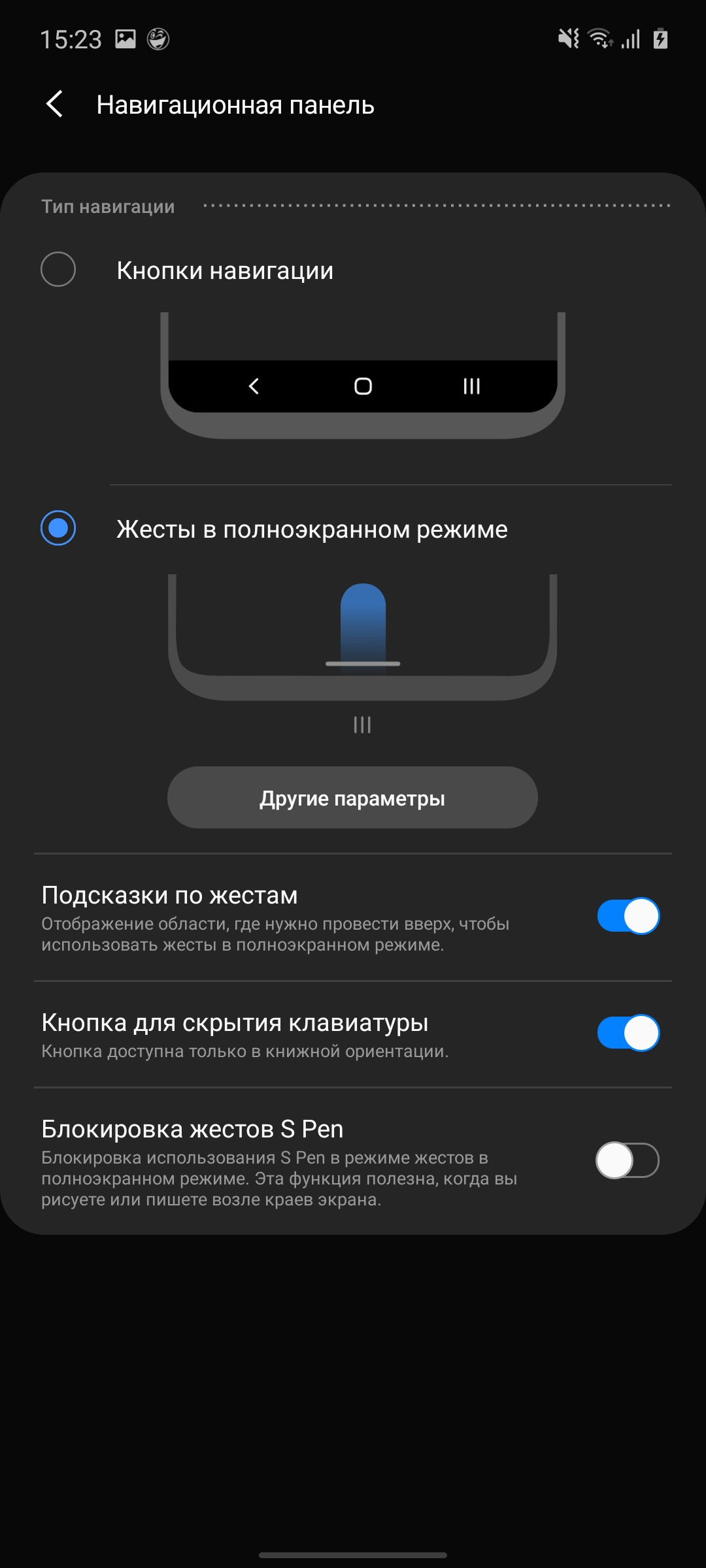
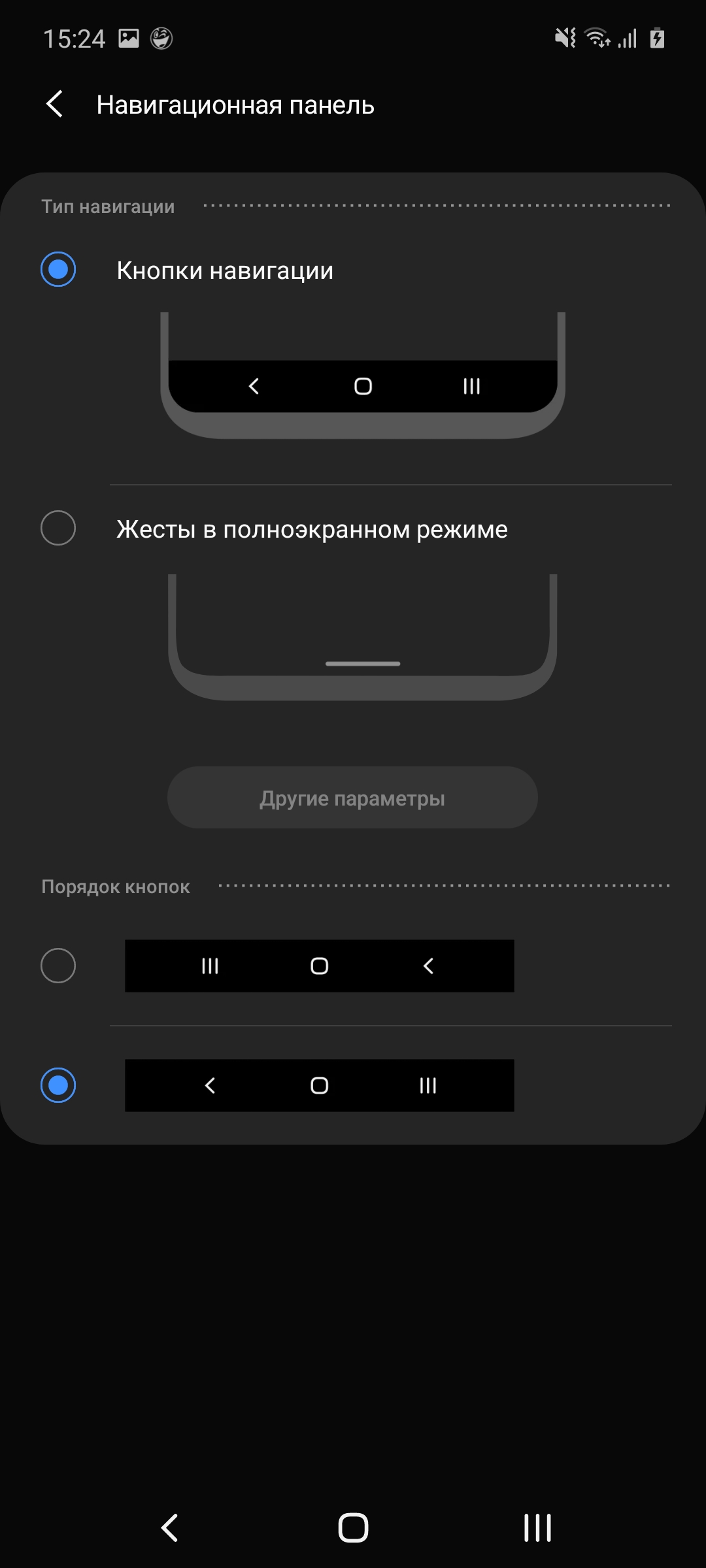
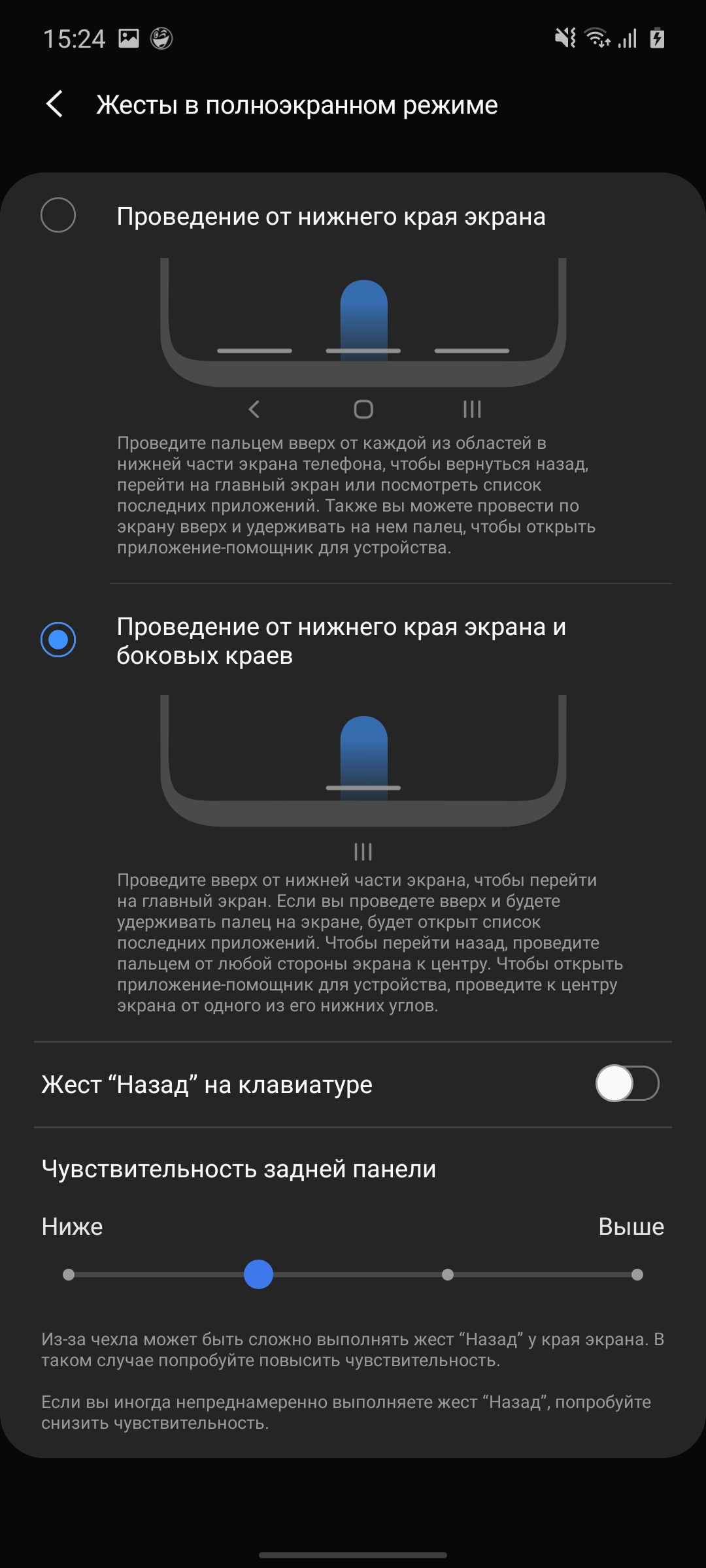
The previous version of One UI had two optionsnavigation: standard panel with buttons and gesture navigation. But the latter was actually a duplication of the same buttons, only you didn’t have to click on them, but pulled them up from the desired part of the bottom edge of the screen. Now a more convenient gesture navigation option has been added, as in the new Android 10. Back - move from the right or left edge of the screen, home - from the bottom, application manager - also pull from the bottom edge and hold your finger. This option seems more convenient and logical to me.
</ img>
</ img>
</ img>


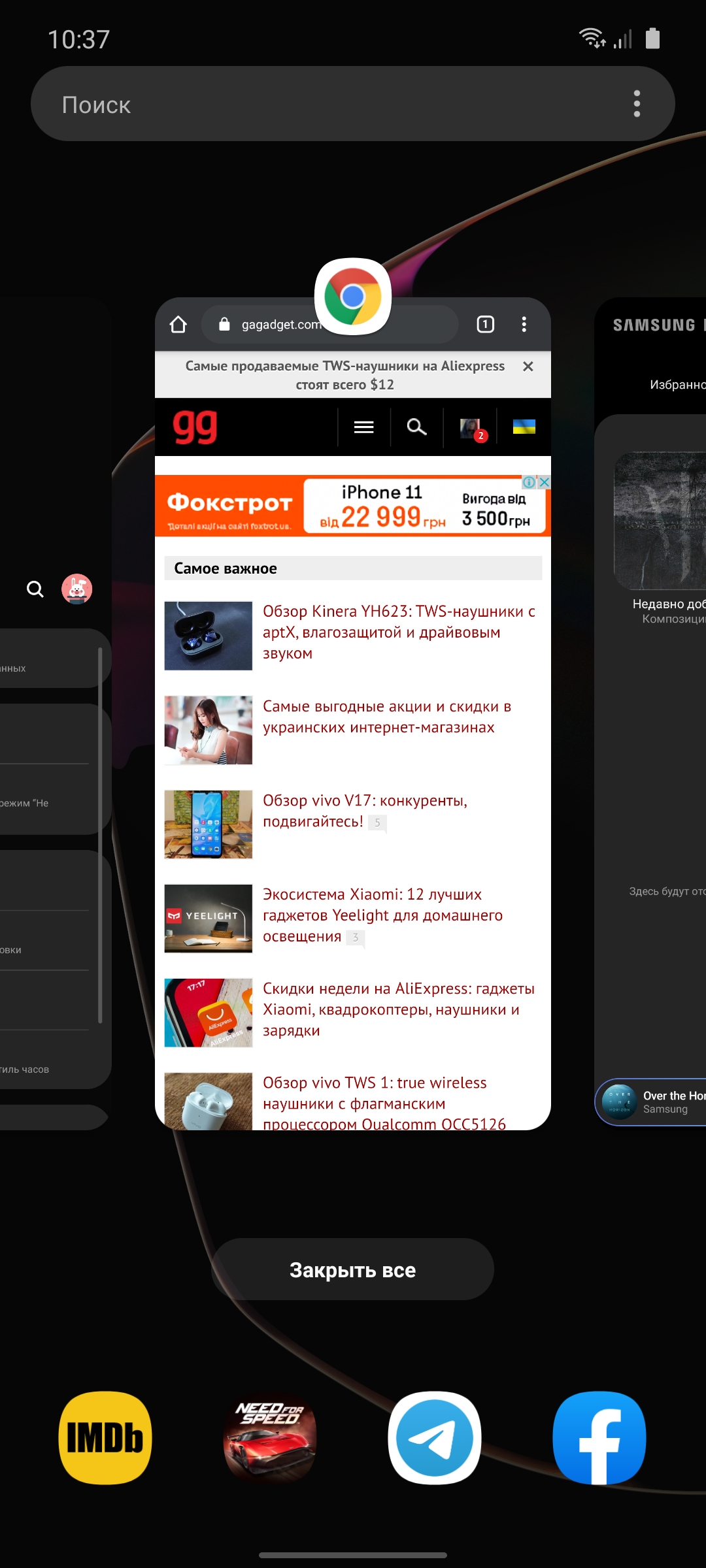
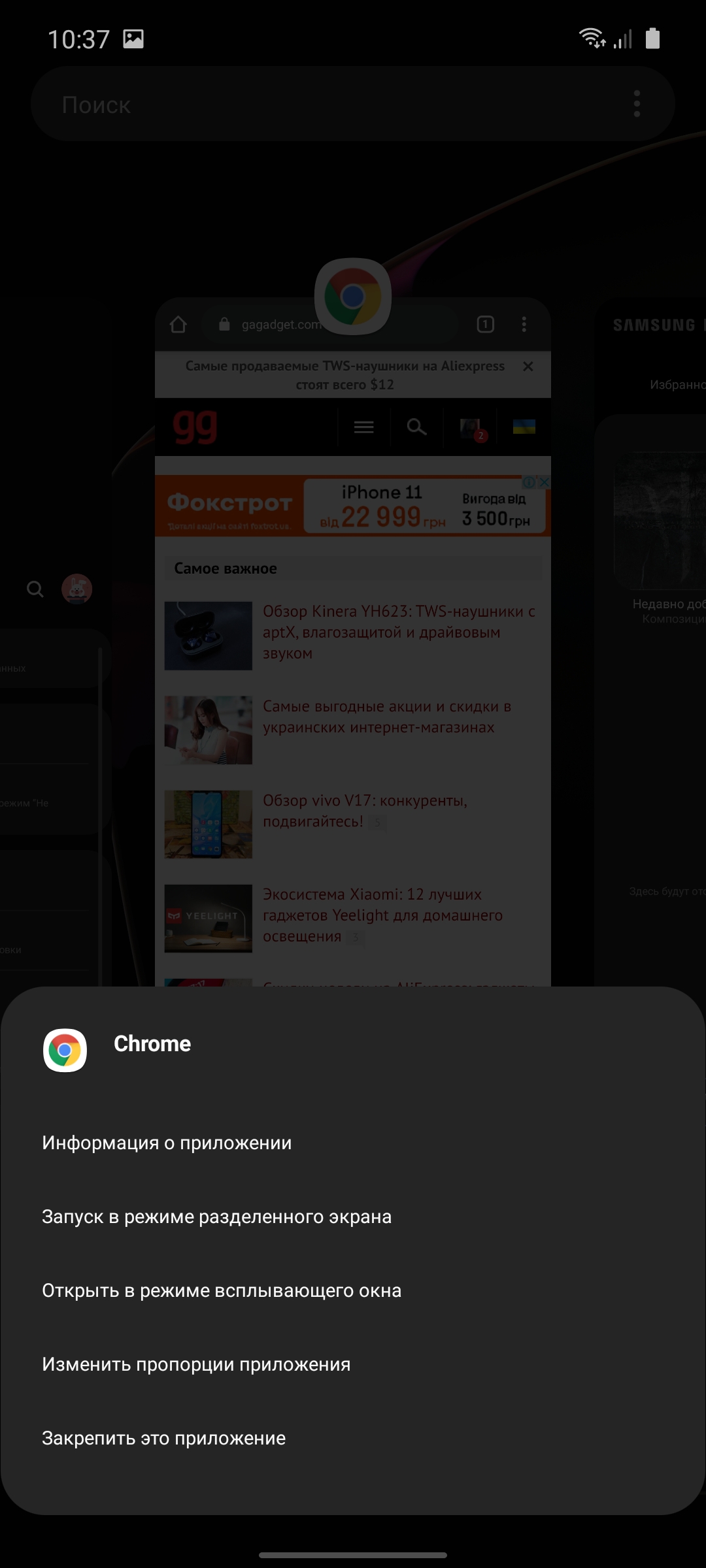
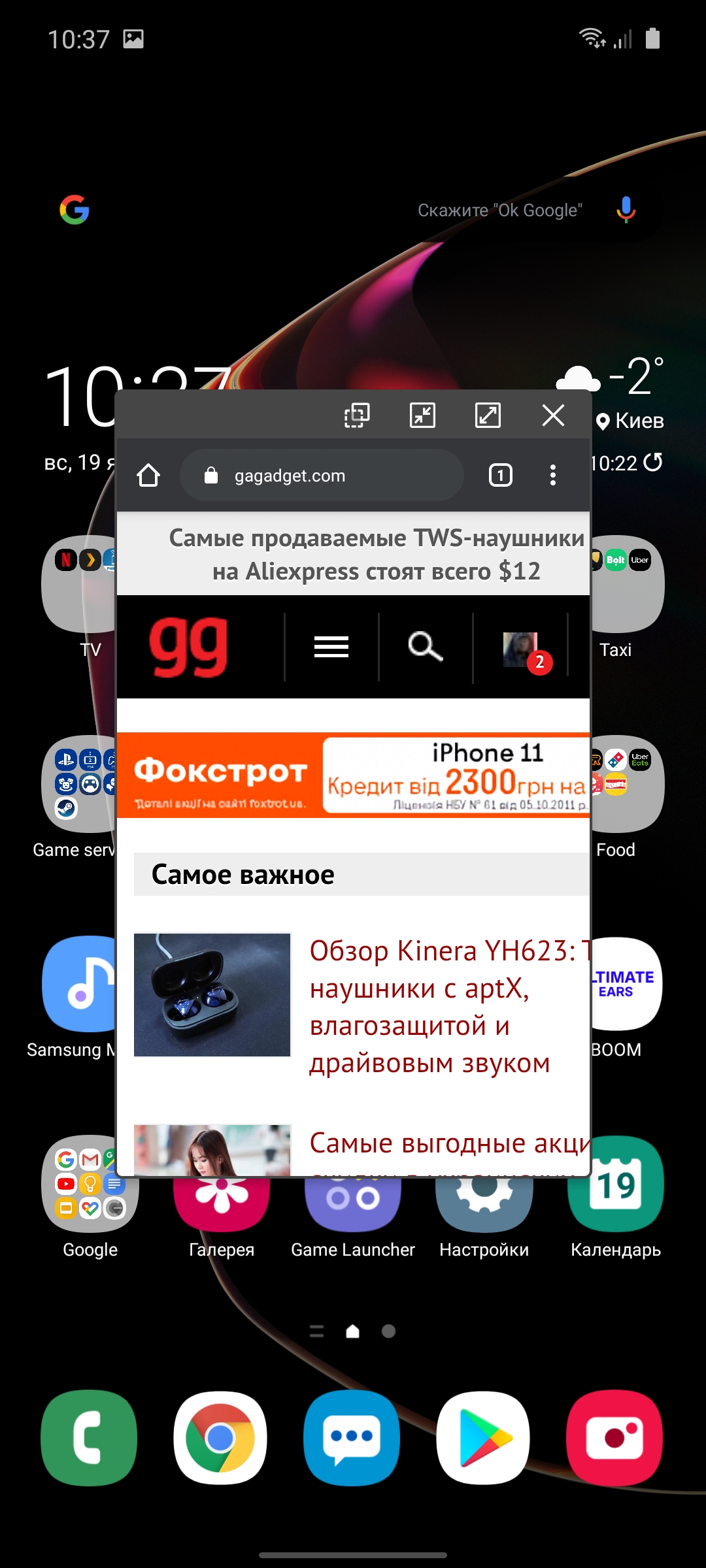
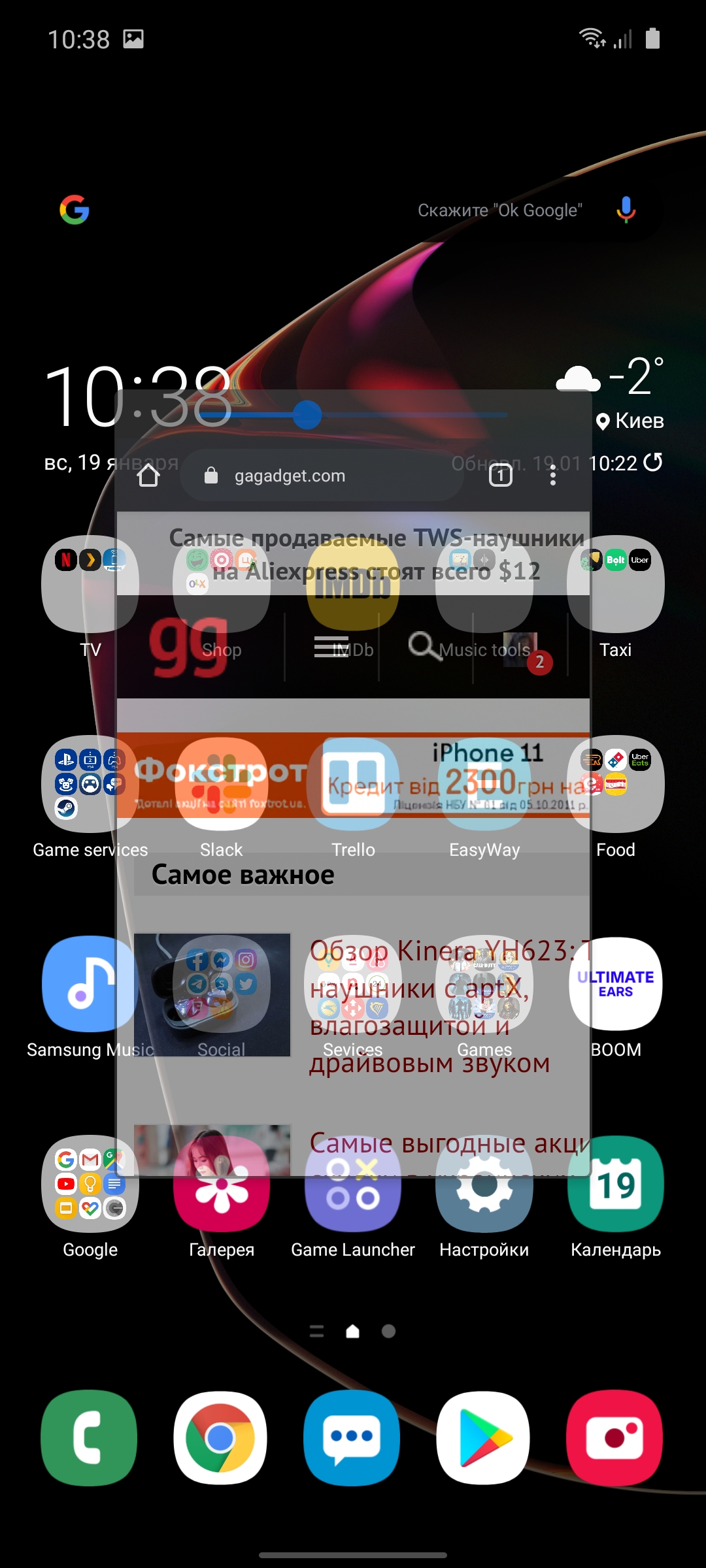
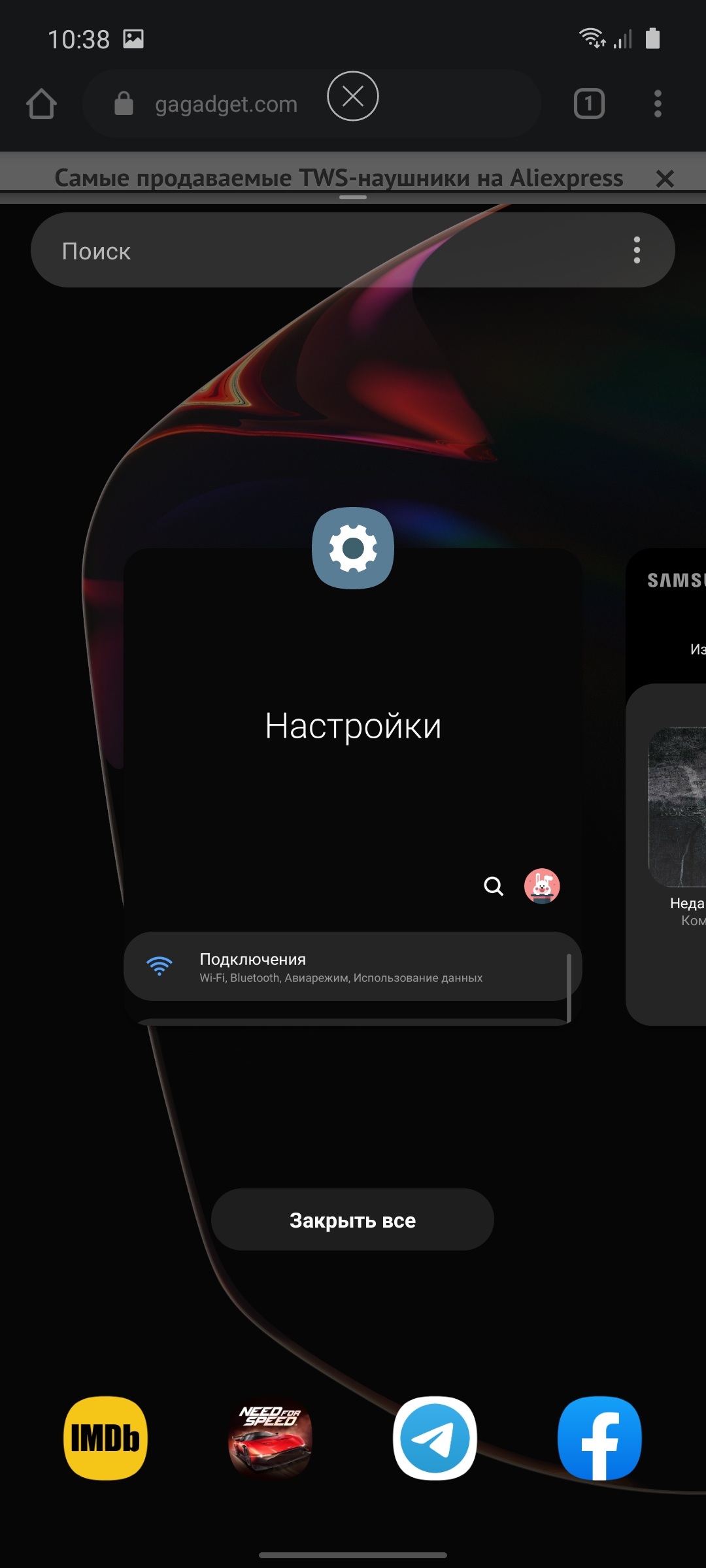
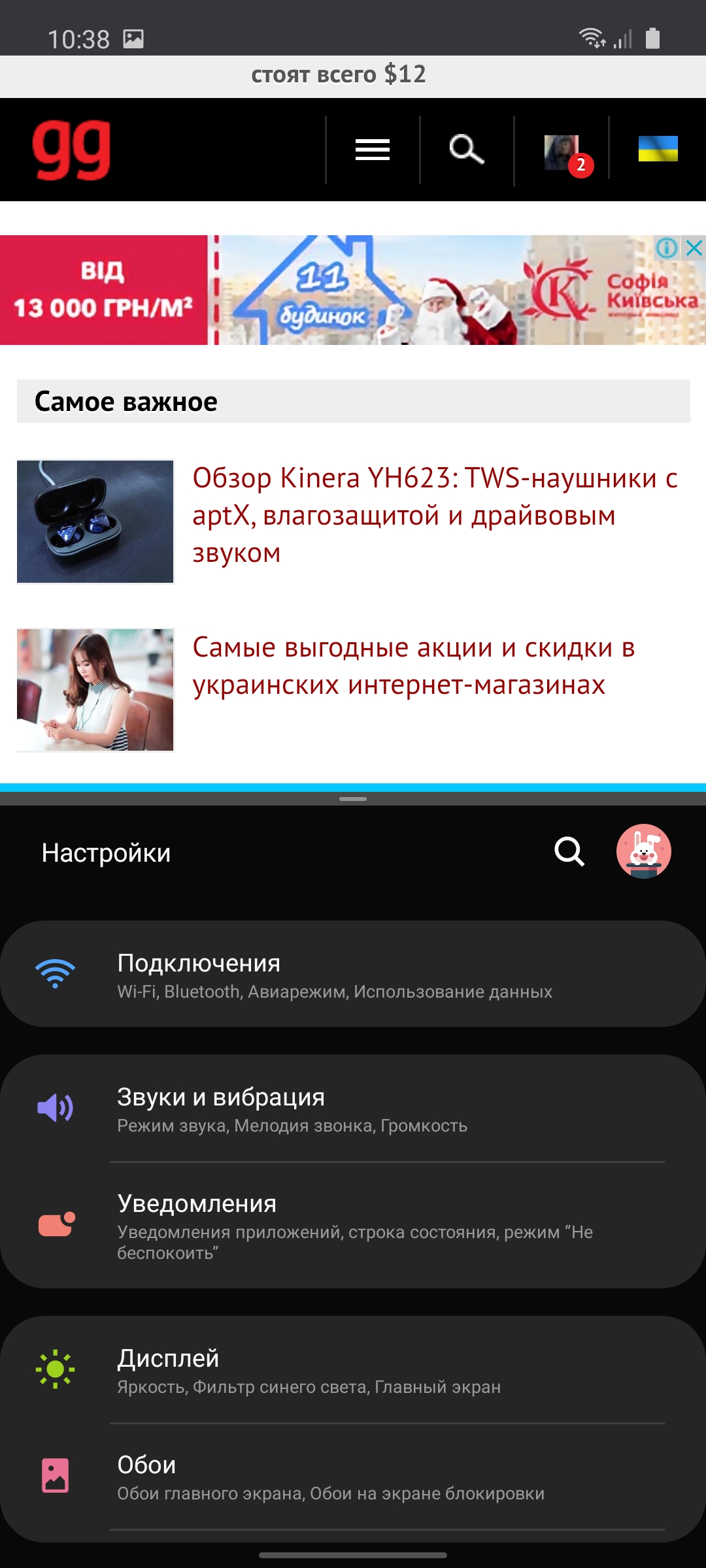
Advanced dual-mode application manager. Including the ability to open the application in a window, make it translucent or minimize to an icon:
</ img>
</ img>
</ img>





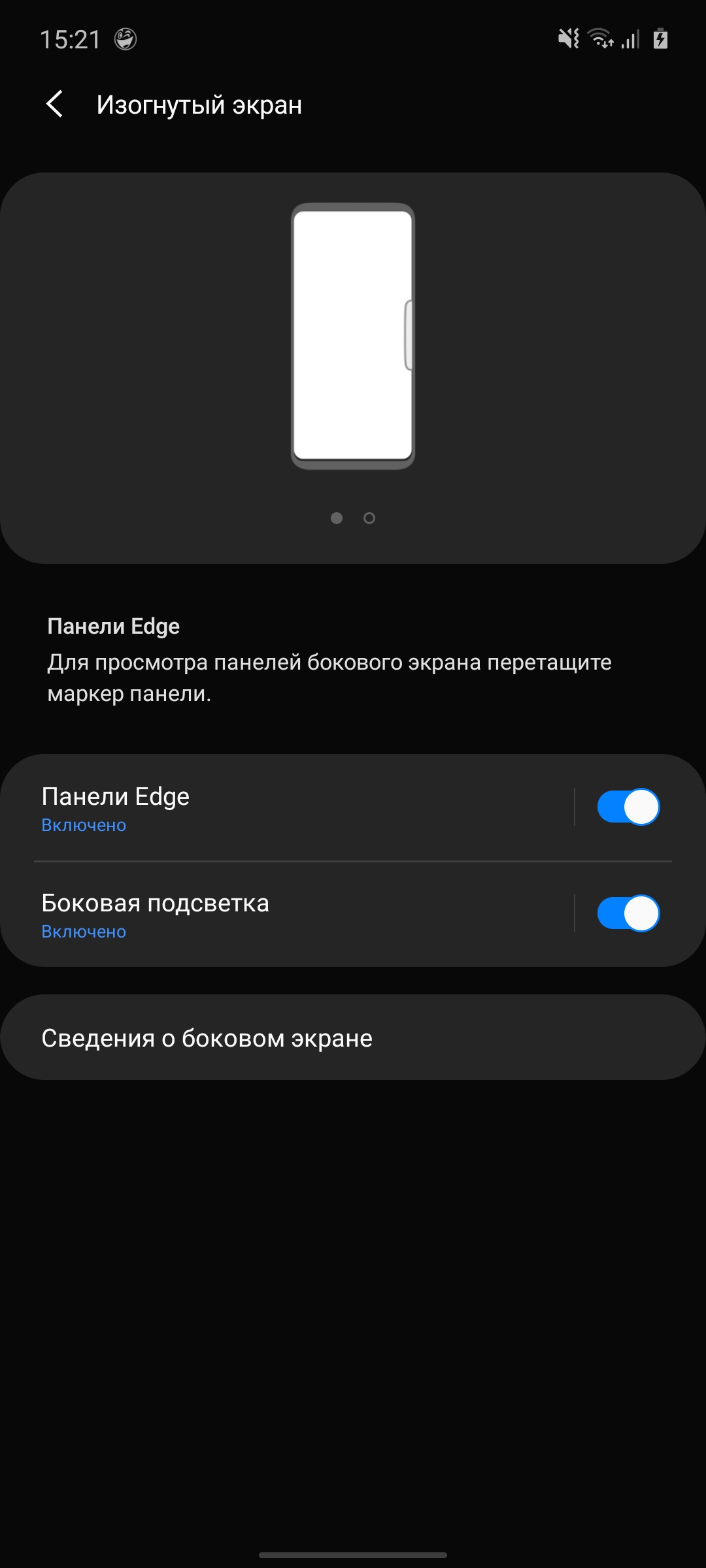
Interestingly, despite the absence of curvedon the sides of the display, the Edge panel remains in the smartphone. Moreover, in the settings it is located in the “Curved screen” item. But, in general, the functionality is already well known. This is a set of quick tools that are called up by moving from the edge of the screen to the location where the corresponding label is located. Panels can be customized, downloaded, and additional ones added. There are all sorts of compasses, rulers, flashlights, a list of quick contacts, a music player, a clipboard, and so on.



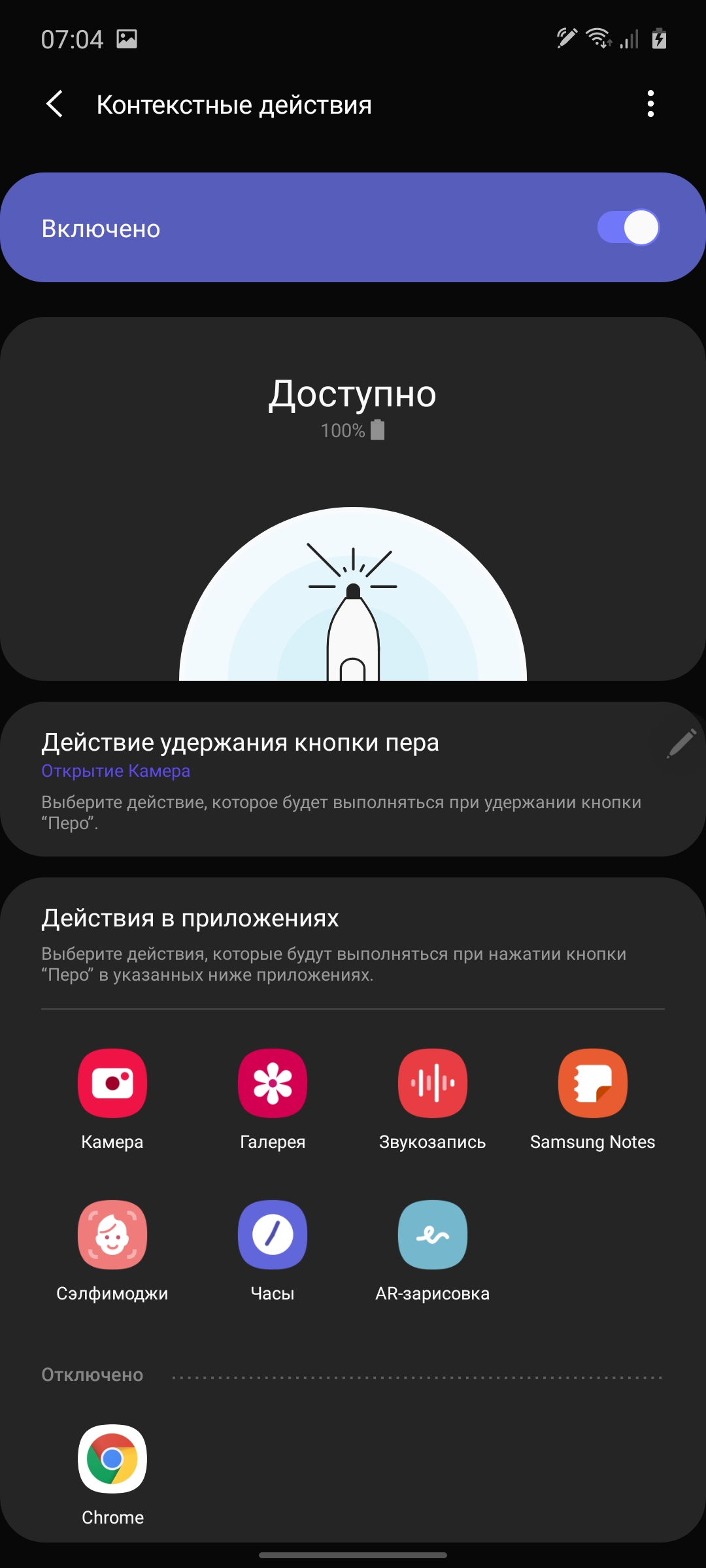
The S Pen stylus seems to have been carried over from the Galaxy Note9.It can recognize 4096 degrees of pressure, detect tilt, and is equipped with one physical button. There are a bunch of different things for drawing and quick handwritten notes. There is the ability to screenshot part of the screen with saving and annotations, live GIF messages and a translator. The S Pen is equipped with Bluetooth and a built-in battery. There is no gyroscope, like in the Galaxy Note10/10+, additional gestures with the stylus in the air are not supported, but the stylus can be used as a remote control using a button. You can switch tracks in the player, flip through slides in a presentation, take photos, and so on.



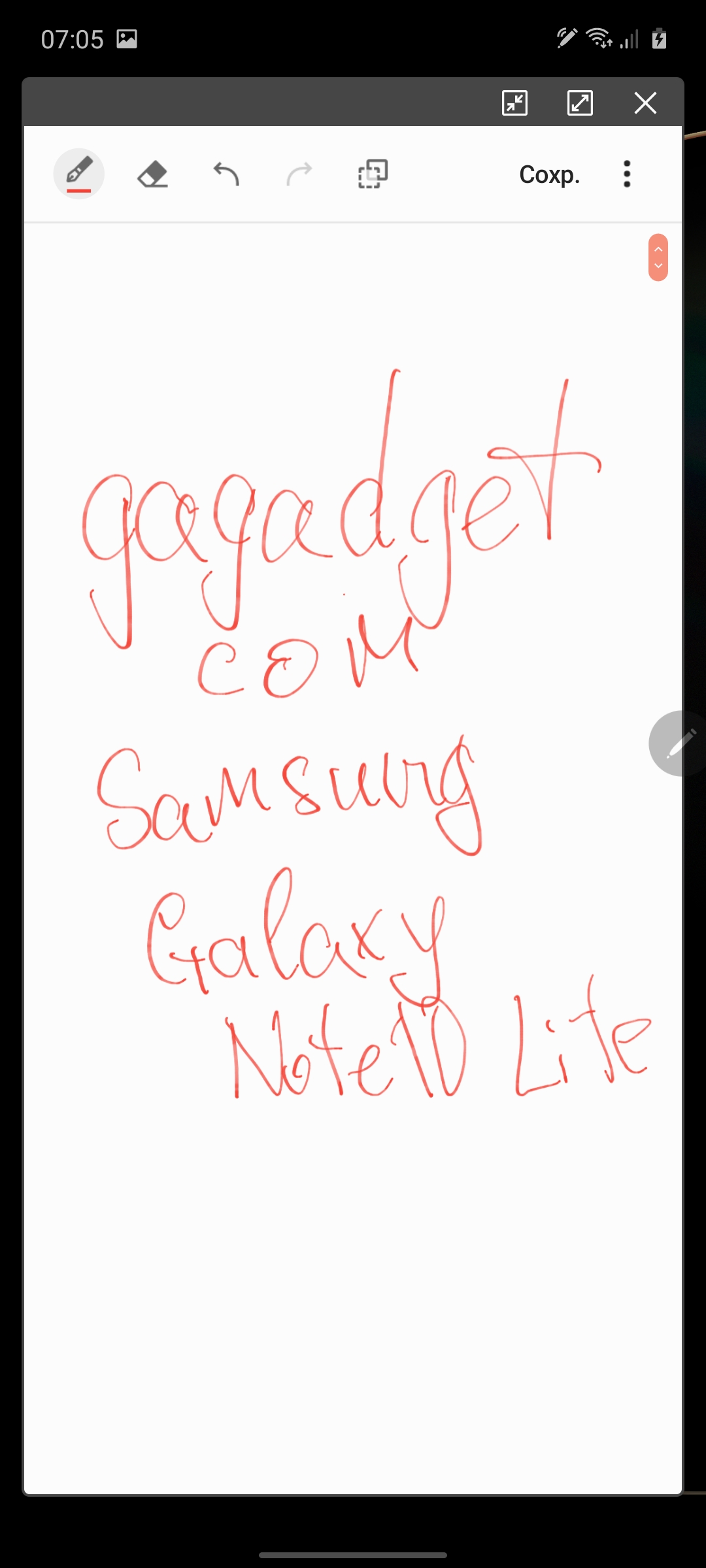
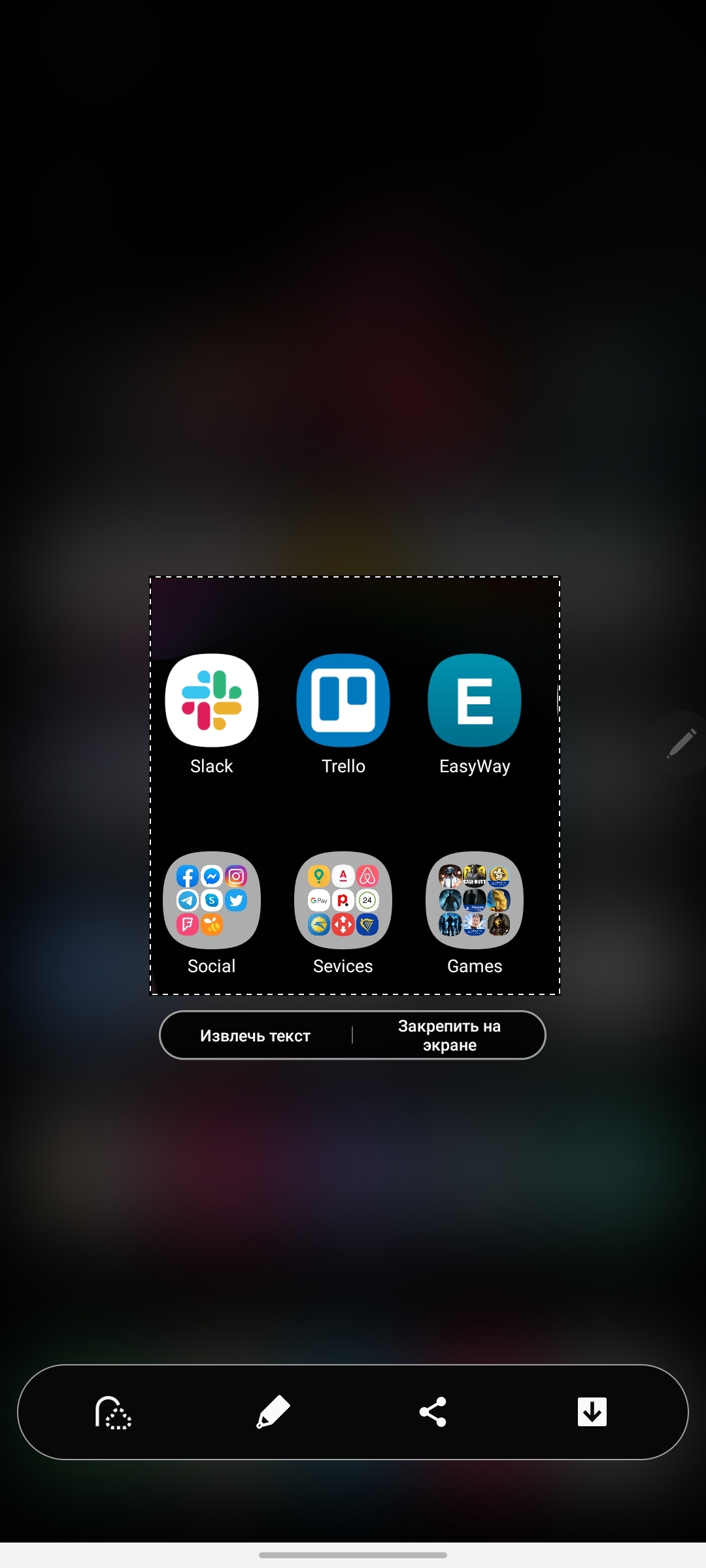
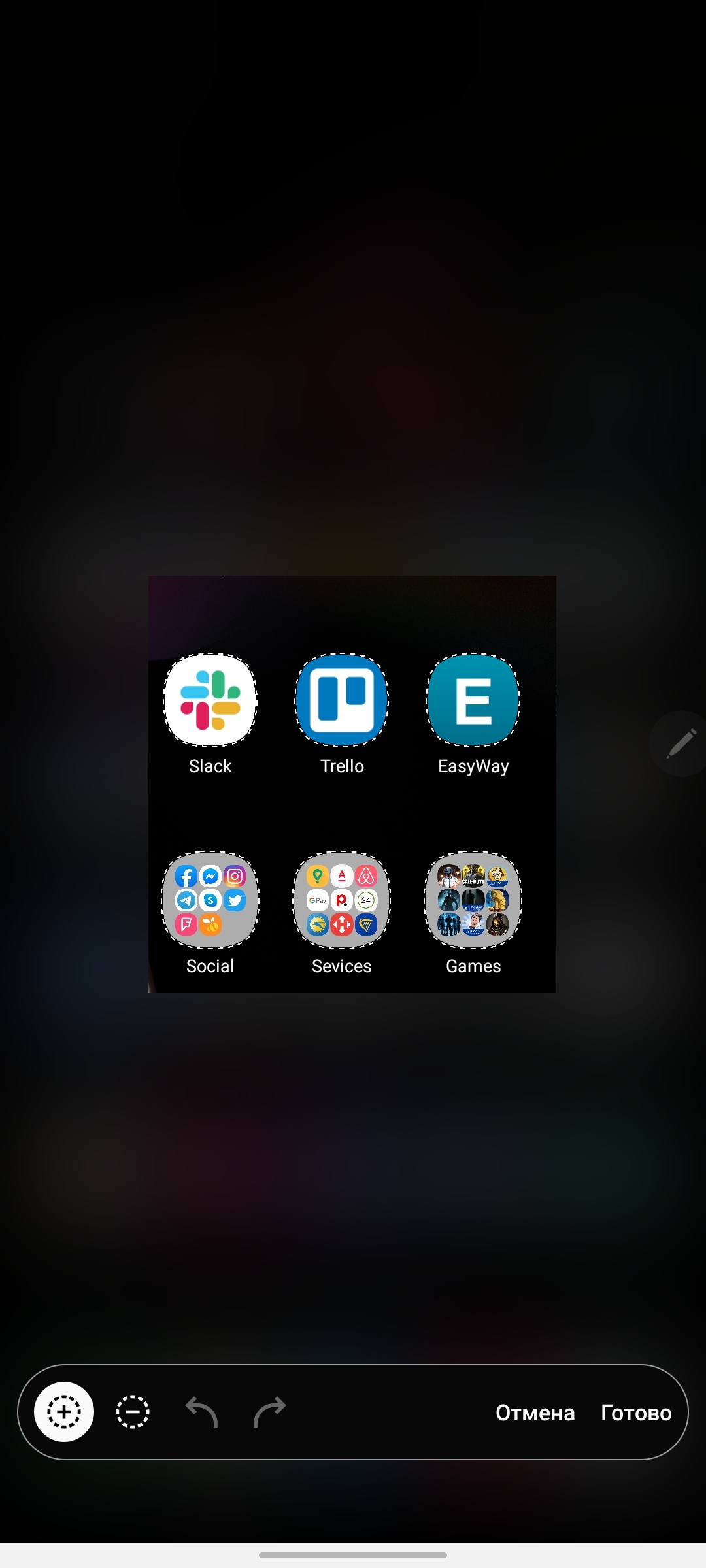
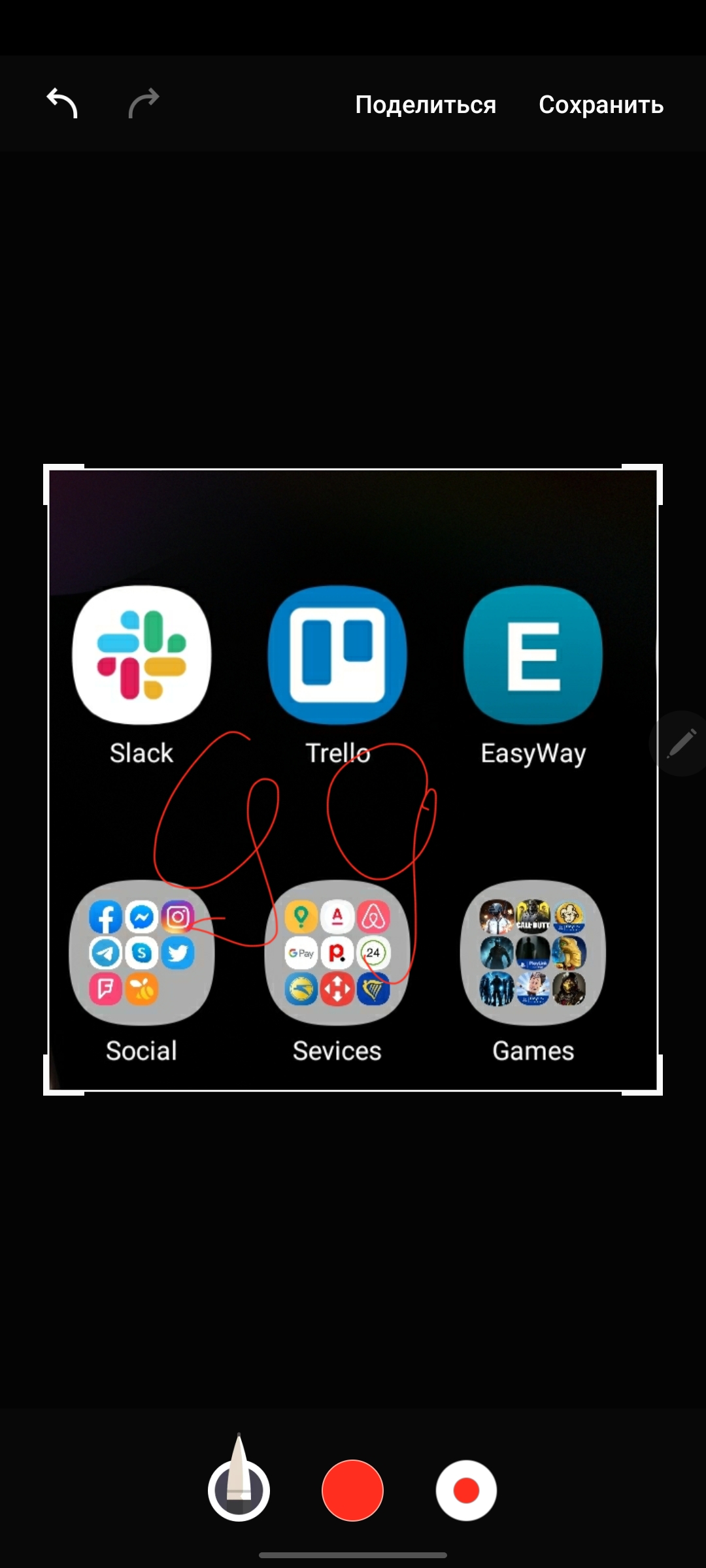

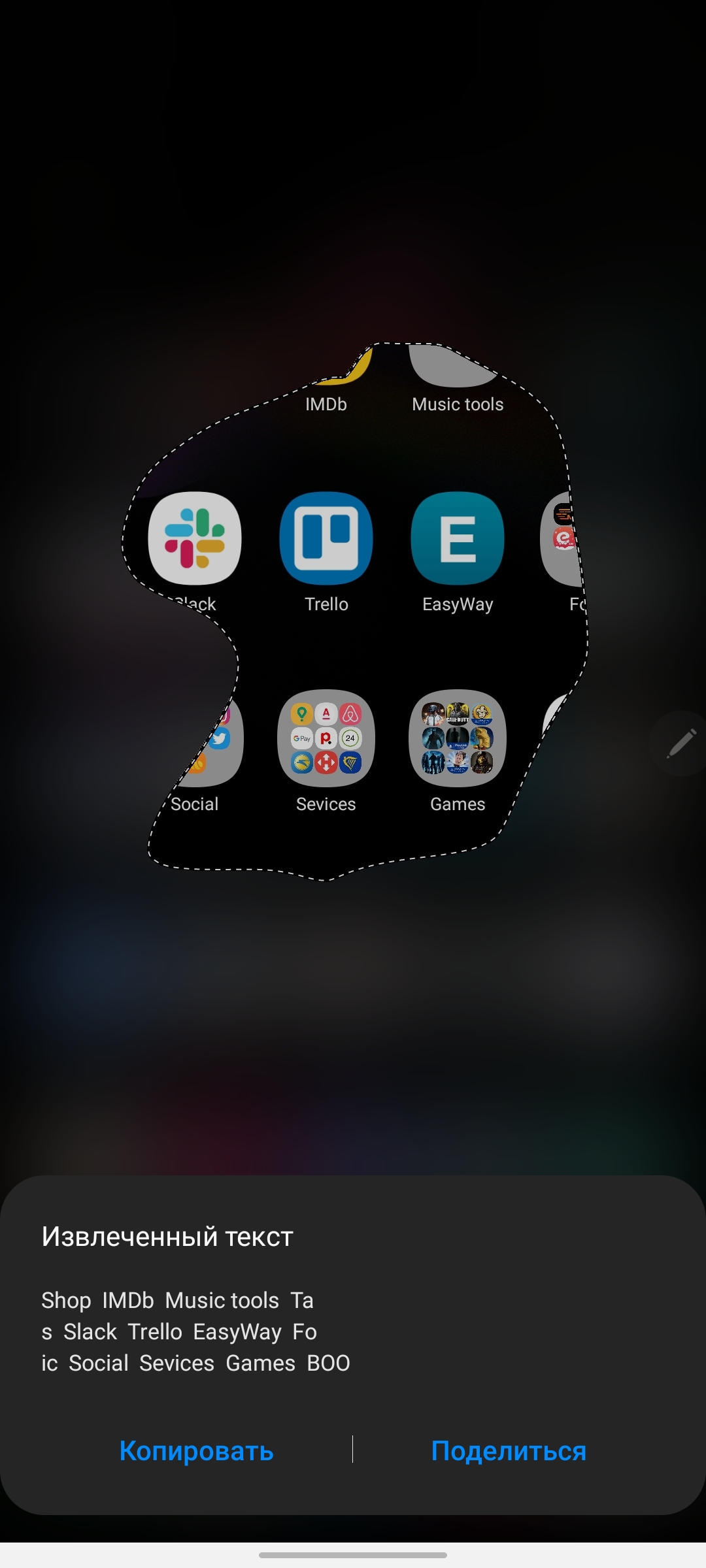
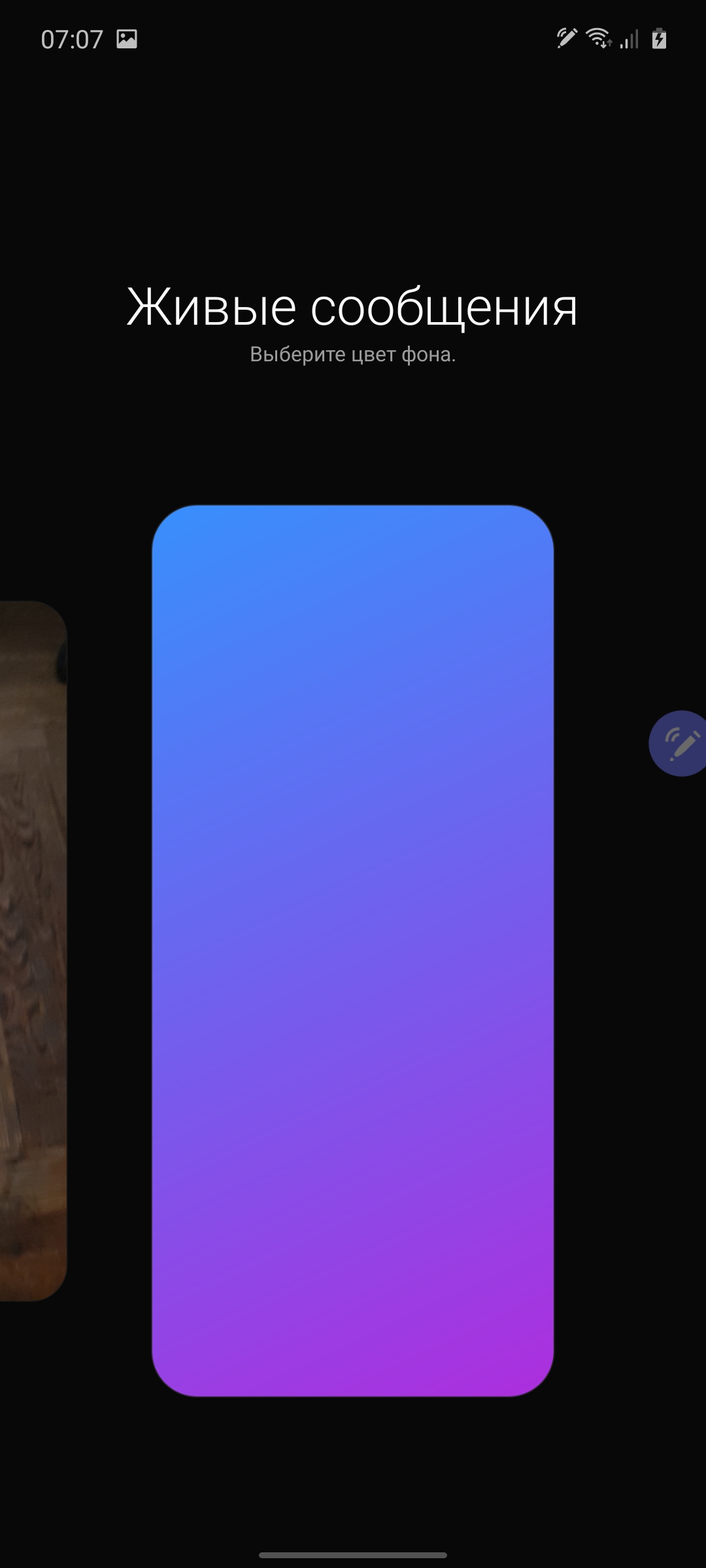
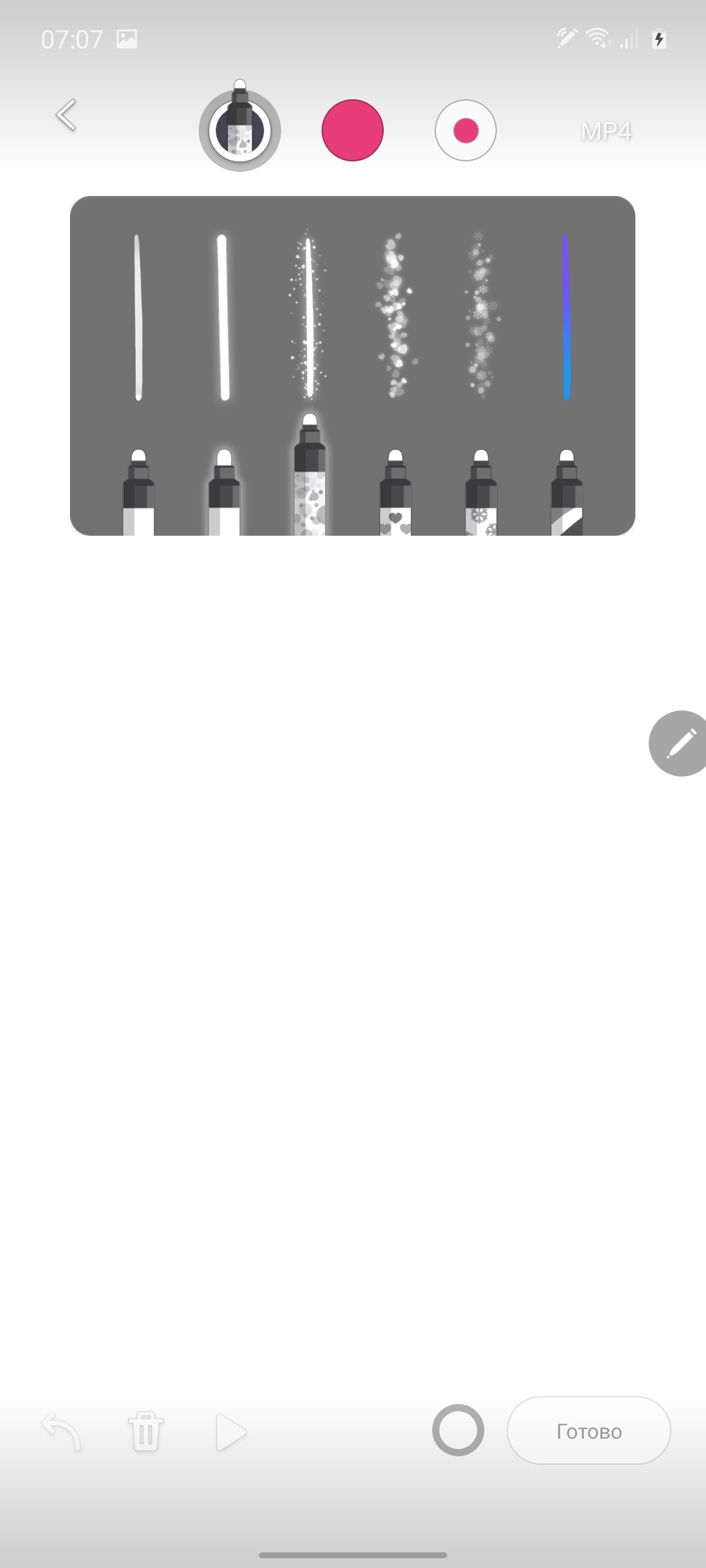
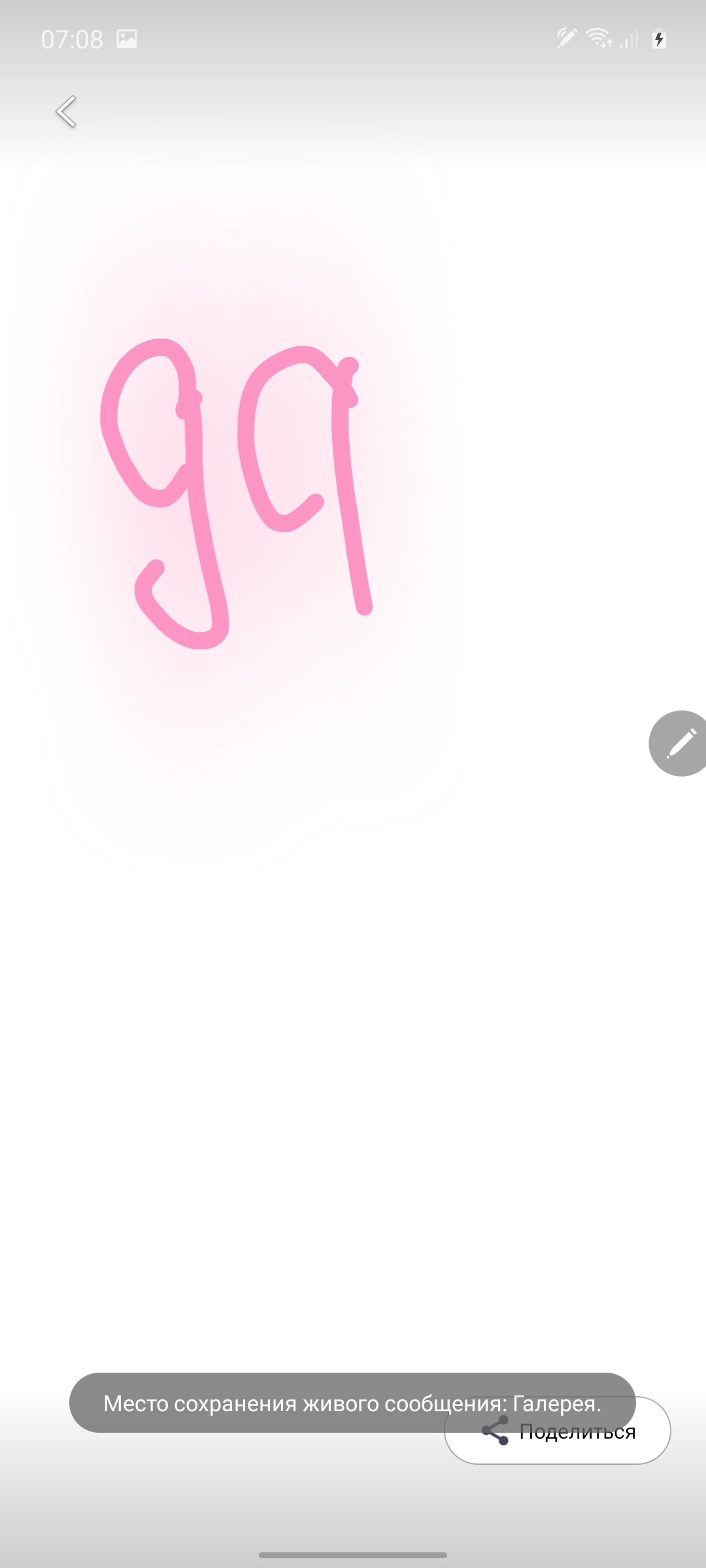
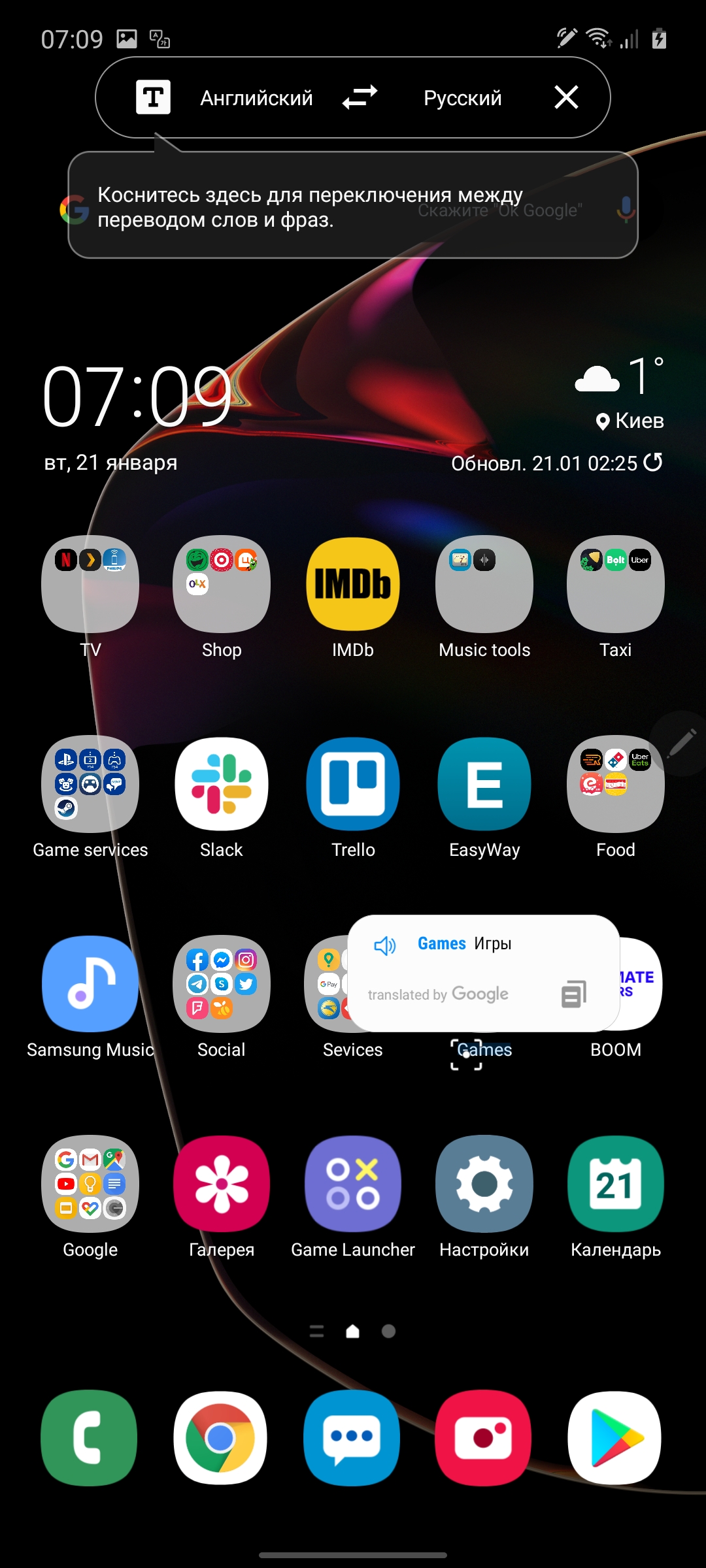












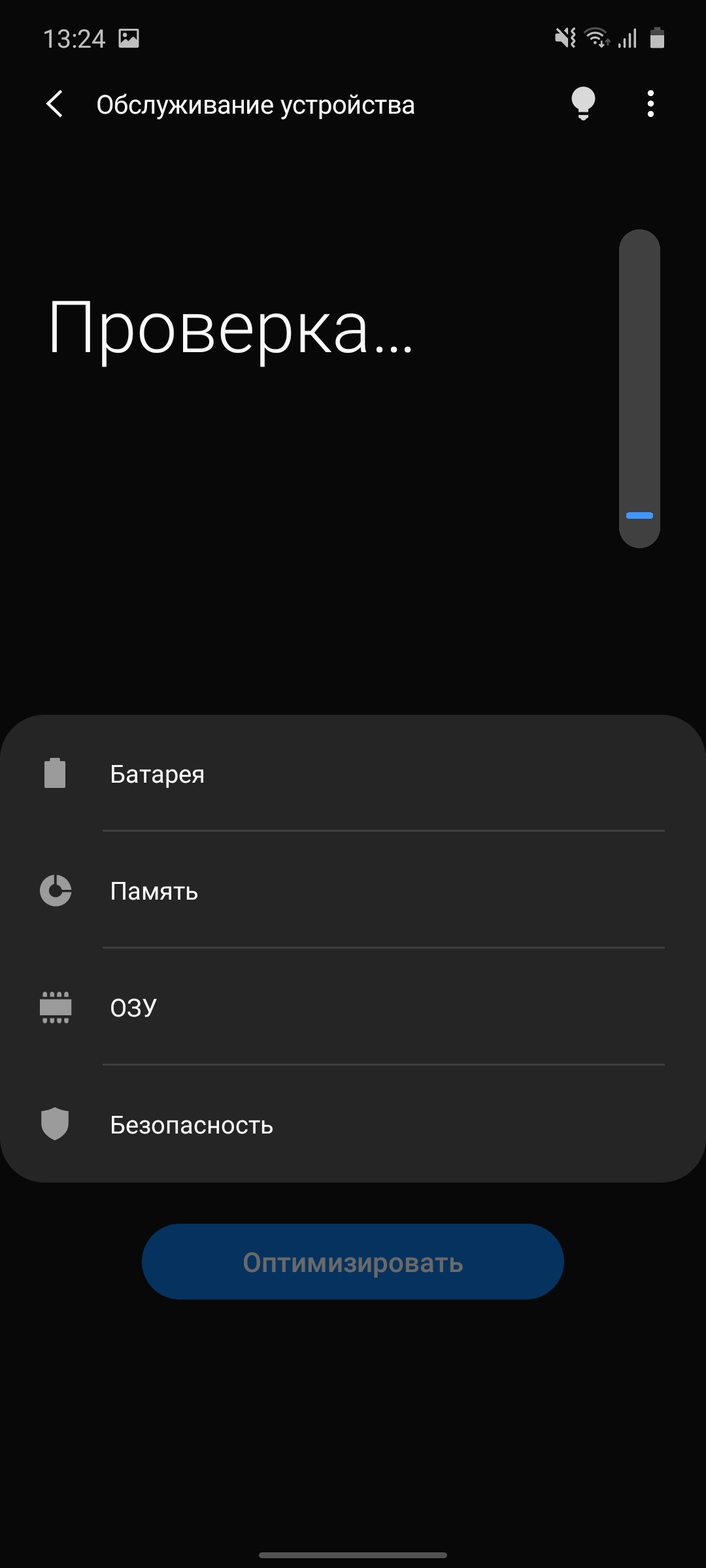
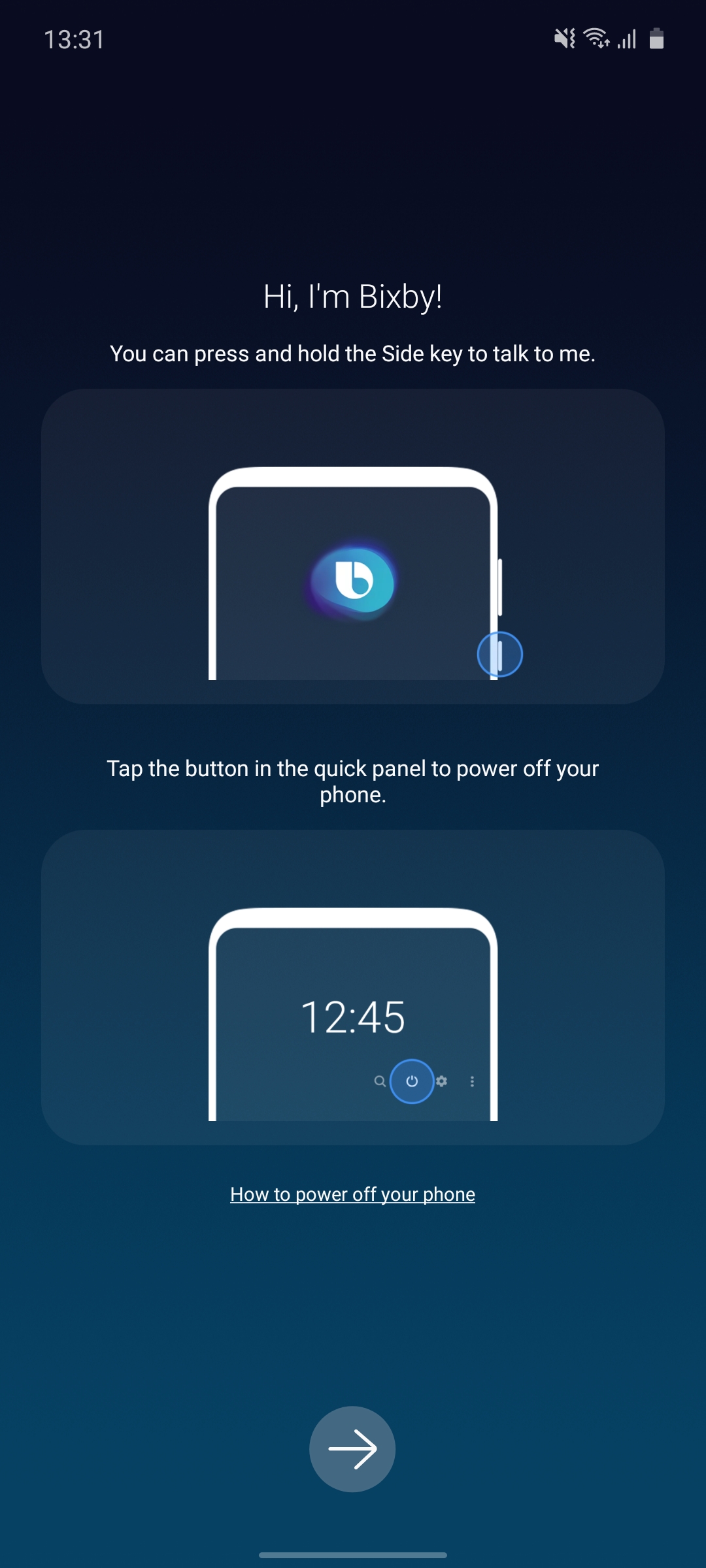
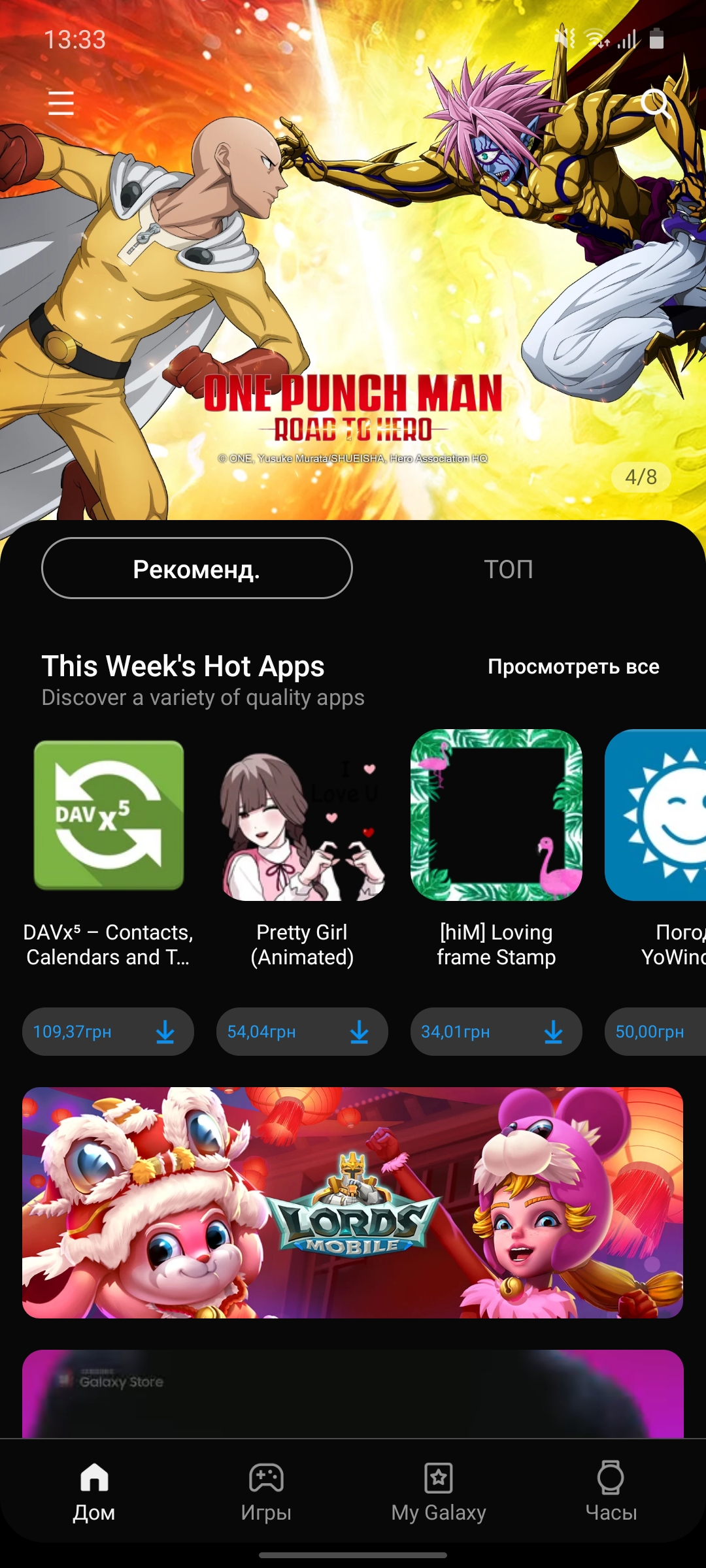
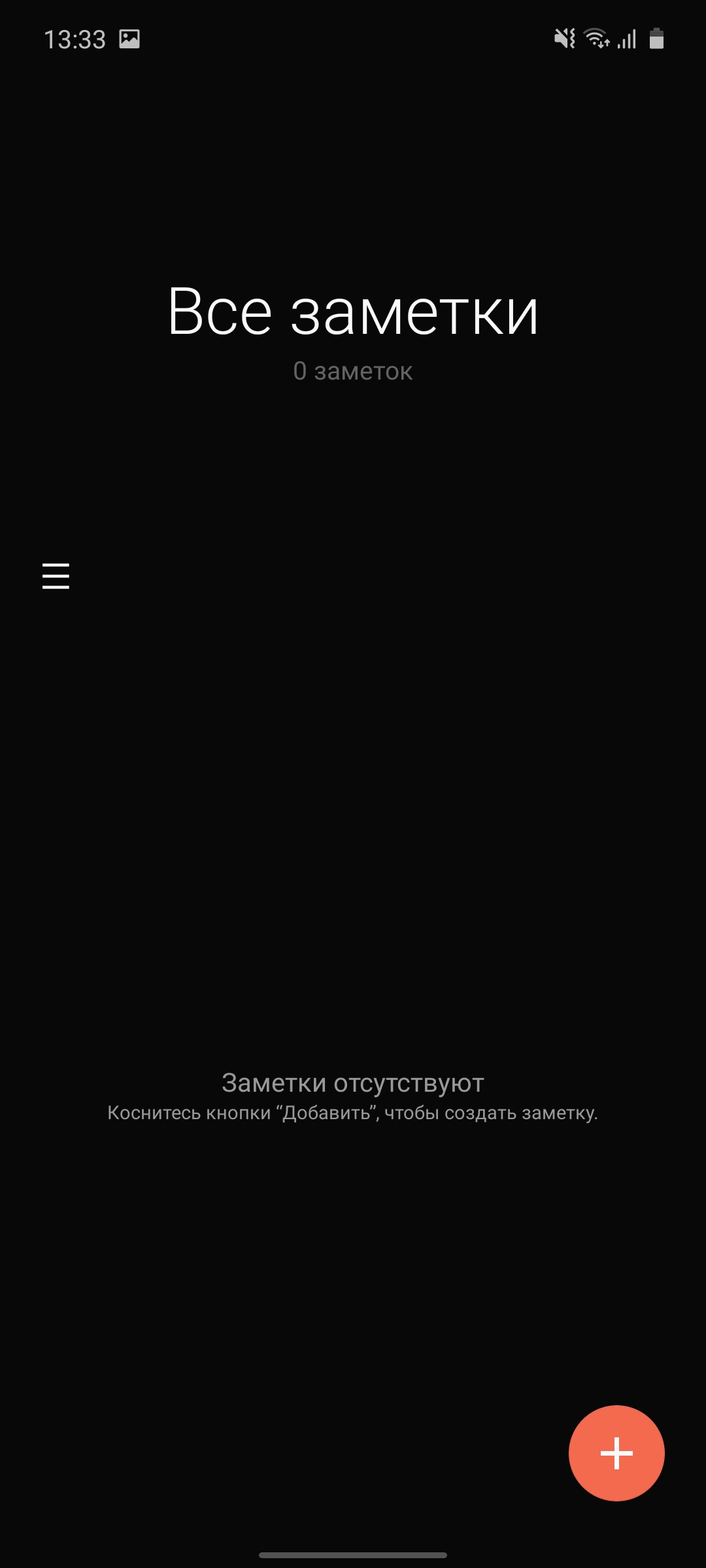
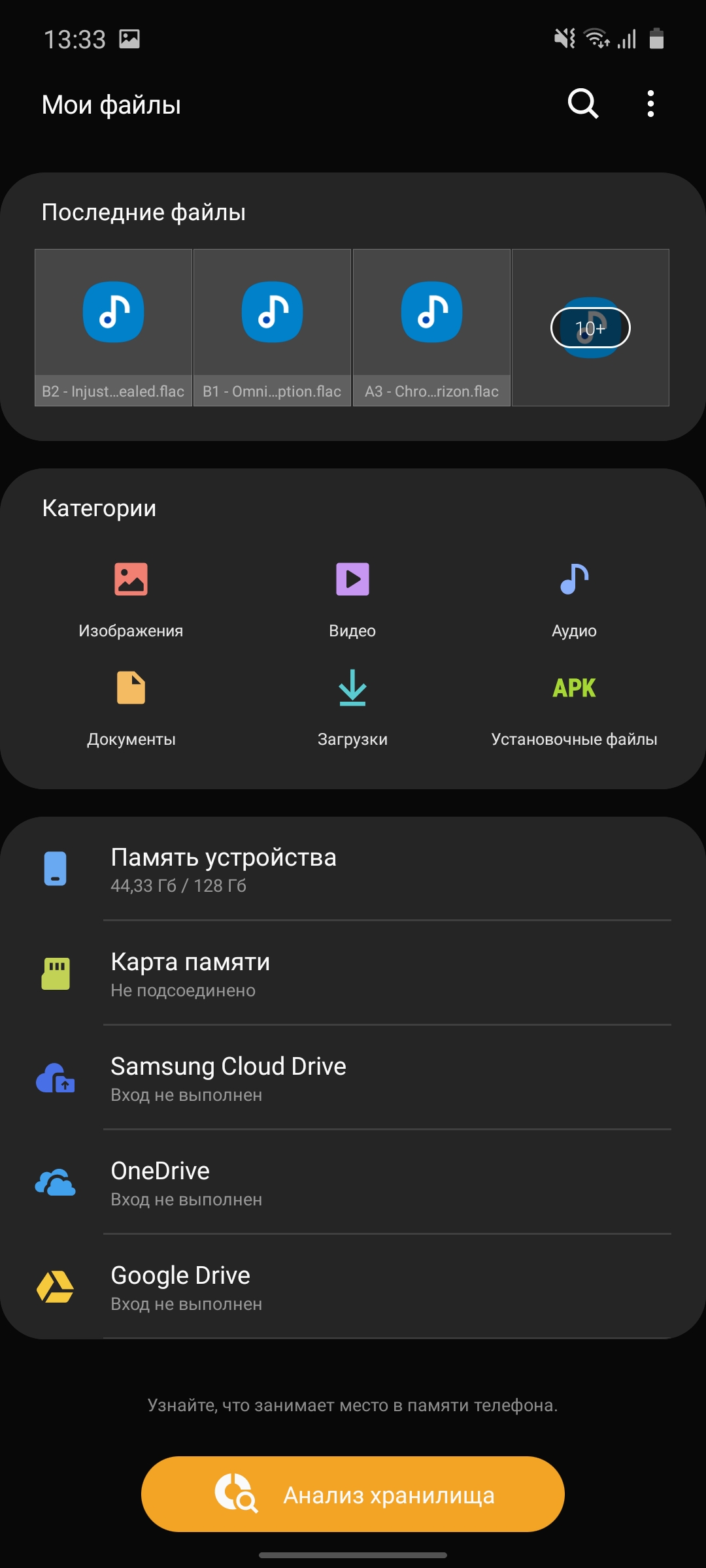
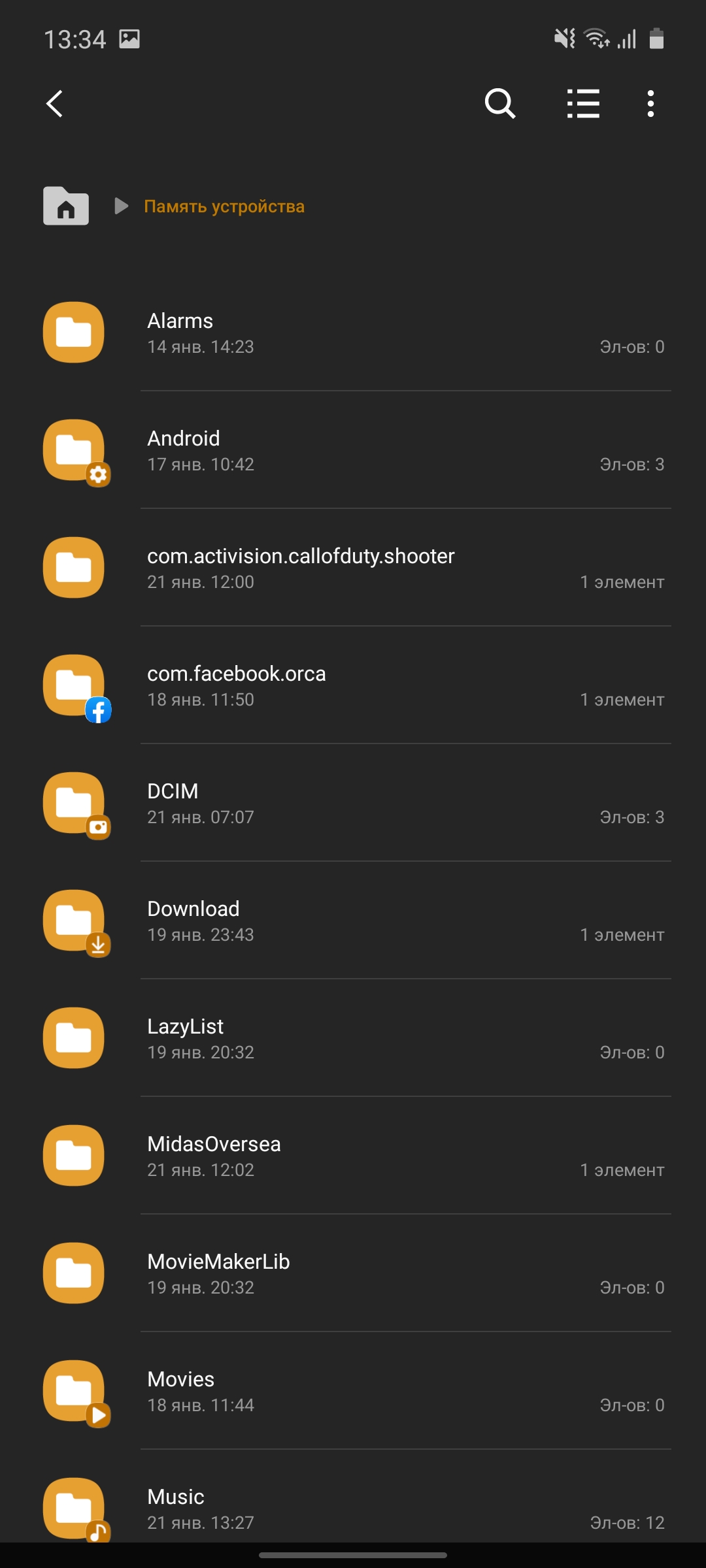
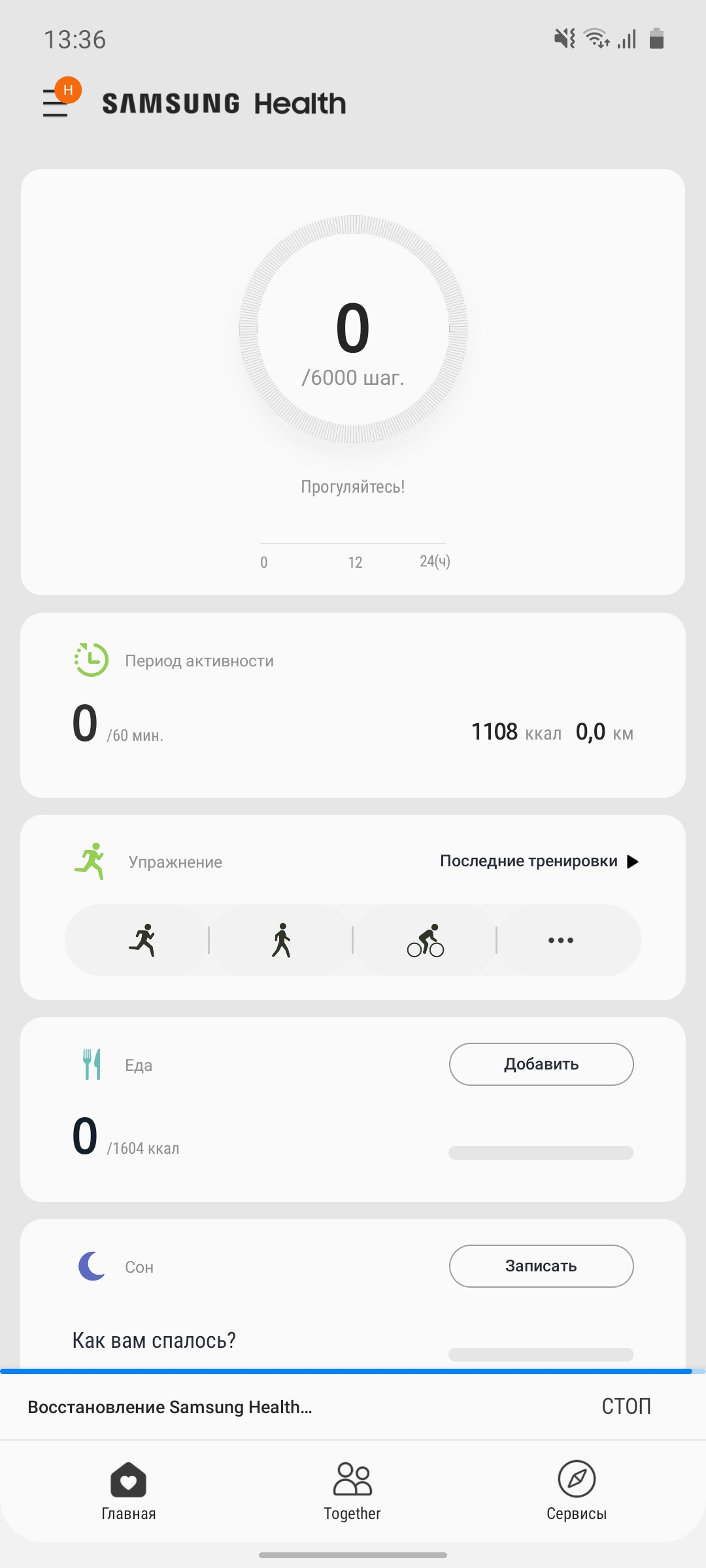
There is not much pre-installed software.In addition to the aforementioned player, radio and other necessary applications, there is a utility for optimizing the smartphone (cleaning RAM, memory, diagnostics), the traditional Bixby assistant, a file manager, notes and S Health. What’s interesting is that S Health doesn’t seem to have been updated yet: the interface remains light with a dark interface theme.









How good are the cameras?
</ img>
The main camera received three modules with the same12 MP resolution: main with aperture f/1.7, 1/2.55″, 1.4µm, Dual Pixel PDAF and optical stabilization, telephoto: 2x zoom, f/2.4, 1/3.6″, 1.0µm, PDAF, also with OIS and ultra-wide-angle with f/2.2 aperture. Front camera - 32 MP, f/2.2.
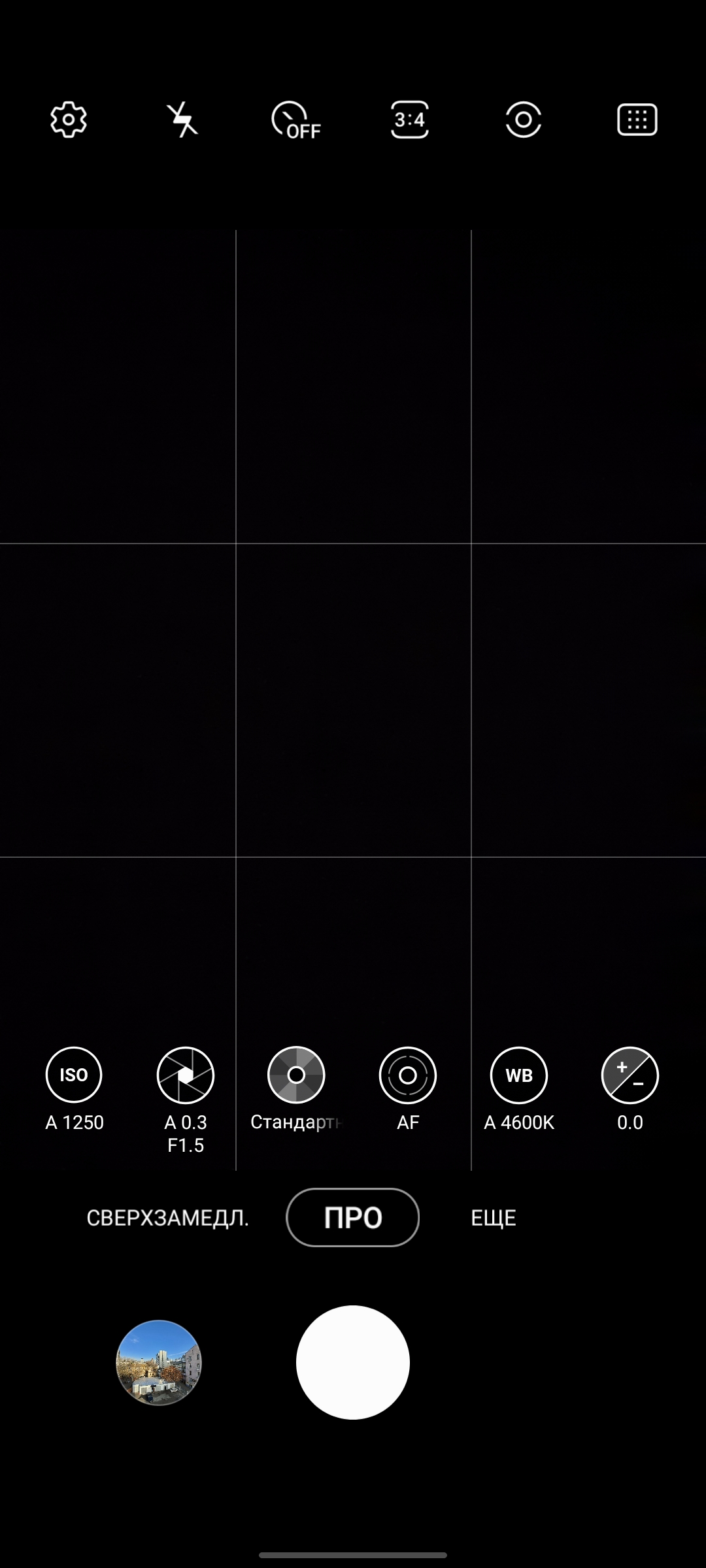
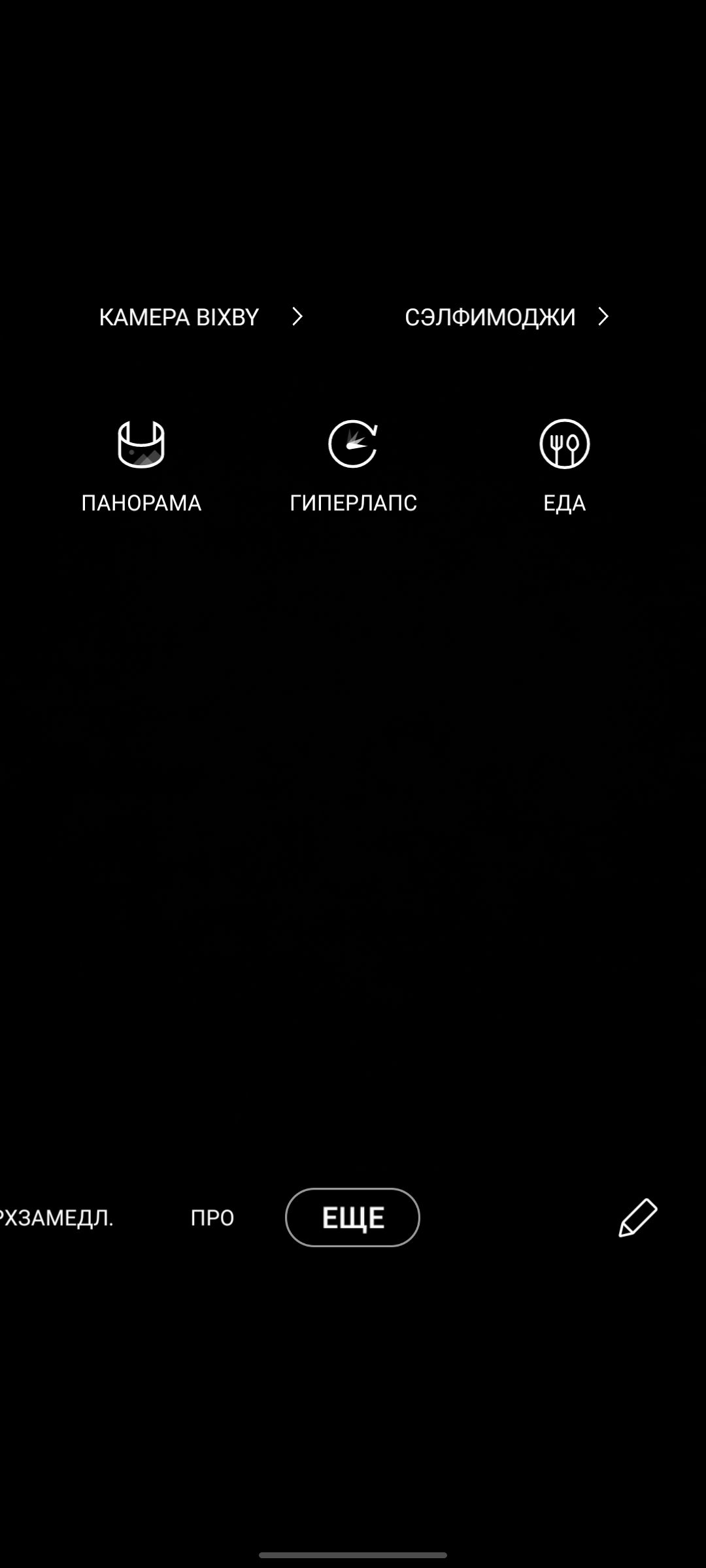
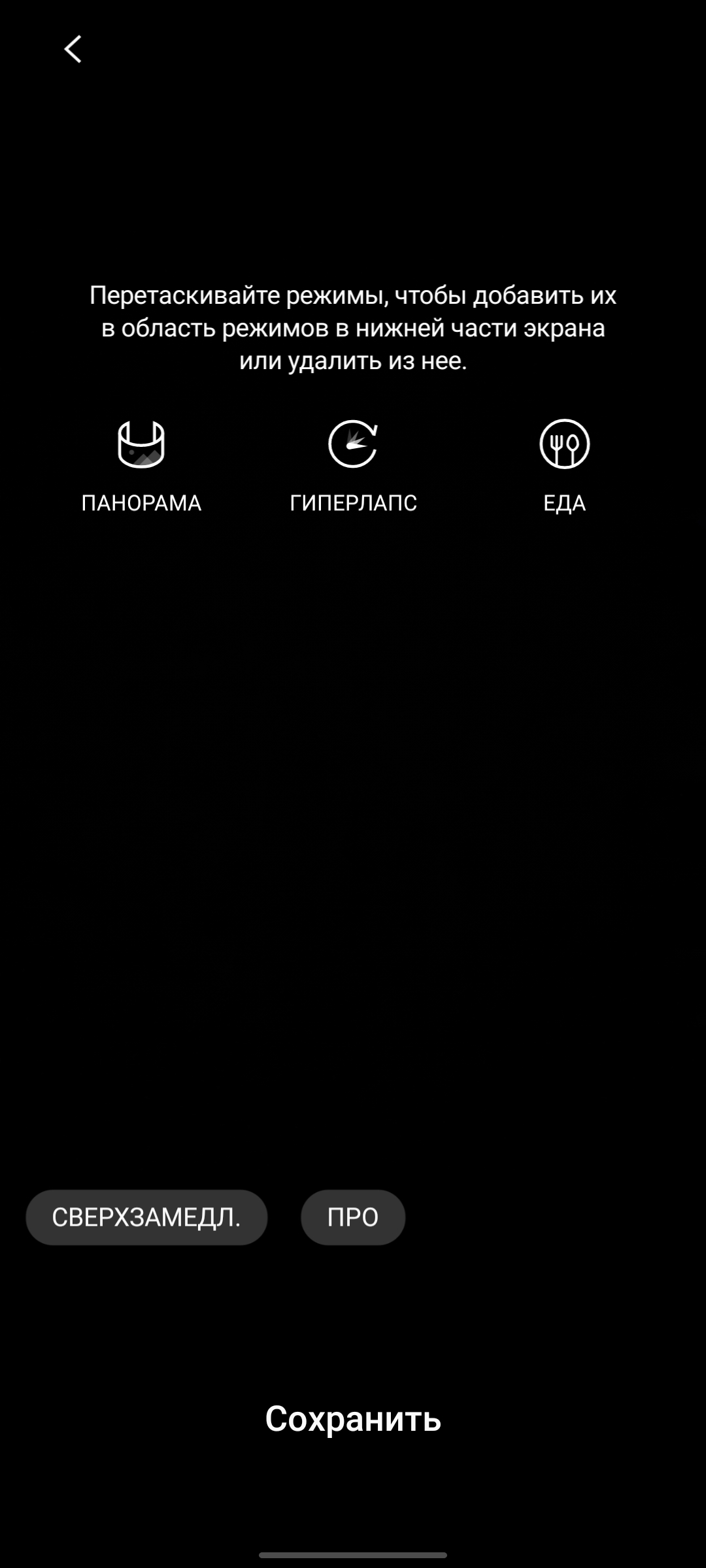
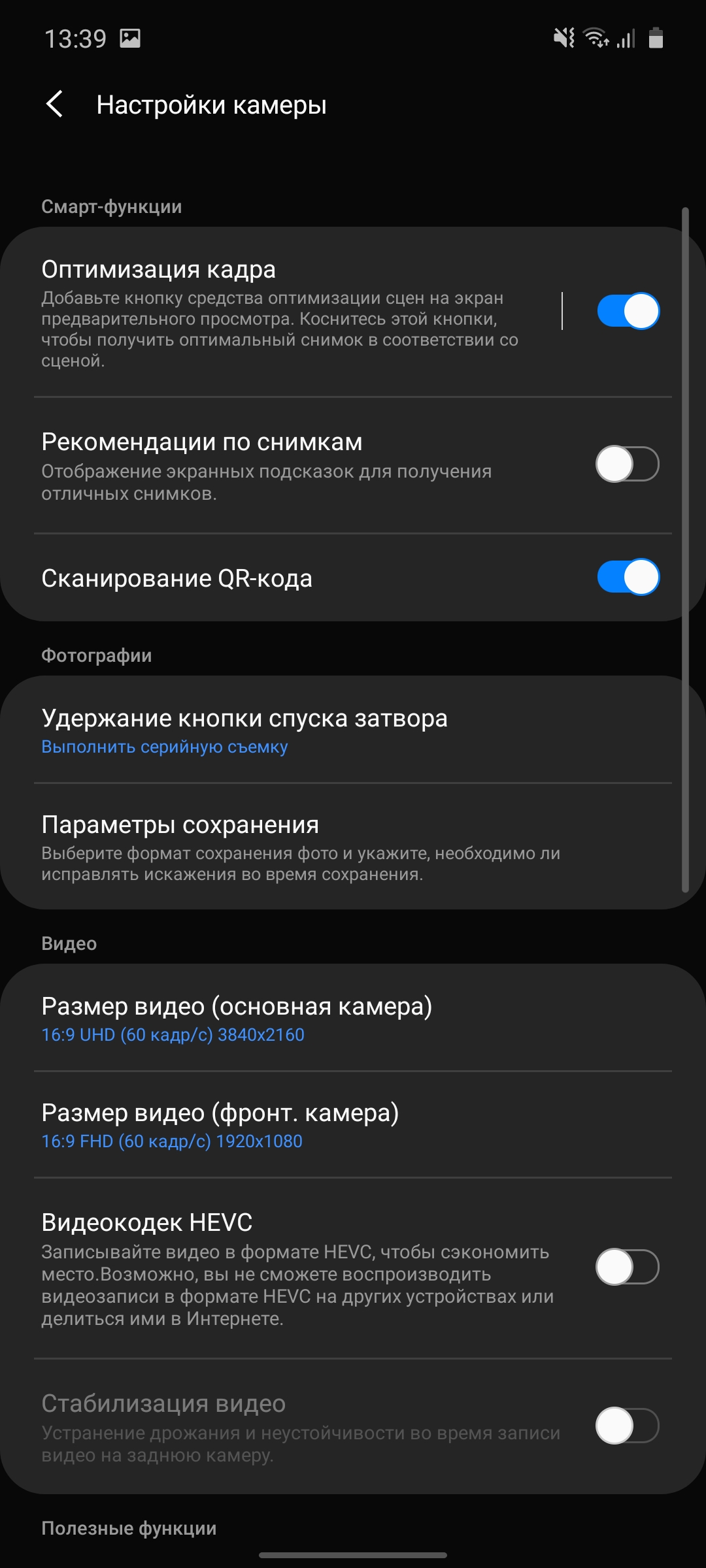
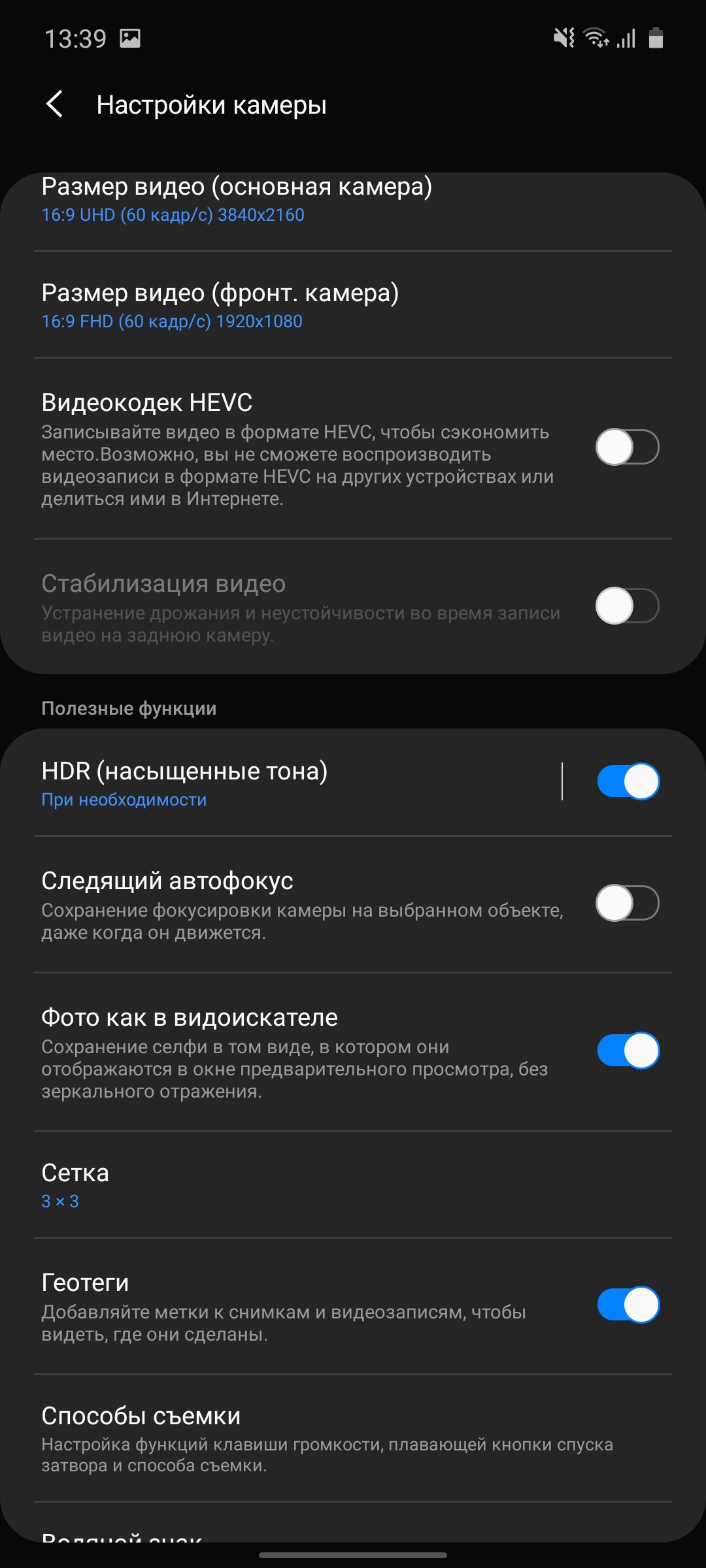
As for the camera application itself, then in OneUI 2.0 it has changed a little, although the changes are not dramatic. All the basic controls in their usual places. Modes traditionally scroll. It’s fashionable to configure them: add ones you need, unnecessary ones — remove them There is a separate menu for this. On the main screen there are flash settings, a timer, aspect ratio, enable the stabilizer (in the video), go to all settings and create animated photos. The camera switch is located next to the shutter button, which is convenient and logical. There is a fully manual Pro mode.

</ img>

</ img>

</ img>

</ img>
</ img>
</ img>
</ img>
</ img>
</ img>









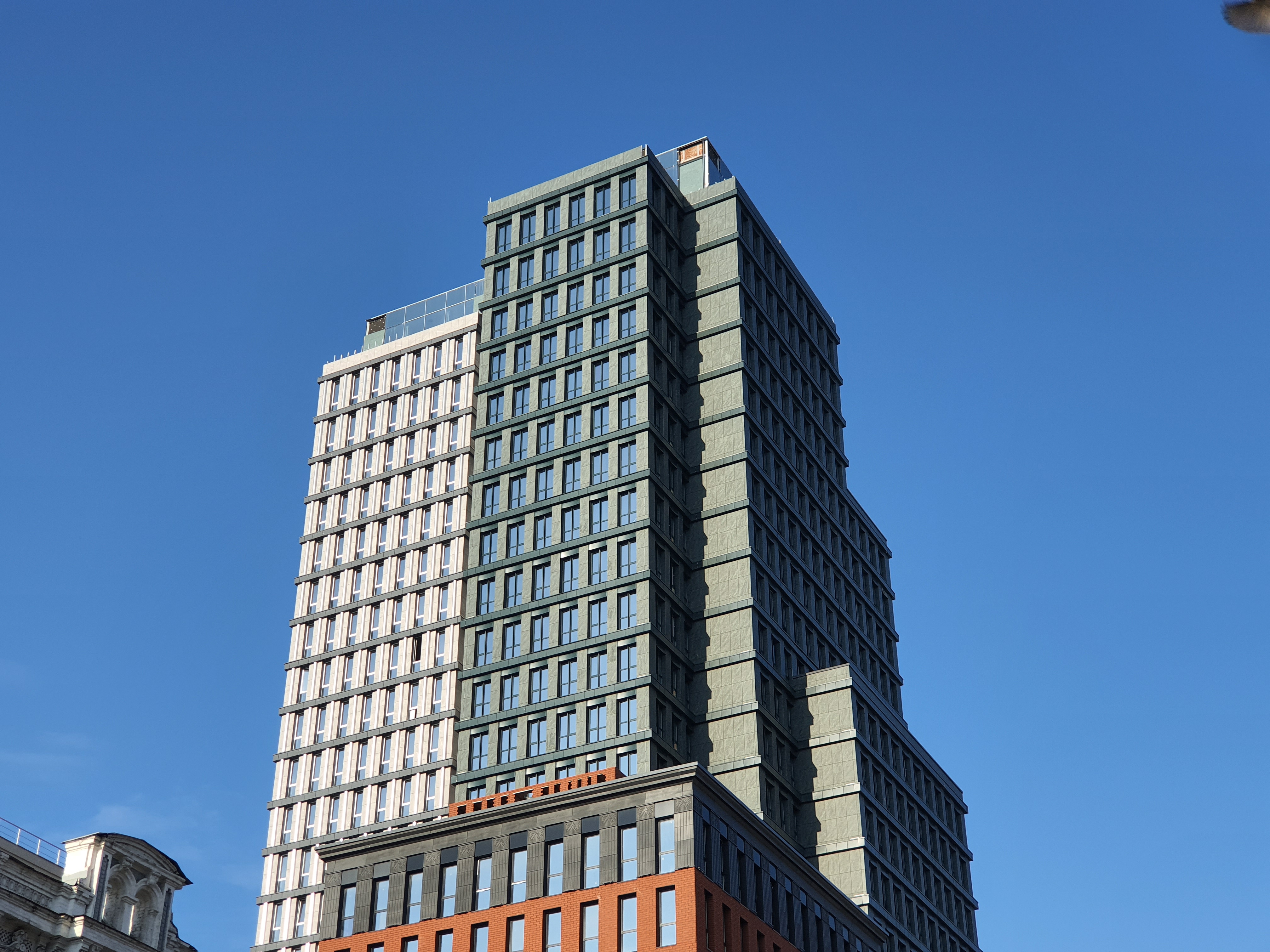
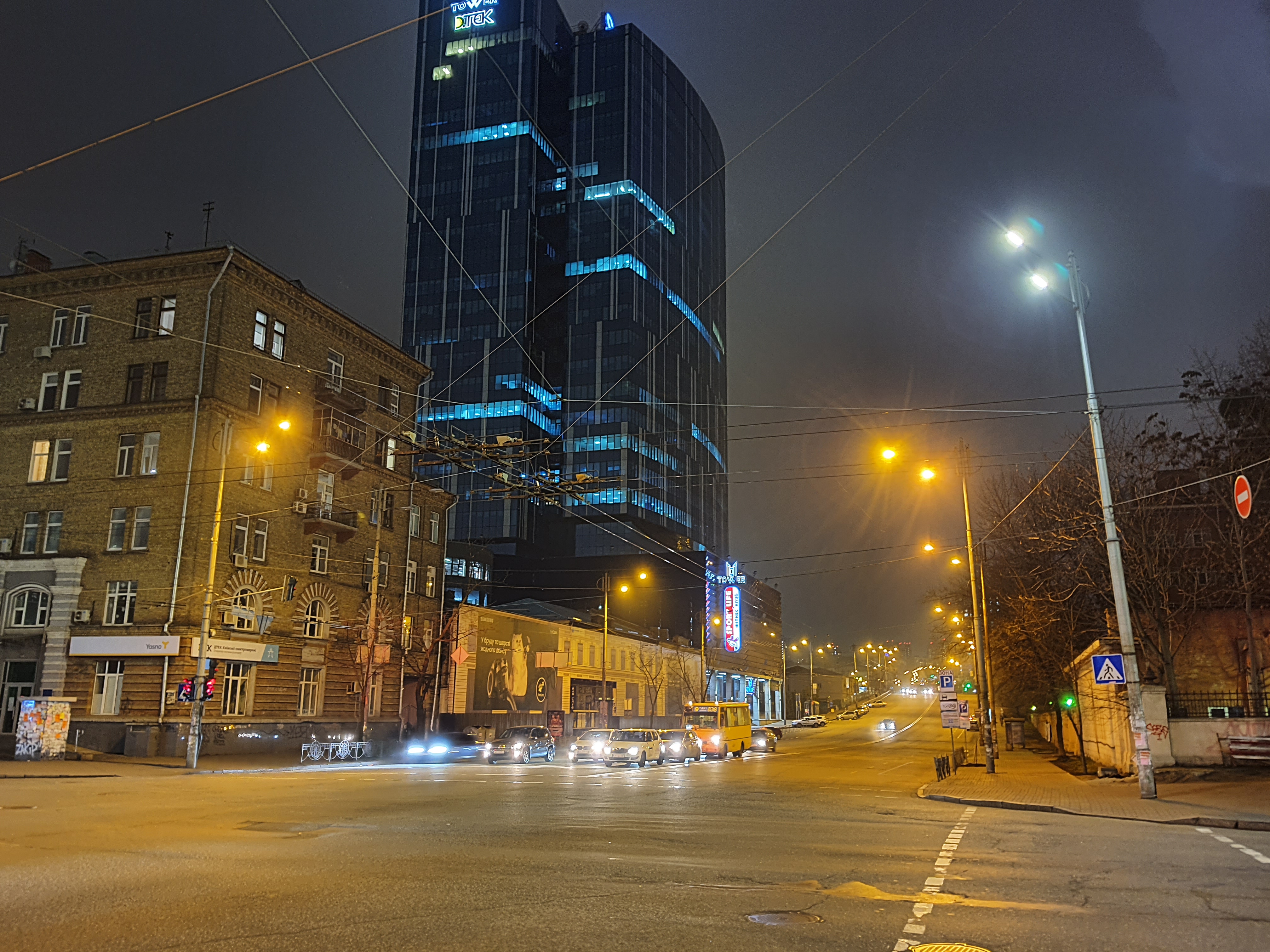
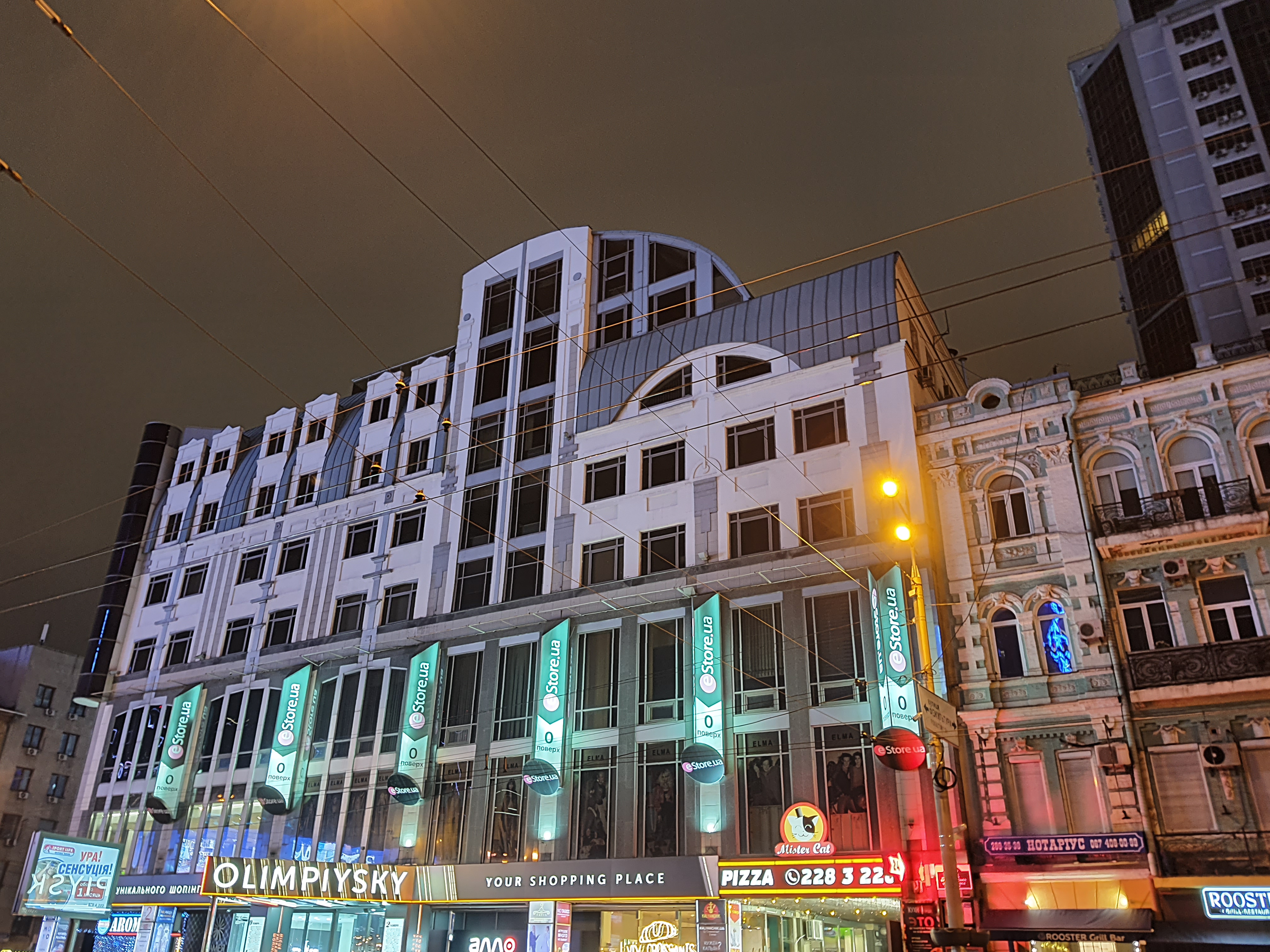
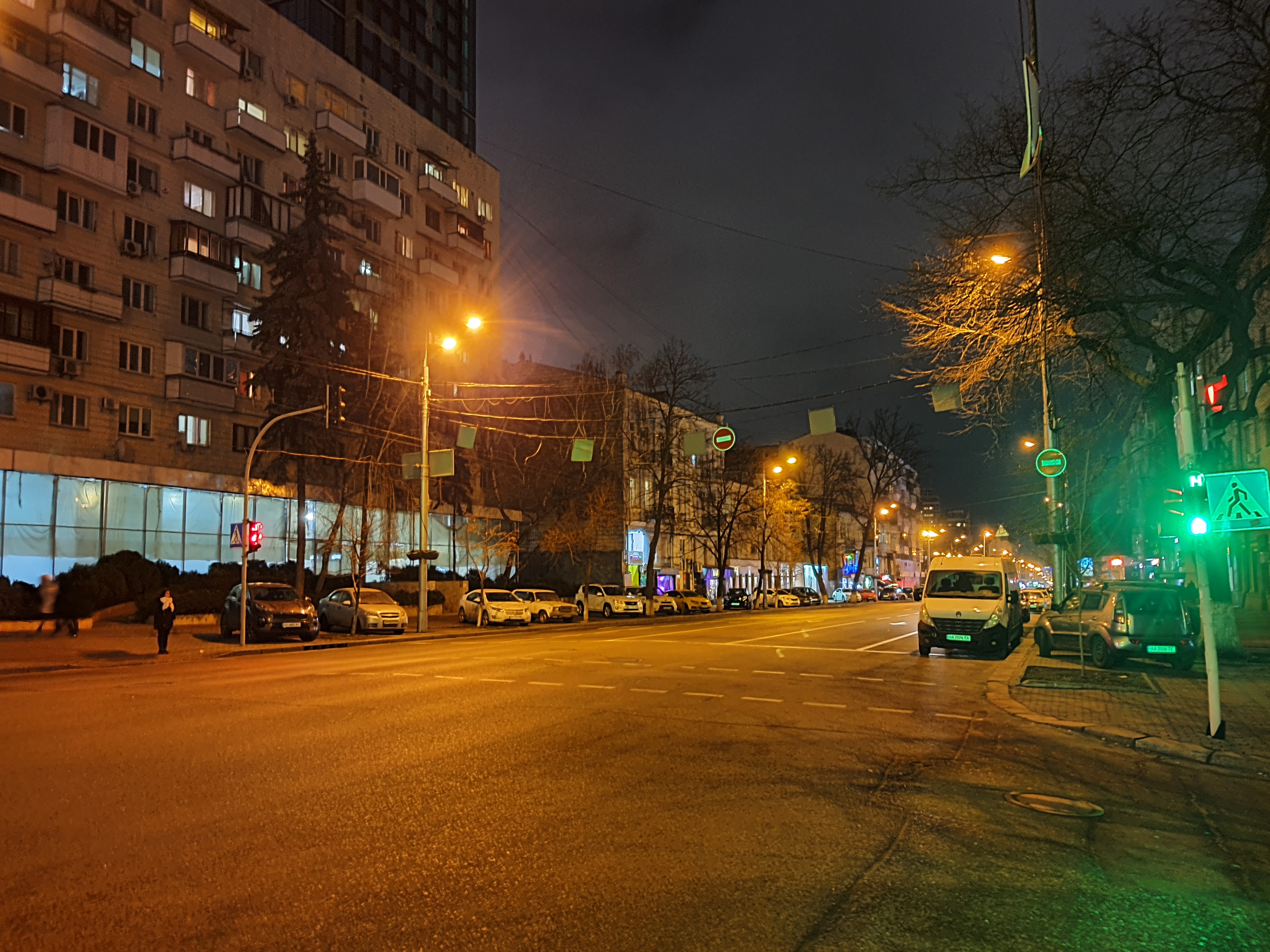
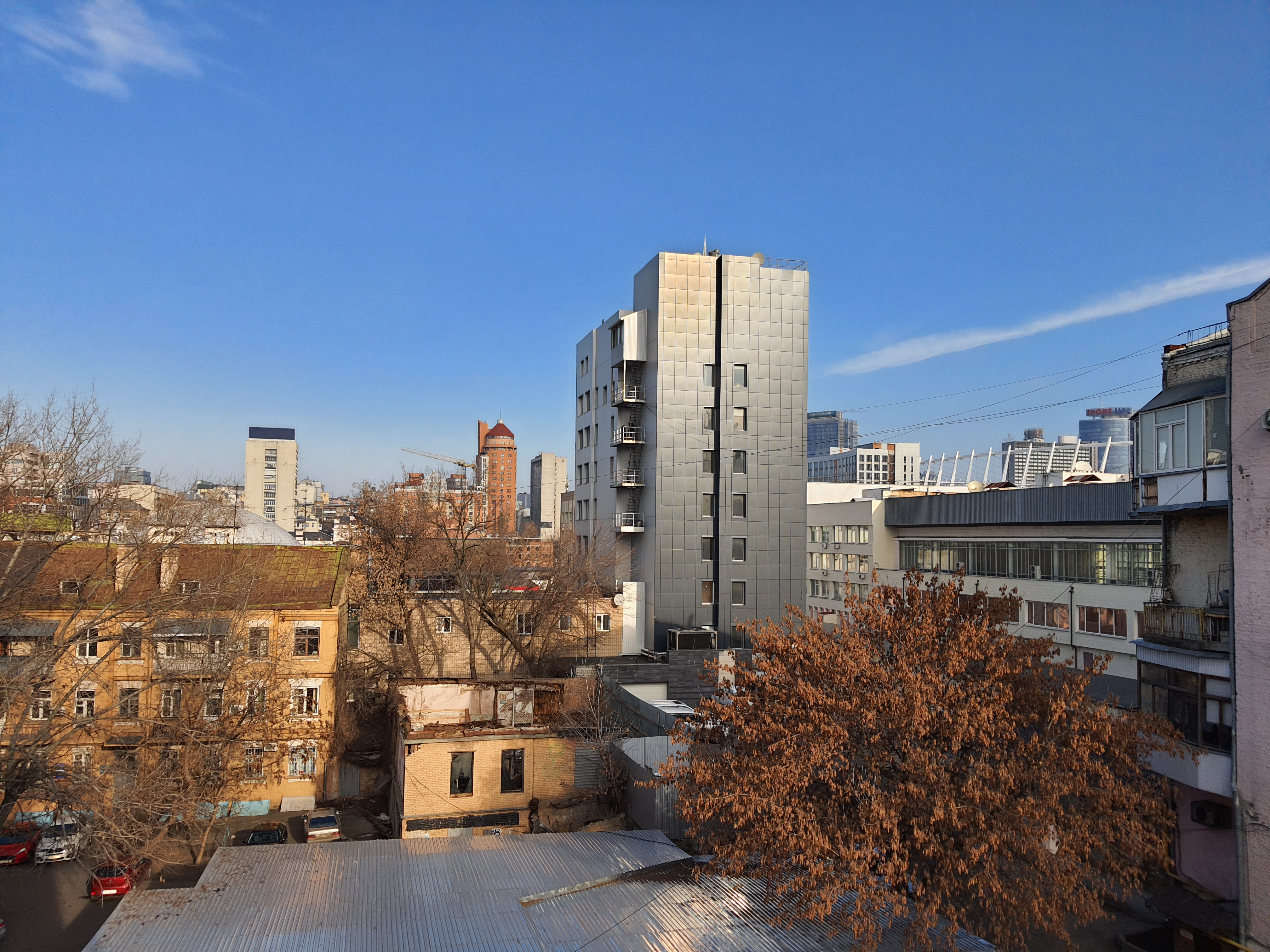
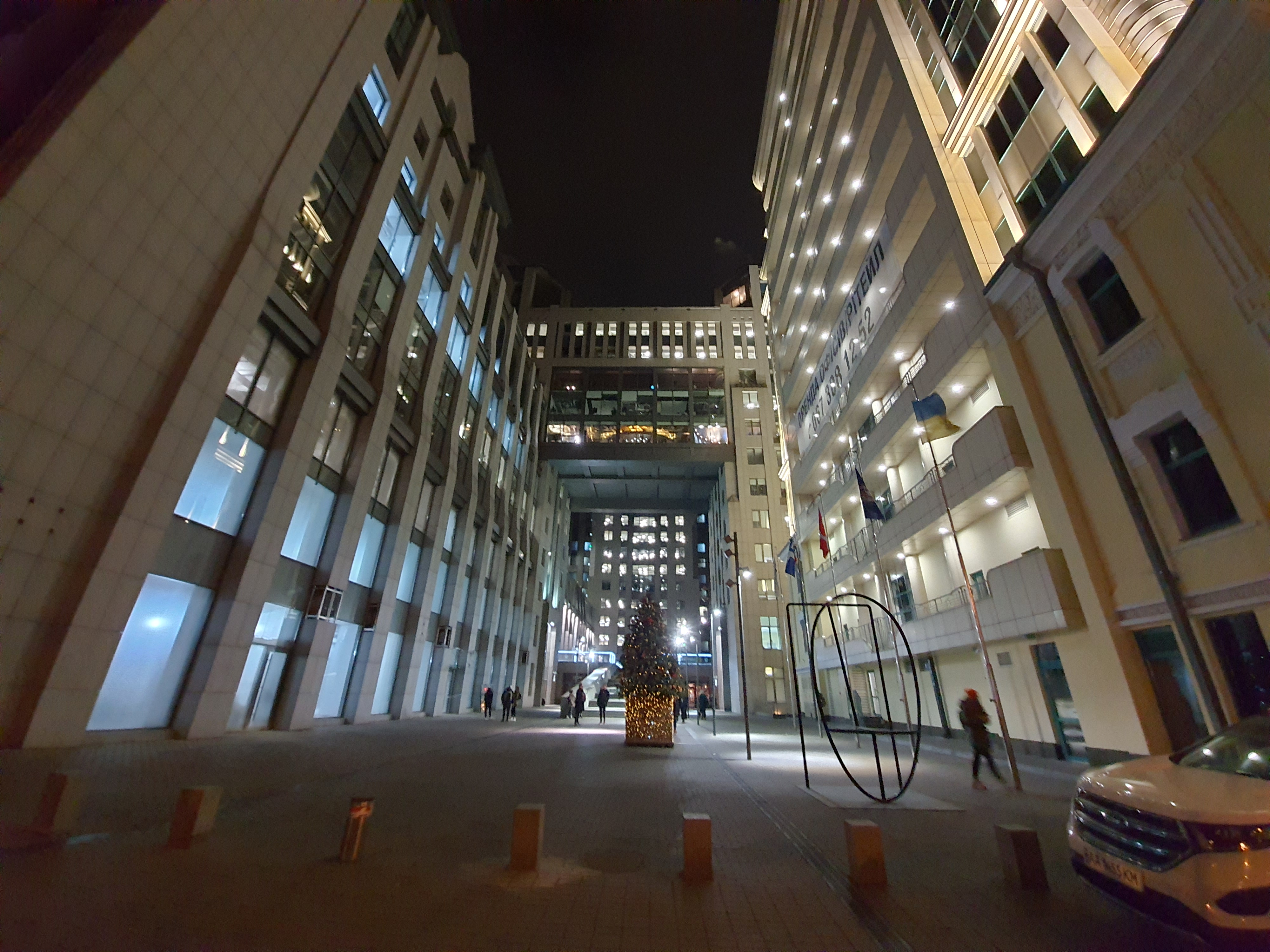
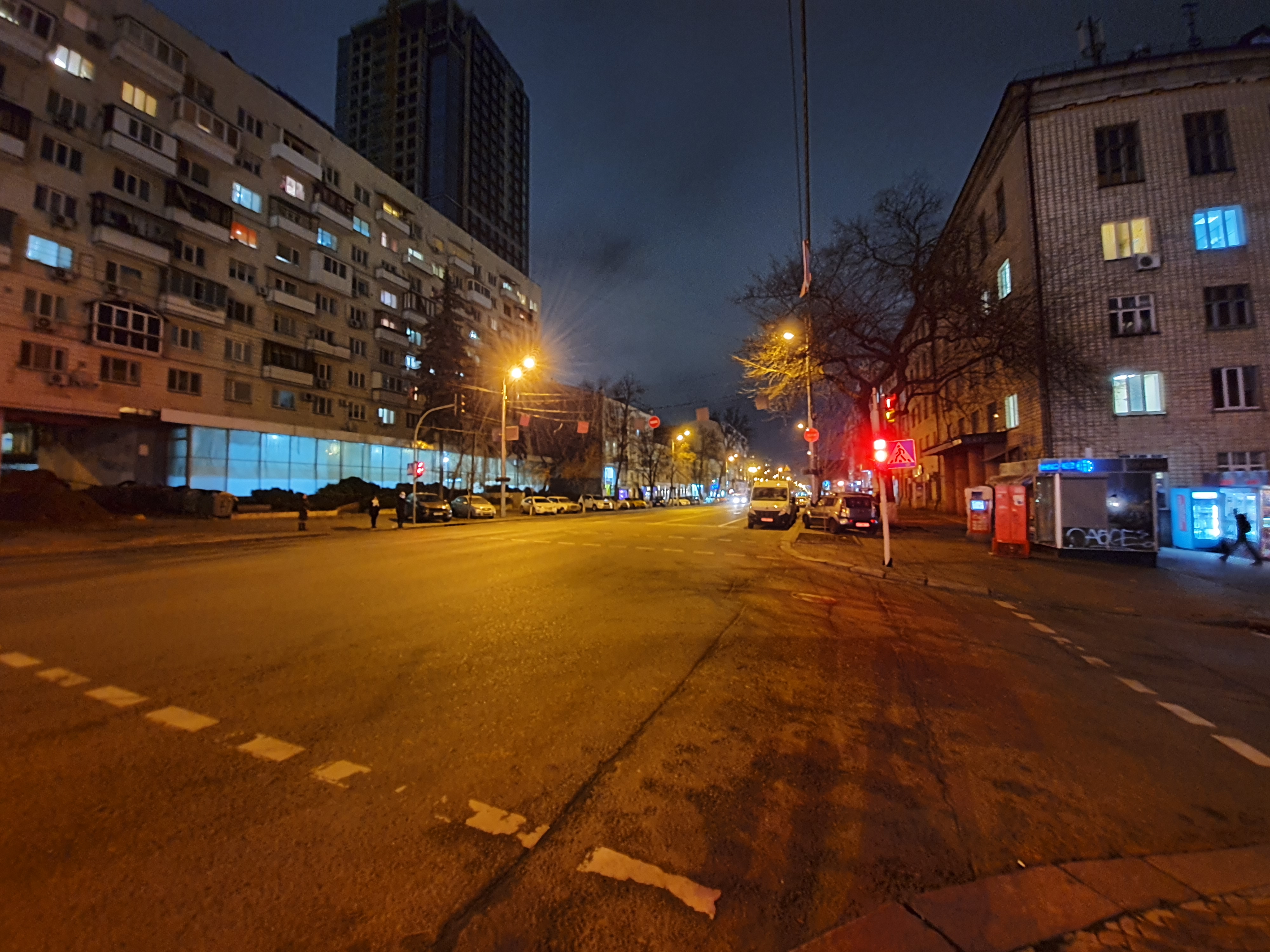
The main camera does an excellent job in almost allany shooting conditions. The photos are rich, with good detail and a wide dynamic range. Color rendering during the day is realistic. There is a night mode, which also works very well overall: clear photos are obtained without much effort. But in terms of color rendering in the evening the situation is somewhat worse and the algorithms do not always work adequately. From time to time there is an overabundance of yellow and green shades.

</ img>
</ img>

</ img>
</ img>

</ img>
</ img>

</ img>

</ img>

</ img>

</ img>
</ img>

</ img>
</ img>

</ img>

</ img>

</ img>

</ img>

</ img>


















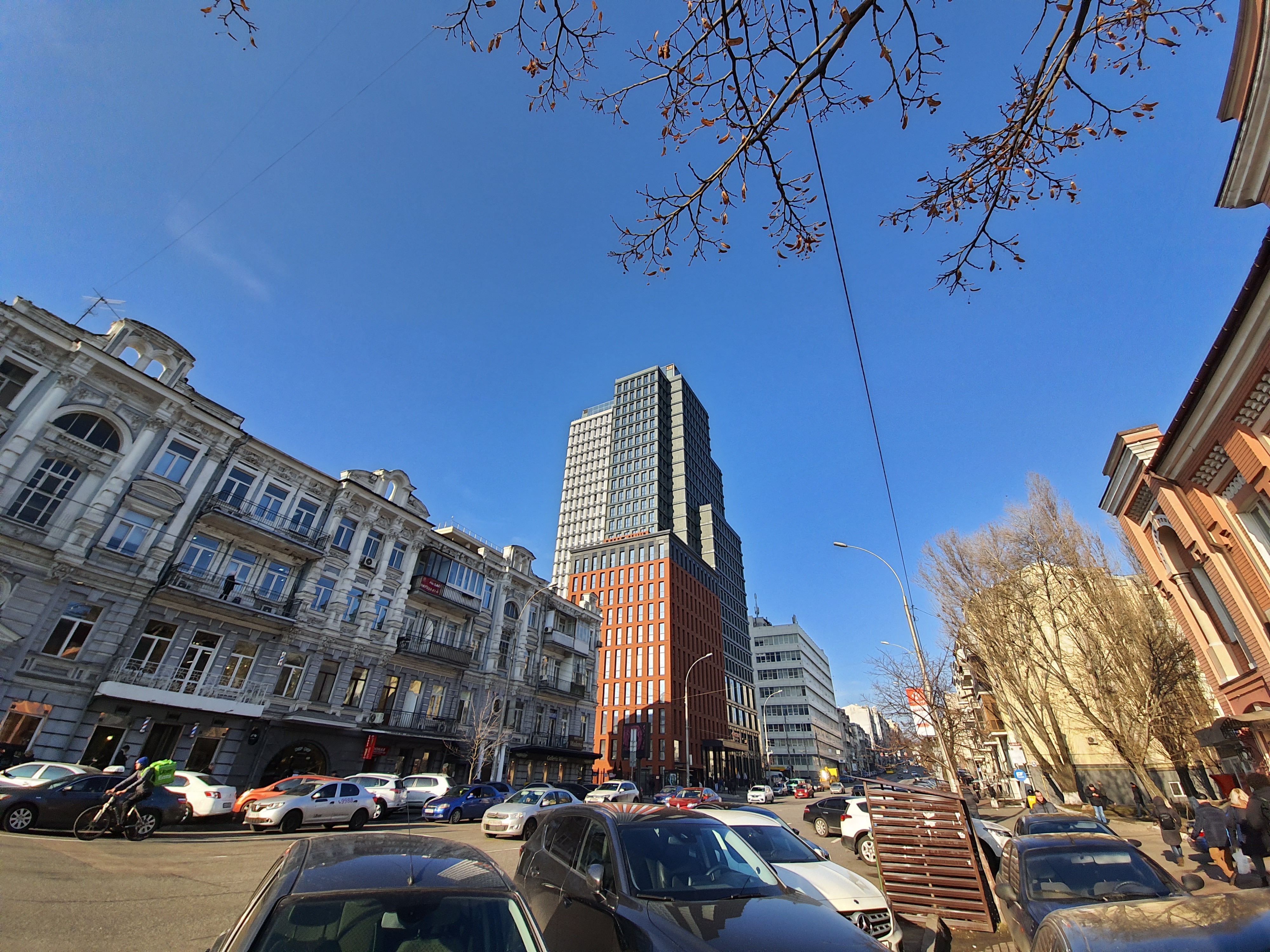
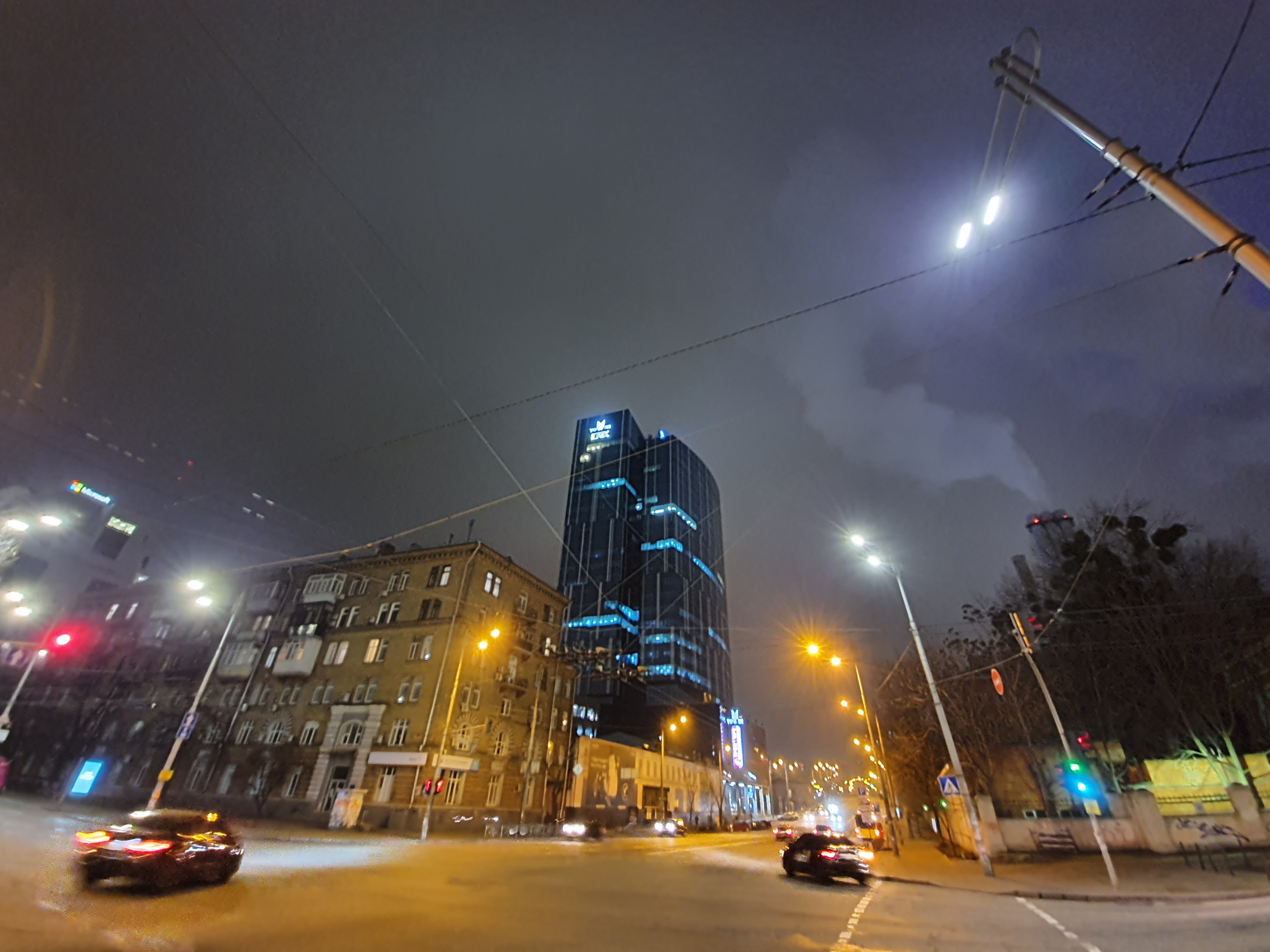
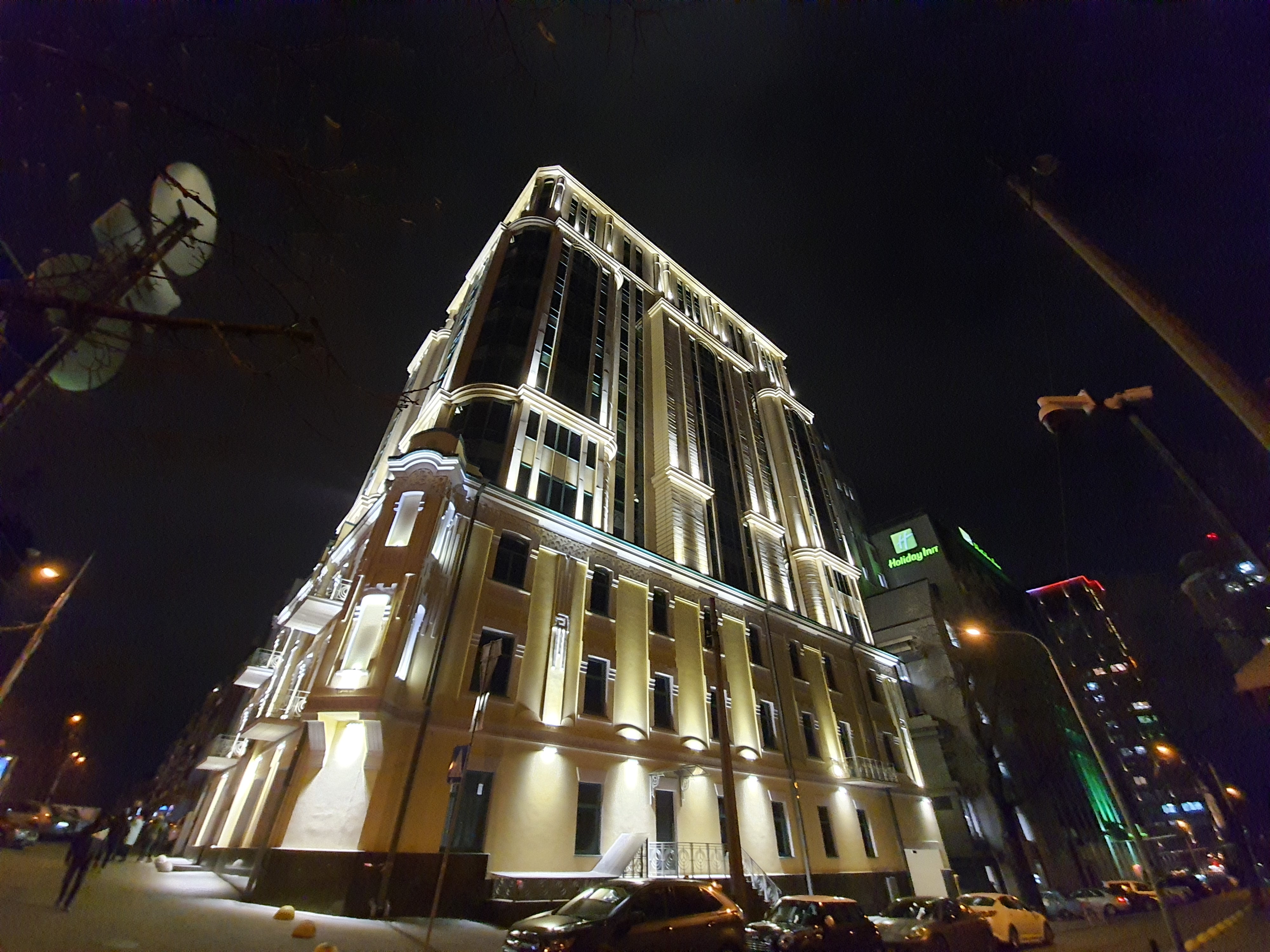
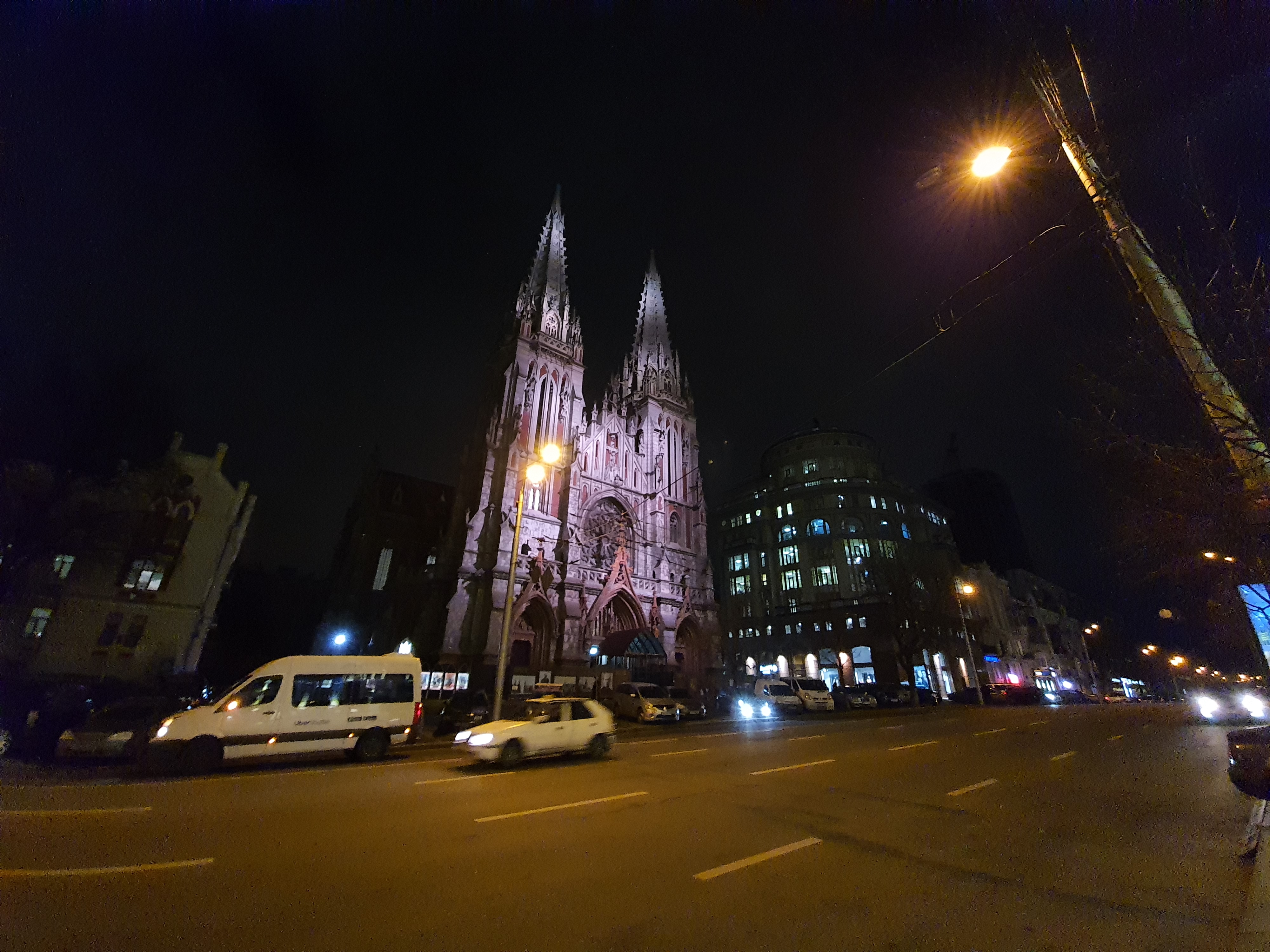
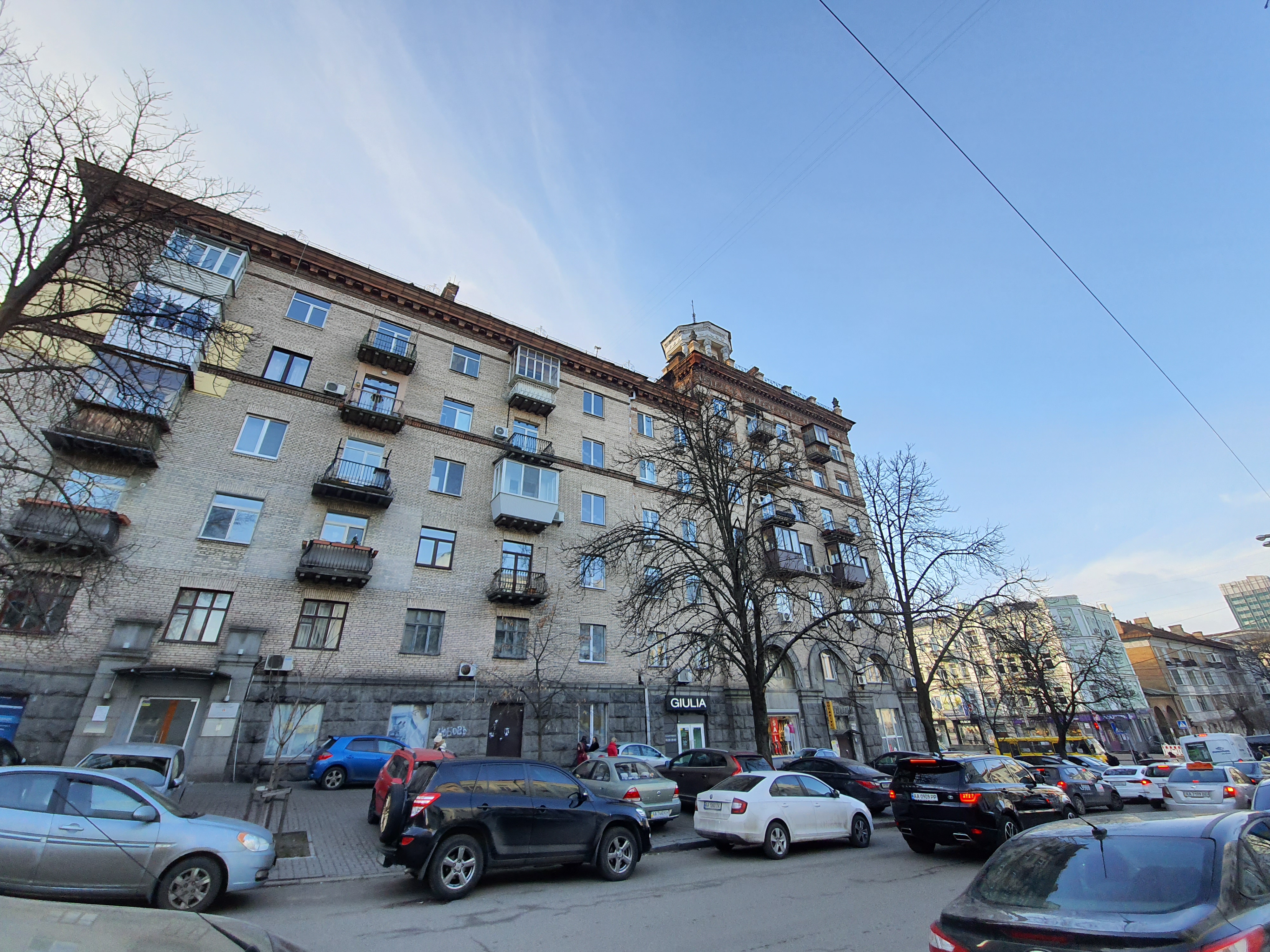
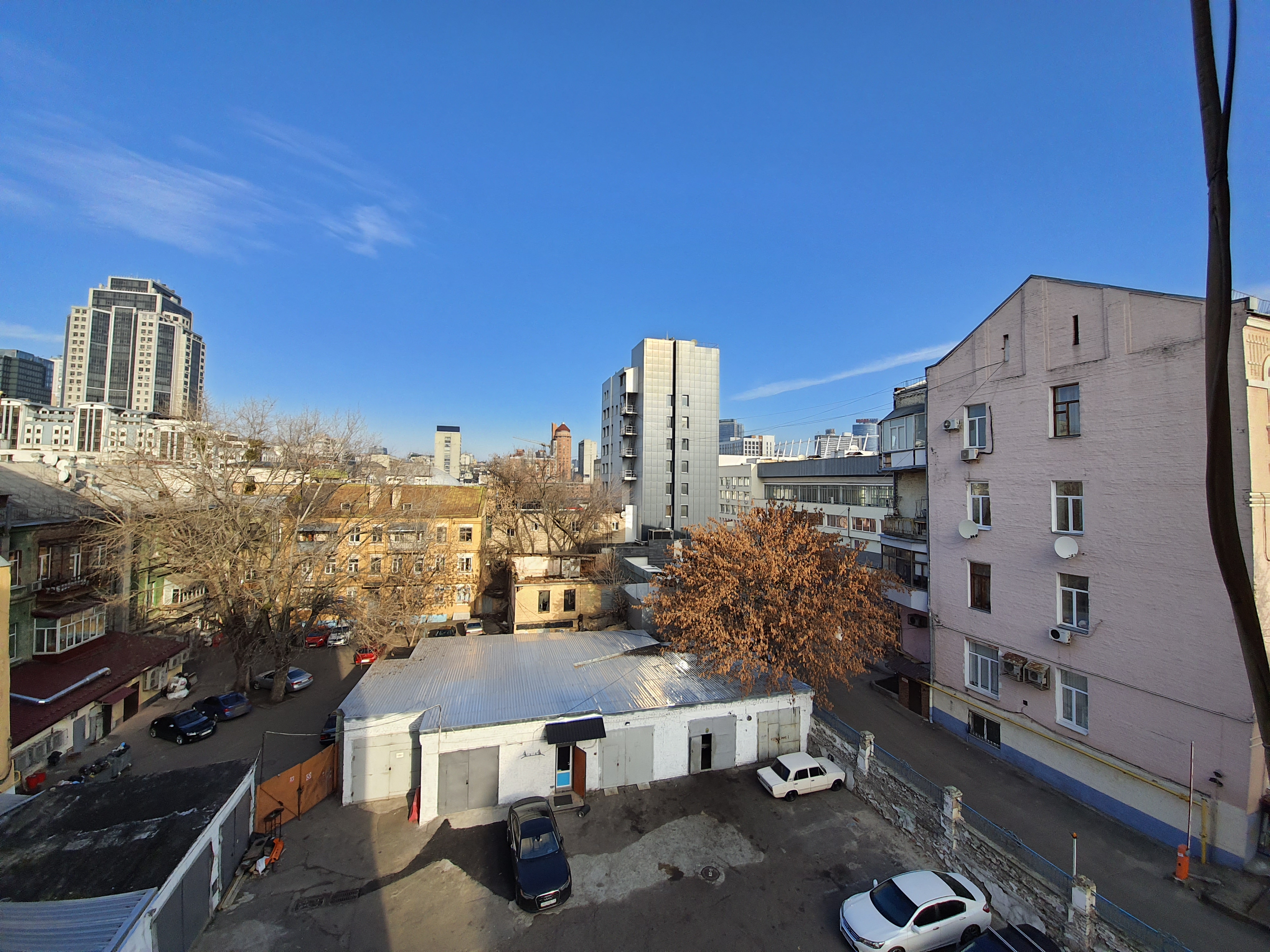
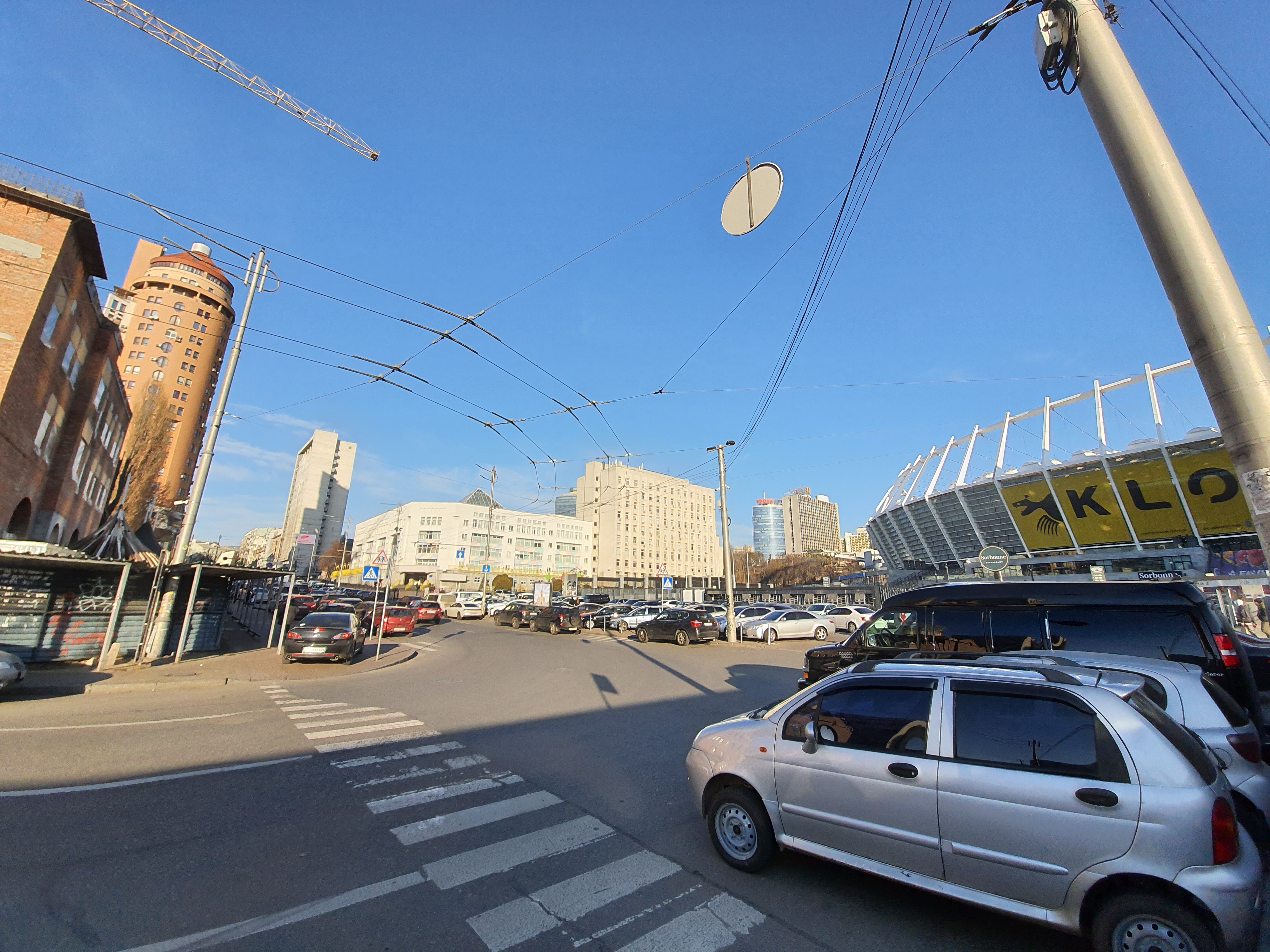
The wide-angle camera is also very good. And, which pleases, it is also quite realistic to take good pictures in the evening with it:

</ img>
</ img>
</ img>
</ img>
</ img>
</ img>
</ img>
</ img>
</ img>

</ img>

</ img>
</ img>

</ img>

</ img>














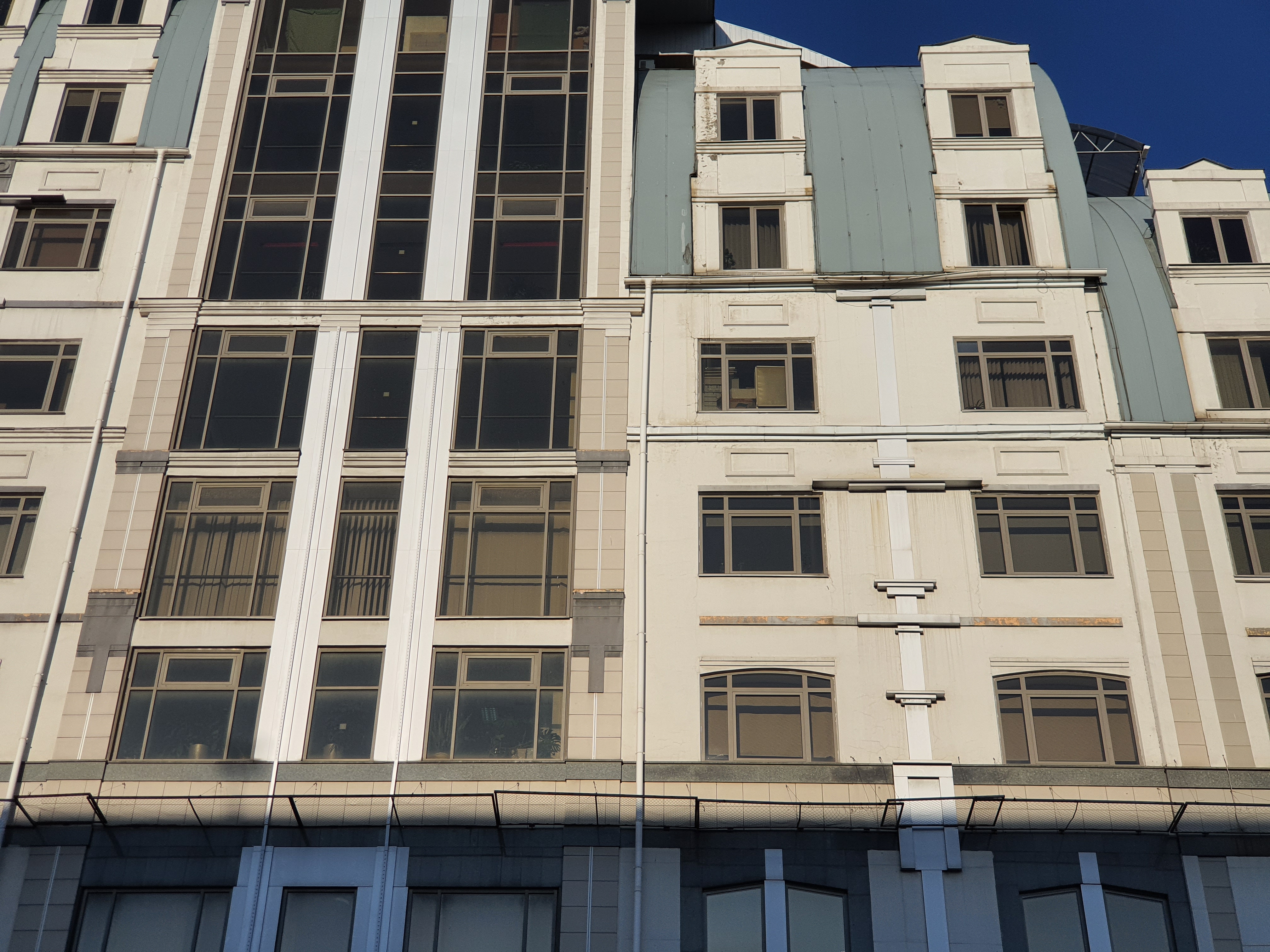
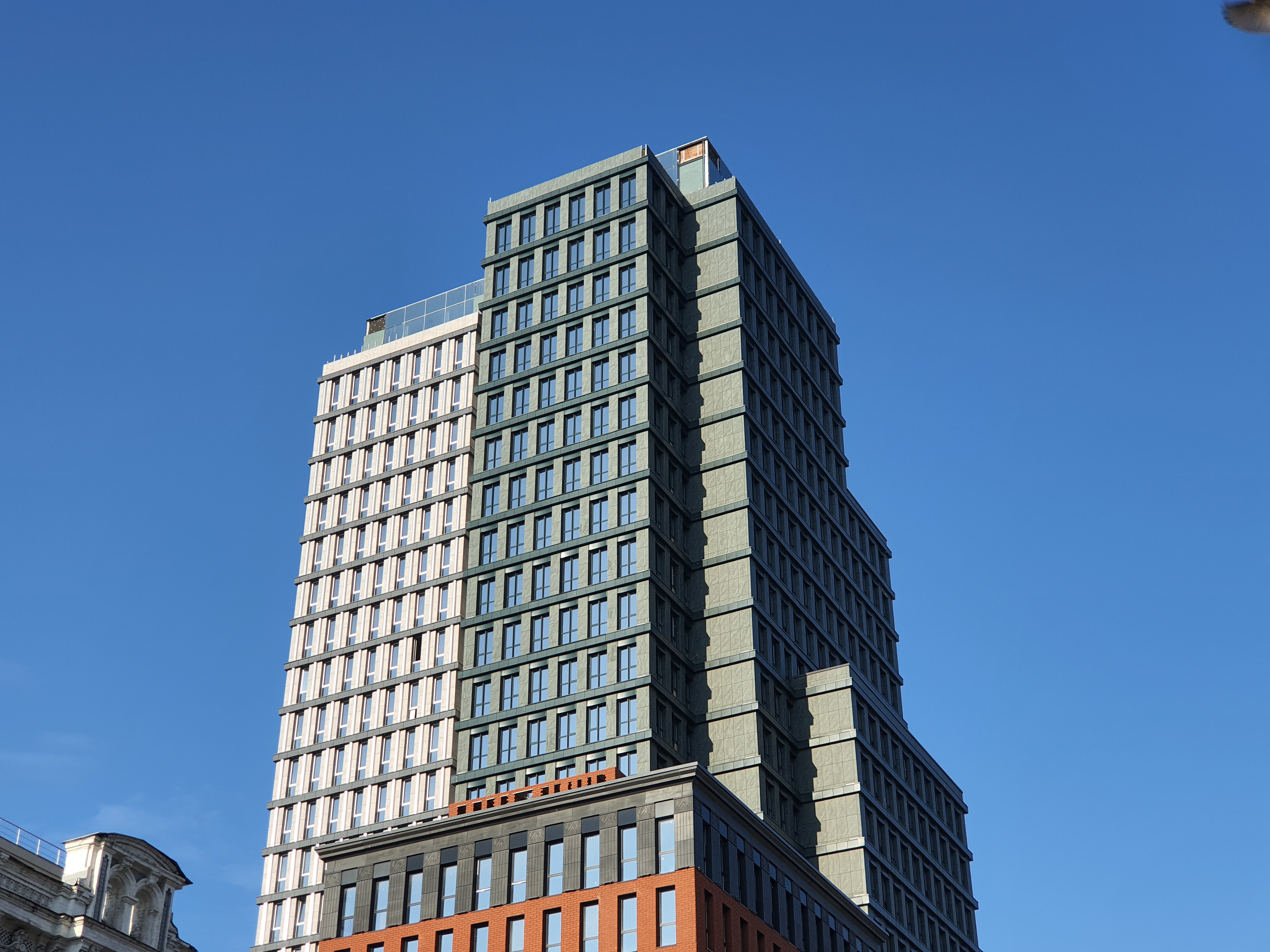
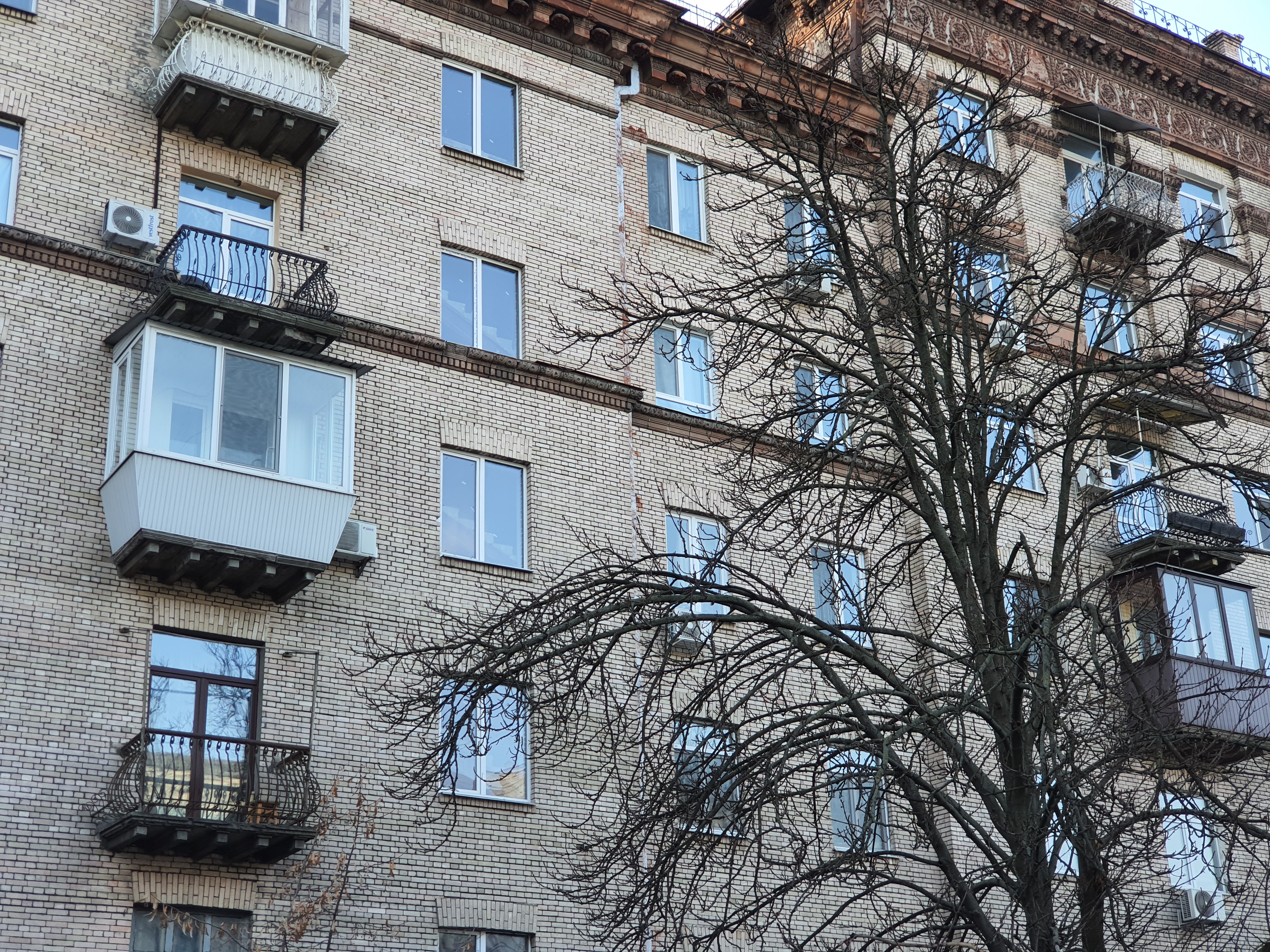
Zoom:
</ img>
</ img>

</ img>

</ img>
</ img>

</ img>

</ img>

</ img>

</ img>

</ img>

</ img>











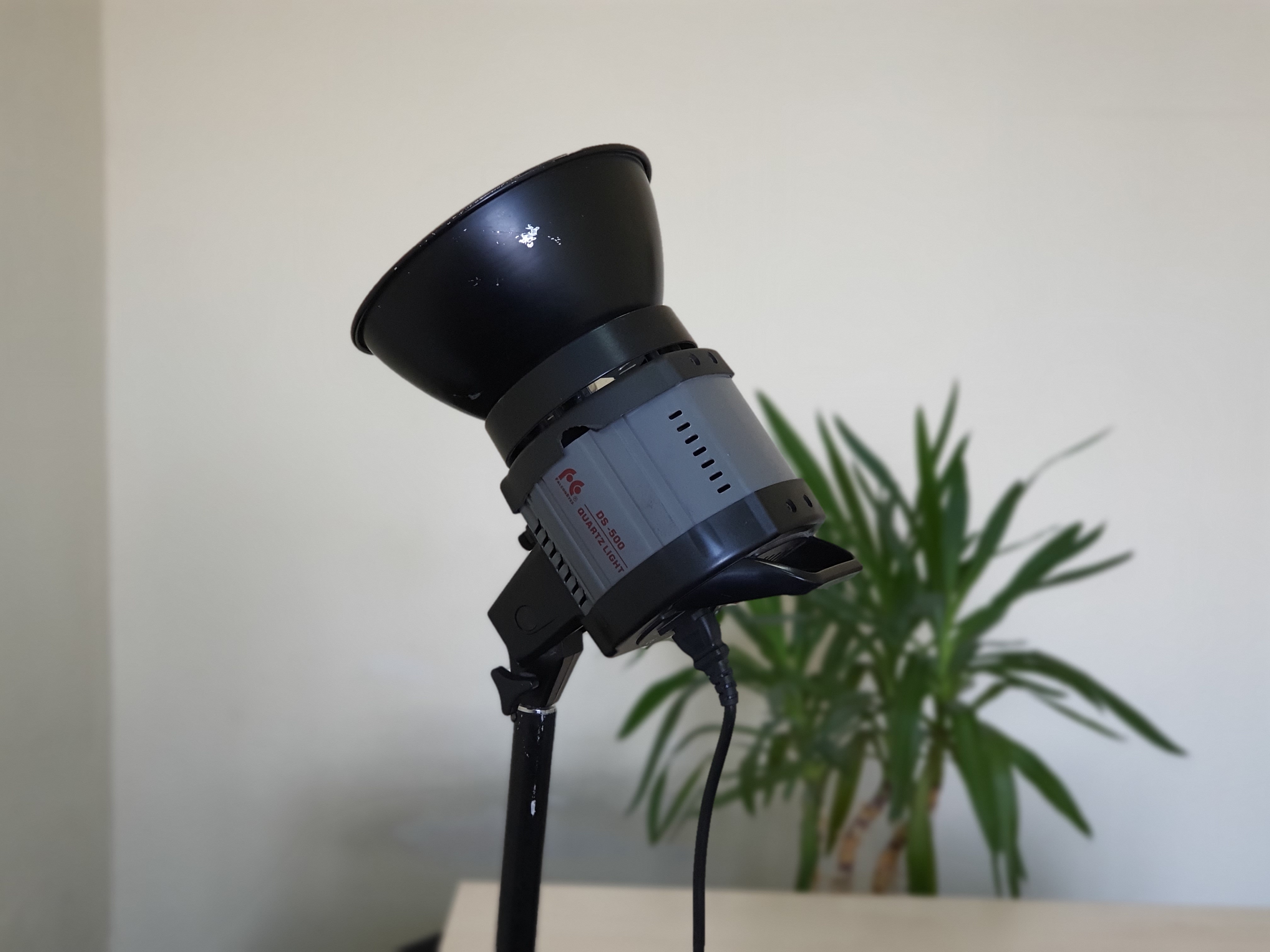
Blur background:

</ img>
</ img>

</ img>


Video smartphone can write up to 4K 60 frames per second:
But video stabilization, unfortunately only works in FullHD 30 fps mode. An example of a video recording in FullHD with a stabilizer:
</ p>In the dry residue
Samsung Galaxy Note10 Lite - interestinga model for fans of the Note series who are not ready to pay the very impressive amount that is asked for the Galaxy Note10/Note10+. The main characteristic advantages of the line in the form of a large high-quality display and an active S Pen stylus are present in the smartphone. To this we should add a very productive hardware, long battery life, a very smart set of cameras and pleasant bonuses in the form of a standard headphone jack (which is not present in older models) and the current version of Android with an updated, convenient One UI 2.0 shell. They will ask for everything for this16,000 UAH(will appear by the end of the month).The main problem of the smartphone is a decent number of strong competitors for the same price. Some of them may offer more powerful hardware, comparable (or even slightly better cameras) and a nicer glass back.
5 reasons to buy Samsung Galaxy Note10 Lite:
- high-quality large AMOLED display;
- high performance;
- decent main camera;
- long battery life;
- Stylus pen with remote control functions.
2 reasons not to buy Samsung Galaxy Note10 Lite:
- Some competitors in the same price range may offer more;
- plastic back cover.
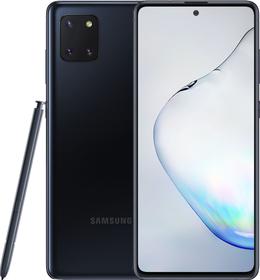
Samsung Galaxy Note10 Lite
A lightweight version of the flagship with a large high-quality AMOLED screen, an S Pen stylus, a productive filling, a large battery and a solid main triple camera
Rozetka
MOYO
Hello
For fans of the line
SpecificationsSamsung Galaxy Note10 Lite
Display
Super AMOLED, 6.7 inches, 2400×1080 (20:9 aspect ratio), 394 ppi, HDR
Housing
dimensions: 163.7×76.1×8.7 mm, weight: 199 g
CPU
64-bit Samsung Exynos 9810, 4xExynos M3, 2.7 GHz, 4xARM Cortex-A55 1.8 GHz, Mali-G72 MP18 graphics
RAM
6 GB
Flash memory
128 GB, MicroSD
Camera
12 MP (f/1.7, 27 mm EGF, 1/2.55″, 1.4 µm, Dual Pixel PDAF, OIS) + 12 MP telephoto (f/2.4, 52 mm EGF, 1/3.6″, 1 µm, PDAF, OIS), 2x zoom, ultra-wide-angle 12 MP, f/2.2, flash , video 2160p@60fps, 1080p@240fps, 720p@960fps; front camera: 32 MP f/2.2
Wireless technology
Wi-Fi 802.11 b/g/n/ac (dual band, 2.4 and 5 GHz), Bluetooth 5.0 LE, NFC, FM
GPS
GPS, A-GPS, GLONASS, BDS, GALILEO
Battery
4500 mAh, non-removable, fast charging
operating system
Android 10 + One UI 2.0
Sim card
2xNanoSIM
Additionally
optical in-screen fingerprint scanner
For those that want to know more:
- Review of Samsung Galaxy Note10 +: the largest and most technological flagship on Android
- Review of Samsung Galaxy Tab S6: the most “charged” Android tablet
- Samsung Galaxy S10 + Review: Anniversary flagship with five cameras
- Samsung Galaxy S10e review: less doesn’t mean worse
- Samsung Galaxy A80 Review: Smartphone Experiment with PTZ Camera and Huge Display
- Samsung Galaxy Watch Active review: stylish, sporty and functional
- Samsung Galaxy Note9 review: maximum technology and features
- Vivo NEX 3 review: the first truly frameless smartphone