Content
- Video review
- Equipment and design
- Set-top box features
- Speaker Features
- findings
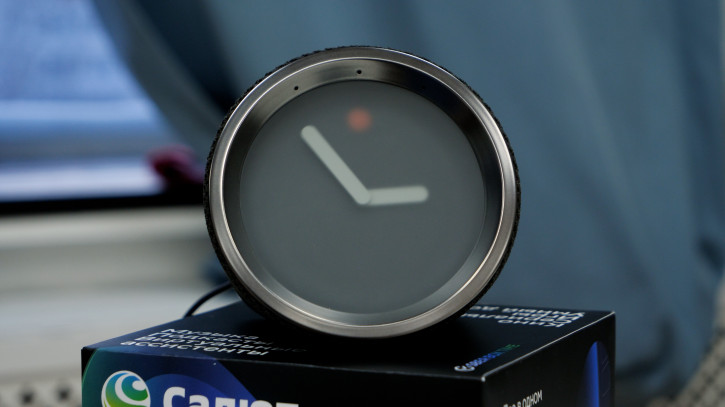
At the end of last year, Sber announced a smarta set-top box with a built-in clock - SberBox Time. The combination is rather unusual, and in general, smart speakers are not yet very common in our latitudes. It is all the more interesting to get acquainted with a peculiar gadget, which, for a price of 6990 rubles, unusually absorbed a lot.
 |
SberBox Time Specifications |
|---|---|
| Firmware | Android (AOSP) with StarOS shell |
| Chipset | Amlogic S905D3, 12 nm CPU: 4 x A55 x 1.9 GHz GPU: Mali-G31MP2, 800 MHz |
| Ram | 2 GB |
| ROM | 16 GB |
| Battery | Not |
| Charging | 30 W (continuous power) |
| Wireless interfaces | WiFi 5 bluetooth 5 |
| Connectors | HDMI USB Type-C ethernet AC |
| Sound | 5 microphones 2 speakers, 15W |
| Water protection | Not declared |
| Dimensions and weight | 12 x 12 x 11 cm 430 g |
Video review
Equipment and design
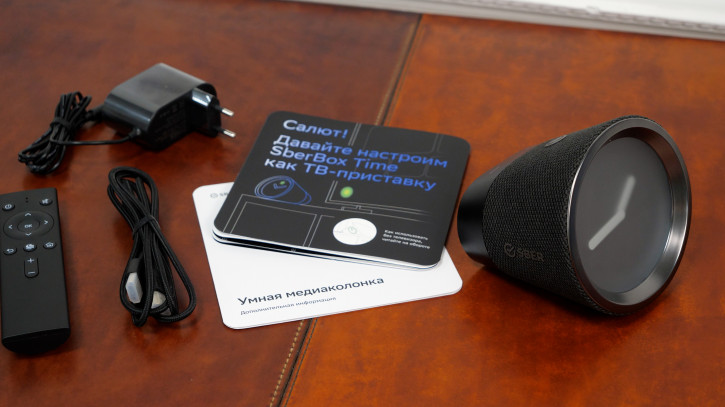
SberBox Time comes in a large white boxwith black jacket. In addition to the device itself, the package includes a charging cord combined with a power supply, a remote control (very simple, without an air mouse, but convenient), a cool braided HDMI cable and documentation. Please note that the remote control works on batteries, but they are not included in the kit - you need to buy two pieces of AAA format yourself. I also want to warn you that the complete documentation is extremely indeterminate, and you may need the Sber support website, where everything is really described.
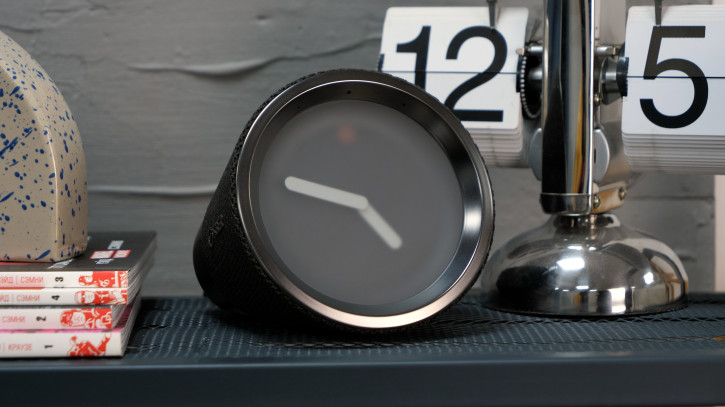
The front panel is a minimalist dial with two hands under a matte finish.There is no second hand, numbers on the dial and at least minimal backlighting, so you won't be able to check the time at night, and even during the day... In the 21st century, not everyone will understandAnd no, I'm not at all against the hand clock, but here it isThere is a multi-color LED indicator on top that shows the current status of the device.
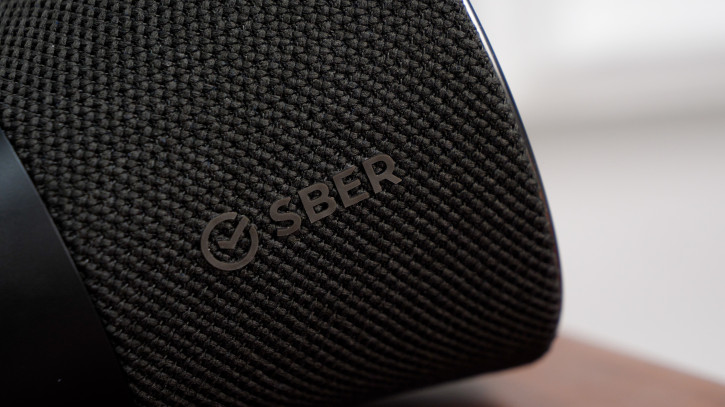
The main body is made of wovenmaterial, it tends to collect dust, but at least it does not tend to fray. On top of it is the only hardware button of the device - the microphone mute button. If you want to talk about something, and so that Comrade Major virtual assistant does not eavesdrop on you, just press it - and, as stated, the microphones will be turned off. One more push and they turn on. This is especially useful when talking about Sberbank: the voice assistant is triggered by every mention of the company, and this can interfere with discussing your loans and subscriptions.
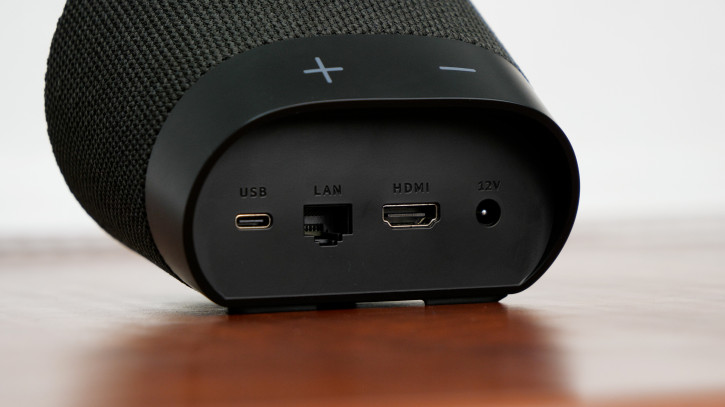
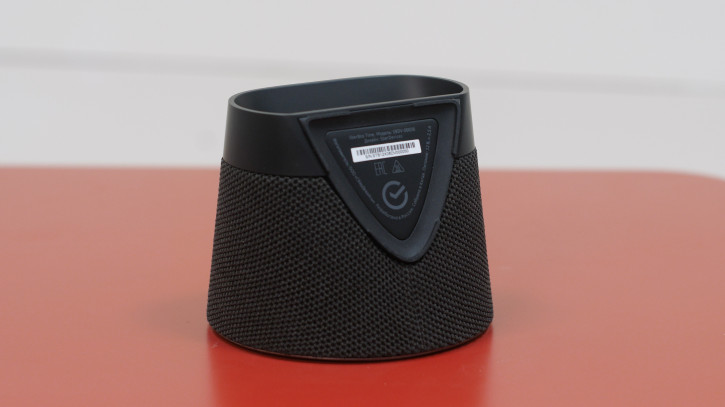
And the back is plastic.On top of it are touch, intangible volume buttons, and on the back - a quartet of connectors: HDMI, USB-C, Ethernet and for connecting the power adapter. HDMI is used to connect to a TV/monitor, Ethernet is used for wired internet (if you don't have Wi-Fi or it's too slow), and USB-C is used to charge other devices if you suddenly have Type-C-Type-wiring. C. Connecting peripherals through it will not work. The bottom of the console is made of metal and is used as a heat sink, so be careful, it gets very hot sometimes.
Set-top box features
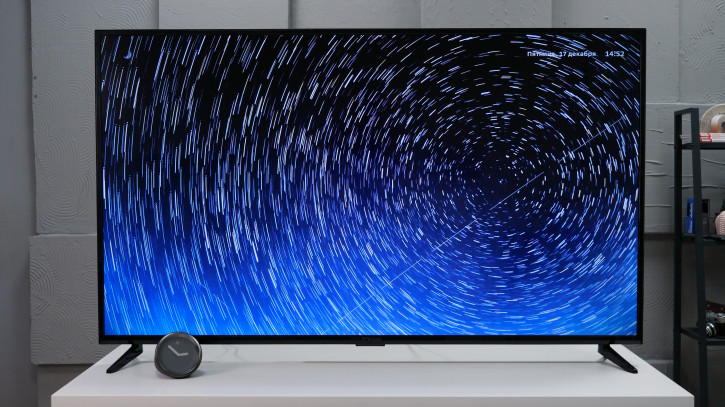
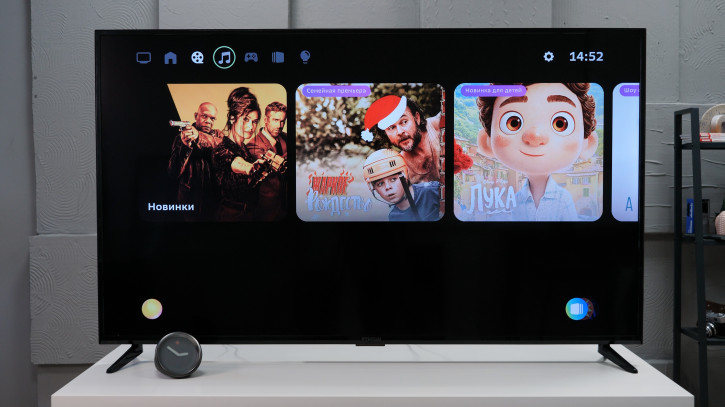
SberBox Time is based on Android with a shellStarOS. Of course, there are no Google services here, this is not a Chinese set-top box with full access to Google Play. Everything here is tailored to the consumption of Sber services: authorization only through Sber ID, there are clients for Okko video streaming and SberZvuk audio streaming, an application for ordering products from SberMarket and Samokat, a Smotryoshka TV client, and so on. Services, of course, are paid, so for full use you need to have a subscription - either to individual Sber services, or immediately to SberPrime.
Of the third-party services, there is YouTube, more.tv, ivi, Wink and Kion. I advise you to install the Kion application even for those who do not use this service and are not connected with the MTS ecosystem at all. What for? The fact is that it is the only way to enter the device settings - and, for example, change the time zone or see the amount of free memory. Of course, there are some settings in the standard launcher, but the only really useful ones there are HDMI CEC and Wi-Fi settings.
Some time ago, from inside Kion, it was even possibleit was to launch Chromium and install .apk files from there, but by the time this review was written, this hole was covered. Now you can install .apk only through developer services, but if you really want some kind of HD Videobox or an application with maps, then there is no other way. (StarOS also has a built-in browser, but downloading files is blocked in it.) By the way, it’s not yet a fact that the application will appear in the launcher after installation - you may still have to launch it through Kion. Or, alternatively, install another launcher.
However, enough to describe the "undocumentedfeatures" of SberBox Time, let's return to the functionality that was intended by the creators of the device. The main feature is, of course, not applications, but a voice assistant, which allows you to almost completely exclude the remote control from the process of controlling the set-top box. Voice control is quite convenient and cool, but I still got used to poking at the buttons on the remote control, and I myself almost didn’t talk to the console. In addition, the assistant has many convenient functions such as weather, smart home control, timers, and so on, and additional ones can be installed from the built-in application catalog.
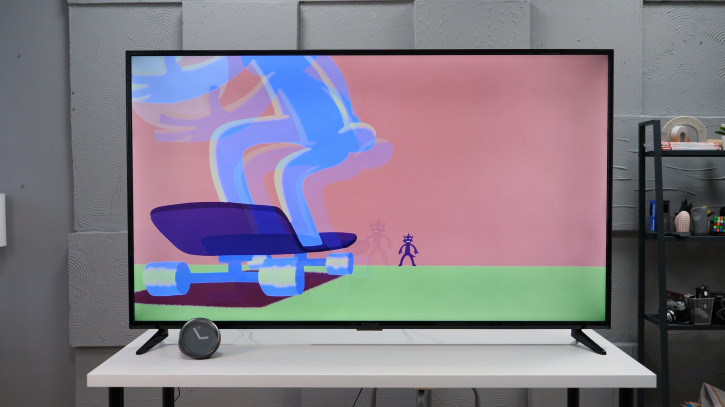
Another cool feature is news thatthe generated announcer reads in the generated voice. It looks good until you notice that the articulation is not at all in time with the speech, at which point it even becomes creepy. Neuromedusa would be better suited for this than the content of our state media. As for the sound output, the set-top box offers two options here - use your speaker (very good) or output sound to the TV. It's nice to be able to choose.
Speaker Features
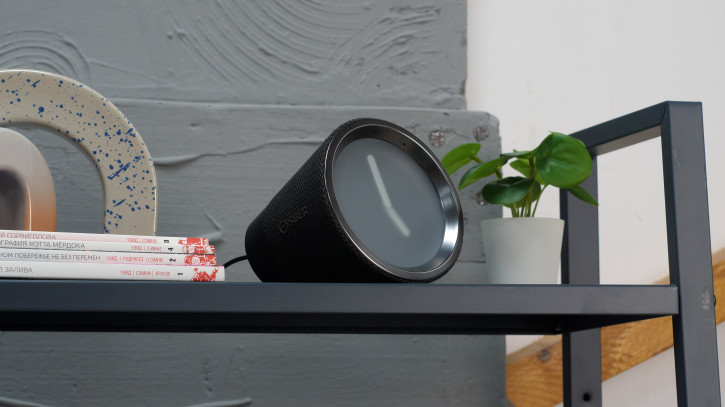
Describing SberBox Time as a column, it is necessary to say the main point right away.This is not a Bluetooth speaker with access to a voice assistant, but a set-top box from which the TV has been taken away.Therefore, only the voice assistant with all its features and SberZvuk remain from the functionality.It's sad that you can't play music from YouTube or your phone in this mode, but... you can't do that.What else can I say?
Conclusions
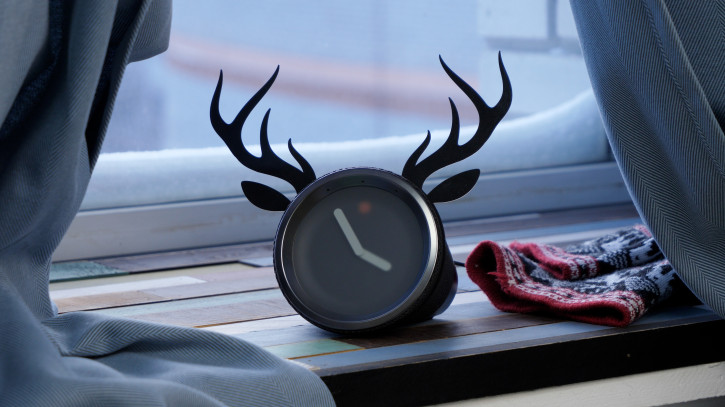
SberBox Time is a good device for those whois, to some extent, immersed in the Sber ecosystem and is ready to dive even deeper into it. Many services are really good: Okko releases (or at least released until recently) a lot of good films and series, and Scooter is a very convenient grocery delivery app that saved me more than once even before I got to know SberBox. time. However, if you have already found yourself in the camp of VK or Yandex, it will not be easy for you to switch to the Sber ecosystem, and there is really no need to. In addition, she is not always friendly (while I was setting up Time, I was banned from Sberbank for receiving too many push notifications - I had to butt heads with technical support for several days).
Buy SberBox Time
Best prices, discounts and promotions in Telegram
© Oleg Lazarev.