Launched in 2016, short video hosting TikTok has won billions of hearts and become a real

SnapTikVideo service can serve as a solution,allowing you to download any video from tik tok without a watermark in a couple of clicks. This is a modern video downloader that does not even require installation: any browser is enough to work with it. But before moving on to using SnapTikVideo, it would not be superfluous to get acquainted with all its advantages:
– Download video in HD quality:
With SnapTikVideo you can download TikTok videos in original quality.
– Convert MP4 video to MP3 audio:
If you only want to download the audio track, SnapTikVideo can help with that too. Just select the MP3 download format.
– Free and without registration:
In the best traditions of the RuNet, SnapTikVideo is available to everyone without any unnecessary gestures, subscriptions or email instructions.
– No advertising:
The SnapTikVideo service will not try to push any advertising to you.
– Unlimited download:
There are no restrictions on the number of downloads in SnapTikVideo. You can download any number of HD videos in a row.
– Anonymity:
The SnapTikVideo website will not store any information about you or what you downloaded - the principle of absolute anonymity.
– Compatible with all devices:
Being an online platform, SnapTikVideo allows you to download TikTok videos without a watermark on absolutely any device that has a browser: it doesn’t matter whether it’s Android, iOS, MacOS or Windows.
– Convenience
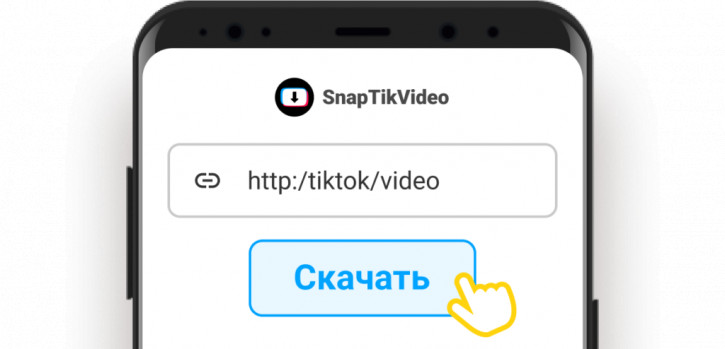
The SnapTikVideo service is extremely easy to use: all you need to do is link to the desired video on TikTok. A more detailed download procedure is given below.
Guidelines for using SnapTikVideo:
1. Open the TikTok app or website
2. Select the video you want to download
3. Copy the link by clicking the “Share” (right arrow icon)
4. Open the official SnapTikVideo website through a browser.
5. Paste the TikTok video link you copied.
6. Click “Download” and wait for processing.
7. At the end of the preview, make sure you download the right video
8. Select the desired format (HD without watermark, audio only, etc.).
9. Click “Download” again.
10. Done!
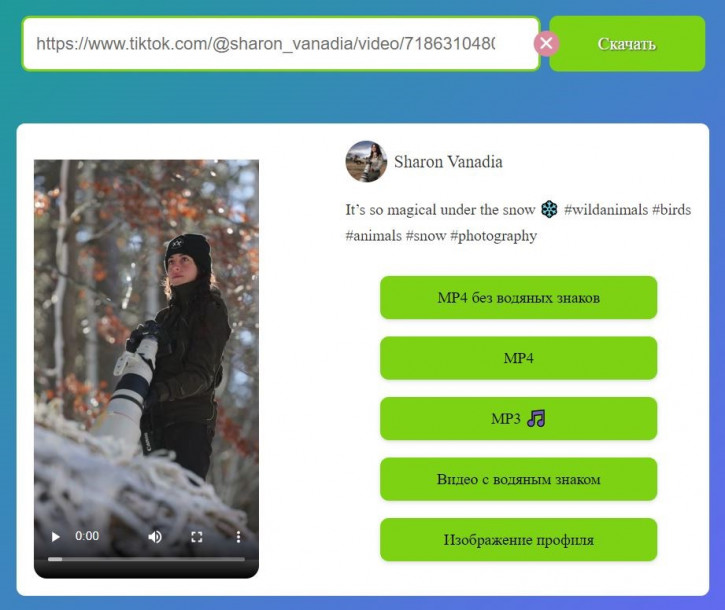
In such a simple way, with the help of the SnapTikVideo service, anyone can easily and quickly download videos from TikTok in HD quality without watermarks and any restrictions on the number of downloads.
© Vladimir Kovalev.