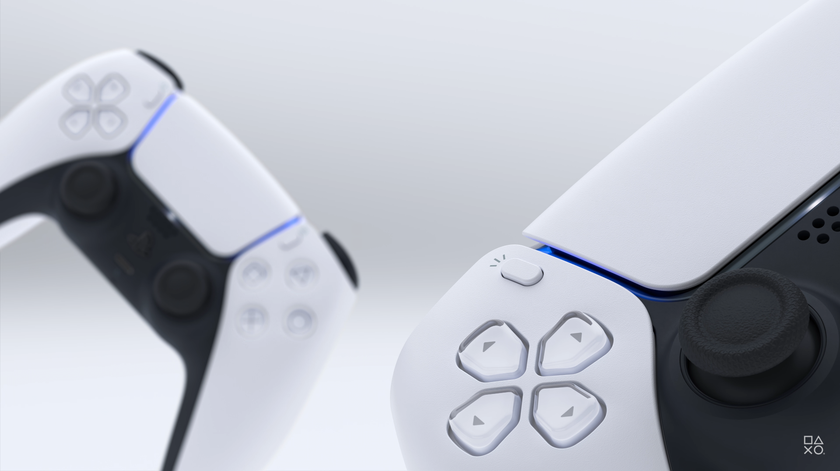
Sony has released the first firmware update for the PlayStation 5 since the official launch.
What corrected
How
Some users also encounteredwith problems while downloading games. Due to a system error, the PlayStation 5 sent the game to an endless download queue and only a full factory reset corrected the situation. IGN writes that even after installing the update, the problem has not gone away.
To update your console firmware to the latestversion, you need to go to Settings> System> System Software> System software updates and settings> System software update.
For players who want to know more:
- 10 reasons to love Fortnite
- Review of Assassin's Creed Valhalla: Treason of Treason
- The future of World of Tanks: Wargaming will hold a “Stream of the Year” with announcements of important innovations in “Tanks”
The best accessories for gamers at a bargain price
- 10 best selling gaming mice with Aliexpress
- 7 best mechanical keyboards on AliExpress
- 10 Cool AliExpress Microphones for Stream
- 10 controllers for smartphones and tablets that improve the chances of survival in PUBG and its analogues
- 10 best selling TWS headphones with Aliexpress for up to $ 25