The best applications for online broadcasts
Free applications for online broadcasts, streaming,
We have compiled for you a selection of the best applications for online video chat, choose what suits you more to your needs.
ZOOM Cloud Meetings
Pretty convenient and easy to use.application for holding online conferences, webinars, online training, training, etc. Powered by a cloud platform. It can be downloaded on both iOS (iPad, iPhone) and Android device.
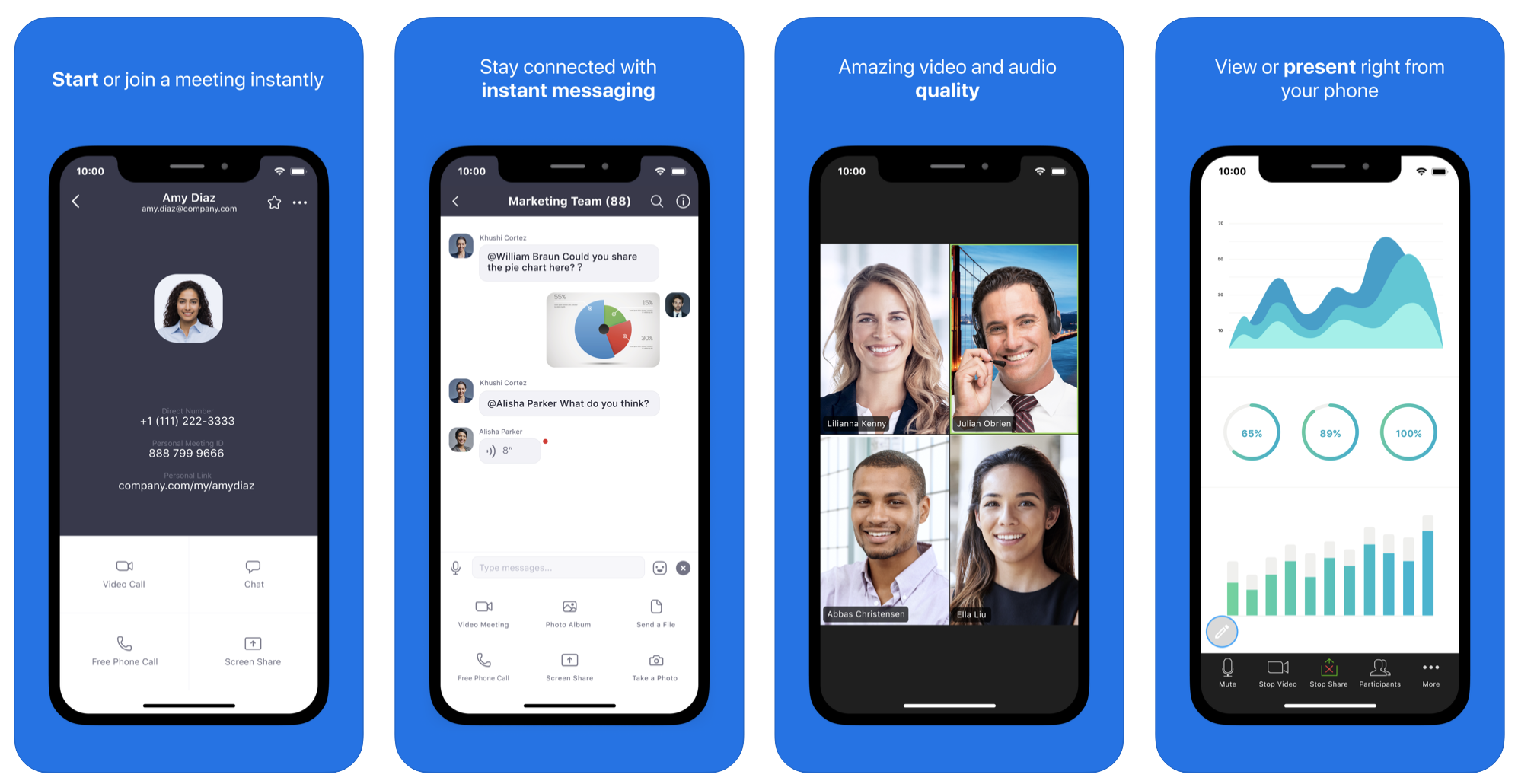 Of the features, it can be noted thatFree online meetings are limited to 40 minutes, then you need to reconnect. After installation, you need to go through a quick registration procedure and create a video conference. Up to 100 people participate in the online meeting, the quality is quite high, it is fashionable to exchange messages. You can easily conduct online meetings, online training, interviews, etc. Free! Of the pluses, it can be noted that during the video broadcast you can see all the participants.
Download on Android
Download from the App Store
Live on Instagram
Many online broadcasts run through the popularInstagram social platform. Our site has detailed instructions on how to start live broadcasting. This method has its pros and cons. On the one hand, there is no need to download anything additionally and go through the registration procedure again, since almost every modern user has Instagram. The application is completely free.
Please note that broadcasting is limited to 1 hour time: As the online broadcast will come to an end, you will be warned with a proposal to keep the broadcast for 24 hours. The downside is that you see only the one who leads the online broadcast. Although the functionality involves inviting the interlocutor on the air. But still, this is not a group video conference. Rather, when we listen to one person and at the same time we can throw our messages into the chat.
This feature is very popular for those who conduct online webinars and online training in a one-way format to a large audience.
Download from the App Store
Download for Android
Periscope
A popular application with which you can alsoyou can stream, but there are also some peculiarities. The audience can be completely different, not just your subscribers. Although you can make limited access. This is an alternative to live broadcast on Instagram; you can also save the video broadcast for 24 hours. Online broadcasting also assumes that we see the creator of the stream and can communicate with him through comments. The most popular are closed broadcasts for individual users.
Download from the App Store
Download for Android
Meerkat
The application is similar to the previous one, you also needregistration and it is also possible to conduct live broadcasts and broadcasts with a delayed start. Stream is streamed to your Twitter page. Unfortunately, the recording of the broadcast cannot be saved. It’s also impossible to make a closed online broadcast; anyone who wants to can watch it. Accordingly, this application may not be suitable for all target requests.
Livestream
The application also allows you to broadcast yourown content live online. You can search for interesting broadcasts all over the world. Set notifications so you don't miss out. Broadcast live from your phone or tablet to viewers watching on Facebook, Twitter, Livestream, etc. You can communicate with viewers through the built-in chat.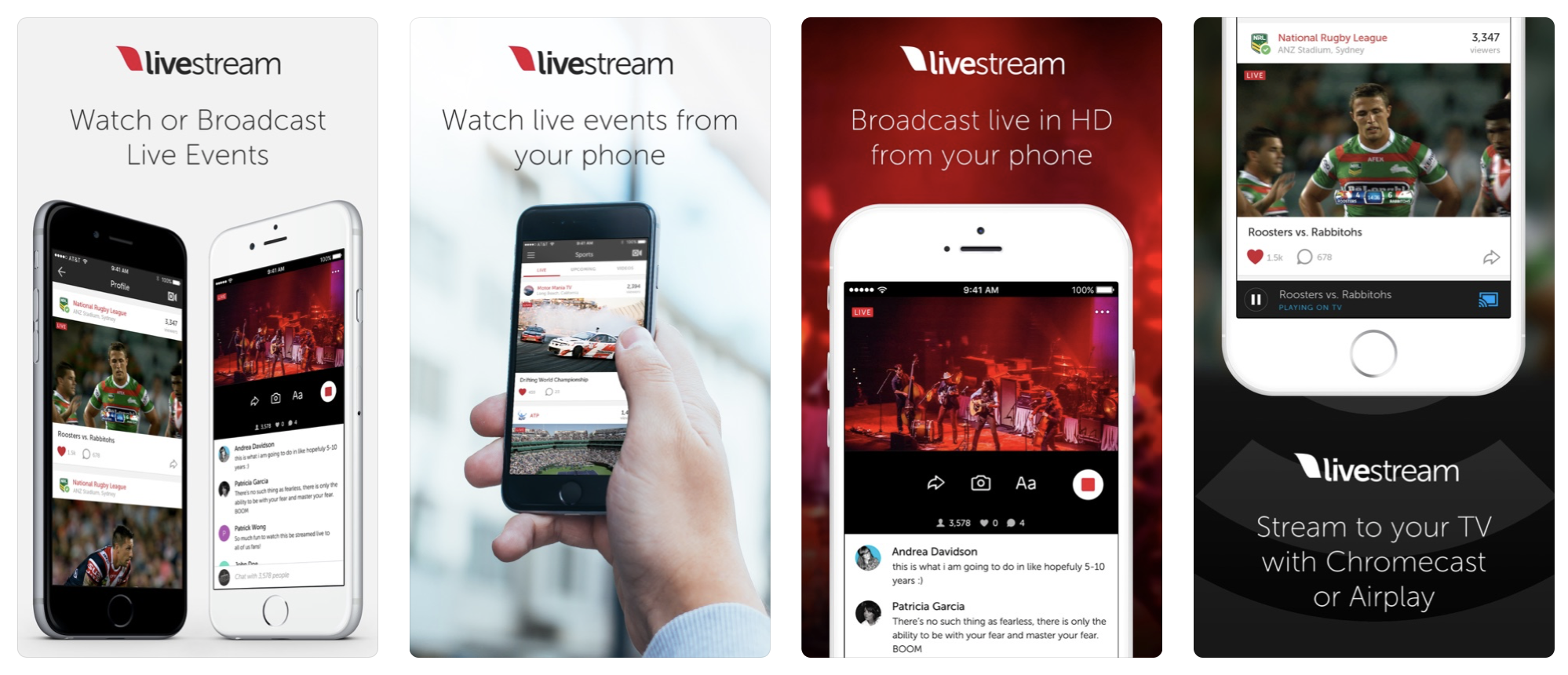
Download on Android
Download from the App Store
YouTube
Here, probably, without comment. This application is not the first year that offers the opportunity to broadcast live to bloggers with a large number of subscribers, to stream online. You can also make private broadcasts, which will be accessed through a special link. Live streaming can be easily saved for later processing.
Download App Store
Download Google Play
Blizz by TeamViewer
Also a good app for online meetings, meetings and live conferences. The most simple interface. You can hold online meetings for up to 300 participants (but only up to 5 for free).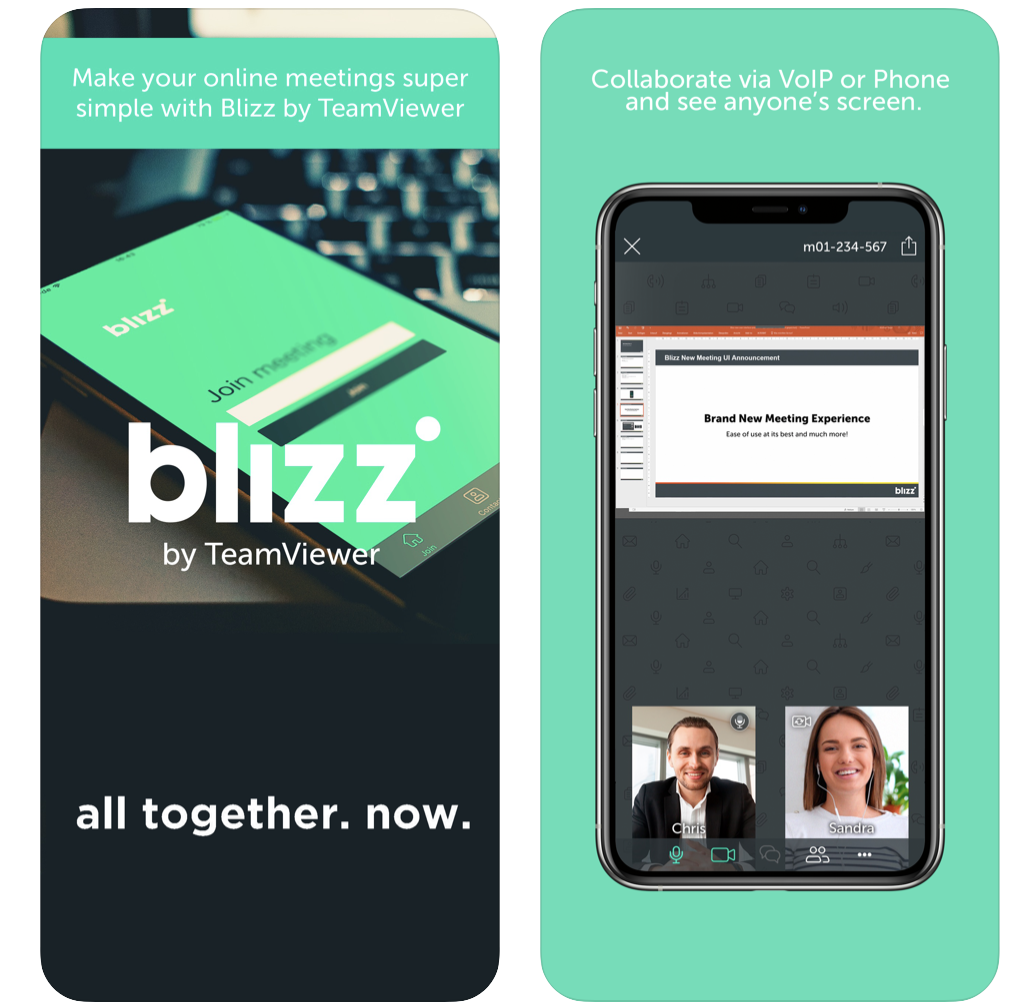
Download on Android
Download from the App Store
Skype
The long-established option fromreputable company Microsoft. The application allows you to create free online conferences, many are trained and engaged online via Skype. The service is available on all popular platforms. Maximum security and privacy.
Download from the App Store
Download for Android