Most of those who use Apple gadgets have no idea how many useful functions they have.
Discuss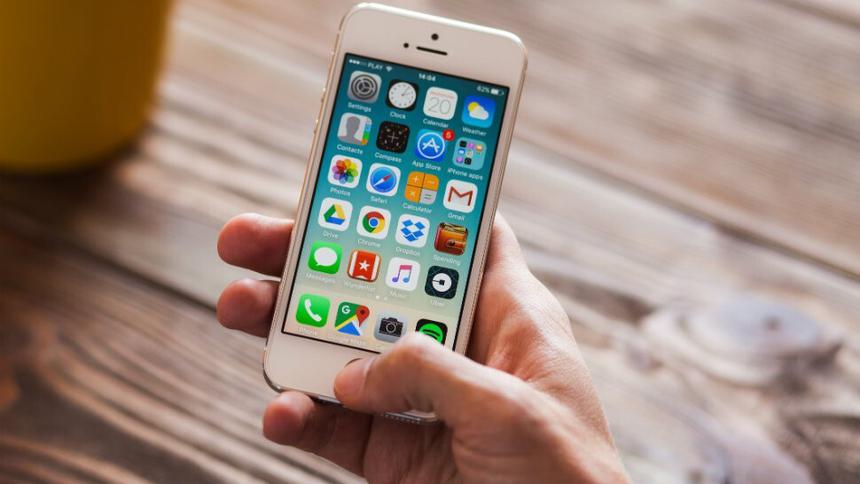
Many iPhone users are unaware that their smartphone actually offers a lot more features than they think. For example, the following five features are rarely talked about.
- Ability to take a screenshot of the entire web page. True, this is possible only in Safari.After you have taken a regular screenshot, click on its small copy that will appear in the lower left corner. After that, you can edit the screenshot. There you will also have the “Entire Page” item, and to save the screen of the entire page, you need to select it.


 13
13
- Ability to type with one hand. If you pinch your finger in the lower left cornerkeyboard globe icon, you can select the keyboard icon. After that, the keyboard itself will decrease and will be shifted to the left or right side, depending on your choice. To return to the usual keyboard format, you need to click on the white arrow on the right.

 12
12
- Increasing the headphone volume. This is done through “Settings”.More precisely, through the items “Sounds, tactile signals” – "Headphone Safety". There you will see a switch for “Loud Sounds Quieter” and you need to slide it. Next, a scale consisting of five volume levels will appear in front of you. But before choosing a stage, take the headphones out of your ears, otherwise you may become deaf.


 13
13
-
Restoring accidentally deleted text in notes. To do this, tap with three fingers at the same timetwice the screen. Then you will automatically return to the previous action. And, for example, in an email client, to restore text, you just need to shake your smartphone. Another way to repeat or undo an action in similar text applications – swipe right with three fingers at once (this will repeat the previous action) or swipe left (this, on the contrary, will cancel what you did before).
-
Accessing browsing history list in Safari. If you hold the plus sign on the left side of the bookmarks menu, you will access a list of links to recently opened pages.
 eleven