Many users don’t know how to use TikTok, how to make cool videos, how to become

How to use Tick Tok
At the first meeting you may be nothingIt’s clear that neither the application’s concept, nor how to use TikTok, nor which videos to shoot and publish at all. However, the users of this service are not only ordinary people, but also well-known personalities, stars, even politicians.
Read also — How to broadcast live on Tik Tok
How to register?
If you just want to be an observer, youYou can use Tick Tok without registration. Registration is necessary only for those who are going to create and upload videos themselves. And to watch funny cool videos, it is not required at all. Immediately after downloading the application, you can watch popular videos.
If you still decide to register, thenyou'll need a phone number, email, or a third-party platform like Facebook. You will be asked to create your nickname. In the bottom panel there is a tab «Me»: here you can change personal data, add a link to Instagram and YouTube on TikTok, add a description, change photos and videos, etc. Here you can also see how many likes, followers and subscriptions you have.
How to watch a video?
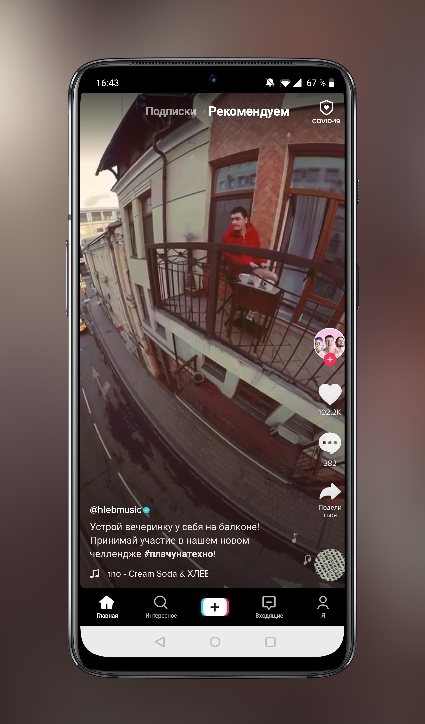
The main screen of the TikTok application immediately offersyou watch popular videos. At the top you will see two tabs — Subscriptions (videos posted by people you follow) and Recommended (videos for you). There is also a tab «Interesting» in the bottom panel — there the videos are combined by hashtags. Please note that when watching any video, additional options are always available to you: viewing the song that plays in the video, a link to the author of the video, comments, likes, the «Share» to copy the video link or to send the video to another platform.
Read also — How to download TikTok videos without watermark
How and which videos to shoot in Tick Tok?
We got used to it a little… Then let's move on to the most important thing: how to shoot, upload and publish videos on TikTok. And most importantly, what videos should be shot and with what.
In the bottom panel we find a bold button«+» to start filming your video. Below you can select the duration of the video — 60 seconds, 15 seconds. Or select «Themes» — There are a huge number of creative design options for your photos.
There is a button at the top of the screen«Music» — here you need to select the song that will be added to your Tik Tok video. You will also find here the «Effects» buttons. (you can shoot many different cool videos with them, a button to turn the camera from the main one to a selfie, a button to change the video speed, filters, a “beauty” button (removes all the unevenness on the face) and a “timer” button 187; to shoot without using your hands. Then we just turn on our imagination and start shooting, after which we publish the video. At first, you can watch how others shoot and do something similar, and then they will trample on their own ideas.
By the way, you can also participate in certain challenges that can be found by common hashtags.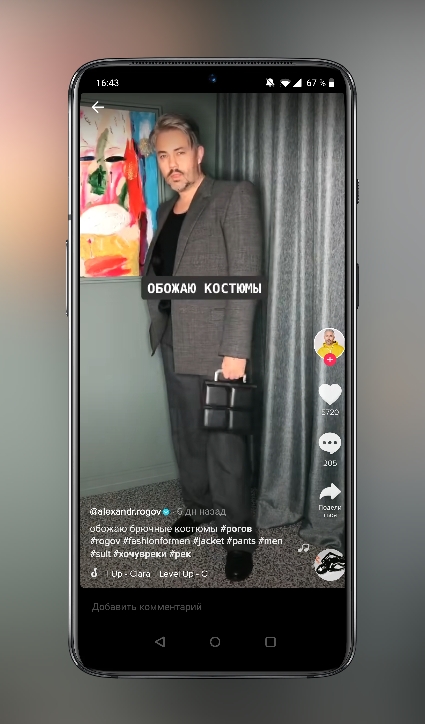
How to get into Tick Tok recommendations
Many users are wondering how to get into the TikTok recommendations. Here are some suggestions for this:
- shoot only high-quality and interesting videos that are not like the others
- put hashtags
- watch what trends are in Tick Tok now and make videos according to them
- Encourage users to like and follow you.
Read also — How to download audio from videos and popular songs from TikTok