In the corporate segment, things are more or less good; businesses have learned to assess risks and managers
How to protect your accounts and personal computer from hacking?
- Do not use the same password on all systems.
- Minimize personal and confidentialinformation about yourself, hobbies and hobbies in social networks and public resources. To indicate contacts in social networks and online stores, it is better to use a separate email and, ideally, a separate payment card with a pre-configured purchase limit.
- Minimize information about yourself on the Internet.Polls, lotteries and other "lure" ask for e-mail to send results, and if it is compromised, it can be used against the client.
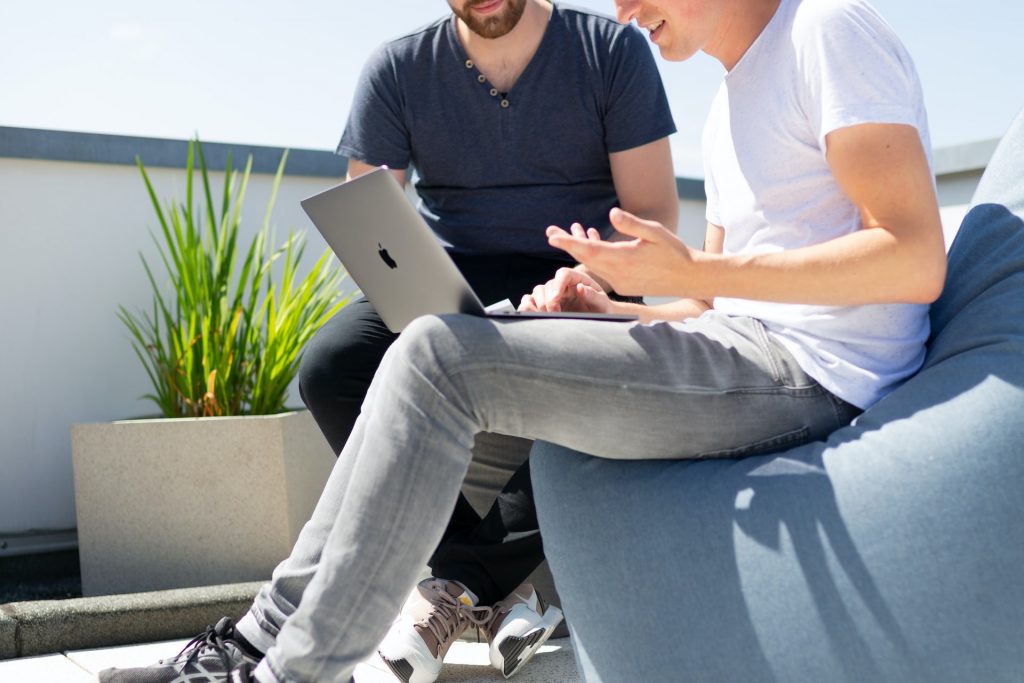 Minimize personal and confidential information about yourself
What is considered the most secure password?
A lot has been written about strong passwords.Especially about upper and lower cases, different languages, numbers and special characters. But until now, we often meet simple passwords, consisting only of numbers or easy-to-remember words.
The guidelines for creating a strong password are as follows:
- Complexity.The password must be at least eight characters long. Contain numbers, letters of the Latin alphabet, typed in different cases, special characters.
- Non-obviousness.A serious violation would be to usemobile phone number, your last name, the name of your favorite animal or other personal information, because when guessing a password, the attacker will check it first. Likewise, you should not use simple sequences of characters (qwerty12345) or the popular word: password.
- Privacy.A password is effective when onlyowner. There is no need to write it down on a piece of paper and leave it next to the computer. Sharing your password with anyone is a security violation. The user is responsible for all activities on his account.
- Uniqueness.Don't use the same password everywhere. Otherwise, if it leaks, information on all resources will become vulnerable. One resource - one password.
- Upgradability.The more often you change your password, the lower the likelihood of it being leaked. The password must be changed every 3 months.
- Replacements.Change password characters to similar ones (for example, ‘O’ to ‘0’ or ‘s’ to ‘$’)
- Mnemonic expressions.Come up with a secret algorithm for selecting and modifying characters from a well-known phrase (proverbs, quotes, slogan, line from a song) and use it when creating and changing a password.
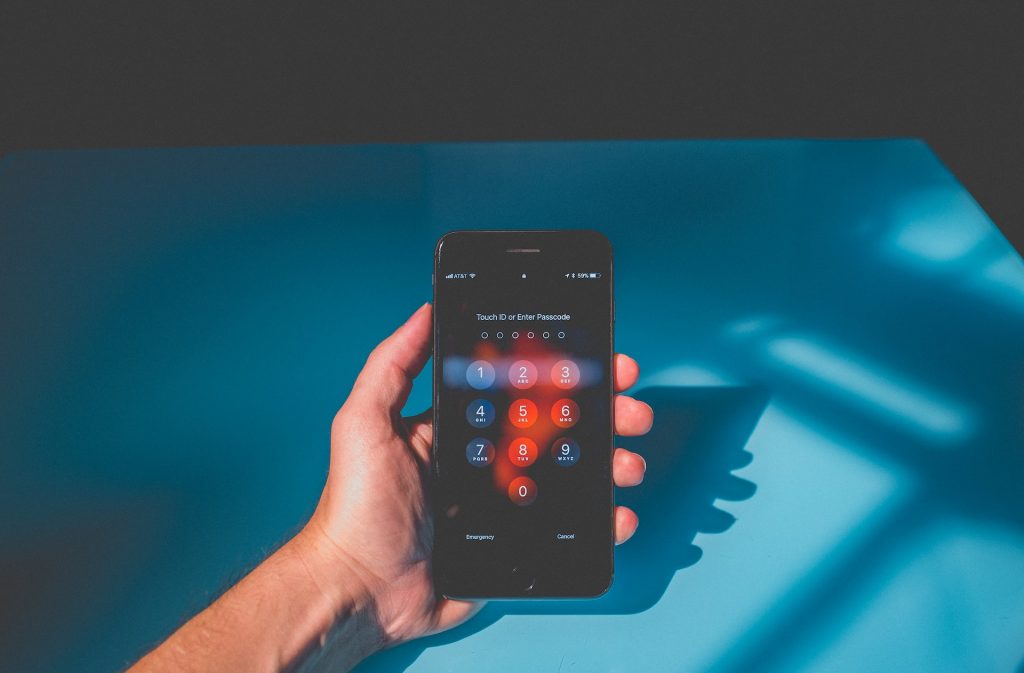 The more often you change your password, the less likely it is to be leaked.
Strong Password Examples
A good practice would be a motivation password. You can choose the goal you want to achieve and modify it into a password.
Examples:
- save for trip to New York, password: save4trip2NYC;
- read the book, password: rEadTb00k;
- quit smoking, password: QuitSm0k1n’.
This password is secure and will motivate you to succeed for as long as it is valid. The chosen goals and the algorithm for creating a password are best kept secret and do not use the examples above.
The most common online scams
- Phishing.Fraudsters fake websites and emailswell-known companies to convince users to enter data. Having received seemingly harmless information, scammers can use it for harm. For example, based on a combination of passport data and SNILS number, an attacker can issue a microloan.
- Compromise of payment information.Frequent schemes to obtain such data are −prepayment for goods, confirmation of card validity. By indicating their payment information on an unverified resource, the user runs the risk of exposing them. In the future, this information can be used to make small online purchases that do not require authorization or entering a PIN code. If such data is stolen, you need to contact the bank, block and reissue the card.
- Leaks and compromise of personal information.The leak of your name, date of birth orSNILS number is not so scary, except for the simultaneous compromise of SNILS and passport number. As we said above, in this case, attackers may try to apply for a microloan. In other situations, the maximum that will be available to them is to use the data to create personalized phishing emails and social engineering.
But with this data, scammers can tryget other user data on the Internet, including phone number and passport data. Therefore, you need to be careful about the dissemination of sensitive information: do not post it in the public domain, do not indicate it on unverified or dubious Internet resources.
- Encryption viruses.Through phishing emails and referralsThe links they contain block access to the user's computer. To unblock it, you need to transfer money to the attackers. The only recommendation is to update your antivirus on time.
What information is better not to keep in the phone or on the computer?
The phone is potentially insecure for storing sensitive information - it's easy to lose and forget.
- Do not store PIN codes for bank cards, passwords for accounting systems, and login information for banking applications in notes on your phone.
- Do not store photos and scans of your passport, SNILS and other documents on your phone.
There are all the same rules for a computer as forphone. There is no need to store important and sensitive information on your desktop; be sure to use an up-to-date antivirus do not use unverified sites, do not download applications from official resources.
General cyber hygiene rules
- If you are using unverified Wi-Fi, do not sign infrom the device to banking and other applications with personal data. This rule also applies to using VPN services on your phone. This does not guarantee security on the device.
- Do not neglect the password function forsmartphone screen unlock. For Android, you should use a complex combination, for iOS - at least a six-digit password combination or Face ID unlock.
- On your computer and phone, be sure to install an antivirus and follow the updates.
How do you know if your computer, smartphone or account has been hacked? What to do?
Here are a few markers that a device or account has been compromised:
- Unable to log into your account.
- On your behalf, they publish messages, mailings in social networks and publics.
- An email will be sent to you to change your password.
- An SMS is sent to the phone with confirmation of payment or with a request for its confirmation.
In this case, you must change your password immediately.Moreover, in all accounts with access to the device, attackers can also access other resources. If your smartphone has been compromised, you should change your login credentials for mobile banking and other payment systems.
Compliance with the rules of cyber hygiene should become something familiar to you - like brushing your teeth or locking the door with a key. Then the data and money will always be safe.
Read more:
The main theory of the origin of man was refuted: where did we come from
Results of first cancer drug trial published
8 billion people now live on Earth: is overpopulation threatening the planet?