Photos with text are quite popular today. The Instagram feed is full of really beautiful photos from
Today you don't need to be a prographic design and Photoshop to create such images. All you need is your iPhone, free apps, a little time, and a little talent. It's very simple, select an image and type the text you want to overlay on the photo, then share it on social networks.
Advertising
Advertising
Next, we list some of these applications.
1. Over
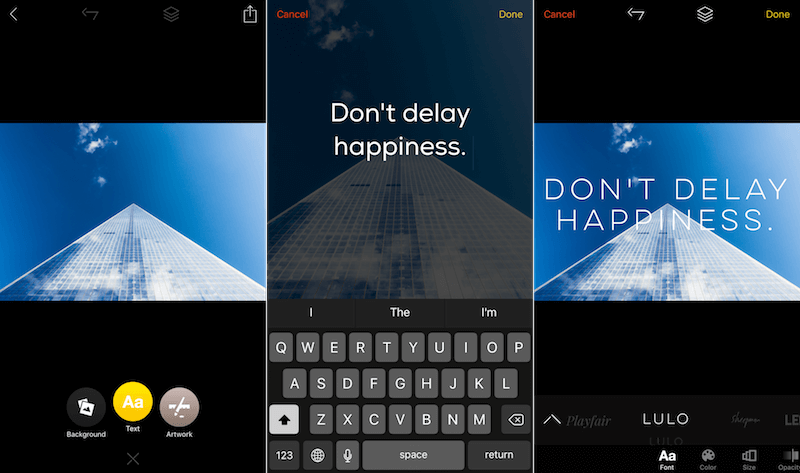

This is a free application, but if you decide to use more serious effects, you will need to pay a couple of dollars to purchase an upgrade to the Pro version.
The free version of the Over app will allow you to select images from your gallery (or from Unsplash), and will allow you to add fonts and edit current ones.
Advertising
Advertising
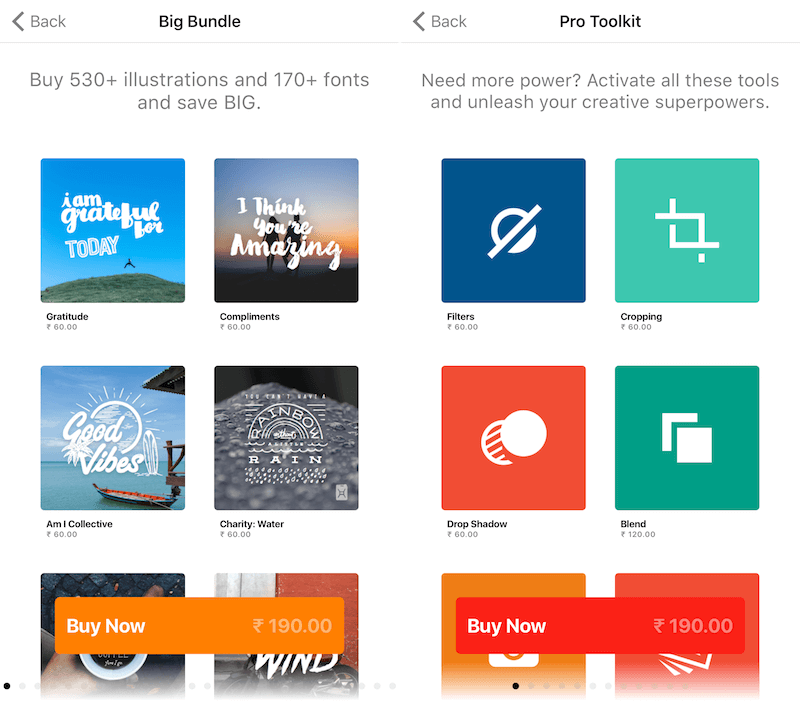

But that’s not all, you can also use:
- filters
- blend mode
- falling shadow
- Pixabay integration
- Blur
- tint
In addition, Over has a ready-made collection of ready-made templates (for inspiration), you can simply drag and drop the template you like.
You can also purchase font packs.
The interface is very simple and if you are an Instagram user, then you quickly get used to the management.
Download:Over
Advertising
Advertising
2.Quick
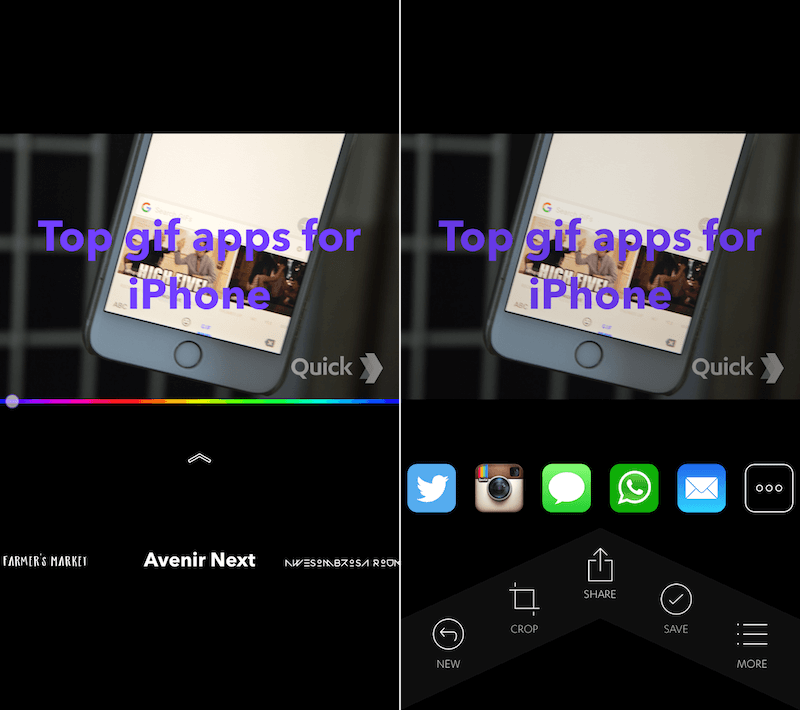

If you do not want too many settings, then try Quick from the same developers. The application matches its name.
Advertising
Advertising
You can quickly select a photo fromphoto album, type in the text, change it, and then change the color of the text using the slider. That's all, this is the main functionality of the Quick application. Once you're done with the project, click the Share button to quickly share it on your social network.
The app is free, but you'll have to pay $1.99 to remove the Quick watermark and unlock premium fonts.
Download: Quick
3. Typorama
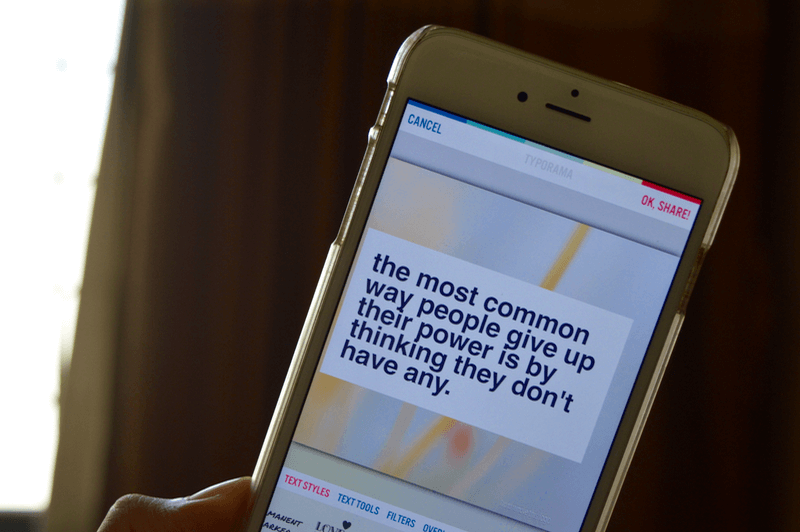

Typorama app created for everyoneday creates motivating photos on Instagram. Typorama will make this process a lot easier. When you open the application, you can select free images (for example, beach, nature), also Typorama can generate random quotes, so you don’t even need to come up with text.
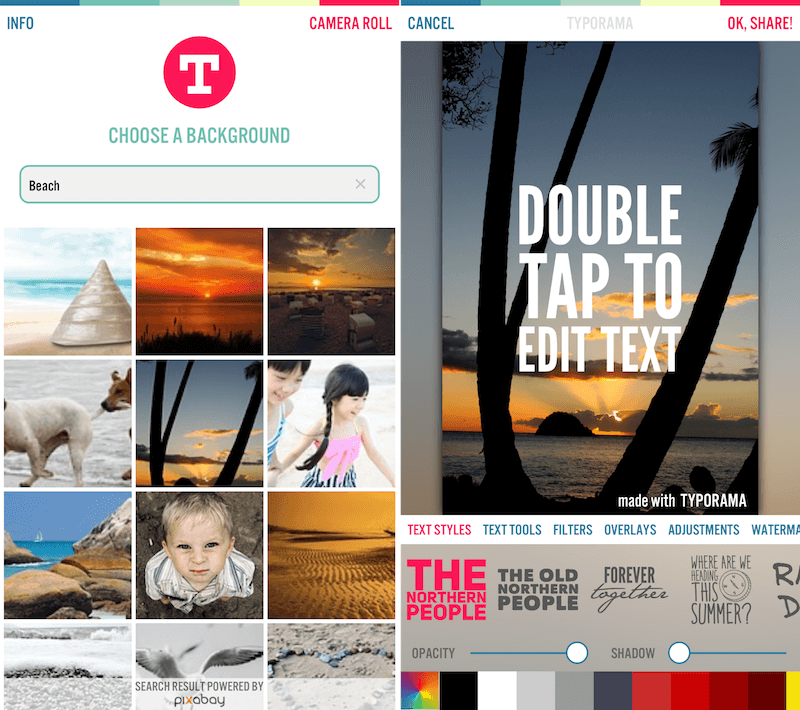

At the bottom of the screen, you will get many options to customize the text. Typorama has some really interesting text styles.
The combination of all the above features makesIt's very simple and straightforward (and that's not even counting the fact that there are features like overlays, gradients, and more). All the images you see in the screenshots were generated in this application by simply clicking buttons without any effort.
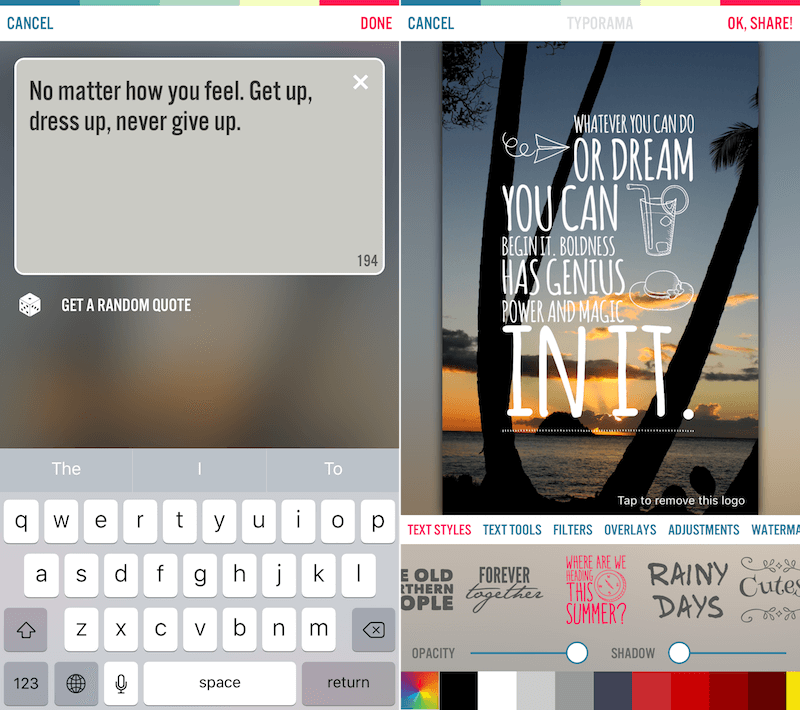

The Typorama app is really good at what it does.in fact. But it is not a universal tool. For example, it is not possible to add more than one text field. Also, you don't have much control over text styles other than moving and changing its color and transparency. You need to use presets. Presets are nice, sure, but that's all you have. Some of the presets are locked, you can pay $3.99 to unlock them. This will also remove the Typorama watermark.
Download:Typorama
4. Enlight
Enlight is a powerful photo editing application.
Enlight can do everything, including almost every level of photo editing, plus the text input and art design are pretty well done.
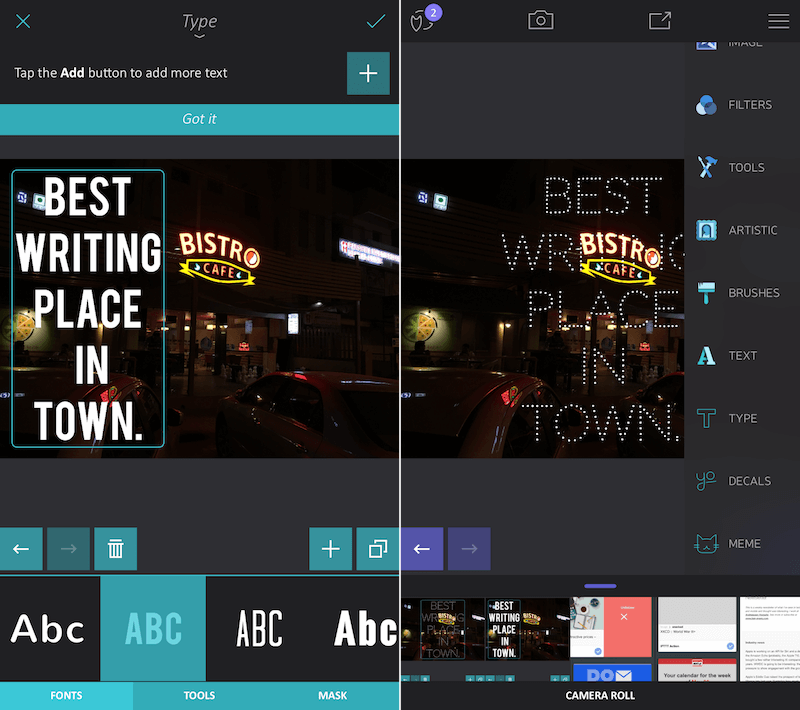

The application costs $ 3.99, for the functionality that it offers, it is justified.
Download:Enlight ($3.99)
Bonus: Canva for iPad
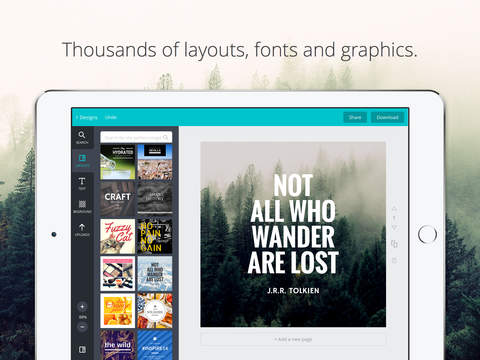

If you are already familiar with the online service Canva, thenYou should know that there is an option to overlay text on photos. Fortunately, this service is available as an application on the iPad. So, if you are working on iPad, then you can create amazing photos in this application.
Download:Canva for iPad