Apple tried to make iOS wallpapers more interesting by adding dynamic wallpapers and the ability to use Live Photos, but
Advertising
Advertising
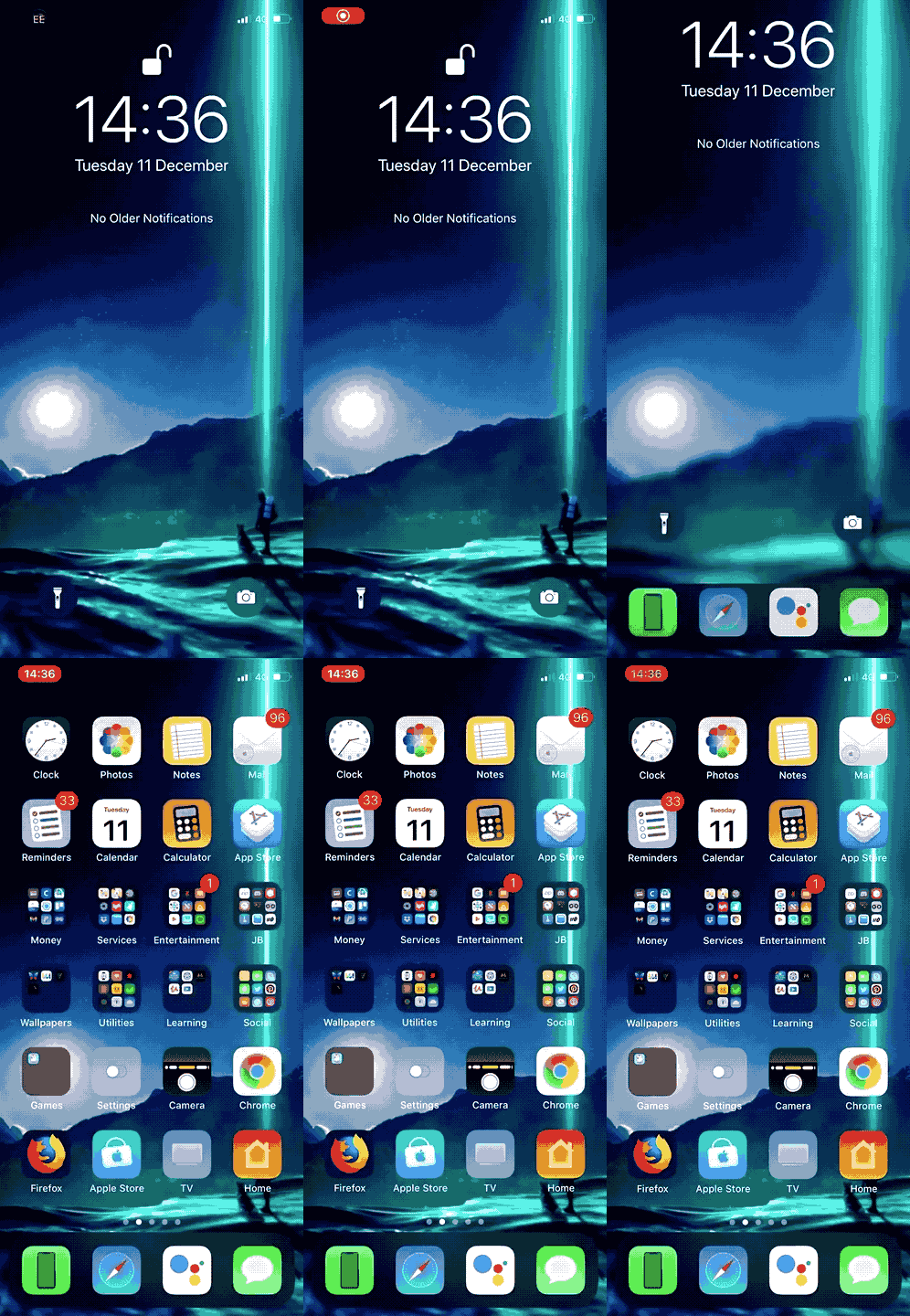
Tweak MotionPicture allows you to set moving wallpapers on your home and device lock screens. Moreover, tweak supports several types of files, which means even more possibilities.
MotionPicture currently supports GIFs and videos in MP4 and MOV formats. The installed video or GIF will be looped, and it looks something like this:

Advertising
Advertising
After installing the tweak, a new section will appear in the Settings with the available options:


Here you can:
- Enable and disable the tweak.
- Choose where the wallpaper will be installed:
- Slider @ 1 = lock screen only;
- Slider @ 2 = only home screen;
- Slider @ 3 = both screens.
- Select a wallpaper file.
- Activate Dark Mode for folders and dock.
- Hide the background of the dock.
- Hide folder background.
Under the section with selecting a file for wallpaper there is a buttonApply Wallpaper, which must be clicked every time after installing new wallpaper. You can also use the buttonRespringto apply the changes.
The developer also added customization of folders and dock so you can adjust them to fit your wallpaper. For example, with dark wallpaper dark folders and a dock will look better.
It is worth noting that animated wallpapers will be faster to charge on your device. Although the tweak has been optimized, the battery will still run down faster.
If you want to install the MotionPicture tweak,You can download it from the Dev4i YouRepo repository in Cydia. Tweak supports iOS 11 jailbroken devices and may conflict with other tweaks related to wallpaper.