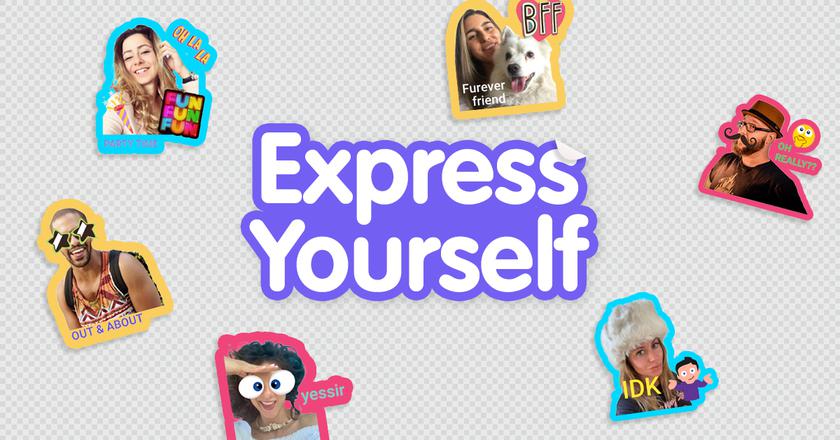
The Viber messenger has a new Create a Sticker feature.
What is it
Now users will be able
</ img>
True, this is not a new feature for other messengers: for example, in Telegram this opportunity appeared several years ago.
What to do
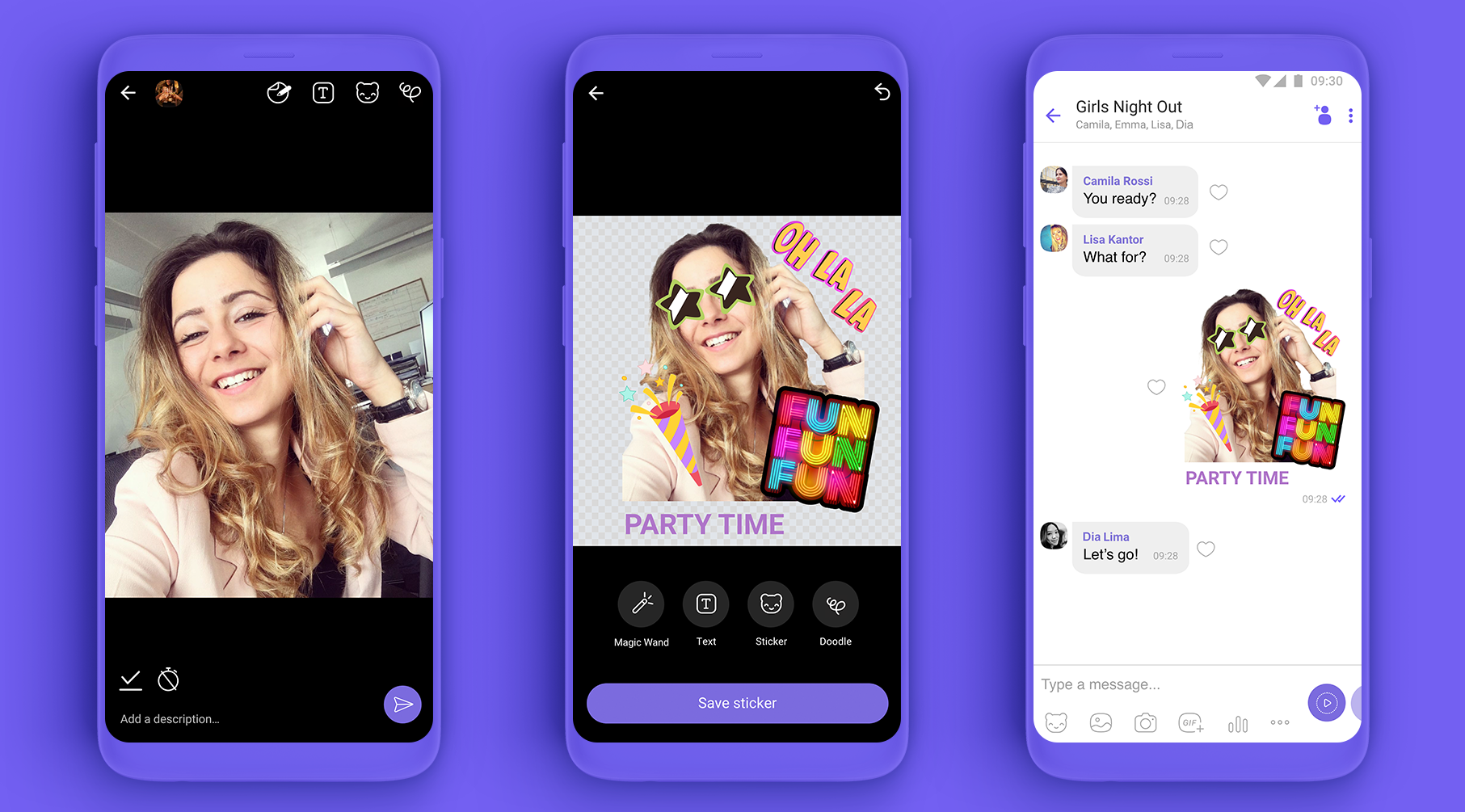
To create a sticker:
- open the editor on the “Sticker Store” tab
- enter the stickers menu in the chat
- either take a picture through the application
After this, you can edit the sticker: change the background, add inscriptions, emoji or other designs.
One collection includes up to 24 stickers.
Where to find
The new feature is available in the updated mobile version, but for now only for Android devices. It will appear in iOS and PC versions later.