
Typical problems when watching online broadcasts include slow video, frame tearing, or
You can avoid a drop in bitrate by connectingTV using an Ethernet network cable. But a wired connection is not always convenient - what if you want to view events on your laptop or tablet in order to be as mobile as possible within your own apartment?
Maximum attention is definitely needed herepay attention to choosing a router. Moreover, you need to navigate not just the “the cooler the better” format, but you should look for specific opportunities that will be useful in this particular situation.
Availability of traffic prioritization (QoS) function in the router.
Thanks to the capabilities of QoS technology, you can prioritize streaming video traffic so that other downloads or traffic from other devices do not affect the transfer speed.
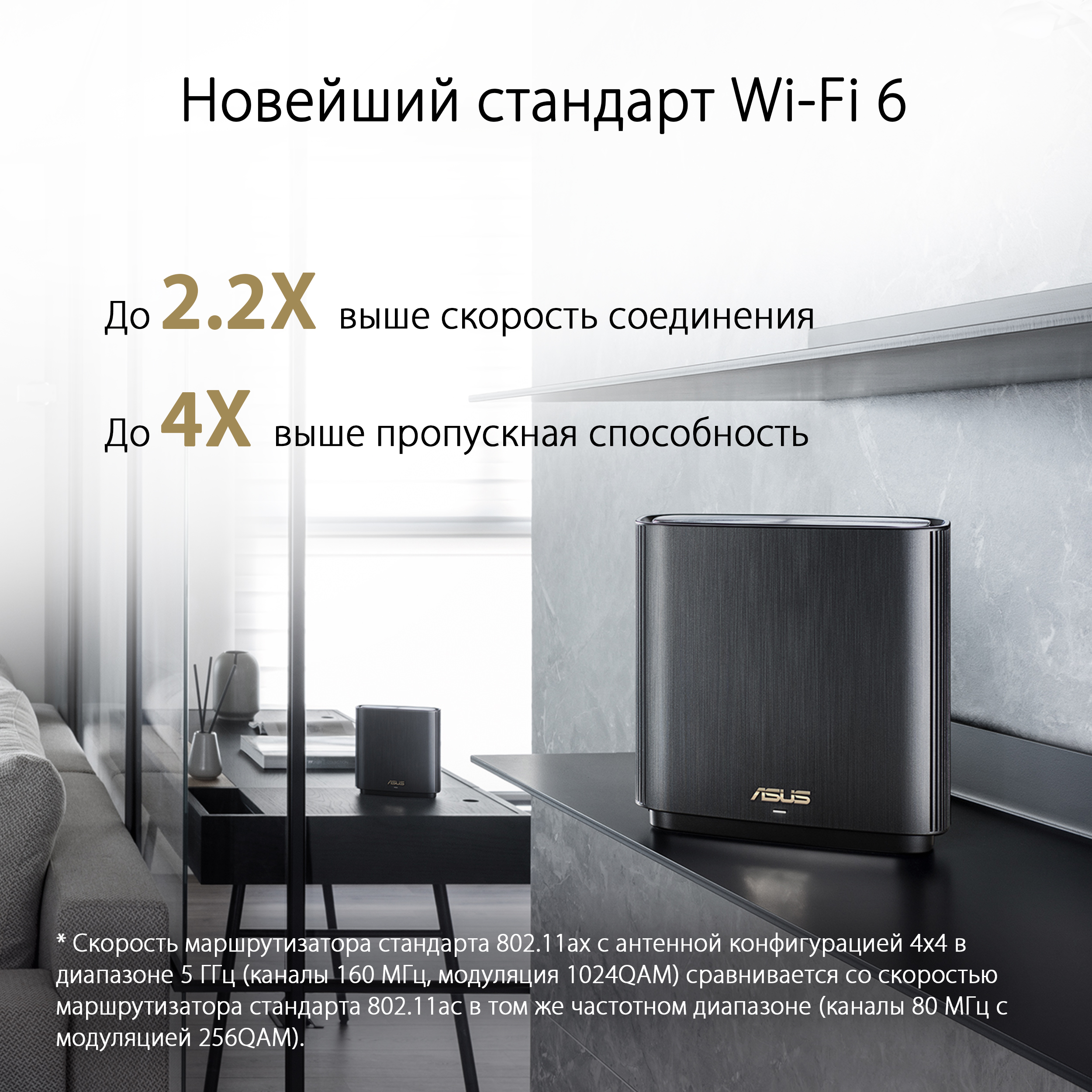
Wi-Fi standard 6.
The new standard for data transfer in routers does notnot only increases the connection speed, but also, using OFDMA technology, optimizes simultaneous data transfer when a large number of different devices are connected to the network.
AiMesh support.
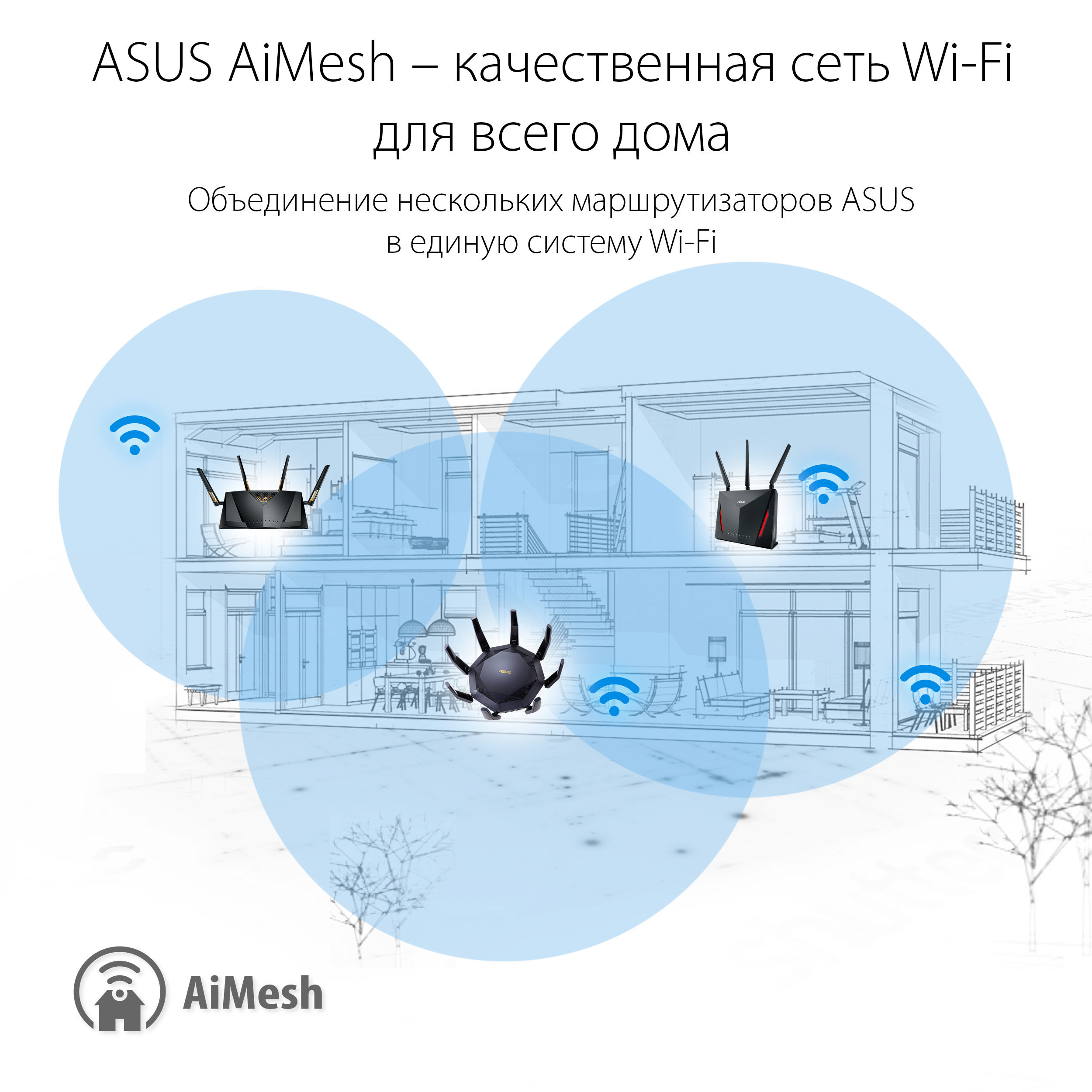
Connecting routers into a single network usingproprietary ASUS AiMesh technology allows you to avoid blind spots and areas with weak signals. The coverage is also guaranteed to be seamless, meaning the online broadcast will not be interrupted if you decide to move your laptop from the room to the kitchen.
Choosing routers that support these threetechnologies, you can get more pleasure from watching online sports broadcasts, as well as using streaming services without waiting for content buffering.