“How to directly download YouTube video to your phone or save it in mp3 format?”
When my friend asked me
What is a snaptube?
In short, Snaptube is a free app forAndroid, which is used to download various media content from various platforms. It is mainly used to download videos from YouTube, Facebook, Instagram and other sites. If you wish, you can also download the video and download it in MP3 format. In addition, Snaptube has several other useful social and stimulating functions.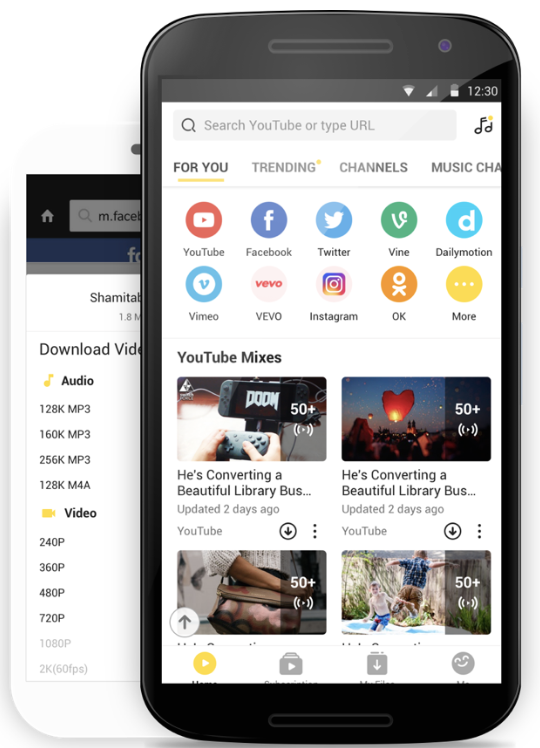
What can a snaptube do?
- Many platforms are integrated in Snaptube, so you don’t have to leave the application and switch between platforms in search of the desired video.
- You can download videos from entertainment and social networks: OK.ru, YouTube, Facebook, Dailymotion, Twitter, Instagram and many others.
- The application allows you to save content in different formats and resolutions. You can also download the video and save it in MP3 or MP4 format.
- It supports streaming and downloading HD content in 4K, 2K and 1080p resolutions.
- The application also has a dark mode (which I liked the most) for more convenient use in the dark.

How to download video using Snaptube?
When you learn about the possibilities offered by Snaptube, you,probably wanted to try out the application. Before you start, go to your phone’s settings, select the “Security” tab and enable downloading applications from third-party sources. This will allow you to avoid problems downloading the Snaptube.
Of course, you can use Snaptube as you wish. However, I made a short instruction on downloading the video.
- First, you need to install Snaptube ontelephone. Just go to the official Snaptube website and download the latest APK. Now click on the APK file and let the browser install the applications on the phone.
- Excellent! After installing the application, you can launch it and select one of the many videos directly in Snaptube. To download a video, simply click on its icon.
- If you want, you can find the video by entering a keyword in the search bar or by entering its URL.
- On the Snaptube homepage, you will find a list of supported platforms. You can click on any of them (for example, Facebook) and upload it to the Snaptube interface.
- After downloading the video, you will see an icon at the bottom of the screen. By clicking on it, you can choose the resolution and preferred format for download.

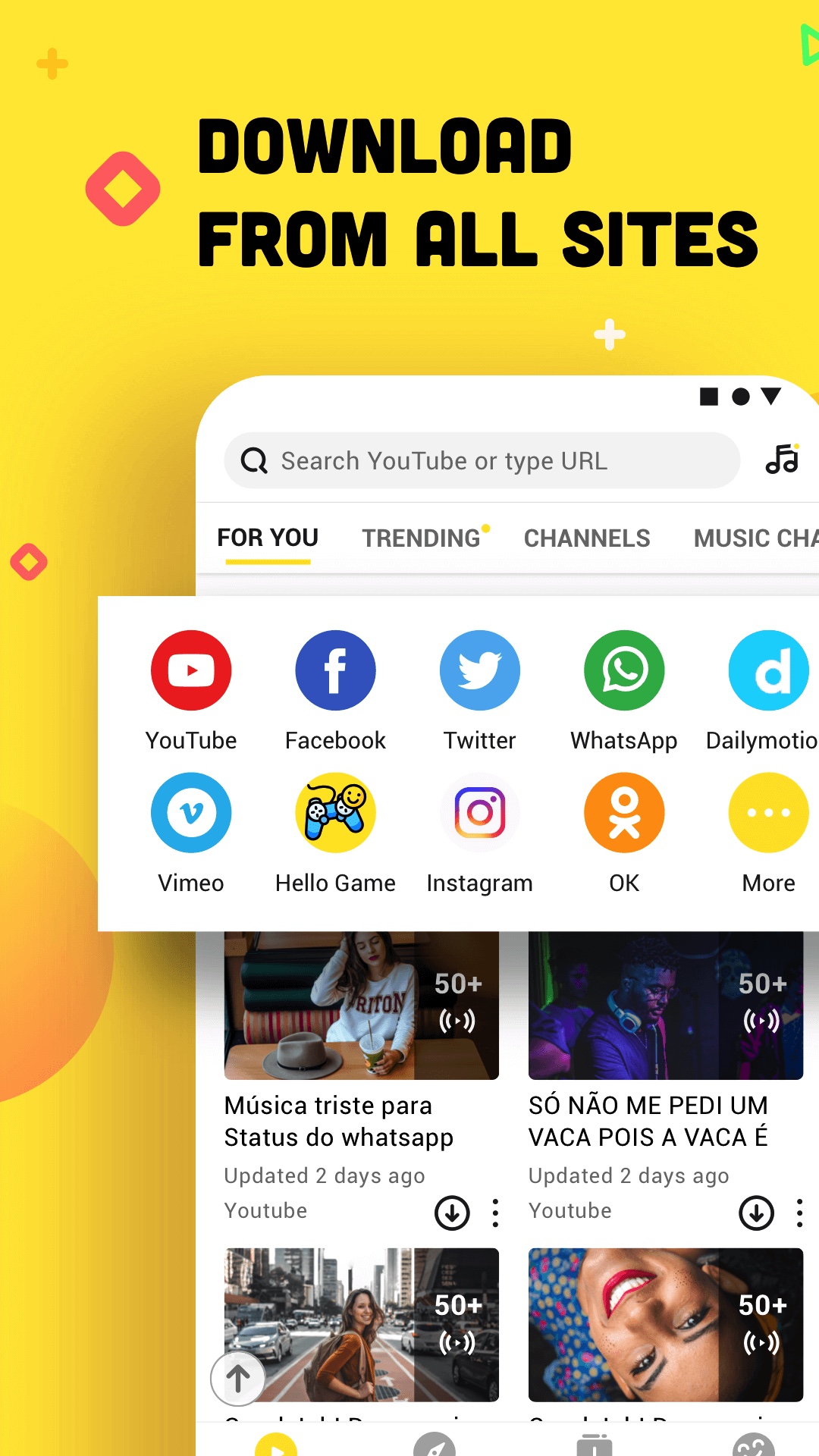
So the selected content will be saved on the phone. To go to it, go to the Gallery / Video or the Snaptube library.
Download this great app for free.save your favorite songs or videos to your phone. If you have already tried Snaptube or use it now, share with us your opinion on the application below.
FAQ
- Is Snaptube a paid app?
No, Snaptube is a 100% free Android app. It can be used without any restrictions. To get rid of ads, you can purchase a premium version of the application.
- Need to root your phone to install Snaptube?
No, you do not need to root Android to install Snaptube. You just need to go to the phone settings and allow the installation of applications from third-party sources.
- Are there any restrictions on the number of downloaded videos?
No, there are no restrictions on the number of videos that you can download using Snaptube. You can watch or download as many videos as you want.
- Can I integrate YouTube into Snaptube?
Yes, to receive personalized video recommendations, you can integrate your YouTube account into the Snaptube app.
- Why is Snaptube not on the Google Play Store?
Google currently does not allow stirringon the Play Store, applications designed to download videos from YouTube. Therefore, you must download Snaptube from the site. Nevertheless, this reliable application, which has the certificates of various security agencies, will not harm your device in any way.