There are situations when the password to unlock a smartphone is unexpectedly forgotten. For example, this could
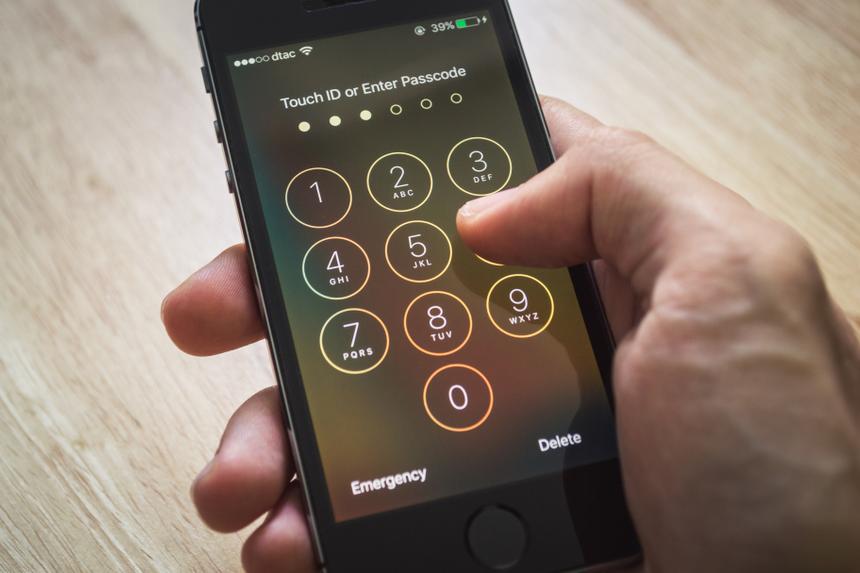
There are three proven ways to unlock your Android smartphone if you suddenly forget your password.
- Smart lock function. Before proceeding to unlock, youmust activate this function and set certain settings. At the same time, if you forgot your password and did not enable this feature before, you will not be able to use it.
Thanks to the Smart Lock function, your smartphone canunblock if you set the necessary conditions for this. For example, you can specify that your device should be at home or that your smart watch should be connected to it via Bluetooth. If these conditions are met, the smartphone will automatically unlock.
To activate this function, you need to find the "Lock screen" item in the smartphone settings, then click on Smart Lock, enter the password and select one of the unlock methods.


 fourteen
- Google account. In this case, you must remember the password fromGoogle account that is on your smartphone. You need to go to Find My Device, log into your Google account, select a smartphone, click on "Clear device", confirm the factory reset. In this case, all information that was on the device will be deleted, and it will be impossible to restore it. In addition, you will not be able to use this method if your smartphone is not connected to the Internet or if it is discharged.

 12
12
- recovery mode. This mode allows you to reset everything tofactory settings. It will be possible to recover deleted files, but only if you have backed up your data. To activate the mode on most Android devices, you need to hold down the power and volume up button while turning on the smartphone. On some smartphone models you also need to additionally hold down Bixby. Next on the screen you will see a menu, and there you need to select Wipe Data Factory Reset, and then – Reboot system now.
 eleven