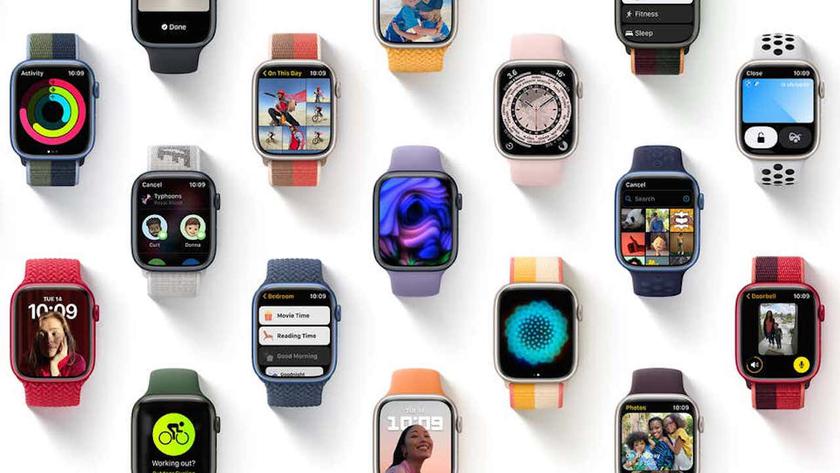
Apple has yet to release the next-generation Apple Watch Series 7, but there is a fresh annual software update for Apple.
Check:
-
Mindfulness
Application “Breathing” for Apple Watchdisappeared – or rather it was renamed “Mindfulness” (Mindfulness), which reflects its more holistic approach to your mental health. Breathing routines have been expanded to include a new reflection feature to help you find time to think more thoughtfully throughout the day. Subscribers to Fitness+ (a service not yet available in some countries) also receive guided meditations.
-
Portrait dial
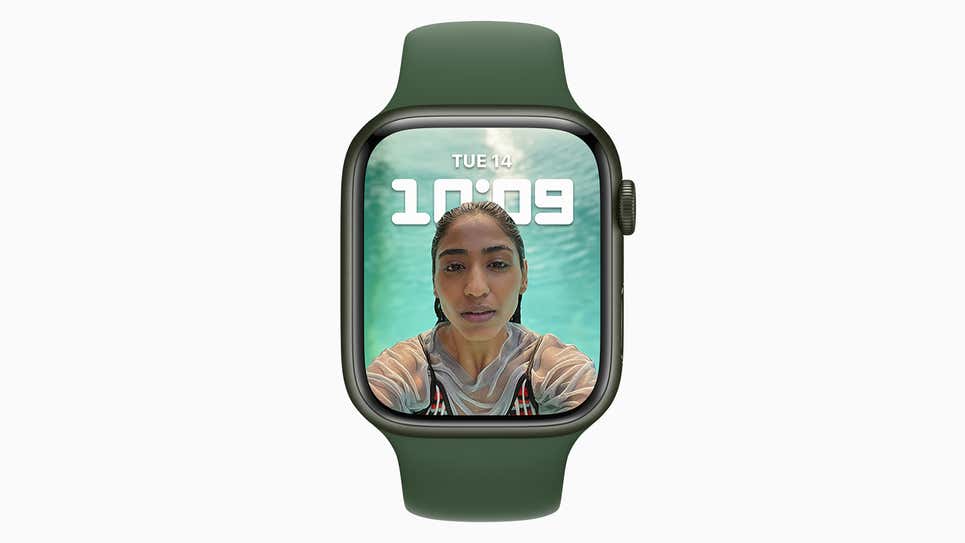
In watchOS 8 you can set portraita photo of a person who means a lot to you as the main watch face. The new portrait dial is installed just like any other, – on the “Watch Faces” tab in the Apple Watch app on iPhone. Then select a portrait photo and appreciate how the clock separates the background and the portrait itself into different layers.
</ img>
-
Lightweight typing
This time “Messages” got a numberSignificant improvements: The digital crown now moves the text cursor for easier editing, and the same text input area is used to enter doodles, emojis, and GIFs. The updated interface should mean you'll be able to compose more messages on the watch itself, and in a shorter period of time.
-
Setting multiple timers
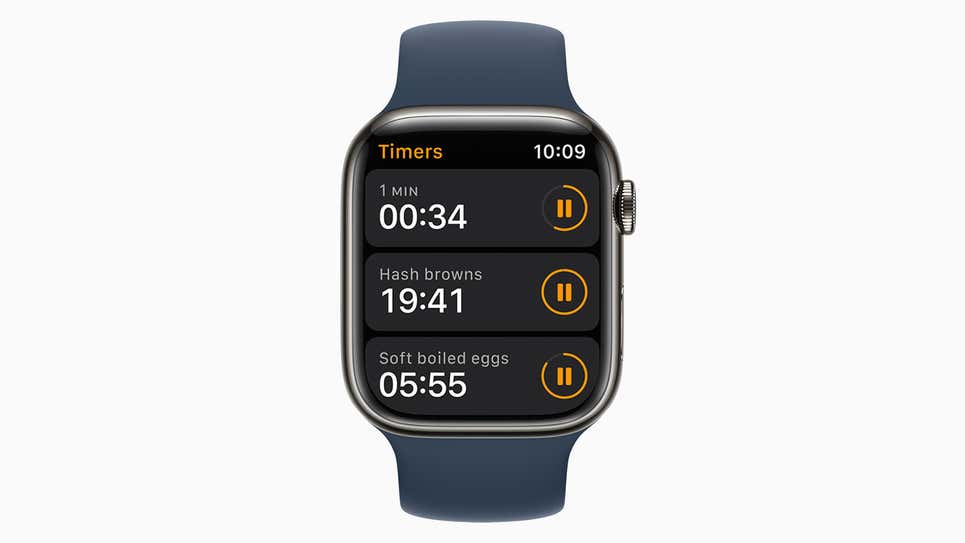
With the watchOS 8 update, you can finallyset several timers so that they work in parallel with each other. As always, they can be installed through the “Timers” app. on your watch or using the voice command “Hey Siri”, and also assign a label to each specific timer to make them easier to identify.
</ img>
-
Search for other Apple devices
With watchOS 8, you have two new apps forsearch for other gadgets: Find Items (searches for AirTags and other similar trackers) and Find Devices (searches for connected Apple devices such as iPhone, iPad and Mac). It is possible to optionally receive notifications when your Apple Watch is detached from other devices such as the iPhone.
-
More detailed weather forecast
Added support for severe weather notifications,precipitation warnings in the next hour, as well as some updated weather complications to play with on the watch face. As before, scroll down the page to see all available data.
-
Easier management of “Smart Home”
Now you can control various devicesHomeKit connected to the “smart home” platform Apple, and even view live feeds from compatible smart cameras right on your watch, without having to access your iPhone.

</ img>
-
Improved compatibility with a variety of locks
Added support for ultra-wideband communicationsfor digital car keys, the ability to unlock and start compatible vehicles, and compatible home or hotel keys can also be added digitally. In select US states, you can add your driver's license or state ID to the Wallet app, although this is probably easier to do on an iPhone.
-
Respiration rate tracking
After installing watchOS 8, your Apple Watch canTrack your breathing rate (breaths per minute) during sleep along with other data such as your heart rate. Dig into your sleep data on Apple Watch or check it in the Health app. on a connected iPhone to see measurements that have been recorded over time.
-
More types of exercise
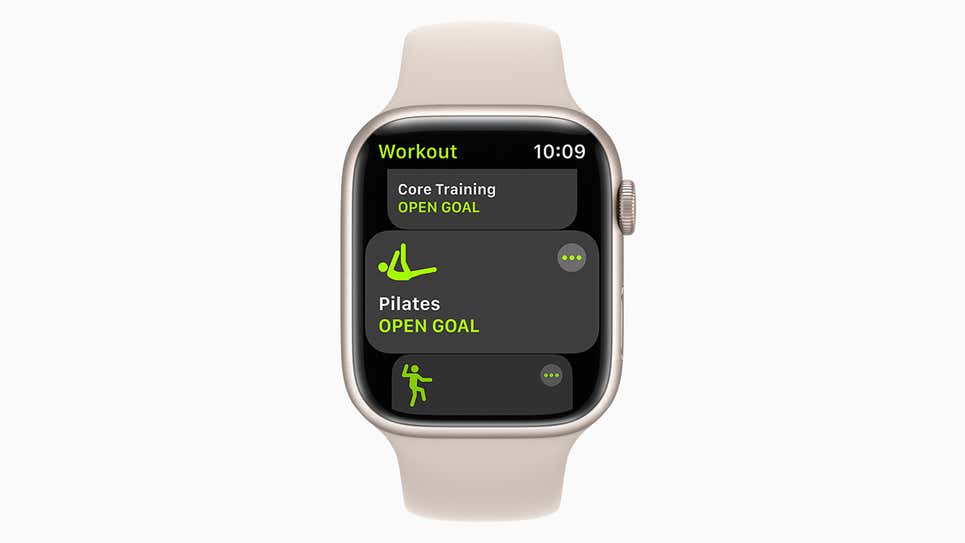
Apple Watch can now more accuratelytrack two types of workouts: Tai Chi and Pilates. Apple says both are “backed by powerful, proven, custom-designed heart rate and motion algorithms to provide users with accurate calorie readings” with active tracking.
</ img>
-
Focusing
Like iPhone, iPad and Mac, Apple Watchsupport new “Focus” profiles that allow you to set custom “Do Not Disturb” rules for various scenarios (office, gym, car and so on). They can be really useful if you take the time to set them up correctly, and the easiest way to do this is – open “Settings” on the connected iPhone and select “Focus” there.
Source: gizmodo
Illustrations: apple
</ p>