With the coronavirus, many have switched to remote work and learning. Accordingly, it has increased greatly

WhatsApp Video Conference
Skype and FaceTime also remain popular.We have also seen efforts from Google, Telegram and now WhatsApp. The latest beta version of the WhatsApp app has reportedly gained support for video calls with a participant limit of up to 8 people. Previously, group calling did not support this number of users. The news is great, detailed instructions are written below.
How to make a video conference in WhatsApp?
- To make a group video call via WhatsApp, first call any of the participants using the «video call» button.

- Next, when two users connect, any ofThey can add more participant/s using the button in the upper right corner. The number of video conference participants is limited to eight users.
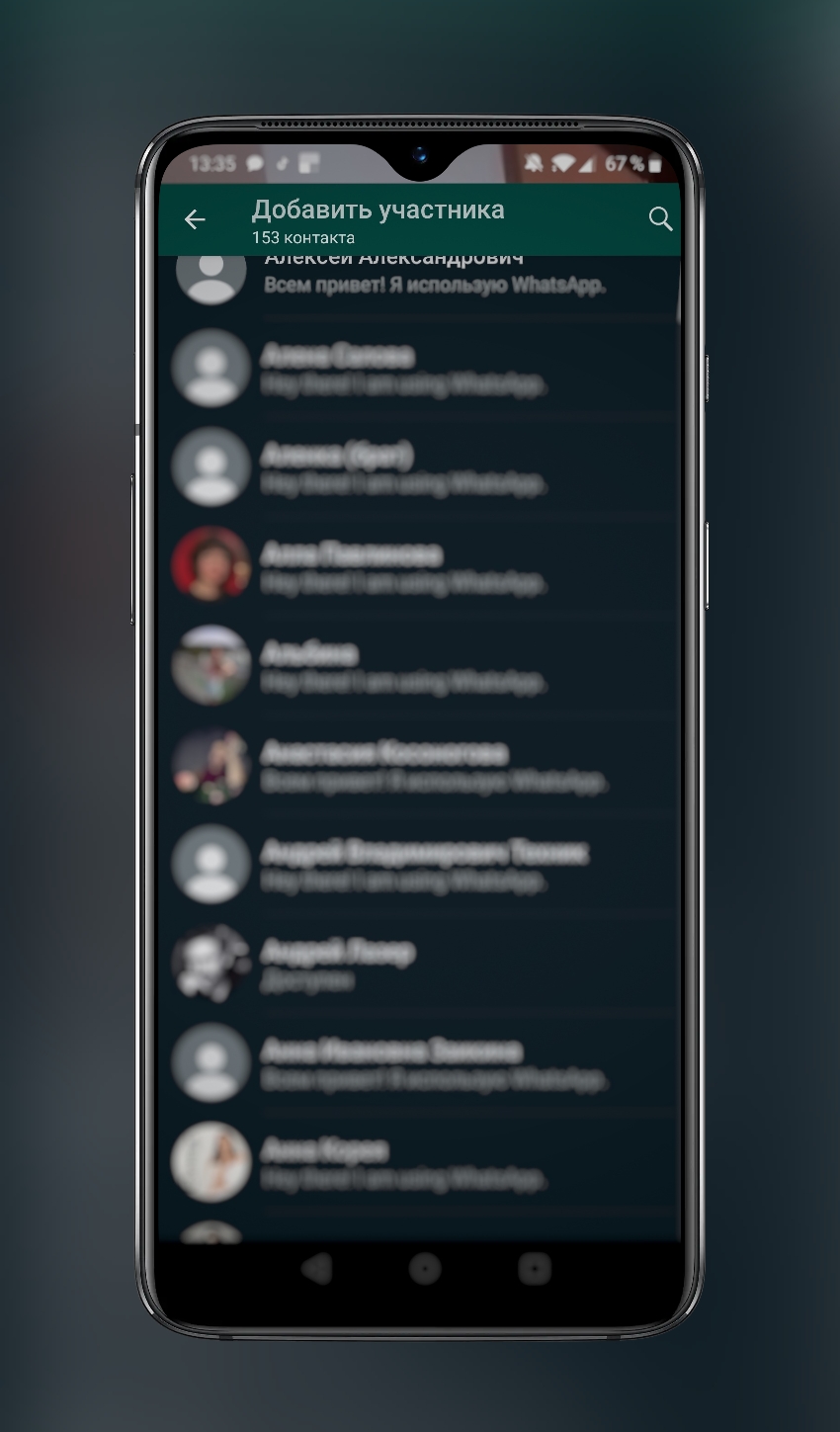
- If necessary, each participant can disablemicrophone or video function, change the selfie camera to the main one. But the mute function is in special demand, since in this way it is more convenient to listen to one main interlocutor without creating unnecessary noise.
Let us remind you that the WhatsApp messenger — the mostThe world's popular chat service with over 300 million active users. Thus, further expansion of the video conferencing space is likely to be met with great anticipation, especially since it is also end-to-end encrypted, providing better security for important calls.
It is expected that as part of the Facebook portfolio,WhatsApp will also receive integration in Messenger Rooms in the near future. Video conferencing in the application will require a strong feature set to compete with native options such as FaceTime or Duo, but so far WhatsApp seems to be a strong competitor for cross-platform video calls on a smartphone.