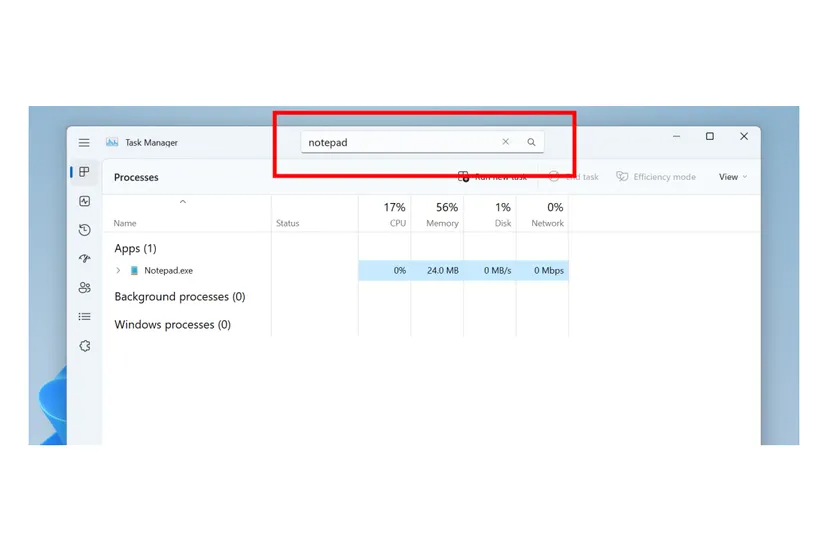
Microsoft has started testing a new search and filtering system in the Windows 11 Task Manager. It will allow you
What is known
“This is our most popular requestusers to the process filtering/search function,” explains the Windows Insider team in a blog post. “You can filter by either binary name, PID or publisher name. The filter algorithm matches the contextual keyword with all possible matches and displays them on the current page.
For quick access to the function, you canuse the keyboard shortcut Alt + F and search. The results will be filtered by individual or groups of processes that you can control or perform certain actions on them.
In addition to the new search and filter function,Microsoft is also adding the ability to choose between light and dark themes in Task Manager. Themes will also be fully applied to the Task Manager, with some updates to its UI to better match the overall Microsoft Fluent experience.
Source: The Verge