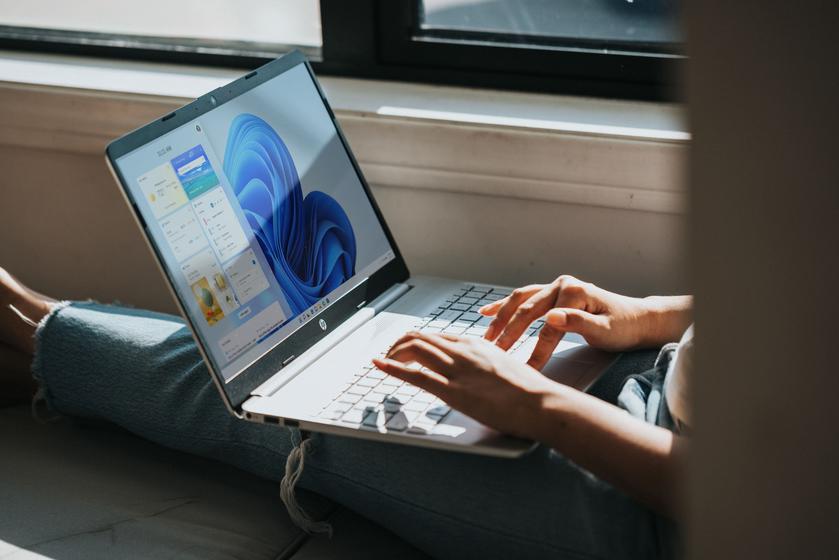
Microsoft has informed Windows 11 users thatA number of features of the latest version of the operating system
Microsoft has already released a patch to fix the issue, but it's currently in test mode, which means it needs to be installed manually.The patch KB4006746 fixes the inoperability of the touch keyboard, voice input, emoji icon bar, and also fixesIssues with Start and Tips features in Windows 11.You can install the update after checking for updates in the Windows Update section of Settings in Windows 11.
Oddly enough, the patch does not solve the problem withtool “Scissors”. Microsoft advises for now to just use the Print Screen button and edit screenshots in Paint until the problem is resolved. Users note that “revive” “Scissors” You can by changing the system date to October 30th. After launching the application, the date can be reset to the correct one.
An expired certificate also causes problems.with the page “Accounts” in Windows 11 settings with S-Mode enabled. Microsoft says it is working on the known issues, but doesn't say when they will be fixed.
Source: theverge
Illustrations: Windows
</ p>