Microsoft did not lie when it announced serious updates in the new Windows 11 operating system. So,
No longer blue
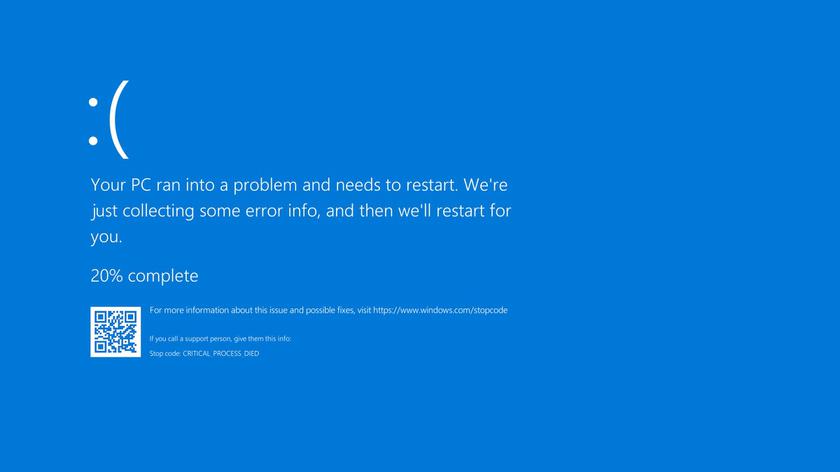
As a reminder, the screen with the corresponding entryappears when a critical error occurs that prevents the device from continuing to operate. The Blue Screen of Death (BSoD) appeared in Windows 3.1. In 2012, Windows 8 added a sad emoticon, and in 2016, a QR code for contacting technical support. It hasn't been changed since then.
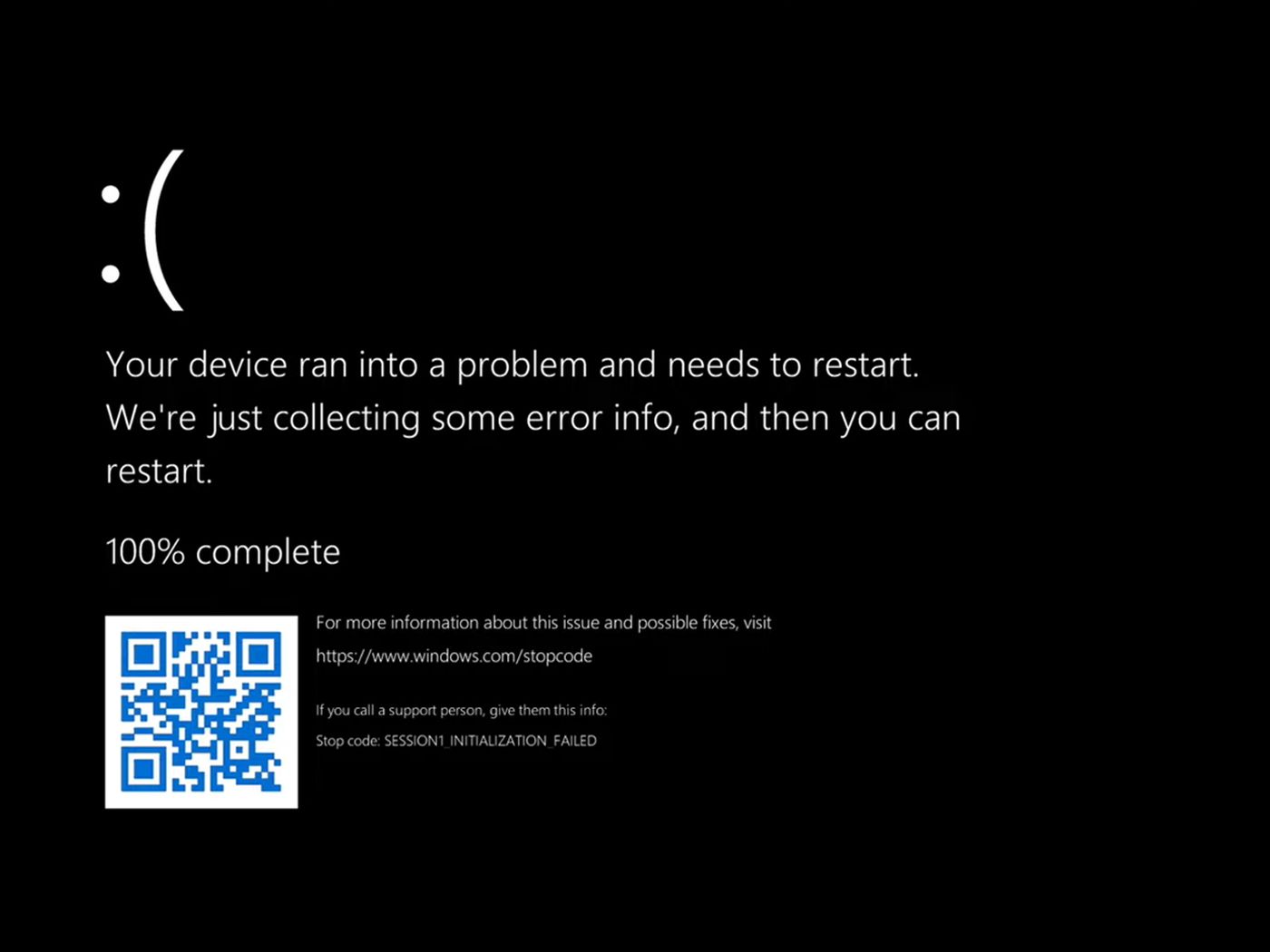
But enthusiasts discovered that Windows 11 has colorThe screen was changed from blue to black. At the same time, the entry, code and emoticon remained the same as in Windows 10. By the way, the abbreviation BSoD has not changed either, since both black and blue colors in English begin with the same letter.
</ img>
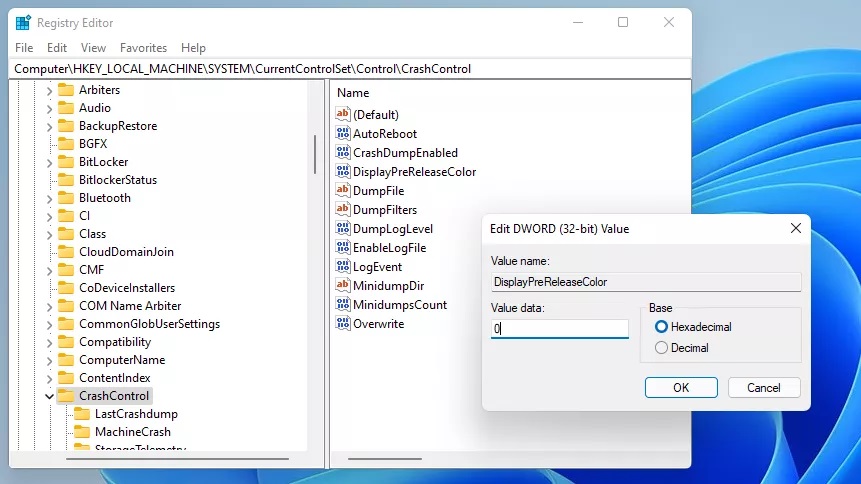
To change the screen color, you need to find the HKLMSYSTEMCurrentControlSetControlCrashControl key in the Windows 11 registry and change the DisplayPreRelaseColor value to 0.
</ img>
Most likely, this is how Microsoft decided to match the same color palette, since in Windows 11 the startup and shutdown screens are also black.
</ p>